





تحميل لعبة Samurai Jack the Shadow of Aku للأندرويد – محاكي PS2 Nethersx2
Download Samurai Jack the Shadow of Aku Video Game For Android, You Will Play it Using a PS2 emulator, There Are 3 Best PS2 emulators – NetherSX2, Aethersx2, And Damon Ps2 PRO – NetherSX2 and Aethersx2 Costs Nothing But Damon Ps2 Pro Is Paid, You Can Download the Normal version Of Damon Ps2 But With Ads, now Let Me Told You Some Information About Samurai Jack the Shadow of Aku Video Game: Samurai Jack: The Shadow of Aku is an action-adventure video game released in 2004 by Adrenium Games and published by Sega and based on the Samurai Jack animated television series on Cartoon Network. It is the second game based on the series after Samurai Jack: The Amulet of Time on the Game Boy Advance a year prior. The series’ original voice actors, including Phil LaMarr, Mako Iwamatsu, Jeff Bennett, John DiMaggio, and Jennifer Hale, reprised their respective roles for the game. The game was released for the PlayStation 2 and GameCube. An Xbox version of the game was planned, but never released, even though it was included on the official Xbox 360 Backwards Compatibility list. It received “mixed” reviews according to the review aggregation website Metacritic. With Shadow of Aku being unreleased on the Xbox, the next licensed Samurai Jack game, Battle Through Time, was released on August 21, 2020, becoming the first Samurai Jack game available on Microsoft platforms. The game features an original story interconnected throughout 18 levels in 4 areas (Village: 5 levels, Forest: 4 levels, Underground: 4 levels, and Aku City: 5 levels). The player takes control of Jack, the series’ protagonist and main character, as he rescues villagers, battles Aku’s minions, and ultimately searches for the time portal to take him back to his own time. Jack’s move set contains 25 moves and combo attacks, and his weapons include three elemental swords, shurikens, and a bow and arrow. The player can also fill Jack’s “Zen meter”, which allows him to enter a special slow-motion attack mode called “Sakai mode”, among other things. The game ends in a final battle with Jack’s nemesis, Aku. Other bosses include Mad Jack and the Scotsman. I Get This Information From ويكيبيديا يمكنك قراءة المزيد إذا أردت ، فلنتوقف الآن عن الحديث ونقفز لشرح:
قبل أن نبدأ، أوصي بهذه الملحقات المتوفرة على أمازون للعب براحة أكبر وقضاء وقت ممتع مع اللعبة:
1- أوصي بجهاز التحكم بالألعاب المحمول GameSir X2 Bluetooth، فقد حصل على تقييم جيد بنسبة تزيد عن 38% من 5 نجوم، إنه جيد.
٢- أنصح باستخدام وحدة تحكم الألعاب المحمولة Razer Kishi، أكثر من ١٥٨١٧ تقييمًا، متوافقة مع أجهزة أندرويد، منفذ USB-C، شحن مجاني. تفاصيل المنتج وإمكانية الإرجاع المجاني، تتميز بحساسية عالية ودقة فائقة.
٣- الملحقات الأخيرة من Razer: أوصي بوحدة تحكم الألعاب المحمولة Razer Junglecat ثنائية الجوانب + مروحة تبريد الهاتف Bitcircuit. أفضل ما يميز هذه الملحقات هو تقنية البلوتوث منخفضة الطاقة لإطالة عمر البطارية. أما عيبها فهو أنها غير متوافقة مع جميع الهواتف، بل مع Razer Phone 2 وGalaxy Note 9 وGalaxy S10+ فقط. ملاحظة: وحدة تحكم الألعاب Razer Junglecat غير متوافقة مع جميع الهواتف، بينما مروحة التبريد متوافقة مع جميع الهواتف.
# الإعلان
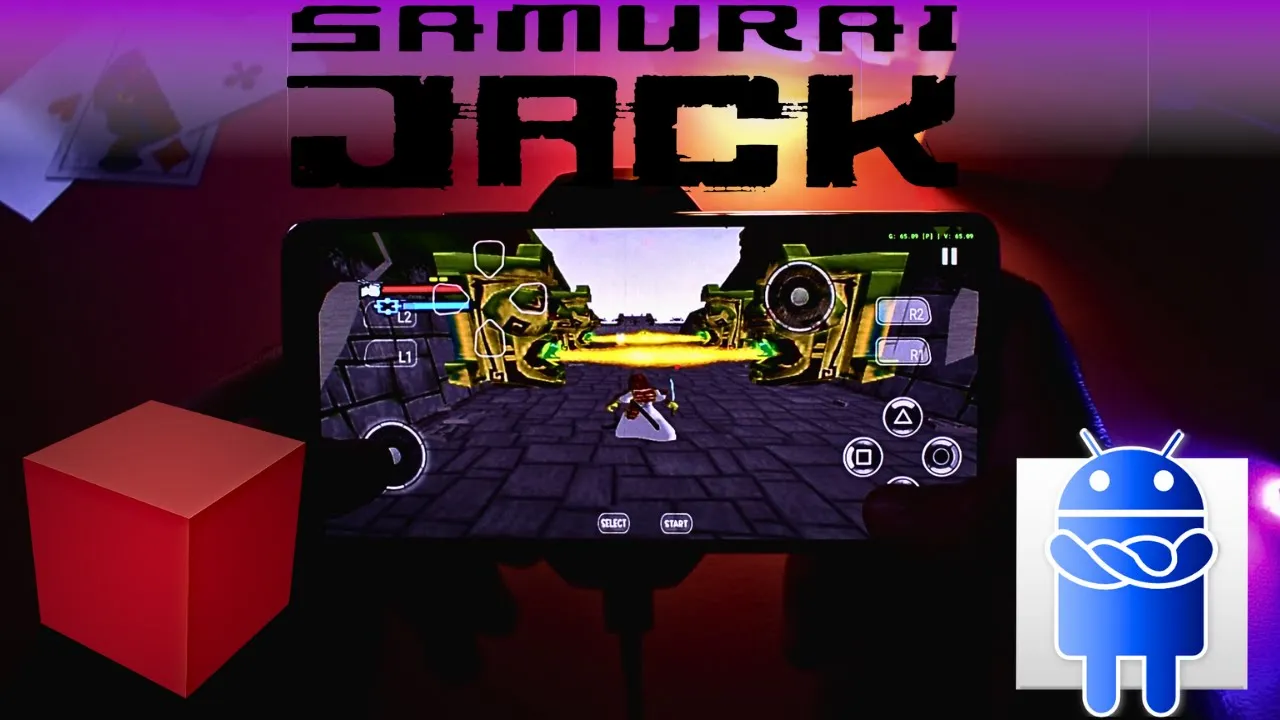
1- اختر محاكي PS2 الذي تريد استخدامه - أوصي باستخدام NetherSX2 :
2- إذا كان هاتفك لا يدعم فك الضغط، فقم بتنزيل برنامج WinRAR لفك ضغط اللعبة:
يمكنك تخطي كل هذا ومشاهدة هذا الفيديو الذي يشرح كيفية تثبيت ألعاب PS2 على محاكيات NetherSX2 وAethersx2 وDamon PS2 للهواتف المحمولة
اتبع هذه الخطوات لتشغيل لعبة الفيديو Samurai Jack the Shadow of Aku على أجهزة NetherSX2 و Aethersx2 و Damon Ps2:
1-تثبيت تطبيقات Winrar
٢- افتح برنامج WinRAR وانتقل إلى مجلد "التنزيلات" ثم فك ضغط اللعبة
3-الرجوع وتثبيت محاكي Ps2 NetherSX2 أو Aethersx2 أو Damon Ps2
4- افتح تطبيق Winrar وقم بفك ضغط ملفات BIOS، ثم انسخها إلى مجلدات NetherSX2 وAethersx2 وDamon Ps2.
5- افتح برنامج محاكاة PS2 NetherSX2 أو Aethersx2 أو Damon Ps2، انقر فوق "مسح الألعاب"، واستمتع بلعبتك.
مقارنة بين جهاز Aether SX2 وجهاز Damon PS2 Pro ( رابط الفيديو )
الأثير SX2 مقابل. Nethersx2
إذا كانت لعبتك تعمل ببطء، دعني أريك أفضل فيديو :
إعدادات لعبة Samurai Jack the Shadow of Aku على جهاز Aether SX2 ( رابط الفيديو ) أو على جهاز DamonPS2 ( رابط الفيديو )
استمتعوا الآن! في النهاية، شكرًا لزيارتكم موقعي. إذا كانت لديكم أي أسئلة أو مشاكل، اتركوا لي تعليقًا على قناتي على يوتيوب أو على حساباتي في مواقع التواصل الاجتماعي. قبل أن تغلقوا هذه النافذة، أدعوكم لتجربة ألعابي الرائعة الأخرى: Call of Duty 3 للأندرويد - محاكي Aether SX2 PS2 ، أو The Suffering Game للأندرويد - محاكي Aether SX2 PS2. كما يمكنكم الاطلاع على قائمة أخرى لألعاب PS2 الرائعة التي تعمل على الأندرويد . هذا كل شيء لليوم، شكرًا جزيلًا لكم، أراكم في المرة القادمة، مع السلامة. سلام من قلبي.




