
لعبة Sniper Fury بنسخة الكمبيوتر على نظام أندرويد - اختبار وإعدادات محاكي Gamehub
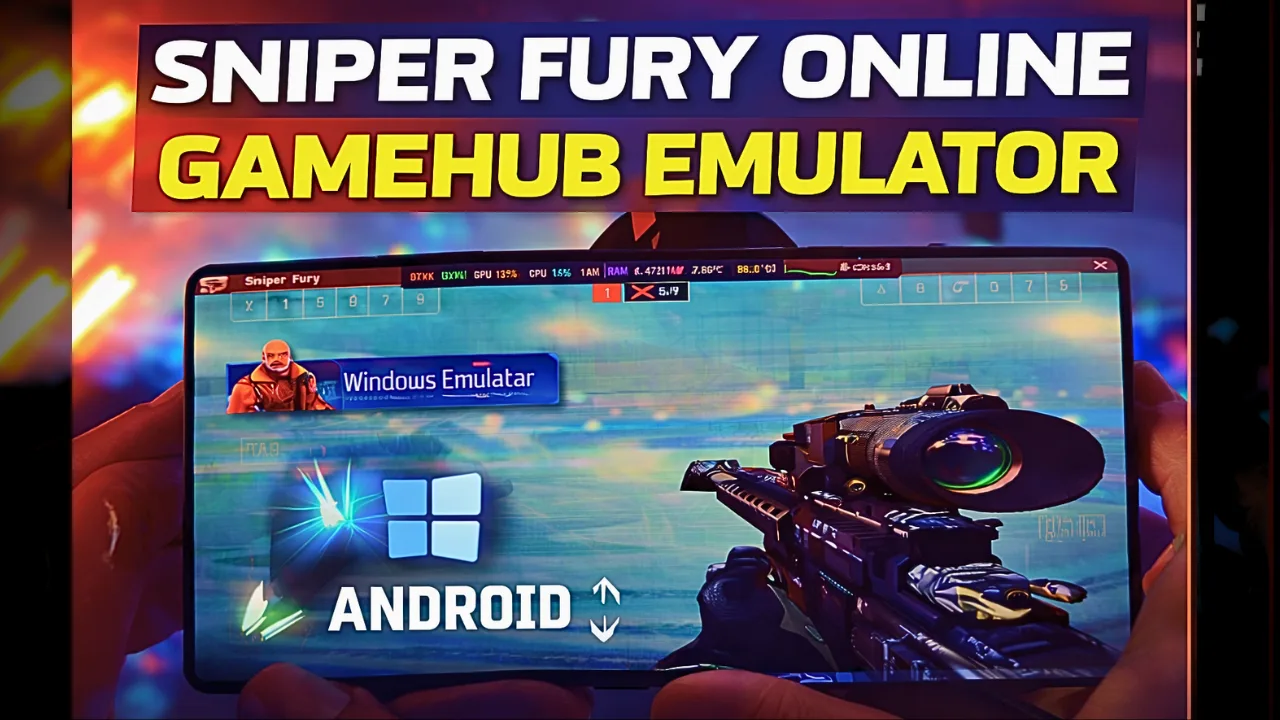
Download and play Sniper Fury the video game online on Android phone using Windows Emulator “Gamehub”, Gamehub Emulator is best windows Emulator on Android, you can open you Steam, Epic Games or Ubisoft connect account on your Android phone, start the 2026 we can play windows Games on our Phones, there is another Windows Emulator was poped up like جيميناتيف, محاكي وينلاتور و محاكي موبوكس but the Gamehub is still the best. just to be clear Sniper Fury have a mobile version on Google Play and App Store, but in this post i play Sniper Fury PC on Android, its the Steam version and its free to play too, i run it on Gamehub and here is my settings and my test.
About Sniper Fury the video game:
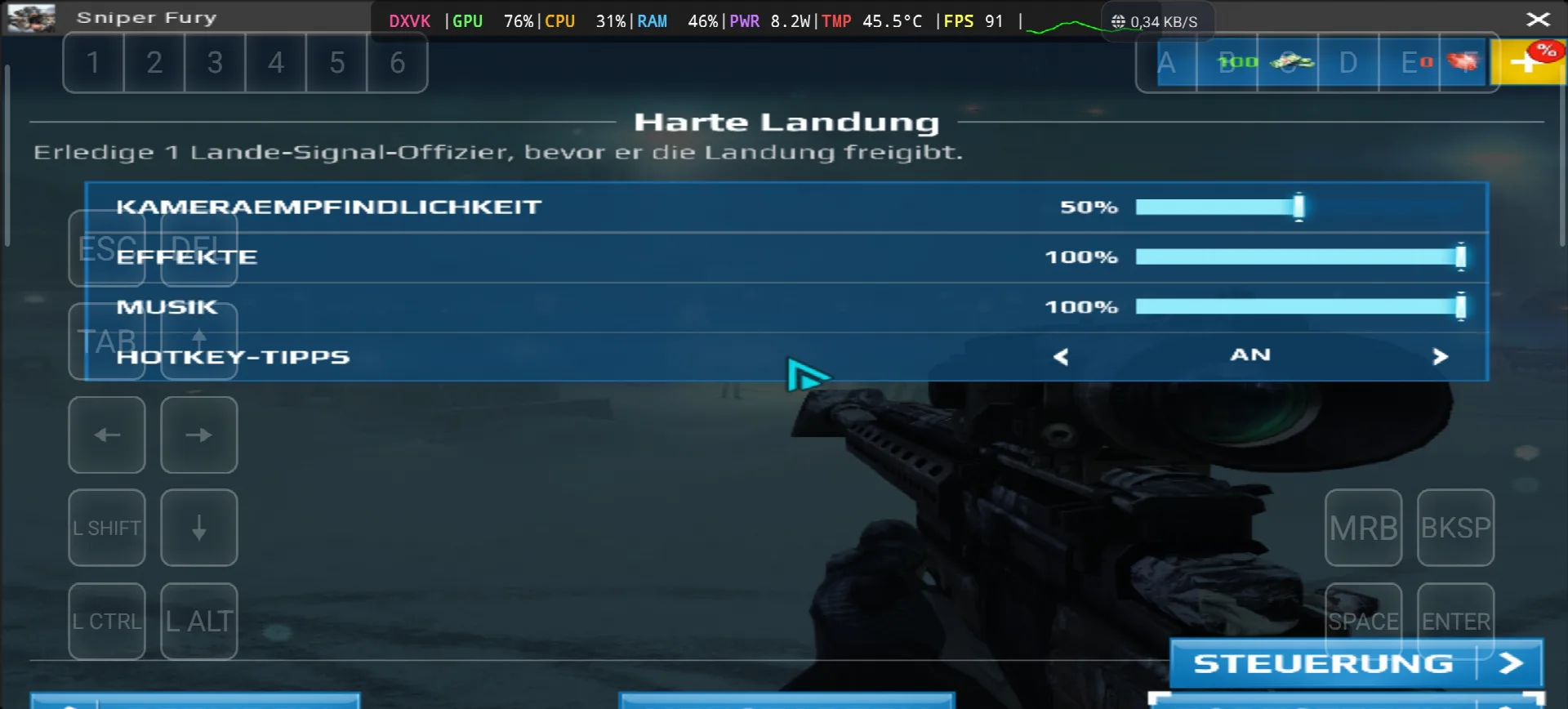
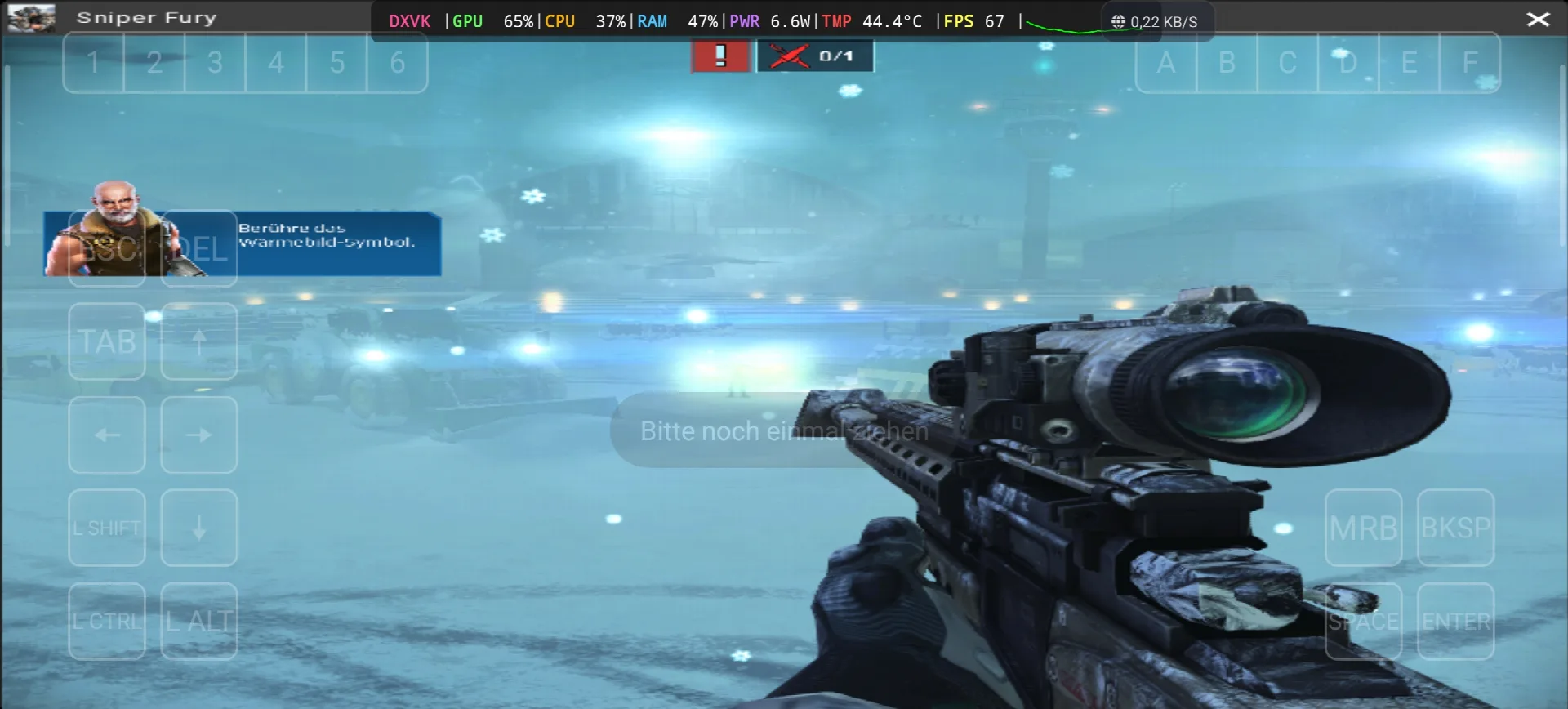
Sniper Fury is an online sniper game developed and published by Gameloft, the story take place in the near future where countries, corporations and organizations pay professional snipers to eliminate specific targets with surgical precision. like the most sniper games you need to kill your targets from long distance, and you can use some futuristic gadgets like a detection device that show you every human near you or stimulants that boost your reflexes. the game come out on 2 December 2015 for Android, iOS and Windows Phone, and the Steam version come on 13 June 2017 as free to play. the reviews was “mixed or average” on Metacritic, and on PC its need only Windows 7 SP1, Core 2 Duo 2.9 Ghz, 2 GB RAM, Geforce 8500 GT with DirectX 11 and 3 GB storage, so its very light game. in my test the game start with the mission “Harte Landung” on a airport with snow, you need to kill the landing signal officer before he give the landing permission, and the game ask me to touch the thermal vision icon to find him. the text was in German again and this time i find why, in the Gamehub settings the Language was on de_DE 🙂 ويكيبيديا & V, Let start Explain how you can run Sniper Fury the video game online on your Android phone:
قبل أن نبدأ ، أوصي بهذه الملحقات المتوفرة على Amazon للعب بشكل أكثر راحة والحصول على وقت ممتع مع اللعبة:
1- أوصي بوحدة تحكم GameSir X3 Type-C المزودة بمروحة تبريد لأجهزة أندرويد. حصلت على تقييم جيد بنسبة تزيد عن 59% من أصل 2.192 تقييمًا، إنها جيدة.
٢- أوصي بجهاز التحكم بالألعاب المحمول Razer Kishi، حاصل على أكثر من ١٨٦٥٦ تقييمًا، متوافق مع أجهزة أندرويد، منفذ USB-C، وشحن مجاني. تفاصيل المنتج وإمكانية الإرجاع المجاني، يتميز بحساسية عالية ودقة فائقة.
3- الملحقات الأخيرة من Razer: أوصي بوحدة تحكم الألعاب المحمولة Razer Kishi V2 + مبرد الهاتف Razer Chroma. أفضل ما يميز هذه الملحقات هو تقنية Bluetooth منخفضة الطاقة لإطالة عمر البطارية، كما أنها متوافقة مع جميع هواتف Android أو iOS.
4- آخر الملحقات من Black Shark التي أوصي بها مبرد الهاتف بلاك شارك مغناطيسي مستوى الضوضاء 1 ديسيبل ، رائع.
#ميلادي
Sniper fury Online – Gamehub Emulator | Windows Emulator Android
My Gamehub Settings For Sniper Fury:
those are the settings from the video on my nubia Z80 Ultra (Snapdragon 8 Elite Gen 5, Adreno 840), open the game in Gamehub, go to Game Settings and put it like this:
- Compatibility Layer: proton10.0-arm64x-2
- Translation Params: قصوى
- Dinput Library: Prefer Native
- GPU Driver: qcom-842.6
- Surface Format: بجرا8
- برنامج تشغيل الصوت: نبض
- DXVK Version: dxvk-2.4.1-async
- VKD3D Version: vkd3d-2.12
- CPU Translator: Fex_20250910
- CPU Core Limit and VRam Limit: لا حدود
- Game Resolution: 800 س 600
- MangoHUD and DirectX HUD: خصم
- اللغه: de_DE in my video, put en_US if you want the game in English
Sniper Fury is DirectX 11 game so Gamehub use DXVK for it (you can see DXVK in my overlay), the VKD3D is only for DirectX 12 games so you can leave it like that.
1- Get Sniper Fury the video game online Game (Free To Play):
إذا كان متاحًا، أنصح بـ Epic Games: "سعر منخفض، قم بتنزيل اللعبة، ثم قم بتثبيتها لتقليل ارتفاع درجة الحرارة".
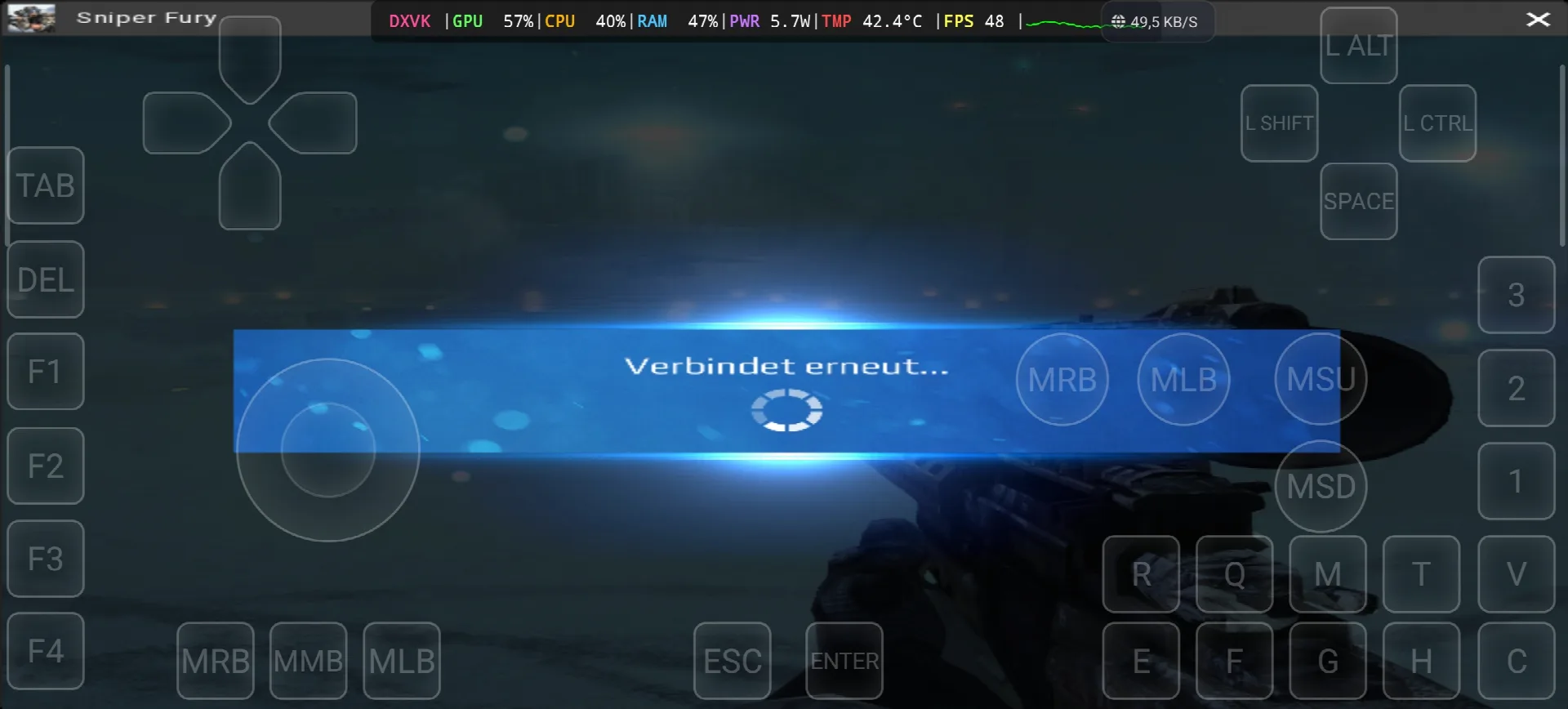
*If you already have the Sniper Fury online game, you can simply open your Steam account and download the game, but Sniper Fury is online game and need internet all the time, in my test i see “Verbindet erneut” (reconnecting) one time, so the offline way with copy the game file from the PC to the Phone dont work with this one. Keep your android phone connected to the internet when you play.
كيفية إعداد محاكي GameHub - STEAM / EPIC GAMES في أقل من 5 دقائق
2- قم بتنزيل محاكي Gamehub – محاكي ويندوز لنظام أندرويد:
بعد تنزيل برنامج Gamehub Emulator، قم بتثبيته وافتحه واتبع خطوات إعداد برنامج محاكاة نظام التشغيل Windows على نظام Android.
يرجى متابعة هذا الفيديو الذي سيوضح لك كيفية تثبيت اللعبة على محاكي Gamehub لنظام ويندوز، واستمتع! 🙂
محاكي GAMEHUB لنظام Android | اختبار/ إعداد/ إعدادات | أفضل محاكي لنظام Windows - 2025
If Sniper Fury the video game was running with Low FPS or Graphics issue, please follow this video:
أفضل إعدادات محاكي GAMEHUB للأندرويد: أقصى معدل إطارات في الثانية - إصلاح التأخر والخلل
يمكنك فتح حسابك على Steam أو Epic Games أو Ubisoft Connect على محاكي Gamehub للعب عبر الإنترنت.
3- Best Phone For Sniper Fury Android:
we at the End Explanation, Sniper Fury on Gamehub run between 48 and 91 fps with DXVK, the GPU stay between 57 and 76% and my overlay show only 5.7 to 8.2W and 42.4 to 45.5°C, so the phone stay cool and you can play long time, the only problem is the internet because its online game and one time the game was reconnecting. the only stuff i can recommend for the heavy games is a strong Android phone with سناب دراجون 8 النخبة الجيل 5 مع مبرد الهاتف #AD, otherwise the world of Emulation is getting better day by day so be patience. if you like online free games check also my post World of Warships on Gamehub Emulatorولمشاهدة طريقة اللعب الكاملة، تفضل بزيارة حسابي قناة يوتيوب وبلادي تيك توك للمقاطع القصيرة. والآن، الكلمة الوحيدة التي أريد قولها هي: يمكنك الاطلاع على فئة ألعاب المحاكاةهناك الكثير من الألعاب الرائعة التي يمكنك لعبها على هاتفك الأندرويد، في أي مكان وزمان. مع السلامة.