




Does Soccer Manager 2026 from Steam run on Android? My Gamehub test
Download and play Soccer Manager 2026 the video game on Android phone using Windows Emulator “Gamehub”, Gamehub Emulator is best windows Emulator on Android, you can open you Steam, Epic Games or Ubisoft connect account on your Android phone, start the 2026 we can play windows Games on our Phones, there is another Windows Emulator was poped up like Gamenatibo, Winlator Emulator ug MOBOX Emulator but the Gamehub is still the best. just to be clear Soccer Manager have a official version on Google Play, but in this post i play the Steam version of Soccer Manager 2026 on Android with Gamehub, i want to see if the PC version run good on the phone, and here is my settings and the real fps.
About Soccer Manager 2026 the video game:
Soccer Manager is a football management game from Invincibles Studio, a British company, and its look like they update the same game on Steam every season, because in my Gamehub Library the card still say Soccer Manager 2025, inside the game its Soccer Manager 2026 and now the Steam page have the name Soccer Manager 2027. you take one club and you do everything, the transfers, the training, the tactics and the formations, and you make the facilities of the club better. on Wikipedia they say around 900 clubs, 54 leagues and 36 countries for the 2024 edition with real players licensed by FIFPRO, and there is licenses like Manchester City and the German Bundesliga, you see the Bundesliga logo in the loading screen. you dont need to pay to play it but it have in-app purchases, like the SM26 Ultimate Edition offer i get in the menu. on PC its need Windows 10, 4 GB RAM, GTX 1650 with DirectX 11 and only 2 GB storage. WIKIPEDIA & STEAM, Let start Explain how you can run Soccer Manager 2026 the video game on your Android phone:
Sa wala pa Kami Magsugod Girekomenda Ko Kini nga Mga Kagamitan nga Anaa Sa Amazon Aron Magdula nga Mas Komportable Ug Makakuha og Maayong Panahon Uban sa Dula:
1- Akong girekomendar ang GameSir X3 Type-C Cooling Fan Android Controller. Nakakuha siyag maayong review nga sobra sa 59% sa 5 ka bituon nga labaw sa 2.192+ nga review, maayo gyud.
2-Girekomendar nako ang Razer Kishi Mobile Game Controller 18,656+ nga Review para sa Android USB-C ug LIBRE nga Pagpadala. Mga Detalye ug LIBRE nga Pag-uli ug High Sensitive nga Mas Tukma
3- Katapusang mga Accessories Gikan kini sa Razer. Irekomendar nako ang Razer Kishi V2 Mobile Gaming Controller + Razer Phone Cooler Chroma. Ang pinakamaayong bahin niining mga Accessories kay ang Bluetooth low energy para sa mas taas nga kinabuhi sa baterya, ug maayo na lang kay compatible kini sa tanang telepono nga Android o iOS.
4- Katapusan nga Mga Kagamitan Gikan Kini sa Black Shark nga Akong Girekomenda ang Phone Cooler Black Shark Magnetic Noise Level nga 1 dB, kana WOW.
#AD
Soccer Manager 2026 – Gamehub Emulator | Windows Emulator Android
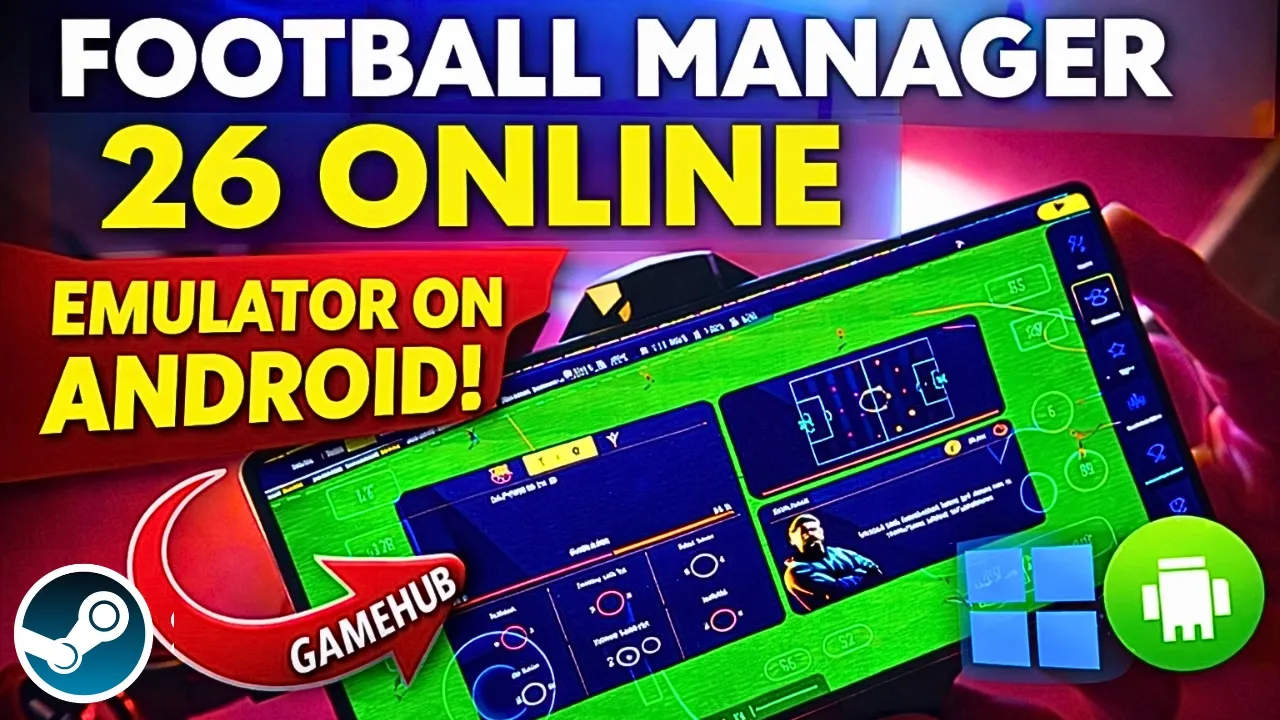
My Gamehub Settings For Soccer Manager 2026:
those are the settings i show in the video on my phone with Snapdragon 8 Elite Gen 5, the game you see is Soccer Manager 2026, in the Gamehub Library press the three points of the game, open PC Game Settings and put it like this:
- Pinulongan: de_DE sa akong video, ibutang ang en_US kung gusto nimo ang dula sa English
- Resolusyon sa Dula: 1280 x 720
- MangoHUD ug DirectX HUD: sa
- Auto-display keyboard when input needed: on
- Layer sa Pagkaangay: proton10.0-arm64x-2
- Mga Parametro sa Paghubad: Mga Preset sa Dula
- DInput Library: Mas gusto ang Lumad
- Skip Audio/Video Decode: sa
- Drayber sa GPU: qcom-842.6
- Pormat sa Ibabaw: BGRA8
- Drayber sa Audio: Pulse
- Bersyon sa DXVK: dxvk-2.4.1-async
- Bersyon sa VKD3D: vkd3d-2.12
- Maghuhubad sa CPU: Fex_20250910
- Limitasyon sa CPU Core ug Limitasyon sa VRam: Wala'y Limitasyon
- Performance menu in the game: Native Rendering+, the Frame Limit off, and i turn on HDR, CRT Display Effect and Super Resolution
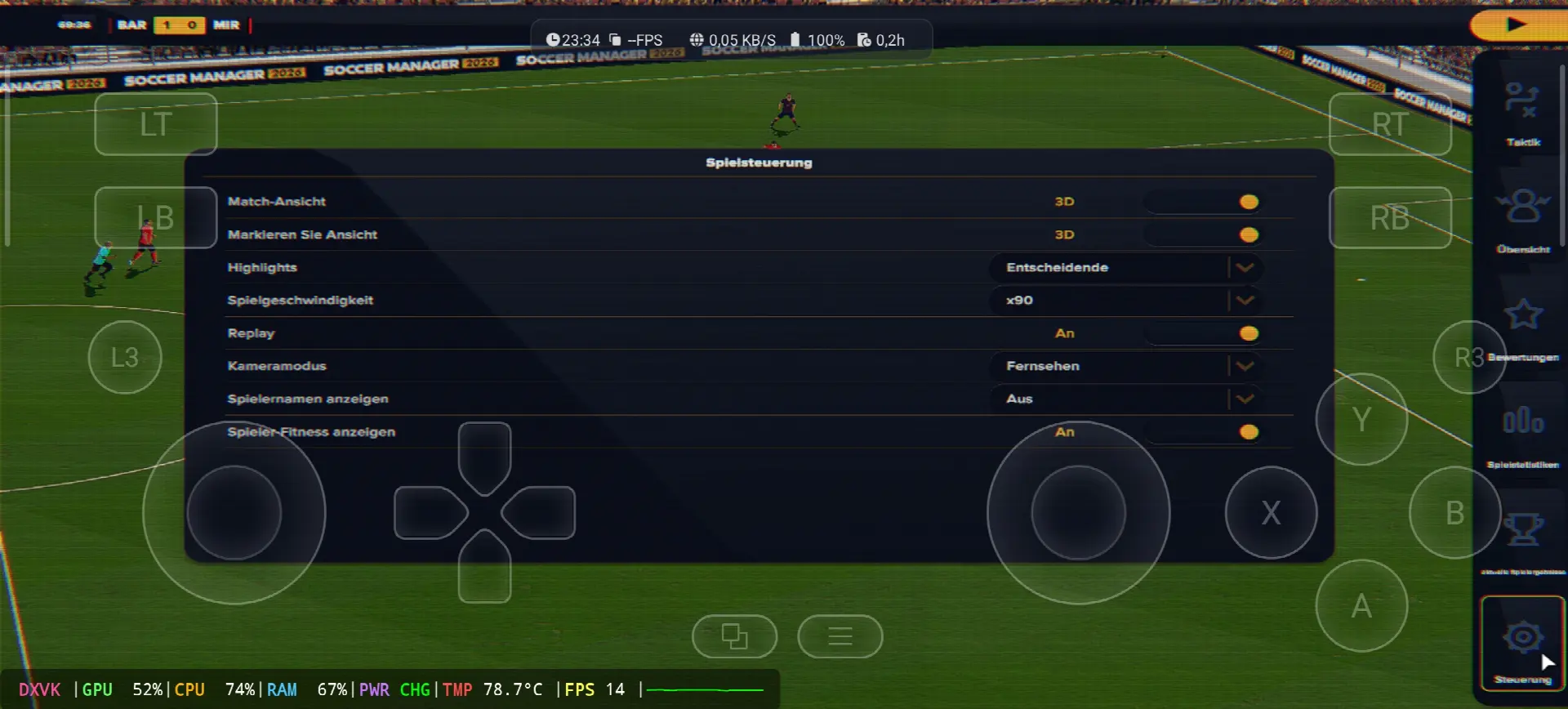
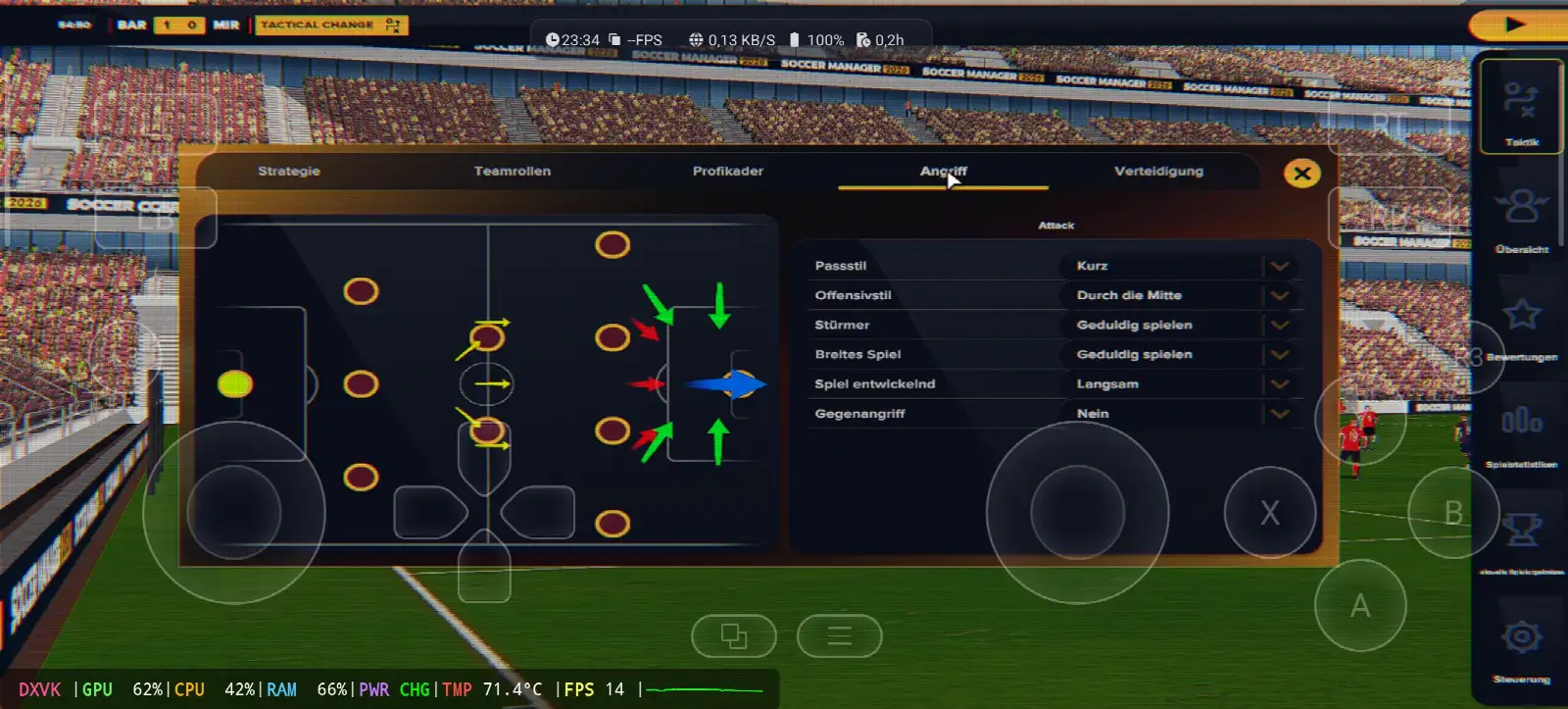
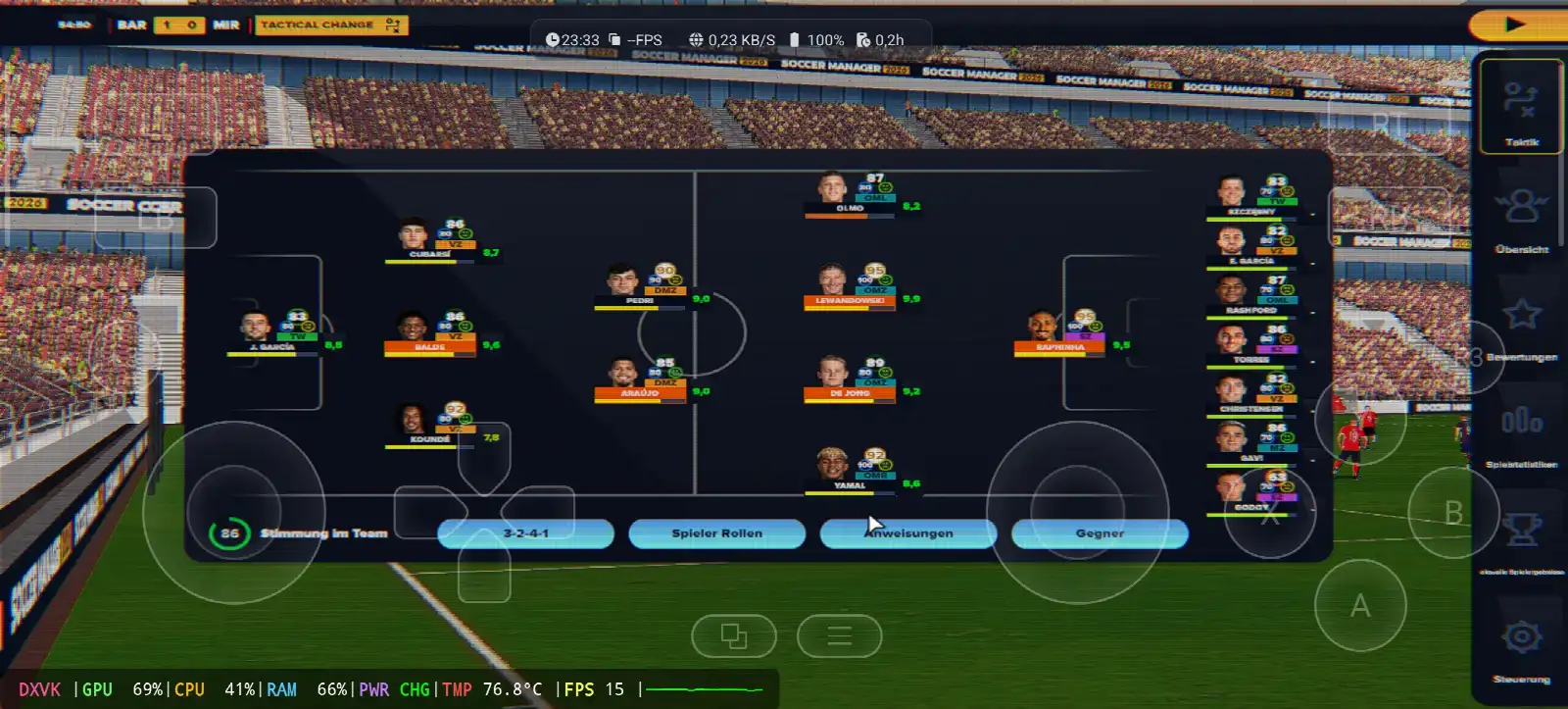
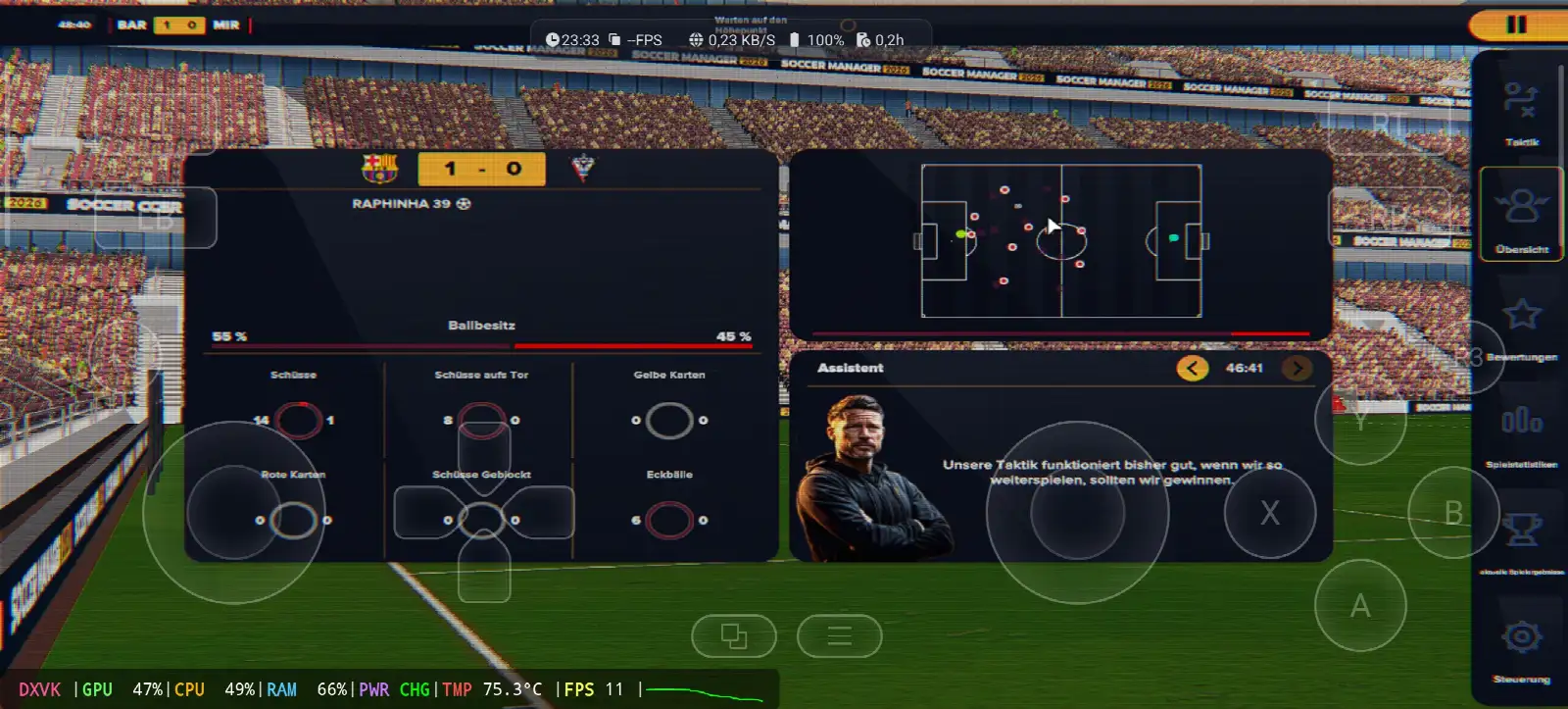
Gamehub open the Steam client first and log in, then you see the Invincibles logo and the loading screen. in my test i play with Barcelona in a 3-2-4-1 and i was winning 1-0 with a goal from Raphinha in the 39 minute, the menus and the tactic screens was smooth between 57 and 59 fps, the intro of the match around 45 fps, but in the 3D match its go down to 11-19 fps. the GPU was 47 to 69%, the CPU 41 to 74% and the RAM 66 to 67%, and the temperature between 71.4 and 78.7°C with the phone on the charger. for a manager game its still ok because you are more time in the menus, and in the Steuerung menu of the match there is a button for the 3D view (Match-Ansicht), you can try to change it if the match is too slow for you.
1- Get Soccer Manager on Steam:
when you open the Steam page now you get the 2027 edition, its the same page of the game i play in my video.
Kon naa, akong girekomendar ang Epic Games: 'Mubo nga presyo, i-download ang dula, dayon i-install aron makunhuran ang sobrang pag-init'.
*If you already have Soccer Manager in your Steam Library, you can simply open your Steam account and download the game or if you have it on your PC then connect your android Phone to the laptop or PC copy Soccer Manager next copy he game to the Phone. Keep your android phone connected to copy the Gamehub Emulator app.
Unsaon pag-setup sa GameHub Emulator – STEAM / EPIC GAMES ubos sa 5 minutos
2- I-download ang Gamehub Emulator – Ang Windows Emulator para sa Android:
Human nimo ma-download ang Gamehub Emulator, i-install kini ug ablihi kini ug sunda ang pag-setup sa Windows Emulator sa Android.
Palihog sunda kini nga video aron ipakita unsaon pag-setup sa dula sa Gamehub Windows Emulator ug lingawa! 🙂
GAMEHUB Emulator Android | Pagsulay/ Pag-setup / Mga Setting | Labing Maayo nga Windows Emulator – 2025
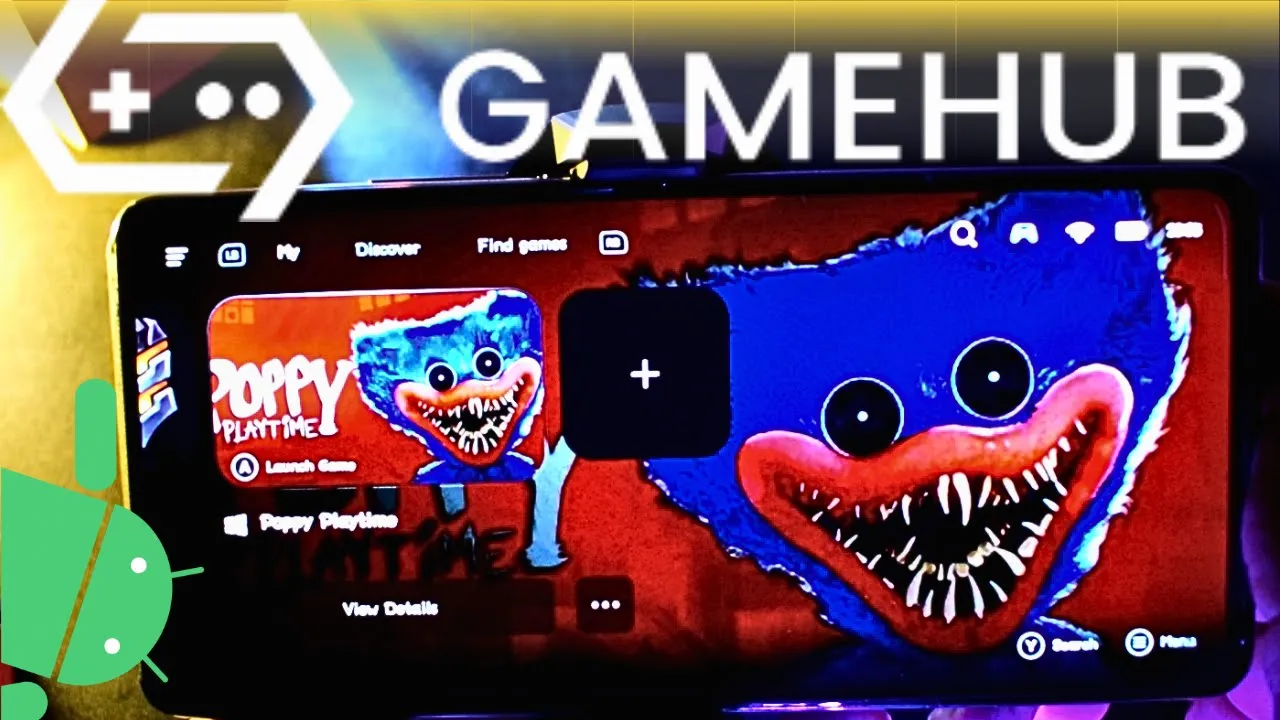
If Soccer Manager 2026 the video game was running with Low FPS or Graphics issue, please follow this video:
GAMEHUB ANDROID EMULATOR PINAKAMAAYO NGA SETTING: MAX FPS – FIX LAG & GLITCH
Mahimo nimong ablihan ang imong Steam, Epic Games, o Ubisoft Connect account sa Gamehub Emulator aron magdula online.
3- Best Phone For Soccer Manager 2026 Android:
we at the End Explanation, Soccer Manager 2026 from Steam run on Gamehub, the menus are smooth with 57 to 59 fps but the 3D match is slow with 11 to 19 fps, so if you want only to play it on the phone then the official version on Google Play is the easy way, and the Steam version is nice if you like to have your Steam Library in your pocket. the only stuff i can recommend is a strong Android phone with Snapdragon 8 Elite Gen 5 uban sa cooler sa telepono #AD because the temperature go up to 78.7°C in the match, otherwise the world of Emulation is getting better day by day so be patience. if you like football games check also PES 2013 on MOBOX Emulator and my old post Football Manager 2020 Mobile on Chikii App, ug para sa kompletong gameplay, tan-awa ang akong youtube channel ug akong TikTok para sa mga mubo nga clip. ug karon ang bugtong pulong nga gusto nakong isulti, mahimo nimong susihon ang among Kategorya sa mga Dula sa Emulator, daghan kaayong nindot nga mga butang nga madula sa imong Android Phone, bisan asa ug bisan unsang orasa. Ug kalinaw sa hunahuna.




