


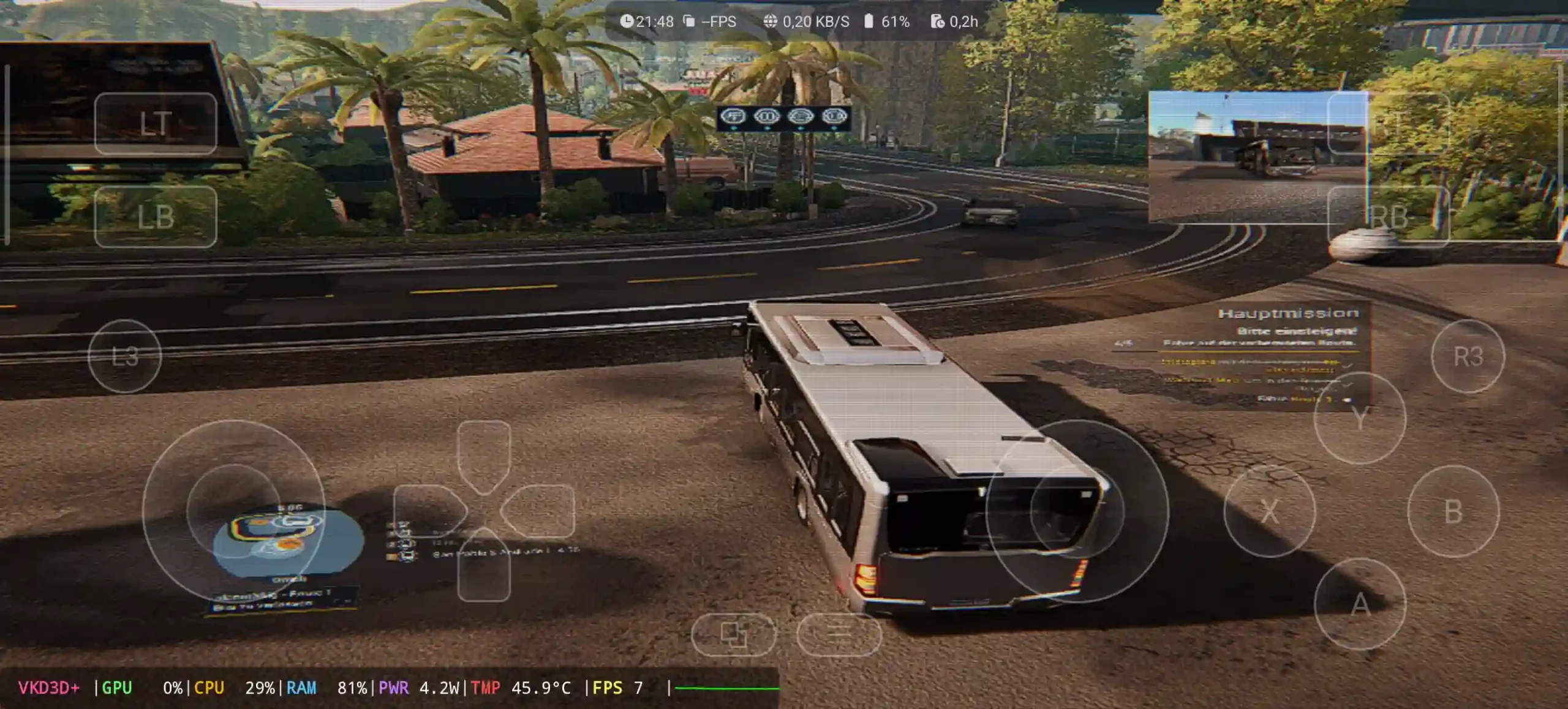
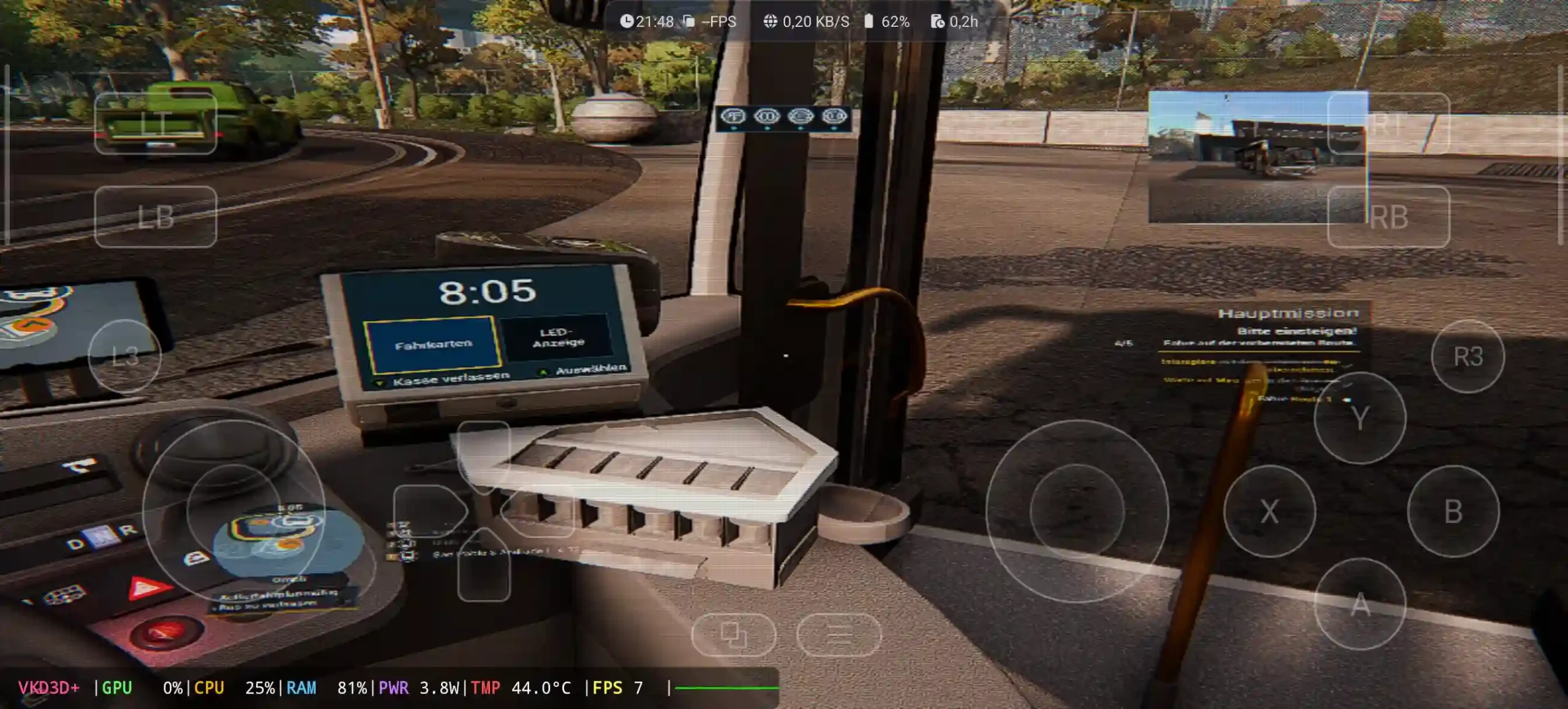
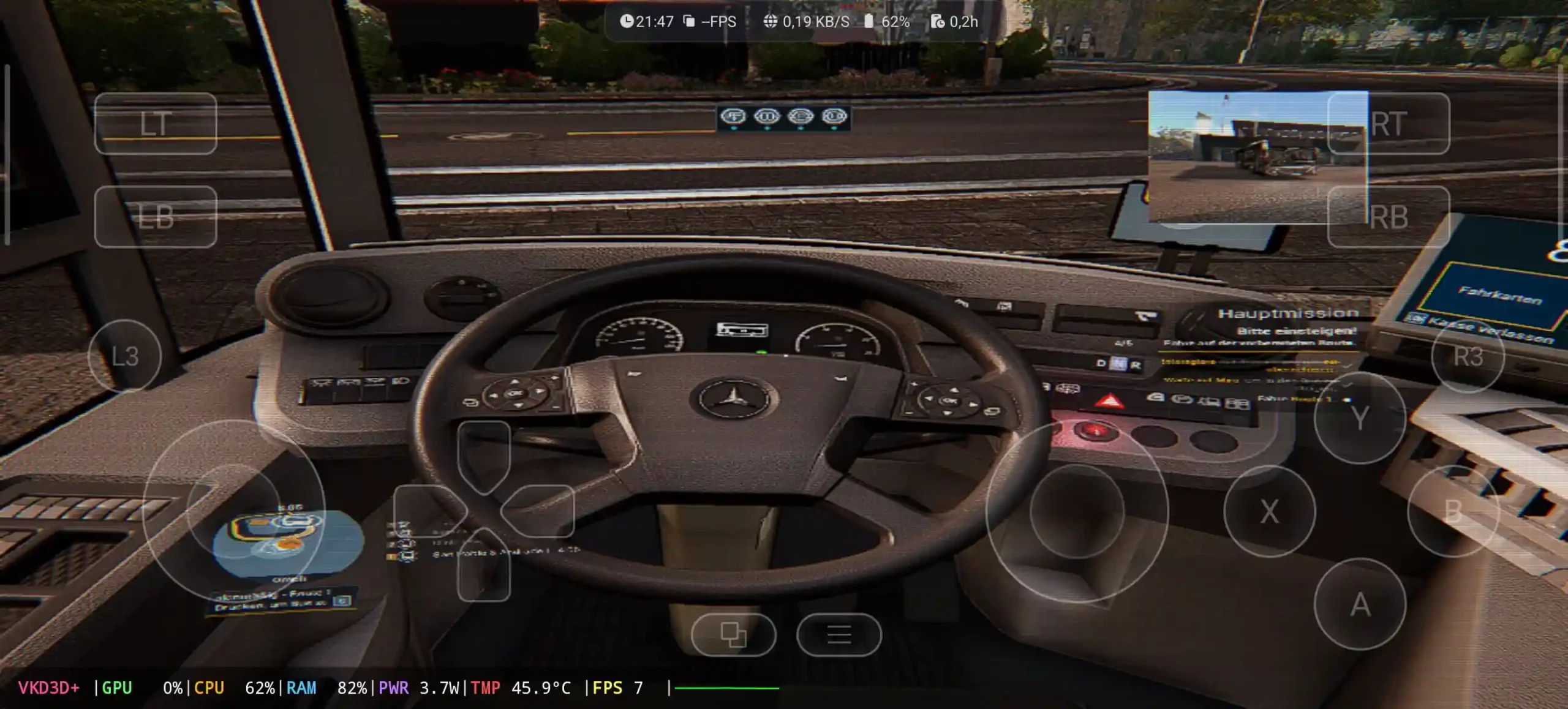
Scaricamentu di Bus Simulator 21 Next Stop per Android - Emulatore Gamehub
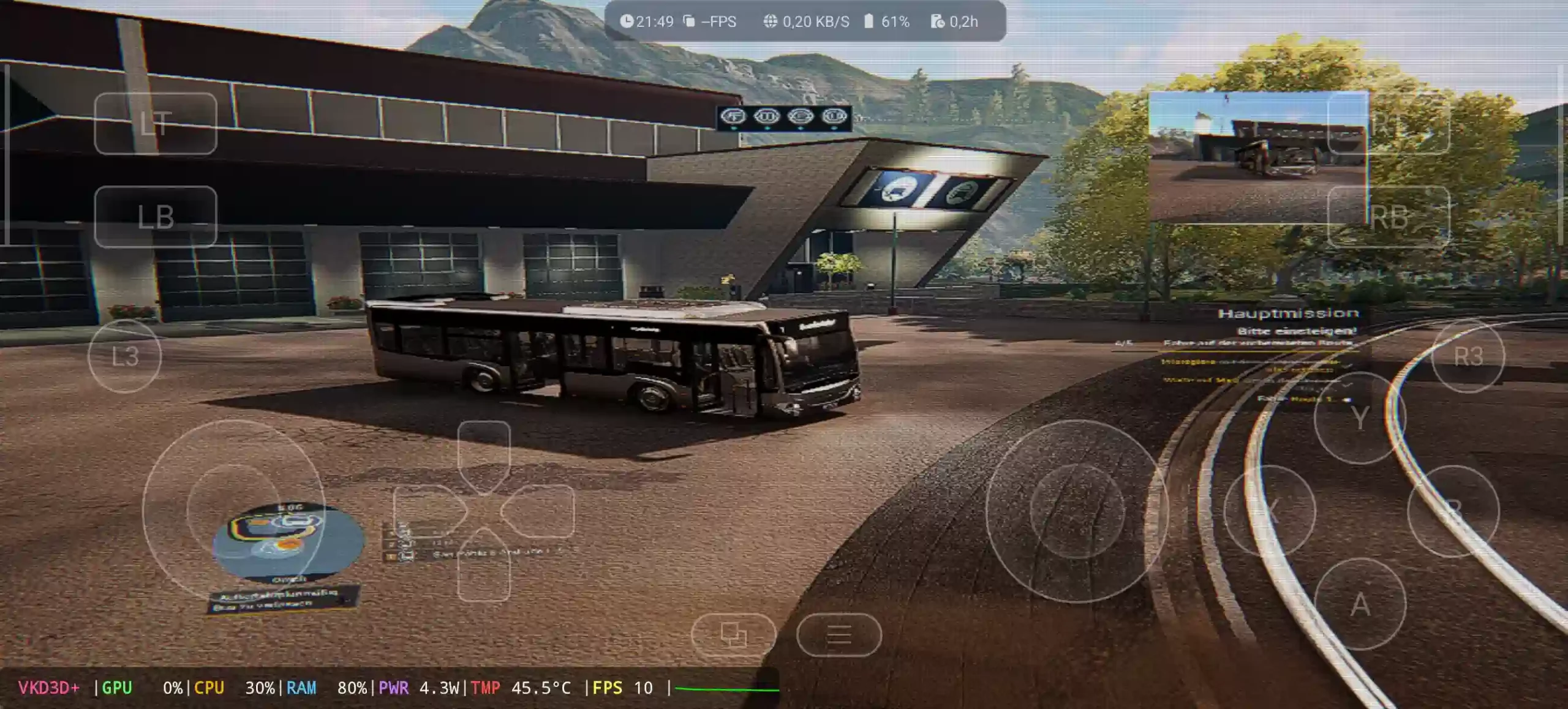
Scaricate è ghjucate à Bus simulator 21 next stop the video game online nant'à u telefunu Android cù Windows Emulator "Gamehub", Gamehub Emulator hè u megliu emulatore Windows nant'à Android, pudete apre u vostru contu Steam, Epic Games o Ubisoft connect nant'à u vostru telefunu Android, cuminciate u 2026 pudemu ghjucà à ghjochi Windows nant'à i nostri telefoni, ci hè un altru emulatore Windows chì hè statu apparsu cum'è Gamenative , Winlator Emulator è MOBOX Emulator , ma Gamehub hè sempre u megliu.
Bus Simulator 21 hè un ghjocu di simulatore d'autobus sviluppatu da Stillalive Studios è publicatu da Astragon Entertainment. Hè sviluppatu nantu à Unreal Engine 4. Hè u sestu di a serie Bus Simulator, è hè a sequenza diretta di Bus Simulator 18. U ghjocu hè statu publicatu u 7 di settembre di u 2021 per Microsoft Windows, PlayStation 4 è Xbox One. Bus Simulator 21 si svolge in "Angel Shores", una nova cità muderna fittizia situata in i Stati Uniti chì hè basata nantu à a zona di a Baia di San Francisco. U ghjocu presenta una costa è quartieri cum'è Chinatown. In più di a mappa di a California, u ghjocu avarà una mappa rivista di "Seaside Valley" da u so predecessore Bus Simulator 18. In quantu à i veiculi, u ghjocu introduce un autobus à dui piani, cum'è l'Alexander Dennis Enviro500 ufficialmente licenziatu, è ancu autobus elettrichi in a serie. Altre marche di autobus licenziati includenu Blue Bird, BYD, Grande West, Iveco, MAN, Mercedes-Benz, Scania, Setra è Volvo. U ghjocu offre ancu una modalità multiplayer cooperativa. Una modalità carriera saria dispunibile dopu à l'aghjurnamentu maiò di Next Stop. WIKIPEDIA , Cuminciamu, spieghemu cumu pudete eseguisce Bus simulator 21 next stop u ghjocu video rimasterizatu in linea nant'à u vostru telefunu Android:
Prima di principià, ricumandemu questi accessori dispunibuli nantu à Amazon per ghjucà più còmode è uttene un bonu tempu cù u ghjocu:
1- Ricumandu u controller Android GameSir X3 Type-C Cooling Fan. Hà una bona recensione di più di 59% nantu à 5 stelle nantu à più di 2.192 recensioni, hè bonu.
2-Raccomanderaghju u controller di ghjocu mobile Razer Kishi 18,656+ recensioni per Android USB-C è spedizione GRATUITA. Dettagli è resi GRATUITI è alta sensibilità cù più precisione.
3- Ultimi Accessori Hè di Razer Vi cunsigliu u Razer Kishi V2 Mobile Gaming Controller + Razer Phone Cooler Chroma. A parte migliore di questi accessori hè u Bluetooth à bassa energia per una durata di batteria più longa, è a parte migliore hè cumpatibile cù tutti i telefoni Android o iOS.
4- Ultimi Accessori Hè di Black Shark Vi cunsigliu u Phone Cooler Black Shark Magnetic Level di rumore di 1 dB, hè WOW.
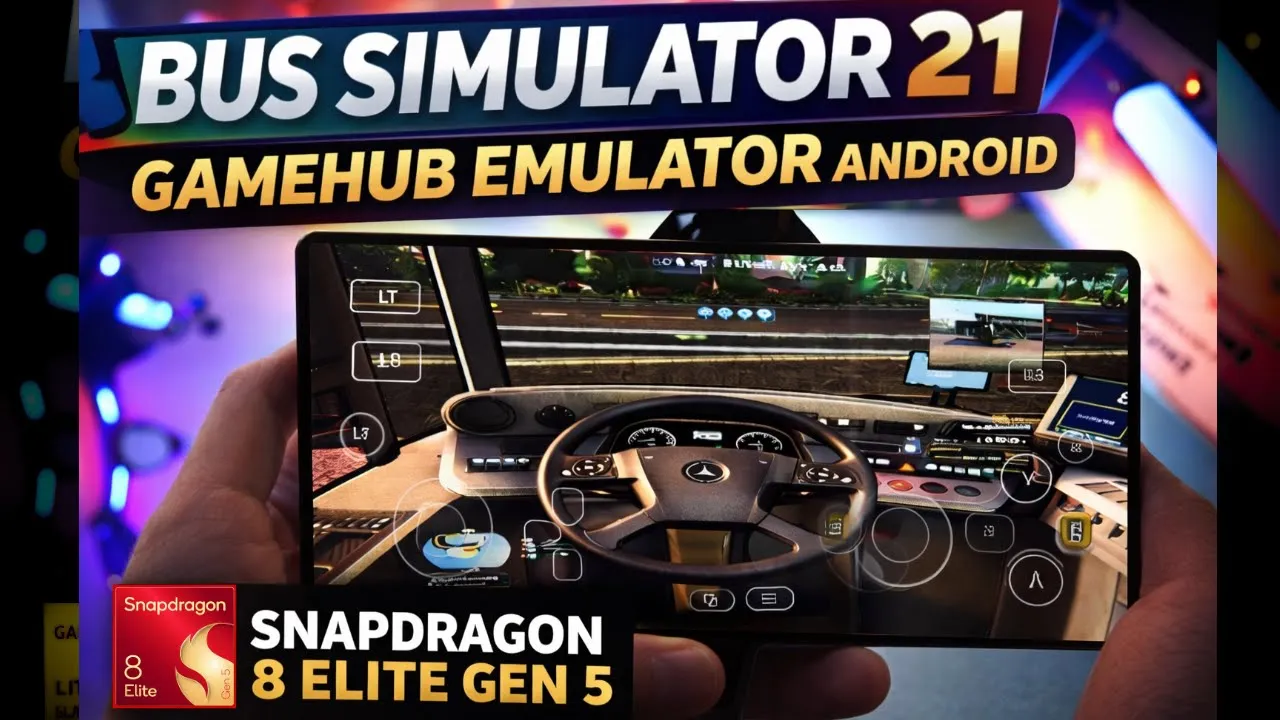
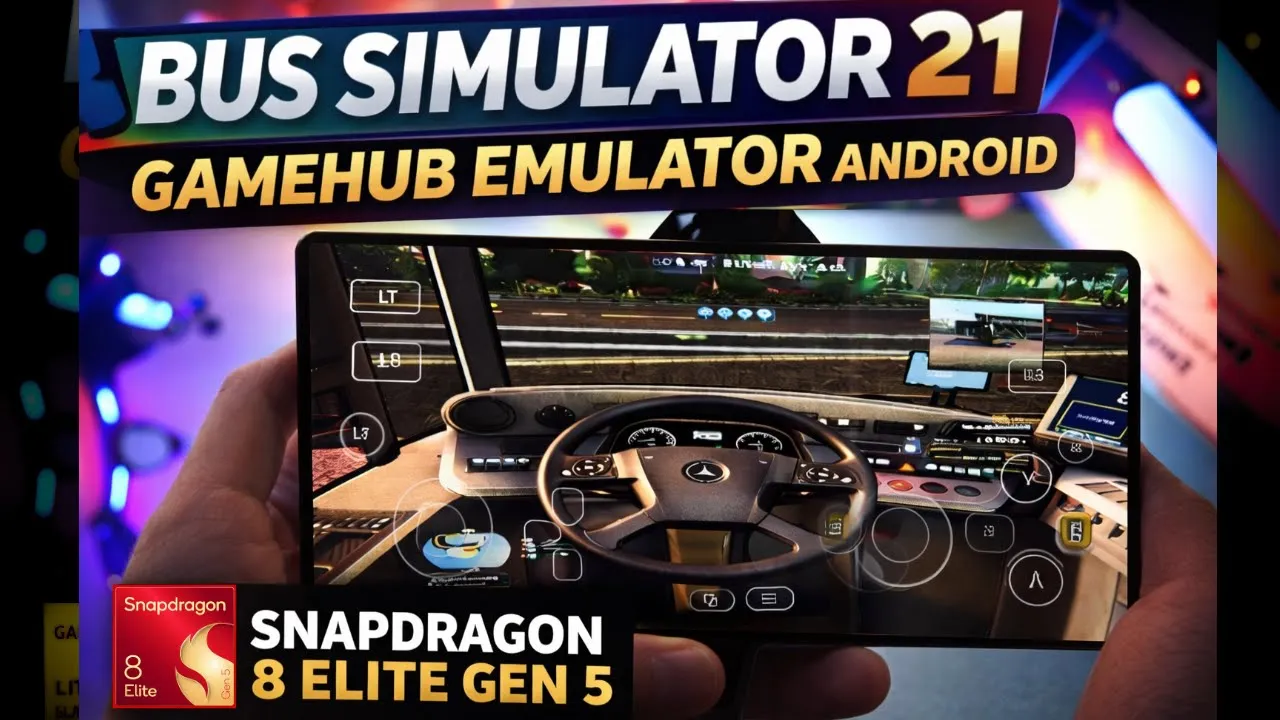
Bus Simulator 21 – Emulatore Gamehub Android | Snapdragon 8 Elite Gen 5
1- Cumprà u ghjocu video Bus simulator 21 next stop in linea Ghjocu:
Vi cunsigliu Epic Games: "Prezzu bassu, scaricate u ghjocu, poi installate quellu per riduce u surriscaldamentu".
*Sè vo avete digià u ghjocu in linea Bus simulator 21 next stop, hè bellu. Dopu cunnette u vostru telefunu Android à u laptop o PC è copiate u ghjocu Bus simulator 21 next stop à u telefunu. Mantene u vostru telefunu Android cunnessu per copià l'app Gamehub Emulator.
Steam nant'à un telefunu Android senza PC - Emulatore Gamehub
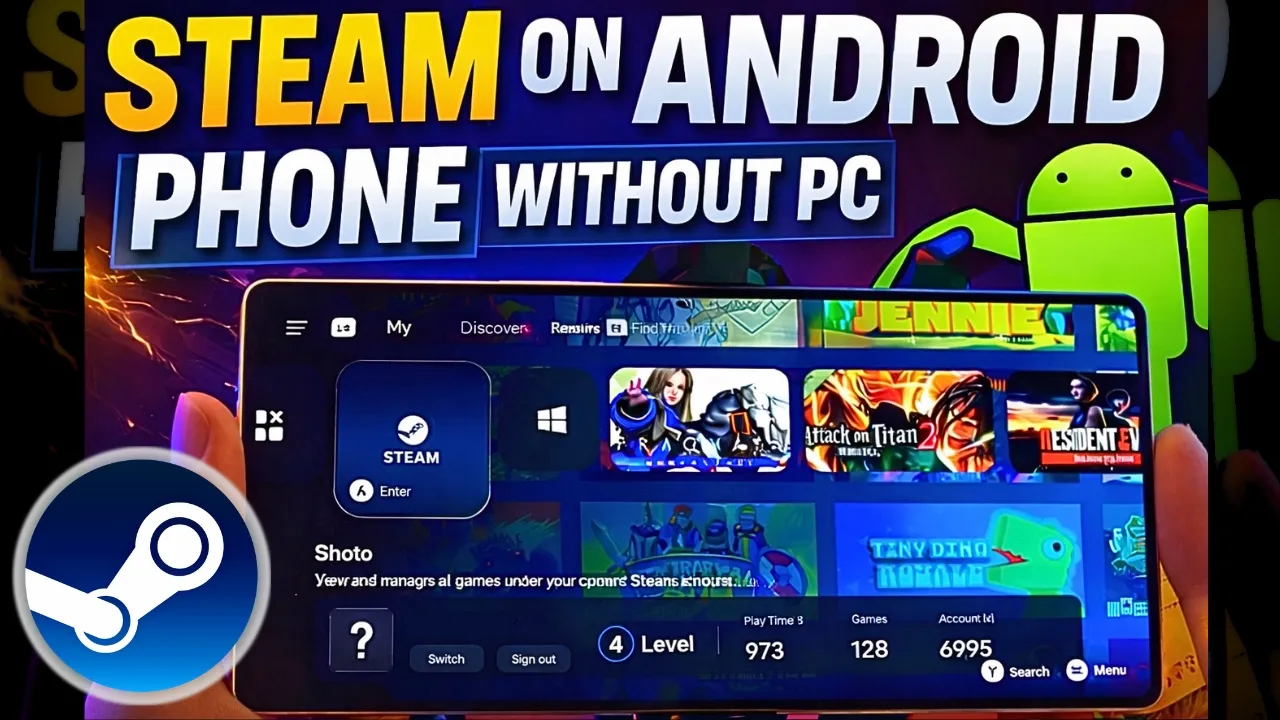
2- Scaricate l'emulatore Gamehub - L'emulatore Windows per Android:
Dopu avè scaricatu Gamehub Emulator, installatelu è aprelu è seguitate a cunfigurazione di Windows Emulator in Android.
Per piacè seguitate stu video chì vi mostrarà cumu pudete cunfigurà u ghjocu nantu à l'emulatore di Windows Gamehub è divertitevi! 🙂
Sè Bus simulator 21 next stop u ghjocu video funzionava cù un FPS bassu o un prublema di grafica, seguitate stu video:
MIGLIORI IMPOSTAZIONI DI L'EMULATORE ANDROID GAMEHUB: FPS MAX - FIX LAG & GLITCH
Pudete apre u vostru contu Steam, Epic Games, o Ubisoft Connect nantu à l'emulatore Gamehub per ghjucà in linea.
À a fine di a spiegazione, pudete ancu verificà u mo canale YouTube , l'unica cosa chì possu ricumandà hè di avè un telefunu Android forte cù Snapdragon 8 Elite Gen 5 cù un cooler di telefunu #AD, altrimenti u mondu di l'emulazione migliora ghjornu dopu ghjornu, dunque aspettate, pudemu vede un ghjornu tutti i ghjochi per PC ghjucabili nantu à u nostru telefunu Android, è questu hè u puntu chì pudemu ghjucà à u ghjocu per PC nantu à u nostru telefunu Android, in ogni locu è in ogni mumentu. È avà l'unica parolla chì vogliu dì, pudete verificà u situ web, ci hè assai roba enorme in a categuria Emulatori nantu à Android . È pace fora.