Emulatore Android in linea di Super Dragon Ball Heroes - Emulatore Gamehub
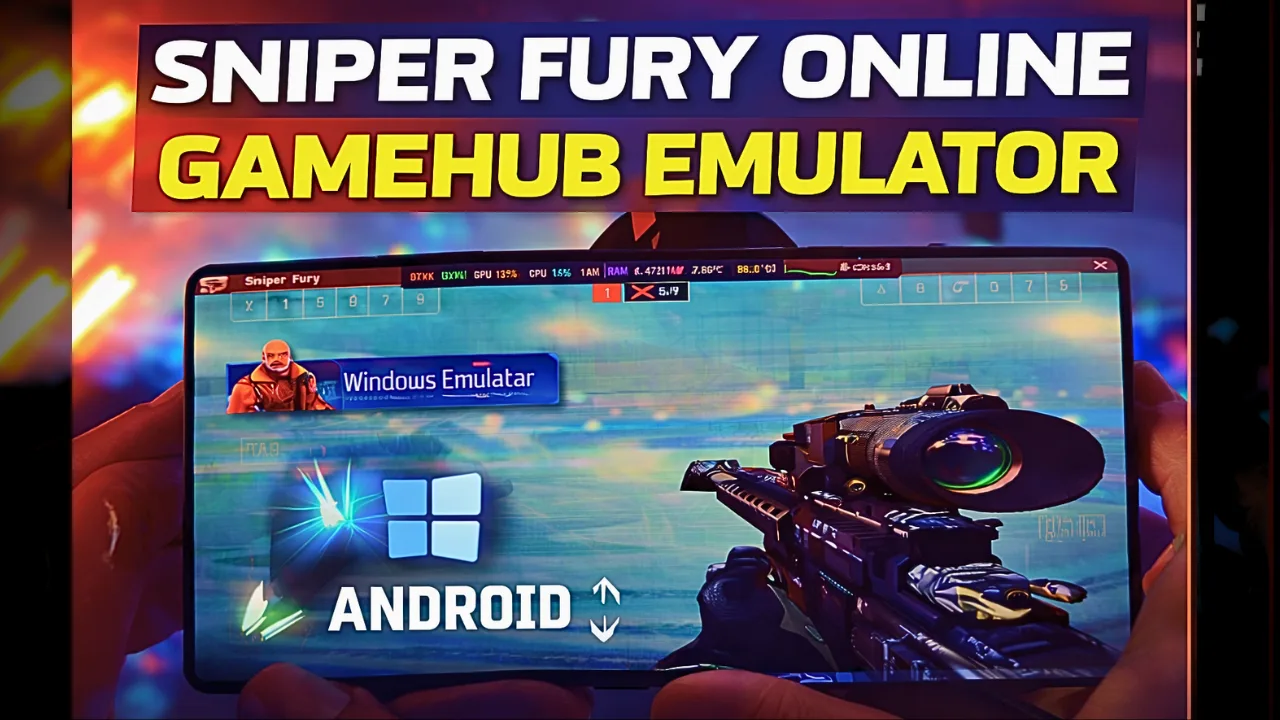
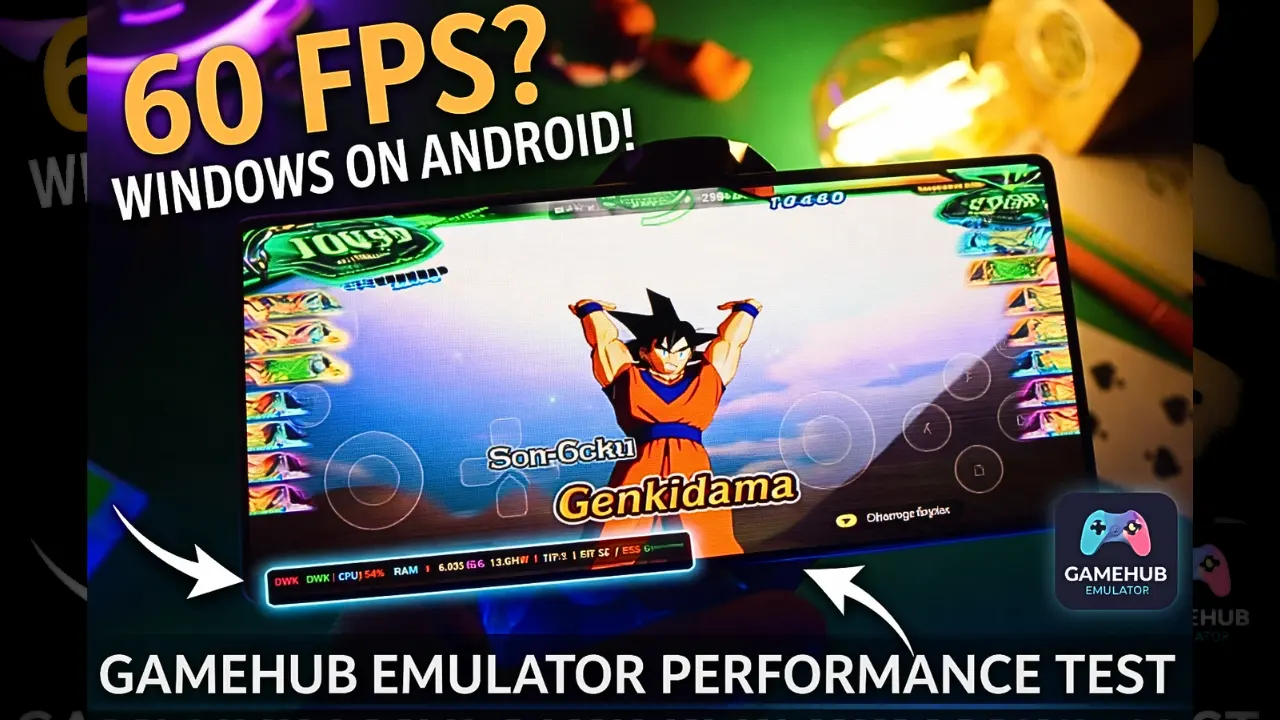
Scaricate è ghjucate à Super Dragon Ball Heroes u ghjocu video in linea nant'à u telefunu Android cù l'emulatore Windows "Gamehub", Gamehub Emulator hè u megliu emulatore Windows nant'à Android, pudete apre u vostru contu Steam, Epic Games o Ubisoft connect nant'à u vostru telefunu Android, cuminciate u 2026 pudemu ghjucà à ghjochi Windows nant'à i nostri telefoni, ci hè un altru emulatore Windows cum'è Gamenative , Winlator Emulator è MOBOX Emulator , ma Gamehub hè sempre u megliu, è cù Super Dragon Ball Heroes ottengu 59 fps.
À propositu di Super Dragon Ball Heroes u videoghjocu:
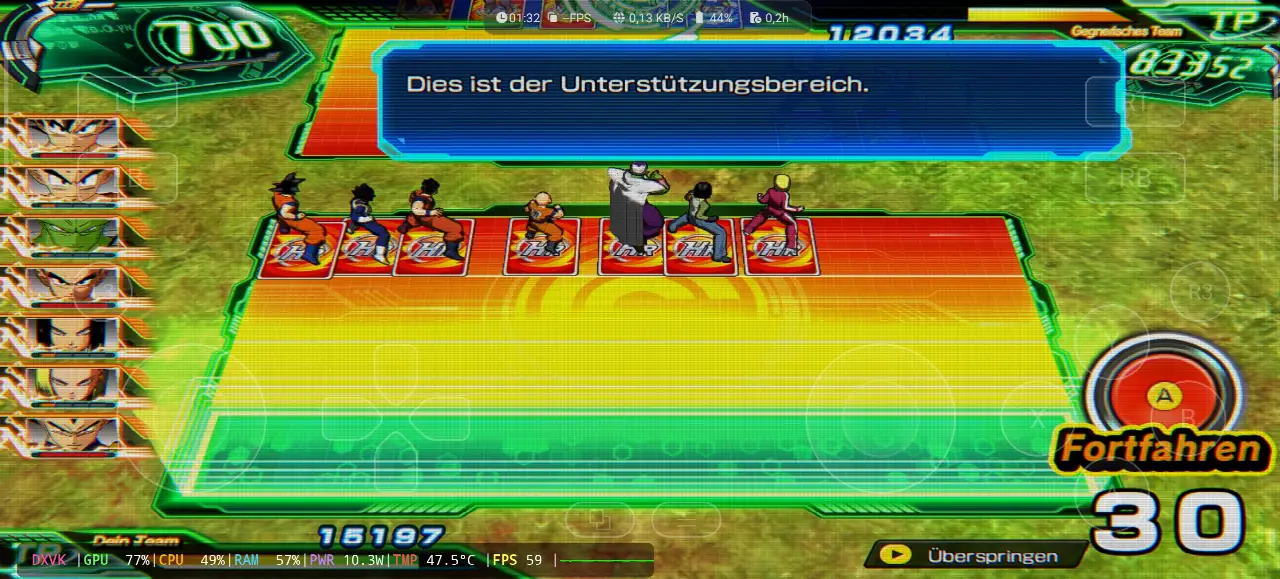
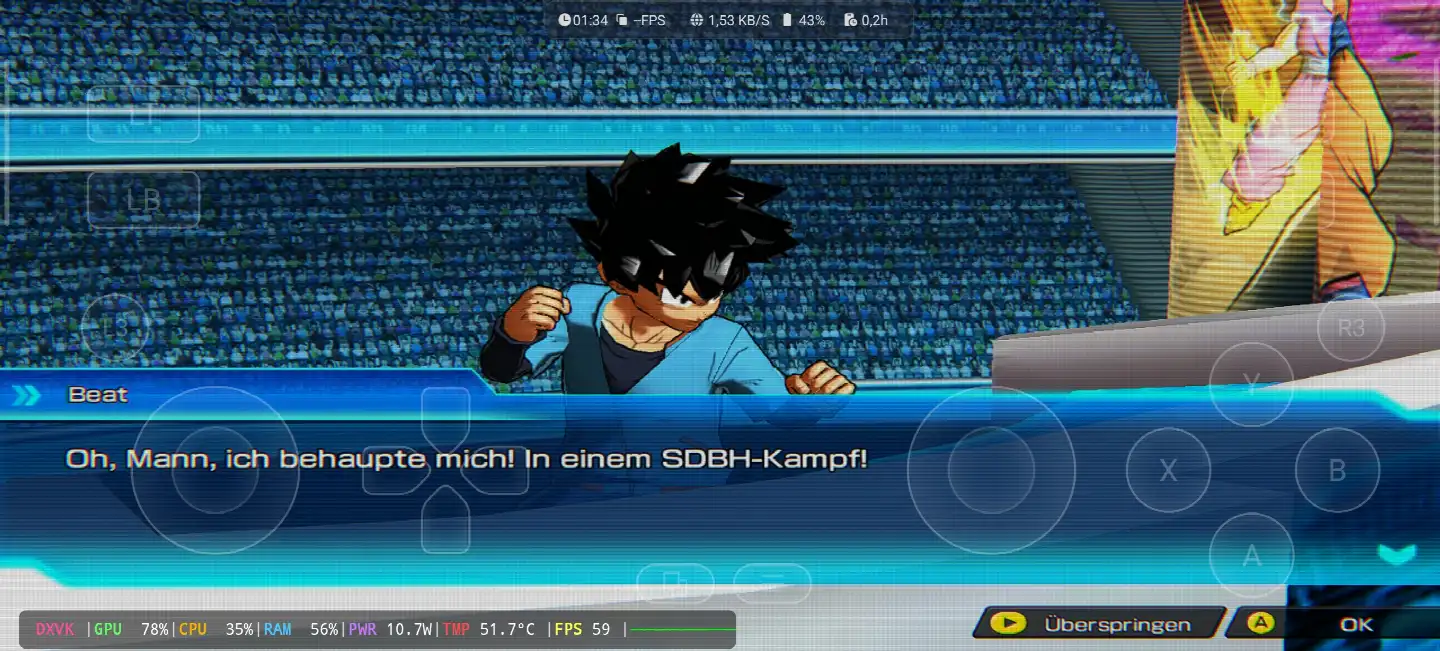
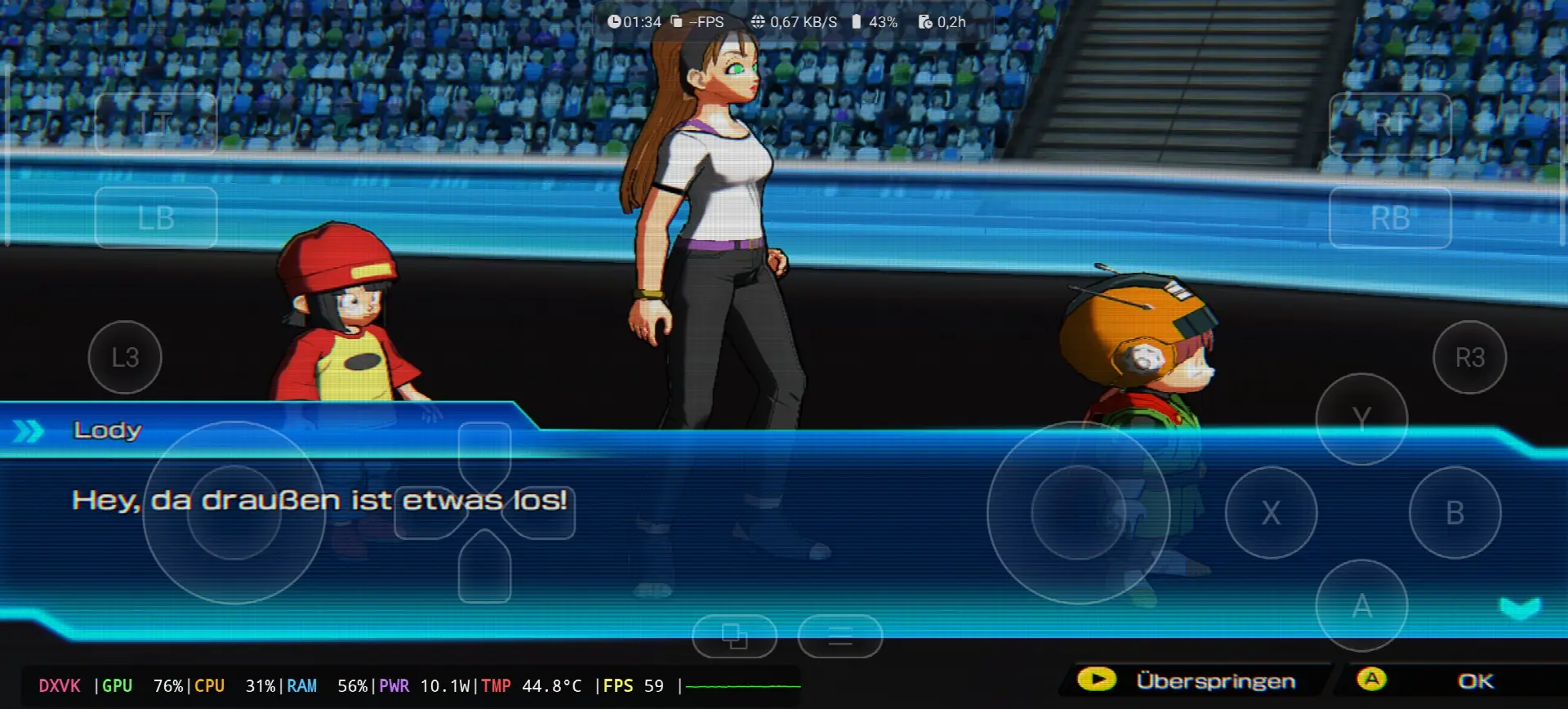
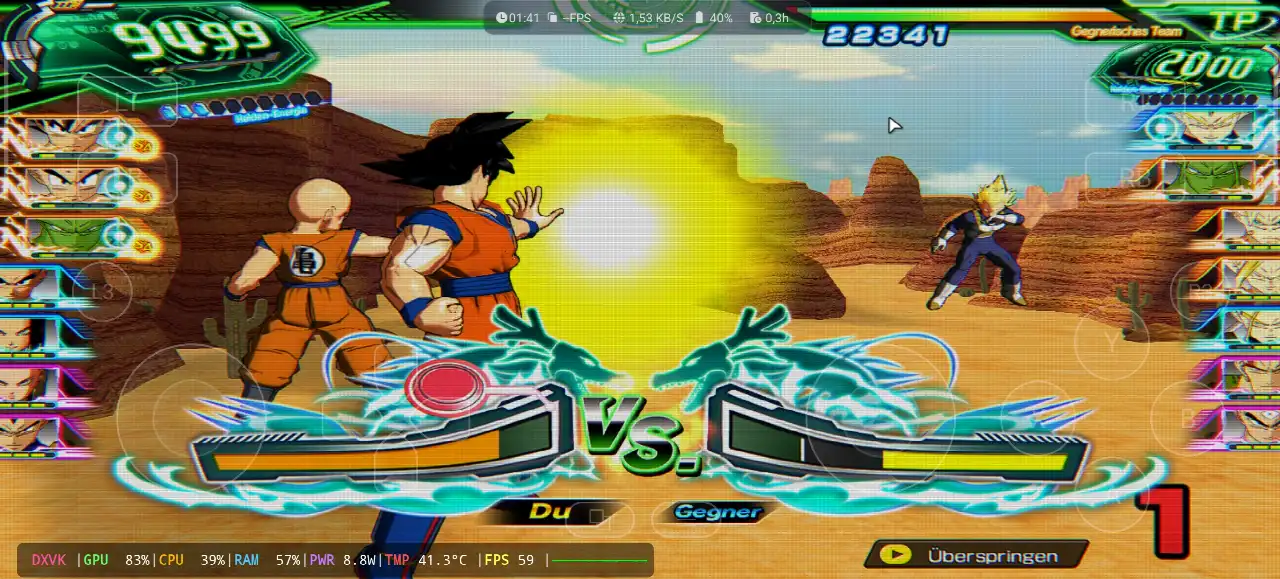
Super Dragon Ball Heroes hè principiatu cum'è un ghjocu arcade di carte giapponese l'11 di nuvembre di u 2010 è l'aghjurnamentu cù u nome Super hè ghjuntu in u 2016, Akira Toriyama hà supervisatu i disinni. U ghjocu PC Super Dragon Ball Heroes World Mission hè di Dimps è SAFARI GAMES, Bandai Namco u publica è esce u 4 d'aprile di u 2019 nantu à Nintendo Switch è Windows. Hè un ghjocu di carte tatticu, create u vostru avatar in Hero Town è saltate in u mondu di u ghjocu cù Goku, Vegeta è l'altri per fermà i cattivi chì ne escenu. Ci sò più di 350 caratteri è più di mille carte, pudete ancu fà e vostre carte è missioni è ghjucà battaglie in linea o lucali. In u mo test cuminciu in u stadiu cù Beat è Lody chì parlanu, dopu a mo squadra di 7 eroi và nantu à u tavulinu è u grande mumentu hè u scontru VS, Goku contr'à Vegeta in u desertu. WIKIPEDIA & STEAM , Cuminciamu à spiegà cumu pudete ghjucà Super Dragon Ball Heroes u ghjocu video in linea nantu à u vostru telefunu Android:
Prima di principià, ricumandemu questi accessori dispunibuli nantu à Amazon per ghjucà più còmode è uttene un bonu tempu cù u ghjocu:
1- Ricumandu u controller Android GameSir X3 Type-C Cooling Fan. Hà una bona recensione di più di 59% nantu à 5 stelle nantu à più di 2.192 recensioni, hè bonu.
2-Raccomanderaghju u controller di ghjocu mobile Razer Kishi 18,656+ recensioni per Android USB-C è spedizione GRATUITA. Dettagli è resi GRATUITI è alta sensibilità cù più precisione.
3- Ultimi Accessori Hè di Razer Vi cunsigliu u Razer Kishi V2 Mobile Gaming Controller + Razer Phone Cooler Chroma. A parte migliore di questi accessori hè u Bluetooth à bassa energia per una durata di batteria più longa, è a parte migliore hè cumpatibile cù tutti i telefoni Android o iOS.
4- Ultimi Accessori Hè da Black Shark I Recomande u Phone Cooler Black Shark Magnetic Livellu di rumore di 1 dB, questu hè WOW.
#AD
Super Dragon Ball Heroes Online – Emulatore Gamehub | Emulatore Windows Android
1- Cumprà Super Dragon Ball Heroes u ghjocu video in linea Ghjocu:
Sè dispunibule, vi cunsigliu Epic Games: "Prezzu bassu, scaricate u ghjocu, poi installate quellu per riduce u surriscaldamentu".
*Sè vo avete digià u ghjocu in linea Super Dragon Ball Heroes, pudete simpricimenti apre u vostru contu Steam o Epic Games è scaricà u ghjocu o, sè vo vulete ghjucà à Super Dragon Ball Heroes offline, cunnette u vostru telefunu Android à l'urdinatore o à u PC, copià Super Dragon Ball Heroes è dopu copià u ghjocu à u telefunu. Mantene u vostru telefunu Android cunnessu per copià l'app Gamehub Emulator.
Cumu cunfigurà l'emulatore GameHub - STEAM / EPIC GAMES menu di 5 minuti
2- Scaricate l'emulatore Gamehub - L'emulatore Windows per Android:
Dopu avè scaricatu Gamehub Emulator, installatelu è aprelu è seguitate a cunfigurazione di Windows Emulator in Android.
Per piacè seguitate stu video chì vi mostrarà cumu pudete cunfigurà u ghjocu nantu à l'emulatore di Windows Gamehub è divertitevi! 🙂
Emulatore GAMEHUB Android | Test/Configurazione/Impostazioni | U Migliore Emulatore Windows – 2025
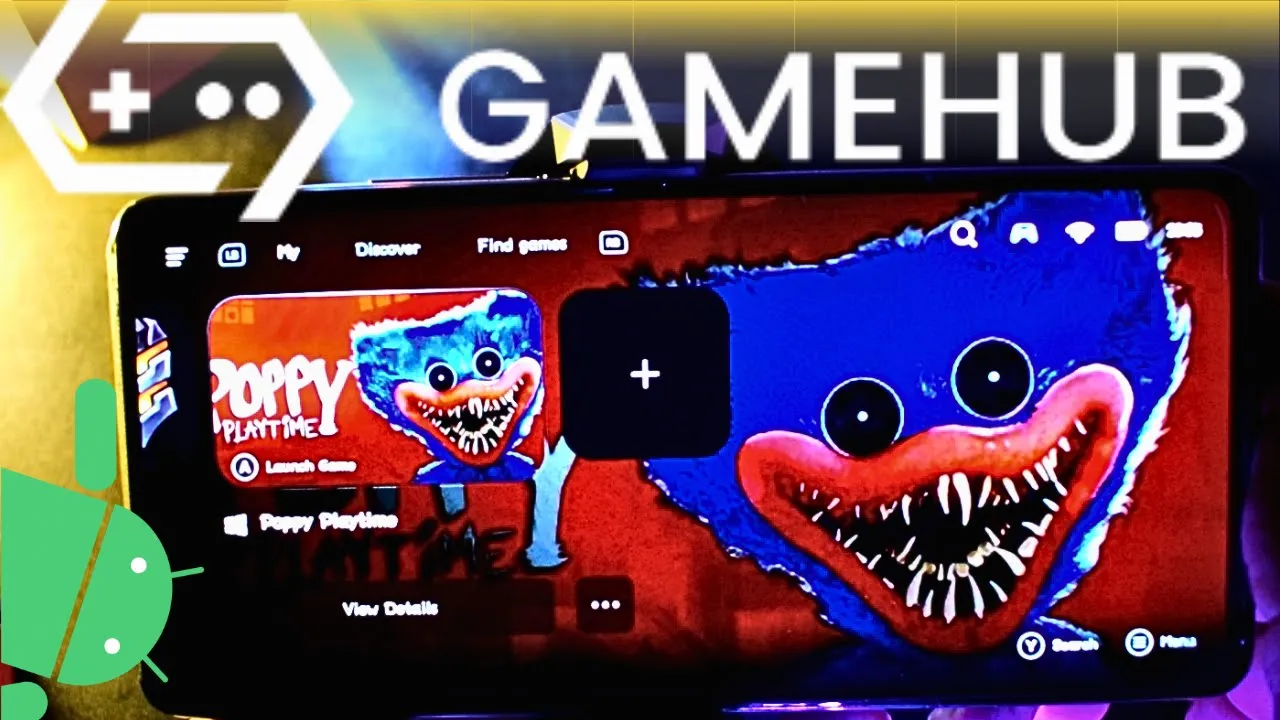
Sè Super Dragon Ball Heroes u ghjocu video funzionava cù un prublema di FPS o grafica bassa, seguitate stu video:
MIGLIORI IMPOSTAZIONI DI L'EMULATORE ANDROID GAMEHUB: FPS MAX - FIX LAG & GLITCH
Pudete apre u vostru contu Steam, Epic Games, o Ubisoft Connect nantu à l'emulatore Gamehub per ghjucà in linea.
3- U megliu telefunu per Super Dragon Ball Heroes Android:
À a fine di a spiegazione, Super Dragon Ball Heroes nant'à Gamehub hè stata una bona surpresa per mè, 59 fps tuttu u tempu cù DXVK in a storia, nant'à u tavulinu è in u scontru VS, è u telefunu stà frescu, u mo overlay mostra solu 41 à 52 ° C è intornu à 10 W, hè assai ligeru per un ghjocu Windows. Nant'à PC u ghjocu hà bisognu solu di Core i3-4160, 4 GB RAM è GTX 660, dunque pensu chì ancu un telefunu mediu pò eseguisce lu, ma per i ghjochi pesanti l'uniche cose chì possu ricumandà hè un telefunu Android forte cù Snapdragon 8 Elite Gen 5 cù un cooler di telefunu #AD, altrimenti u mondu di l'emulazione migliora ghjornu dopu ghjornu, dunque siate pazienti. Sè site un fan di Dragon Ball, verificate ancu u mo post Dragon Ball Z Kakarot nant'à Gamehub Emulator , è per u gameplay cumpletu verificate u mo canale YouTube è u mo TikTok per brevi clip. È avà l'unica parolla chì vogliu dì, pudete verificà a nostra categuria di Ghjochi Emulator , ci hè assai cose enormi da ghjucà nant'à u vostru telefunu Android, in ogni locu è in ogni mumentu. È pace fora.