




Scaricamentu di l'emulatore Android AetherSX2 Ps2 di Tales Of The Abyss
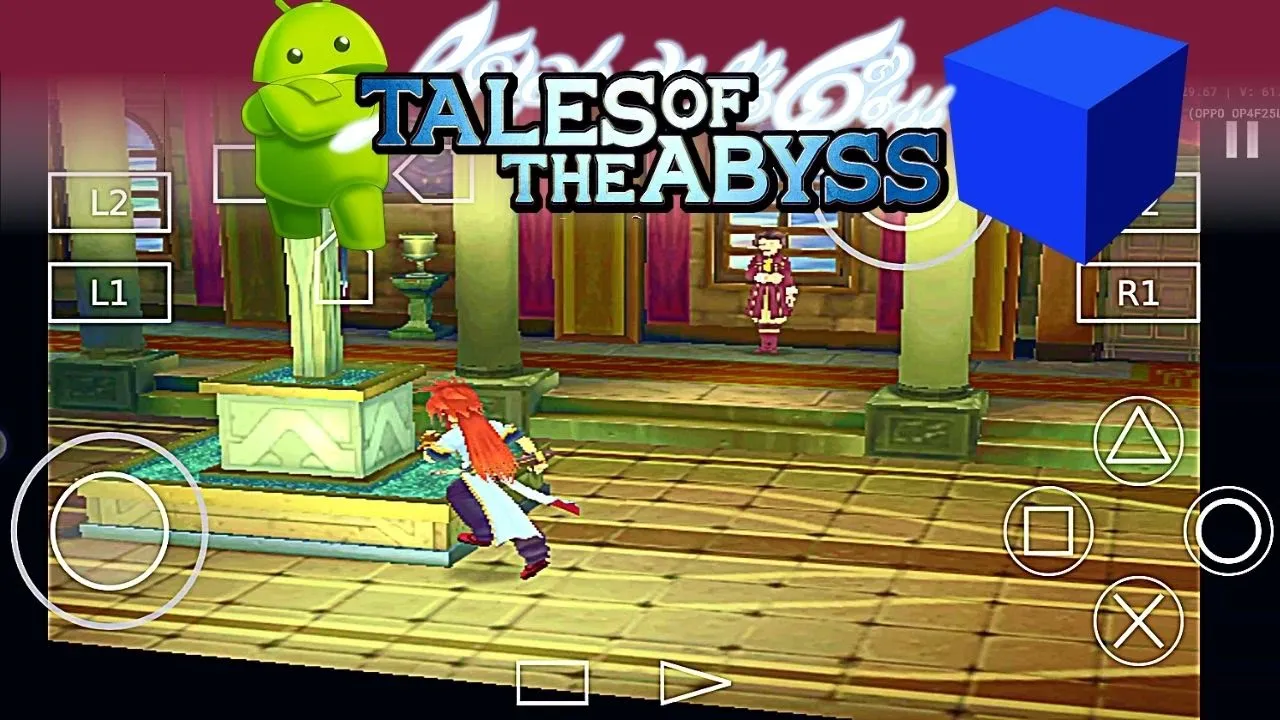
Download TALES OF THE ABYSS Game For Android But You Will Play Using Ps2 Emulator There Is 2 Best Ps2 Emulator – AetherSX2 And Damon Ps2 PRO – AetherSX2 Costs Nothing But Damon Ps2 Pro Is Paid, You Can Download the Normal version Of Damon Ps2 But With Ads, now Let Me Told You Some Information About TALES OF THE ABYSS Game: Tales of the Abyss (Japanese: テイルズ オブ ジ アビス, Hepburn: Teiruzu Obu Ji Abisu) is an action role-playing game developed by Namco Tales Studio as the eighth main title in their Tales series in celebration of the series’ 10th anniversary. Originally released for the PlayStation 2, the game was published by Namco in Japan in December 2005, and Bandai Namco Games in North America in October 2006. Its development team included director Yoshito Higuchi, producer Makoto Yoshizumi, and character artist Kōsuke Fujishima. The game features music by series composers Motoi Sakuraba and Shinji Tamura and includes the opening theme song “Karma” by Bump of Chicken, which is replaced with the instrumental version in the western release. Namco has given Tales of the Abyss the characteristic genre name To Know the Meaning of One’s Birth RPG (生まれた意味を知るRPG, Umareta Imi o Shiru RPG). A port for the Nintendo 3DS handheld was released in Japan in June 2011, followed by an Australian and European release in November 2011 and a North American release in February 2012. I Get This Information From Wikipedia Pudete leghje più s'è vo vulete, avà cessemu di parlà è saltemu per spiegà:
Prima di principià, vi cunsigliu questi accessori per ghjucà più comodamente è divertevi cù u ghjocu:
1- Ricumandu u controller di ghjocu mobile Bluetooth GameSir X2. Hà una bona recensione, più di 37% nantu à 5 stelle, hè bonu.
2- Raccomanderaghju a recensione di u controller di ghjocu mobile Razer Kishi +8000 per Android USB-C è spedizione GRATUITA. Dettagli è resi GRATUITI è alta sensibilità cù più precisione.
3- Ultimi Accessori Hè di Razer Razer Junglecat Dual-Sided Mobile Game Controller + Bitcircuit Mobile Phone Radiator Cooler Fan A Parte Migliore di Questu Accessoriu, Bluetooth à Bassa Energia per una Batteria più Lunga, È A Parte Cattiva Hè Micca Compatibile Cù Tutti i Telefoni Solu Cù Razer Phone 2, Galaxy Note 9, Galaxy S10+, Nota: Solu Razer Junglecat Ùn Hà Micca Supportatu Tutti i Telefoni Ma A Ventola Di Raffreddamentu Hè Supportata Cù Tutti i Telefoni
1- Selezziunate l'emulatore Ps2 chì vulete aduprà - Vi cunsigliu AetherSX2 :
2-Sè u vostru telefunu ùn hè micca supportatu per l'estrazione, scaricate Winrar per decomprimere u ghjocu:
Pudete saltà tuttu què è fighjà stu video cumu installà ghjochi PS2 in l'emulatore DamonPs2 per u telefuninu mobile
Segui sti passi per ghjucà à TALES OF THE ABYSS nant'à AetherSX2 o DamonPS2:
1-Installa l'App Winrar
2- Aprite Winrar è andate à a cartella "Download" Decomprimete u ghjocu
3-Va in daretu è installate l'emulatore Ps2 AetherSX2 o DamonPS2
4- Aprite l'applicazioni Winrar è scumpressate u Bios, è copiate in u cartulare AetherSX2 o DamonPS2
5-Aprite l'emulatore PS2 AetherSX2 o DamonPS2, cliccate nantu à Scansiona ghjochi è divertitevi cù u vostru ghjocu.
Aether SX2 Vs. Damon Ps2 Pro ( Link Video )
Sè u vostru ghjocu funziona pianu pianu, lasciate ch'e vi mustri a megliu impostazione video per TALES OF THE ABYSS nantu à AetherSX2 ( Link Video ) o DamonPS2 ( Link Video )
È Divertitevi Avà À a Fine Grazie Per avè Visitatu u Mo Situ Sè Avete Qualche Quistione O Prublema Lasciatemi Un Cummentariu Nantu À U Mo Canale O Social Media, È Prima Di Chiudere Sta Finestra Vogliu Invitàvi À Verificà I Miei Altri Ghjochi Incredibili ICO GAME ANDROID - DOWNLOAD - PS2 EMULATOR DAMON PS2 PRO - 2022 O VIRTUA FIGHTER 4 ANDROID DOWNLOAD - PS2 EMULATOR È Ancu Pudete Verificà Altre Liste D'Azione Incredibili Ghjochi PS2 Chì Funzionanu Su Android , Eccu Tuttu Per Oghje Grazie Mille, Ci Ritruvu À U Prossimu, Ciao. Pace Da U Mo Core.




