





Rabbids Coding PC Version on Android – Gamehub Emulator Test
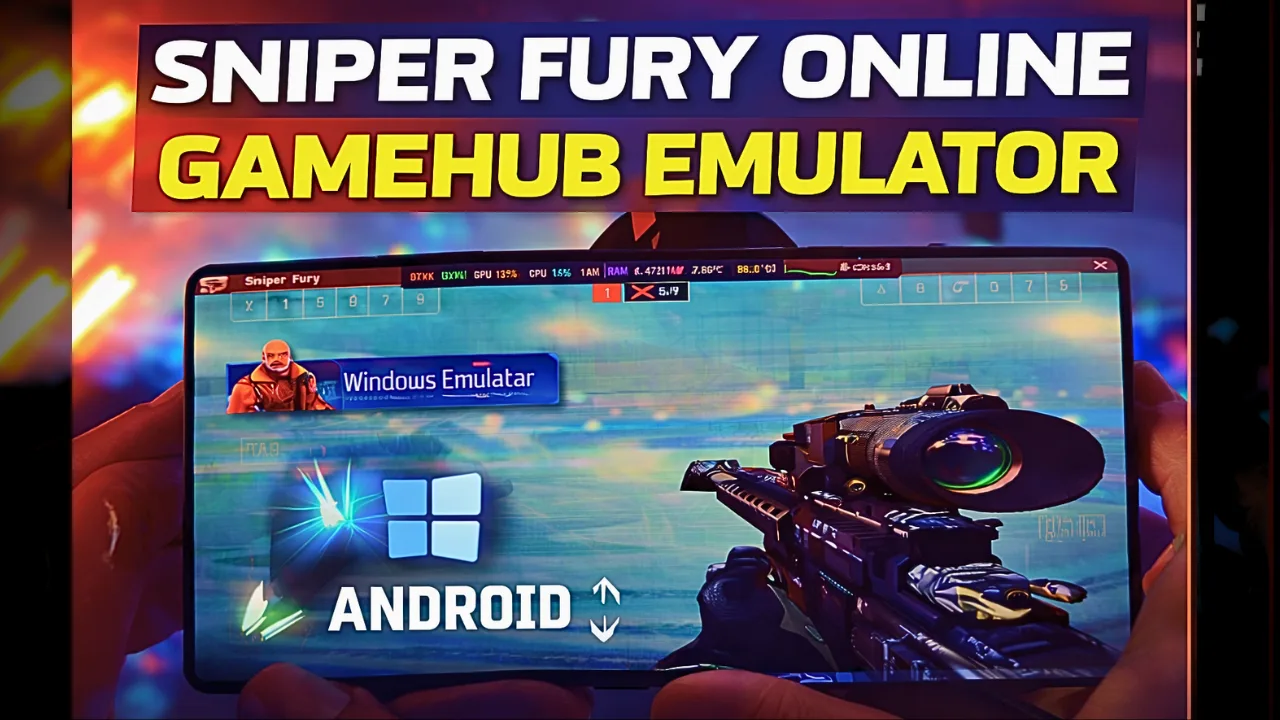
Download and play Rabbids Coding the video game online on Android phone using Windows Emulator “Gamehub”, Gamehub Emulator is best windows Emulator on Android, you can open you Steam, Epic Games or Ubisoft connect account on your Android phone, start the 2026 we can play windows Games on our Phones, there is another Windows Emulator was poped up like Gamenative, Winlator emulator og MOBOX emulator but the Gamehub is still the best. just to be clear Rabbids Coding have a official version from Ubisoft on Google Play and on the App Store, but in this post i play the PC version of Rabbids Coding on Android with Gamehub and Ubisoft Connect, and here is my settings and my test.
About Rabbids Coding the video game:
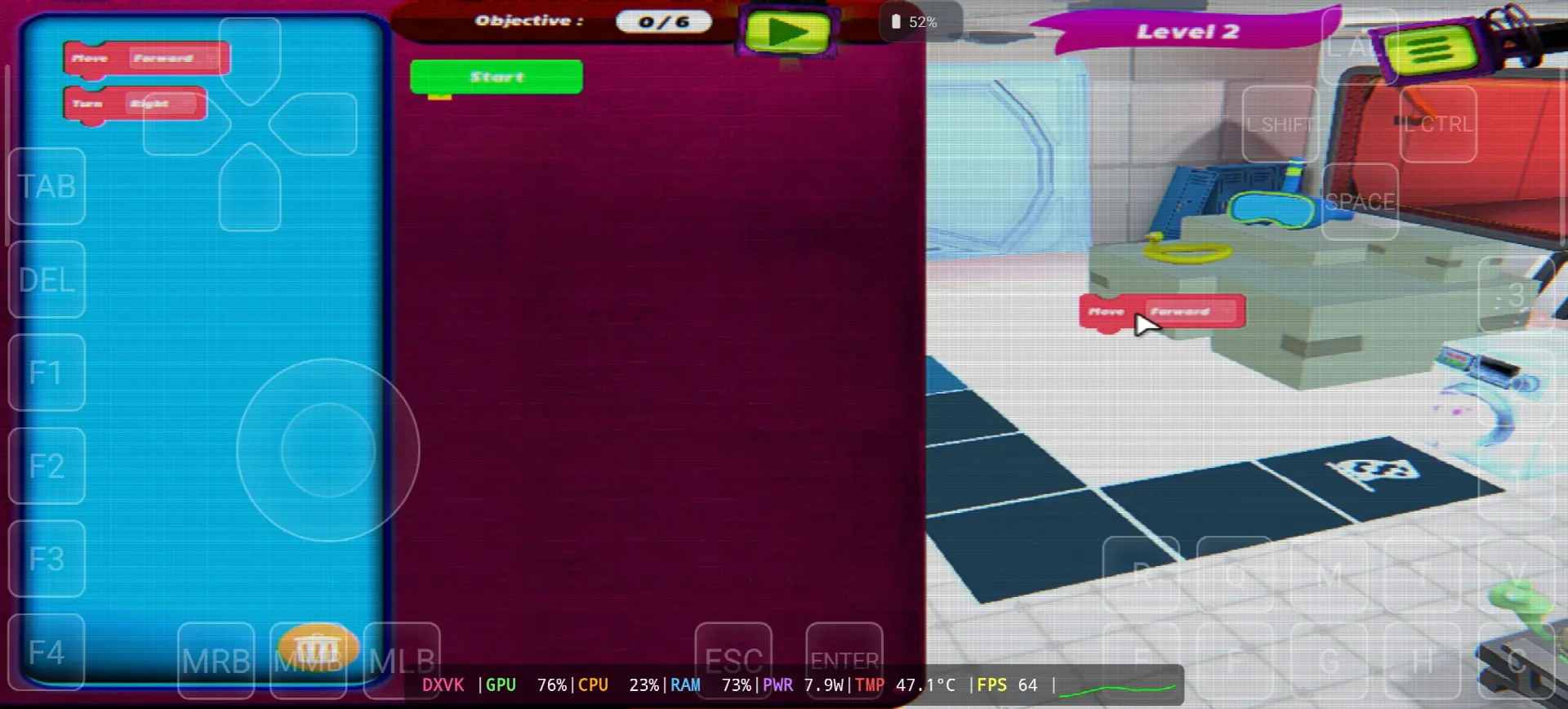
Rabbids Coding is a puzzle game from Ubisoft made by Ubisoft Montreal to teach the basics of programming, it come out on October 8, 2019 for Windows on Ubisoft Connect and one year later on October 8, 2020 on Android and iOS, and you dont need to pay anything for it on PC or on the phone. the story is simple, the Rabbids invade a space station and they break everything, and you give them orders with code blocks like Move Forward and Turn Right to clean the mess and send them back to Earth. the game teach you the sequential programming, the loops and the conditions, its for everyone over 7 years old and you dont need to know anything about programming before you start. every level have an objective and you need to finish it with the least blocks possible, like in my Level 2 where the objective was 0/6 when i start. on Google Play the app have more than 1 million downloads with 3.8 stars, and the last update was on February 17, 2023. WIKIPEDIA & GOOGLE PLAY, Let start Explain how you can run Rabbids Coding the video game online on your Android phone:
Før vi starter, anbefaler jeg dette tilbehør tilgængeligt på Amazon for at spille mere komfortabelt og få en god tid med spillet:
1- Jeg anbefaler GameSir X3 Type-C køleblæser til Android-controlleren. Han har fået en god anmeldelse på mere end 59% på 5 stjerner ud af 2.192+ anmeldelser, den er god.
2-Jeg anbefaler Razer Kishi Mobile Game Controller 18,656+ anmeldelse til Android USB-C & GRATIS fragt. Detaljer & GRATIS returnering og høj følsomhed med mere præcision.
3 - Sidste tilbehør: Det er fra Razer. Jeg anbefaler Razer Kishi V2 Mobile Gaming Controller + Razer Phone Cooler Chroma. Det bedste ved dette tilbehør er Bluetooth med lavt energiforbrug for længere batterilevetid, og en god del er kompatibel med alle Android- eller iOS-telefoner.
4- Sidste tilbehør Det er fra Black Shark, jeg anbefaler Telefonkøleren Black Shark Magnetic Støjniveau på 1 dB, det er WOW.
#ad
Rabbids Coding Online – Gamehub Emulator | Windows Emulator Android
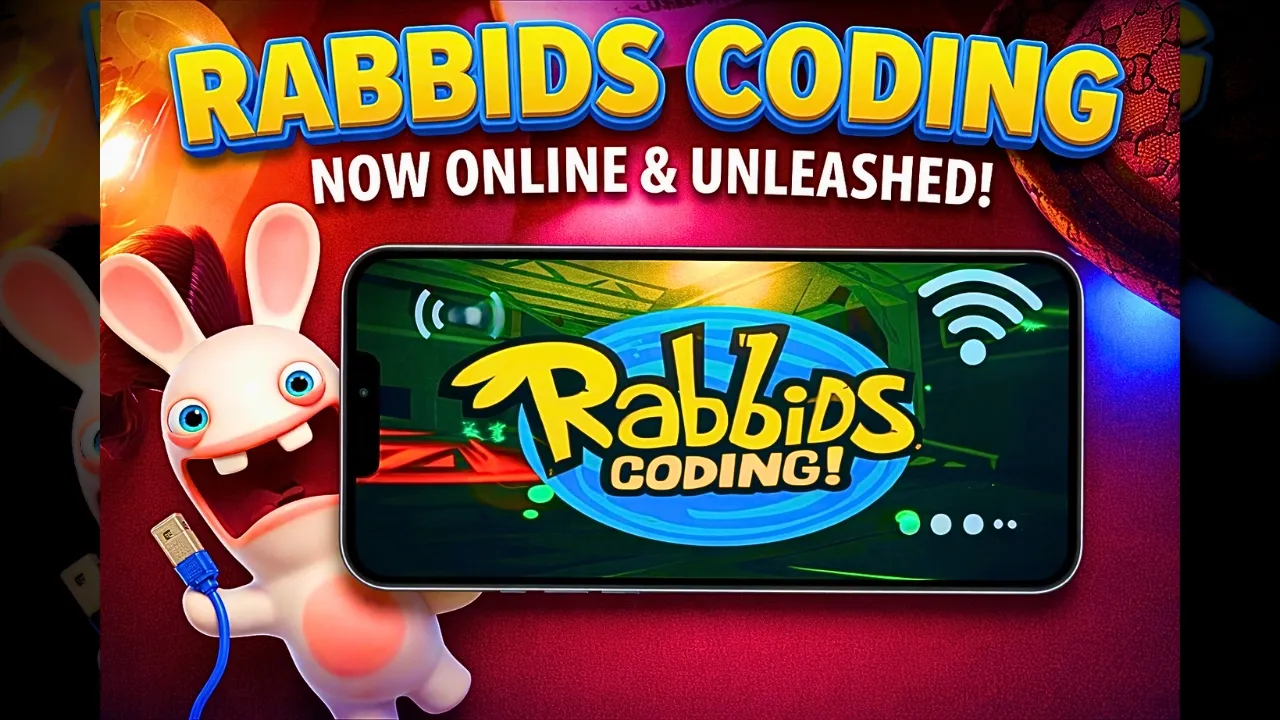
My Gamehub Settings For Rabbids Coding:
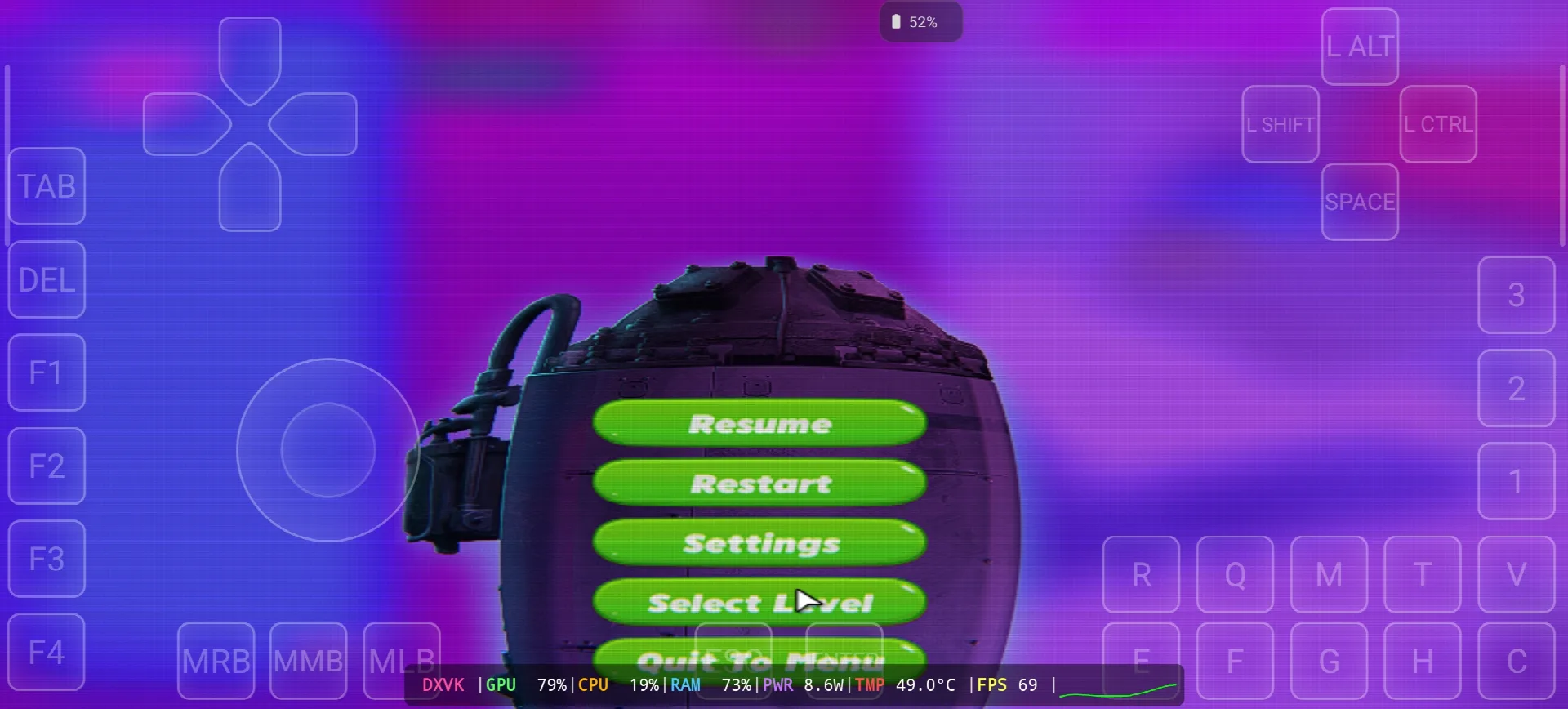
those are the settings from my video and my photos on my phone with Snapdragon 8 Elite Gen 5, in this video i dont open the Gamehub menu, so i put here what you can see in the video and in my screenshots:
- Launcher: Ubisoft Connect inside Gamehub, the game is in the Ubisoft Connect Library
- Grafik: DXVK, you see it in my overlay
- Touch Control Layout: Default Keyboard and Mouse Layout, because in this game you drag the blocks with the mouse
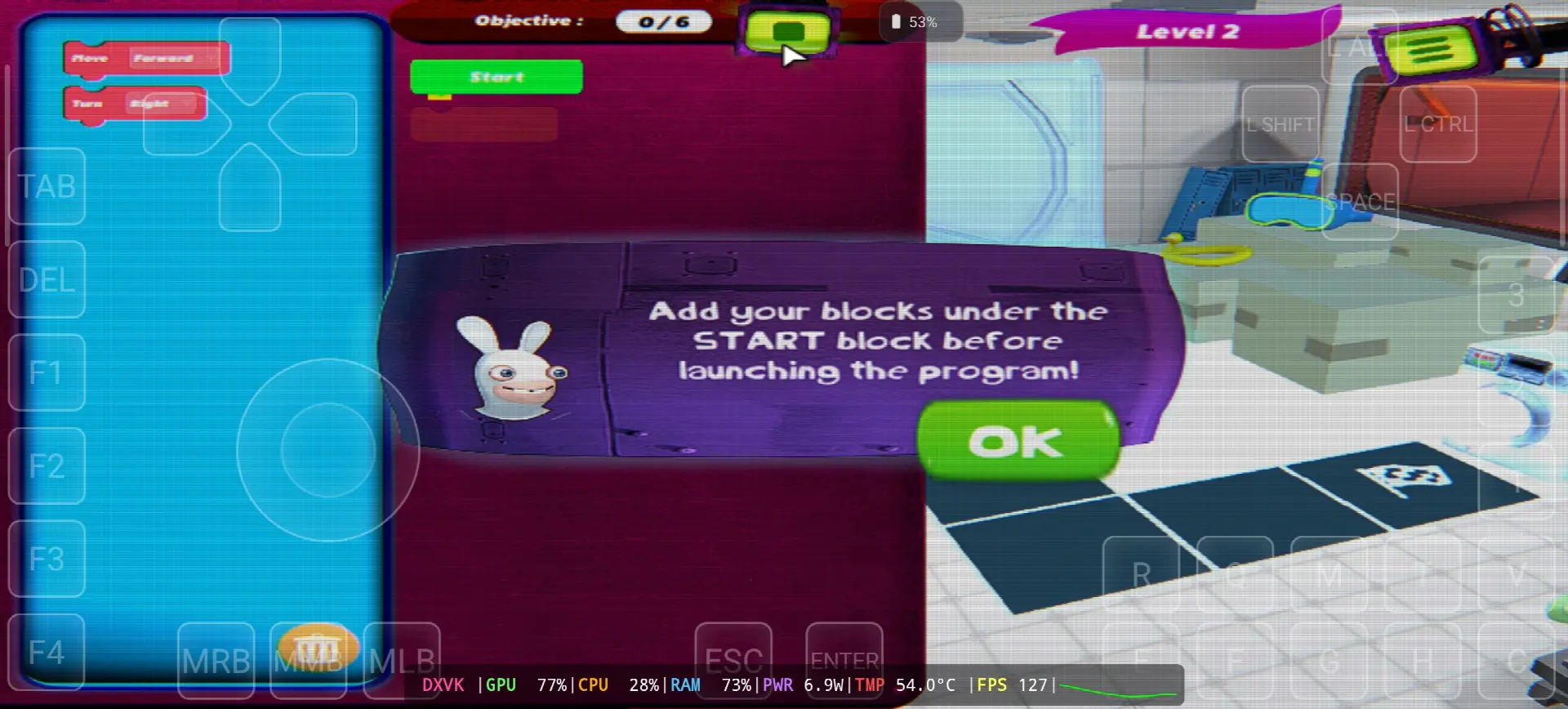
- Frame Limit: off, the game go up to 127 fps in my test
- CRT-skærmeffekt: on, its the old TV lines in my screenshots, turn it off if you dont like it
- Sprog: Engelsk
when you start it Gamehub open Ubisoft Connect first, then you go to the Library and start Rabbids Coding from there, and Ubisoft Connect sync your saves with the cloud before the game start, so you need a Ubisoft account. in my test i play the tutorial and the Level 2 with the Move Forward and Turn Right blocks, the game stay between 64 and 69 fps in the menu and in the levels and go up to 127 fps in the hint windows, the GPU was 76 to 79%, the CPU only 19 to 28% and the RAM 73%, with 6.9 to 8.6W, and the temperature stay between 47.1 and 54°C, so its a very light game.
1- Get Rabbids Coding the video game online:
Hvis tilgængelig, anbefaler jeg Epic Games: 'Lav pris, download spillet, og installer det derefter for at reducere overophedning'.
*If you already have the Rabbids Coding online game in your Ubisoft Connect Library, you can simply open your Ubisoft Connect account and download the game or if you want to play Rabbids Coding offline then connect your android Phone to the laptop or PC copy Rabbids Coding next copy he game to the Phone. Keep your android phone connected to copy the Gamehub Emulator app.
Sådan opsætter du en GameHub-emulator – STEAM / EPIC GAMES på under 5 minutter
2- Download Gamehub Emulator – Windows Emulatoren til Android:
Når du har downloadet Gamehub Emulator, skal du installere den og åbne den og følge instruktionerne for opsætning af Windows Emulator på Android.
Følg denne video, der viser, hvordan du konfigurerer spillet på Gamehub Windows Emulator, og nyd det! 🙂
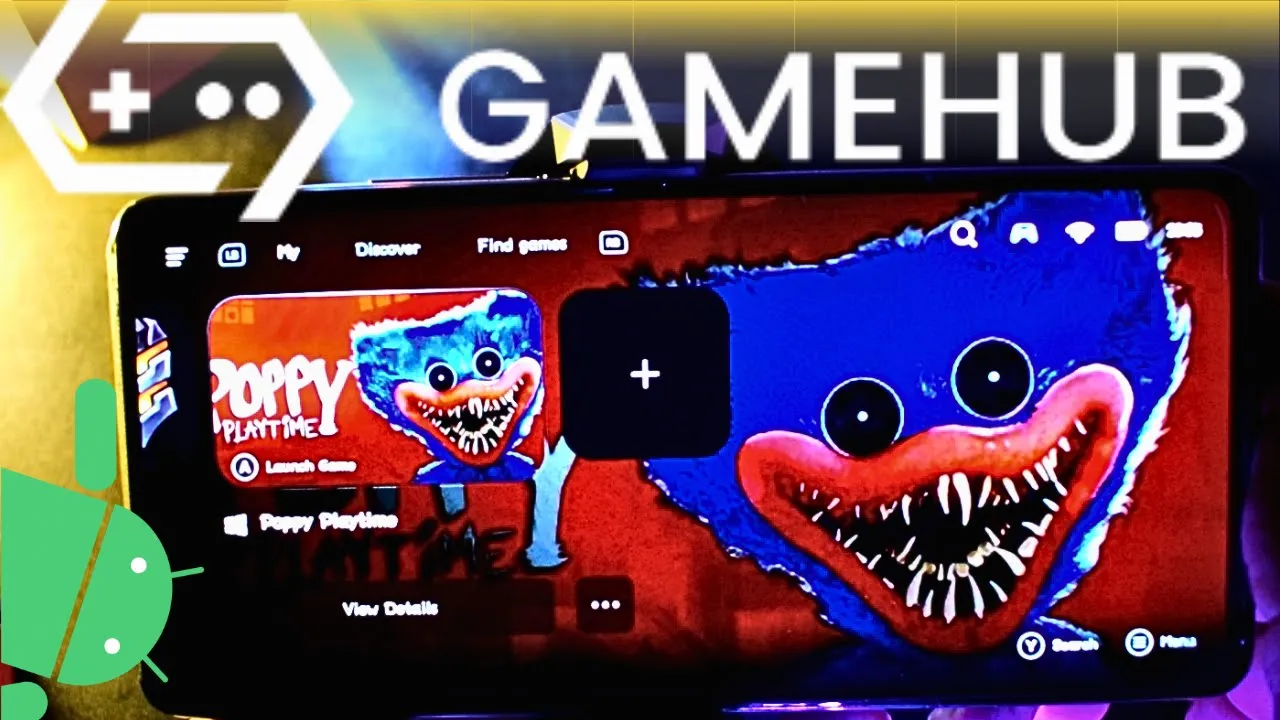
GAMEHUB Emulator Android | Test/ Opsætning / Indstillinger | Bedste Windows Emulator – 2025
If Rabbids Coding the video game was running with Low FPS or Graphics issue, please follow this video:
GAMEHUB ANDROID EMULATOR BEDSTE INDSTILLINGER: MAKS FPS – RETTELSE AF LAG OG GLITCH
Du kan åbne din Steam-, Epic Games- eller Ubisoft Connect-konto på Gamehub-emulatoren for at spille online.
3- Best Phone For Rabbids Coding Android:
we at the End Explanation, Rabbids Coding on Gamehub run without any problem, 64 to 127 fps with DXVK and the phone stay cool between 47 and 54°C with less than 9W, so its a good one for the kids to learn the coding on the phone or on the tablet. if you want to play the heavy PC games the only stuff i can recommend is a strong Android phone with Snapdragon 8 Elite Gen 5 med telefonkøler #AD, otherwise the world of Emulation is getting better day by day so be patience. if you like the Rabbids check also Rayman Raving Rabbids 2 on Dolphin Emulator, and for another Ubisoft game on Gamehub check Monopoly Madness on Android, og for at se det fulde gameplay, tjek min YouTube-kanal og min TikTok til korte klip. Og nu er det eneste ord, jeg vil sige, at du kan tjekke vores Emulatorspil kategori, der er masser af store ting at spille på din Android-telefon, hvor som helst og når som helst. Og fred ud.