


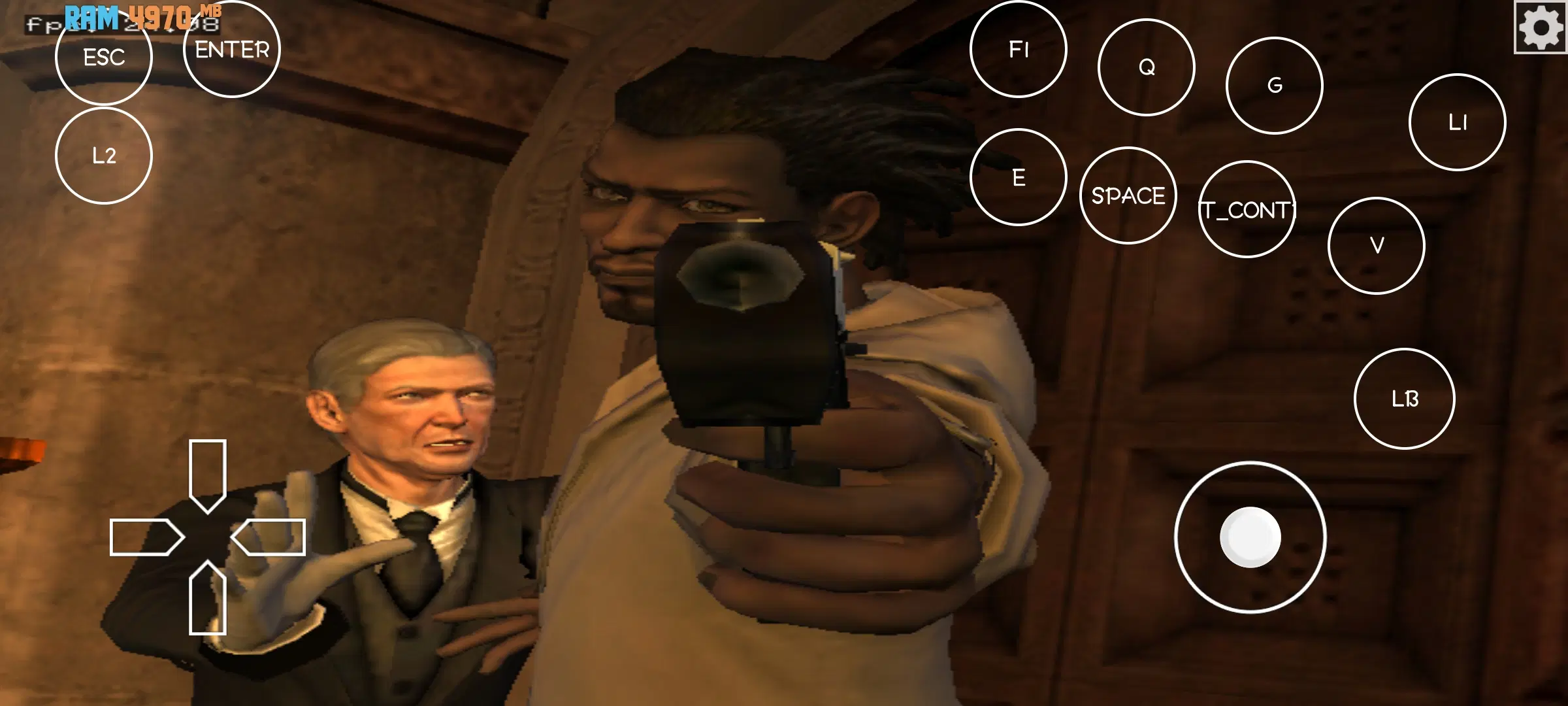
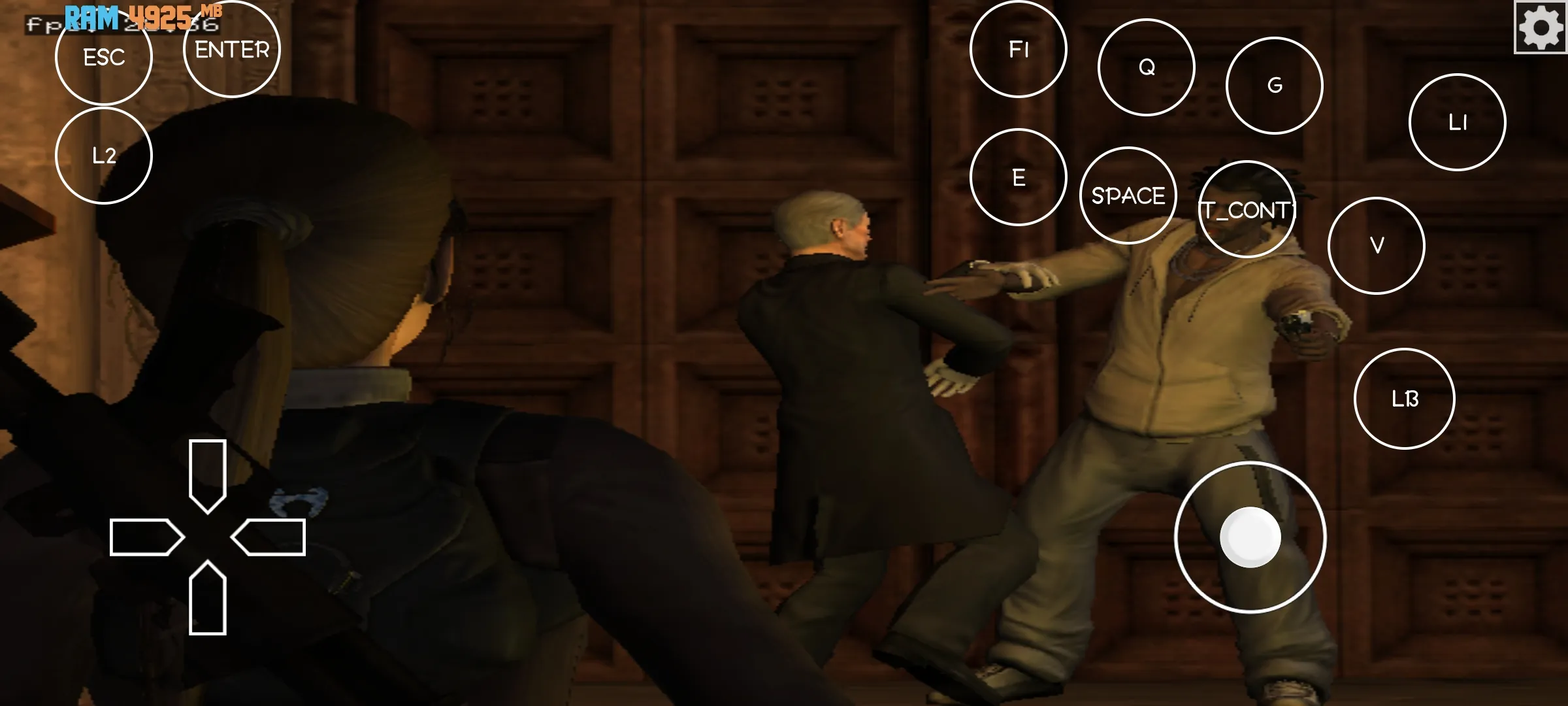
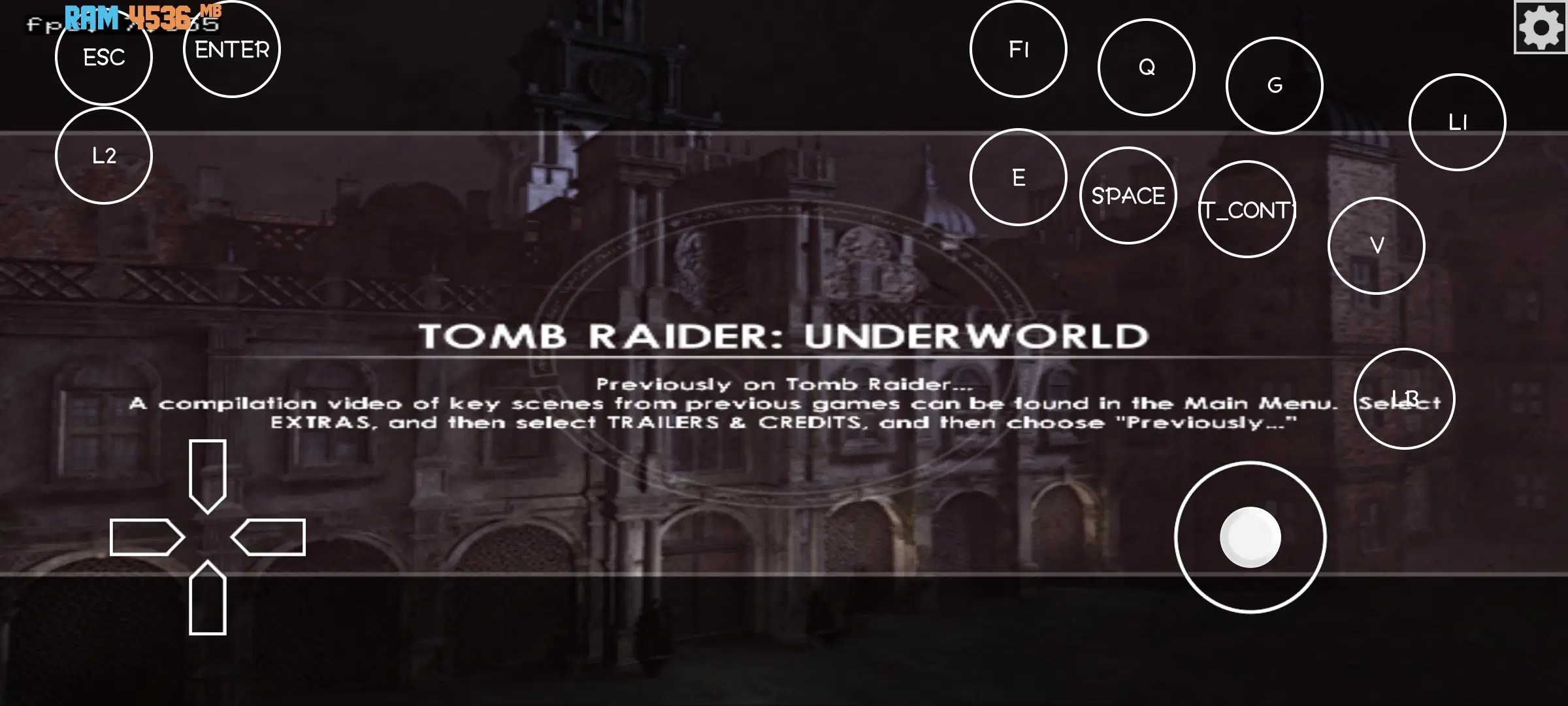
Download di Tomb Raider Underworld – Emulatore MOBOX per PC e Android
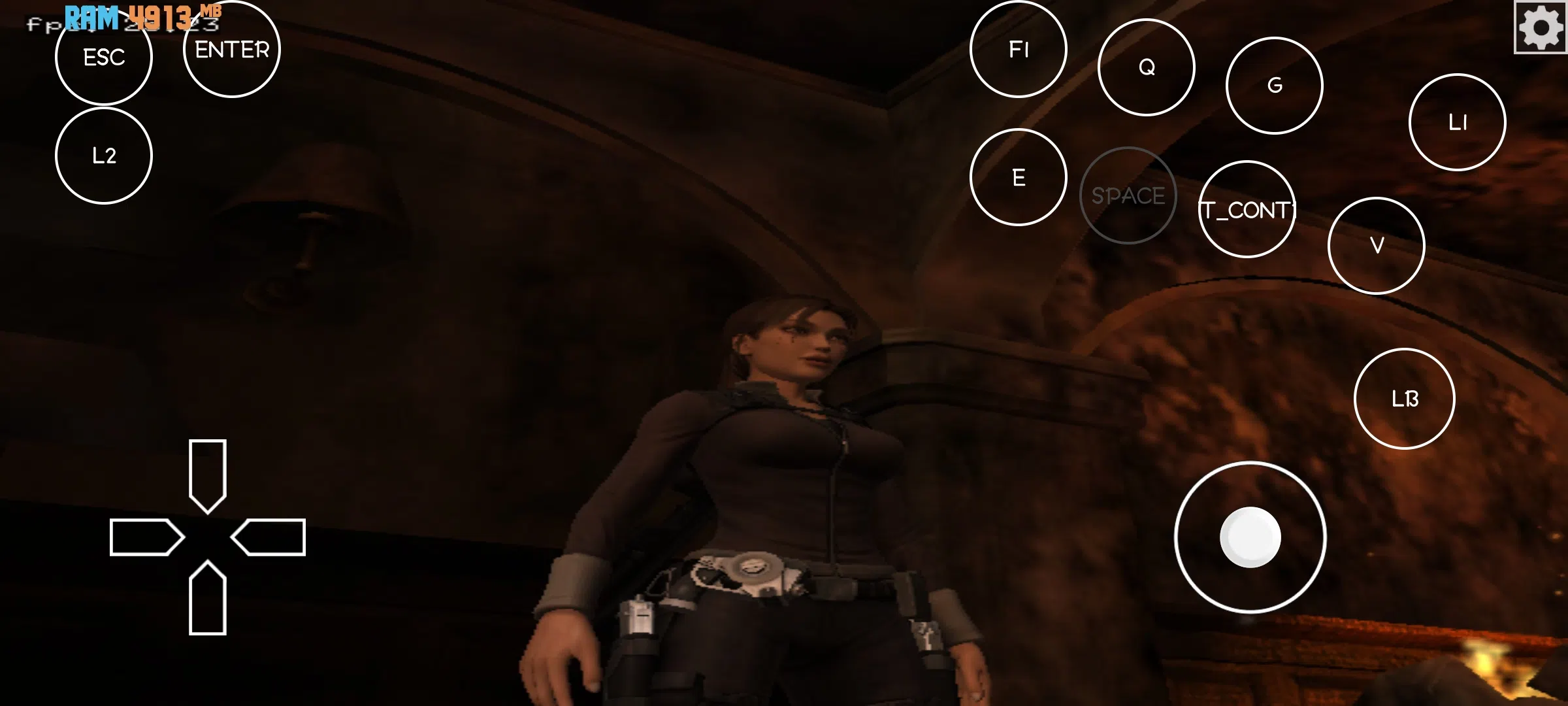
Download Tomb Raider underworld Video Game PC is now playable on Android devices, thanks to the MOBOX emulator is PC Emulator on Android. MOBOX emulator is a Windows x86 application right on your Android device. It leverages the combined power of Termux, Box64, and Wine to bridge the gap between operating systems. you can Play PC games: Immerse yourself in your favorite PC games directly on your phone or tablet. He’s still not available on iOS yet, but we hope that soon. So, let me tell you some information about Tomb Raider underworld Video Game: Tomb Raider: Underworld is an action-adventure video game developed by Crystal Dynamics and published by Eidos Interactive for Windows, PlayStation 3, Xbox 360, Wii and Nintendo DS in November 2008. Later versions were released for mobile in December 2008, PlayStation 2 in 2009, and OS X in 2012. Various companies ported or developed the different versions. The ninth overall entry in the Tomb Raider series and third in the Legend trilogy, Underworld follows archaeologist-adventurer Lara Croft as she searches for Mjolnir, an artefact key to entering the realm of Helheim, while confronting adversaries from her past. Gameplay features Lara navigating levels set across the world through platforming, fighting enemies and solving puzzles to progress. Production of Underworld began in 2006 following the release of Tomb Raider: Legend, and was developed in parallel with Anniversary (2007). The scenario was co-written by director Eric Lindstrom and series co-creator Toby Gard; Gard left Crystal Dynamics the following year. The gameplay was redesigned around a principle of Lara’s abilities, with her actions created using motion capture for the first time. A new game engine was created for the project, with the team having troubles transitioning onto next-generation hardware and staff shortages due to production of Anniversary. Announced in January 2008 for next-generation hardware, it was delayed into November and also announced for then-current generation hardware. 360-exclusive downloadable content was released in 2009. The game’ received mostly positive reviews from critics, with praise for the environments, story, puzzles, exploration, graphics and the less linear style of gameplay, although criticism was directed at its camera and combat system. It sold below expectations, though ultimately went on to sell over three million copies worldwide. It was the final Tomb Raider published by Eidos Interactive prior to its 2009 acquisition and rebranding by Square Enix. Following Underworld, Crystal Dynamics rebooted the series a second time, with the subsequent game releasing in 2013. you can also read more on WIKIPEDIA.
Prima di iniziare, ti consiglio questi accessori disponibili su Amazon per giocare più comodamente e divertirti con il gioco:
1- Consiglio il controller Android GameSir X3 con ventola di raffreddamento Type-C. Ha ricevuto un'ottima recensione, con oltre il 59% di recensioni a 5 stelle su oltre 2.192. È un buon prodotto.
2-I Raccomando Razer Kishi Mobile Game Controller 18,656+ Recensioni Per Android USB-C e Spedizione GRATUITA. Dettagli e Resi GRATUITI e Alta Sensibilità con Più Preciso
3- L'ultimo accessorio è di Razer. Consiglio il controller da gioco mobile Razer Kishi V2 e il dissipatore per telefono Razer Chroma. Il vantaggio principale di questi accessori è la tecnologia Bluetooth a basso consumo energetico per una maggiore durata della batteria, oltre alla compatibilità con tutti i telefoni Android e iOS.
4- L'ultimo accessorio è di Black Shark che consiglio il dispositivo di raffreddamento del telefono Black Shark magnetico Livello di rumore di 1 dB, che è WOW.
#ANNO DOMINI
To play The Tomb Raider underworld Video Game on Android, you will need to download the MOBOX emulator and get the game, then copy the game.
L'emulatore MOBOX è disponibile. Non esiste una versione a pagamento.
Once you have the MOBOX emulator and the game, you can follow these steps to play Tomb Raider underworld Video Game on your Android phone or tablet:
1-SCARICA E INSTALLA L'EMULATORE MOBOX SUL TUO DISPOSITIVO ANDROID.
2-SCARICA UNA COPIA DEL VIDEOGIOCO Tomb Raider Underworld
3-COPIA IL GIOCO SUL TUO DISPOSITIVO ANDROID. Consiglio la cartella "Download".
*Se il tuo telefono non supporta l'estrazione con WinRAR:
4- esegui semplicemente una rapida installazione del videogioco Tomb Raider Underworld sull'emulatore PC MOBOX sul tuo dispositivo Android.
5- Una volta installato il videogioco Tomb Raider Underworld, potrai trovare il gioco sul desktop dell'emulatore MOBOX

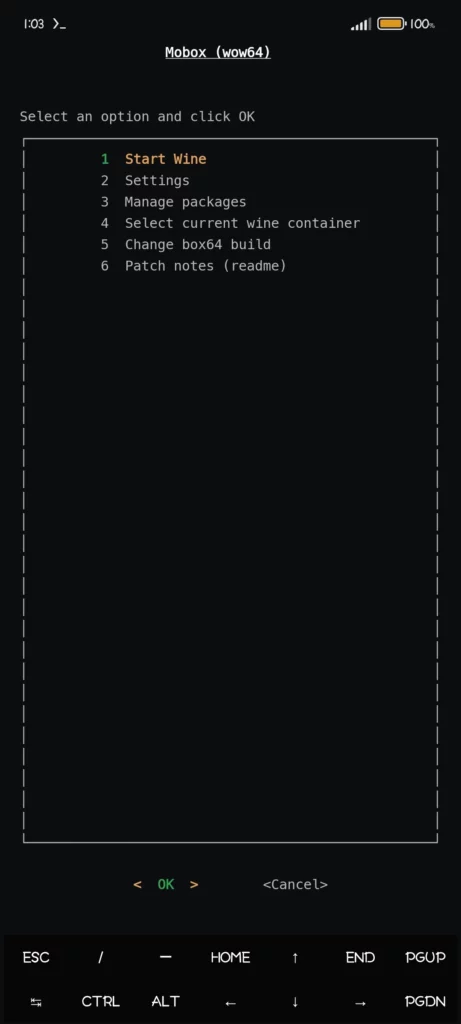
Nota importante: l'emulatore MOBOX è ancora in fase di sviluppo, quindi potrebbero esserci alcuni bug, arresti anomali e problemi tecnici in alcuni giochi. Tuttavia, l'emulatore MOBOX è generalmente stabile e giocabile con i migliori giochi su PC, come GTA 5, GTA 4 e Tomb Raider Underworld.
Tomb Raider Underworld Versione PC Videogioco su Android Gameplay
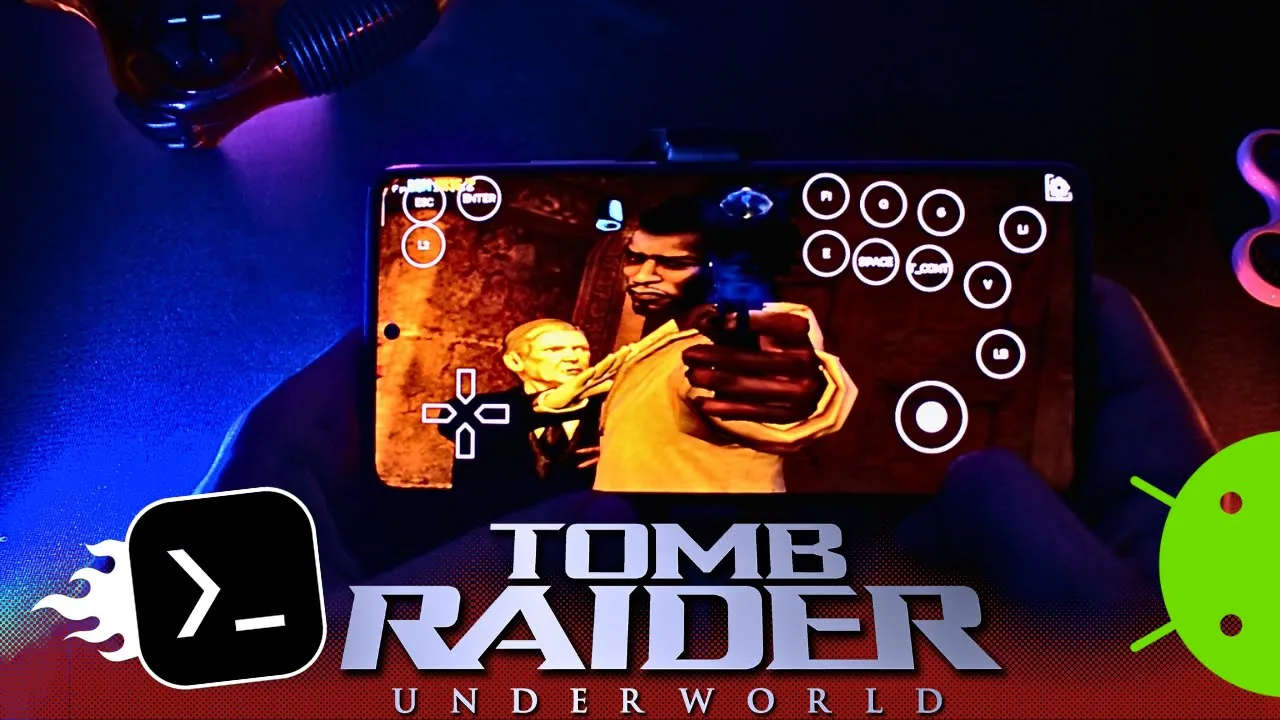
Con l'emulatore PC MOBOX Android, ora puoi goderti fantastici giochi e app sul tuo telefono o tablet.
Migliori impostazioni Android dell'emulatore MOBOX – Risolto ritardo e FPS bassi – Test Tomb Raider Underworld
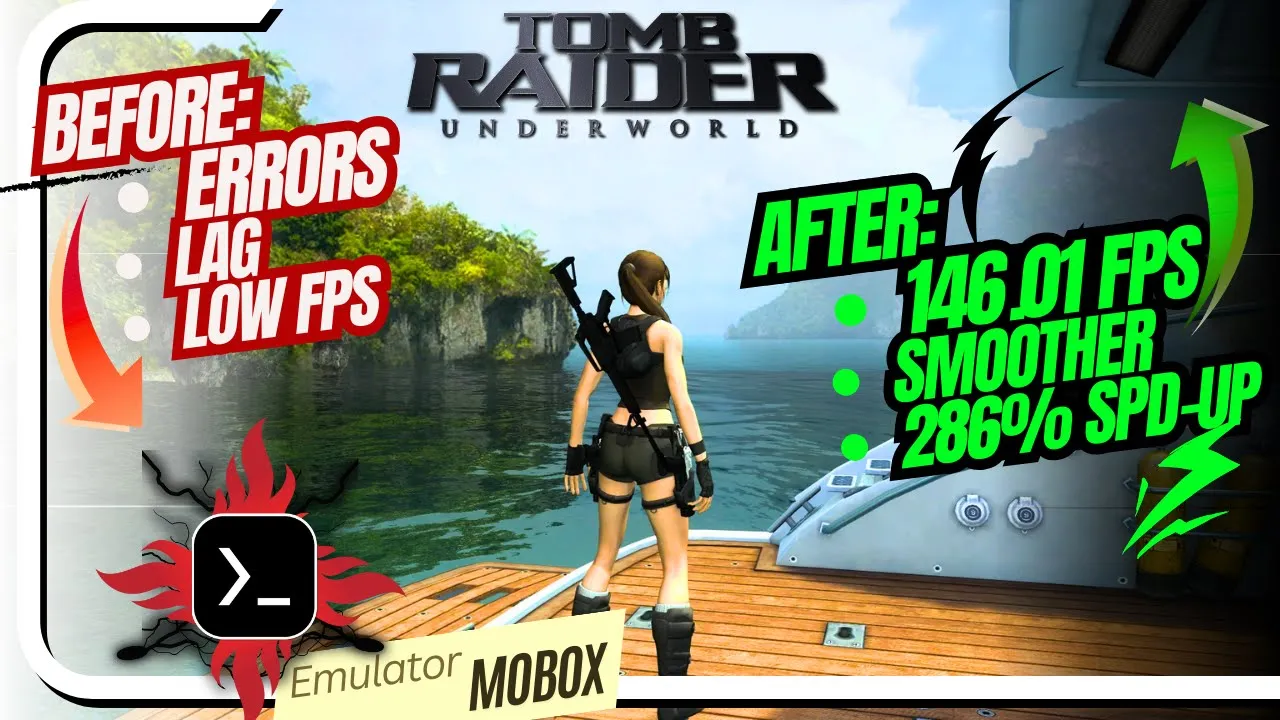
Per oggi è tutto, assicurati di avere un telefono potente con cui consiglio un telefono Bocca di Leone 888 Or Dimensity 1200 #AD o superiore se hai bisogno di qualcos'altro o hai domande o problemi, i miei social media, è tutto. Prima di chiudere questa scheda, voglio invitarti a controllare Scarica Alien Shooter per Android, o Download di Need for Speed Most Wanted – Emulatore MOBOX per Android, o Categoria dell'emulatore MOBOX, grazie per la visita e non farmi mancare ho sempre novità. Ti raggiungo al prossimo, pace fuori.