





miside android ダウンロード apk – Gamehub エミュレーター
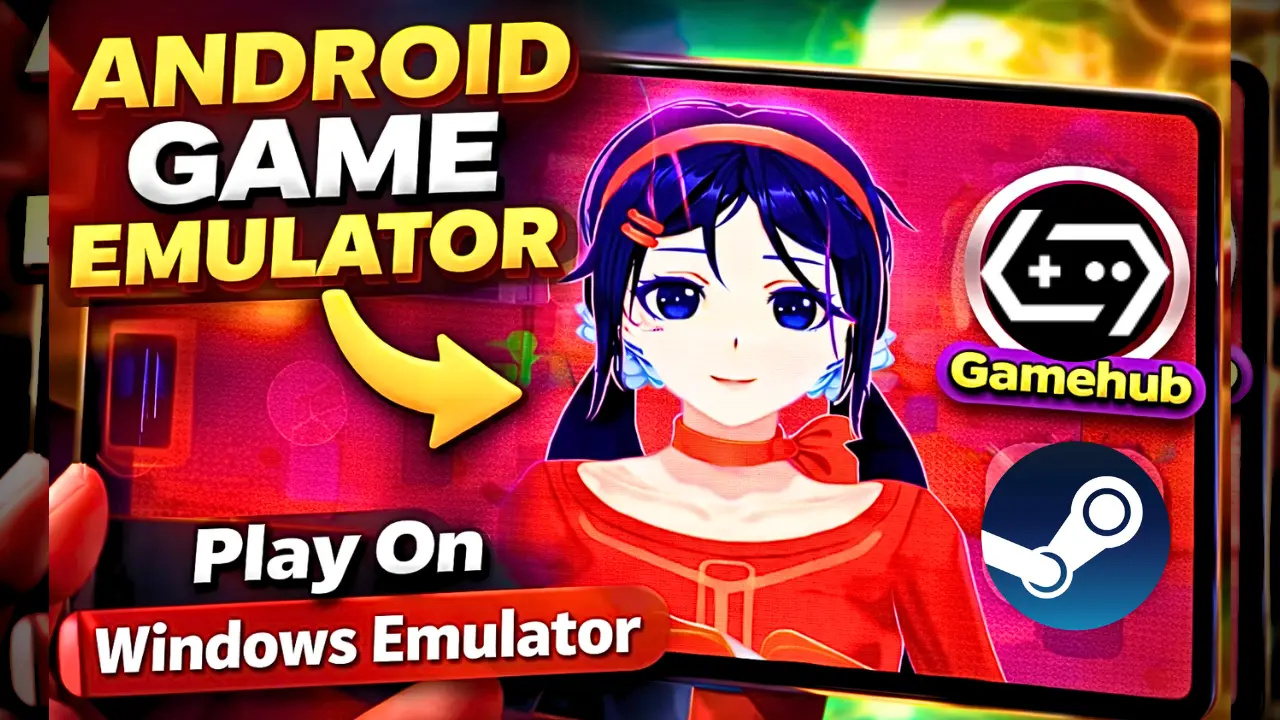
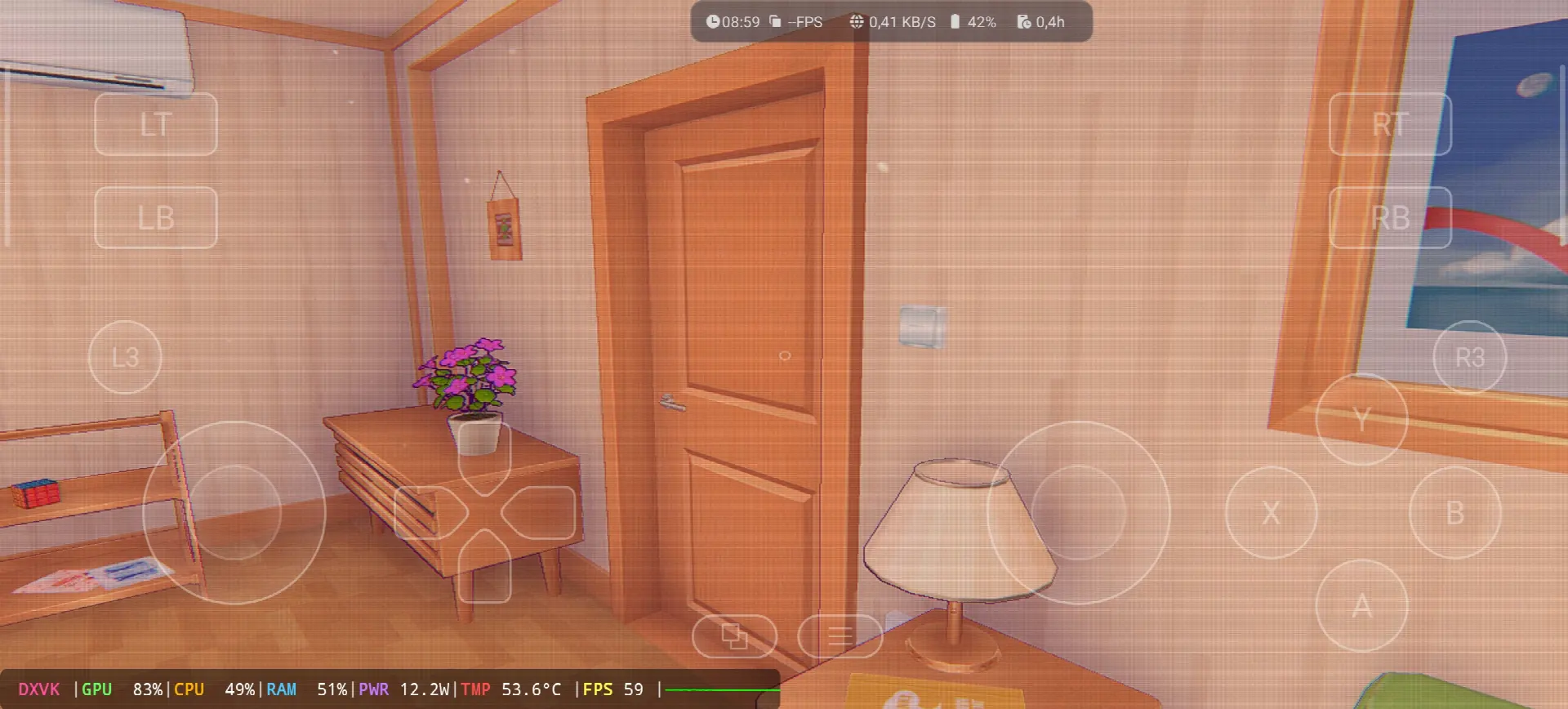
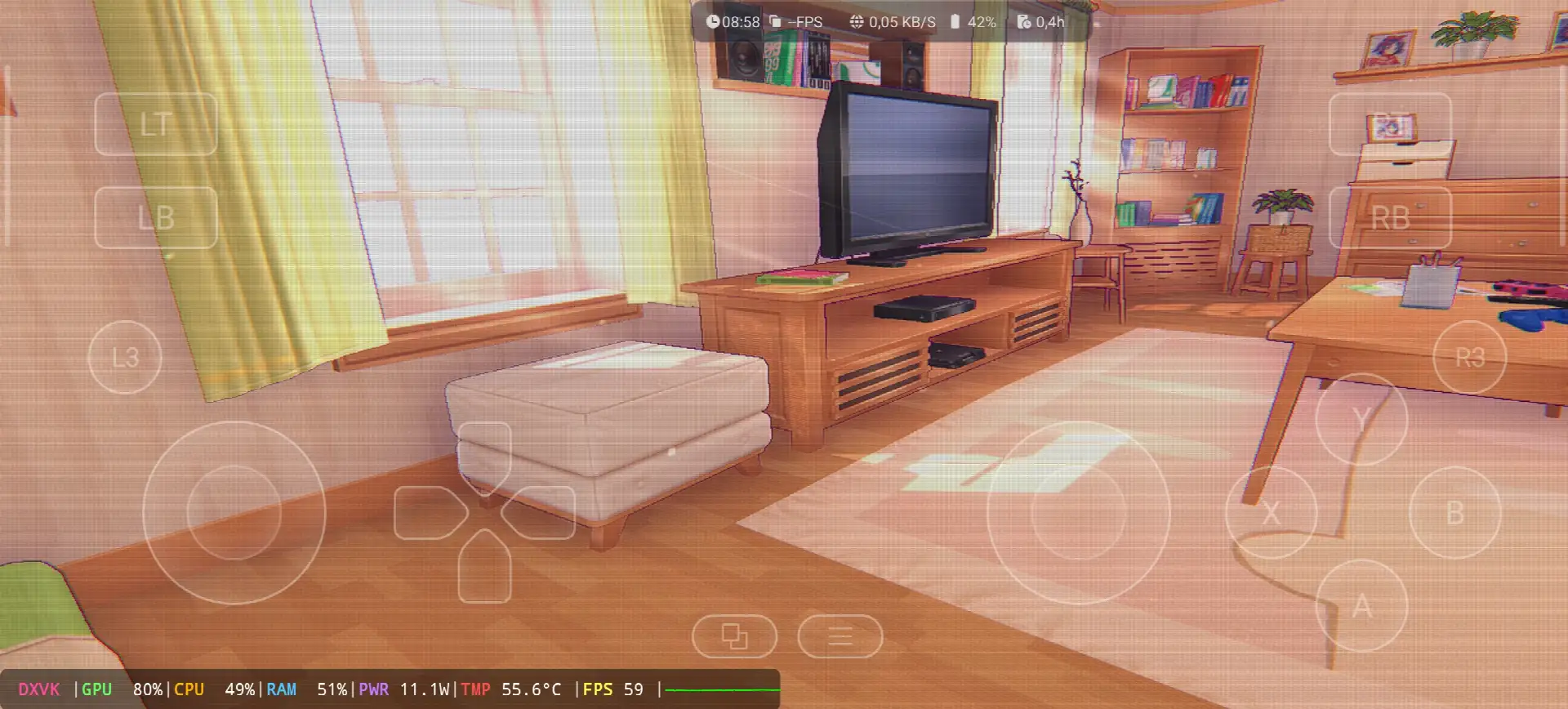
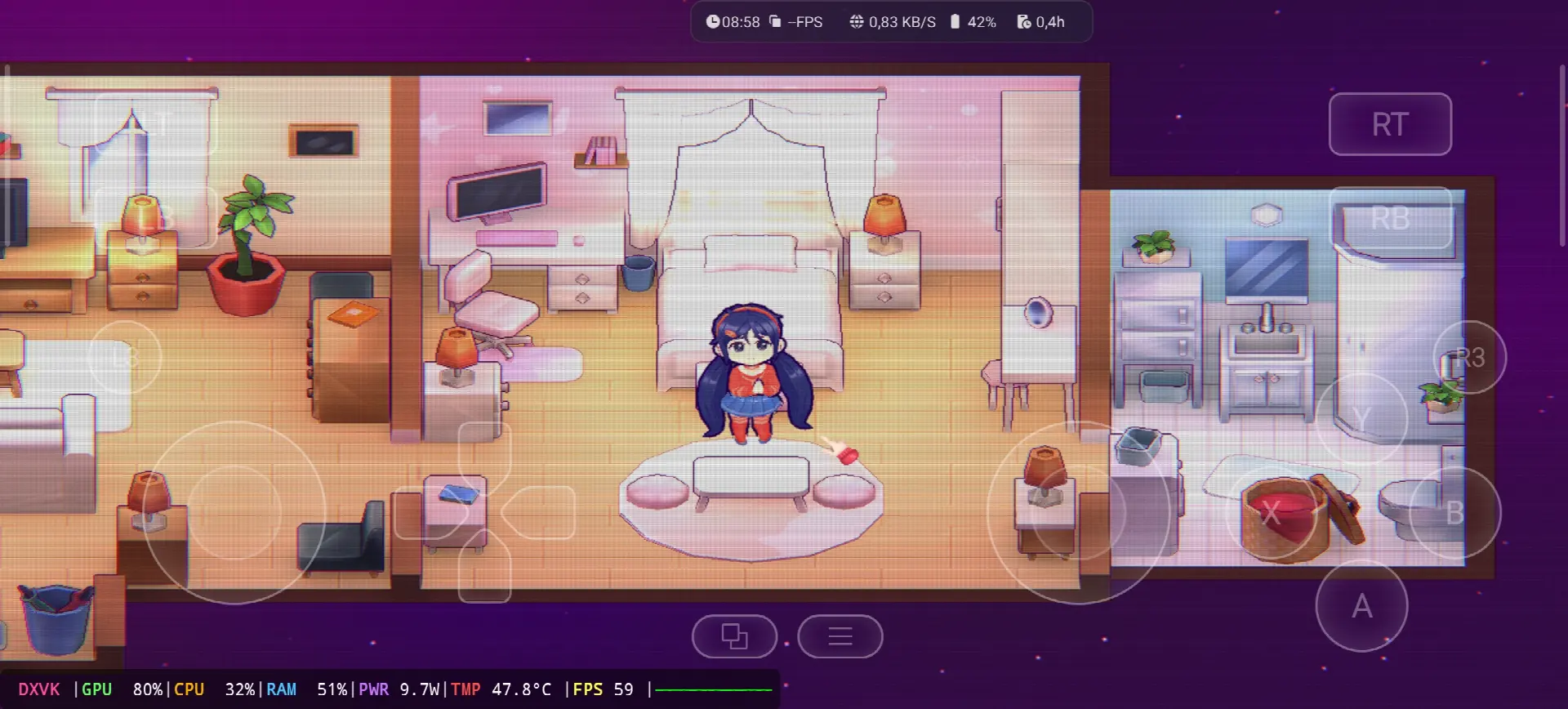
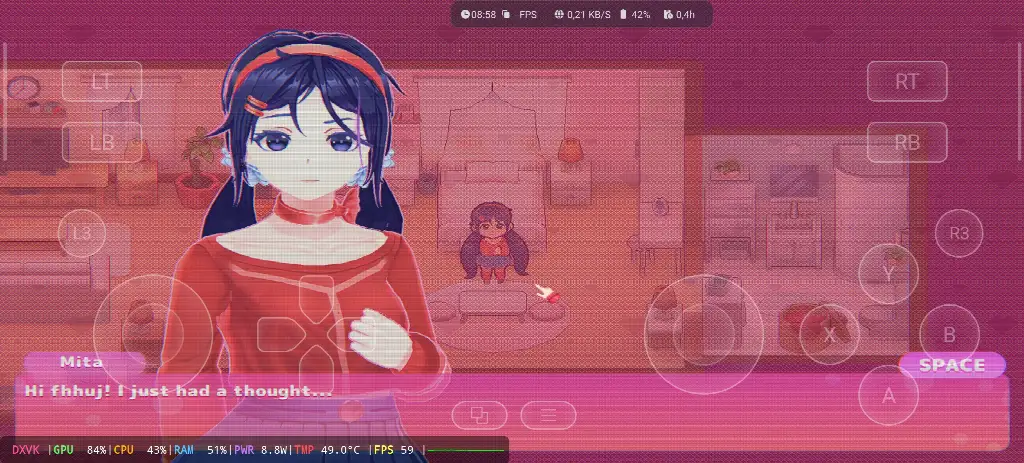
Hello guys, today i will show you how to Download and play MiSide the video game online on your Android phone with the Windows Emulator “Gamehub”. The Gamehub Emulator is for me the best windows Emulator on Android, you can open you Steam, Epic Games or Ubisoft connect account right on your Android phone, and from the start of 2026 we can play windows Games on our Phones without big problems. There is another Windows Emulator was poped up like ゲームネイティブ, Winlator エミュレータ (NAIST) と MOBOXエミュレータ, i try all of them but the Gamehub is still the best, and with MiSide on Android it run really smooth.
MiSide is a adventure game with psychological horror inside, made by AIHASTO, a small Russian team of only two guys, and IndieArk publish it for the world and Shochiku for Japan. The game came out on December 11, 2024 for PC Windows on Steam and it is build with the Unity engine. In the story you download a mobile game and start to spend your days with Mita, a cute anime girl, but after 37 days in the game you get pulled inside her world and you find out there is a Crazy Mita who trap the players there. You need to solve puzzles, explore the apartment, play mini games and search for hidden secrets, and the view change from a small 2.5D chibi style to a full first person 3D. The players love it a lot, it get more than 40,000 reviews on Steam in less than one month with 98% Overwhelmingly Positive and 83 on Metacritic. ウィキペディア, Let start Explain how you can run MiSide the video game online on your Android phone:
始める前に、より快適にゲームをプレイし、楽しい時間を過ごすために、Amazon で入手できる次のアクセサリをお勧めします。
1- GameSir X3 Type-C 冷却ファン Android コントローラーをお勧めします。2.192 件以上のレビューで 59% 以上の高評価を得ており、良い製品です。
2- Razer Kishiモバイルゲームコントローラー( Android USB-C対応、レビュー18,656件以上、送料無料)をおすすめします。詳細と無料返品、高感度でより正確な操作が可能です。
3- 最後のアクセサリーはRazer製です。Razer Kishi V2モバイルゲーミングコントローラーとRazer Phone Cooler Chromaをお勧めします。このアクセサリーの一番良いところは、Bluetooth Low Energyでバッテリー寿命が長いことです。また、AndroidまたはiOSのすべてのスマートフォンと互換性があります。
4- 最後にお勧めするアクセサリーは Black Shark のものです 電話クーラー Black Shark 磁気 騒音レベル1dB、すごいですね。
#広告
Miside Online – Gamehub Emulator | Windows Emulator Android
1- Buy MiSide the video game online Game:
利用可能であれば、Epic Gamesをお勧めします。「価格が安く、ゲームをダウンロードしてからインストールすれば、過熱を防ぐことができます」。
*When you already have MiSide online game, just open your Steam or Epic Games account and download the game from there, and if you like to play MiSide offline then connect your android Phone to the laptop or PC, copy the MiSide game file and paste it on the Phone. Keep your android phone connected to copy the Gamehub Emulator app too.
GameHubエミュレーターの設定方法 – STEAM / EPIC GAMES(5分以内)
2- Gamehub Emulatorをダウンロード - Windows Emulator Android:
Gamehub エミュレータをダウンロードしたら、インストールして開き、Android での Windows エミュレータのセットアップ手順に従います。
このビデオをご覧いただくと、Gamehub Windowsエミュレーターでゲームをセットアップして楽しむ方法がわかります!🙂
GAMEHUB エミュレータ Android | テスト/セットアップ/設定 | 最高のWindowsエミュレータ – 2025
If MiSide the video game was running with Low FPS or Graphics issue, please follow this video:
GAMEHUB Android エミュレータの最適設定:最大 FPS - ラグとグリッチの修正
Gamehub エミュレーターで Steam、Epic Games、または Ubisoft Connect アカウントを開いて、オンラインでプレイできます。
Ok guys that’s it for today, MiSide is not a very heavy game so the Gamehub Emulator run it good even on middle phones, but the 3D part with Crazy Mita need more power and after one hour the phone start to get hot. If you want to play it smooth with high FPS i recommend a Android phone with スナップドラゴン 8 エリート第 5 世代 と 電話クーラー #AD on the back of it. Your phone is old or weak? no problem, you can play MiSide with cloud gaming too, look at my other post MiSide on Chikii Cloud Gaming. Watch the full gameplay and my Gamehub settings on my YouTubeチャンネル そして私に従ってください TikTok, i post short clips from every new game i test there. And don’t forget to visit our エミュレーターゲームカテゴリ, a lot of PC and console games are waiting for you to play them on your phone. See you in the next one.