




Does Soccer Manager 2026 from Steam run on Android? My Gamehub test
Download and play Soccer Manager 2026 the video game on Android phone using Windows Emulator “Gamehub”, Gamehub Emulator is best windows Emulator on Android, you can open you Steam, Epic Games or Ubisoft connect account on your Android phone, start the 2026 we can play windows Games on our Phones, there is another Windows Emulator was poped up like ゲームネイティブ, Winlator エミュレータ (NAIST) と MOBOXエミュレータ but the Gamehub is still the best. just to be clear Soccer Manager have a official version on Google Play, but in this post i play the Steam version of Soccer Manager 2026 on Android with Gamehub, i want to see if the PC version run good on the phone, and here is my settings and the real fps.
About Soccer Manager 2026 the video game:
Soccer Manager is a football management game from Invincibles Studio, a British company, and its look like they update the same game on Steam every season, because in my Gamehub Library the card still say Soccer Manager 2025, inside the game its Soccer Manager 2026 and now the Steam page have the name Soccer Manager 2027. you take one club and you do everything, the transfers, the training, the tactics and the formations, and you make the facilities of the club better. on Wikipedia they say around 900 clubs, 54 leagues and 36 countries for the 2024 edition with real players licensed by FIFPRO, and there is licenses like Manchester City and the German Bundesliga, you see the Bundesliga logo in the loading screen. you dont need to pay to play it but it have in-app purchases, like the SM26 Ultimate Edition offer i get in the menu. on PC its need Windows 10, 4 GB RAM, GTX 1650 with DirectX 11 and only 2 GB storage. ウィキペディア & STEAM, Let start Explain how you can run Soccer Manager 2026 the video game on your Android phone:
始める前に、より快適にゲームをプレイし、楽しい時間を過ごすために、Amazon で入手できる次のアクセサリをお勧めします。
1- GameSir X3 Type-C 冷却ファン Android コントローラーをお勧めします。2.192 件以上のレビューで 59% 以上の高評価を得ており、良い製品です。
2- Razer Kishiモバイルゲームコントローラー( Android USB-C対応、レビュー18,656件以上、送料無料)をおすすめします。詳細と無料返品、高感度でより正確な操作が可能です。
3- 最後のアクセサリーはRazer製です。Razer Kishi V2モバイルゲーミングコントローラーとRazer Phone Cooler Chromaをお勧めします。このアクセサリーの一番良いところは、Bluetooth Low Energyでバッテリー寿命が長いことです。また、AndroidまたはiOSのすべてのスマートフォンと互換性があります。
4- 最後にお勧めするアクセサリーは Black Shark のものです 電話クーラー Black Shark 磁気 騒音レベル1dB、すごいですね。
#広告
Soccer Manager 2026 – Gamehub Emulator | Windows Emulator Android
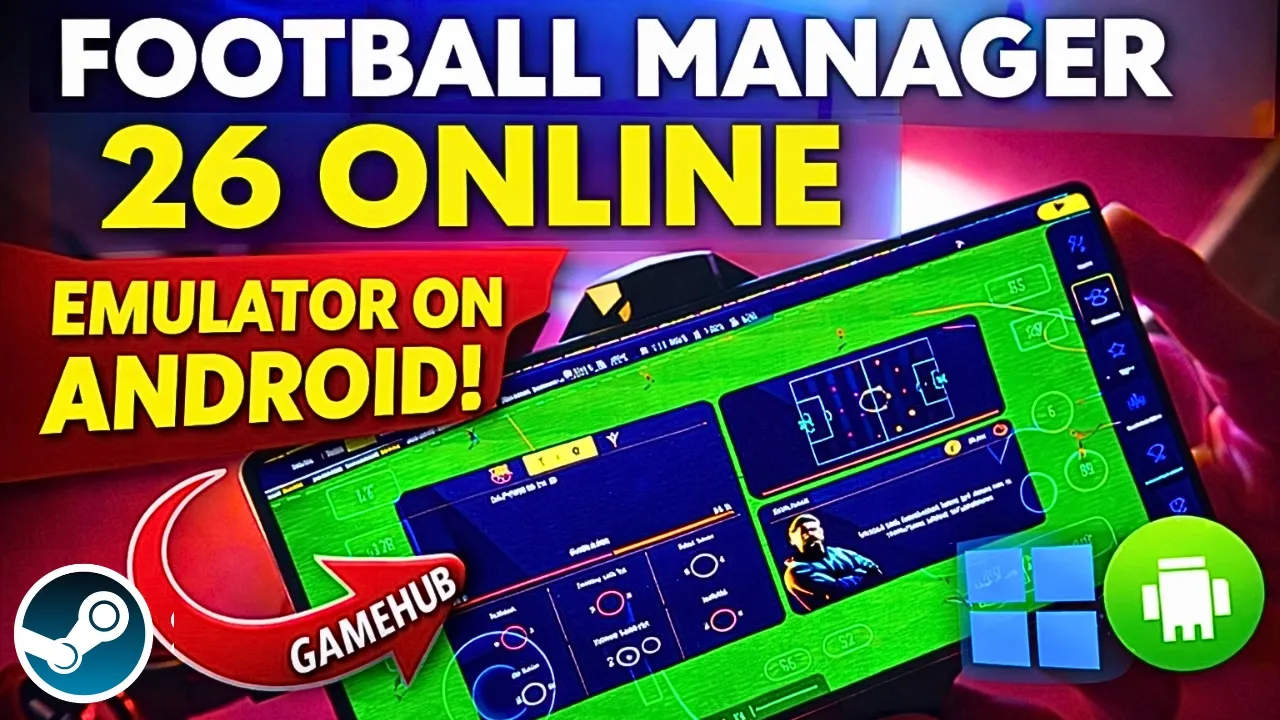
My Gamehub Settings For Soccer Manager 2026:
those are the settings i show in the video on my phone with Snapdragon 8 Elite Gen 5, the game you see is Soccer Manager 2026, in the Gamehub Library press the three points of the game, open PC Game Settings and put it like this:
- 言語: 私のビデオでは de_DE と表示されていますが、ゲームを英語でプレイしたい場合は en_US と入力してください。
- ゲーム解像度: 1280 x 720
- MangoHUDとDirectX HUD: OFF
- Auto-display keyboard when input needed: on
- 互換性レイヤー: proton10.0-arm64x-2
- 翻訳パラメータ: ゲームプリセット
- DInput Library: ネイティブを優先
- Skip Audio/Video Decode: OFF
- GPUドライバー: qcom-842.6
- 表面フォーマット: BGRA8
- オーディオドライバー: パルス
- DXVKバージョン: dxvk-2.4.1-async
- VKD3Dバージョン: vkd3d-2.12
- CPUトランスレーター: Fex_20250910
- CPUコア制限とVRAM制限: 制限なし
- Performance menu in the game: Native Rendering+, the Frame Limit off, and i turn on HDR, CRT Display Effect and Super Resolution
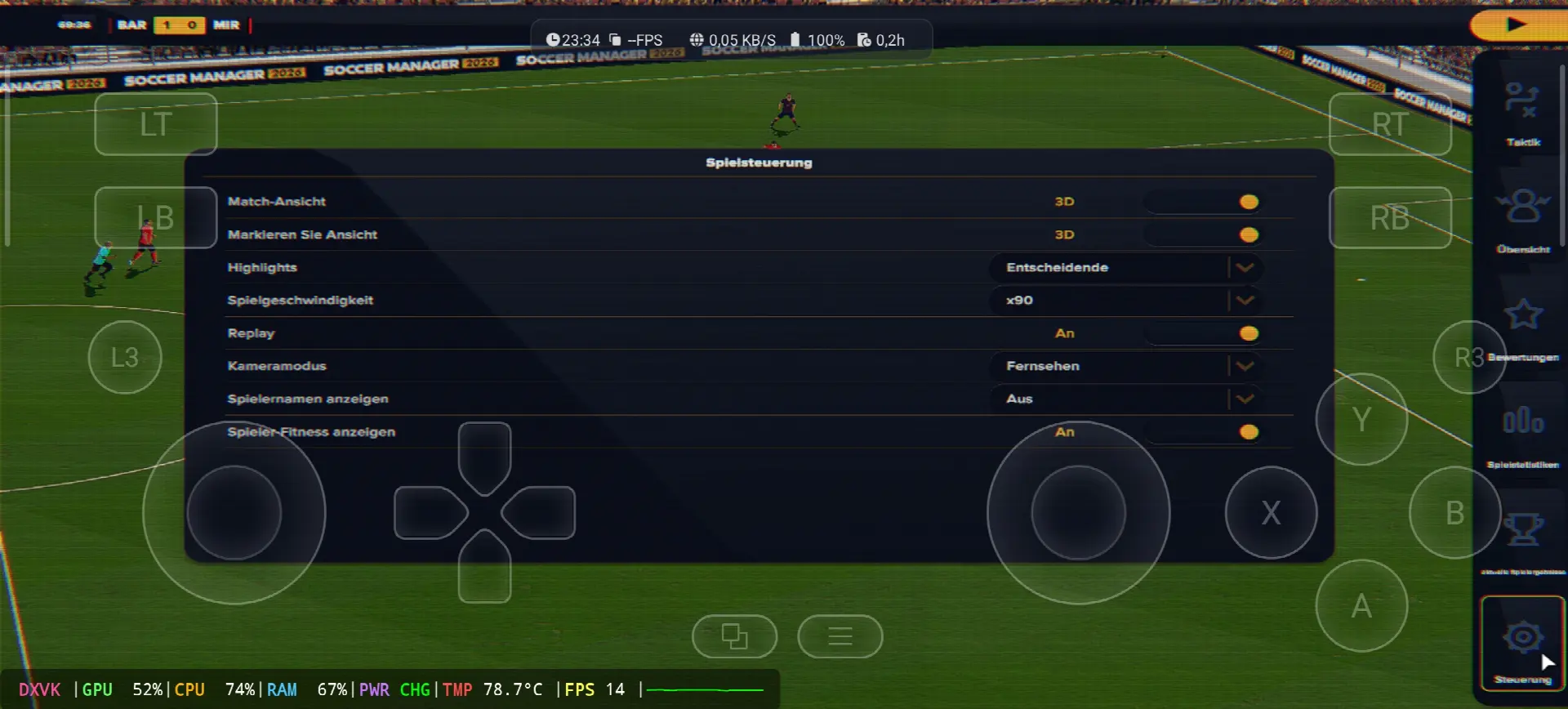
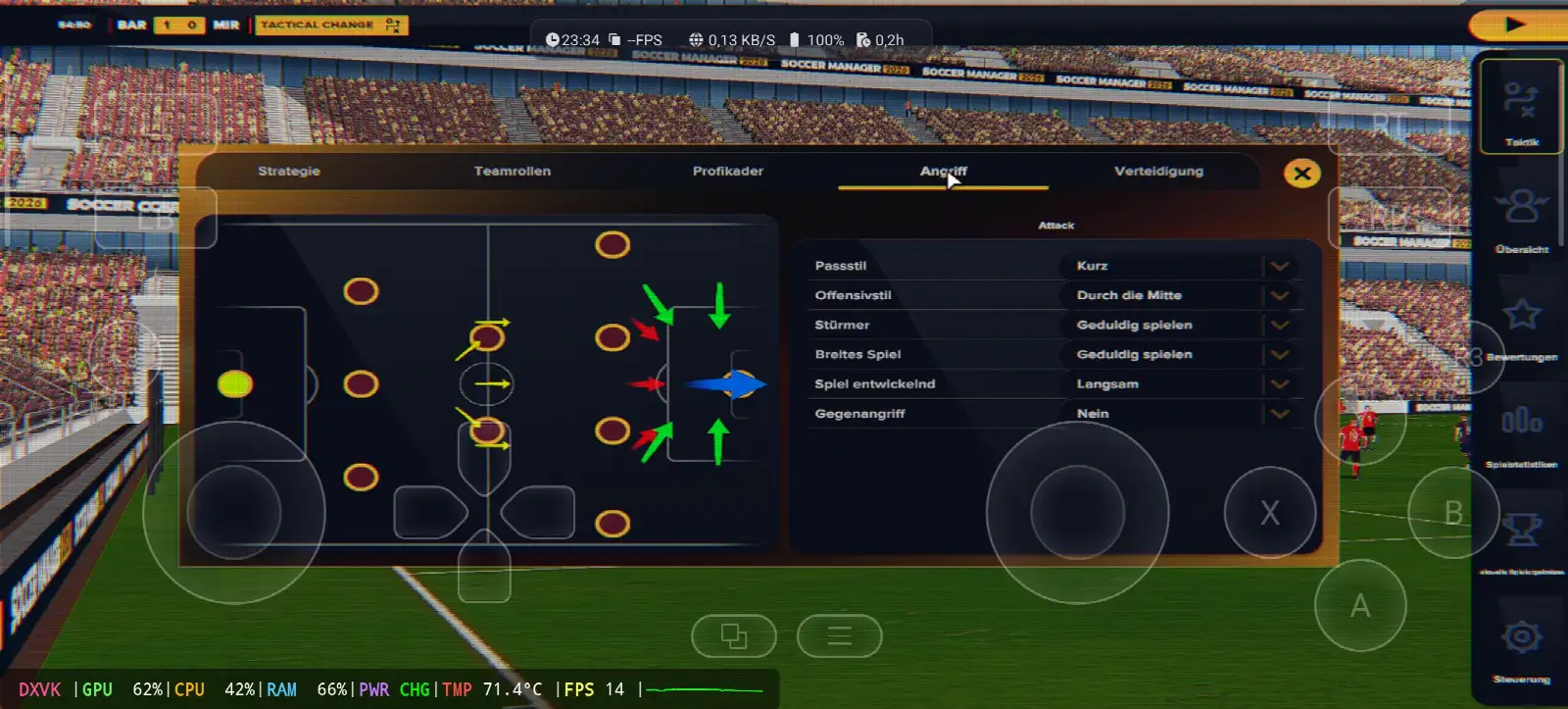
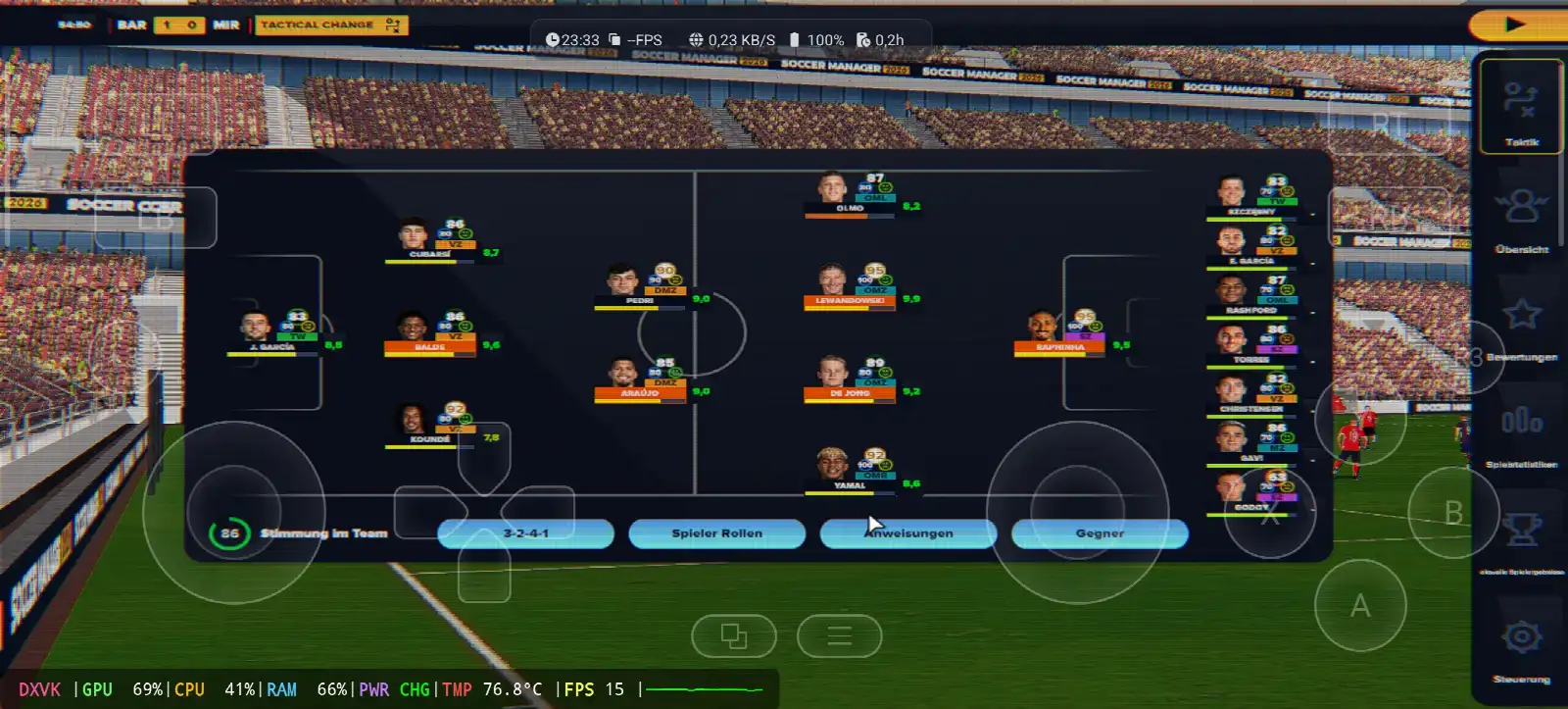
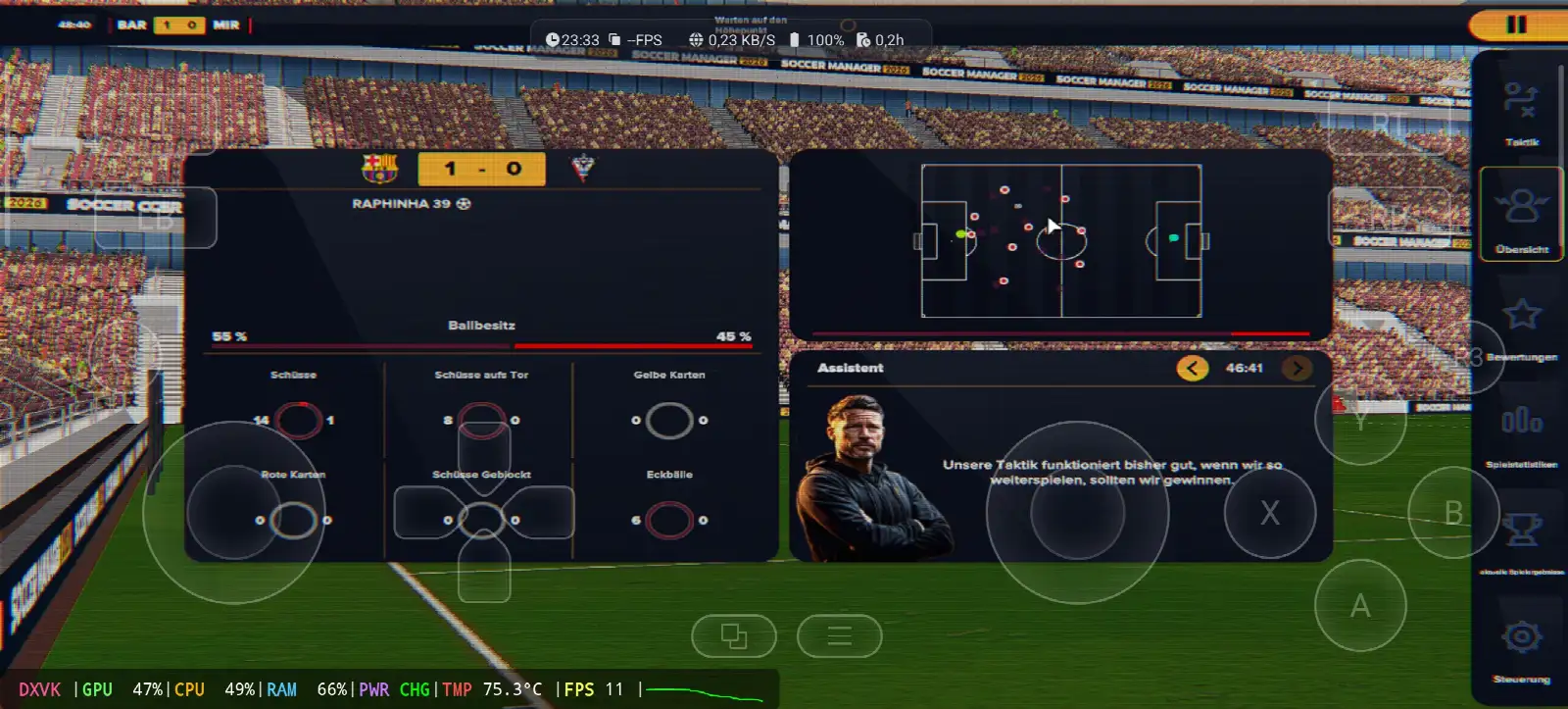
Gamehub open the Steam client first and log in, then you see the Invincibles logo and the loading screen. in my test i play with Barcelona in a 3-2-4-1 and i was winning 1-0 with a goal from Raphinha in the 39 minute, the menus and the tactic screens was smooth between 57 and 59 fps, the intro of the match around 45 fps, but in the 3D match its go down to 11-19 fps. the GPU was 47 to 69%, the CPU 41 to 74% and the RAM 66 to 67%, and the temperature between 71.4 and 78.7°C with the phone on the charger. for a manager game its still ok because you are more time in the menus, and in the Steuerung menu of the match there is a button for the 3D view (Match-Ansicht), you can try to change it if the match is too slow for you.
1- Get Soccer Manager on Steam:
when you open the Steam page now you get the 2027 edition, its the same page of the game i play in my video.
利用可能であれば、Epic Gamesをお勧めします。「価格が安く、ゲームをダウンロードしてからインストールすれば、過熱を防ぐことができます」。
*If you already have Soccer Manager in your Steam Library, you can simply open your Steam account and download the game or if you have it on your PC then connect your android Phone to the laptop or PC copy Soccer Manager next copy he game to the Phone. Keep your android phone connected to copy the Gamehub Emulator app.
GameHubエミュレーターの設定方法 – STEAM / EPIC GAMES(5分以内)
2- Gamehub Emulatorをダウンロード - Windows Emulator Android:
Gamehub エミュレータをダウンロードしたら、インストールして開き、Android での Windows エミュレータのセットアップ手順に従います。
このビデオをご覧いただくと、Gamehub Windowsエミュレーターでゲームをセットアップして楽しむ方法がわかります!🙂
GAMEHUB エミュレータ Android | テスト/セットアップ/設定 | 最高のWindowsエミュレータ – 2025
If Soccer Manager 2026 the video game was running with Low FPS or Graphics issue, please follow this video:
GAMEHUB Android エミュレータの最適設定:最大 FPS - ラグとグリッチの修正
Gamehub エミュレーターで Steam、Epic Games、または Ubisoft Connect アカウントを開いて、オンラインでプレイできます。
3- Best Phone For Soccer Manager 2026 Android:
we at the End Explanation, Soccer Manager 2026 from Steam run on Gamehub, the menus are smooth with 57 to 59 fps but the 3D match is slow with 11 to 19 fps, so if you want only to play it on the phone then the official version on Google Play is the easy way, and the Steam version is nice if you like to have your Steam Library in your pocket. the only stuff i can recommend is a strong Android phone with スナップドラゴン 8 エリート第 5 世代 電話クーラー #AD because the temperature go up to 78.7°C in the match, otherwise the world of Emulation is getting better day by day so be patience. if you like football games check also PES 2013 on MOBOX Emulator and my old post Football Manager 2020 Mobile on Chikii App、そして完全なゲームプレイについては、私の YouTubeチャンネル と私 TikTok 短いクリップ用です。そして今私が言いたいことはただ一つ、私たちの エミュレーターゲームカテゴリAndroidスマートフォンには、いつでもどこでも遊べる素晴らしいゲームがたくさんあります。それでは、また。




