






Monopoly Madness on Android – Gamehub Emulator Settings & Test
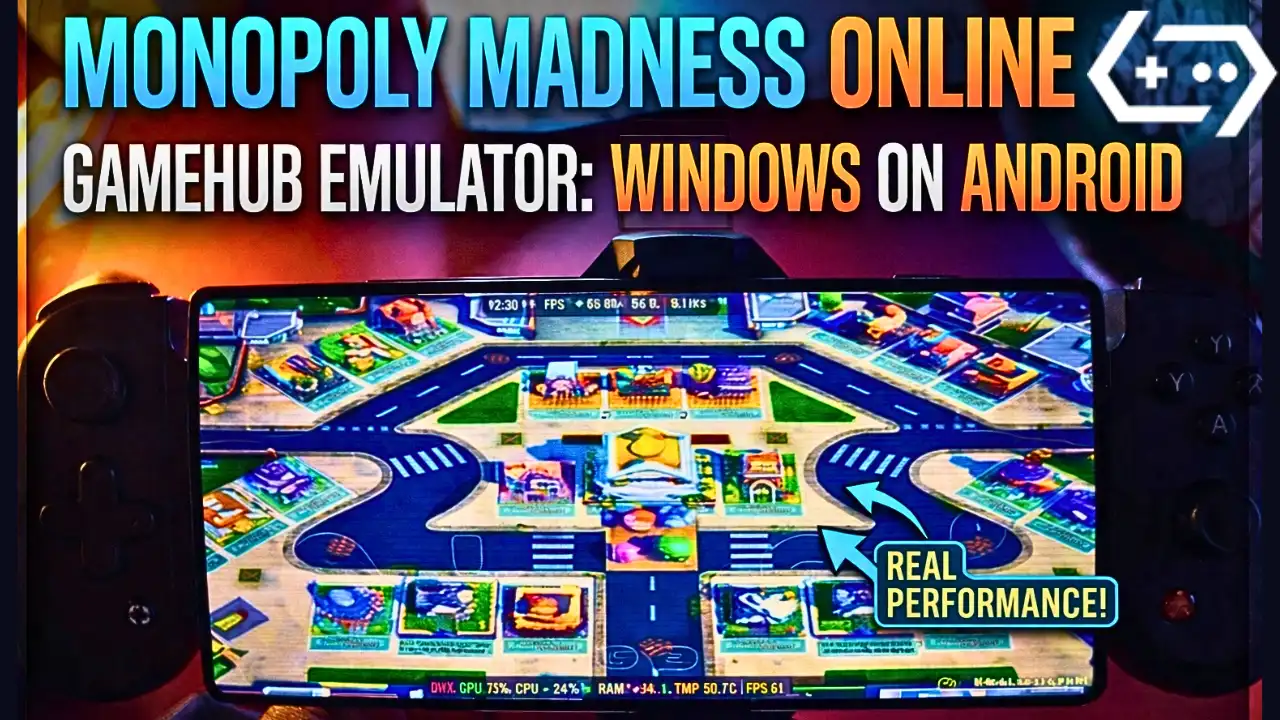
Download and play Monopoly Madness the video game online on Android phone using Windows Emulator “Gamehub”, Gamehub Emulator is best windows Emulator on Android, you can open you Steam, Epic Games or Ubisoft connect account on your Android phone, start the 2026 we can play windows Games on our Phones, there is another Windows Emulator was poped up like Ойынға негізделген, Winlator эмуляторы және MOBOX эмуляторы but the Gamehub is still the best. just to be clear Monopoly Madness is not on Google Play, the Monopoly games you find there like MONOPOLY GO! are other games, so in this post i play the PC version of Monopoly Madness on Android with Gamehub and here is my settings and my test.
About Monopoly Madness the video game:
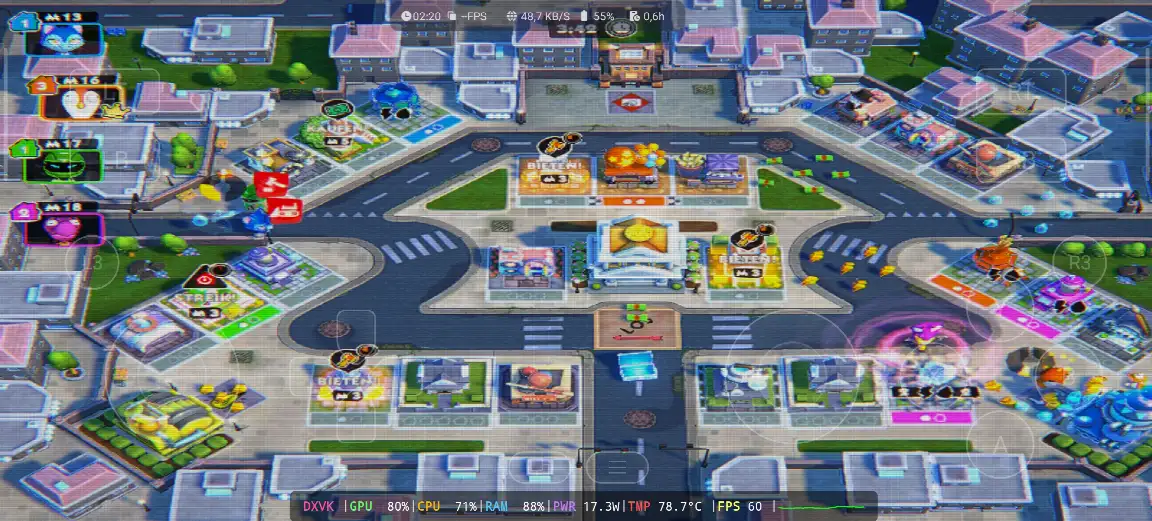
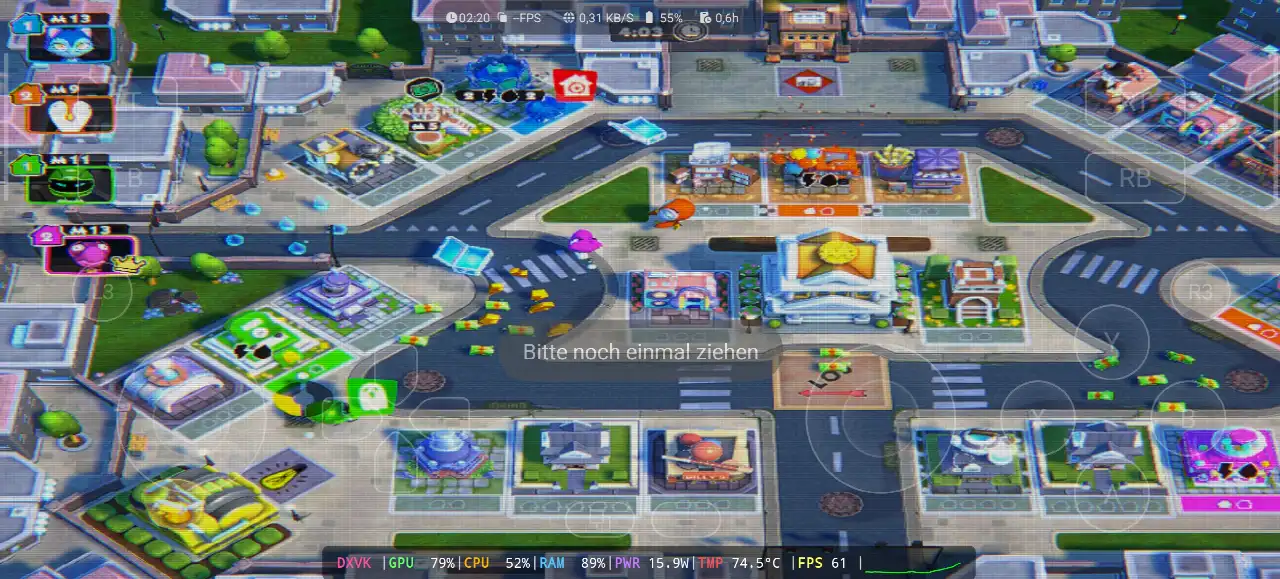
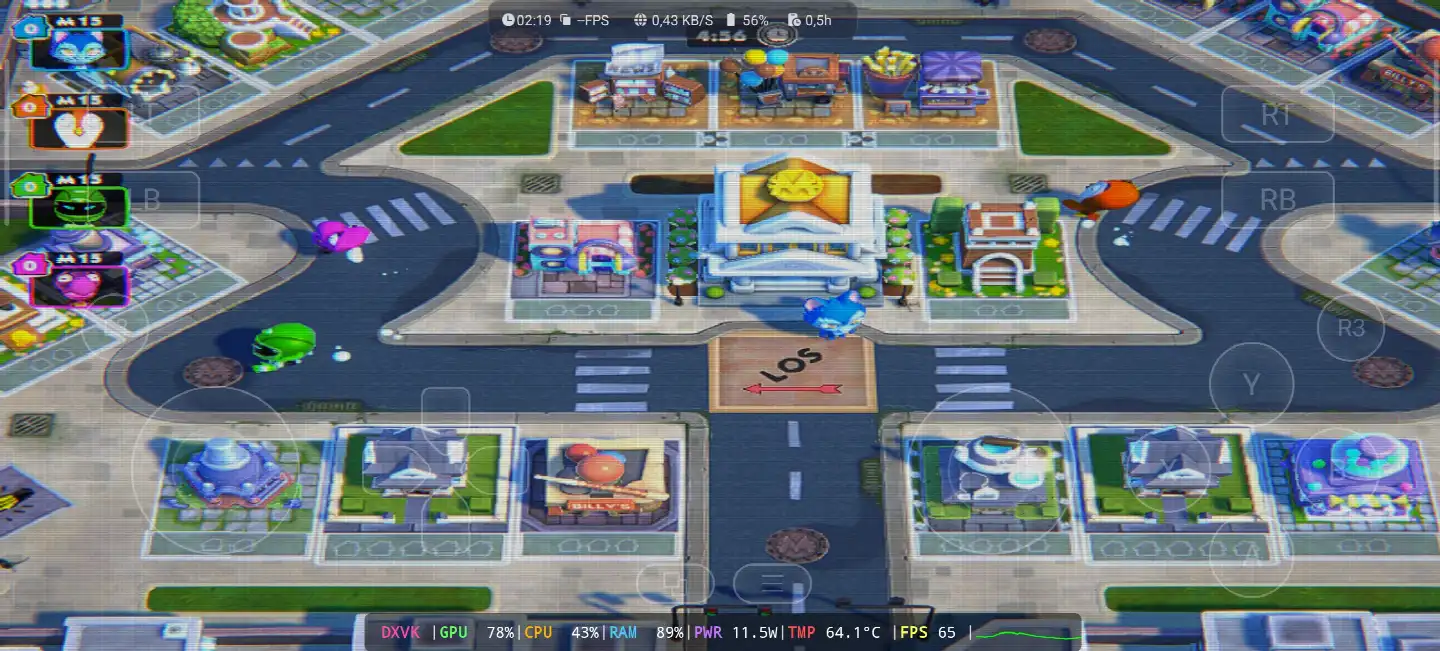
Monopoly Madness is a party game from Ubisoft and its developed by Engine Software, a studio from the Netherlands, the game come out on December 9, 2021 for Windows, PS4, PS5, Xbox One, Xbox Series X/S, Nintendo Switch and Stadia, and on Steam it come later on 22 June 2023. in this one there is no board and no dice, you run in real time in the streets of Monopoly City to collect money, water and electricity and you buy the properties before the others, because Mr. Monopoly go on vacation and he is looking for someone to take his place. you have 20 characters inspired from the classic Monopoly tokens, 4 different places with many levels, and you can play up to 6 players online or local on the same screen, and the Community Chests give you power ups to mess with the other players. on PC its need Windows 10 64 bit, Core i3-6100 or Ryzen 3 1200, 8 GB RAM and GTX 950 with DirectX 11 and only 6 GB storage, so its a light game for the PC and also for the phone. in my video the game was in German, the signs over the houses say “KAUFEN!” and “BIETEN!” (buy and bid) and the start field is “LOS” 🙂 WIKIPEDIA & STEAM, Let start Explain how you can run Monopoly Madness the video game online on your Android phone:
Бастамас бұрын мен Amazon-да бар осы аксессуарларды ыңғайлырақ ойнау және ойынмен жақсы уақыт өткізу үшін ұсынамын:
1- Мен GameSir X3 Type-C салқындату желдеткіші Android контроллерін ұсынамын. Ол 2.192+ астам 5 жұлдызды шолуда 59%-дан астам жақсы пікір алды, ол жақсы.
2-Мен Android USB-C үшін Razer Kishi мобильді ойын контроллерін 18 656+ шолу және ТЕГІН жеткізуді ұсынамын . Толық ақпарат және ТЕГІН қайтару және жоғары сезімталдық, дәлірек
3- Соңғы аксессуарлар Бұл Razer компаниясынан Мен Razer Kishi V2 мобильді ойын контроллерін + Razer телефонының салқындатқыш хромасын ұсынамын . Бұл аксессуарлардың ең жақсы жағы - батареяның ұзақ қызмет ету мерзімі үшін Bluetooth төмен энергиясы, ал жақсы жағы - барлық Android немесе iOS телефондарымен үйлесімді.
4- Соңғы керек-жарақтар Қара акуладан алынған. Мен ұсынамын Phone Cooler Black Shark Magnetic Шу деңгейі 1 дБ, бұл WOW.
#AD
Monopoly Madness Online – Gamehub Emulator | Windows Emulator Android
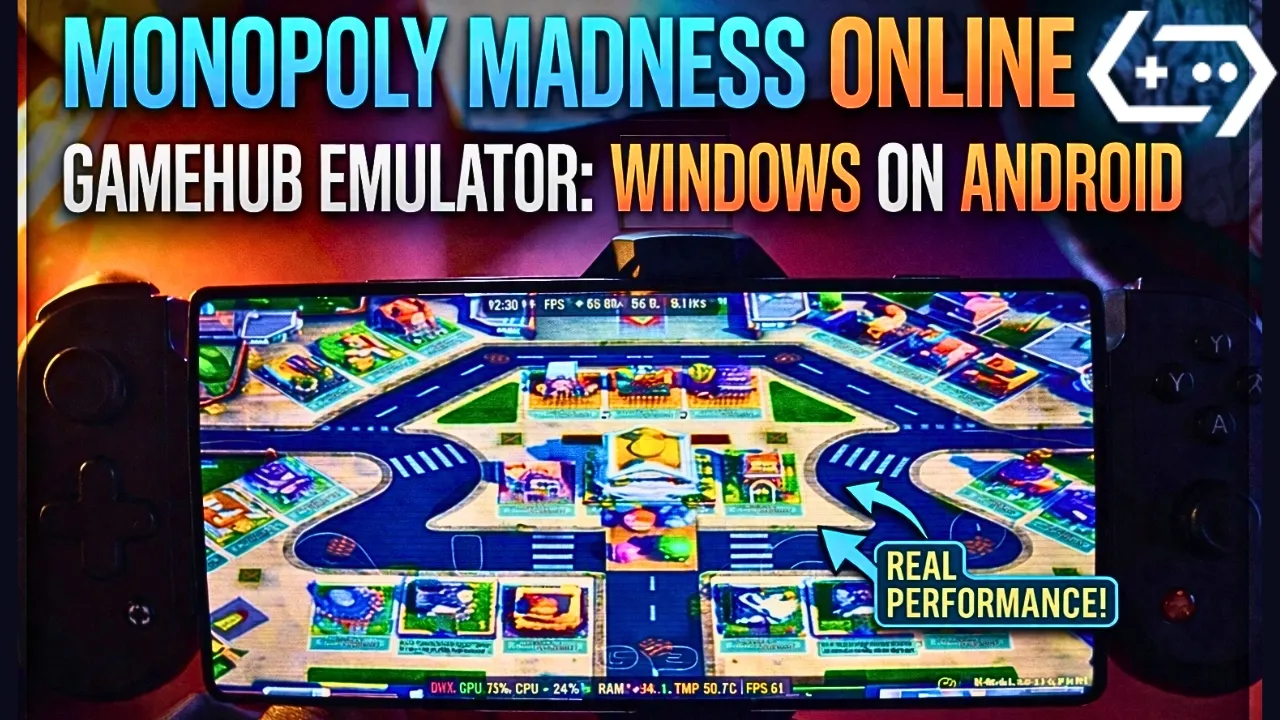
My Gamehub Settings For Monopoly Madness:
those are the settings i show in the video on my phone with Snapdragon 8 Elite Gen 5, when the game is running open the Gamehub menu from the side and put it like this:
- өнімділігі: Native Rendering+
- Enable Frame Limit: off (the limit stay on 30 but its not used, the game go over 60 fps)
- HDR: on
- CRT Display Effect: on, its the old TV lines you see in my screenshots, turn it off if you dont like it
- Супер ажыратымдылық: on
- Switch Touch Control Layout: Default Controller Layout
- Touch Controls and Virtual Gamepad Vibration: on
- Touch Control Opacity: 62
- Screen Trackpad: on with Mouse Speed 162
- Графика: DXVK, the game is DirectX 11
- Тіл: the game was in German in my video, put en_US in the Gamehub game settings if you want it in English
before the game start you see the Ubisoft Connect screen, so you need a Ubisoft account even if you buy the game on Steam or Epic Games. in my video i choose “Lokales Spiel” (local game) on the Stadt map with 5 minutes round, and the game stay between 60 and 65 fps all the round, the GPU was 78 to 80%, the CPU 43 to 71% and the RAM 88 to 89%, with 11.5 to 17.3W, and the temperature go from 64.1°C at the start to 78.7°C at the end of the round.
1- Buy Monopoly Madness the video game online Game:
Мен Epic Games ұсынамын: «Төмен баға, ойынды жүктеп алыңыз, содан кейін қызып кетуді азайту үшін орнатыңыз».
*If you already have the Monopoly Madness online game, you can simply open your Steam or Epic Games account and download the game or if you want to play Monopoly Madness offline then connect your android Phone to the laptop or PC copy Monopoly Madness next copy he game to the Phone. Keep your android phone connected to copy the Gamehub Emulator app.
Gamehub эмуляторын қалай орнатуға болады – STEAM / EPIC GAMES 5 минуттан аз уақыт ішінде

2- Gamehub эмуляторын жүктеп алыңыз – Windows эмуляторы Android:
Gamehub эмуляторын жүктеп алғаннан кейін, оны орнатып, ашып, Android жүйесінде Windows эмуляторын орнату нұсқауларын орындаңыз.
Gamehub Windows эмуляторында ойынды қалай орнатуға болатынын көрсететін осы бейнені көріңіз және ләззат алыңыз! 🙂
GAMEHUB Android эмуляторы | Тестілеу/орнату / параметрлер | Ең үздік Windows эмуляторы – 2025

If Monopoly Madness the video game was running with Low FPS or Graphics issue, please follow this video:
GAMEHUB ANDROID ЭМУЛЯТОРЫНЫҢ ҮЗДІК ПАРАМЕТРЛЕРІ: MAX FPS – КЕТТІЛІКТІ ЖӘНЕ БҰЗУДЫ ТҮЗЕТУ

Онлайн ойнау үшін Gamehub эмуляторында Steam, Epic Games немесе Ubisoft Connect тіркелгісін аша аласыз.
3- Best Phone For Monopoly Madness Android:
we at the End Explanation, Monopoly Madness on Gamehub run really good, between 60 and 65 fps with DXVK in the full round, and the phone stay cool in this one, 64 to 78.7°C with 11.5 to 17.3W, so its a nice game to play with the family on the phone with a controller. but if you want to play the heavy games or play for hours the only stuff i can recommend is a strong Android phone with Snapdragon 8 Elite Gen 5 бірге телефон салқындатқышы #AD, otherwise the world of Emulation is getting better day by day so be patience. if you like party games check also Super Mario Party Jamboree on Eden Emulatorжәне толық ойын процесі үшін менің youtube арнасы және менің TikTok қысқа үзінділер үшін. ал енді айтқым келетін жалғыз сөз, сіз біздің сайтымызды тексере аласыз Эмулятор ойындары санаты, Android телефоныңызда кез келген жерде және кез келген уақытта ойнауға болатын көптеген керемет нәрселер бар. Және тыныштық.




