




Does Soccer Manager 2026 from Steam run on Android? My Gamehub test
Download and play Soccer Manager 2026 the video game on Android phone using Windows Emulator “Gamehub”, Gamehub Emulator is best windows Emulator on Android, you can open you Steam, Epic Games or Ubisoft connect account on your Android phone, start the 2026 we can play windows Games on our Phones, there is another Windows Emulator was poped up like ដើមកំណើតហ្គេម, កម្មវិធីត្រាប់តាម Winlator និង កម្មវិធីត្រាប់តាម MOBOX but the Gamehub is still the best. just to be clear Soccer Manager have a official version on Google Play, but in this post i play the Steam version of Soccer Manager 2026 on Android with Gamehub, i want to see if the PC version run good on the phone, and here is my settings and the real fps.
About Soccer Manager 2026 the video game:
Soccer Manager is a football management game from Invincibles Studio, a British company, and its look like they update the same game on Steam every season, because in my Gamehub Library the card still say Soccer Manager 2025, inside the game its Soccer Manager 2026 and now the Steam page have the name Soccer Manager 2027. you take one club and you do everything, the transfers, the training, the tactics and the formations, and you make the facilities of the club better. on Wikipedia they say around 900 clubs, 54 leagues and 36 countries for the 2024 edition with real players licensed by FIFPRO, and there is licenses like Manchester City and the German Bundesliga, you see the Bundesliga logo in the loading screen. you dont need to pay to play it but it have in-app purchases, like the SM26 Ultimate Edition offer i get in the menu. on PC its need Windows 10, 4 GB RAM, GTX 1650 with DirectX 11 and only 2 GB storage. វិគី & STEAM, Let start Explain how you can run Soccer Manager 2026 the video game on your Android phone:
មុនពេលយើងចាប់ផ្តើម ខ្ញុំសូមណែនាំគ្រឿងបន្លាស់ទាំងនេះដែលមាននៅលើ Amazon ដើម្បីលេងកាន់តែមានផាសុកភាព និងទទួលបានពេលវេលាល្អជាមួយហ្គេម៖
1- ខ្ញុំសូមណែនាំ ឧបករណ៍បញ្ជា GameSir X3 Type-C Cooling Fan Android គាត់ទទួលបានការវាយតម្លៃល្អជាង 59% លើ 5 ផ្កាយលើសពី 2.192+ ការវាយតម្លៃ វាល្អ។
2-ខ្ញុំសូមណែនាំ ឧបករណ៍បញ្ជាហ្គេម Razer Kishi Mobile Game Controller ជាង 18,656+ សម្រាប់ប្រព័ន្ធប្រតិបត្តិការ Android ដែលមាន USB-C និងដឹកជញ្ជូនដោយឥតគិតថ្លៃ។ ព័ត៌មានលម្អិត និងការប្រគល់ជូនវិញដោយឥតគិតថ្លៃ និងមានភាពរសើបខ្ពស់ជាមួយនឹងភាពត្រឹមត្រូវជាងមុន។
៣- គ្រឿងបន្ថែមចុងក្រោយ វាមកពី Razer ខ្ញុំសូមណែនាំ ឧបករណ៍បញ្ជាហ្គេមចល័ត Razer Kishi V2 + Razer Phone Cooler Chroma ផ្នែកដ៏ល្អបំផុតនៃគ្រឿងបន្ថែមនេះគឺប៊្លូធូសសន្សំសំចៃថាមពលសម្រាប់អាយុកាលថ្មយូរជាងមុន ហើយផ្នែកល្អគឺឆបគ្នាជាមួយទូរស័ព្ទ Android ឬ iOS ទាំងអស់។
4- គ្រឿងបន្លាស់ចុងក្រោយ វាមកពី Black Shark ដែលខ្ញុំណែនាំ Phone Cooler Black Shark Magnetic កម្រិតសំឡេងរំខាន 1 dB នោះហើយជា WOW ។
#AD
Soccer Manager 2026 – Gamehub Emulator | Windows Emulator Android
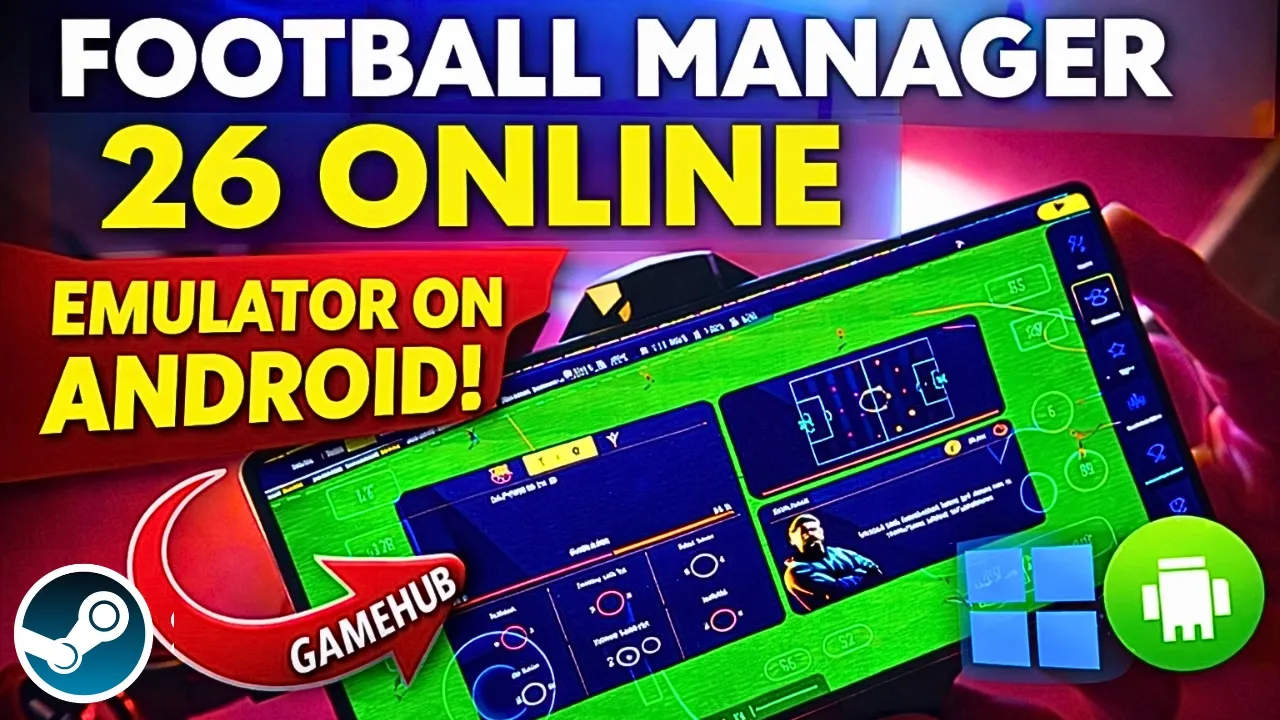
My Gamehub Settings For Soccer Manager 2026:
those are the settings i show in the video on my phone with Snapdragon 8 Elite Gen 5, the game you see is Soccer Manager 2026, in the Gamehub Library press the three points of the game, open PC Game Settings and put it like this:
- ភាសា: de_DE នៅក្នុងវីដេអូរបស់ខ្ញុំ សូមដាក់ en_US ប្រសិនបើអ្នកចង់បានហ្គេមជាភាសាអង់គ្លេស
- គុណភាពបង្ហាញហ្គេម៖ 1280 x 720
- MangoHUD និង DirectX HUD៖ បិទ
- Auto-display keyboard when input needed: on
- ស្រទាប់ភាពឆបគ្នា៖ proton10.0-arm64x-2
- ប៉ារ៉ាម៉ែត្របកប្រែ៖ ការកំណត់ជាមុនហ្គេម
- DInput Library: ចូលចិត្តជនជាតិដើម
- Skip Audio/Video Decode: បិទ
- កម្មវិធីបញ្ជា GPU៖ qcom-842.6
- ទម្រង់ផ្ទៃ៖ BGRA ៨៩៧
- កម្មវិធីបញ្ជាអូឌីយ៉ូ៖ Pulse
- កំណែ DXVK៖ dxvk-2.4.1-អសមកាលកម្ម
- កំណែ VKD3D៖ vkd3d-2.12
- អ្នកបកប្រែស៊ីភីយូ៖ ហ្វេកស៍_២០២៥០៩១០
- ដែនកំណត់ស្នូល CPU និងដែនកំណត់ VRam៖ គ្មានដែនកំណត់
- Performance menu in the game: Native Rendering+, the Frame Limit off, and i turn on HDR, CRT Display Effect and Super Resolution
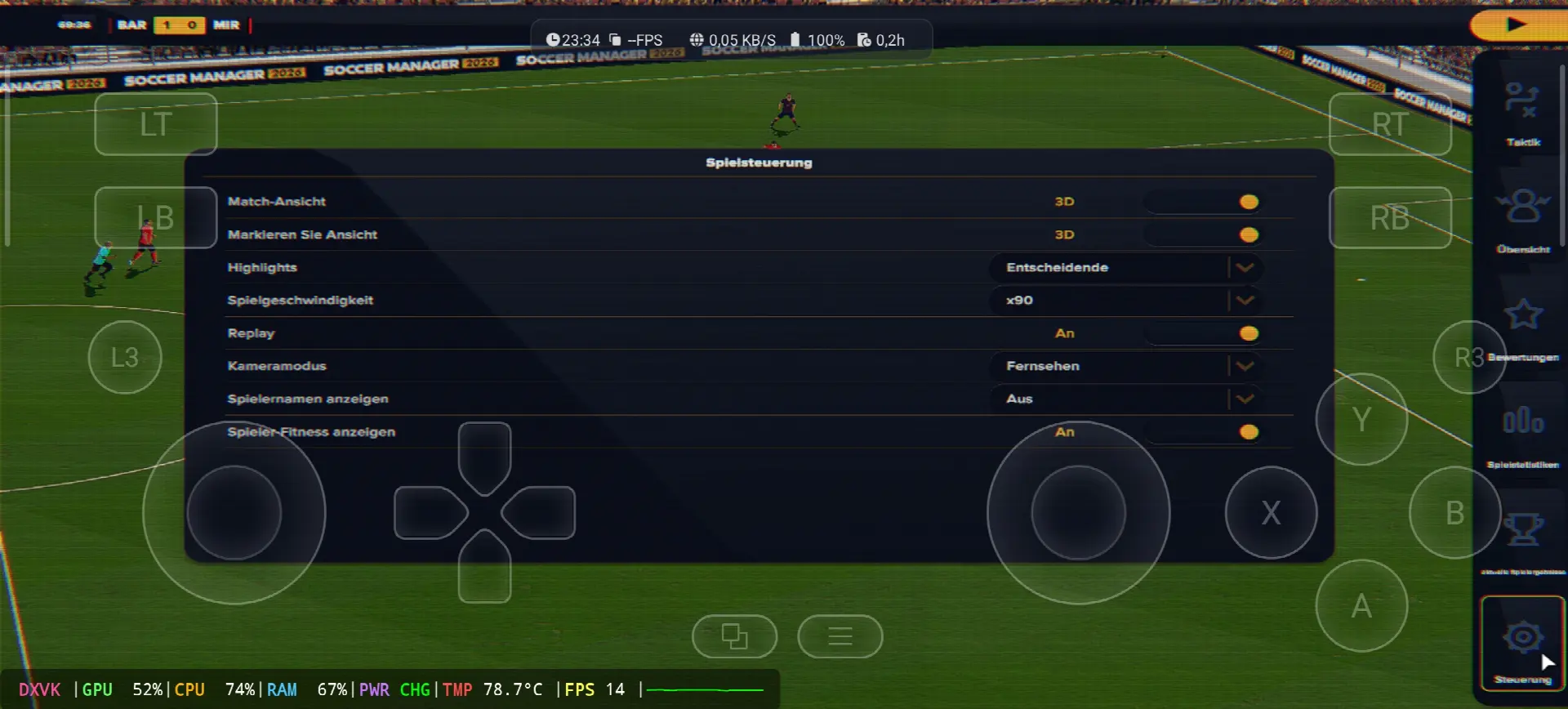
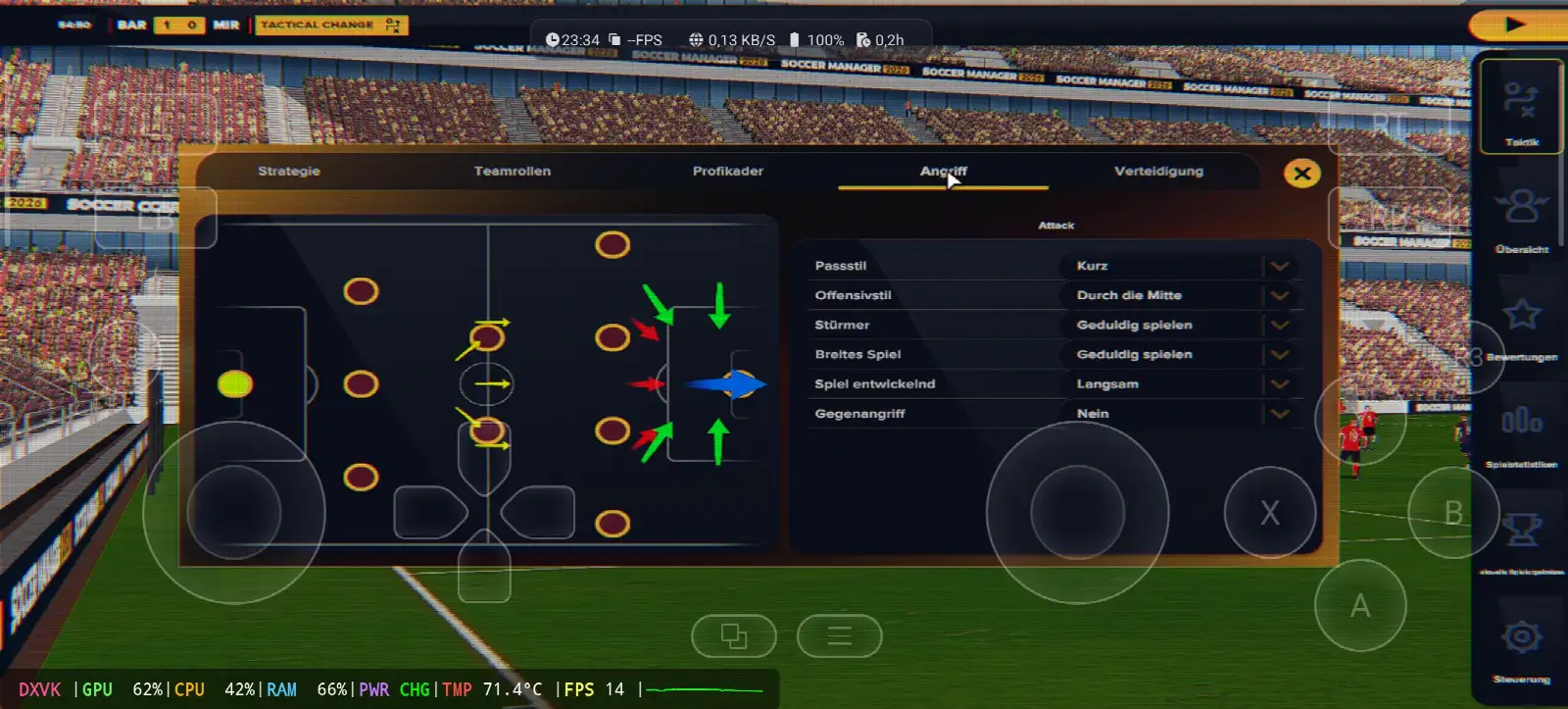
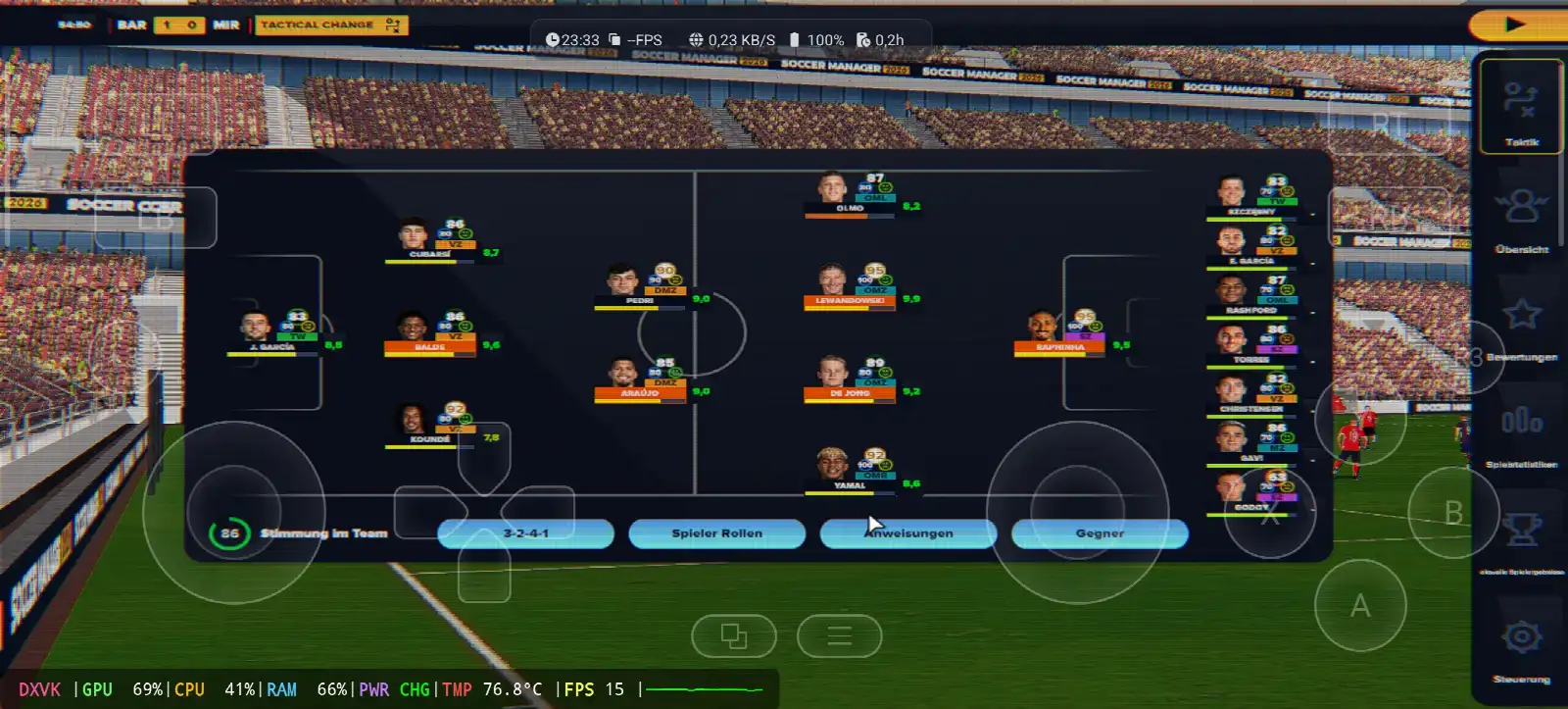
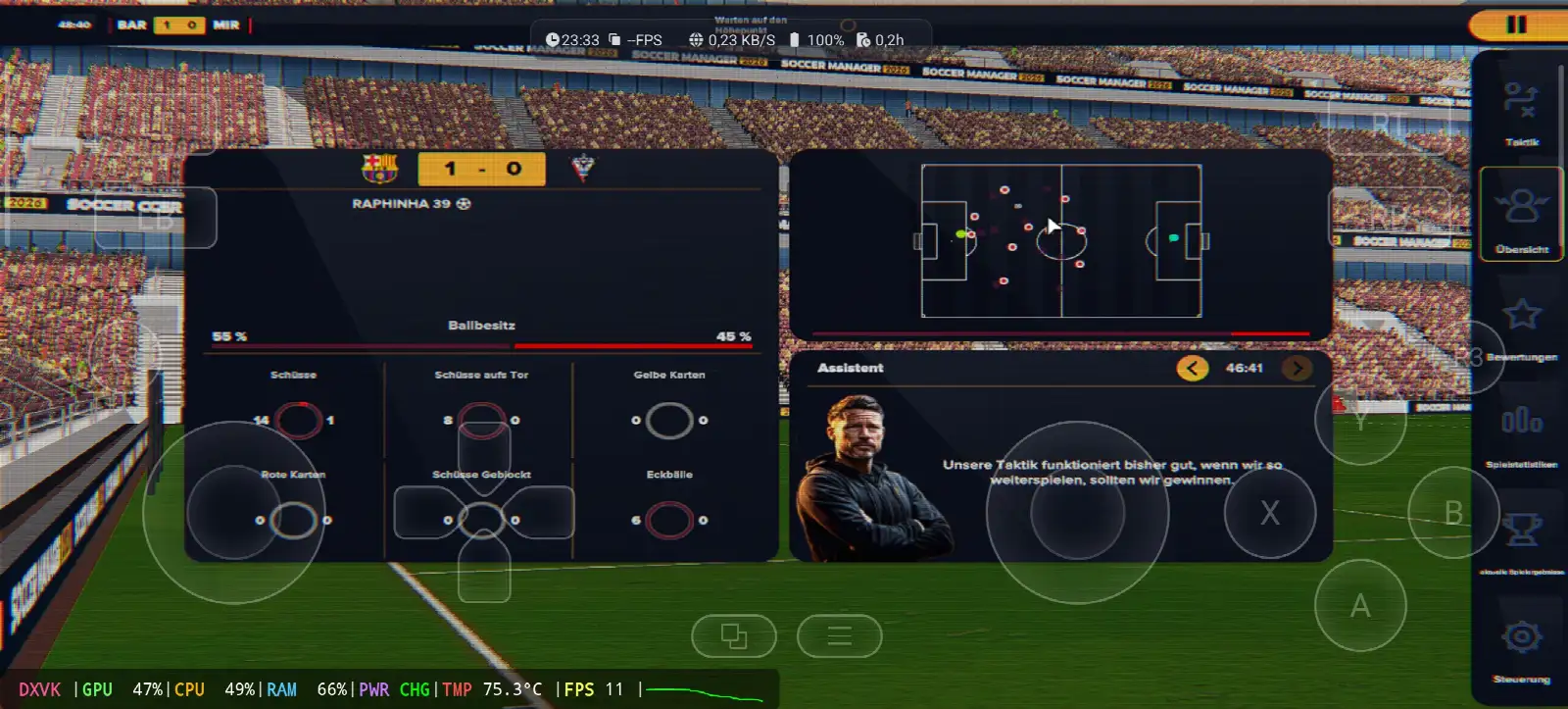
Gamehub open the Steam client first and log in, then you see the Invincibles logo and the loading screen. in my test i play with Barcelona in a 3-2-4-1 and i was winning 1-0 with a goal from Raphinha in the 39 minute, the menus and the tactic screens was smooth between 57 and 59 fps, the intro of the match around 45 fps, but in the 3D match its go down to 11-19 fps. the GPU was 47 to 69%, the CPU 41 to 74% and the RAM 66 to 67%, and the temperature between 71.4 and 78.7°C with the phone on the charger. for a manager game its still ok because you are more time in the menus, and in the Steuerung menu of the match there is a button for the 3D view (Match-Ansicht), you can try to change it if the match is too slow for you.
1- Get Soccer Manager on Steam:
when you open the Steam page now you get the 2027 edition, its the same page of the game i play in my video.
ប្រសិនបើមាន ខ្ញុំសូមណែនាំ Epic Games៖ 'តម្លៃទាប ទាញយកហ្គេម បន្ទាប់មកដំឡើងវាដើម្បីកាត់បន្ថយការឡើងកំដៅខ្លាំងពេក'។
*If you already have Soccer Manager in your Steam Library, you can simply open your Steam account and download the game or if you have it on your PC then connect your android Phone to the laptop or PC copy Soccer Manager next copy he game to the Phone. Keep your android phone connected to copy the Gamehub Emulator app.
របៀបដំឡើងកម្មវិធីត្រាប់តាម Gamehub – STEAM / EPIC GAMES ក្នុងរយៈពេលតិចជាង 5 នាទី
2- ទាញយកកម្មវិធីត្រាប់តាម Gamehub - កម្មវិធីត្រាប់តាមប្រព័ន្ធប្រតិបត្តិការ Windows សម្រាប់ប្រព័ន្ធប្រតិបត្តិការ Android៖
បន្ទាប់ពីអ្នកទាញយក Gamehub Emulator រួច សូមដំឡើងវា ហើយបើកវា រួចអនុវត្តតាមការដំឡើង Windows Emulator នៅលើ Android។
សូមតាមដានវីដេអូនេះនឹងបង្ហាញពីរបៀបដែលអ្នកអាចដំឡើងហ្គេមនៅលើ Gamehub Windows Emulator ហើយរីករាយជាមួយវា! 🙂
កម្មវិធីត្រាប់តាម GAMEHUB សម្រាប់ប្រព័ន្ធប្រតិបត្តិការ Android | សាកល្បង/ដំឡើង/កំណត់ | កម្មវិធីត្រាប់តាម Windows ល្អបំផុត – ឆ្នាំ២០២៥
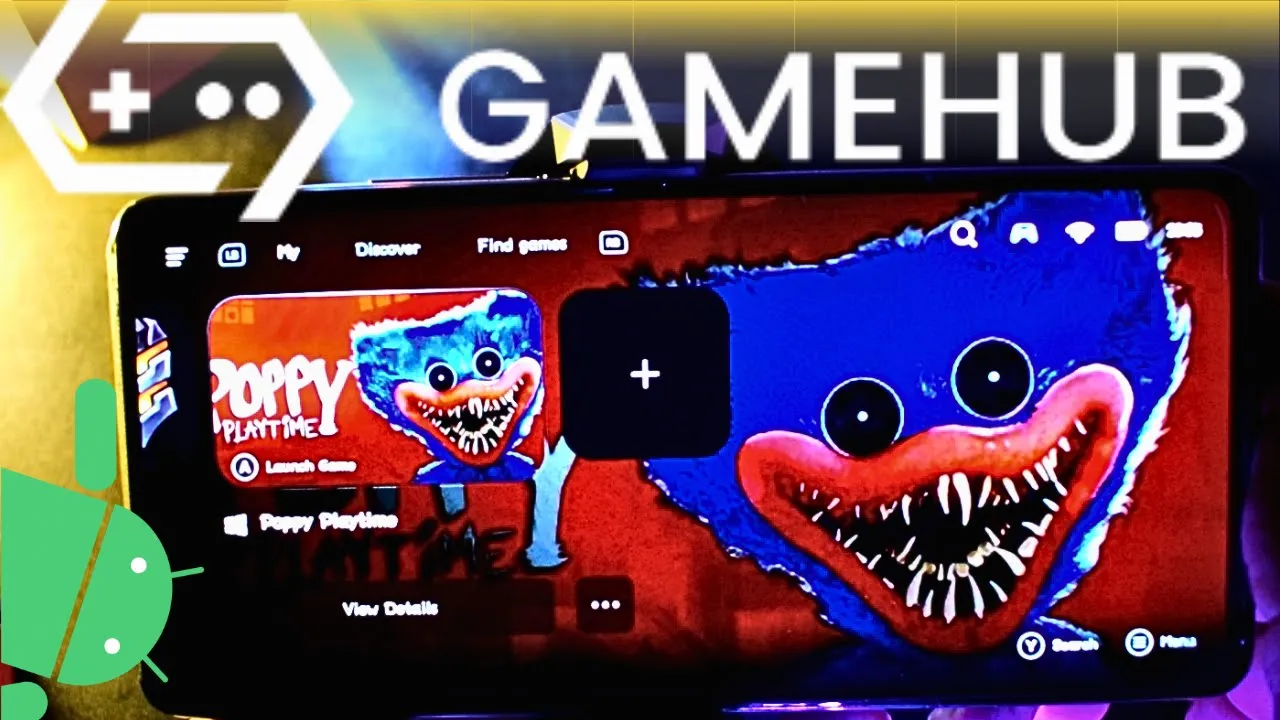
If Soccer Manager 2026 the video game was running with Low FPS or Graphics issue, please follow this video:
ការកំណត់ល្អបំផុតនៃកម្មវិធីត្រាប់តាមប្រព័ន្ធប្រតិបត្តិការ Android GAMEHUB៖ FPS អតិបរមា – ជួសជុលភាពយឺតយ៉ាវ & GLITCH
អ្នកអាចបើកគណនី Steam, Epic Games ឬ Ubisoft Connect របស់អ្នកនៅលើ Gamehub Emulator ដើម្បីលេងតាមអ៊ីនធឺណិត។
3- Best Phone For Soccer Manager 2026 Android:
we at the End Explanation, Soccer Manager 2026 from Steam run on Gamehub, the menus are smooth with 57 to 59 fps but the 3D match is slow with 11 to 19 fps, so if you want only to play it on the phone then the official version on Google Play is the easy way, and the Steam version is nice if you like to have your Steam Library in your pocket. the only stuff i can recommend is a strong Android phone with Snapdragon 8 Elite Gen 5 ជាមួយ ម៉ាស៊ីនត្រជាក់ទូរស័ព្ទ #AD because the temperature go up to 78.7°C in the match, otherwise the world of Emulation is getting better day by day so be patience. if you like football games check also PES 2013 on MOBOX Emulator and my old post Football Manager 2020 Mobile on Chikii Appហើយសម្រាប់ការលេងហ្គេមពេញលេញ សូមពិនិត្យមើលរបស់ខ្ញុំ ឆានែលយូធូប និងរបស់ខ្ញុំ TikTok សម្រាប់វីដេអូខ្លីៗ។ ហើយឥឡូវនេះ ពាក្យតែមួយគត់ដែលខ្ញុំចង់និយាយ អ្នកអាចពិនិត្យមើលរបស់យើង ប្រភេទហ្គេមត្រាប់តាមមានរបស់របរធំៗជាច្រើនដើម្បីលេងនៅលើទូរស័ព្ទ Android របស់អ្នក គ្រប់ទីកន្លែង និងគ្រប់ពេលវេលា។ និងសូមឲ្យអ្នកជួបតែសេចក្តីសុខ។




