





miside android download apk – Gamehub Emulator
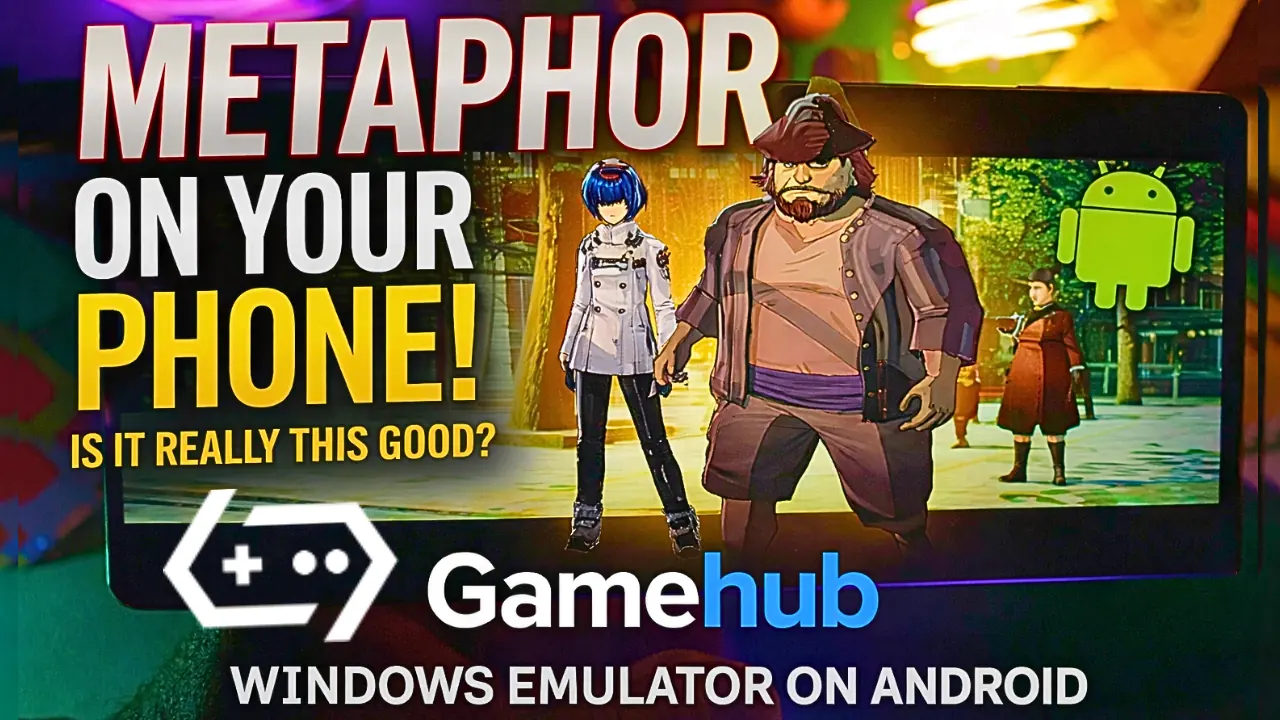
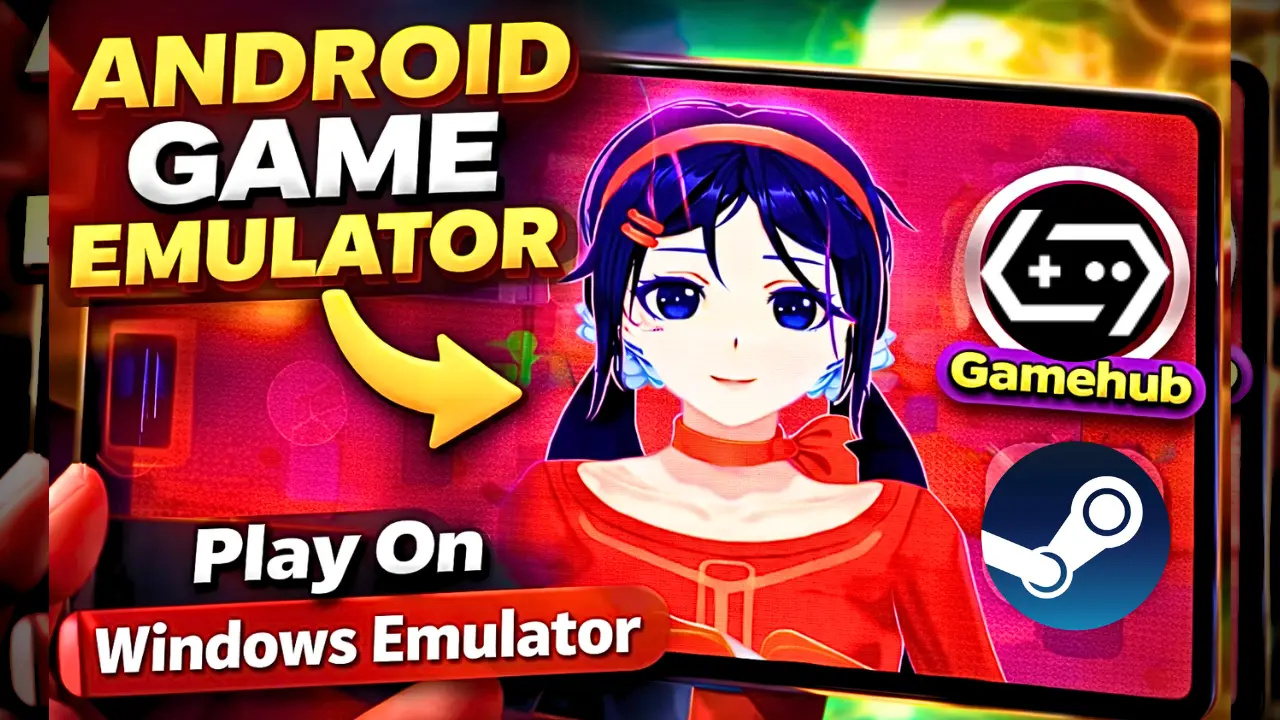
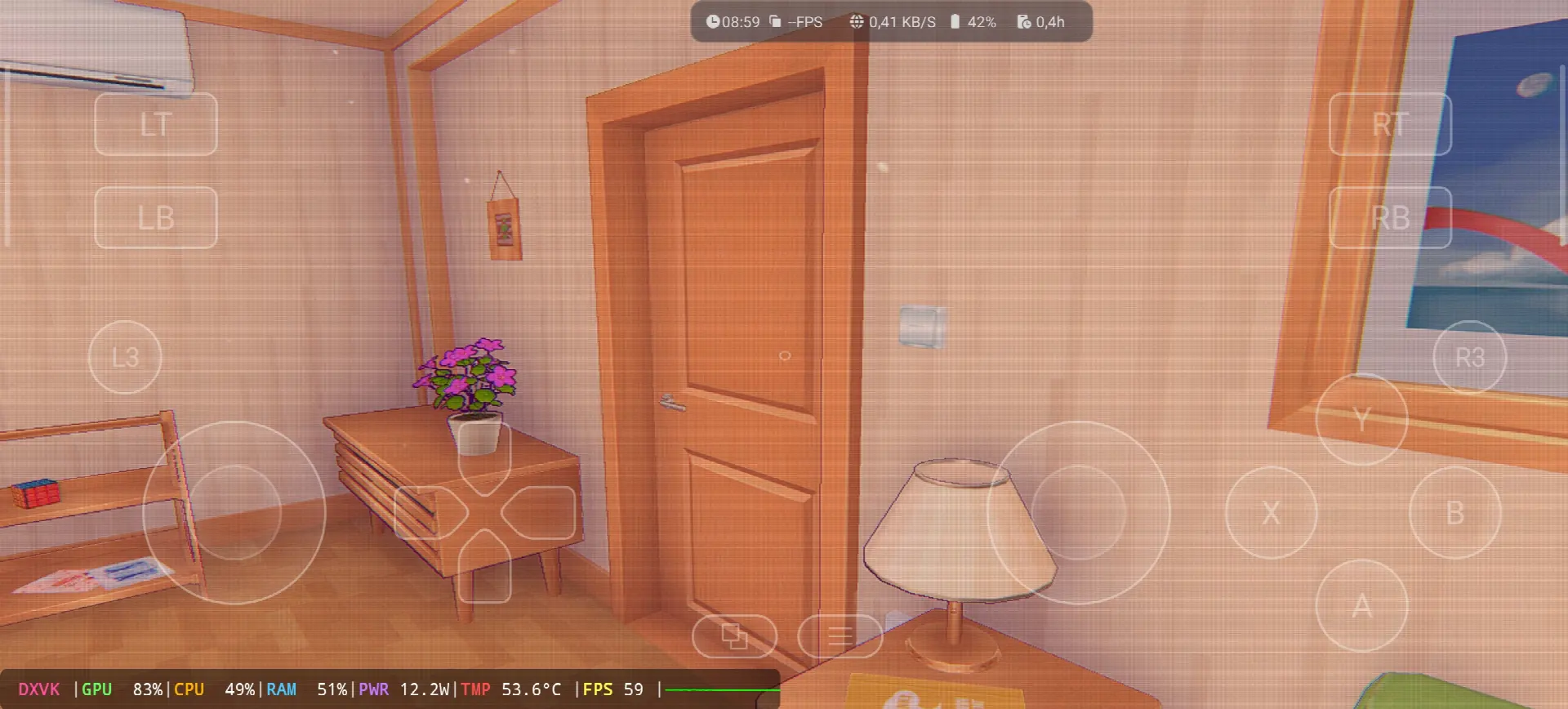
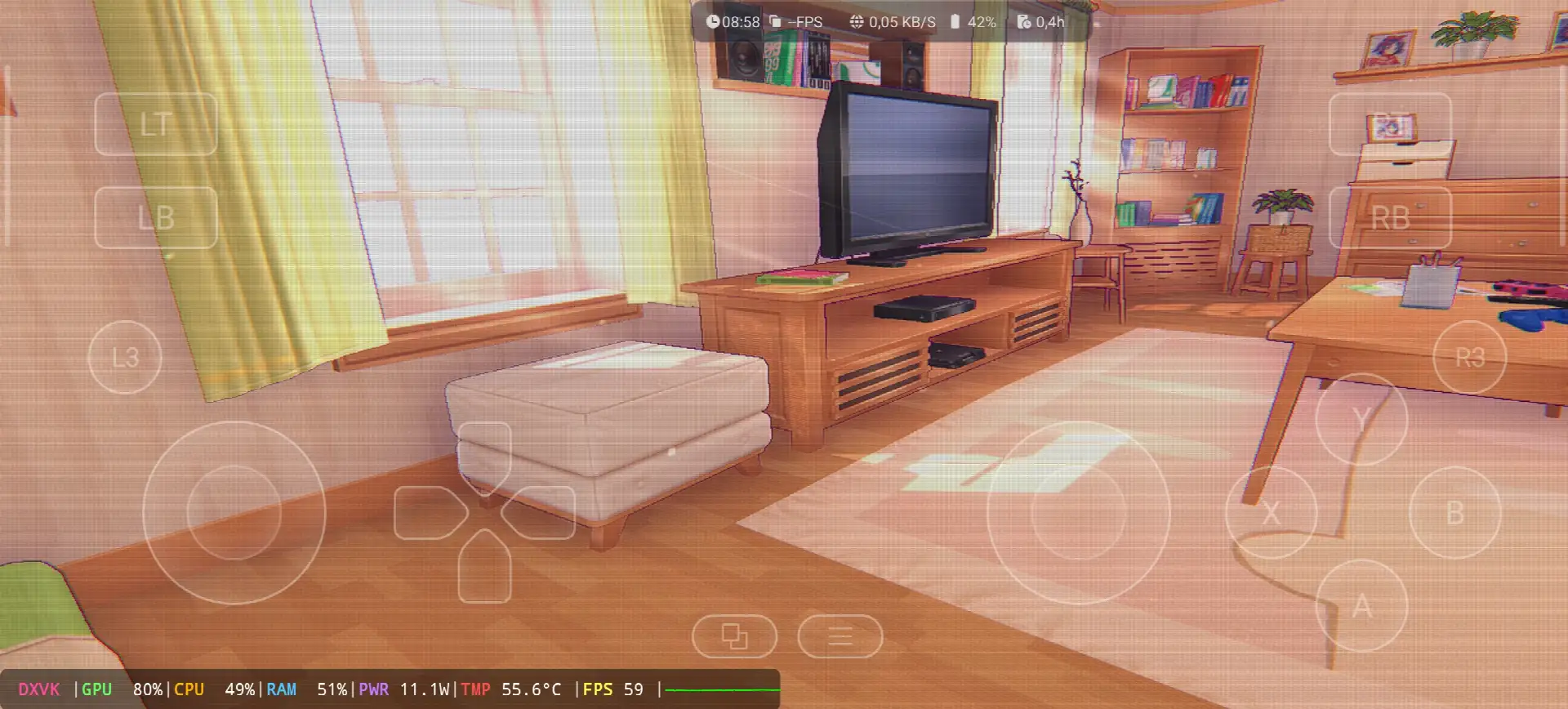
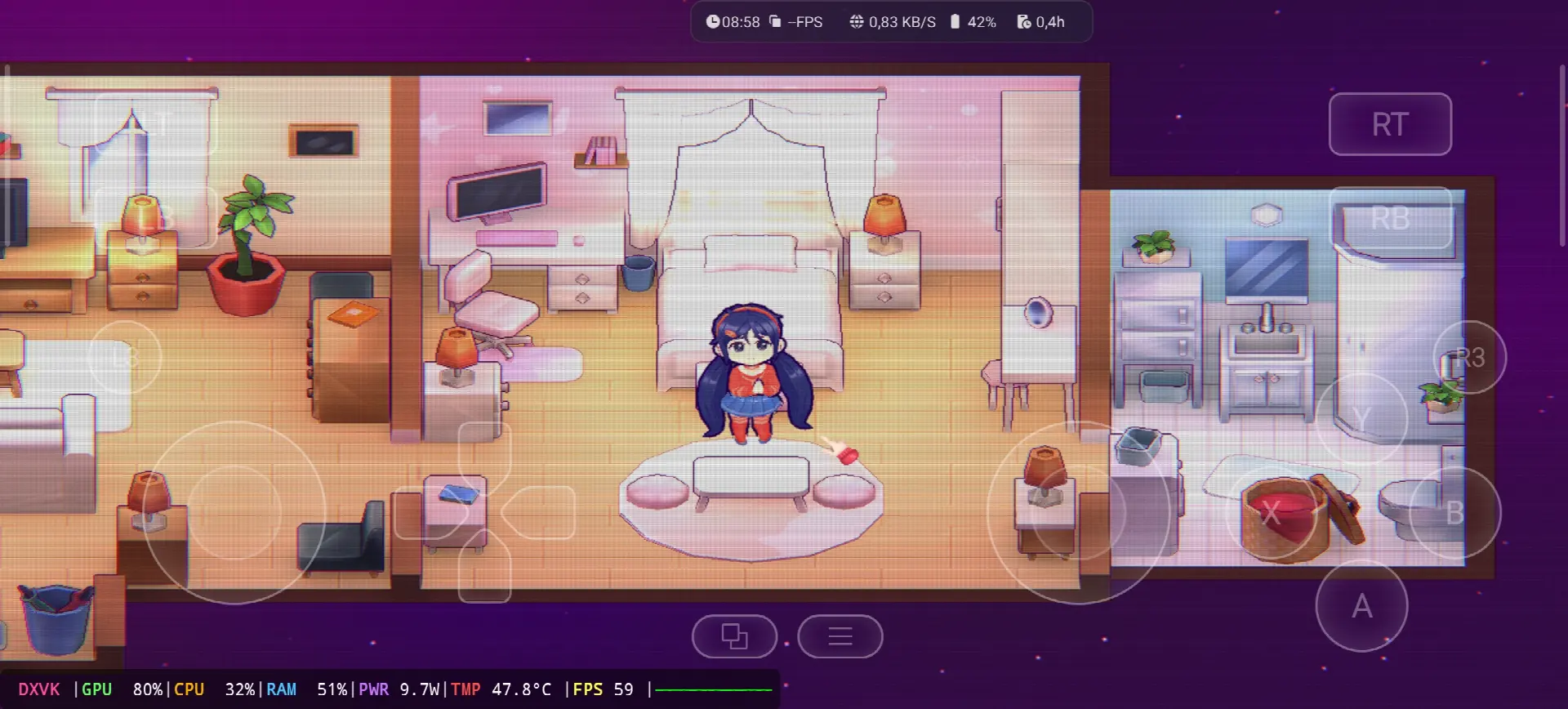
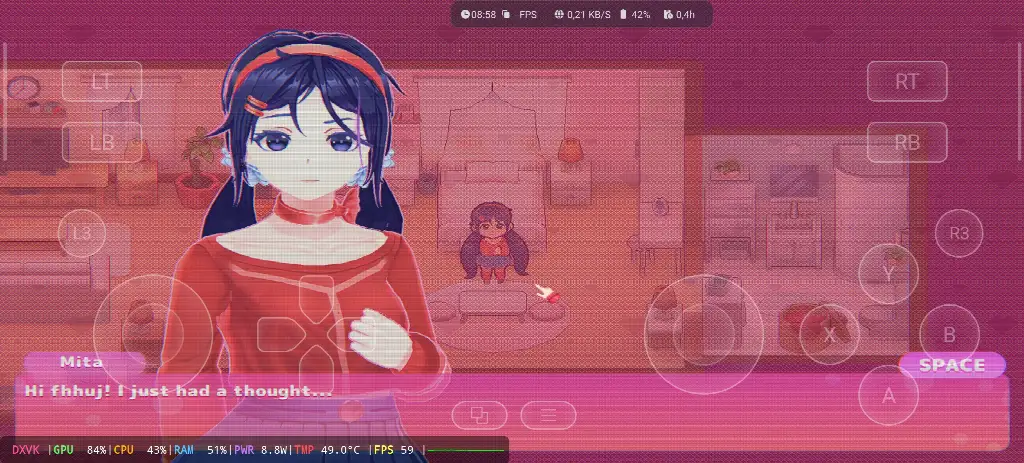
Hello guys, today i will show you how to Download and play MiSide the video game online on your Android phone with the Windows Emulator “Gamehub”. The Gamehub Emulator is for me the best windows Emulator on Android, you can open you Steam, Epic Games or Ubisoft connect account right on your Android phone, and from the start of 2026 we can play windows Games on our Phones without big problems. There is another Windows Emulator was poped up like 게임네이티브, 윈레이터 에뮬레이터 MOBOX 에뮬레이터, i try all of them but the Gamehub is still the best, and with MiSide on Android it run really smooth.
MiSide is a adventure game with psychological horror inside, made by AIHASTO, a small Russian team of only two guys, and IndieArk publish it for the world and Shochiku for Japan. The game came out on December 11, 2024 for PC Windows on Steam and it is build with the Unity engine. In the story you download a mobile game and start to spend your days with Mita, a cute anime girl, but after 37 days in the game you get pulled inside her world and you find out there is a Crazy Mita who trap the players there. You need to solve puzzles, explore the apartment, play mini games and search for hidden secrets, and the view change from a small 2.5D chibi style to a full first person 3D. The players love it a lot, it get more than 40,000 reviews on Steam in less than one month with 98% Overwhelmingly Positive and 83 on Metacritic. 위키 페디아, Let start Explain how you can run MiSide the video game online on your Android phone:
시작하기 전에 Amazon에서 제공되는 다음 액세서리를 추천하여 보다 편안하게 플레이하고 게임과 즐거운 시간을 보내십시오.
1. GameSir X3 Type-C 쿨링 팬 안드로이드 컨트롤러를 추천합니다 . 2.192개 이상의 리뷰에서 5점 만점에 59% 이상의 좋은 평점을 받았습니다. 괜찮은 제품입니다.
2. Razer Kishi 모바일 게임 컨트롤러 추천 (18,656개 이상의 리뷰, 안드로이드 USB-C 지원, 무료 배송). 상세 정보 및 무료 반품 가능. 높은 감도와 더욱 정확한 조작감 제공.
3. 마지막으로 Razer 제품을 추천합니다. Razer Kishi V2 모바일 게이밍 컨트롤러 와 Razer Chroma 스마트폰 쿨러를 함께 사용해 보세요 . 이 액세서리의 가장 큰 장점은 블루투스 저전력 기술로 배터리 수명이 길어졌다는 점이며, 안드로이드 및 iOS를 사용하는 모든 스마트폰과 호환된다는 점입니다.
4- 내가 추천하는 Black Shark의 마지막 액세서리 폰 쿨러 블랙샤크 마그네틱 1dB의 노이즈 레벨, WOW입니다.
#기원 후
Miside Online – Gamehub Emulator | Windows Emulator Android
1- Buy MiSide the video game online Game:
가능하다면 에픽 게임즈를 추천합니다. '저렴한 가격에 게임을 다운로드한 후 설치하면 과열을 줄일 수 있습니다.'
*When you already have MiSide online game, just open your Steam or Epic Games account and download the game from there, and if you like to play MiSide offline then connect your android Phone to the laptop or PC, copy the MiSide game file and paste it on the Phone. Keep your android phone connected to copy the Gamehub Emulator app too.
게임허브 에뮬레이터 설정 방법 (스팀/에픽게임즈) - 5분 안에 완료
2. Gamehub 에뮬레이터 다운로드 - Windows용 Android 에뮬레이터:
Gamehub 에뮬레이터를 다운로드한 후 설치하고 실행하여 Android에서 Windows 에뮬레이터를 설정하는 단계를 따르세요.
이 비디오를 따라하시면 Gamehub 윈도우 에뮬레이터에 게임을 설치하고 즐기는 방법을 알려드립니다! 🙂
GAMEHUB 안드로이드 에뮬레이터 | 테스트/설치/설정 | 2025년 최고의 윈도우 에뮬레이터
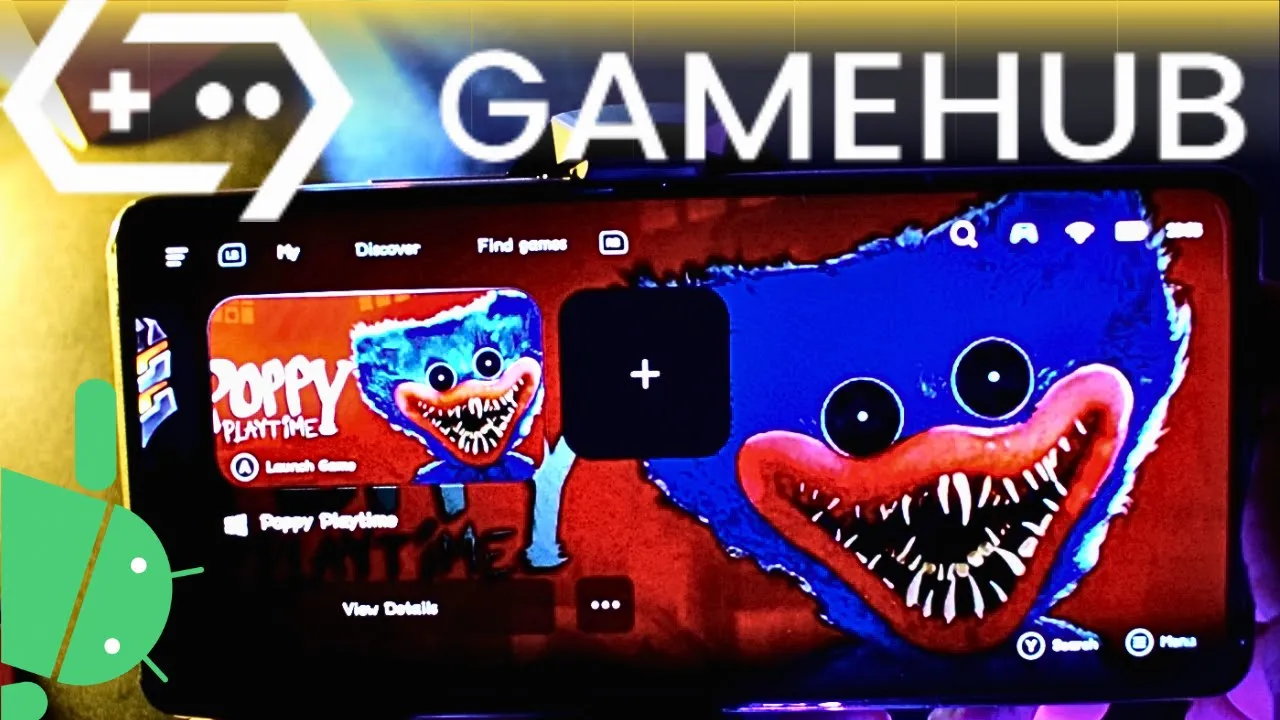
If MiSide the video game was running with Low FPS or Graphics issue, please follow this video:
GAMEHUB ANDROID 에뮬레이터 최적 설정: 최대 FPS - 지연 및 오류 수정
Gamehub 에뮬레이터에서 Steam, Epic Games 또는 Ubisoft Connect 계정을 열어 온라인으로 게임을 즐길 수 있습니다.
Ok guys that’s it for today, MiSide is not a very heavy game so the Gamehub Emulator run it good even on middle phones, but the 3D part with Crazy Mita need more power and after one hour the phone start to get hot. If you want to play it smooth with high FPS i recommend a Android phone with 스냅드래곤 8 엘리트 5세대 및 전화 쿨러 #AD on the back of it. Your phone is old or weak? no problem, you can play MiSide with cloud gaming too, look at my other post MiSide on Chikii Cloud Gaming. Watch the full gameplay and my Gamehub settings on my 유튜브 채널 그리고 나를 따라와 틱톡 서비스, i post short clips from every new game i test there. And don’t forget to visit our 에뮬레이터 게임 카테고리, a lot of PC and console games are waiting for you to play them on your phone. See you in the next one.