







Monopoly Madness on Android – Gamehub Emulator Settings & Test
Download and play Monopoly Madness the video game online on Android phone using Windows Emulator “Gamehub”, Gamehub Emulator is best windows Emulator on Android, you can open you Steam, Epic Games or Ubisoft connect account on your Android phone, start the 2026 we can play windows Games on our Phones, there is another Windows Emulator was poped up like 게임네이티브, 윈레이터 에뮬레이터 MOBOX 에뮬레이터 but the Gamehub is still the best. just to be clear Monopoly Madness is not on Google Play, the Monopoly games you find there like MONOPOLY GO! are other games, so in this post i play the PC version of Monopoly Madness on Android with Gamehub and here is my settings and my test.
About Monopoly Madness the video game:
Monopoly Madness is a party game from Ubisoft and its developed by Engine Software, a studio from the Netherlands, the game come out on December 9, 2021 for Windows, PS4, PS5, Xbox One, Xbox Series X/S, Nintendo Switch and Stadia, and on Steam it come later on 22 June 2023. in this one there is no board and no dice, you run in real time in the streets of Monopoly City to collect money, water and electricity and you buy the properties before the others, because Mr. Monopoly go on vacation and he is looking for someone to take his place. you have 20 characters inspired from the classic Monopoly tokens, 4 different places with many levels, and you can play up to 6 players online or local on the same screen, and the Community Chests give you power ups to mess with the other players. on PC its need Windows 10 64 bit, Core i3-6100 or Ryzen 3 1200, 8 GB RAM and GTX 950 with DirectX 11 and only 6 GB storage, so its a light game for the PC and also for the phone. in my video the game was in German, the signs over the houses say “KAUFEN!” and “BIETEN!” (buy and bid) and the start field is “LOS” 🙂 위키 페디아 & 증기, Let start Explain how you can run Monopoly Madness the video game online on your Android phone:
시작하기 전에 Amazon에서 제공되는 다음 액세서리를 추천하여 보다 편안하게 플레이하고 게임과 즐거운 시간을 보내십시오.
1. GameSir X3 Type-C 쿨링 팬 안드로이드 컨트롤러를 추천합니다 . 2.192개 이상의 리뷰에서 5점 만점에 59% 이상의 좋은 평점을 받았습니다. 괜찮은 제품입니다.
2. Razer Kishi 모바일 게임 컨트롤러 추천 (18,656개 이상의 리뷰, 안드로이드 USB-C 지원, 무료 배송). 상세 정보 및 무료 반품 가능. 높은 감도와 더욱 정확한 조작감 제공.
3. 마지막으로 Razer 제품을 추천합니다. Razer Kishi V2 모바일 게이밍 컨트롤러 와 Razer Chroma 스마트폰 쿨러를 함께 사용해 보세요 . 이 액세서리의 가장 큰 장점은 블루투스 저전력 기술로 배터리 수명이 길어졌다는 점이며, 안드로이드 및 iOS를 사용하는 모든 스마트폰과 호환된다는 점입니다.
4- 내가 추천하는 Black Shark의 마지막 액세서리 폰 쿨러 블랙샤크 마그네틱 1dB의 노이즈 레벨, WOW입니다.
#기원 후
Monopoly Madness Online – Gamehub Emulator | Windows Emulator Android
My Gamehub Settings For Monopoly Madness:
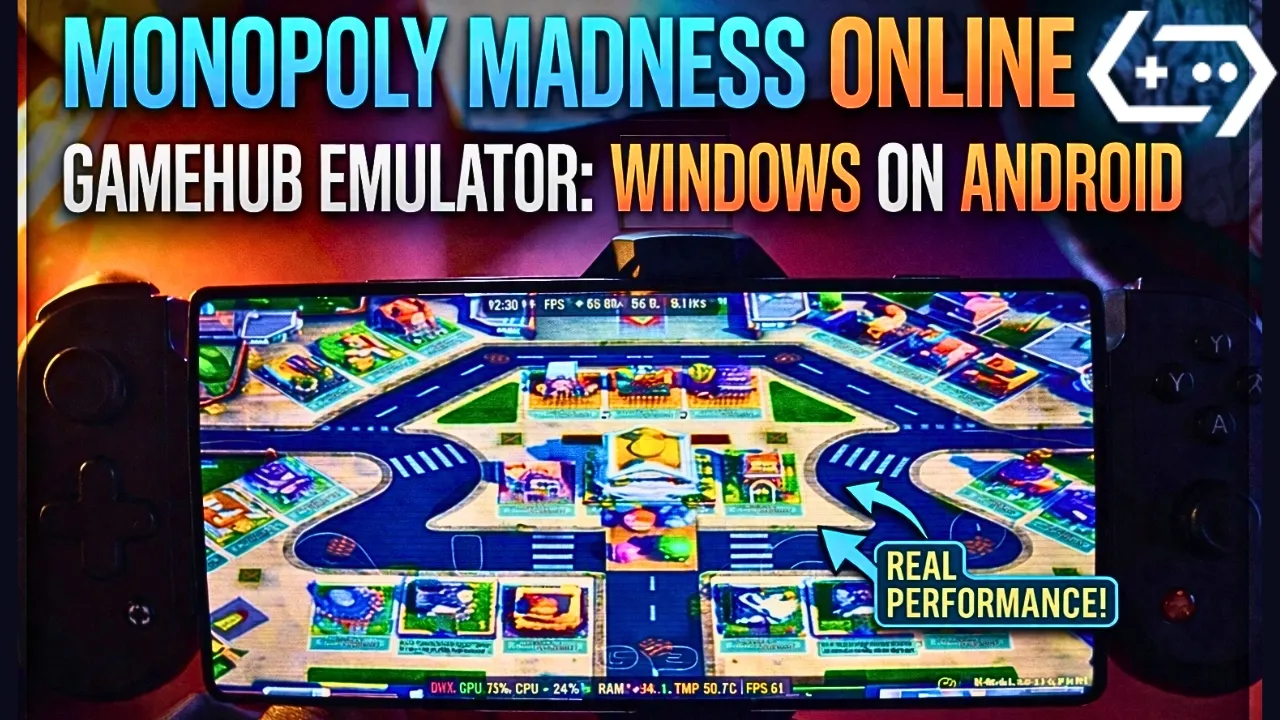
those are the settings i show in the video on my phone with Snapdragon 8 Elite Gen 5, when the game is running open the Gamehub menu from the side and put it like this:
- 성능 : Native Rendering+
- Enable Frame Limit: off (the limit stay on 30 but its not used, the game go over 60 fps)
- HDR : on
- CRT Display Effect: on, its the old TV lines you see in my screenshots, turn it off if you dont like it
- 최고 해상도: on
- Switch Touch Control Layout: Default Controller Layout
- Touch Controls and Virtual Gamepad Vibration: on
- Touch Control Opacity: 62
- Screen Trackpad: on with Mouse Speed 162
- 그래픽 : DXVK, the game is DirectX 11
- 언어 : the game was in German in my video, put en_US in the Gamehub game settings if you want it in English
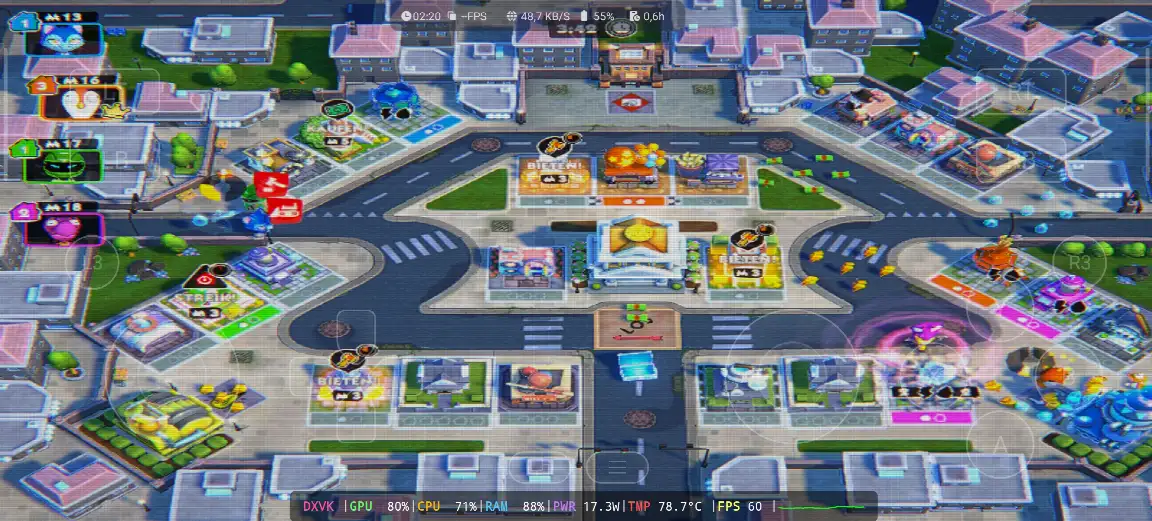
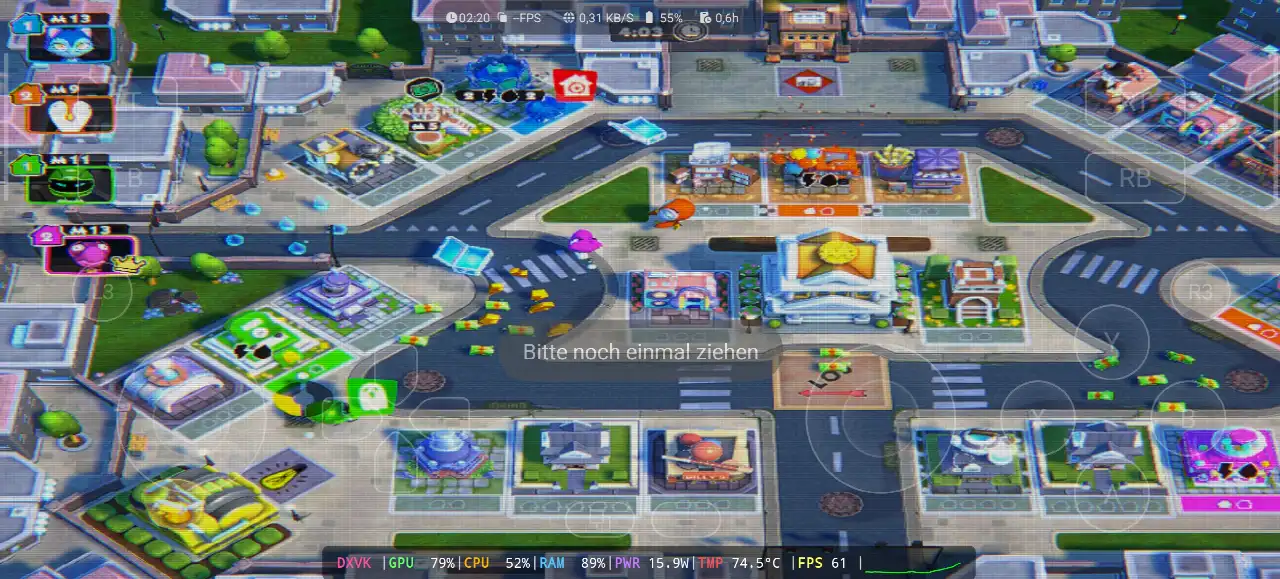
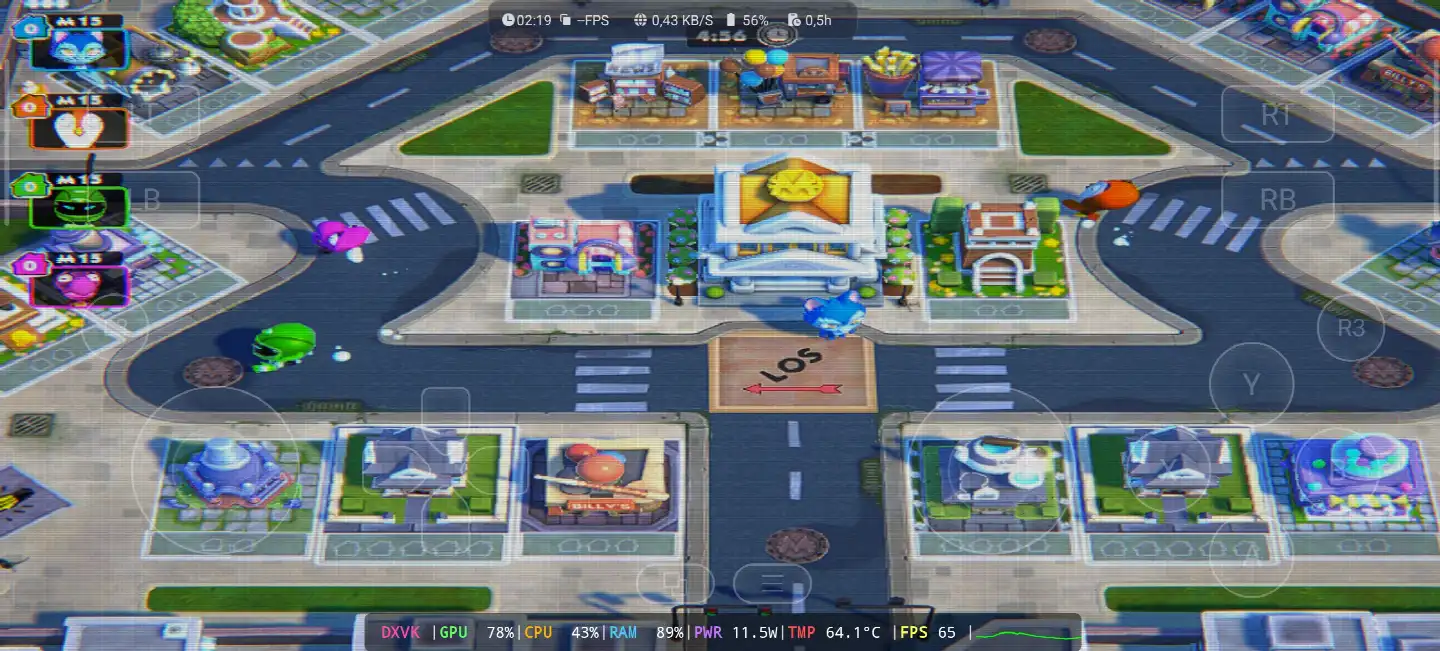
before the game start you see the Ubisoft Connect screen, so you need a Ubisoft account even if you buy the game on Steam or Epic Games. in my video i choose “Lokales Spiel” (local game) on the Stadt map with 5 minutes round, and the game stay between 60 and 65 fps all the round, the GPU was 78 to 80%, the CPU 43 to 71% and the RAM 88 to 89%, with 11.5 to 17.3W, and the temperature go from 64.1°C at the start to 78.7°C at the end of the round.
1- Buy Monopoly Madness the video game online Game:
저는 에픽 게임즈를 추천합니다. '저렴한 가격에 게임을 다운로드한 후 설치하면 과열을 줄일 수 있습니다.'
*If you already have the Monopoly Madness online game, you can simply open your Steam or Epic Games account and download the game or if you want to play Monopoly Madness offline then connect your android Phone to the laptop or PC copy Monopoly Madness next copy he game to the Phone. Keep your android phone connected to copy the Gamehub Emulator app.
게임허브 에뮬레이터 설정 방법 (스팀/에픽게임즈) - 5분 안에 완료

2. Gamehub 에뮬레이터 다운로드 - Windows용 Android 에뮬레이터:
Gamehub 에뮬레이터를 다운로드한 후 설치하고 실행하여 Android에서 Windows 에뮬레이터를 설정하는 단계를 따르세요.
이 비디오를 따라하시면 Gamehub 윈도우 에뮬레이터에 게임을 설치하고 즐기는 방법을 알려드립니다! 🙂
GAMEHUB 안드로이드 에뮬레이터 | 테스트/설치/설정 | 2025년 최고의 윈도우 에뮬레이터

If Monopoly Madness the video game was running with Low FPS or Graphics issue, please follow this video:
GAMEHUB ANDROID 에뮬레이터 최적 설정: 최대 FPS - 지연 및 오류 수정

Gamehub 에뮬레이터에서 Steam, Epic Games 또는 Ubisoft Connect 계정을 열어 온라인으로 게임을 즐길 수 있습니다.
3- Best Phone For Monopoly Madness Android:
we at the End Explanation, Monopoly Madness on Gamehub run really good, between 60 and 65 fps with DXVK in the full round, and the phone stay cool in this one, 64 to 78.7°C with 11.5 to 17.3W, so its a nice game to play with the family on the phone with a controller. but if you want to play the heavy games or play for hours the only stuff i can recommend is a strong Android phone with 스냅드래곤 8 엘리트 5세대 과 전화 쿨러 #AD, otherwise the world of Emulation is getting better day by day so be patience. if you like party games check also Super Mario Party Jamboree on Eden Emulator전체 게임 플레이 영상은 제 채널을 확인해 주세요. 유튜브 채널 제 틱톡 서비스 짧은 영상 클립용입니다. 그리고 이제 제가 하고 싶은 말은 딱 하나입니다. 저희 사이트를 확인해 보세요. 에뮬레이터 게임 카테고리안드로이드 폰에는 언제 어디서든 즐길 수 있는 엄청난 게임들이 많이 있습니다. 그럼 안녕히 계세요.




