


Kaip žaisti „Marvel vs Capcom“ „Android“ sistemoje – „Nyushu“ emuliatorius
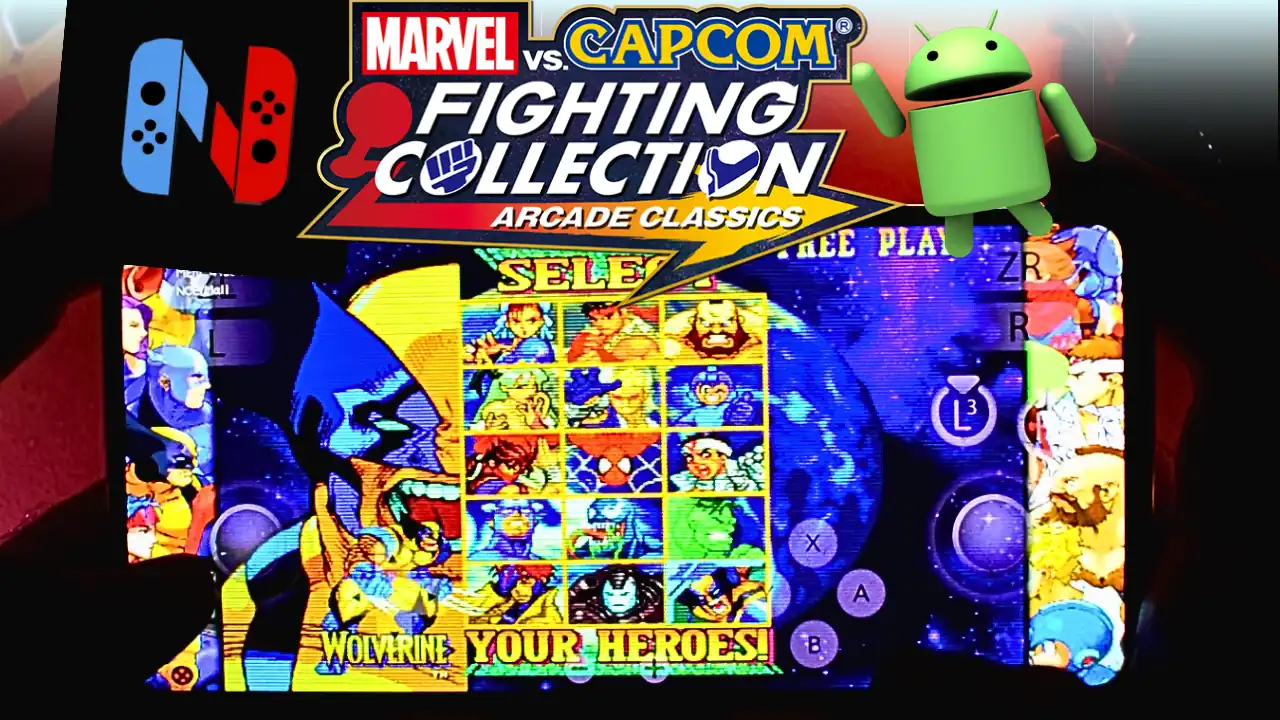
download and play legaly Marvel vs. Capcom Fighting Collection on your phone game android, with Nyushu nintendo switch Emulator, Marvel vs. Capcom Fighting Collection: Arcade Classics is a 2024 fighting game compilation developed and published by Capcom. It is the second entry in Capcom’s Fighting Collection series, following Capcom Fighting Collection in 2022, and includes seven arcade titles in the Marvel vs. Capcom series of crossover fighting games that were originally released between 1993 and 2000. It was released for the Nintendo Switch, PlayStation 4, and Windows in September 2024 digitally. Physical editions for the PlayStation 4 and Nintendo Switch were released in November 2024, while a digital Xbox One version was released in February 2025. The collection was announced in June 2024. The game lineup includes Marvel Super Heroes (1995), Marvel vs. Capcom: Clash of Super Heroes (1998), and Marvel vs. Capcom 2: New Age of Heroes (2000), marking the first time these titles became available on new platforms since the seventh generation of video game consoles, as well as the first faithful console port of the beat ’em up title The Punisher (1993) and the first new console versions for X-Men: Children of the Atom (1994). I ger this all information from VIKIPEDIJA, tad pradėkime paaiškinti, kaip galite žaisti „Marvel vs. Capcom Fighting Collection“ „Nintendo Switch“ versiją savo „Android“ telefone?
Prieš pradėdami, rekomenduoju šiuos „Amazon“ parduodamus priedus , kad žaisti būtų patogiau ir smagiai praleistumėte laiką:
1. Rekomenduoju „GameSir X2 Bluetooth“ mobilųjį žaidimų valdiklį. Jis gavo gerą atsiliepimą – daugiau nei 52 %, 5 žvaigždutės. Tai gerai.
2. Rekomenduoju „Razer Kishi“ mobilųjį žaidimų valdiklį +15 817 apžvalga, skirta „Android“ USB-C ir NEMOKAMAS pristatymas. Išsamesnė informacija ir NEMOKAMAS grąžinimas, didelis jautrumas ir tikslesnis veikimas.
3. Paskutiniai priedai. Tai iš „Razer“. Rekomenduoju „Razer Kishi V2“ mobilųjį žaidimų valdiklį ir „Razer“ telefono aušintuvą „Chroma“. Geriausia šių priedų dalis yra „Bluetooth Low Energy“, užtikrinantis ilgesnį baterijos veikimo laiką, o trūkumas – jie nesuderinami su visais „Android“ ar „iOS“ telefonais.
3. Paskutiniai priedai. Tai iš „Razer“. Rekomenduoju „Razer Junglecat“ dvipusį mobiliųjų žaidimų valdiklį + „Bitcircuit“ mobiliojo telefono radiatoriaus ventiliatorių. Geriausia šio priedo dalis – mažai energijos naudojantis „Bluetooth“, kad baterija veiktų ilgiau. Blogiausia, kad jis nesuderinamas su visais telefonais, tik su „Razer Phone 2“, „Galaxy Note 9“, „Galaxy S10+“. Pastaba: tik „Razer Junglecat“ nepalaiko visų telefonų, tačiau aušintuvo ventiliatorius palaikomas su visais telefonais.
#REKLAMA
1 veiksmas: atsisiųskite „Nyushu“ emuliatorių: atsisiųskite „Nyushu“ emuliatoriaus programėlę į „Android“ įrenginius.
2 veiksmas: emuliatoriaus diegimas: Kai atsisiuntimas bus baigtas, suraskite atsisiųstą failą savo įrenginio saugykloje ir įdiekite „Nyushu“ emuliatorių.
3 veiksmas: įsigykite „Marvel vs. Capcom Fighting Collection“ žaidimą iš „Amazon“:
-After you buy the game physically or digitally, you need to dump Marvel vs. Capcom Fighting Collection to play it on Android using the Nintendo Switch Emulator. Please watch this video will show you step by step how you can dump Marvel vs. Capcom Fighting Collection for Android. After you finish dumping Marvel vs. Capcom Fighting Collection, just copy the game to your phone.
„Nintendo Switch“ žaidimų išmetimas ir žaismas kompiuteryje [Yuzu arba Ryujinx] Pamoka [2023]
(Jei jūsų telefonas nepalaiko išgavimo, atsisiųskite „WinRAR“)
4 veiksmas: paleiskite „Nyushu Emulator“ programėlę „Android“ įrenginyje ir užbaikite sąrankos procesą.
5 veiksmas: įkelkite „Marvel vs. Capcom Fighting Collection“: pasirinkite „Marvel vs. Capcom Fighting Collection“ ir po akimirkos žaidimas bus paruoštas žaisti!
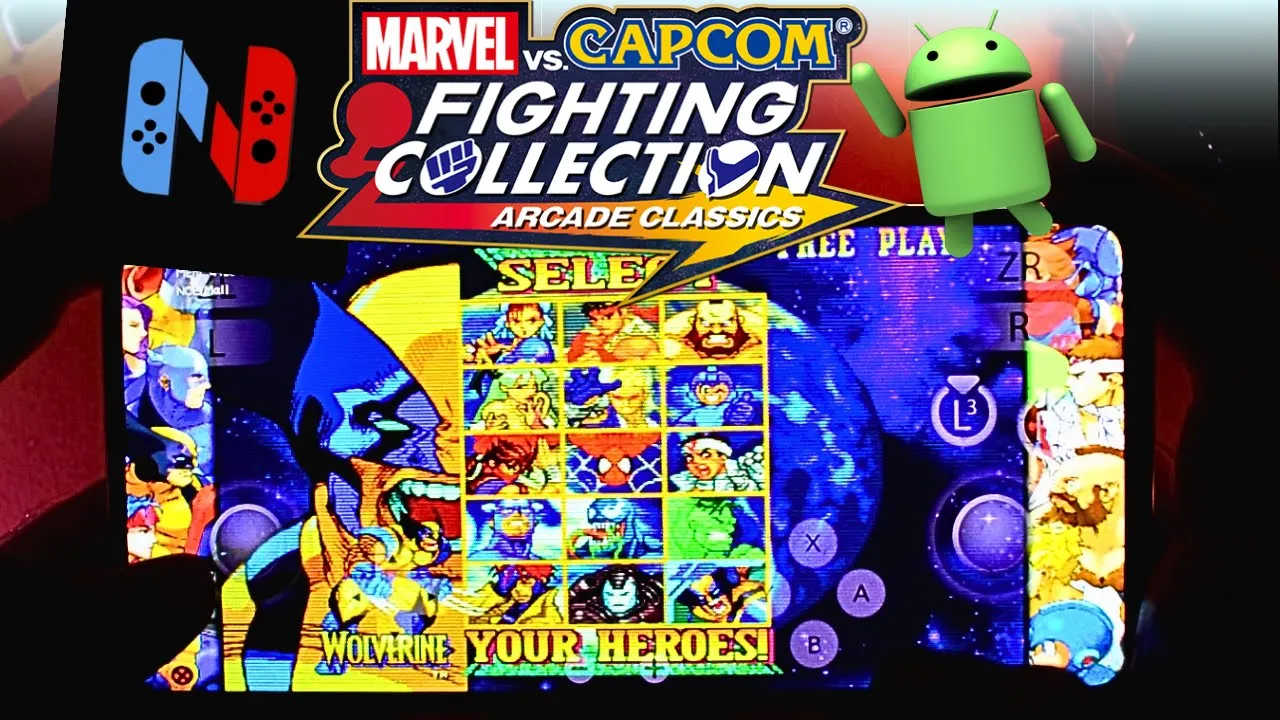
5 antraštė: Žaiskite „Marvel vs. Capcom Fighting Collection“ bet kada ir bet kur!
Dabar, kai jūsų telefone yra „Marvel vs. Capcom Fighting Collection“, nebėra ribų, kur ir kada galite mėgautis žaidimo jauduliu. Nesvarbu, ar esate autobuse, laukiate eilėje, ar ilsitės namuose, „Marvel vs. Capcom Fighting Collection“ „Nyushu Emulator“ programoje garantuoja įtraukiančią patirtį, atitinkančią jūsų mobilųjį gyvenimo būdą.
Don’t miss out on the opportunity to bring the fast-paced action of Marvel vs. Capcom Fighting Collection to your Android device. Download the Nyushu Emulator and unlock a world of gaming possibilities today!
„Nyushu“ prieš „Eden Nighty“ prieš „Citron“ prieš „Kenji-NX“: kuris jungiklio emuliatorius yra geresnis
Marvel vs. Capcom Fighting Collection phenomenon on your Android device using Nyushu Emulator, the leading Nintendo Switch emulator. With simple steps to download and install the Nyushu android emulator and Marvel vs. Capcom Fighting Collection game, you can embark on an unforgettable adventure anytime, anywhere. Join Sonic and his friends as they face the challenges that lie ahead and save their world from impending doom. Download Nyushu Emulator now and let the journey begin! I remind you to support the game’s developers by purchasing official copies and enjoying the game responsibly. And That’s It, Enjoy, Make Sure You Have A Strong Phone I Recommend A Telefonai su SnapDragon 870 #AD Or Higher, jei jums reikia ko nors kito arba turite klausimų ar problemų, mano socialinė žiniasklaida yra apačioje ir viskas. Prieš uždarant šį skirtuką noriu pakviesti jus patikrinti „Bastion“ žaidimas „Android“ – „Nintendo Switch“ emuliatorius – „Skyline Emu“, „Super Crush KO Android“ – „Skyline“ emuliatorius – 2022 m., ačiū, kad apsilankėte ir neverskite manęs pasiilgti. Visada turiu naujienų, sulaukiu per kitą, ramybė.