




Does Soccer Manager 2026 from Steam run on Android? My Gamehub test
Download and play Soccer Manager 2026 the video game on Android phone using Windows Emulator “Gamehub”, Gamehub Emulator is best windows Emulator on Android, you can open you Steam, Epic Games or Ubisoft connect account on your Android phone, start the 2026 we can play windows Games on our Phones, there is another Windows Emulator was poped up like Gamenative, Winlator emulators un MOBOX emulators but the Gamehub is still the best. just to be clear Soccer Manager have a official version on Google Play, but in this post i play the Steam version of Soccer Manager 2026 on Android with Gamehub, i want to see if the PC version run good on the phone, and here is my settings and the real fps.
About Soccer Manager 2026 the video game:
Soccer Manager is a football management game from Invincibles Studio, a British company, and its look like they update the same game on Steam every season, because in my Gamehub Library the card still say Soccer Manager 2025, inside the game its Soccer Manager 2026 and now the Steam page have the name Soccer Manager 2027. you take one club and you do everything, the transfers, the training, the tactics and the formations, and you make the facilities of the club better. on Wikipedia they say around 900 clubs, 54 leagues and 36 countries for the 2024 edition with real players licensed by FIFPRO, and there is licenses like Manchester City and the German Bundesliga, you see the Bundesliga logo in the loading screen. you dont need to pay to play it but it have in-app purchases, like the SM26 Ultimate Edition offer i get in the menu. on PC its need Windows 10, 4 GB RAM, GTX 1650 with DirectX 11 and only 2 GB storage. WIKIPEDIA & STEAM, Let start Explain how you can run Soccer Manager 2026 the video game on your Android phone:
Pirms sākam, es iesaku šos vietnē Amazon pieejamos piederumus, lai spēlētu ērtāk un labi pavadītu laiku ar spēli:
1. Iesaku GameSir X3 Type-C dzesēšanas ventilatora Android kontrolieri. Viņš ir saņēmis labu atsauksmi – vairāk nekā 59% no 5 zvaigznēm, vairāk nekā 2.192+, tas ir labs.
2. Iesaku Razer Kishi mobilo spēļu kontrolieri. 18 656+ apskats operētājsistēmai Android, USB-C un BEZMAKSAS piegāde. Sīkāka informācija un BEZMAKSAS atgriešana, kā arī augsta jutība ar precīzāku attēlu.
3. — pēdējie aksesuāri. Tie ir no Razer. Iesaku Razer Kishi V2 mobilo spēļu kontrolieri + Razer tālruņa dzesētāju Chroma. Šī aksesuāra labākā daļa ir Bluetooth zema enerģijas patēriņa funkcija ilgākam akumulatora darbības laikam, un labā daļa ir tā, ka tas ir saderīgs ar visiem Android vai iOS tālruņiem.
4- Pēdējie aksesuāri Tas ir no Black Shark Es iesaku Phone Cooler Black Shark Magnetic Trokšņa līmenis 1 dB, tas ir WOW.
# AD
Soccer Manager 2026 – Gamehub Emulator | Windows Emulator Android
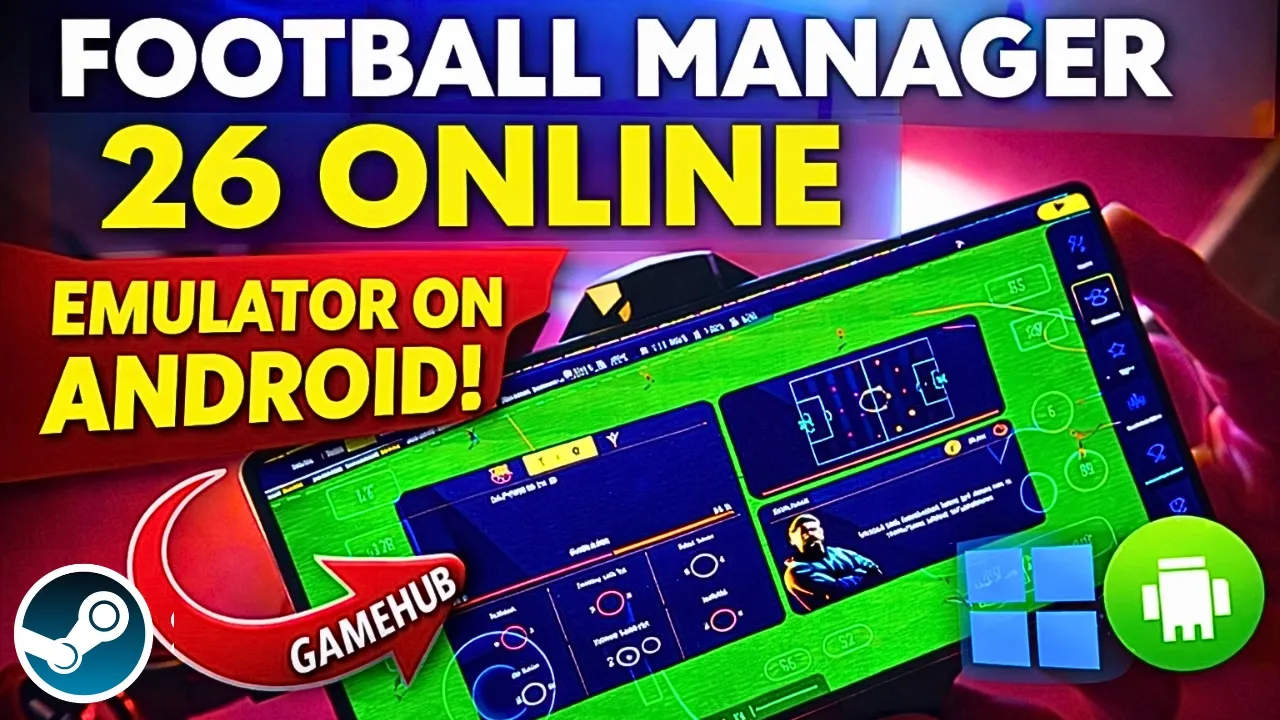
My Gamehub Settings For Soccer Manager 2026:
those are the settings i show in the video on my phone with Snapdragon 8 Elite Gen 5, the game you see is Soccer Manager 2026, in the Gamehub Library press the three points of the game, open PC Game Settings and put it like this:
- Valoda: Manā video ierakstiet “de_DE”, ja vēlaties spēli angļu valodā, ievadiet “en_US”.
- Spēles izšķirtspēja: 1280 x 720
- MangoHUD un DirectX HUD: no
- Auto-display keyboard when input needed: on
- Saderības slānis: proton10.0-arm64x-2
- Tulkošanas parametri: Spēļu sākotnējie iestatījumi
- DInput Library: Priekšroka vietējai valodai
- Skip Audio/Video Decode: no
- Grafikas procesora draiveris: qcom-842.6
- Virsmas formāts: BGRA8
- Audio draiveris: Pulss
- DXVK versija: dxvk-2.4.1-async
- VKD3D versija: vkd3d-2.12
- CPU tulkotājs: Fex_20250910
- CPU kodola ierobežojums un VRam ierobežojums: No Limit
- Performance menu in the game: Native Rendering+, the Frame Limit off, and i turn on HDR, CRT Display Effect and Super Resolution
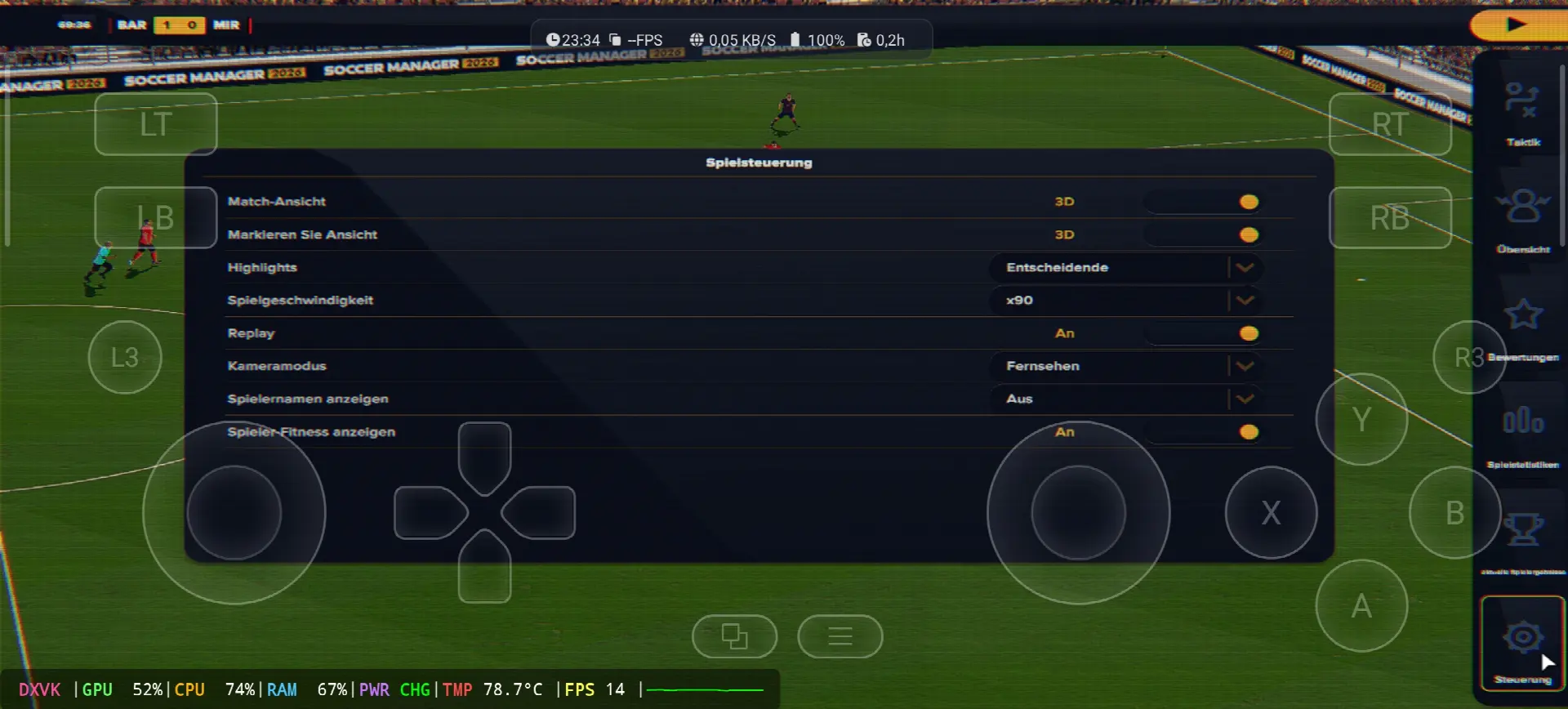
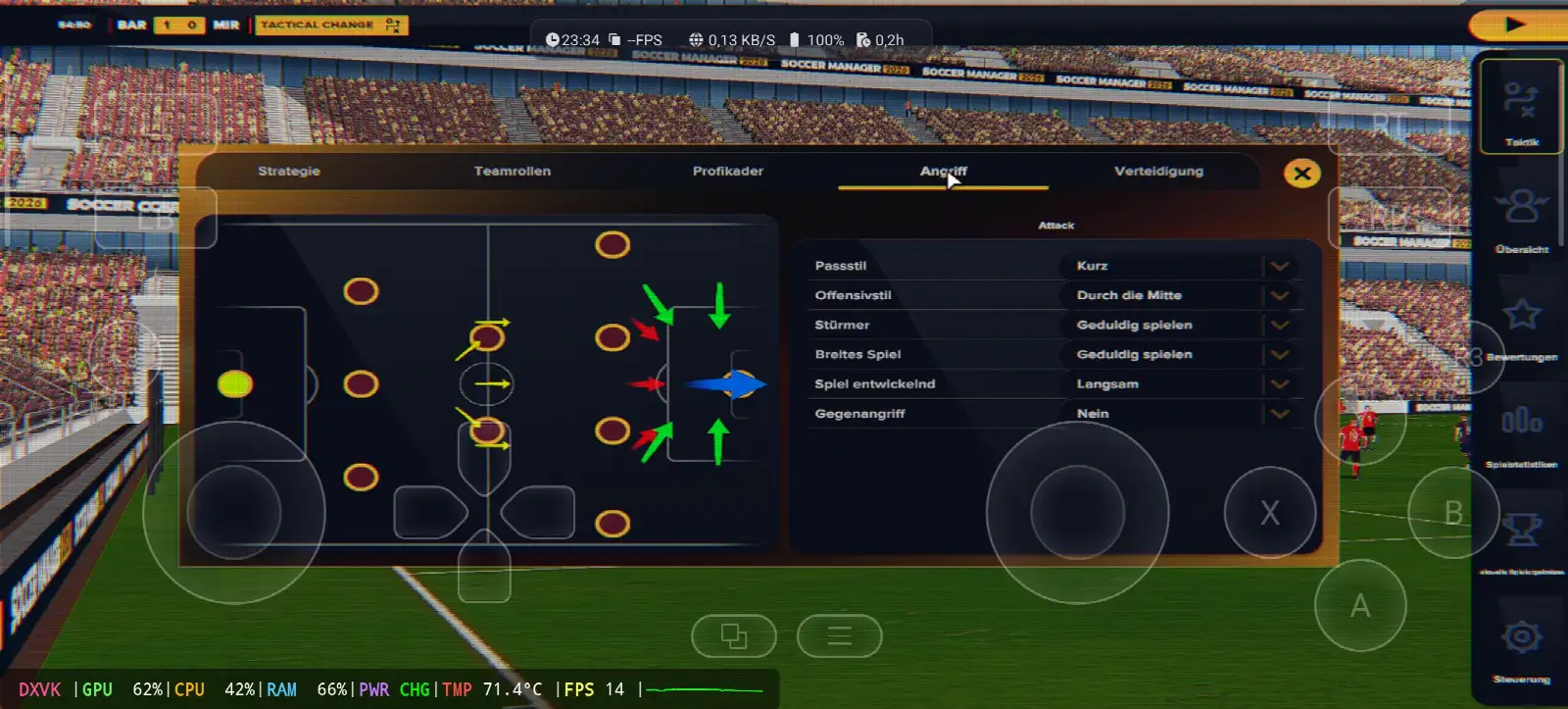
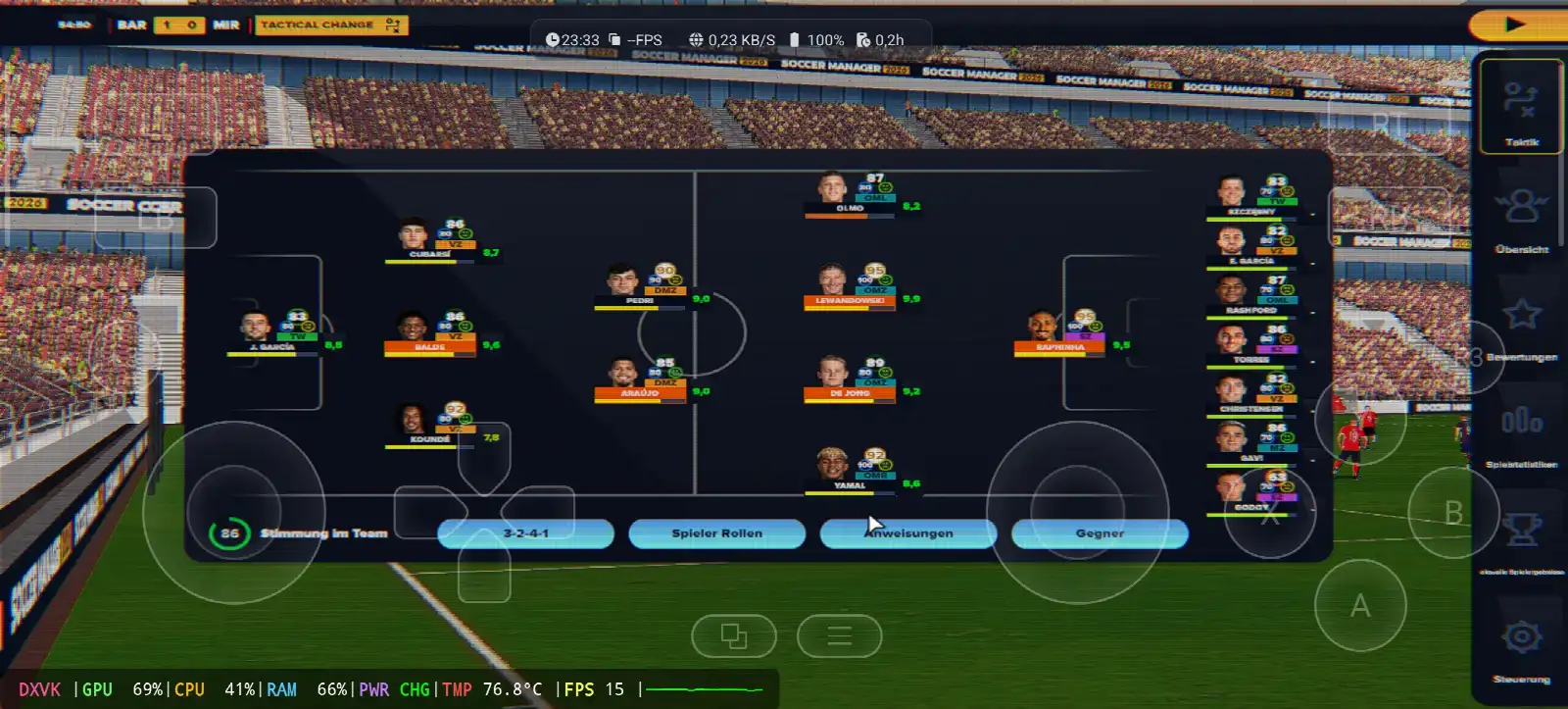
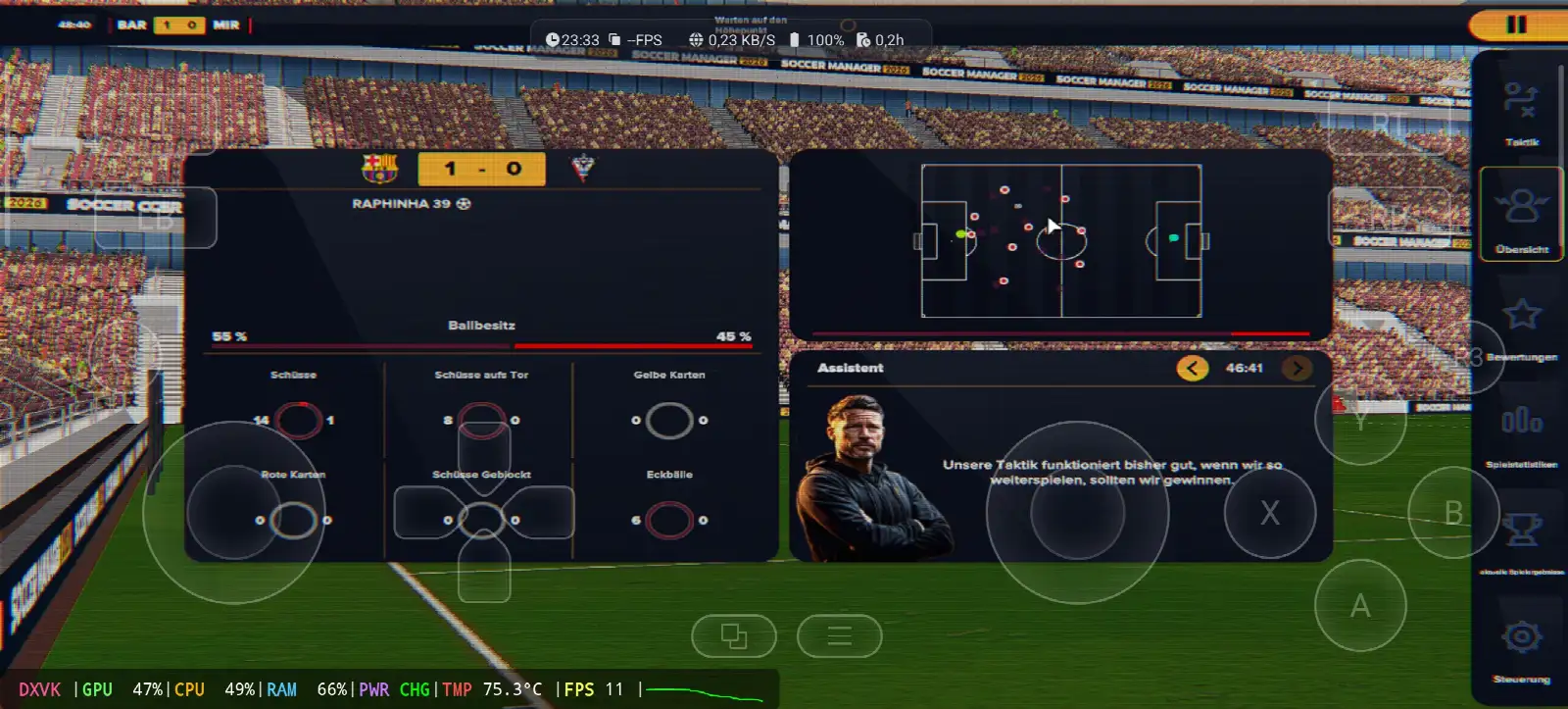
Gamehub open the Steam client first and log in, then you see the Invincibles logo and the loading screen. in my test i play with Barcelona in a 3-2-4-1 and i was winning 1-0 with a goal from Raphinha in the 39 minute, the menus and the tactic screens was smooth between 57 and 59 fps, the intro of the match around 45 fps, but in the 3D match its go down to 11-19 fps. the GPU was 47 to 69%, the CPU 41 to 74% and the RAM 66 to 67%, and the temperature between 71.4 and 78.7°C with the phone on the charger. for a manager game its still ok because you are more time in the menus, and in the Steuerung menu of the match there is a button for the 3D view (Match-Ansicht), you can try to change it if the match is too slow for you.
1- Get Soccer Manager on Steam:
when you open the Steam page now you get the 2027 edition, its the same page of the game i play in my video.
Ja pieejams, iesaku Epic Games: “Zema cena, lejupielādējiet spēli un pēc tam instalējiet to, lai samazinātu pārkaršanu”.
*If you already have Soccer Manager in your Steam Library, you can simply open your Steam account and download the game or if you have it on your PC then connect your android Phone to the laptop or PC copy Soccer Manager next copy he game to the Phone. Keep your android phone connected to copy the Gamehub Emulator app.
Kā iestatīt GameHub emulatoru – STEAM / EPIC GAMES mazāk nekā 5 minūtēs
2. Lejupielādējiet Gamehub emulatoru — Windows emulatoru operētājsistēmai Android:
Pēc Gamehub emulatora lejupielādes instalējiet to, atveriet un izpildiet norādījumus par Windows emulatora iestatīšanu operētājsistēmā Android.
Lūdzu, noskatieties šo video, kurā parādīsiet, kā iestatīt spēli Gamehub Windows emulatorā un izbaudīt to! 🙂
GAMEHUB emulators operētājsistēmai Android | Tests/Iestatīšana/Iestatījumi | Labākais Windows emulators – 2025
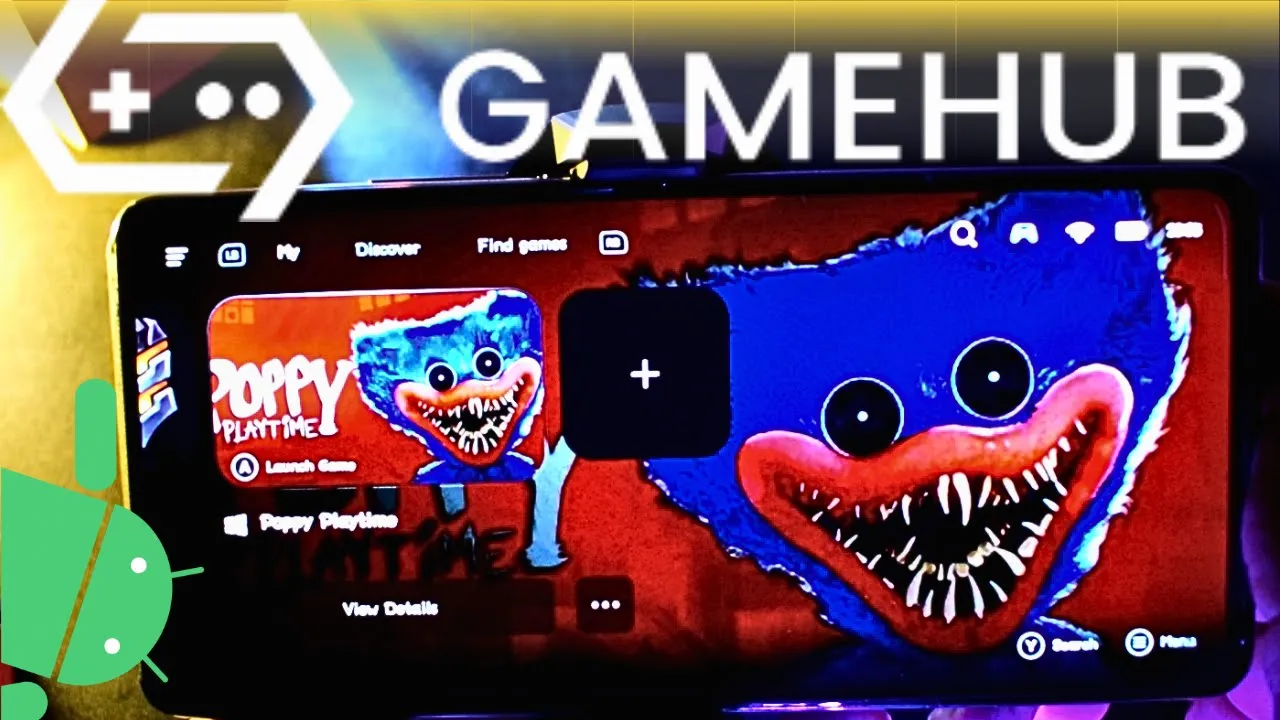
If Soccer Manager 2026 the video game was running with Low FPS or Graphics issue, please follow this video:
GAMEHUB ANDROID EMULATOR LABĀKIE IESTATĪJUMI: MAKSIMĀLAIS FPS — AIZTURES UN KLĪČU NOVĒRŠANA
Lai spēlētu tiešsaistē, varat atvērt savu Steam, Epic Games vai Ubisoft Connect kontu Gamehub emulatorā.
3- Best Phone For Soccer Manager 2026 Android:
we at the End Explanation, Soccer Manager 2026 from Steam run on Gamehub, the menus are smooth with 57 to 59 fps but the 3D match is slow with 11 to 19 fps, so if you want only to play it on the phone then the official version on Google Play is the easy way, and the Steam version is nice if you like to have your Steam Library in your pocket. the only stuff i can recommend is a strong Android phone with Snapdragon 8 Elite Gen 5 ar tālruņa dzesētājs #AD because the temperature go up to 78.7°C in the match, otherwise the world of Emulation is getting better day by day so be patience. if you like football games check also PES 2013 on MOBOX Emulator and my old post Football Manager 2020 Mobile on Chikii App, un pilnu spēles aprakstu skatiet manā YouTube kanāls un mans TikTok īsiem klipiem. Un tagad vienīgais, ko vēlos teikt, ir tas, ka varat apskatīt mūsu Emulatoru spēļu kategorija, jūsu Android tālrunī ir daudz lielisku lietu, ko spēlēt jebkur un jebkurā laikā. Un miers.




