


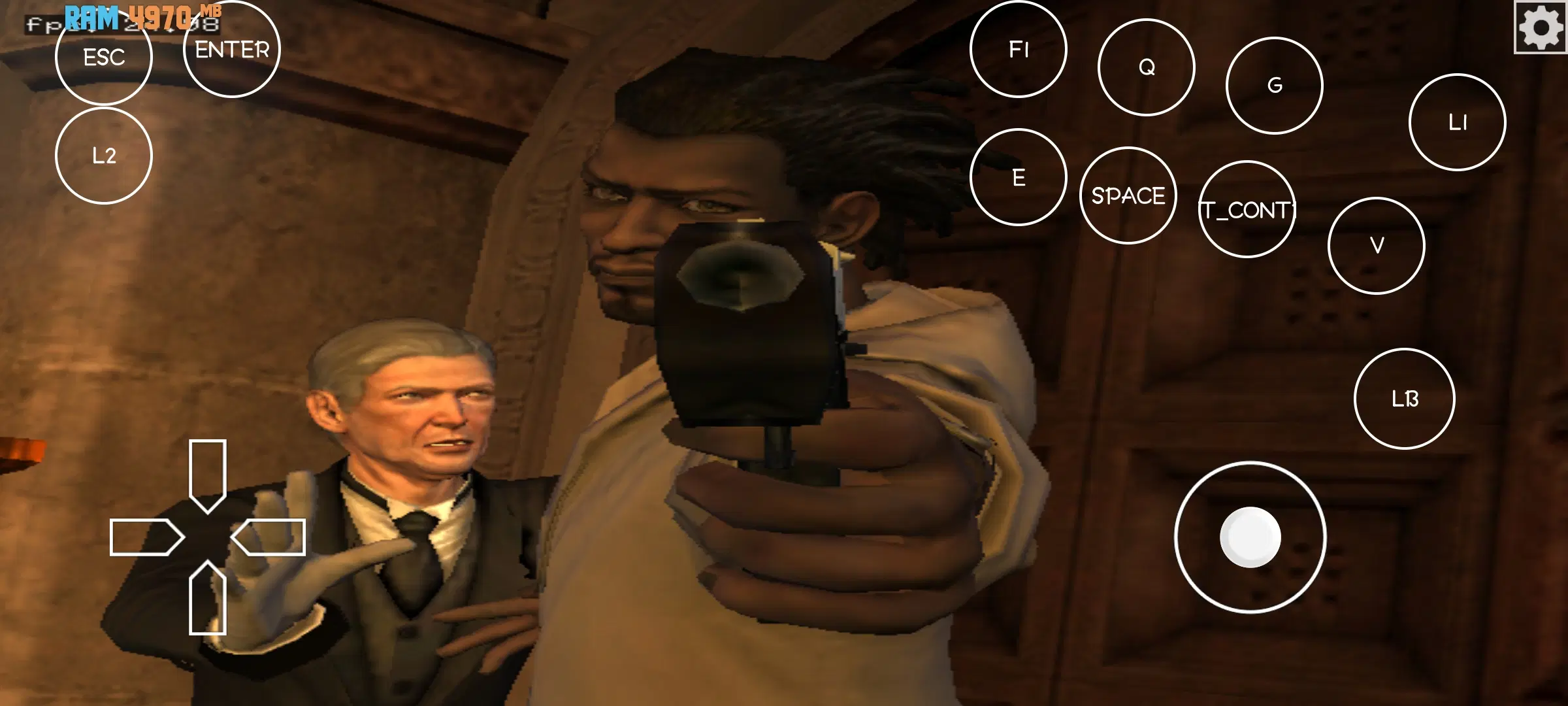
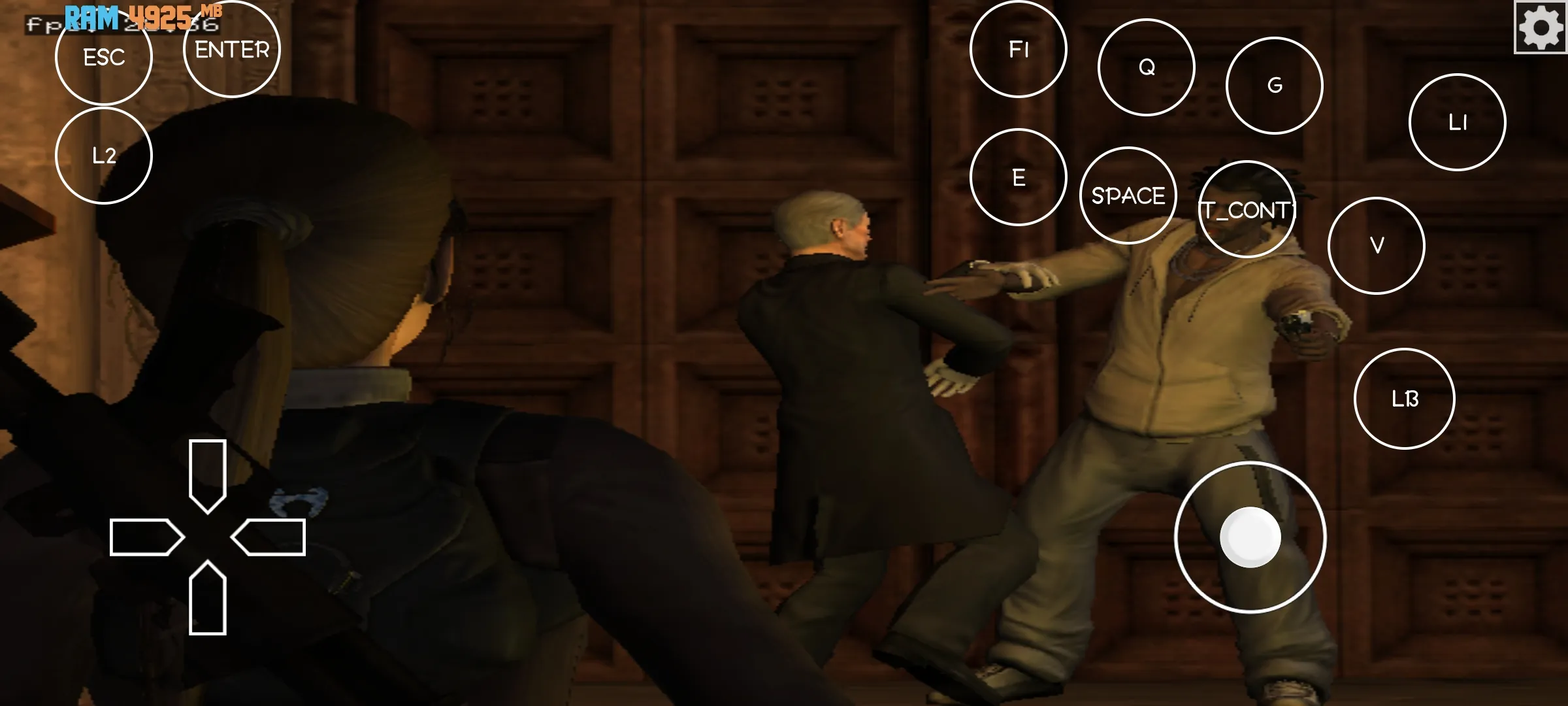
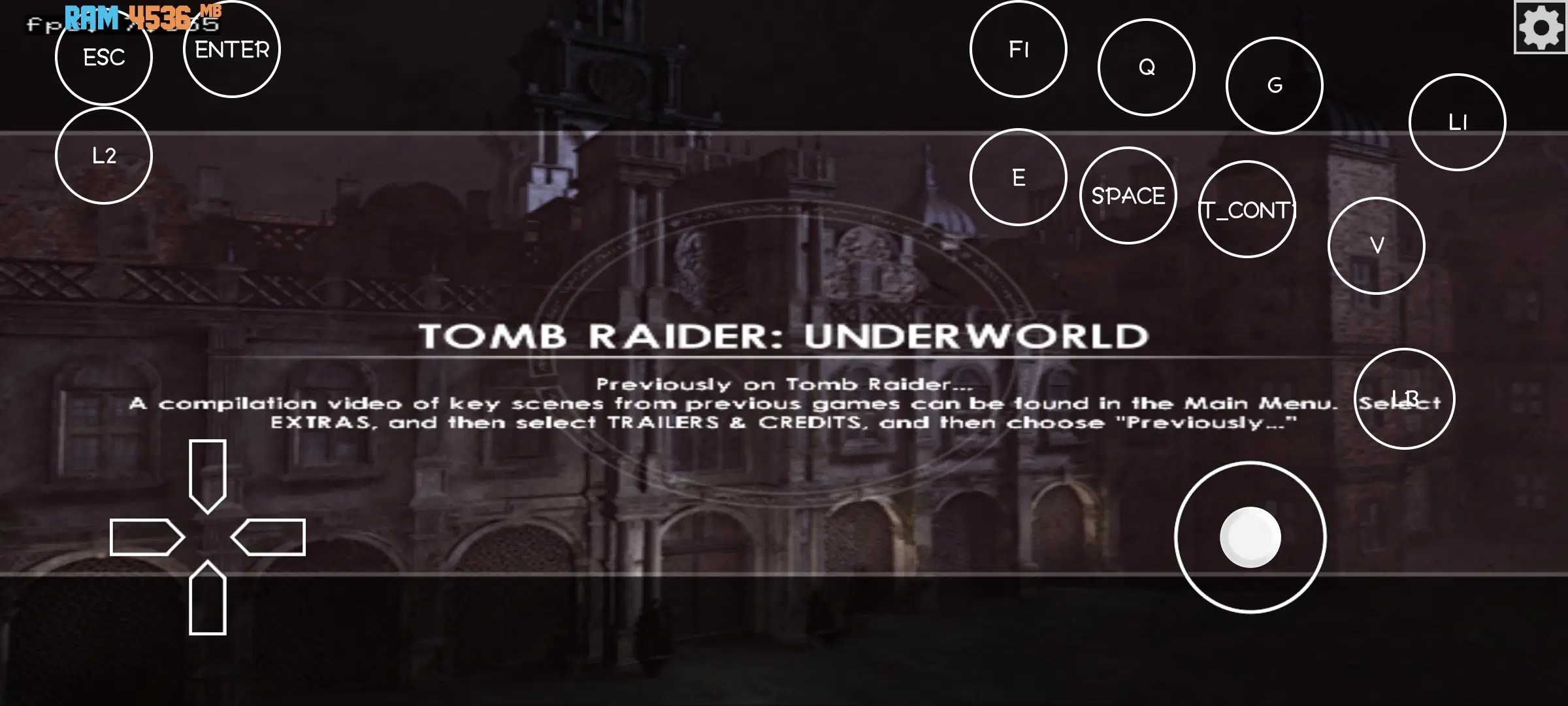
Tomb Raider Underworld lejupielāde — MOBOX PC emulators operētājsistēmai Android
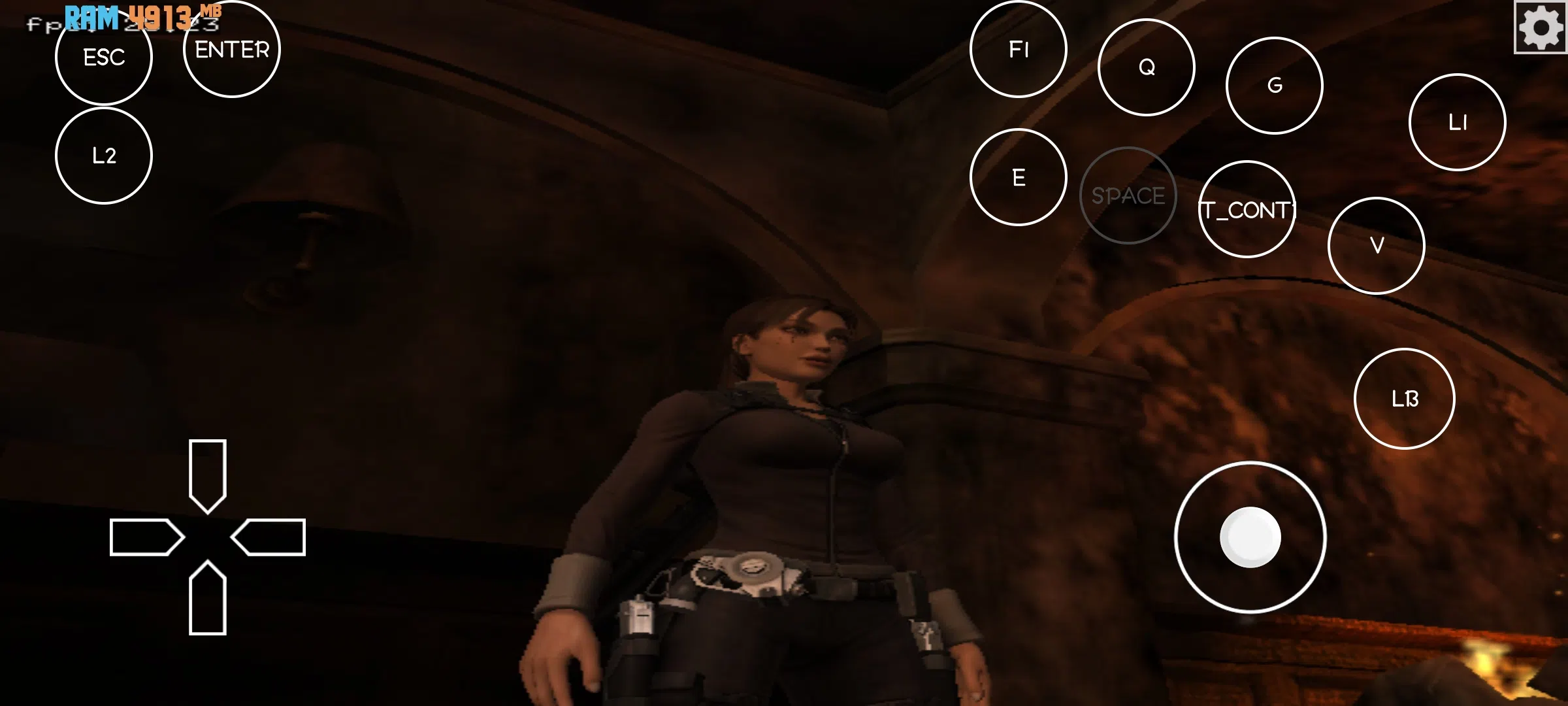
Download Tomb Raider underworld Video Game PC is now playable on Android devices, thanks to the MOBOX emulator is PC Emulator on Android. MOBOX emulator is a Windows x86 application right on your Android device. It leverages the combined power of Termux, Box64, and Wine to bridge the gap between operating systems. you can Play PC games: Immerse yourself in your favorite PC games directly on your phone or tablet. He’s still not available on iOS yet, but we hope that soon. So, let me tell you some information about Tomb Raider underworld Video Game: Tomb Raider: Underworld is an action-adventure video game developed by Crystal Dynamics and published by Eidos Interactive for Windows, PlayStation 3, Xbox 360, Wii and Nintendo DS in November 2008. Later versions were released for mobile in December 2008, PlayStation 2 in 2009, and OS X in 2012. Various companies ported or developed the different versions. The ninth overall entry in the Tomb Raider series and third in the Legend trilogy, Underworld follows archaeologist-adventurer Lara Croft as she searches for Mjolnir, an artefact key to entering the realm of Helheim, while confronting adversaries from her past. Gameplay features Lara navigating levels set across the world through platforming, fighting enemies and solving puzzles to progress. Production of Underworld began in 2006 following the release of Tomb Raider: Legend, and was developed in parallel with Anniversary (2007). The scenario was co-written by director Eric Lindstrom and series co-creator Toby Gard; Gard left Crystal Dynamics the following year. The gameplay was redesigned around a principle of Lara’s abilities, with her actions created using motion capture for the first time. A new game engine was created for the project, with the team having troubles transitioning onto next-generation hardware and staff shortages due to production of Anniversary. Announced in January 2008 for next-generation hardware, it was delayed into November and also announced for then-current generation hardware. 360-exclusive downloadable content was released in 2009. The game’ received mostly positive reviews from critics, with praise for the environments, story, puzzles, exploration, graphics and the less linear style of gameplay, although criticism was directed at its camera and combat system. It sold below expectations, though ultimately went on to sell over three million copies worldwide. It was the final Tomb Raider published by Eidos Interactive prior to its 2009 acquisition and rebranding by Square Enix. Following Underworld, Crystal Dynamics rebooted the series a second time, with the subsequent game releasing in 2013. you can also read more on WIKIPEDIA.
Pirms sākam, es iesaku šos vietnē Amazon pieejamos piederumus, lai spēlētu ērtāk un labi pavadītu laiku ar spēli:
1. Iesaku GameSir X3 Type-C dzesēšanas ventilatora Android kontrolieri. Viņš ir saņēmis labu atsauksmi – vairāk nekā 59% no 5 zvaigznēm, vairāk nekā 2.192+, tas ir labs.
2. Iesaku Razer Kishi mobilo spēļu kontrolieri. 18 656+ apskats operētājsistēmai Android, USB-C un BEZMAKSAS piegāde. Sīkāka informācija un BEZMAKSAS atgriešana, kā arī augsta jutība ar precīzāku attēlu.
3. — Pēdējais aksesuārs ir no Razer. Es iesaku Razer Kishi V2 mobilo spēļu kontrolieri + Razer tālruņa dzesētāju Chroma. Šo aksesuāru labākā daļa ir Bluetooth zema enerģijas patēriņa funkcija ilgākam akumulatora darbības laikam, un labā daļa ir tā, ka tie ir saderīgi ar visiem Android vai iOS tālruņiem.
4- Pēdējie aksesuāri ir no Black Shark Es iesaku Phone Cooler Black Shark Magnetic Trokšņa līmenis 1 dB, kas ir WOW.
# AD
To play The Tomb Raider underworld Video Game on Android, you will need to download the MOBOX emulator and get the game, then copy the game.
MOBOX emulators ir pieejams. Nav maksas versijas.
Once you have the MOBOX emulator and the game, you can follow these steps to play Tomb Raider underworld Video Game on your Android phone or tablet:
1. LEJUPIELĀDĒJIET UN INSTALTĒJIET MOBOX EMULATORU SAVĀ ANDROID IERĪCĒ.
2. LEJUPIELĀDĒJIET TOMB RAIDER UNDERWORLD VIDEOSPĒLES KOPIJU
3. NOKOPĒJIET SPĒLI UZ SAVU ANDROID IERĪCI. Iesaku izmantot mapi “Lejupielādes”.
*Ja jūsu tālrunis neatbalsta izvilkšanu šeit, izmantojot WinRaR:
4. — vienkārši ātri instalējiet Tomb Raider pazemes videospēli MOBOX PC emulatorā savā Android ierīcē.
5. Kad Tomb Raider Underworld videospēles instalēšana ir pabeigta, spēli var atrast MOBOX emulatora darbvirsmā.

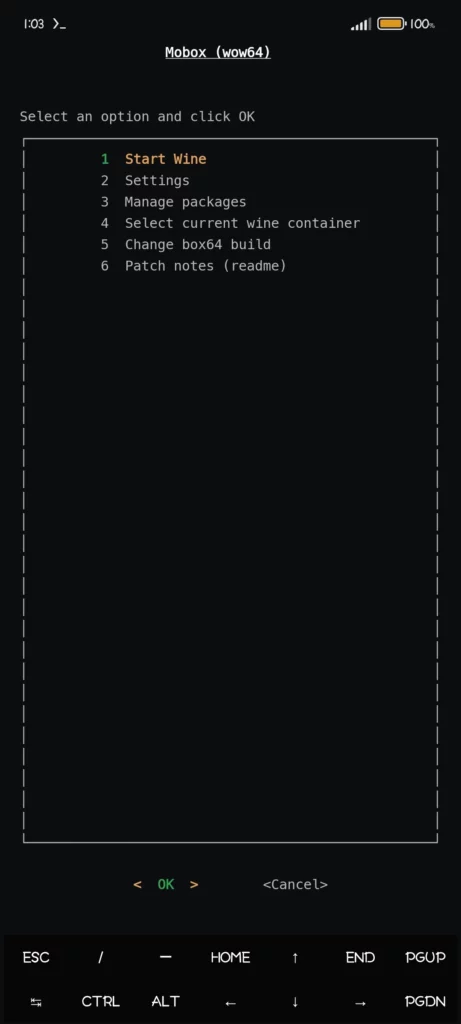
Lūdzu, ņemiet vērā: MOBOX emulators joprojām tiek izstrādāts, tāpēc dažās spēlēs var būt dažas kļūdas, avārijas un darbības traucējumi. Tomēr MOBOX emulators kopumā ir stabils un spēlējams labākajās spēlēs datorā, piemēram, GTA 5, GTA 4 un Tomb Raider Underworld.
Tomb Raider Underworld PC versijas videospēle operētājsistēmā Android
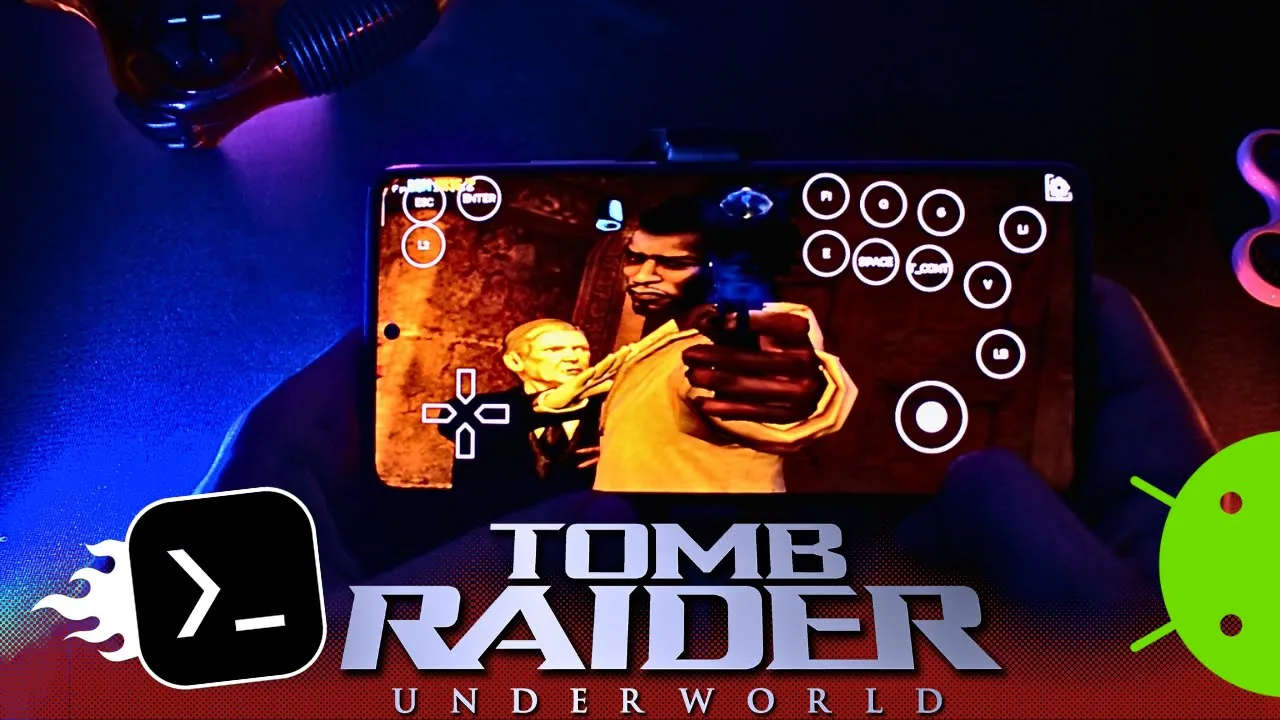
Izmantojot MOBOX datora emulatoru Android, tagad varat baudīt pārsteidzošas spēles un lietotnes savā tālrunī vai planšetdatorā.
MOBOX emulatora Android labākie iestatījumi — FIX Lag un zems FPS — Tomb Raider Underworld Test
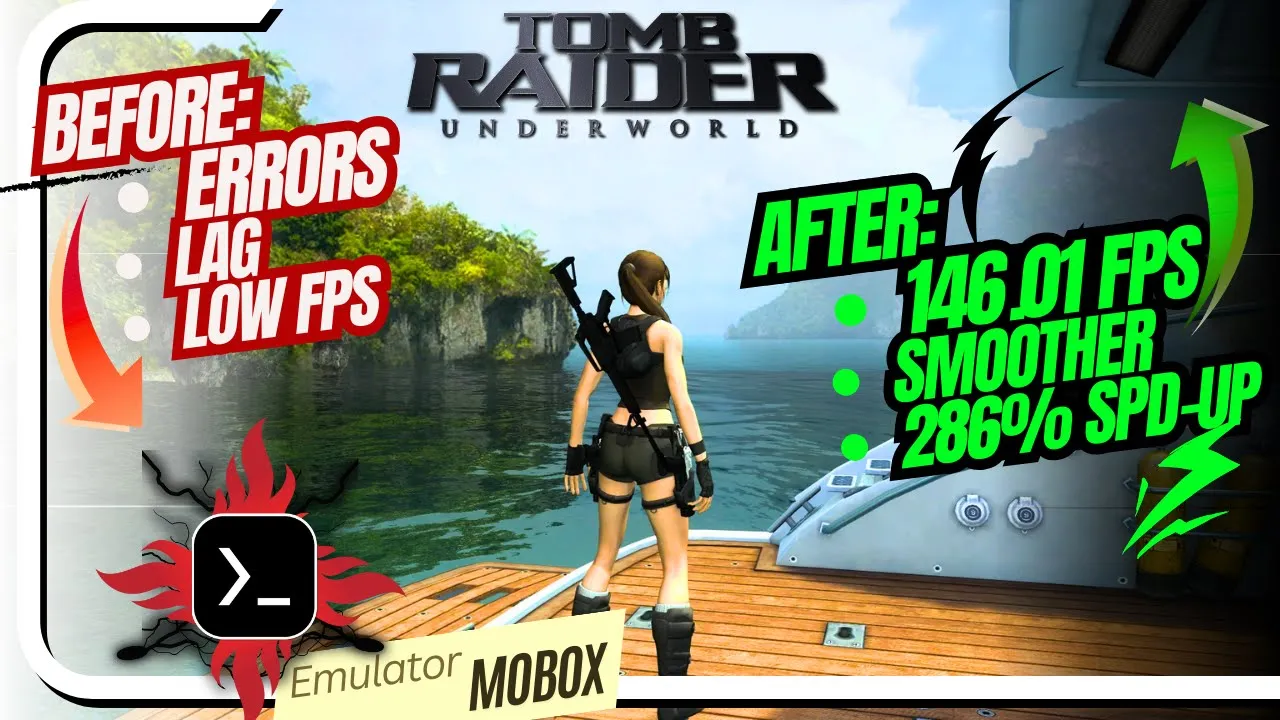
Šodien tas ir viss, pārliecinieties, ka jums ir spēcīgs tālrunis, ar kuru es iesaku tālruni Snapdragon 888 Or Dimensija 1200 #AD Or Higher, ja jums ir nepieciešams kaut kas cits vai jums ir jautājumi vai problēmas, mani sociālie mediji, tas ir viss. Tieši pirms šīs cilnes aizvēršanas es vēlos jūs uzaicināt pārbaudīt Lejupielādēt spēli "Citplanētiešu šāvējs" operētājsistēmai Android, vai Need for Speed Most Wanted lejupielāde — MOBOX emulators Android ierīcēm, vai MOBOX emulatora kategorija, paldies par apmeklējumu un neliec man tevis pietrūkt Man vienmēr ir jaunumi. Es panākšu tevi nākamajā, miers.