




Does Soccer Manager 2026 from Steam run on Android? My Gamehub test
Download and play Soccer Manager 2026 the video game on Android phone using Windows Emulator “Gamehub”, Gamehub Emulator is best windows Emulator on Android, you can open you Steam, Epic Games or Ubisoft connect account on your Android phone, start the 2026 we can play windows Games on our Phones, there is another Windows Emulator was poped up like Gamenative, Winlator Emulator a MOBOX Emulator but the Gamehub is still the best. just to be clear Soccer Manager have a official version on Google Play, but in this post i play the Steam version of Soccer Manager 2026 on Android with Gamehub, i want to see if the PC version run good on the phone, and here is my settings and the real fps.
About Soccer Manager 2026 the video game:
Soccer Manager is a football management game from Invincibles Studio, a British company, and its look like they update the same game on Steam every season, because in my Gamehub Library the card still say Soccer Manager 2025, inside the game its Soccer Manager 2026 and now the Steam page have the name Soccer Manager 2027. you take one club and you do everything, the transfers, the training, the tactics and the formations, and you make the facilities of the club better. on Wikipedia they say around 900 clubs, 54 leagues and 36 countries for the 2024 edition with real players licensed by FIFPRO, and there is licenses like Manchester City and the German Bundesliga, you see the Bundesliga logo in the loading screen. you dont need to pay to play it but it have in-app purchases, like the SM26 Ultimate Edition offer i get in the menu. on PC its need Windows 10, 4 GB RAM, GTX 1650 with DirectX 11 and only 2 GB storage. WIKIPEDIA & Tuhinga, Let start Explain how you can run Soccer Manager 2026 the video game on your Android phone:
I mua i te tiimata ka tūtohu ahau ki enei taputapu kei te waatea i runga i te Amazon kia pai ake te takaro me te pai ki te takaro:
1- Ka tūtohu ahau i te GameSir X3 Type-C Cooling Fan Android Controller. Kua whiwhi ia i tētahi arotake pai neke atu i te 59% i runga i te 5 whetu neke atu i te 2.192+ arotake, he pai.
2-E taunaki ana ahau i te Razer Kishi Mobile Game Controller Arotake 18,656+ mō te Android USB-C me te Tukunga Koreutu. Ngā Taipitopito me ngā Whakahokinga Koreutu me te Tairongo Nui me te Tika Ake
3- Ngā Taputapu Whakamutunga Nā Razer tēnei. Ka tūtohu atu ahau i te Razer Kishi V2 Mobile Gaming Controller + Razer Phone Cooler Chroma. Ko te mea pai rawa atu o ēnei Taputapu he iti te kaha o te Bluetooth mō te roa o te ora o te pākahiko, ā, he pai te hototahi ki ngā waea katoa, Android, iOS rānei.
4- Nga Taonga Whakamutunga Na te Mango Pango Ka tūtohu ahau te Waea Matao Pango Mango aukume Taumata Haruru o te 1 dB, he WOW tena.
#AD
Soccer Manager 2026 – Gamehub Emulator | Windows Emulator Android
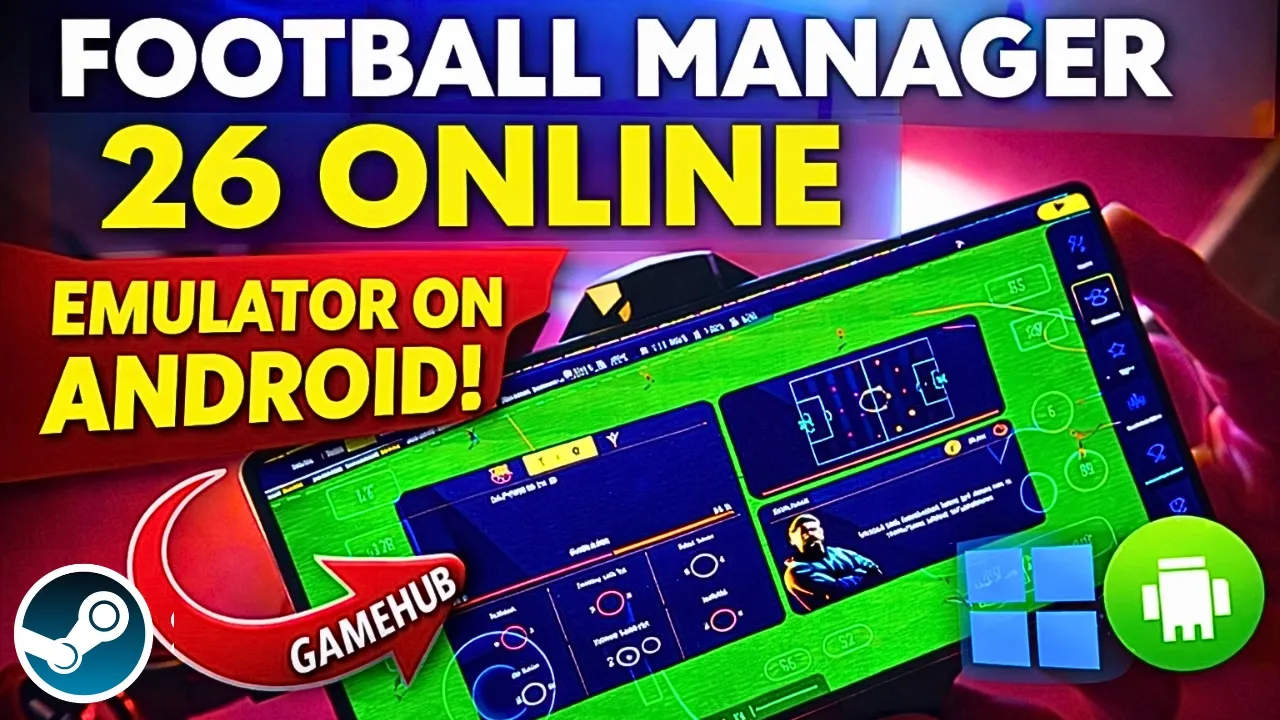
My Gamehub Settings For Soccer Manager 2026:
those are the settings i show in the video on my phone with Snapdragon 8 Elite Gen 5, the game you see is Soccer Manager 2026, in the Gamehub Library press the three points of the game, open PC Game Settings and put it like this:
- reo: de_DE i roto i taku ataata, tuhia te en_US mēnā kei te hiahia koe kia reo Ingarihi te kēmu
- Whakataunga Kēmu: 1280 x 720
- MangoHUD me DirectX HUD: atu
- Auto-display keyboard when input needed: on
- Papa Hototahi: proton10.0-arm64x-2
- Ngā Tawhā Whakamāori: Ngā Tautuhinga Kēmu
- DInput Library: Pai ake ki te Tangata Whenua
- Skip Audio/Video Decode: atu
- Atekōkiri GPU: qcom-842.6
- Hōputu Mata: BGRA8
- Atekōkiri Ororongo: Pulse
- Putanga DXVK: dxvk-2.4.1-async
- Putanga VKD3D: vkd3d-2.12
- Kaiwhakamāori PTM: Fex_20250910
- Te Herenga Matua CPU me te Herenga VRam: Kāore he Tepe
- Performance menu in the game: Native Rendering+, the Frame Limit off, and i turn on HDR, CRT Display Effect and Super Resolution
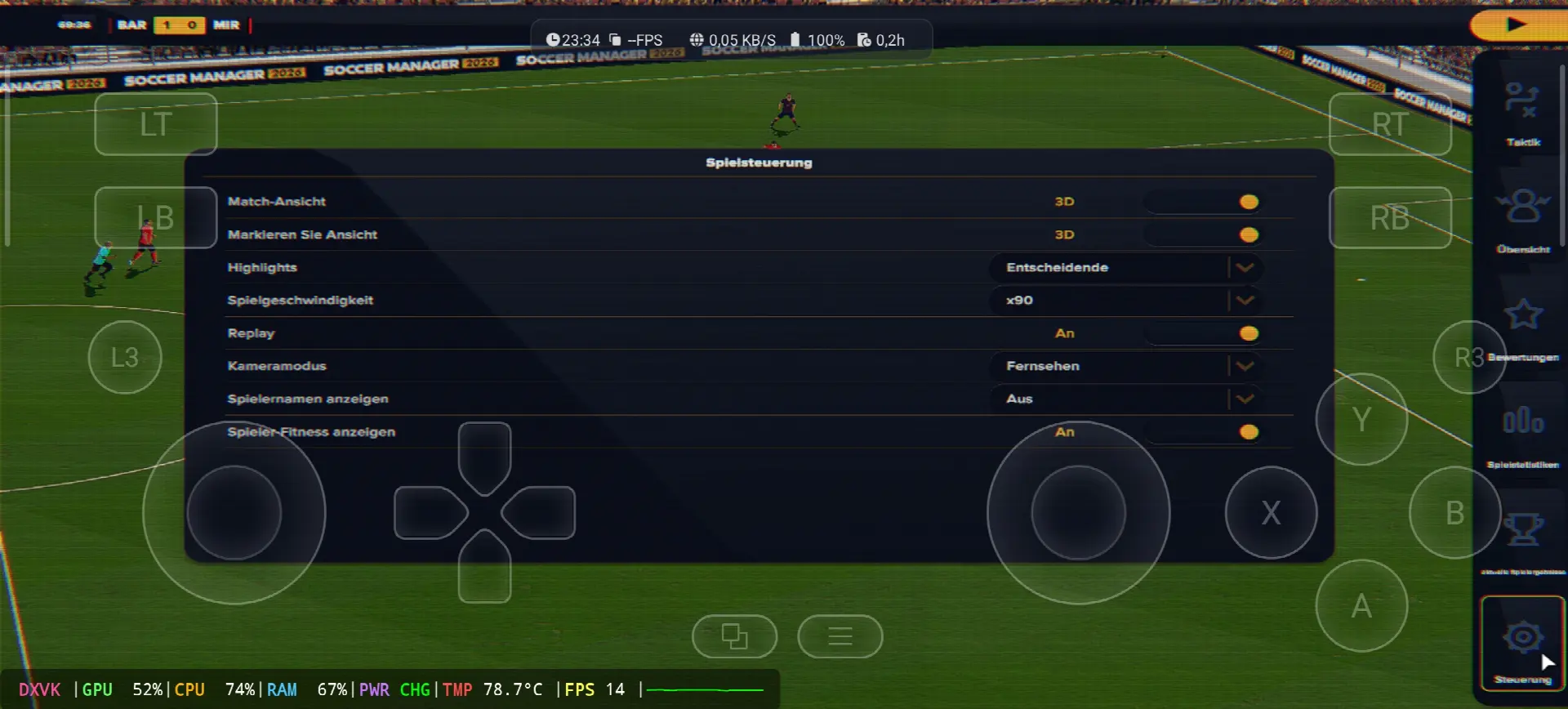
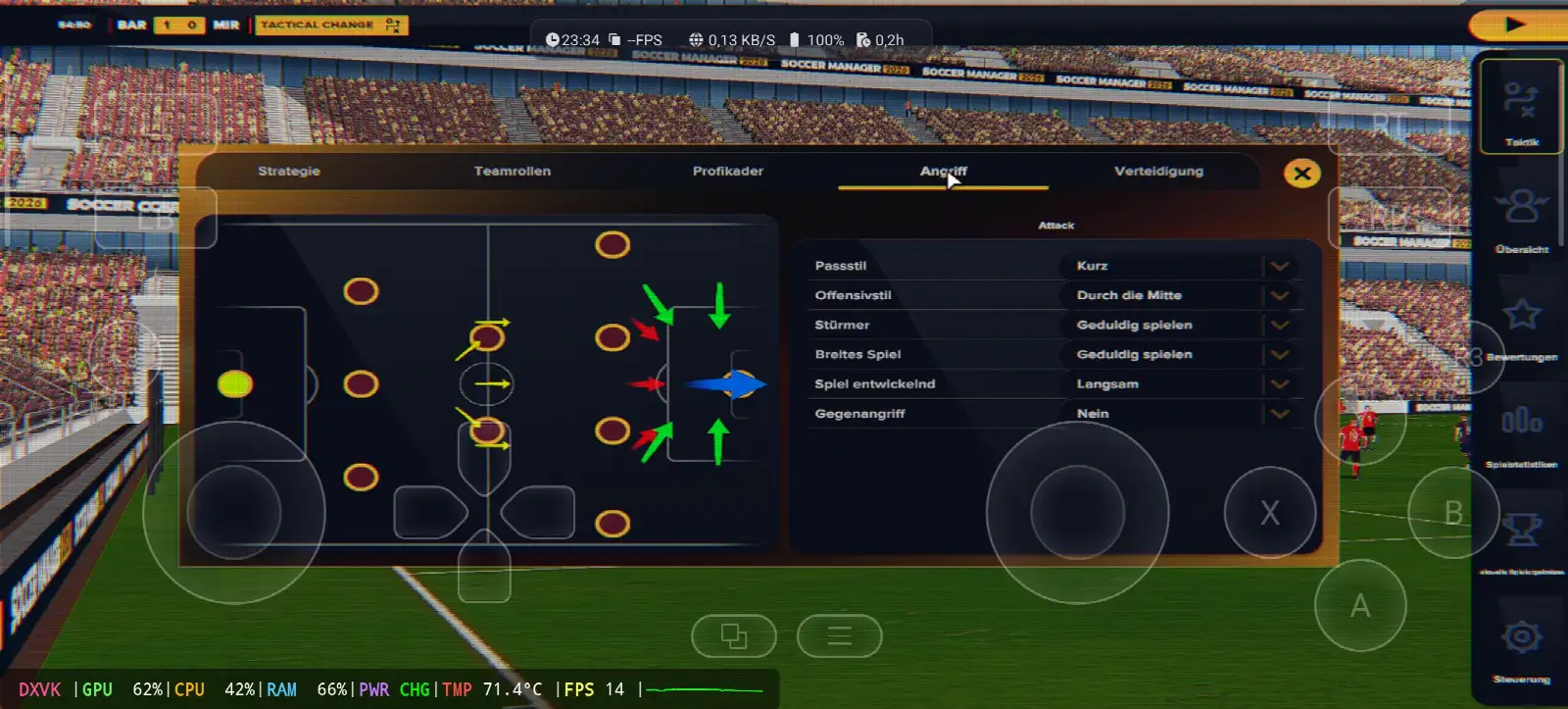
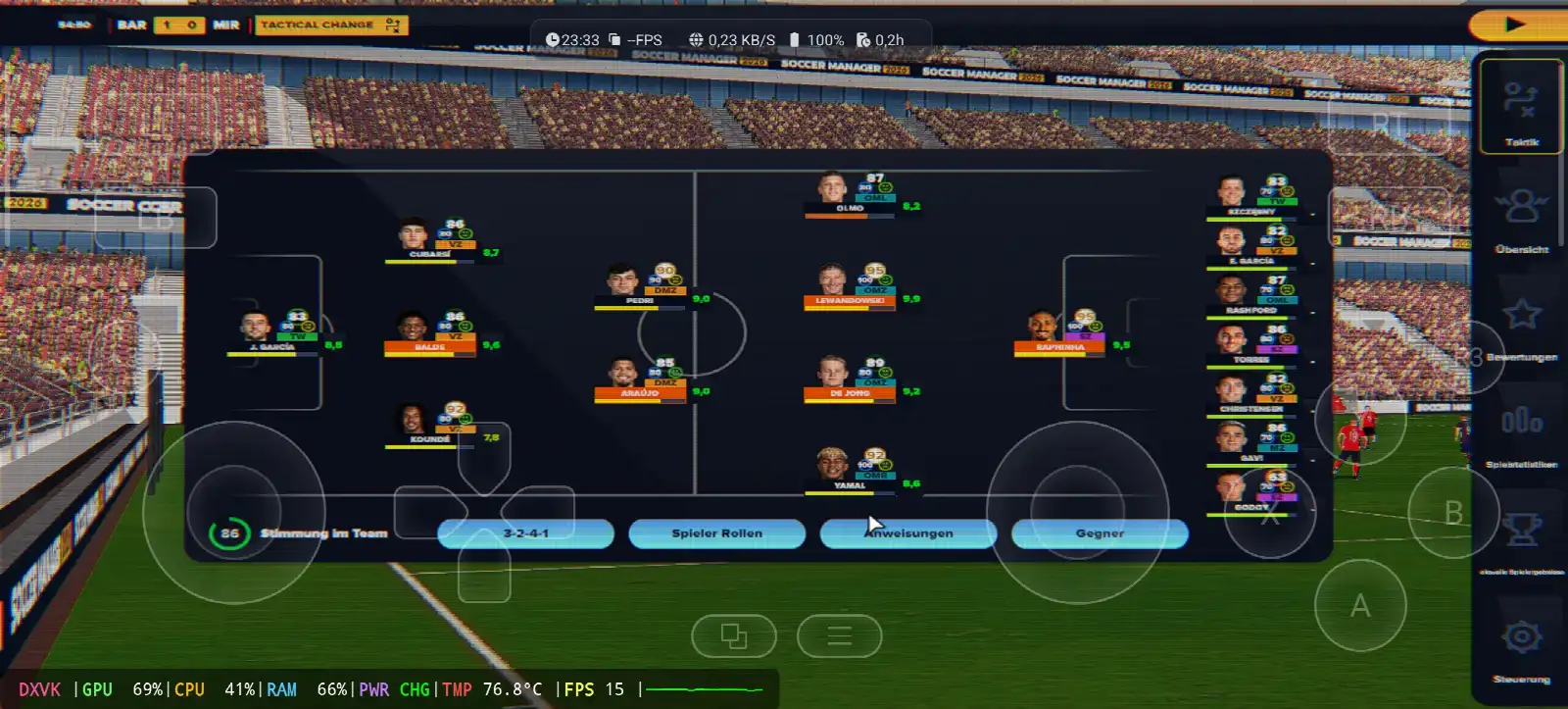
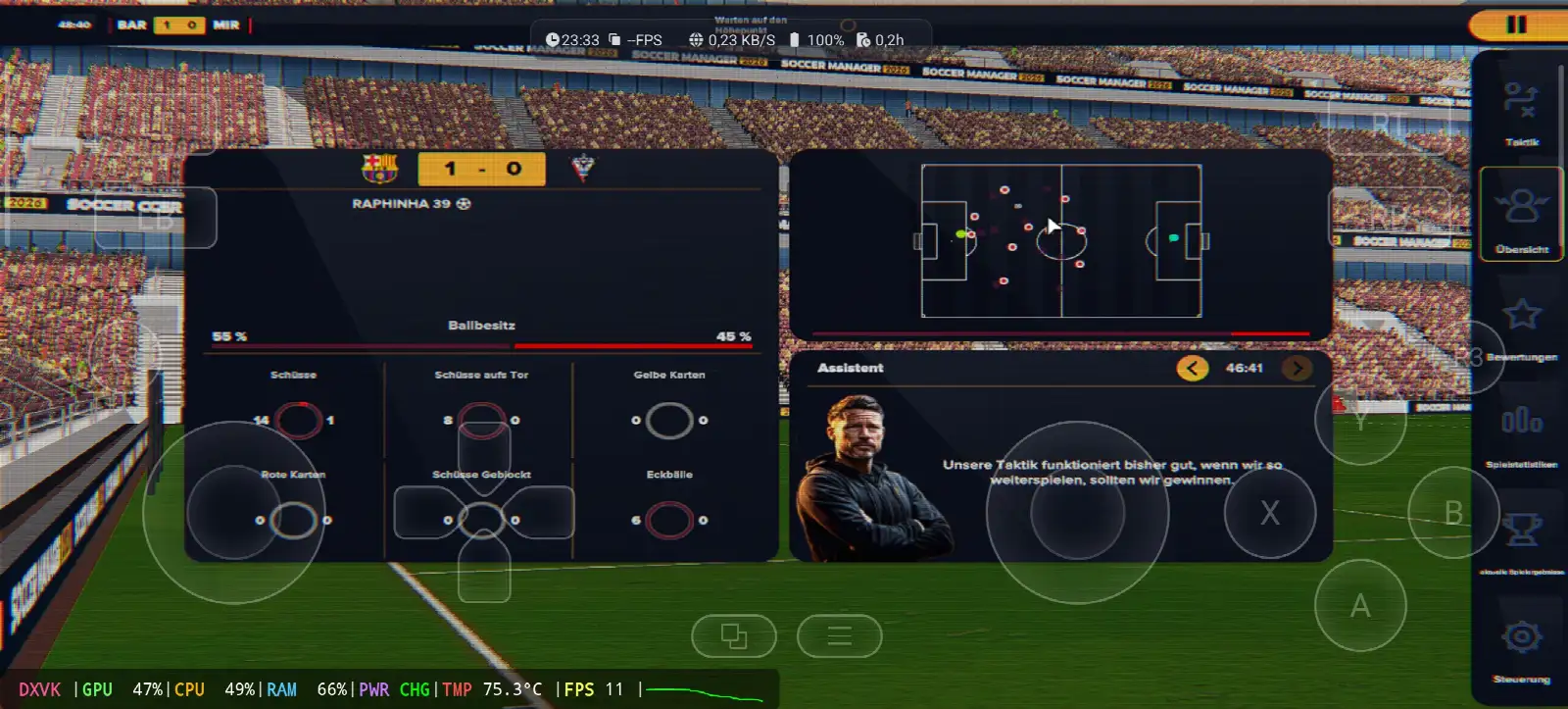
Gamehub open the Steam client first and log in, then you see the Invincibles logo and the loading screen. in my test i play with Barcelona in a 3-2-4-1 and i was winning 1-0 with a goal from Raphinha in the 39 minute, the menus and the tactic screens was smooth between 57 and 59 fps, the intro of the match around 45 fps, but in the 3D match its go down to 11-19 fps. the GPU was 47 to 69%, the CPU 41 to 74% and the RAM 66 to 67%, and the temperature between 71.4 and 78.7°C with the phone on the charger. for a manager game its still ok because you are more time in the menus, and in the Steuerung menu of the match there is a button for the 3D view (Match-Ansicht), you can try to change it if the match is too slow for you.
1- Get Soccer Manager on Steam:
when you open the Steam page now you get the 2027 edition, its the same page of the game i play in my video.
Mēnā kei te wātea, ka tūtohu ahau i a Epic Games: 'He iti te utu, tikiake mai i te kēmu, kātahi ka tāuta hei whakaiti i te wera nui'.
*If you already have Soccer Manager in your Steam Library, you can simply open your Steam account and download the game or if you have it on your PC then connect your android Phone to the laptop or PC copy Soccer Manager next copy he game to the Phone. Keep your android phone connected to copy the Gamehub Emulator app.
Me pēhea te whakarite i te emulator gamehub – STEAM / EPIC GAMES i raro i te 5 meneti
2- Tikiake i te Gamehub Emulator – Te Windows Emulator Android:
Kia oti te tango i te Gamehub Emulator, tāutahia, ka whakatuwherahia, kātahi ka whai i te tatūnga o te Windows Emulator ki te Android.
Āta tirohia tēnei ataata hei whakaatu me pēhea te whakarite i te kēmu ki te Gamehub Windows Emulator, ā, kia pai tō wheako! 🙂
GAMEHUB Emulator Android | Whakamātautau/ Tatūnga / Tautuhinga | Emulator Matapihi Pai rawa atu – 2025
If Soccer Manager 2026 the video game was running with Low FPS or Graphics issue, please follow this video:
GAMEHUB ANDROID EMULATOR NGA WHAKATAUTANGA KAUPAPA: MAX FPS - WHAKATINO IA LAG & GLITCH
Ka taea e koe te whakatuwhera i tō pūkete Steam, Epic Games, Ubisoft Connect rānei i runga i te Gamehub Emulator hei tākaro tuihono.
3- Best Phone For Soccer Manager 2026 Android:
we at the End Explanation, Soccer Manager 2026 from Steam run on Gamehub, the menus are smooth with 57 to 59 fps but the 3D match is slow with 11 to 19 fps, so if you want only to play it on the phone then the official version on Google Play is the easy way, and the Steam version is nice if you like to have your Steam Library in your pocket. the only stuff i can recommend is a strong Android phone with Snapdragon 8 Elite Gen 5 mā te whakamatao waea #AD because the temperature go up to 78.7°C in the match, otherwise the world of Emulation is getting better day by day so be patience. if you like football games check also PES 2013 on MOBOX Emulator and my old post Football Manager 2020 Mobile on Chikii App, ā, mō te kēmu katoa tirohia taku Hongere YouTube me taku TikTok mō ngā kiriata poto. ā, ko te kupu anake e hiahia ana ahau ki te kī, tirohia mai ā mātou Kāwai Kēmu Whakahōu, he nui ngā mea nunui hei tākaro māu i runga i tō Waea Android, i ngā wāhi katoa, i ngā wā katoa. Ā, kia tau te rangimārie.




