



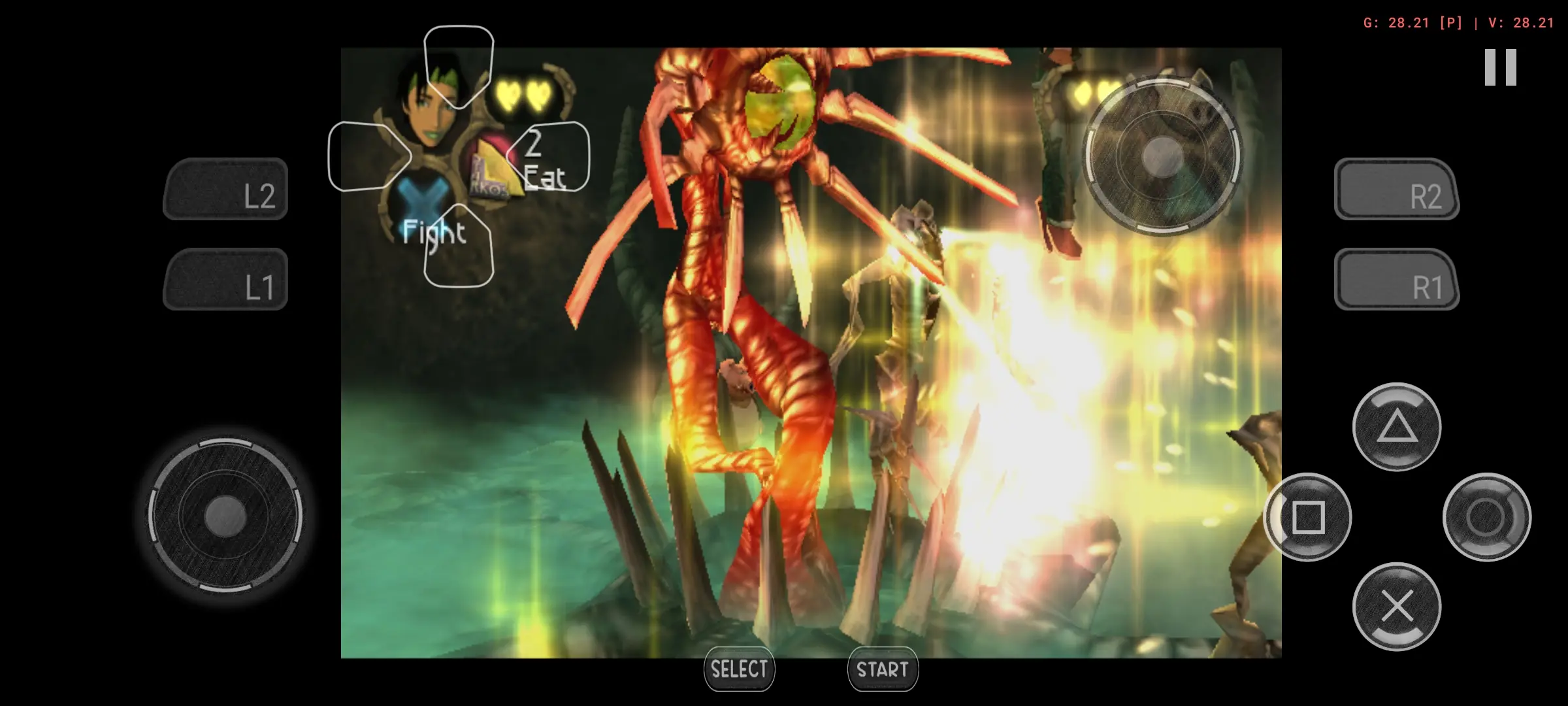

Beyond Good and Evil अँड्रॉइड – पीएस२ एम्युलेटर डाउनलोड करा – Nethersx2
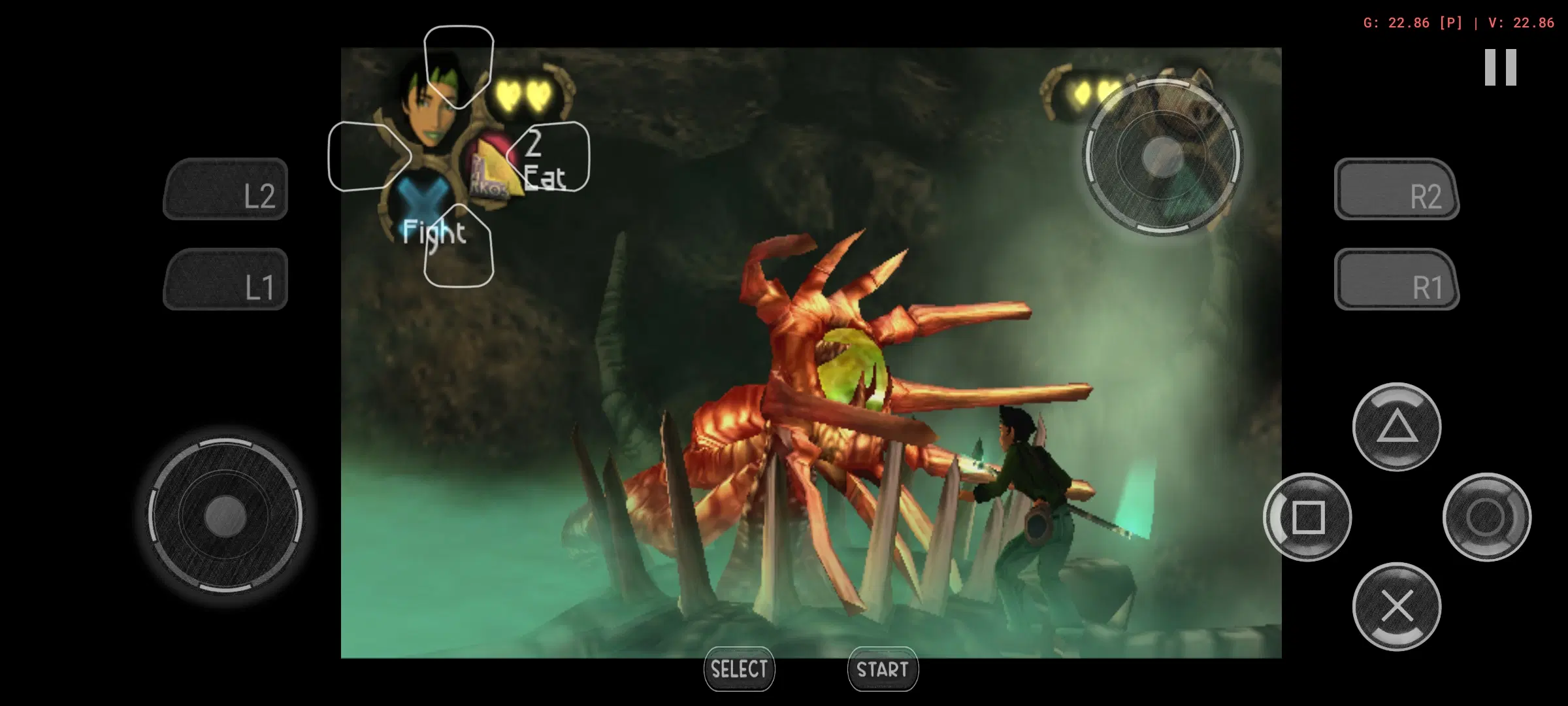
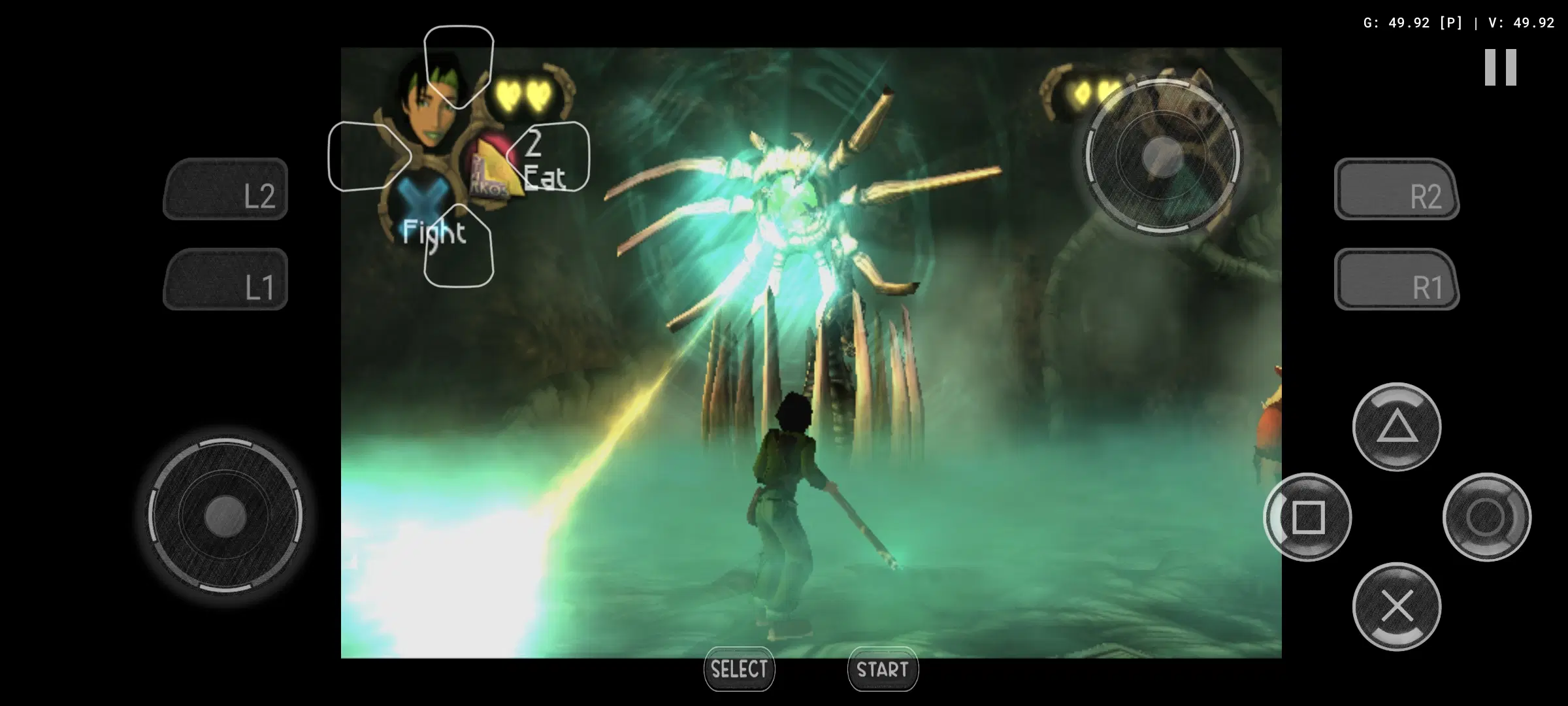
Download Beyond Good and Evil Video Game For Android, You Will Play it Using a PS2 emulator, There Are 3 Best PS2 emulators – NetherSX2, Aethersx2, And Damon Ps2 PRO – NetherSX2 and Aethersx2 Costs Nothing But Damon Ps2 Pro Is Paid, You Can Download the Normal version Of Damon Ps2 But With Ads, now Let Me Told You Some Information About Beyond Good and Evil Video Game: Beyond Good & Evil is a 2003 action-adventure video game developed and published by Ubisoft for PlayStation 2, Windows, Xbox and GameCube. The story follows the adventures of Jade, an investigative reporter, martial artist, and spy hitwoman working with a resistance movement to reveal a sinister alien conspiracy. Players control Jade and other allies, solving puzzles, fighting enemies, and obtaining photographic evidence. Michel Ancel, creator of the Rayman series, envisioned the game as the first part of a trilogy. The game was developed under the codename “Project BG&E” by 30 employees of Ubisoft’s studio divisions in Montpellier and Milan, with production lasting more than three years. One of the main goals of the game is to create a meaningful story while giving players much freedom, though the game adopts a relatively linear structure. The game was received poorly when it was shown at E3 2002, and it prompted the developers to change some of the game’s elements, including Jade’s design. Ancel also attempted to streamline the game in order to make it more commercially appealing. Beyond Good & Evil was critically acclaimed and is considered one of the greatest video games ever made. Critics praised the game’s animation, setting, story and design, but criticized its combat and technical issues. The game received a nomination for “Game of the Year” at the 2004 Game Developers Choice Awards. While the game had a cult following, it was considered a commercial failure at launch. A full HD remastered version of the game was released on Xbox Live Arcade in March 2011 and on PlayStation Network in June 2011. A prequel, Beyond Good and Evil 2, is in development and was announced at E3 2017. A hybrid live-action/animated film adaptation is currently in the works at Netflix. I Get This Information From विकीपीडिया तुम्हाला हवे असल्यास तुम्ही अधिक वाचू शकता, आता बोलणे थांबवू आणि स्पष्टीकरण देण्यासाठी बाहेर जाऊ:
सुरु करण्यापूर्वी, अधिक आरामात खेळण्यासाठी आणि खेळाचा चांगला आनंद घेण्यासाठी मी ॲमेझॉनवर उपलब्ध असलेल्या या ॲक्सेसरीजची शिफारस करतो:
मी गेमसिर एक्स२ ब्लूटूथ मोबाईल गेमिंग कंट्रोलरची शिफारस करतो. त्याला ५ स्टारवर ३८% पेक्षा जास्त चांगले रिव्ह्यू मिळाले आहेत, तो चांगला आहे.
२- मी रेझर किशी मोबाईल गेम कंट्रोलर +८००० ची शिफारस करतो. अँड्रॉइडसाठी यूएसबी-सी आणि मोफत शिपिंगसह रिव्ह्यू. तपशील आणि मोफत रिटर्न, तसेच अधिक अचूकतेसह उच्च संवेदनशीलता.
३- शेवटची ॲक्सेसरी रेझरची आहे. मी रेझर जंगलकॅट ड्युअल-साइडेड मोबाईल गेम कंट्रोलर + बिटसर्किट मोबाईल फोन रेडिएटर कूलर फॅनची शिफारस करतो. या ॲक्सेसरीजची सर्वात चांगली गोष्ट म्हणजे, जास्त बॅटरी लाईफसाठी ब्लूटूथ लो एनर्जी. आणि वाईट गोष्ट म्हणजे, ही सर्व फोन्ससोबत सुसंगत नाही, फक्त रेझर फोन २, गॅलेक्सी नोट ९, गॅलेक्सी एस१०+ सोबत सुसंगत आहे. टीप: फक्त रेझर जंगलकॅट सर्व फोन्सना सपोर्ट करत नाही, पण कूलर फॅन सर्व फोन्सना सपोर्ट करतो.
# एडी
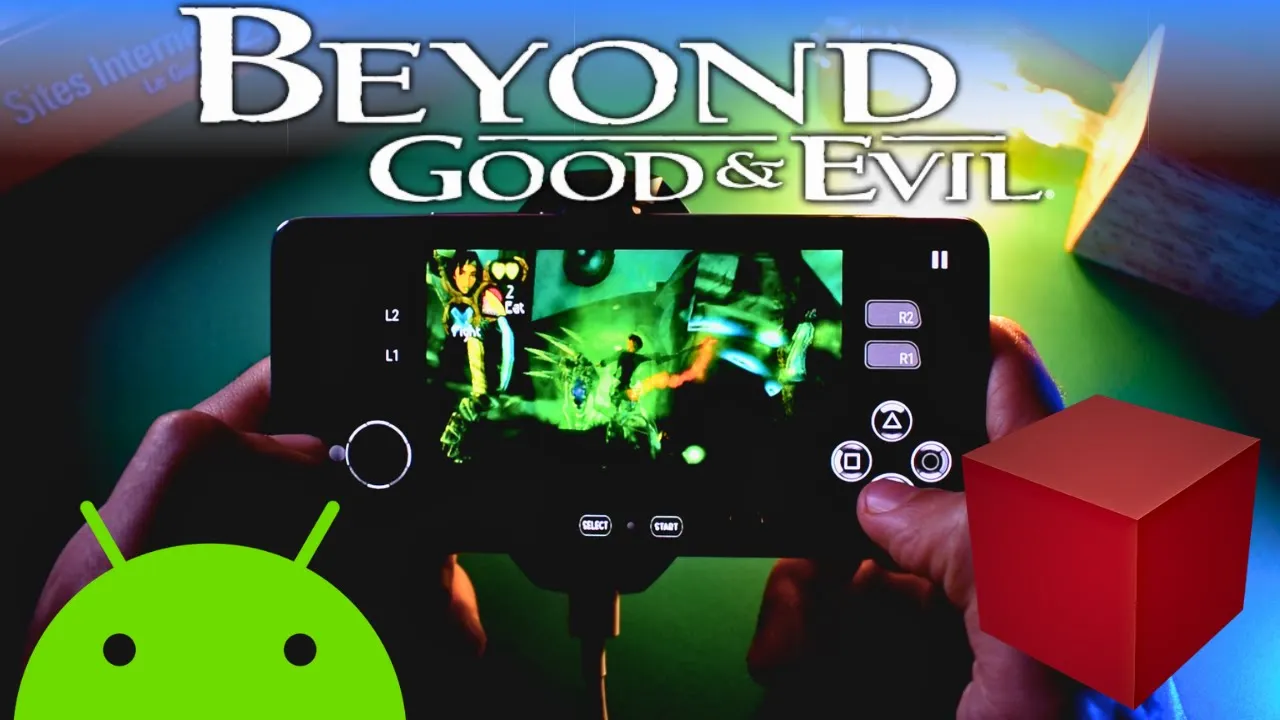
१- तुम्हाला वापरायचा असलेला PS2 एम्युलेटर निवडा – मी NetherSX2 ची शिफारस करतो :
२- जर तुमचा फोन एक्स्ट्रॅक्ट करण्यास सपोर्ट करत नसेल, तर गेम अनझिप करण्यासाठी विनारार (Winrar) डाउनलोड करा:
तुम्ही हे सर्व वगळून थेट हा व्हिडिओ पाहू शकता की मोबाईल फोनसाठी असलेल्या NetherSX2, Aethersx2, आणि Damon PS2 एम्युलेटरमध्ये PS2 गेम्स कसे इन्स्टॉल करायचे.
NetherSX2, Aethersx2, आणि Damon Ps2 वर Beyond Good and Evil 2 व्हिडिओ गेम खेळण्यासाठी या पायऱ्यांचे अनुसरण करा :
1-विनरार अॅप्स स्थापित करा
२- विनारार (Winrar) उघडा आणि “डाउनलोड” फोल्डरमध्ये जाऊन गेम अनझिप करा.
3-परत जा आणि Ps2 एमुलेटर NetherSX2, Aethersx2, किंवा Damon Ps2 स्थापित करा
४- विनारार ॲप उघडा आणि बायोस अनझिप करा, आणि त्या फाईल्स NetherSX2, Aethersx2, आणि Damon Ps2 फोल्डरमध्ये कॉपी करा.
5- NetherSX2, Aethersx2, किंवा Damon Ps2 हा PS2 एमुलेटर उघडा, 'स्कॅन गेम्स' वर क्लिक करा आणि आपल्या गेमचा आनंद घ्या.
एथर एसएक्स२ विरुद्ध डॅमन पीएस२ प्रो ( व्हिडिओ लिंक )
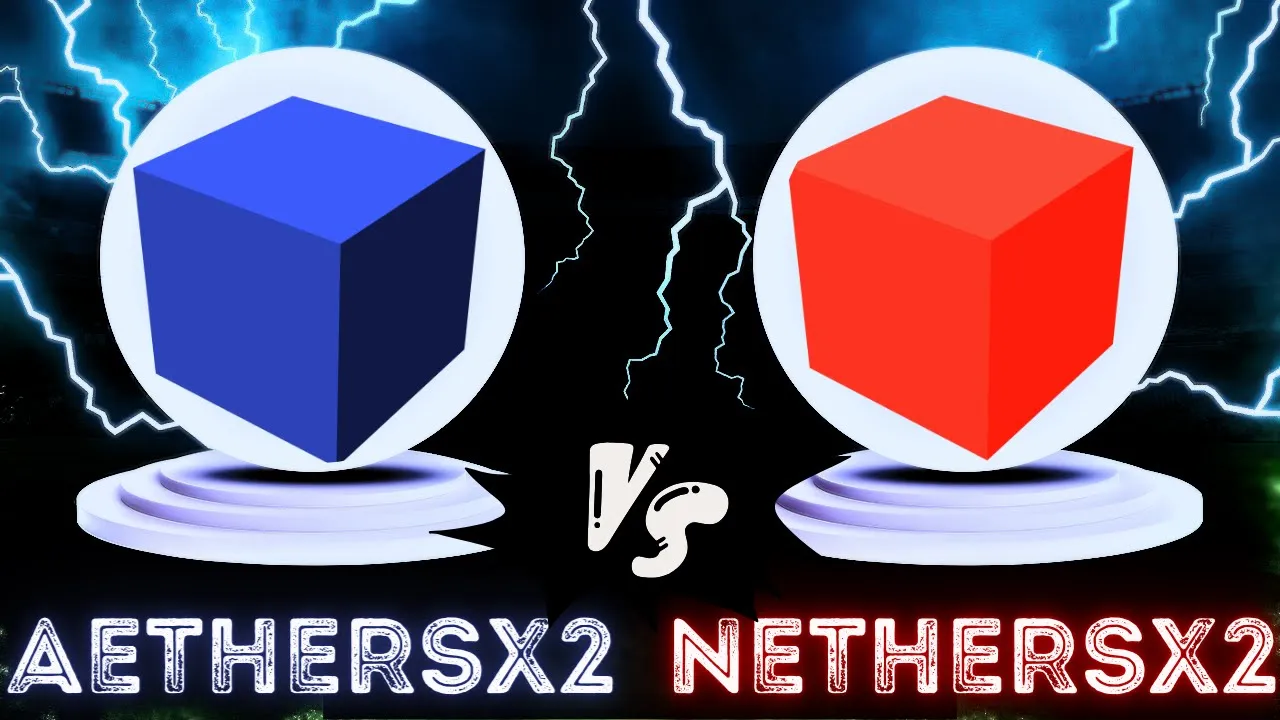
एथर SX2 वि. Nethersx2
जर तुमचा गेम हळू चालत असेल तर मी तुम्हाला सर्वोत्तम व्हिडिओ दाखवतो :
एथर एसएक्स२ ( व्हिडिओ लिंक ) किंवा डॅमनपीएस२ ( व्हिडिओ लिंक ) वर 'बियॉन्ड गुड अँड एव्हिल' व्हिडिओ गेमसाठी सेटिंग्ज
आणि आता आनंद घ्या. शेवटी, माझ्या साईटला भेट दिल्याबद्दल धन्यवाद. तुम्हाला काही प्रश्न किंवा समस्या असल्यास, माझ्या यूट्यूब चॅनलवर किंवा सोशल मीडियावर कमेंट करा. आणि ही विंडो बंद करण्यापूर्वी, मी तुम्हाला माझे इतर अप्रतिम गेम्स पाहण्यासाठी आमंत्रित करू इच्छितो: Call Of Duty 3 Download For Android – Aether Sx2 Ps2 Emulator किंवा The Suffering Game For Android Download – Aether SX2 Ps2 Emulator. तसेच तुम्ही अँड्रॉइडवर चालणाऱ्या इतर अप्रतिम PS2 गेम्सची यादी देखील पाहू शकता . आजसाठी इतकेच. खूप खूप धन्यवाद, पुढच्या व्हिडिओमध्ये भेटूया, बाय. माझ्या हृदयापासून शांती.