

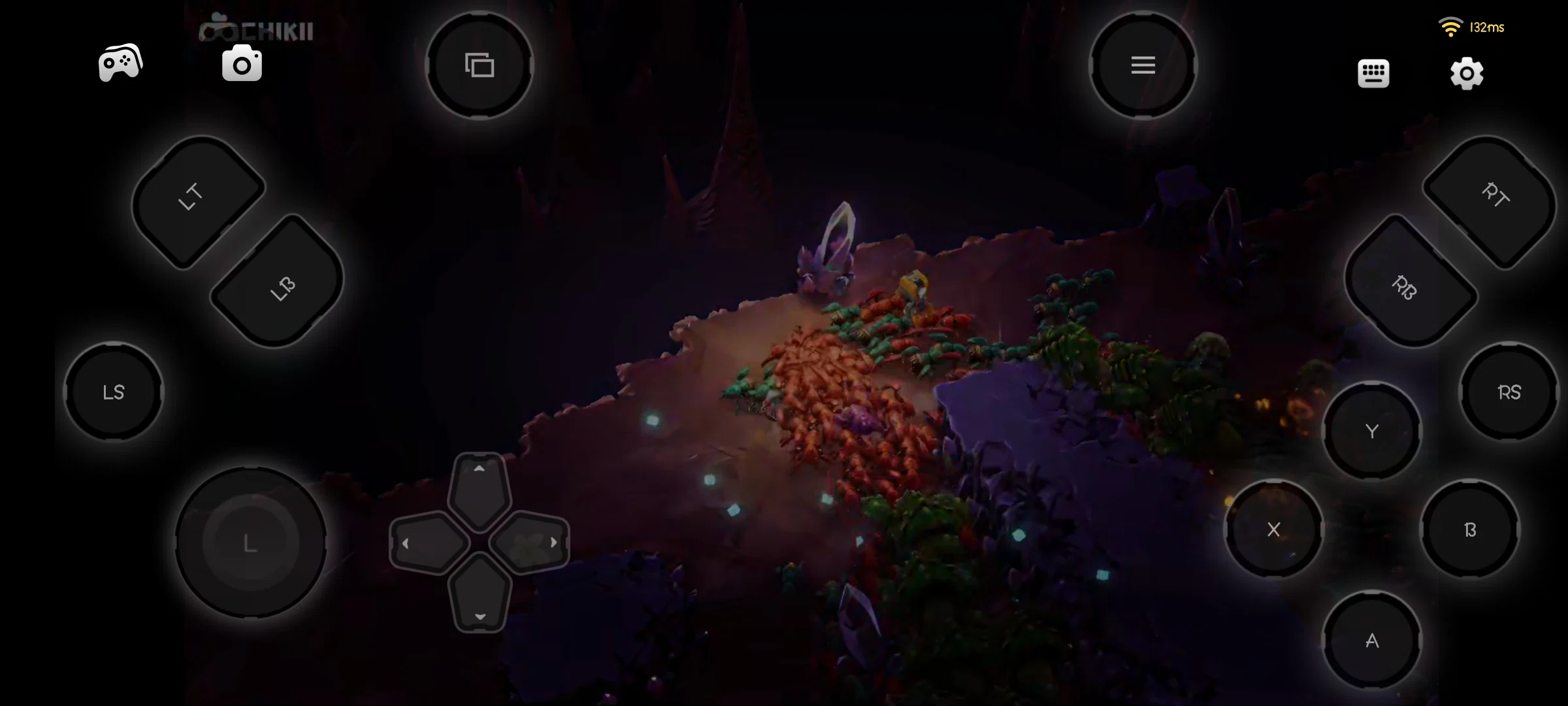
Deep rock galactic survivor android – chikii cloud
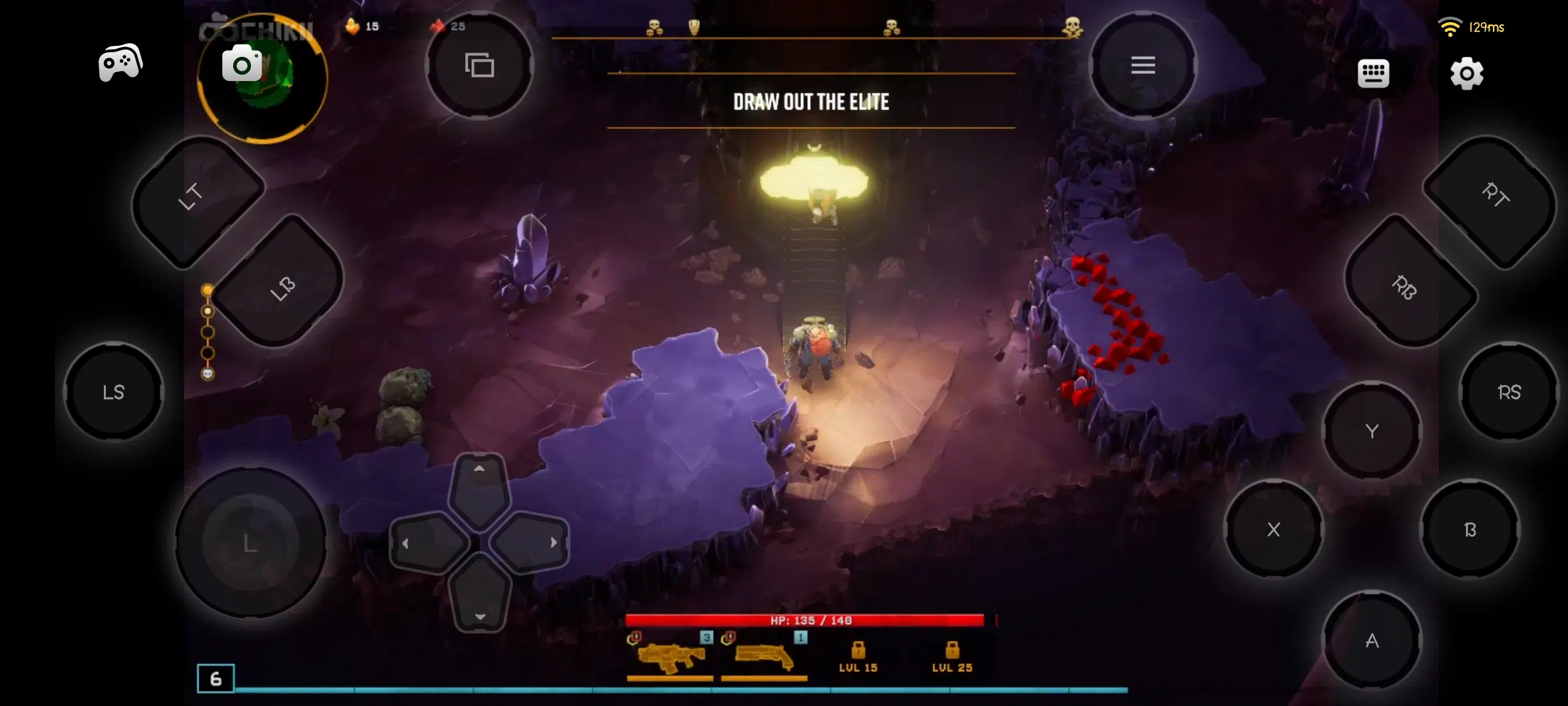
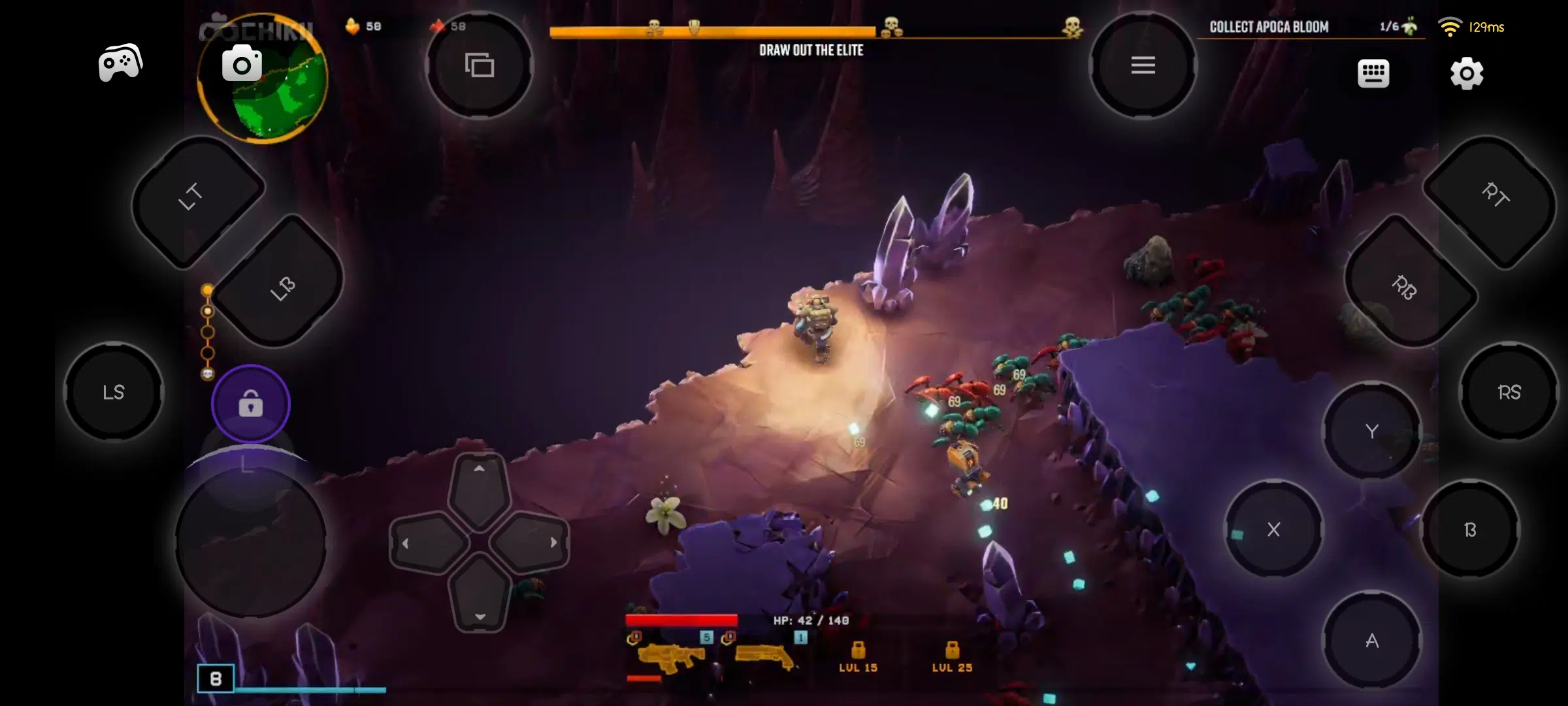
Download Deep rock galactic survivor using Chikii Cloud Gaming app, Chikii Is cloud gaming available for Android, chikii is not available for iOS yet. Chikii is a mobile game APP android for PC and console games, as a cloud gaming platform with over 400+ and 200+ 3A games, in Steam, PS4, Xbox One, and Switch game libraries, all you need is a mobile Android phone to play your favorite PC games and console. can we play Deep rock galactic survivor on Android? Yes, you can play Deep rock galactic survivor on Android using the Chikii app cloud gaming, and you just need a good internet speed, let me tell you some information about Deep rock galactic survivor: Deep Rock Galactic: Survivor is an early access shoot ’em up video game by Funday Games. It is a top down spin-off of the first-person shooter Deep Rock Galactic modeled on the auto-shooter Vampire Survivors. The player controls a dwarf on a solo mission to mine ore, shooting enemies and ultimately defeating a boss at the end of each level in order to gain experience and increase their weapon’s power. Funday began developing the game after discussing Vampire Survivors with the CEO of Ghost Ship Games at the 2022 Gamescom convention. It has released into early access on Windows on February 14, 2024. Deep Rock Galactic: Survivor launched in early access on Feb 14, 2024 and in its first week it sold over 500,000 units. In a Steam post titled “The Road Ahead,” the developers expressed their gratitude to players for the game’s download success. They then outlined the game’s future with a “living roadmap” detailing upcoming updates. Deep Rock Galactic: Survivor has received very positive reviews on Steam, with players praising its engaging gameplay, familiar Deep Rock Galactic elements, and rewarding upgrade system. Players take control of a lone Dwarf miner venturing into the depths of the procedurally generated planet Hoxxes IV. The top-down perspective allows players to navigate the environment and strategically position themselves against waves of increasingly difficult enemies. Enemies drop experience gems that, when collected, progress the character’s exp bar. Once the character reaches a new level, there will be a selection of upgrades that the player can choose from.. and you can find more information on the ဝီကီပီးဒီးယား ယခု Android ရှိ Deep rock galactic survivor ကစားနည်းကို Chikii Cloud ဂိမ်းအက်ပ်ကို အသုံးပြု၍ စတင်လိုက်ရအောင်။
မစတင်ခင်မှာ ပိုသက်တောင့်သက်သာနဲ့ ကစားနိုင်ဖို့ “မဆိုးပါဘူး” ဂိမ်းနဲ့အတူ Amazon မှာ ရနိုင်တဲ့ ဒီဆက်စပ်ပစ္စည်းတွေကို အကြံပြုပါရစေ။
Pack Null48 Gaming: ကျွန်တော် အကြံပြုချင်တာက ASUS RT-BE96U BE19000 802.11BE Tri-Band + Black Shark Phone Funcooler 3Pro ပါ။ ဖုန်းက magnetic ကို support လုပ်ရင် Black Shark Magnetic 3Pro Phone cooler + Black Shark Bluetooth Earbuds ကို ဝယ်ပါ ။ ဖုန်းက 3.5mm jack ကို support လုပ်ရင် Earbuds ထက် Headset ပိုကောင်းတာ ဝယ်ပါ။ MOMOFLY Gaming Finger Sleeves ဂိမ်းကစားရင်း အံ့သြဖွယ်အချိန်တွေ ရရှိမယ်လို့ အာမခံပါတယ်။
Pack Null48 Gaming+: ဒါက ဂိမ်းကစားခြင်းရဲ့ နောက်ထပ်အဆင့်တစ်ခုပါ၊ ကျွန်တော် အကြံပြုချင်တာက Gaming Router ASUS ROG Rapture GT-AXE16000 + Asus AeroActive Phone Cooler 6 + ASUS ROG Delta S Wireless Headset + ဒါမှမဟုတ် USB-C ကြိုးပါတဲ့ ဗားရှင်းတူ ASUS ROG Delta S Headset + MGC ClawSocks Geo Camo
ဂိမ်းကစားခြင်းနဲ့ အံ့သြဖွယ်ကောင်းတဲ့ အချိန်တွေကို “စစ်မှန်တဲ့ ဂိမ်းကစားခြင်း ခံစားချက်” နဲ့ ဖြတ်သန်းရမယ်လို့ ၁၀၀၀% အာမခံပါတယ် ။
#AD
Deep rock galactic survivor Android ဂိမ်းကစားခြင်း။
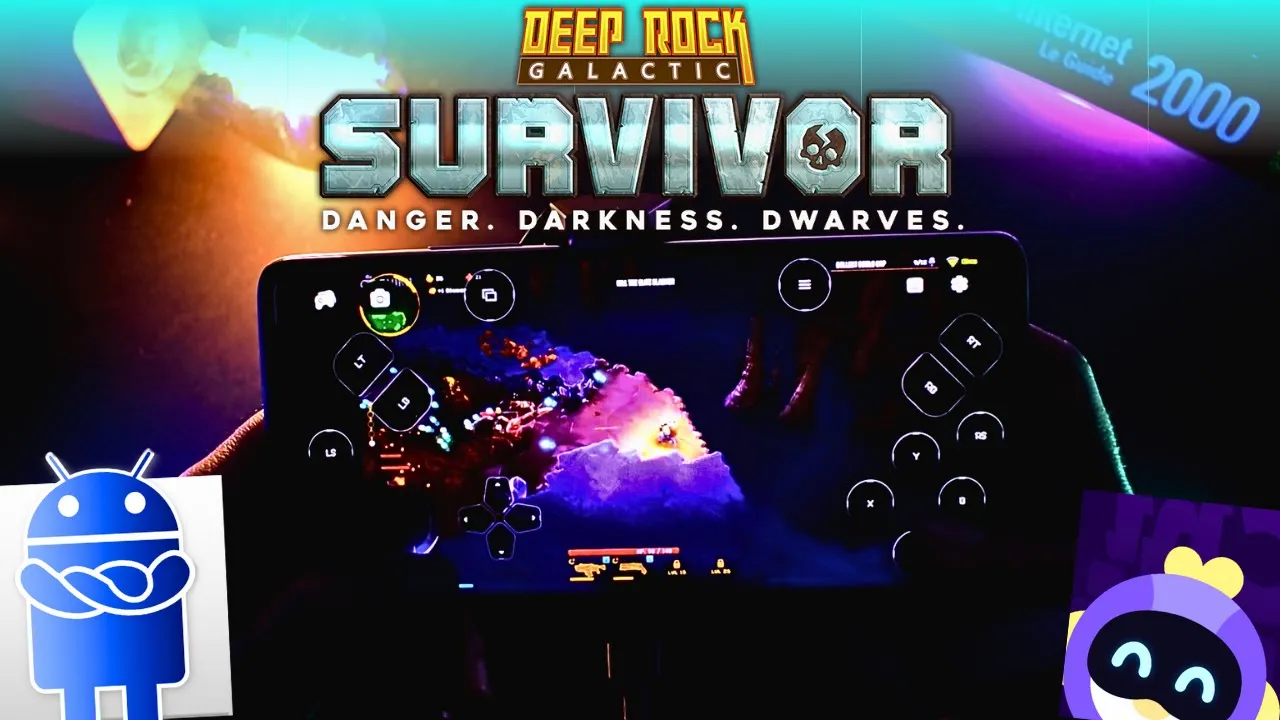
ယခု Chikii cloud ဂိမ်းအက်ပ်ကို အသုံးပြု၍ Android တွင် Deep rock galactic survivor ကစားရန် ဤအဆင့်များကို လိုက်နာပါ-
အဆင့် 1- Chikii အက်ပ်ကို ဒေါင်းလုဒ်လုပ်ပြီး ထည့်သွင်းရန် လိုအပ်သည်-
မှတ်ချက်- Chikii အက်ပ်ကို နိုင်ငံအချို့တွင် မရရှိနိုင်သေးပါ၊ Google Play တွင် တိုက်ရိုက်ဒေါင်းလုဒ်လုပ်ပါက ၎င်းသည် Google Play တွင် တူညီသောဗားရှင်းဖြစ်သည်။
သင်ဒေါင်းလုဒ်ဆွဲပြီးနောက် Chikii App ကိုဖွင့်ရန် ဤပုံများကို လိုက်နာပါ။
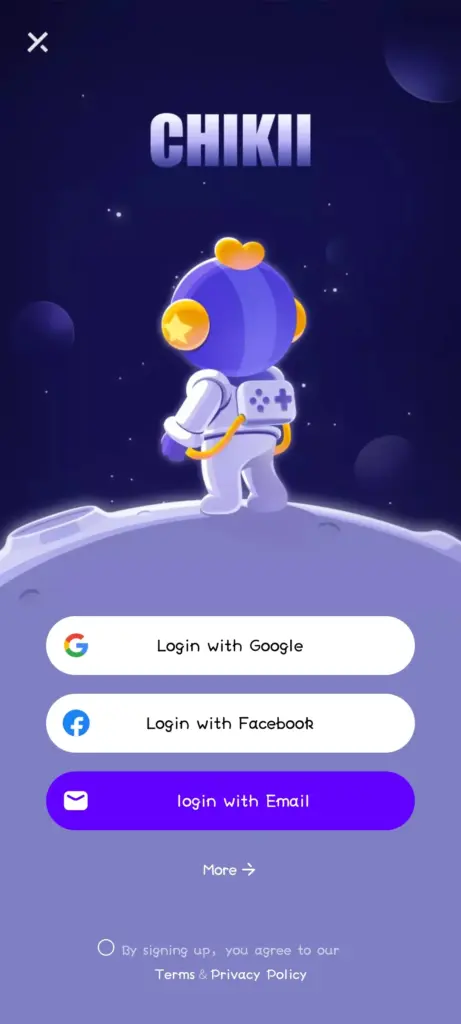
အဆင့် 2 – သင် Chikii အက်ပ်ကို ထည့်သွင်းပြီးနောက် ၎င်းကိုဖွင့်ပြီး သင်၏ Login အမျိုးအစား (Google Gmail၊ Facebook၊ သို့မဟုတ် Yahoo၊ Outlook၊ စသည်ဖြင့်…) ကဲ့သို့သော ပုံမှန်အီးမေးလ်ဖြင့် ရွေးချယ်ပါ။
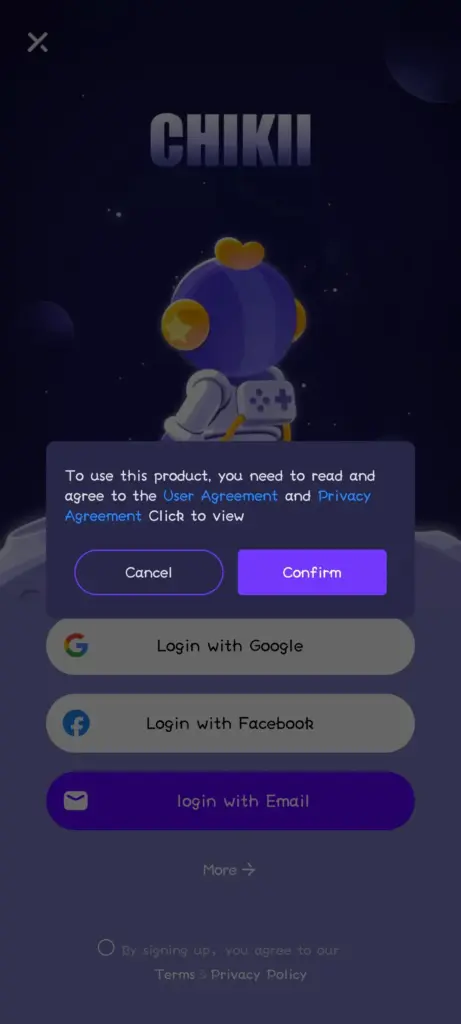
အဆင့် 3 – Chikii App သည် အသုံးပြုသူနှင့် ကိုယ်ရေးကိုယ်တာ သဘောတူညီချက်အကြောင်း အတည်ပြုရန် သင့်အား တောင်းဆိုမည်ဖြစ်ပြီး “Confirm” ကိုနှိပ်ပါ။
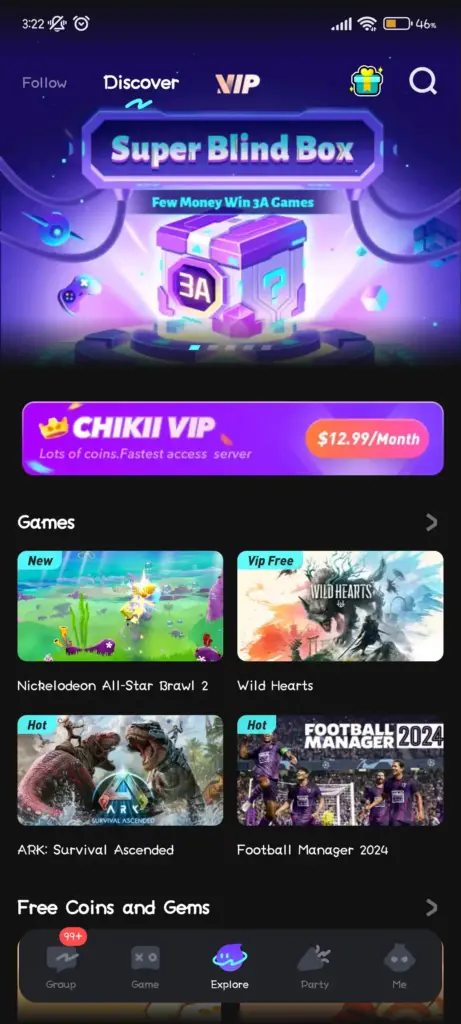
အဆင့် 4 – သင်ဝင်ရောက်ပြီးပါက Explore Home Chikii အက်ပ်စာမျက်နှာတွင် သင့်ကိုယ်သင် နောက်ဆုံးဂိမ်းအသစ်များ သို့မဟုတ် နောက်ဆုံးထွက်ပေါ်နေသောဂိမ်းများ စသည်တို့ကို တွေ့ရမည်ဖြစ်ပါသည်။
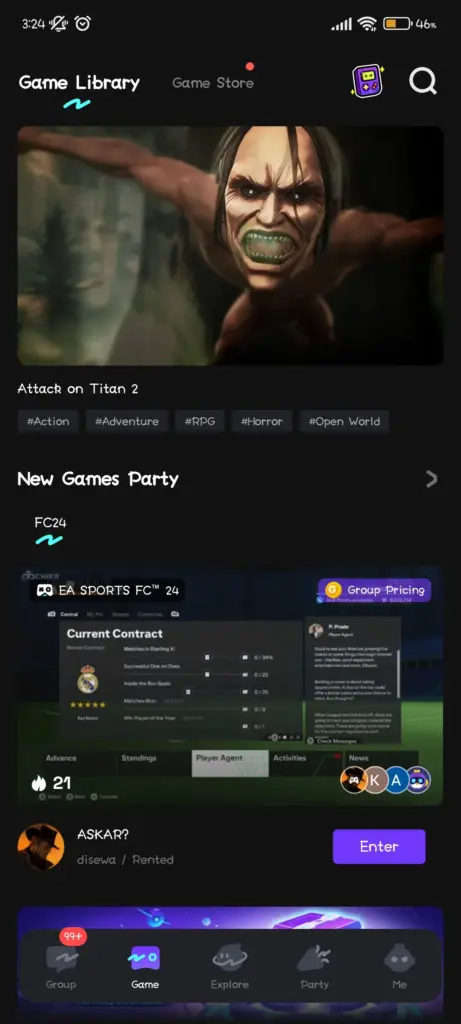
အဆင့် 5 – ဂိမ်းစာမျက်နှာသို့ စူးစမ်းလေ့လာရန် စာမျက်နှာကို ပွတ်ဆွဲပြီး အောက်ဘက်သို့ ဆင်းကာ “ဂိမ်းအားလုံးကို ရှာဖွေပါ” ကို တွေ့ရပါမည်။
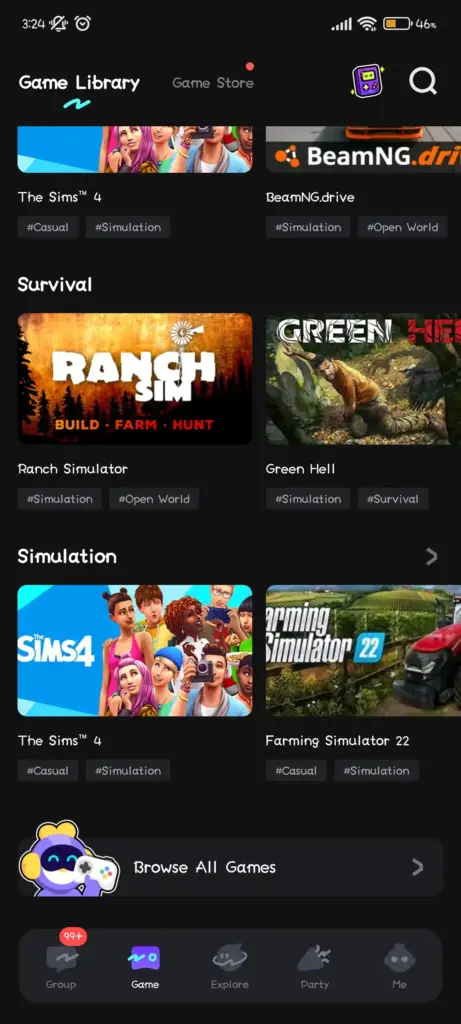
အဆင့် 6 – “Browse All Games” ကိုနှိပ်ပါ။
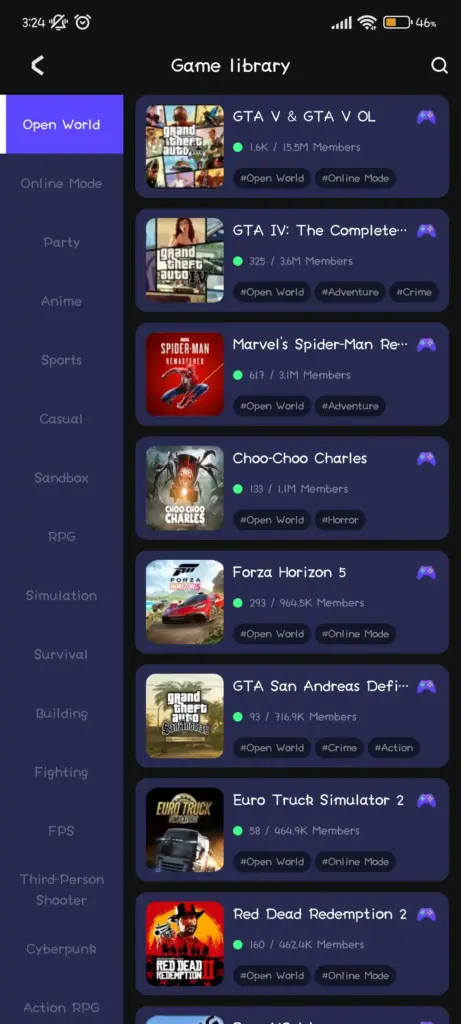
အဆင့် 7 – ထောင့်ရှိ ရှာဖွေရေးအိုင်ကွန်ကို နှိပ်ပြီး Deep rock galactic survivor ဟုရေးပါ ဂိမ်းသည် သင့်အားဖွင့်ရန်အတွက် ပေါ်လာမည်ဖြစ်သည်။
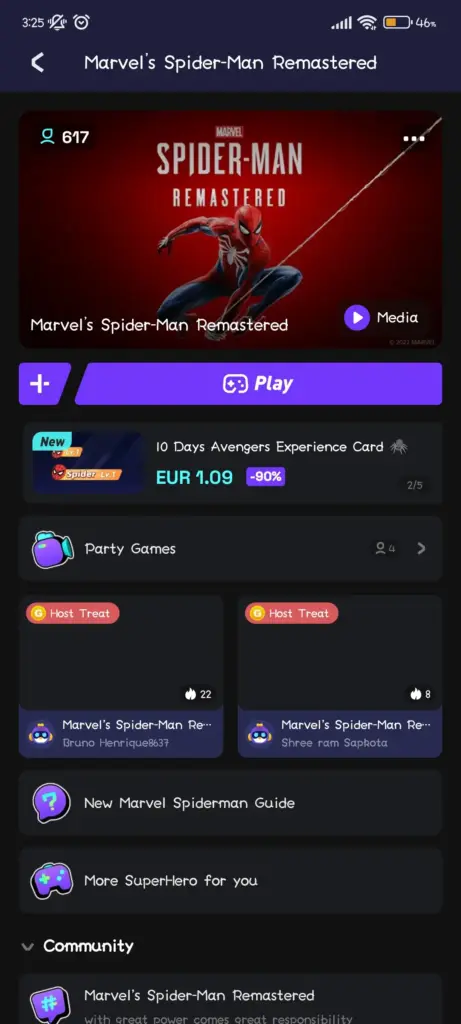
အဆင့် 8 – “PLAY” ခလုတ်ကိုနှိပ်ပါ။
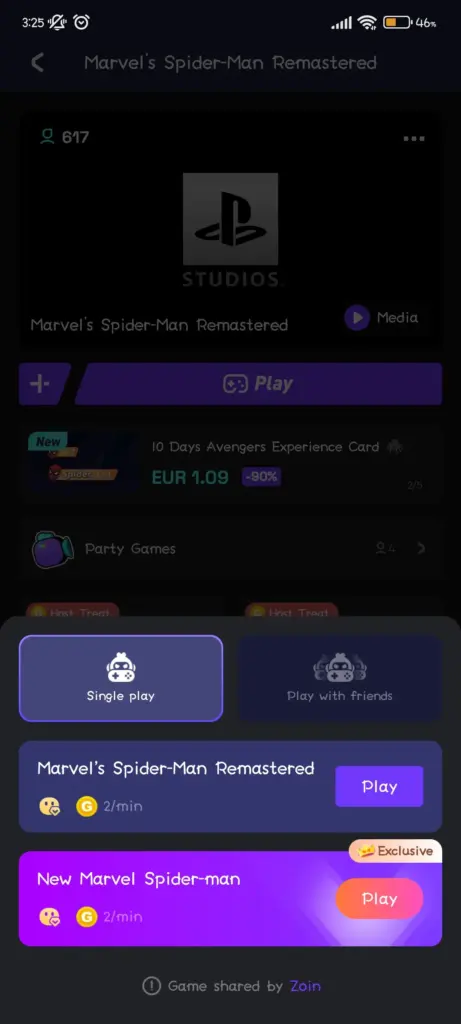
အဆင့် 9 – ဂိမ်းဗားရှင်းကို သင်မြင်ရမည်ဖြစ်ပြီး သင်အလိုရှိသောအရာကို ရွေးချယ်ပါ။
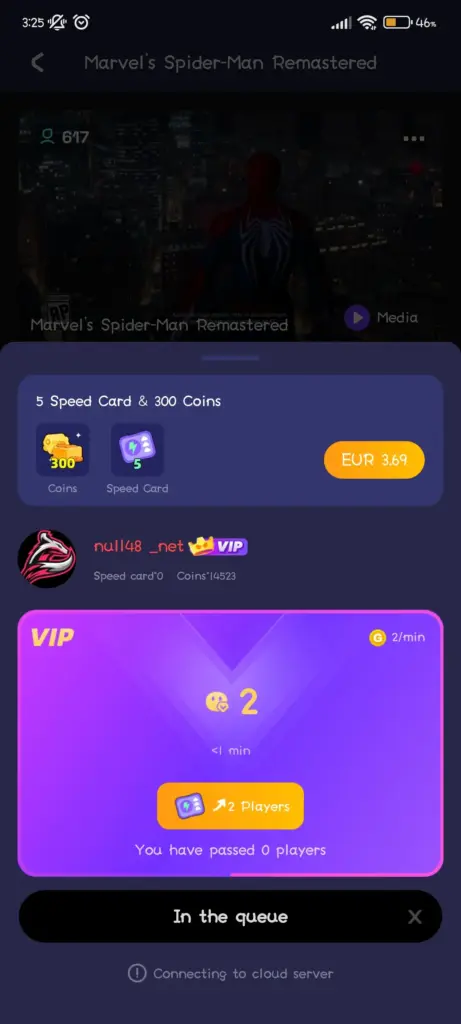
အဆင့် 10 – အကယ်၍ သင်သည် VIP အသင်းဝင်ကို ဝယ်ယူပါက သင်မစောင့်နိုင်တော့ဘဲ Deep rock galactic survivor သည် စတင်ကစားရန် အဆင်သင့်ဖြစ်နေပါပြီ။ "သင် VIP အသင်းဝင်ကို မဝယ်ပါက Deep rock galactic survivor သည် ၎င်းကိုကစားရန်အဆင်သင့်မဖြစ်မီအချိန်တစ်ခုစောင့်ရလိမ့်မည်။
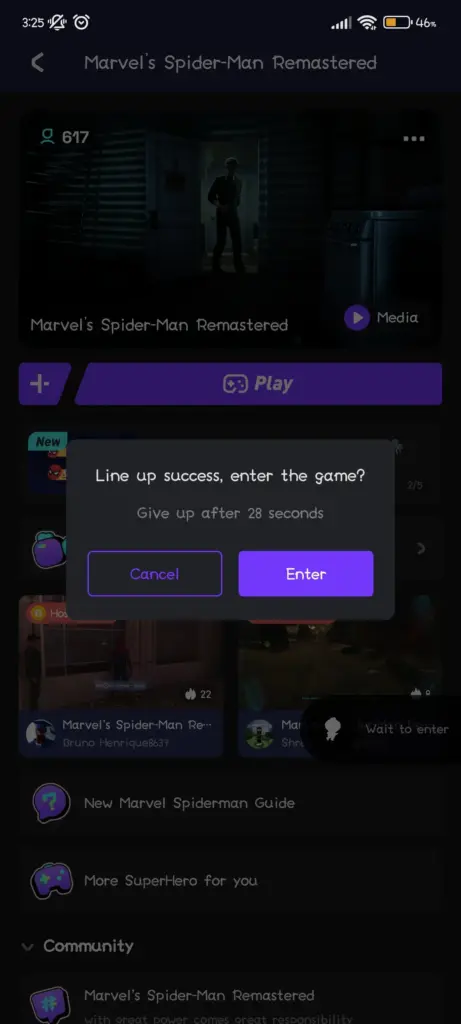
အဆင့် 11 – “အောင်မြင်မှုကို လိုင်းတက်ပါ၊ ဂိမ်းထဲဝင်ပါ” ဟူသော “Enter” ကိုနှိပ်ပါ၊ ၎င်းသည် Deep rock galactic survivor ကစားခြင်းကို ပျော်ရွှင်စွာကစားပါဟု ဆိုသော ပေါ်လာသည်။
ပြီးတော့ အခု၊ နောက်ဆုံးအနေနဲ့၊ တောင်းဆိုချက်တချို့ရှိပါတယ်၊ လူမှုမီဒီယာမှာ ကျွန်တော့်ကို follow လုပ်ဖို့နဲ့ ကျွန်တော့်ရဲ့ YouTube channel ကို ဝင်ကြည့်ဖို့ တောင်းဆိုချင်ပါတယ်။ ဂိမ်းတွေ၊ အက်ပ်တွေအတွက် အံ့သြဖွယ်ဗီဒီယိုတွေ ရှိပါတယ်။ နောက်တစ်ခုက ဒါက သင့်အတွက်ပါ။ Chikii cloud gaming app က WIFI အားကောင်းဖို့ လိုအပ်တာကြောင့် သင့်မိသားစုနဲ့အတူ အင်တာနက်အတူတူသုံးမယ်ဆိုရင် ဂိမ်းကစားခြင်း ဒါမှမဟုတ် WIFI အားကောင်းတဲ့ router တစ်ခုတည်းကို အကြံပြုချင်ပါတယ်။ Amazon #AD မှာ ရရှိနိုင်တဲ့ အကောင်းဆုံး WIFI router အချို့ကို ဖော်ပြပေးလိုက်ပါတယ်။ ဒီကဏ္ဍမှာ Chikii ဂိမ်း အားလုံး ၊ ဒါက Chikii Red Dead Redemption 2 မှာ ရရှိနိုင်တဲ့ အကောင်းဆုံးဂိမ်း ၃ ခုပါ။ Android အတွက် ဒေါင်းလုဒ်လုပ်ပါ - Chikii Cloud Gaming APP ၊ Elden Ring Android ဒေါင်းလုဒ် - Chikii App Cloud Gaming ၊ MotoGP 21 Android ဒေါင်းလုဒ်ဂိမ်း - Chikii App Cloud Gaming ၊ ဒါပါပဲ၊ အားလုံးကို ကျေးဇူးတင်ပါတယ်၊ ထပ်လာခဲ့ပါဦး၊ ကျွန်တော့်ကို လွမ်းဆွတ်အောင် မလုပ်ပါနဲ့၊ ငြိမ်းချမ်းပါစေ။