



Gigabash mobil android – Gamehub Windows-emulator
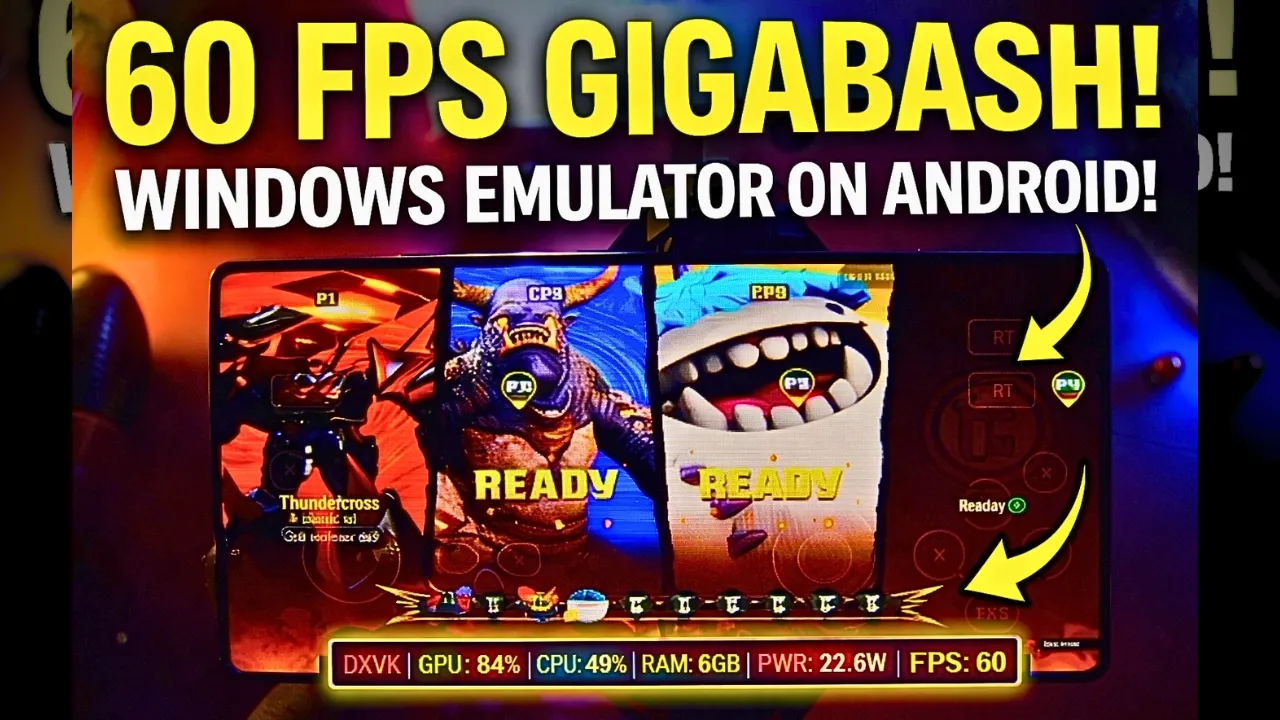
Download and play GigaBash the video game online on Android phone using Windows Emulator “Gamehub”, Gamehub Emulator is best windows Emulator on Android, you can open you Steam, Epic Games or Ubisoft connect account on your Android phone, start the 2026 we can play windows Games on our Phones, there is another Windows Emulator was poped up like Spillnativ, Winlator Emulator og MOBOX-emulator but the Gamehub is still the best. just to be clear GigaBash have now a official mobile version called GigaBash Mobile on Google Play, but in this post i play the PC version of GigaBash on Android, i test the free demo from Steam on Gamehub and here is my settings and my test.
About GigaBash the video game:
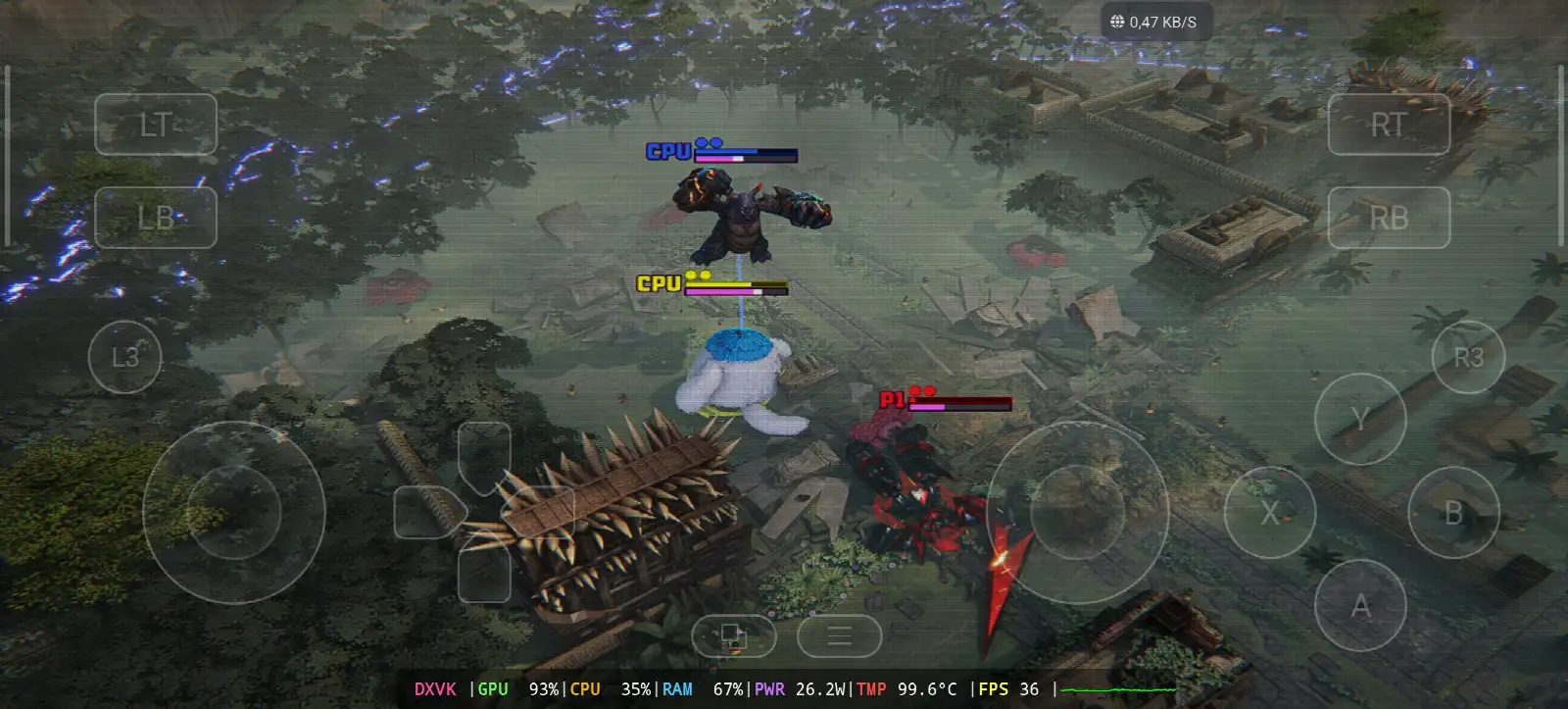
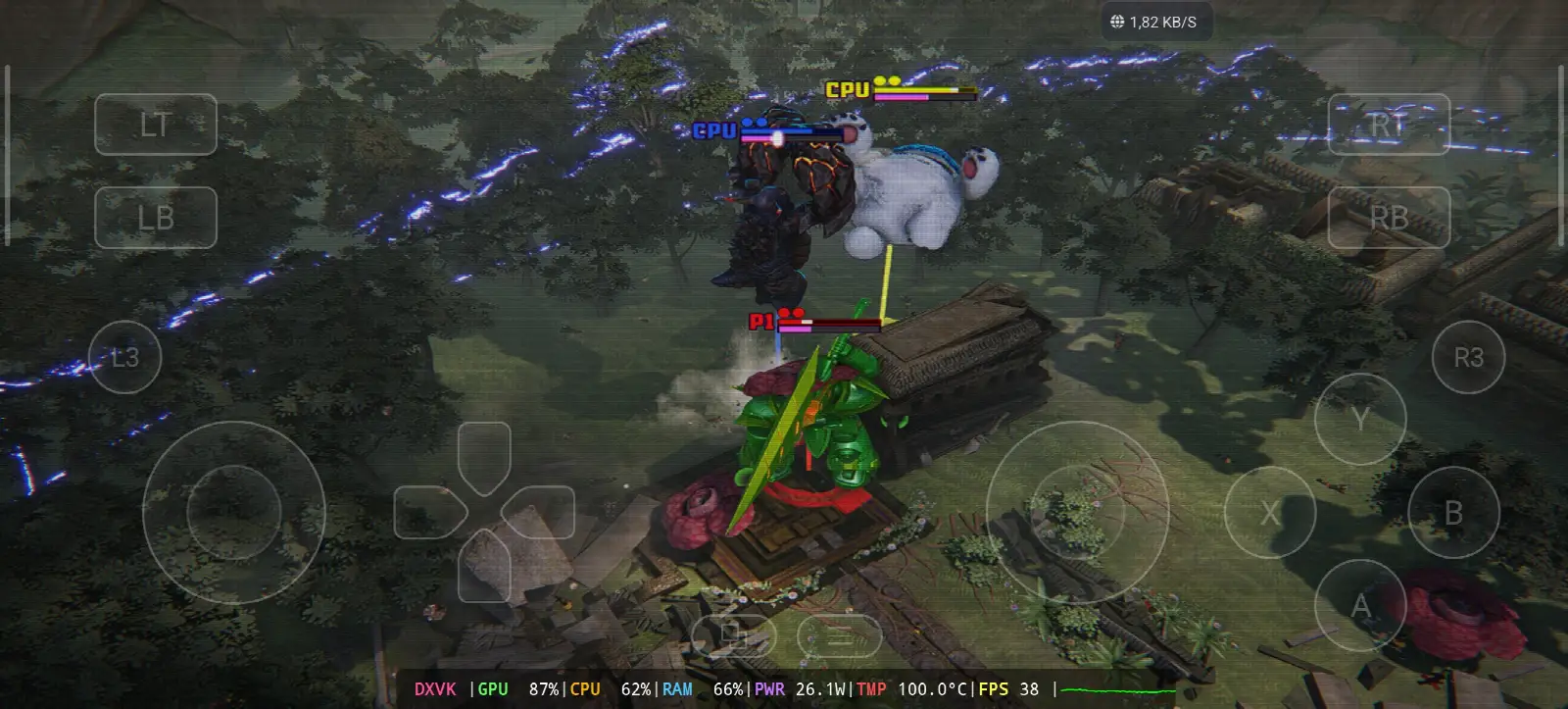
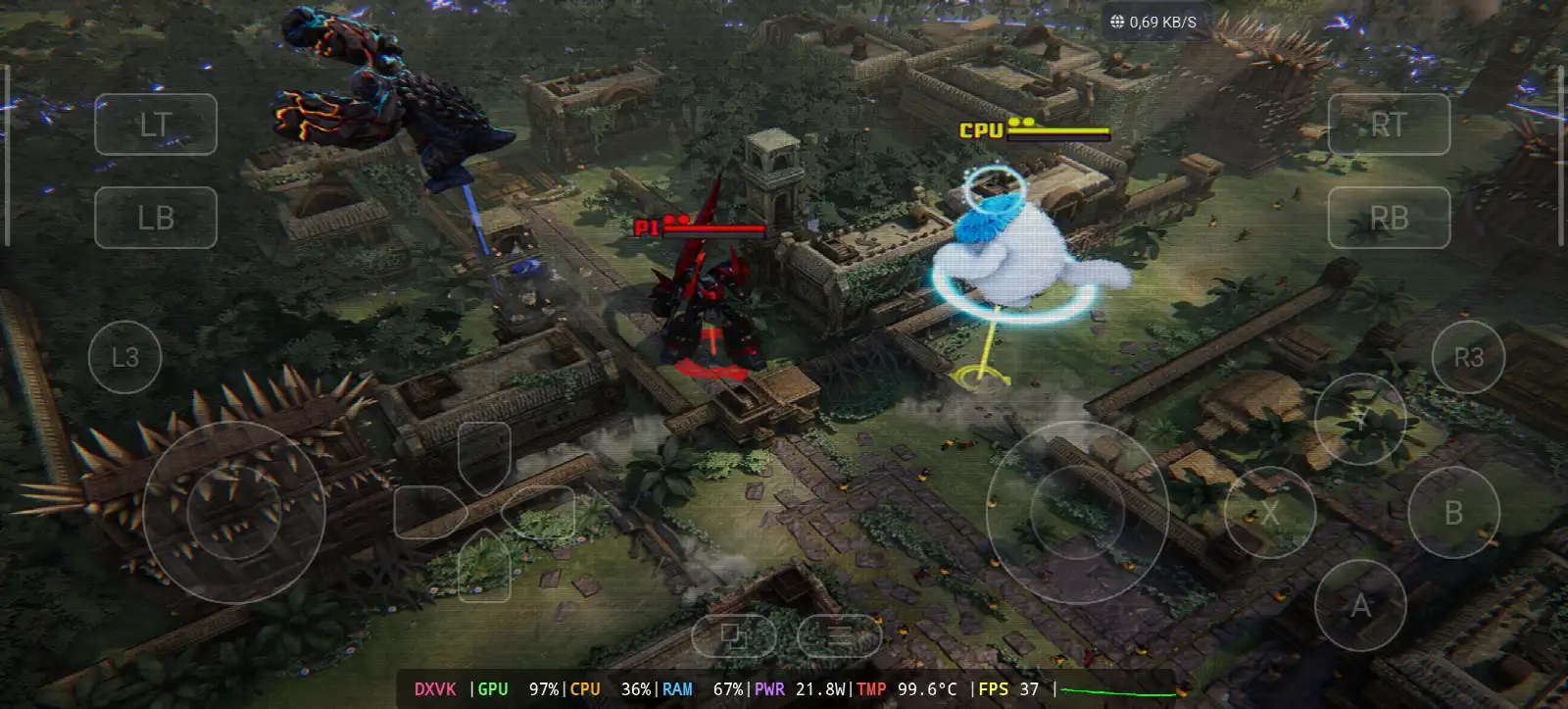
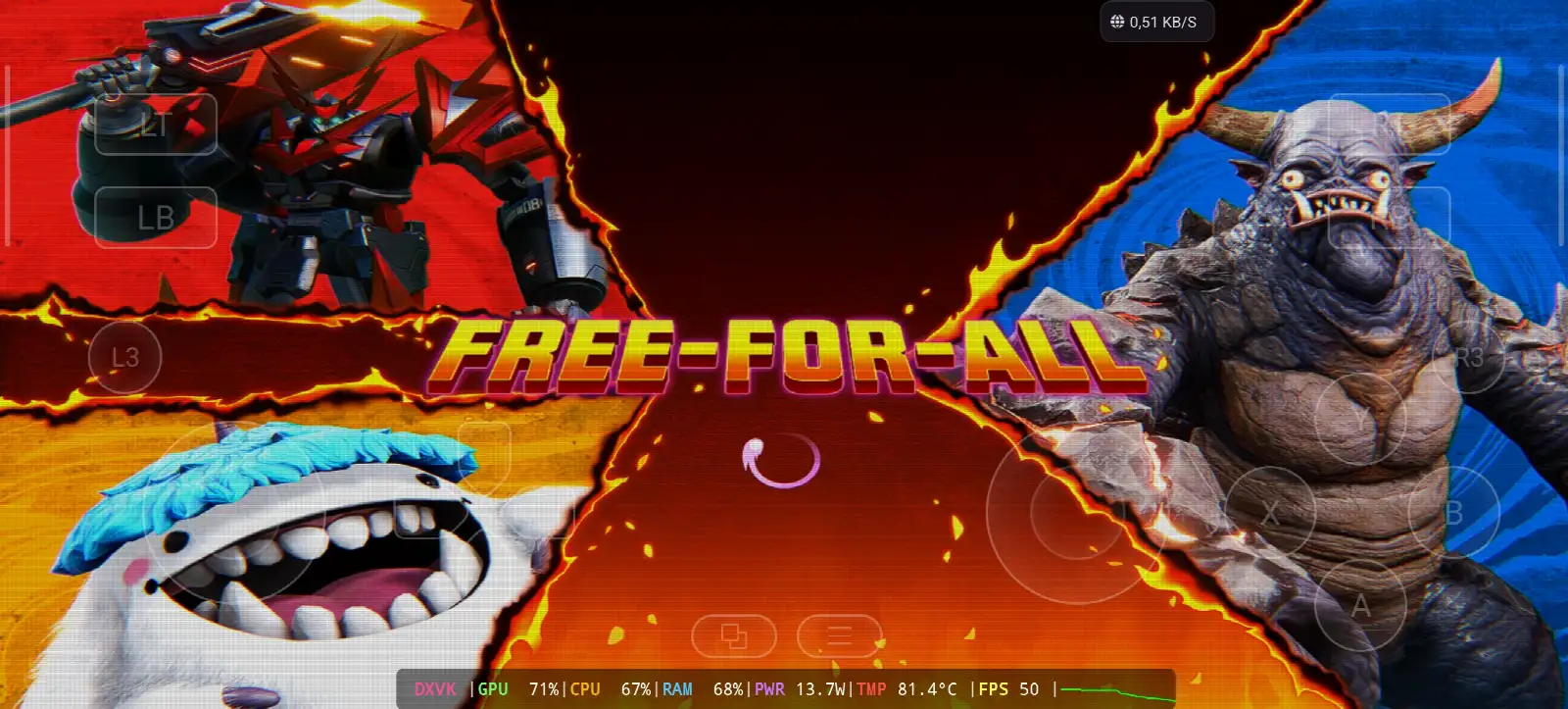
GigaBash is a kaiju brawler game developed and published by Passion Republic Games, a small independent studio from Malaysia and its there first game. the game come out on 5 August 2022 for Windows, PS4 and PS5, and one year later on 4 August 2023 for Nintendo Switch, Xbox One and Xbox Series X/S. you play with giant monsters they call them titans, kaiju, mechas and aliens, and you fight in stages that you can destroy with lava, spike walls, avalanches and missiles you can ride, and when you fill the pink Giga-energy bar your monster transform to S-class form, bigger and stronger. there is also guest monsters from Godzilla, Ultraman and Gamera as DLC, and the reviews was “mixed or average” on Metacritic. on February 26, 2026 they announce the mobile version and now GigaBash Mobile is on Google Play. on PC its need Windows 10 64 bit, Core i3-4160, 6 GB RAM, GTX 670 with DirectX 11 and 15 GB storage, and the game support controller and keyboard but not mouse, so on Gamehub you play with the touch gamepad on the screen. in my test i take Thundatross the big robot with the electric sword, against Gorogong and Woolley as CPU in Free-For-All, on a jungle map with old temple and spike walls, and the menu was in German “Couchspiel” because the Language in Gamehub was on de_DE again 🙂 WIKIPEDIA & STEAM, Let start Explain how you can run GigaBash the video game online on your Android phone:
Før vi begynner, anbefaler jeg at dette tilbehøret er tilgjengelig på Amazon for å spille mer komfortabelt og få en god tid med spillet:
1 – Jeg anbefaler GameSir X3 Type-C kjølevifte for Android-kontrolleren. Han har fått en god anmeldelse på over 59 % 5 stjerner over 2.192+ anmeldelser. Den er bra.
2. Jeg anbefaler Razer Kishi Mobile Game Controller med 18 656+ anmeldelser for Android, USB-C og GRATIS frakt. Detaljer og GRATIS retur, og høy følsomhet med mer nøyaktighet.
3 – Siste tilbehør: Det er fra Razer. Jeg anbefaler Razer Kishi V2 mobil spillkontroller + Razer telefonkjøler Chroma. Det beste med dette tilbehøret er lavenergi Bluetooth for lengre batterilevetid, og en god del er kompatibel med alle Android- eller iOS-telefoner.
4- Siste tilbehør Det er fra Black Shark jeg anbefaler Telefonkjøleren Black Shark Magnetic Støynivå på 1 dB, det er WOW.
#ad
GigaBash Online – Gamehub Emulator | Windows Emulator Android
My Gamehub Settings For GigaBash:
those are the settings from the video on my nubia Z80 Ultra (Snapdragon 8 Elite Gen 5, Adreno 840) with a phone cooler on the back, open the game in Gamehub, go to Game Settings and put it like this:
- Kompatibilitetslag: proton10.0-arm64x-2
- Oversettelsesparametere: Spillinnstillinger
- Dinput-biblioteket: Foretrekker innfødt
- GPU-driver: qcom-842.6
- Overflateformat: BGRA8
- Lyddriver: Puls
- DXVK-versjon: dxvk-2.4.1-async
- VKD3D-versjon: vkd3d-2.12
- CPU-oversetter: Fex_20250910
- CPU-kjernegrense og VRam-grense: No Limit
- Spilloppløsning: 1280 x 720
- MangoHUD og DirectX HUD: off
- Språk: de_DE i videoen min, skriv inn en_US hvis du vil ha spillet på engelsk
GigaBash is made with Unreal Engine (you see the Steam and Unreal logo when it start) and its DirectX 11 game, so Gamehub use DXVK for it like you see in my overlay, the VKD3D is only for DirectX 12 games so you can leave it like that. the Translation Params i leave it on Game Presets, and Gamehub connect the Virtual Controller by itself so the touch buttons work like a Xbox controller.
1- Buy GigaBash the video game online Game:
Jeg anbefaler Epic Games: «Lav pris, last ned spillet, og installer det deretter for å redusere overoppheting».
*If you already have the GigaBash online game, you can simply open your Steam or Epic Games account and download the game or if you want to play GigaBash offline then connect your android Phone to the laptop or PC copy GigaBash next copy he file game to the Phone. Keep your android phone connected to copy the Gamehub Emulator app. and if you want to try it before you buy, there is a free demo of GigaBash on Steam, its the one i play in my video.
Slik setter du opp GameHub-emulator – STEAM / EPIC GAMES på under 5 minutter

2- Last ned Gamehub Emulator – Windows-emulatoren for Android:
Etter at du har lastet ned Gamehub Emulator, installerer og åpner du den, og følger instruksjonene for å konfigurere Windows Emulator på Android.
Følg denne videoen som viser hvordan du konfigurerer spillet på Gamehub Windows-emulatoren, og kos deg! 🙂
GAMEHUB Emulator Android | Test/Oppsett/Innstillinger | Beste Windows Emulator – 2025

If GigaBash the video game was running with Low FPS or Graphics issue, please follow this video:
BESTE INNSTILLINGER FOR GAMEHUB ANDROID EMULATOR: MAKS FPS – RETT FORSENGELSE OG FEIL

Du kan åpne Steam-, Epic Games- eller Ubisoft Connect-kontoen din på Gamehub-emulatoren for å spille online.
3- Best Phone For GigaBash Android:
we at the End Explanation, GigaBash on Gamehub run between 36 and 38 fps in the fights with DXVK on 1280×720, and in the menu and the loading screen its go up to 50 fps, but this one is heavy for the phone, the GPU stay between 87 and 97% with 21.8 to 28W and the temperature touch 100°C even with the cooler on my phone, so take a break between the matches. the only stuff i can recommend is a strong Android phone with Snapdragon 8 Elite Gen 5 med telefon kjøler #AD, otherwise the world of Emulation is getting better day by day so be patience. if you want to play it on the cloud check my old post GigaBash on Chikii App, and if you like fighting games check also Street Fighter 6 on Gamehub Emulator, og for hele spillopplevelsen, sjekk ut min YouTube-kanal og min TikTok for korte klipp. Og nå er det eneste ordet jeg vil si, du kan sjekke ut vår Emulatorspill-kategorien, det er massevis av store ting å spille på Android-telefonen din, hvor som helst og når som helst. Og fred ut.