






په Android کې د انحصار جنون - د لوبې هب ایمولیټر ترتیبات او ازموینه
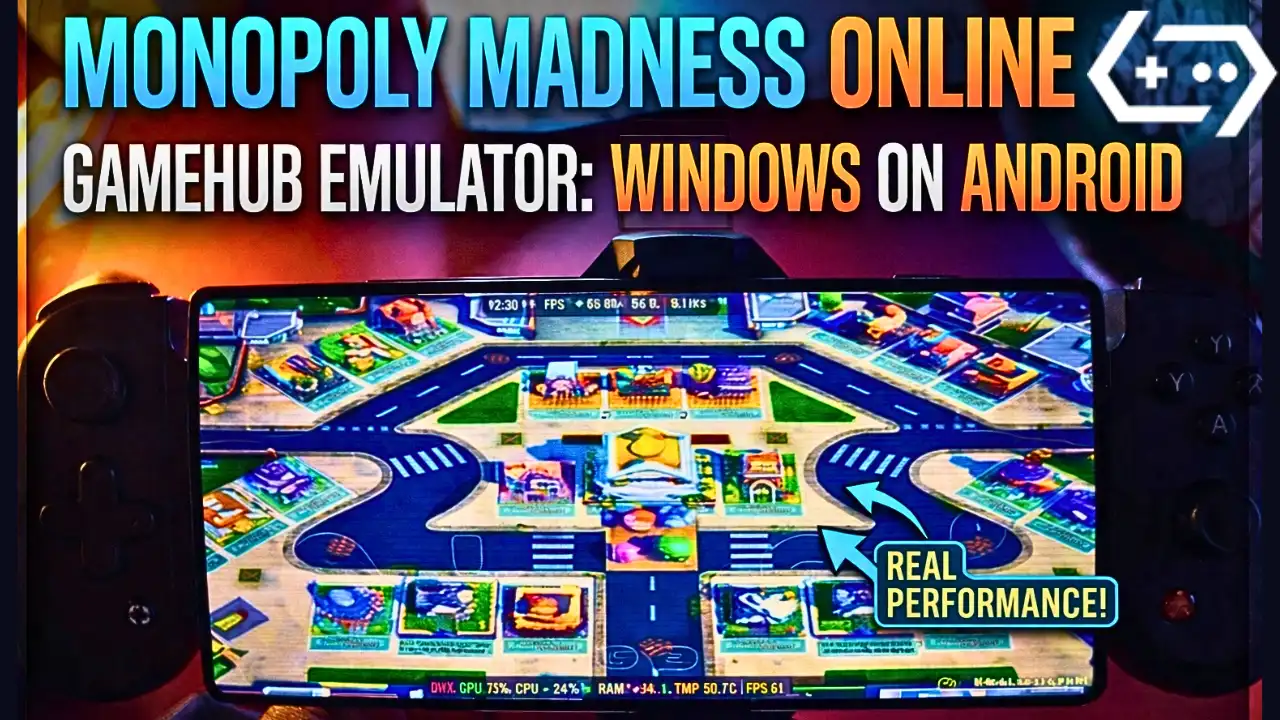
Download and play Monopoly Madness the video game online on Android phone using Windows Emulator “Gamehub”, Gamehub Emulator is best windows Emulator on Android, you can open you Steam, Epic Games or Ubisoft connect account on your Android phone, start the 2026 we can play windows Games on our Phones, there is another Windows Emulator was poped up like د لوبې اصلي, د وینیلټر ایمولیټر او MOBOX ایمولیټر but the Gamehub is still the best. just to be clear Monopoly Madness is not on Google Play, the Monopoly games you find there like MONOPOLY GO! are other games, so in this post i play the PC version of Monopoly Madness on Android with Gamehub and here is my settings and my test.
About Monopoly Madness the video game:
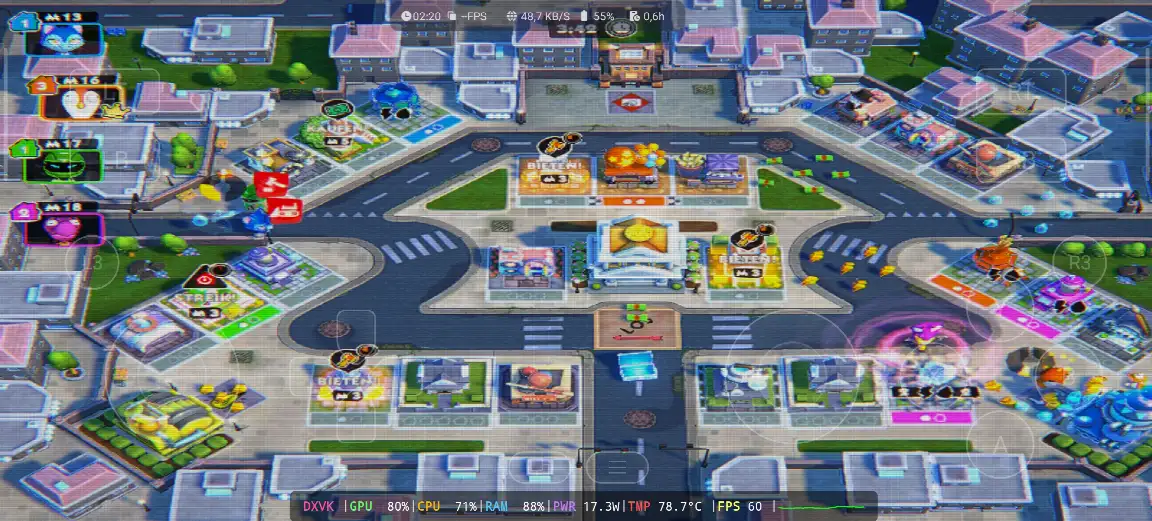
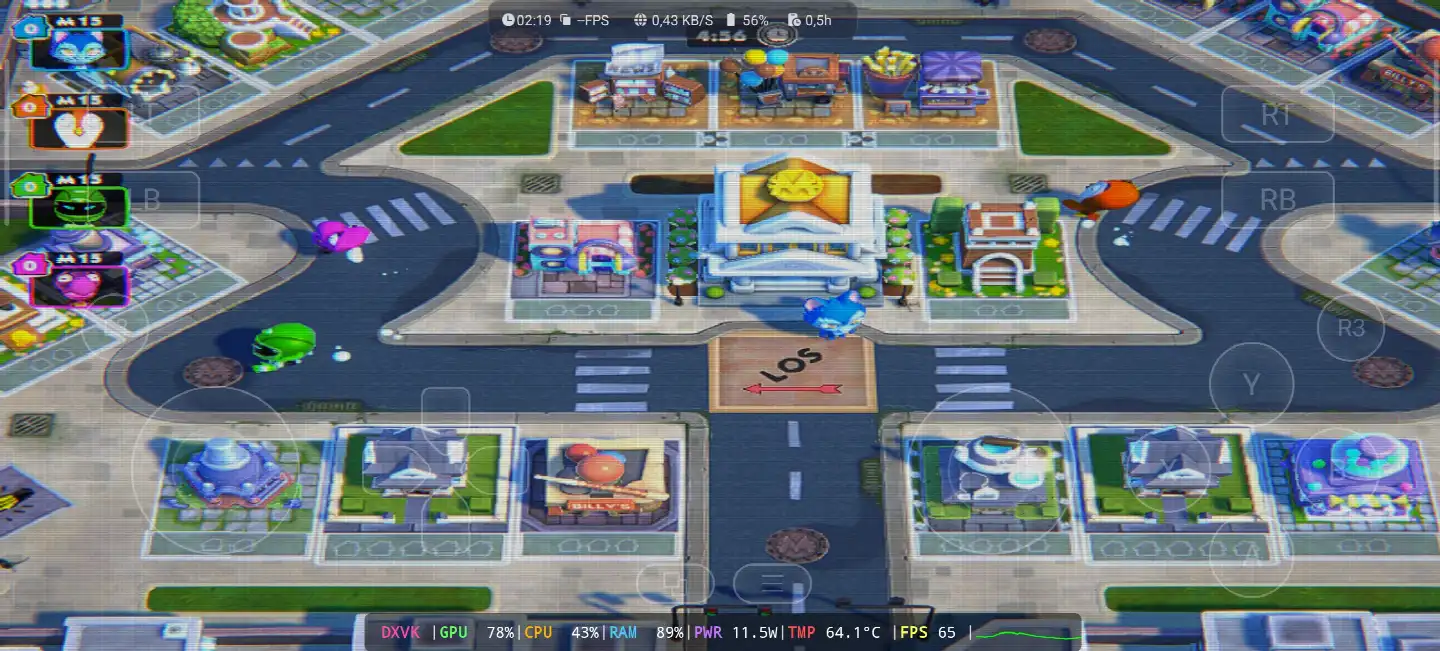
Monopoly Madness is a party game from Ubisoft and its developed by Engine Software, a studio from the Netherlands, the game come out on December 9, 2021 for Windows, PS4, PS5, Xbox One, Xbox Series X/S, Nintendo Switch and Stadia, and on Steam it come later on 22 June 2023. in this one there is no board and no dice, you run in real time in the streets of Monopoly City to collect money, water and electricity and you buy the properties before the others, because Mr. Monopoly go on vacation and he is looking for someone to take his place. you have 20 characters inspired from the classic Monopoly tokens, 4 different places with many levels, and you can play up to 6 players online or local on the same screen, and the Community Chests give you power ups to mess with the other players. on PC its need Windows 10 64 bit, Core i3-6100 or Ryzen 3 1200, 8 GB RAM and GTX 950 with DirectX 11 and only 6 GB storage, so its a light game for the PC and also for the phone. in my video the game was in German, the signs over the houses say “KAUFEN!” and “BIETEN!” (buy and bid) and the start field is “LOS” 🙂 ویکیپیډیا & STEAM, Let start Explain how you can run Monopoly Madness the video game online on your Android phone:
مخکې لدې چې موږ پیل وکړو زه وړاندیز کوم چې دا لوازم په ایمیزون کې شتون لري ترڅو ډیر راحته لوبه وکړئ او د لوبې سره ښه وخت ترلاسه کړئ:
۱- زه د GameSir X3 Type-C کولنګ فین انډرایډ کنټرولر وړاندیز کوم ، هغه د ۵ ستورو په پرتله په ۲.۱۹۲+ بیاکتنه کې له ۵۹٪ څخه ډیر ښه بیاکتنه ترلاسه کوي، دا ښه ده.
۲-زه د Android USB-C او وړیا بار وړلو لپاره د Razer Kishi موبایل لوبې کنټرولر ۱۸،۶۵۶+ بیاکتنه وړاندیز کوم. توضیحات او وړیا بیرته راستنیدنه او لوړ حساسیت د ډیر دقت سره
۳- وروستۍ لوازم دا د Razer څخه دی زه د Razer Kishi V2 موبایل گیمینګ کنټرولر + Razer تلیفون کولر Chroma وړاندیز کوم . د دې لوازمو غوره برخه، د اوږدې بیټرۍ ژوند لپاره بلوتوث ټیټ انرژي ده، او ښه برخه یې د ټولو Android یا iOS تلیفونونو سره مطابقت لري.
4- وروستی لوازم دا د تور شارک څخه دی چې زه یې وړاندیز کوم د تلیفون کولر تور شارک مقناطیسي د شور کچه د 1 dB، دا WOW دی.
#AD
Monopoly Madness Online – Gamehub Emulator | Windows Emulator Android
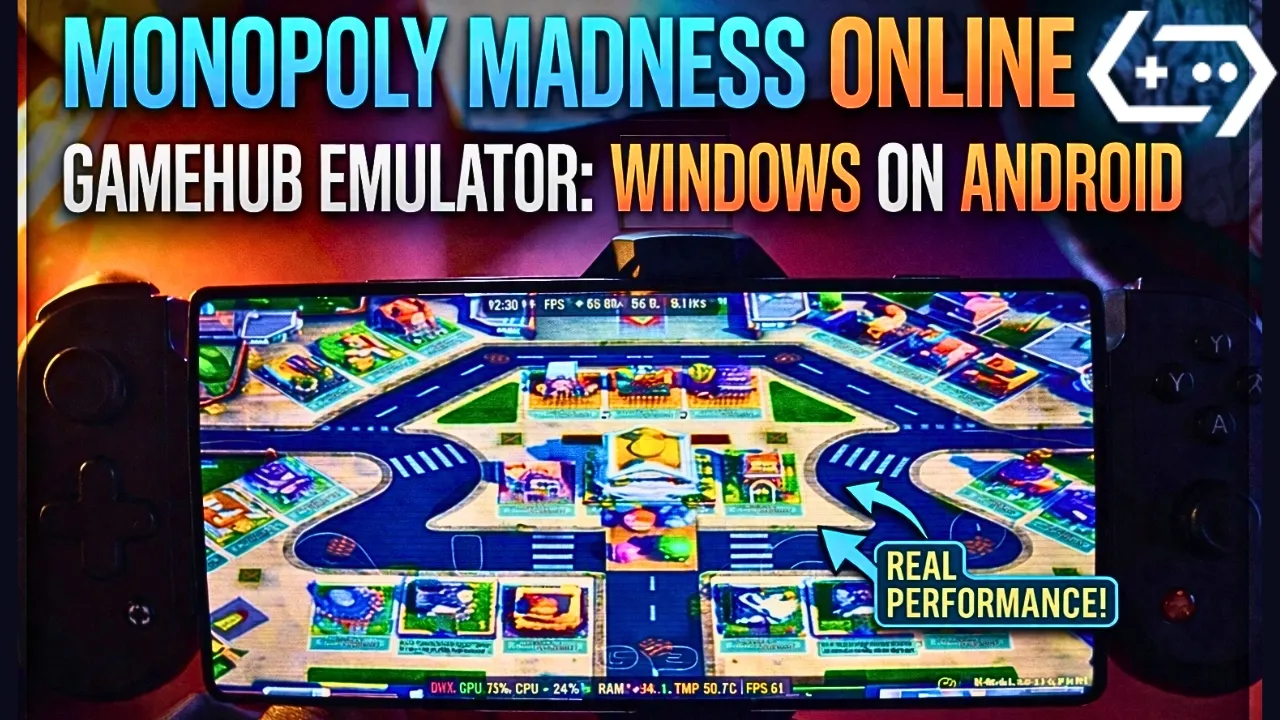
My Gamehub Settings For Monopoly Madness:
those are the settings i show in the video on my phone with Snapdragon 8 Elite Gen 5, when the game is running open the Gamehub menu from the side and put it like this:
- فعالیت: Native Rendering+
- Enable Frame Limit: off (the limit stay on 30 but its not used, the game go over 60 fps)
- HDR د: on
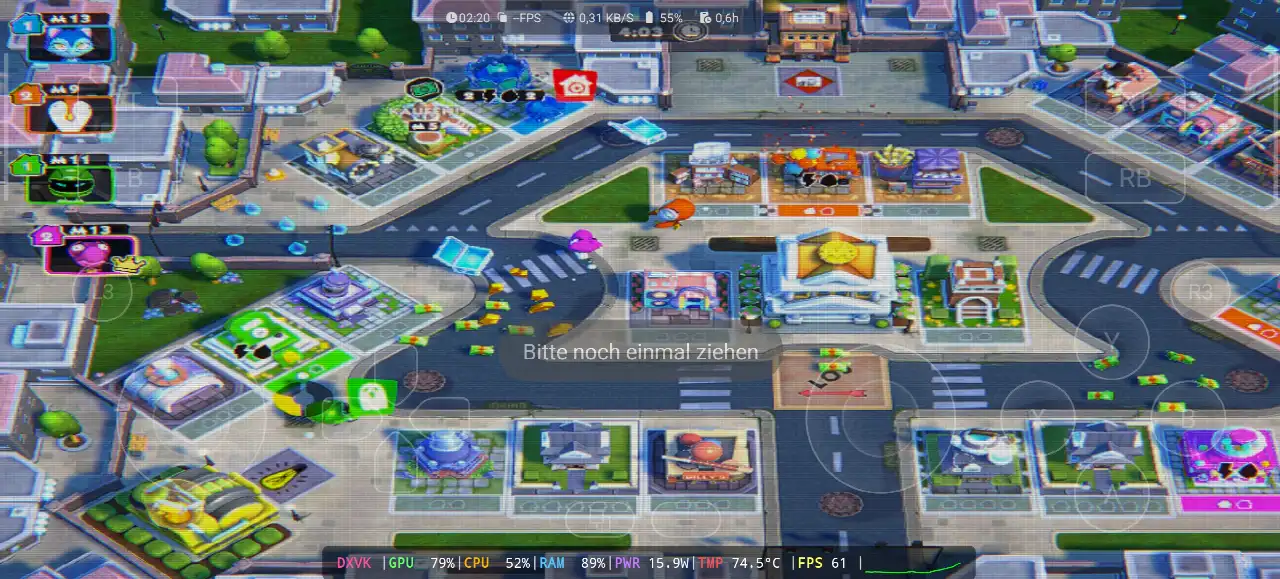
- CRT Display Effect: on, its the old TV lines you see in my screenshots, turn it off if you dont like it
- Super Resolution: on
- Switch Touch Control Layout: Default Controller Layout
- Touch Controls and Virtual Gamepad Vibration: on
- Touch Control Opacity: 62
- Screen Trackpad: on with Mouse Speed 162
- ګرافیکونه: DXVK, the game is DirectX 11
- ژبه: the game was in German in my video, put en_US in the Gamehub game settings if you want it in English
before the game start you see the Ubisoft Connect screen, so you need a Ubisoft account even if you buy the game on Steam or Epic Games. in my video i choose “Lokales Spiel” (local game) on the Stadt map with 5 minutes round, and the game stay between 60 and 65 fps all the round, the GPU was 78 to 80%, the CPU 43 to 71% and the RAM 88 to 89%, with 11.5 to 17.3W, and the temperature go from 64.1°C at the start to 78.7°C at the end of the round.
1- Buy Monopoly Madness the video game online Game:
زه د ایپیک لوبو سپارښتنه کوم: 'ټيټه بیه، لوبه ډاونلوډ کړئ، بیا یې نصب کړئ ترڅو ډیر ګرموالی کم کړئ'.
*If you already have the Monopoly Madness online game, you can simply open your Steam or Epic Games account and download the game or if you want to play Monopoly Madness offline then connect your android Phone to the laptop or PC copy Monopoly Madness next copy he game to the Phone. Keep your android phone connected to copy the Gamehub Emulator app.
د ګیم هب ایمولیټر څنګه تنظیم کړئ - سټیم / ایپیک لوبې له ۵ دقیقو څخه کم وخت کې

۲- د ګیم هب ایمولیټر ډاونلوډ کړئ - د وینډوز ایمولیټر انډرایډ:
وروسته له دې چې تاسو د ګیم هب ایمولیټر ډاونلوډ کړئ، نصب یې کړئ او خلاص یې کړئ او په Android کې د وینډوز ایمولیټر تنظیم کول تعقیب کړئ.
مهرباني وکړئ دا ویډیو تعقیب کړئ چې دا به وښيي چې څنګه تاسو کولی شئ لوبه د ګیم هب وینډوز ایمولیټر کې تنظیم کړئ او خوند واخلئ! 🙂
د ګیم هب ایمولیټر انډرایډ | ازموینه / تنظیم / ترتیبات | غوره وینډوز ایمولیټر - ۲۰۲۵

If Monopoly Madness the video game was running with Low FPS or Graphics issue, please follow this video:
د ګیم هب انډرایډ ایمولیټر غوره ترتیبات: اعظمي FPS - د ځنډ او خرابۍ حل کول

تاسو کولی شئ خپل سټیم، ایپیک ګیمز، یا یوبیسافټ کنیکټ حساب په ګیم هب ایمولیټر کې د آنلاین لوبې کولو لپاره خلاص کړئ.
3- Best Phone For Monopoly Madness Android:
we at the End Explanation, Monopoly Madness on Gamehub run really good, between 60 and 65 fps with DXVK in the full round, and the phone stay cool in this one, 64 to 78.7°C with 11.5 to 17.3W, so its a nice game to play with the family on the phone with a controller. but if you want to play the heavy games or play for hours the only stuff i can recommend is a strong Android phone with سنیپډریګون ۸ ایلیټ جنر ۲ سره د تلیفون کولر #AD, otherwise the world of Emulation is getting better day by day so be patience. if you like party games check also Super Mario Party Jamboree on Eden Emulator، او د بشپړ لوبې لپاره زما وګورئ د یوټیوب چینل او زما ټک ټوک د لنډو کلیپونو لپاره. او اوس یوازینۍ کلمه چې زه غواړم ووایم، تاسو کولی شئ زموږ وګورئ د ایمولیټر لوبو کټګوري، ستاسو په Android تلیفون کې د لوبې کولو لپاره ډیر لوی شیان شتون لري، هر ځای او هر وخت. او په سوله کې اوسئ.




