

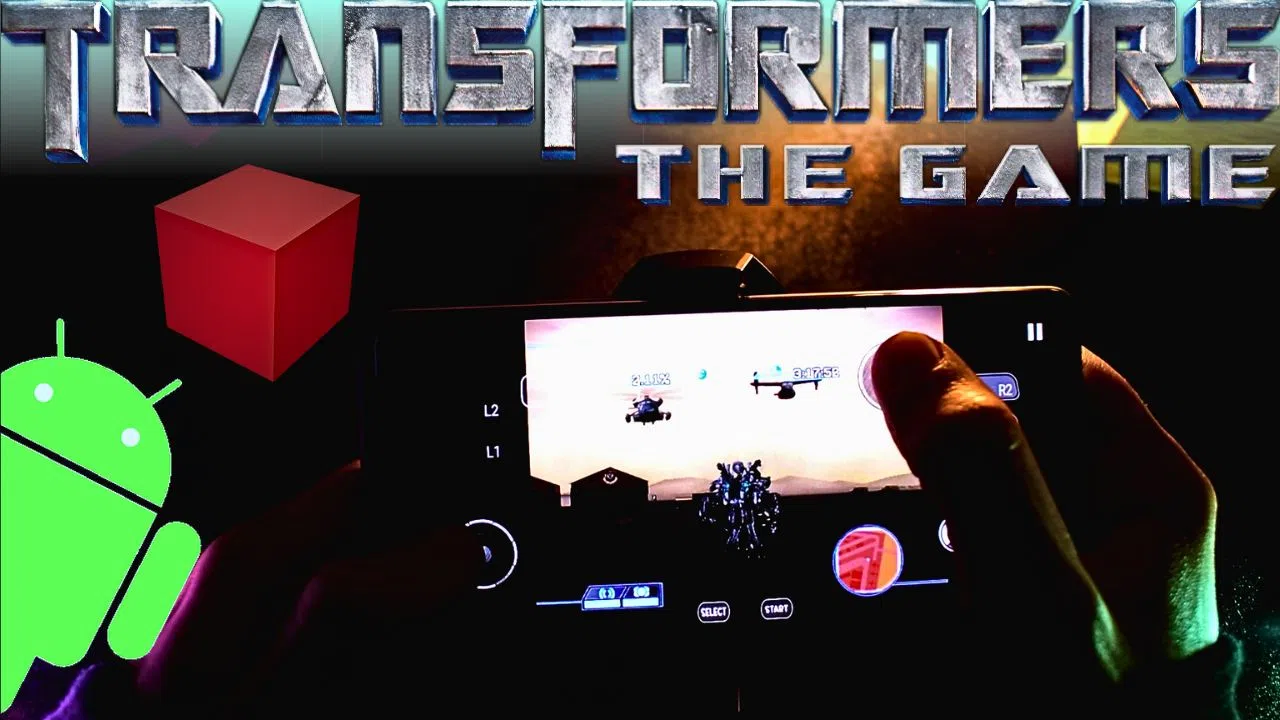

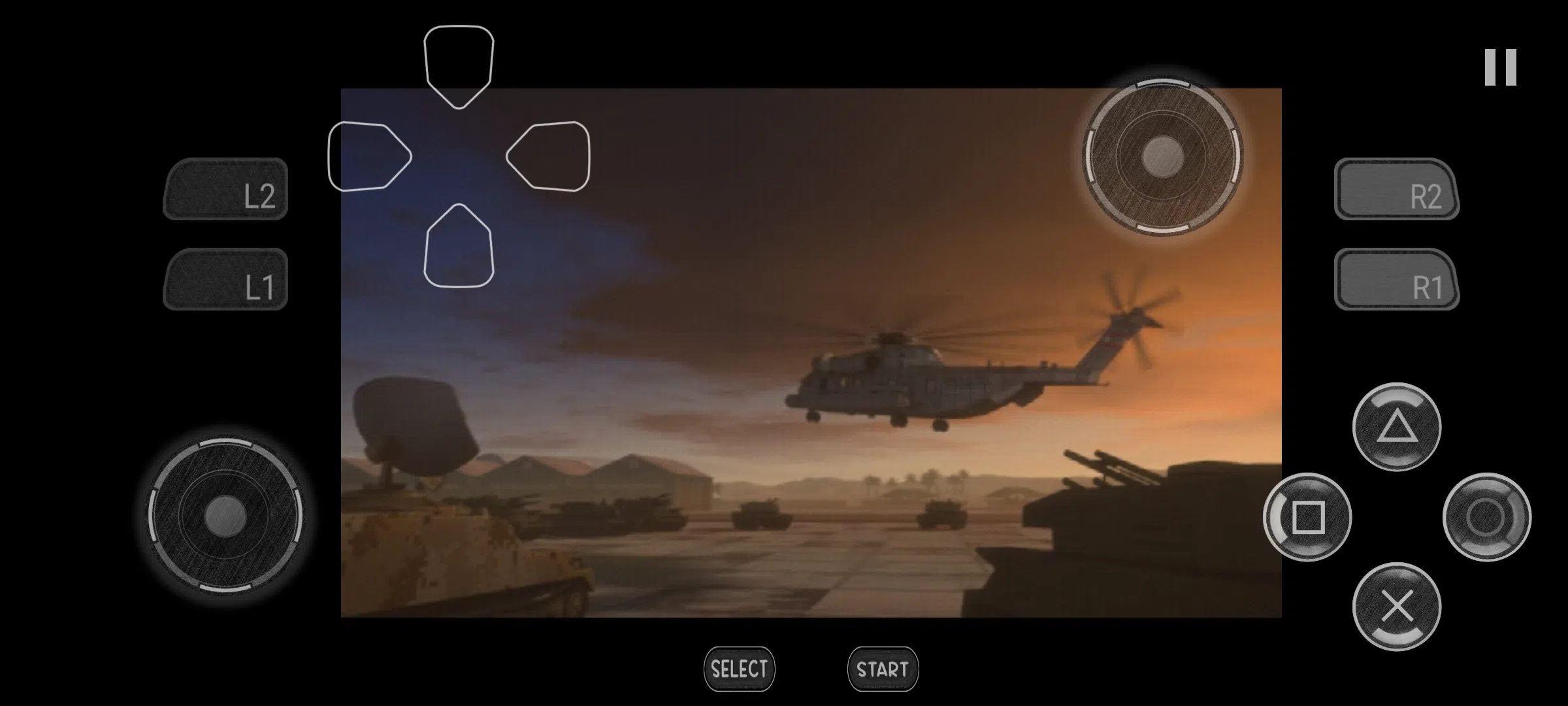

Transformers: O Jogo para Android - Download do Emulador de PS2 Nethersx2
Download Transformers the game Video Game For Android, You Will Play it Using a PS2 emulator, There Are 3 Best PS2 emulators – NetherSX2, Aethersx2, And Damon Ps2 PRO – NetherSX2 and Aethersx2 Costs Nothing But Damon Ps2 Pro Is Paid, You Can Download the Normal version Of Damon Ps2 But With Ads, now Let Me Told You Some Information About Transformers the game Video Game: Transformers: The Game is an action-adventure video game based on the 2007 film Transformers, developed by Traveller’s Tales and published by Activision. The game closely follows the story of the film, depicting the Autobots and Decepticons’ arrival on Earth following a war between them that has ravaged their home planet of Cybertron. While trying to conceal their existence from humanity, both factions search for a powerful artifact called the AllSpark, which could be used to restore Cybertron to its former glory, or to enslave Earth’s population. The game features a split-campaign format, with players choosing to join either the Autobots or the Decepticons, and completing various missions for whichever faction they chose. A sequel, Transformers: Revenge of the Fallen, was released in June 2009, based on the film of the same name. The home console and PC versions were developed by Traveller’s Tales for the PlayStation 2, Xbox 360, Wii, PlayStation 3 and PC, while a different PlayStation Portable version was developed by Savage Entertainment. Transformers Autobots and Transformers Decepticons are the Nintendo DS versions of the game. Vicarious Visions, who was tasked with bringing the adaptation to the Nintendo DS, chose to adapt the DS version into two separate games. Unlike games with multiple SKUs such as Pokémon which feature only minor differences between versions, these are two separate games, sharing some basic similarities, but overall feature different characters, missions and locations. GameCube, Xbox, and Game Boy Advance versions were also originally planned, but they were later cancelled. The game was released in June 2007 for several different platforms, and received mixed reviews from critics, who praised its graphics, sound effects, voice acting (particularly Cullen and Welker), entertainment value and quality of the Wii version, but criticized its camera troubles, repetitive gameplay, controls and unbalanced difficulty. I Get This Information From WIKIPEDIA Você pode ler mais se quiser, agora vamos parar de falar e pular para explicar:
Antes de começarmos, recomendo estes acessórios disponíveis na Amazon para jogar com mais conforto e aproveitar melhor o jogo:
1- Eu recomendo o controle para jogos mobile GameSir X2 Bluetooth. Ele tem uma boa avaliação, com mais de 38% de 5 estrelas . É ótimo .
2 - Recomendo o Razer Kishi Mobile Game Controller +8000 avaliações para Android USB-C e frete grátis. Detalhes e devoluções grátis. Alta sensibilidade com maior precisão.
3- Último acessório: da Razer, recomendo o Razer Junglecat, um controle para jogos mobile de dupla face , e o cooler para celular Bitcircuit. O melhor deste acessório é o Bluetooth de baixo consumo, que prolonga a duração da bateria. O ponto negativo é que ele não é compatível com todos os celulares, apenas com o Razer Phone 2, Galaxy Note 9 e Galaxy S10+. Observação: o Razer Junglecat não é compatível com todos os celulares, mas o cooler é compatível com todos eles.
#ad
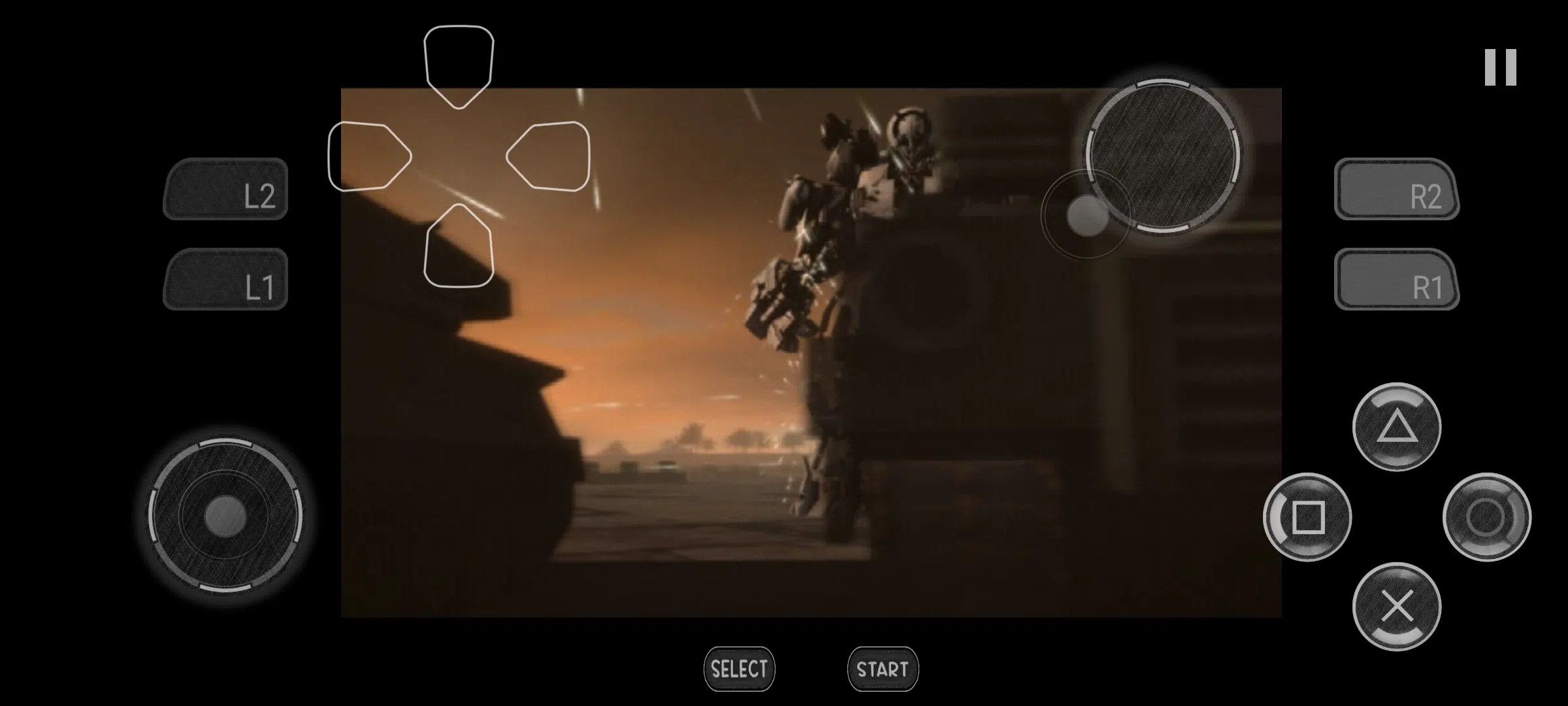
Transformers o jogo Android Jogabilidade
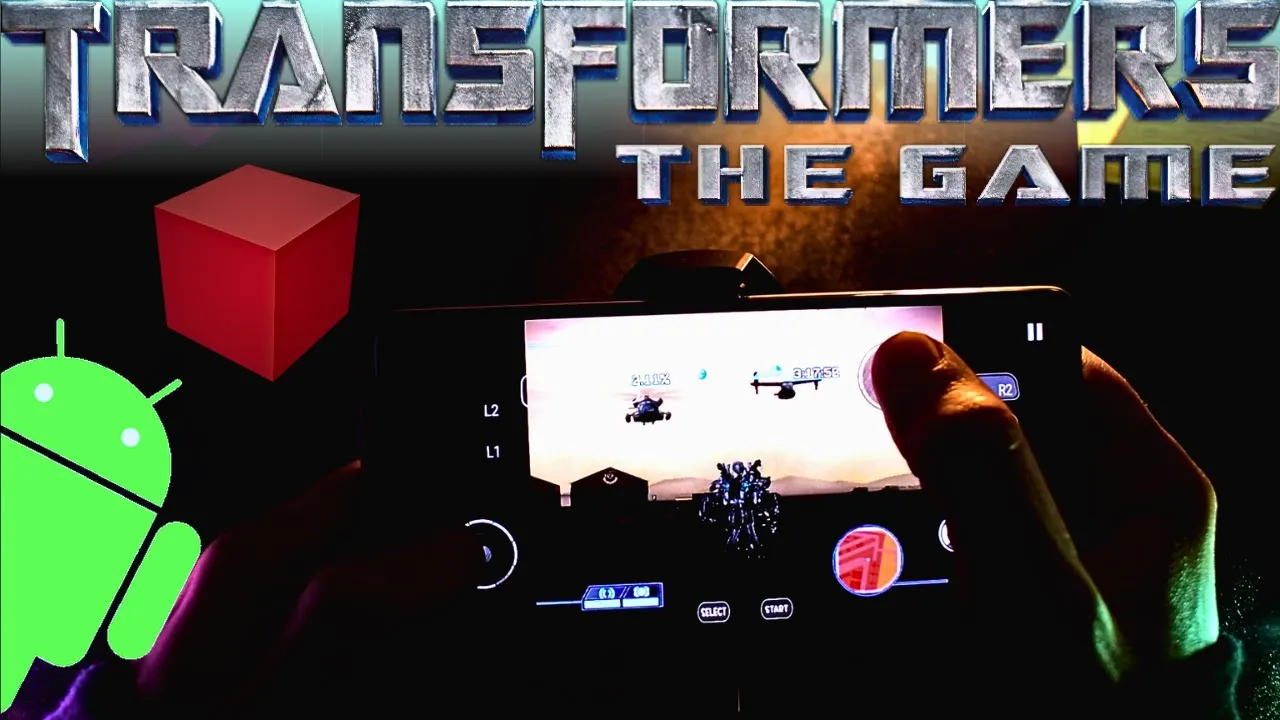
1- Selecione o emulador de PS2 que deseja usar – eu recomendo o NetherSX2 :
2- Se o seu celular não for compatível com extração de arquivos, baixe o WinRAR para descompactar o jogo:
Você pode pular tudo isso e assistir a este vídeo sobre como instalar jogos de PS2 nos emuladores NetherSX2, AethersX2 e Damon para celular.
Siga estes passos para jogar Transformers: O Jogo no NetherSX2, Aethersx2 e Damon PS2:
1-Instale os aplicativos do Winrar
2- Abra o WinRAR, acesse a pasta "Download" e descompacte o jogo.
3-Volte e instale o emulador Ps2 NetherSX2, Aethersx2 ou Damon Ps2
4- Abra o WinRAR, descompacte o arquivo BIOS e copie-o para as pastas NetherSX2, AethersX2 e Damon PS2.
5- Abra o emulador de PS2 NetherSX2, Aethersx2 ou Damon PS2, clique em "Escanear jogos" e divirta-se com o seu jogo.
Aether SX2 vs. Damon PS2 Pro ( Link do vídeo )
Éter SX2 vs. Nethersx2
Se o seu jogo estiver lento, deixe-me mostrar o melhor vídeo :
Configurações para o jogo Transformers: Configurações de vídeo do jogo no Aether SX2 ( Link do vídeo ) ou no DamonPS2 ( Link do vídeo )
E aproveite! No final, obrigado por visitar meu site. Se você tiver alguma dúvida ou problema, deixe um comentário no meu canal do YouTube ou nas minhas redes sociais. E antes de fechar esta janela, quero te convidar a conferir meus outros jogos incríveis: Call of Duty 3 para Android (Aether SX2 PS2 Emulator) ou The Suffering Game para Android (Aether SX2 PS2 Emulator). Você também pode conferir outras listas de jogos de ação incríveis de PS2 rodando no Android . É isso por hoje. Muito obrigado, nos vemos na próxima! Até mais!