
Sniper Fury PC version on Android – Gamehub Emulator Test & Settings
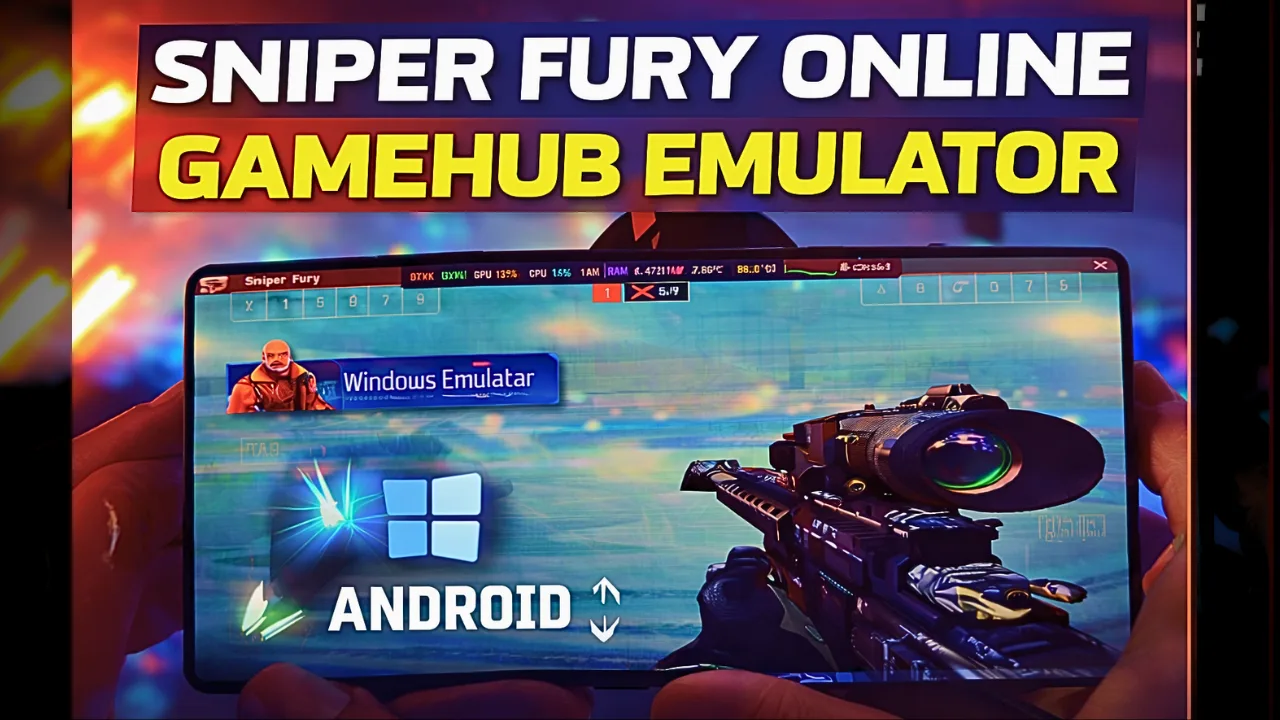
Download and play Sniper Fury the video game online on Android phone using Windows Emulator “Gamehub”, Gamehub Emulator is best windows Emulator on Android, you can open you Steam, Epic Games or Ubisoft connect account on your Android phone, start the 2026 we can play windows Games on our Phones, there is another Windows Emulator was poped up like Гаменативный, Эмулятор Winlator и Эмулятор МОБОКС but the Gamehub is still the best. just to be clear Sniper Fury have a mobile version on Google Play and App Store, but in this post i play Sniper Fury PC on Android, its the Steam version and its free to play too, i run it on Gamehub and here is my settings and my test.
About Sniper Fury the video game:
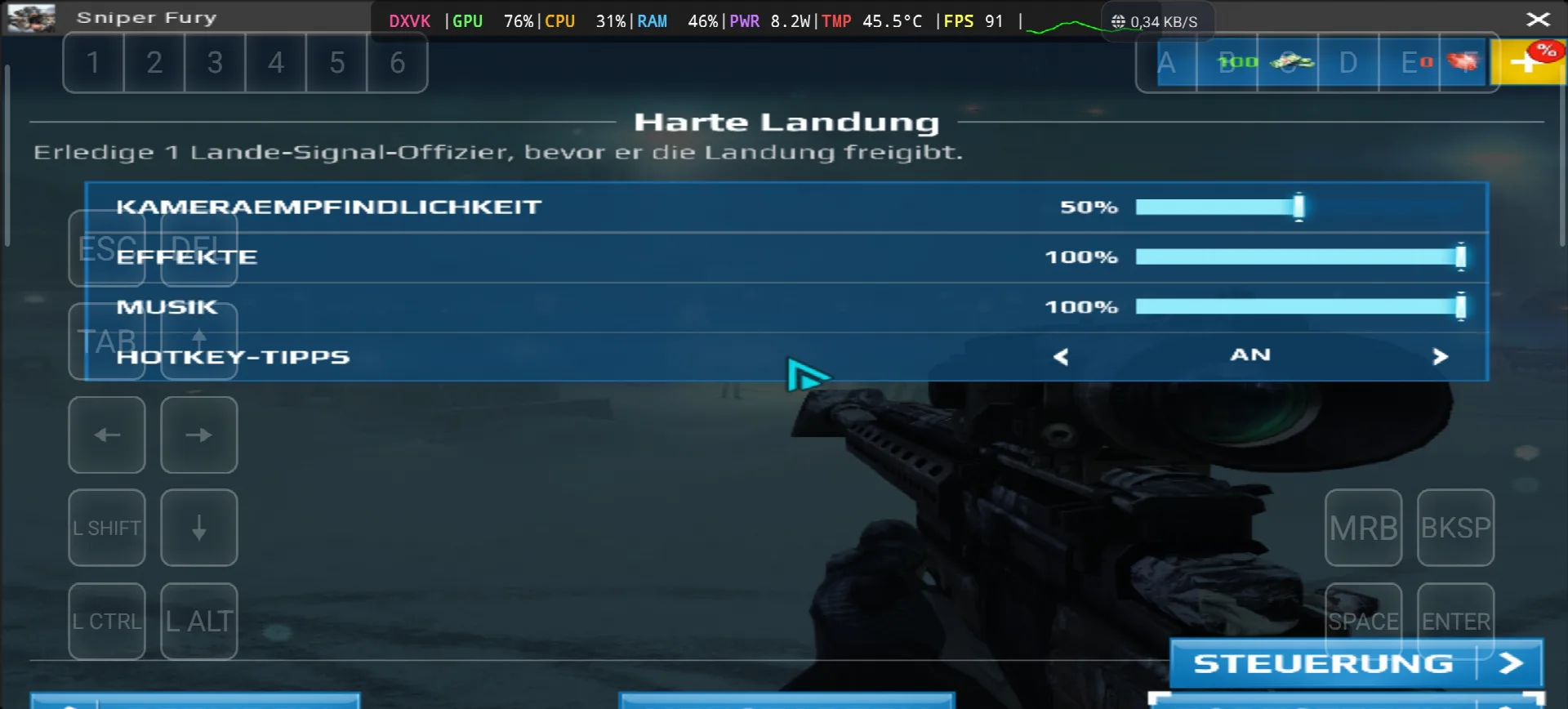
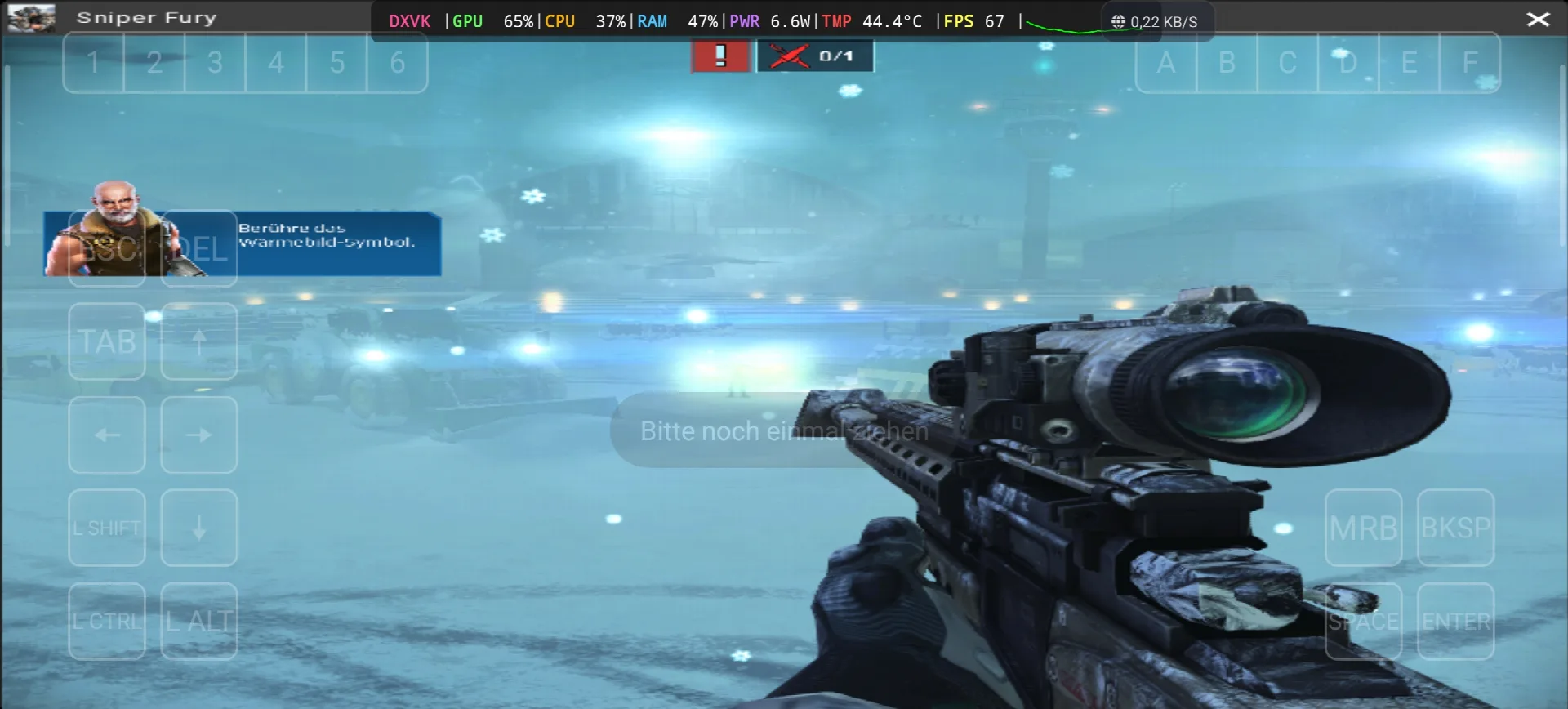
Sniper Fury is an online sniper game developed and published by Gameloft, the story take place in the near future where countries, corporations and organizations pay professional snipers to eliminate specific targets with surgical precision. like the most sniper games you need to kill your targets from long distance, and you can use some futuristic gadgets like a detection device that show you every human near you or stimulants that boost your reflexes. the game come out on 2 December 2015 for Android, iOS and Windows Phone, and the Steam version come on 13 June 2017 as free to play. the reviews was “mixed or average” on Metacritic, and on PC its need only Windows 7 SP1, Core 2 Duo 2.9 Ghz, 2 GB RAM, Geforce 8500 GT with DirectX 11 and 3 GB storage, so its very light game. in my test the game start with the mission “Harte Landung” on a airport with snow, you need to kill the landing signal officer before he give the landing permission, and the game ask me to touch the thermal vision icon to find him. the text was in German again and this time i find why, in the Gamehub settings the Language was on de_DE 🙂 WIKIPEDIA & ПАРА, Let start Explain how you can run Sniper Fury the video game online on your Android phone:
Прежде чем мы начнем, я рекомендую эти аксессуары, доступные на Amazon, чтобы играть было более комфортно и хорошо проводить время в игре:
1. Я рекомендую контроллер GameSir X3 Type-C Cooling Fan для Android. Он получил хорошие отзывы: более 59% из них — 5 звезд (более 2.192 отзывов). Это хороший продукт.
2. Рекомендую мобильный игровой контроллер Razer Kishi (18 656+ отзывов) для Android, USB-C, бесплатная доставка. Подробности, бесплатный возврат, высокая чувствительность и более точная настройка.
3. Последний аксессуар от Razer. Я рекомендую игровой контроллер Razer Kishi V2 для мобильных устройств + кулер для телефона Razer Chroma. Лучшая особенность этого аксессуара — низкое энергопотребление Bluetooth, обеспечивающее более длительное время работы от батареи, и, что немаловажно, совместимость со всеми телефонами Android и iOS.
4- Последние аксессуары от Black Shark, которые я рекомендую Кулер для телефона Black Shark Magnetic Уровень шума 1 дБ, это ВАУ.
#ОБЪЯВЛЕНИЕ
Sniper fury Online – Gamehub Emulator | Windows Emulator Android
My Gamehub Settings For Sniper Fury:
those are the settings from the video on my nubia Z80 Ultra (Snapdragon 8 Elite Gen 5, Adreno 840), open the game in Gamehub, go to Game Settings and put it like this:
- Compatibility Layer: proton10.0-arm64x-2
- Translation Params: Крайний
- Dinput Library: Prefer Native
- GPU Driver: qcom-842.6
- Surface Format: БГРА8
- Аудиодрайвер: Импульс
- DXVK Version: dxvk-2.4.1-async
- VKD3D Version: vkd3d-2.12
- CPU Translator: Fex_20250910
- CPU Core Limit and VRam Limit: No Limit
- Game Resolution: 800 х 600
- MangoHUD and DirectX HUD: от
- Язык: de_DE in my video, put en_US if you want the game in English
Sniper Fury is DirectX 11 game so Gamehub use DXVK for it (you can see DXVK in my overlay), the VKD3D is only for DirectX 12 games so you can leave it like that.
1- Get Sniper Fury the video game online Game (Free To Play):
Если есть возможность, рекомендую Epic Games: «Низкая цена, скачайте игру, а затем установите её, чтобы избежать перегрева».
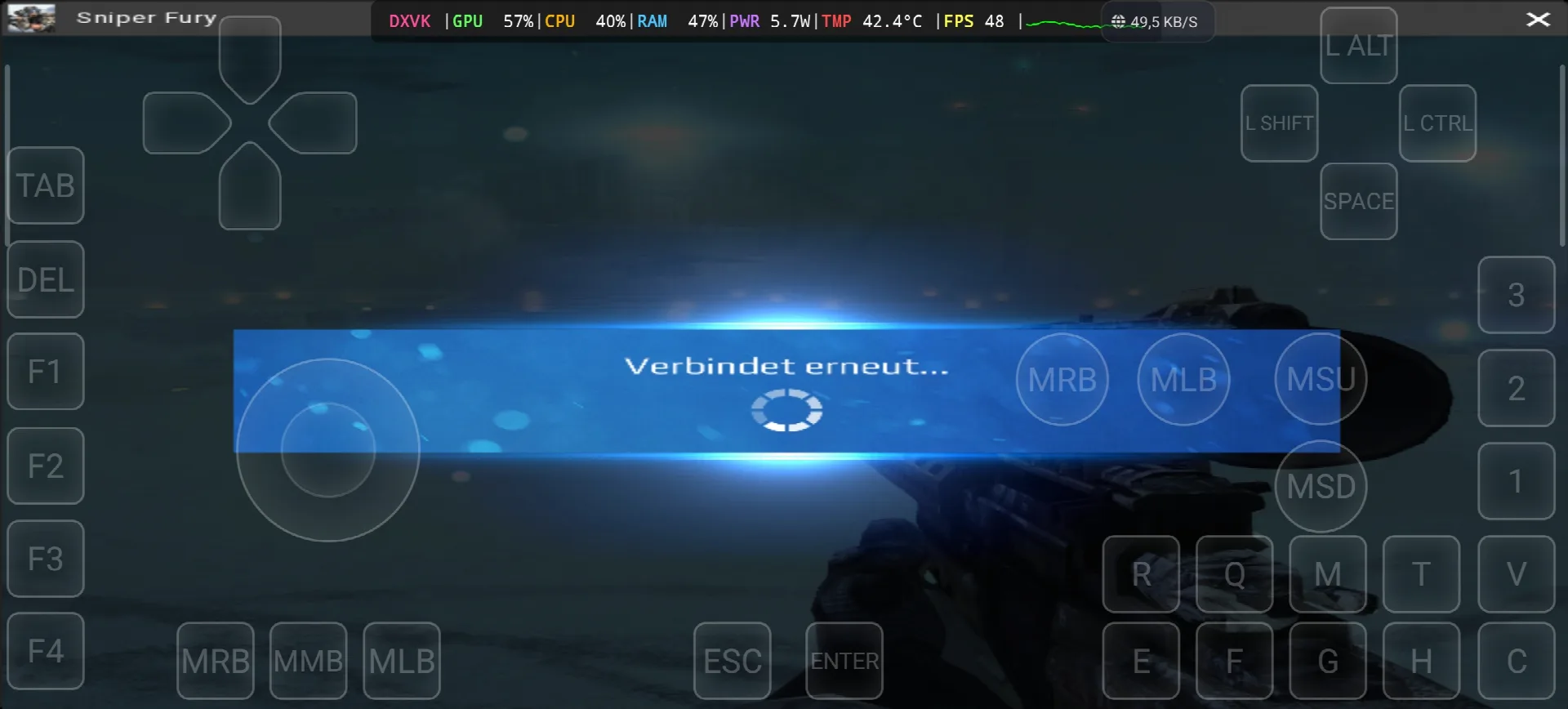
*If you already have the Sniper Fury online game, you can simply open your Steam account and download the game, but Sniper Fury is online game and need internet all the time, in my test i see “Verbindet erneut” (reconnecting) one time, so the offline way with copy the game file from the PC to the Phone dont work with this one. Keep your android phone connected to the internet when you play.
Как настроить эмулятор GameHub (STEAM/EPIC GAMES) менее чем за 5 минут
2. Скачайте эмулятор Gamehub – эмулятор для Windows и Android:
После загрузки эмулятора Gamehub установите его, откройте и следуйте инструкциям по настройке эмулятора Windows на Android.
Пожалуйста, следуйте инструкциям в этом видео, оно покажет вам, как установить игру на эмуляторе Gamehub для Windows. Наслаждайтесь! 🙂
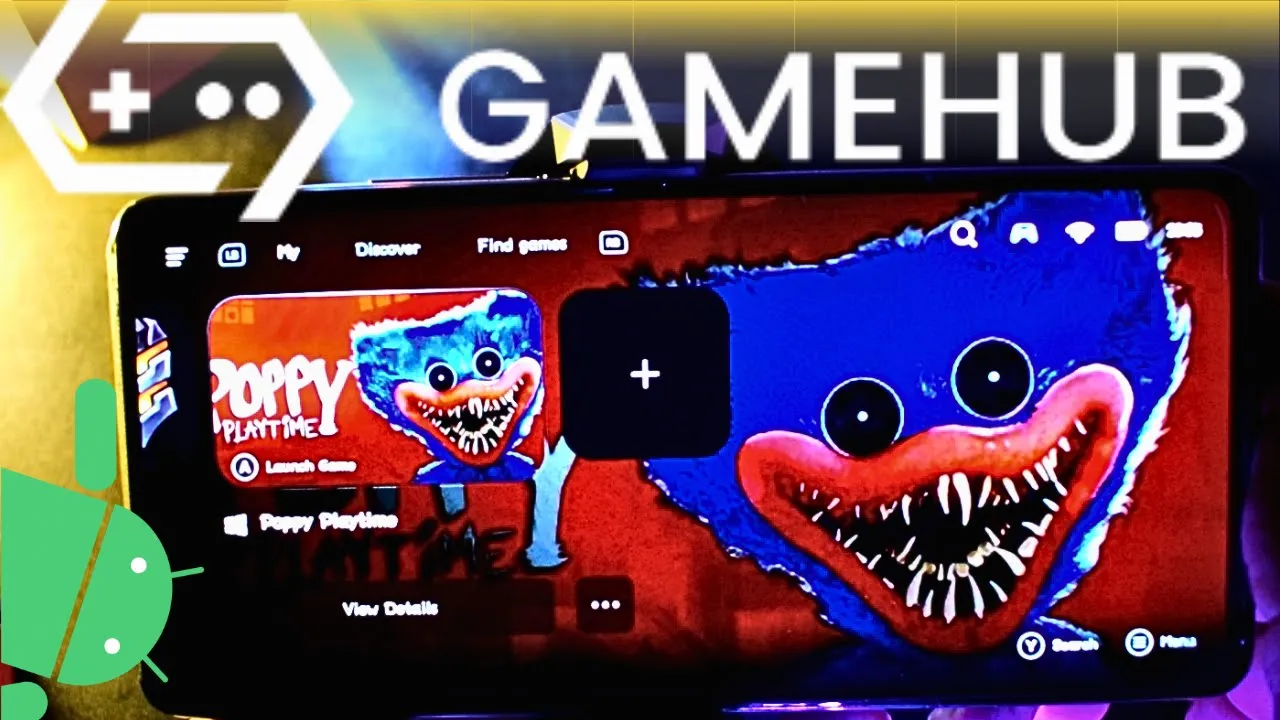
Эмулятор GAMEHUB для Android | Тестирование/Настройка/Параметры | Лучший эмулятор Windows – 2025
If Sniper Fury the video game was running with Low FPS or Graphics issue, please follow this video:
ЭМУЛЯТОР GAMEHUB ANDROID ЛУЧШИЕ НАСТРОЙКИ: МАКС. FPS — УСТРАНЕНИЕ ЗАДЕРЖЕК И СБЛОКОВ
Вы можете открыть свою учетную запись Steam, Epic Games или Ubisoft Connect в эмуляторе Gamehub, чтобы играть онлайн.
3- Best Phone For Sniper Fury Android:
we at the End Explanation, Sniper Fury on Gamehub run between 48 and 91 fps with DXVK, the GPU stay between 57 and 76% and my overlay show only 5.7 to 8.2W and 42.4 to 45.5°C, so the phone stay cool and you can play long time, the only problem is the internet because its online game and one time the game was reconnecting. the only stuff i can recommend for the heavy games is a strong Android phone with Snapdragon 8 Элитное поколение 5 с телефон кулер #AD, otherwise the world of Emulation is getting better day by day so be patience. if you like online free games check also my post World of Warships on Gamehub EmulatorА полную версию игрового процесса смотрите на моем сайте. YouTube-канал и мой TikTok для коротких видеороликов. А теперь единственное, что я хочу сказать: вы можете посмотреть наши Категория игр-эмуляторовНа вашем Android-смартфоне есть множество огромных игр, в которые можно играть где угодно и когда угодно. И всем пока.