




Does Soccer Manager 2026 from Steam run on Android? My Gamehub test
Download and play Soccer Manager 2026 the video game on Android phone using Windows Emulator “Gamehub”, Gamehub Emulator is best windows Emulator on Android, you can open you Steam, Epic Games or Ubisoft connect account on your Android phone, start the 2026 we can play windows Games on our Phones, there is another Windows Emulator was poped up like گيمينيٽو, Winlator Emulator ۽ MOBOX ايموليٽر but the Gamehub is still the best. just to be clear Soccer Manager have a official version on Google Play, but in this post i play the Steam version of Soccer Manager 2026 on Android with Gamehub, i want to see if the PC version run good on the phone, and here is my settings and the real fps.
About Soccer Manager 2026 the video game:
Soccer Manager is a football management game from Invincibles Studio, a British company, and its look like they update the same game on Steam every season, because in my Gamehub Library the card still say Soccer Manager 2025, inside the game its Soccer Manager 2026 and now the Steam page have the name Soccer Manager 2027. you take one club and you do everything, the transfers, the training, the tactics and the formations, and you make the facilities of the club better. on Wikipedia they say around 900 clubs, 54 leagues and 36 countries for the 2024 edition with real players licensed by FIFPRO, and there is licenses like Manchester City and the German Bundesliga, you see the Bundesliga logo in the loading screen. you dont need to pay to play it but it have in-app purchases, like the SM26 Ultimate Edition offer i get in the menu. on PC its need Windows 10, 4 GB RAM, GTX 1650 with DirectX 11 and only 2 GB storage. WIKIPEDIA & ٻاڦ, Let start Explain how you can run Soccer Manager 2026 the video game on your Android phone:
ان کان اڳ جو اسان شروع ڪريون آئون سفارش ڪريان ٿو اهي لوازمات Amazon تي دستياب آهن وڌيڪ آرامده کيڏڻ ۽ راند سان سٺو وقت حاصل ڪرڻ لاءِ:
1- مان GameSir X3 ٽائپ-سي ڪولنگ فين اينڊرائيڊ ڪنٽرولر جي سفارش ڪريان ٿو ، هن کي 2.192+ جائزي تي 5 اسٽار تي 59٪ کان وڌيڪ جو سٺو جائزو مليو آهي، اهو سٺو آهي.
2-مان سفارش ڪريان ٿو Razer Kishi موبائل گيم ڪنٽرولر 18,656+ جائزو Android USB-C ۽ مفت شپنگ لاءِ. تفصيل ۽ مفت واپسي ۽ وڌيڪ درستگي سان اعليٰ حساسيت
3- آخري لوازمات اهو Razer کان آهي، مان Razer Kishi V2 موبائل گيمنگ ڪنٽرولر + Razer فون ڪولر Chroma جي سفارش ڪريان ٿو . هن لوازمات جو بهترين حصو، بلوٽوٿ گهٽ توانائي آهي جيڪو گهڻي بيٽري جي زندگي لاءِ آهي، ۽ سٺو حصو سڀني فونن Android يا iOS سان مطابقت رکي ٿو.
4- آخري لوازمات اهو بليڪ شارڪ مان آهي مان سفارش ڪريان ٿو فون کولر بليڪ شارڪ مقناطيسي 1 ڊي بي جي شور جي سطح، اھو WOW آھي.
#ع
Soccer Manager 2026 – Gamehub Emulator | Windows Emulator Android
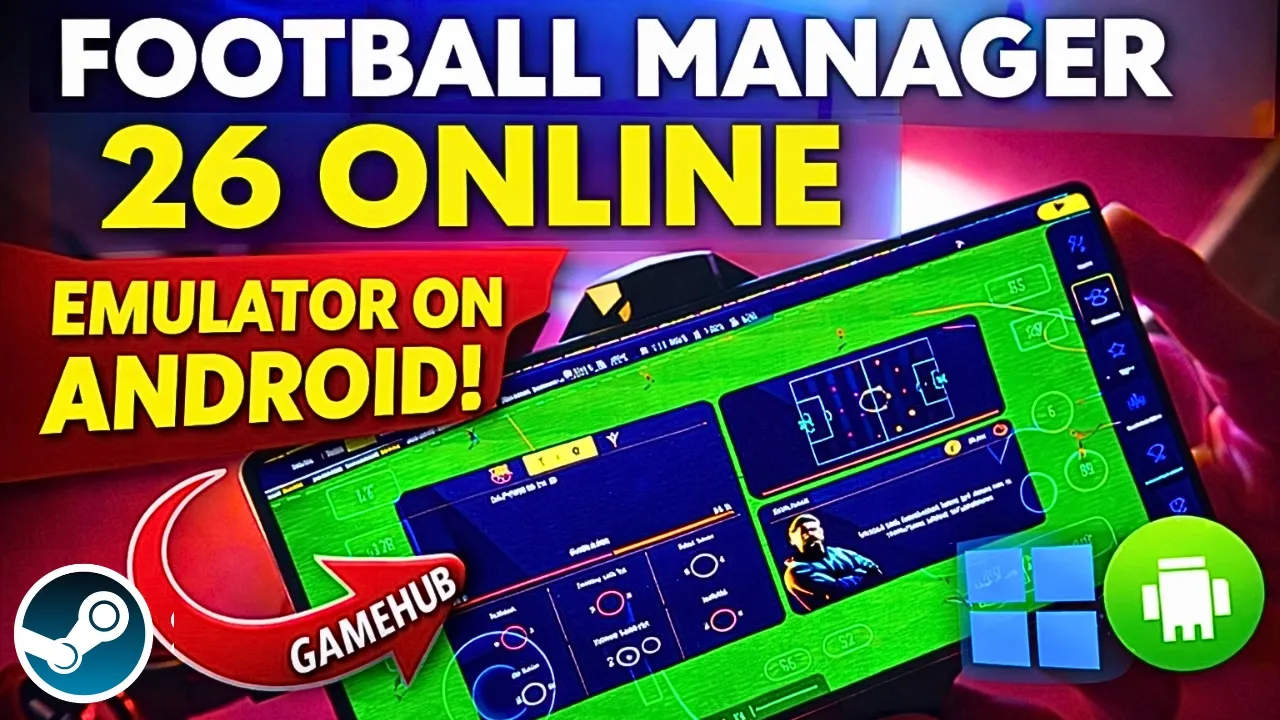
My Gamehub Settings For Soccer Manager 2026:
those are the settings i show in the video on my phone with Snapdragon 8 Elite Gen 5, the game you see is Soccer Manager 2026, in the Gamehub Library press the three points of the game, open PC Game Settings and put it like this:
- زبان: منهنجي وڊيو ۾ de_DE لکو، جيڪڏهن توهان راند کي انگريزي ۾ چاهيو ٿا ته en_US لکو.
- راند جو حل: 1280 x 720
- MangoHUD ۽ DirectX HUD: بند
- Auto-display keyboard when input needed: on
- مطابقت واري پرت: پروٽان 10.0-آرم 64 ايڪس-2
- ترجمي جا اصول: راند جي اڳڪٿيون
- DInput Library: مقامي کي ترجيح ڏيو
- Skip Audio/Video Decode: بند
- GPU ڊرائيور: ڪيو ڪام-842.6
- مٿاڇري جي شڪل: بي جي آر اي 8
- آڊيو ڊرائيور: پلس
- DXVK نسخو: dxvk-2.4.1-غير هم وقت ساز
- VKD3D ورجن: وي ڪي ڊي 3 ڊي-2.12
- سي پي يو مترجم: فيڪس_20250910
- سي پي يو ڪور جي حد ۽ وي آر اي ايم جي حد: ڪابه حد نه آهي
- Performance menu in the game: Native Rendering+, the Frame Limit off, and i turn on HDR, CRT Display Effect and Super Resolution
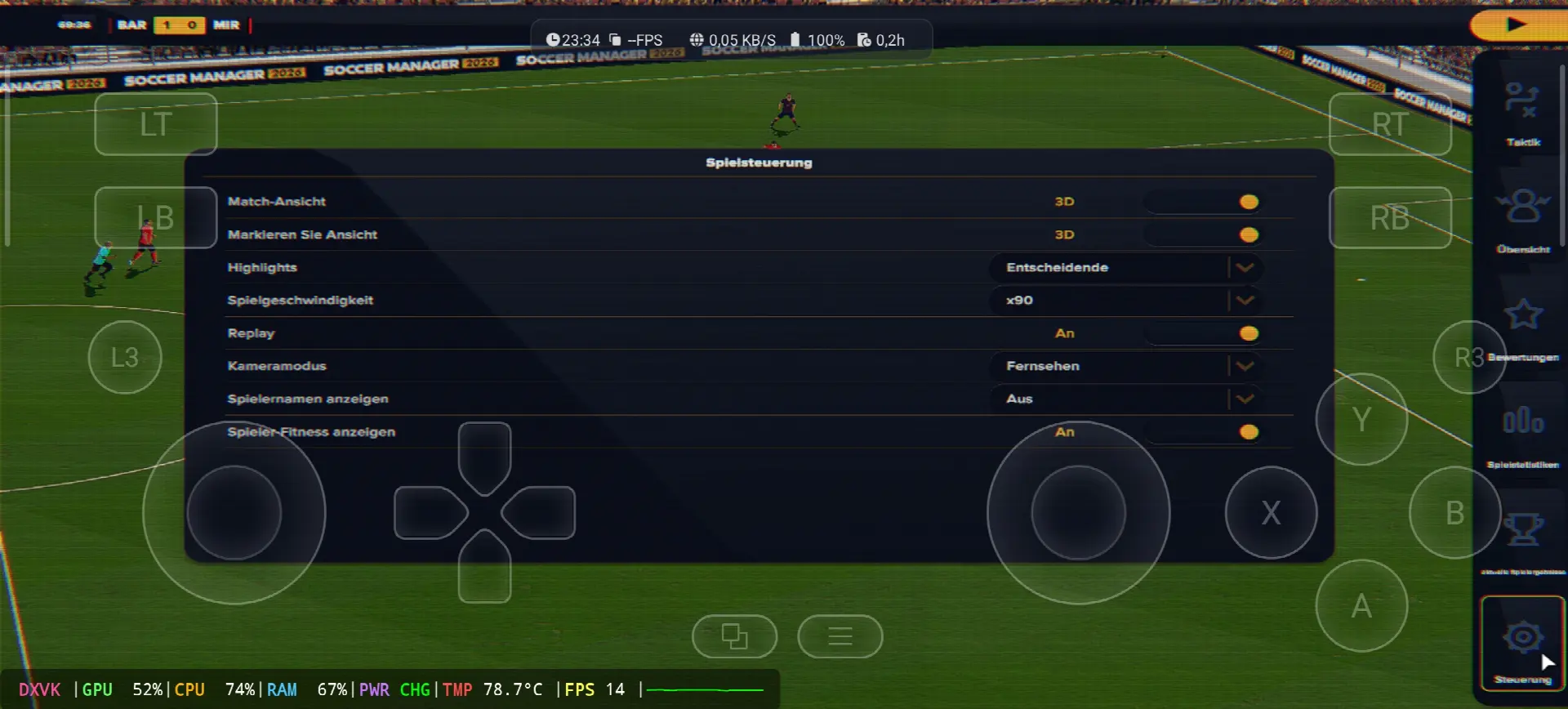
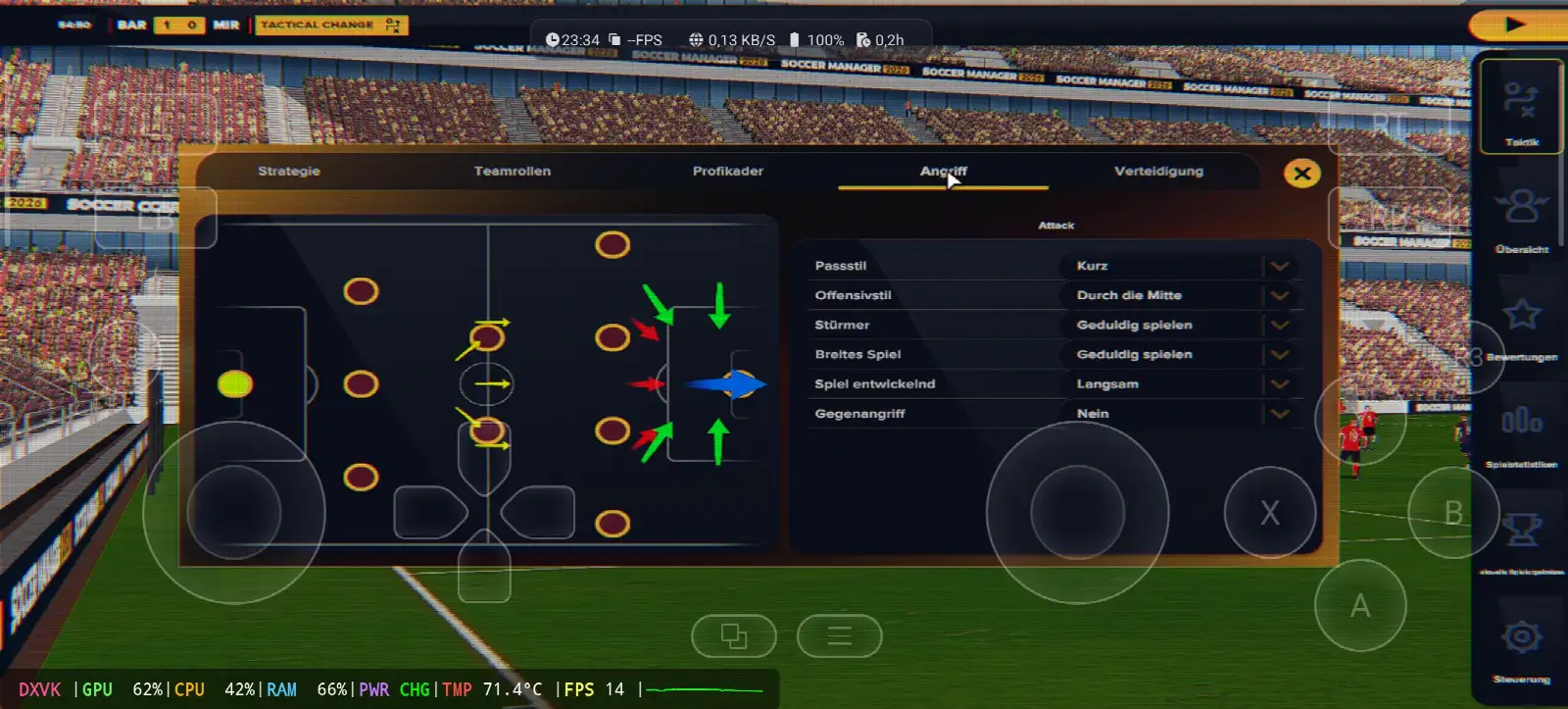
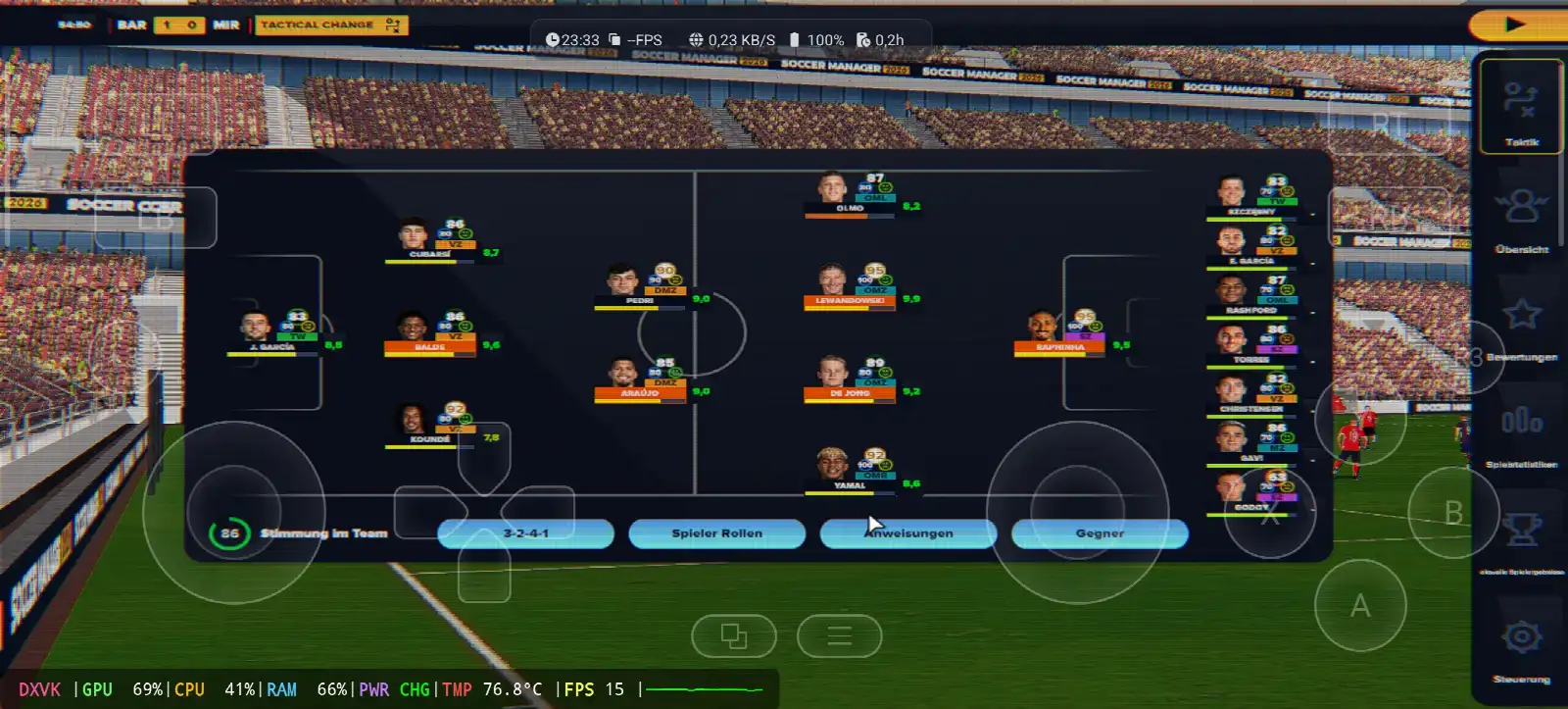
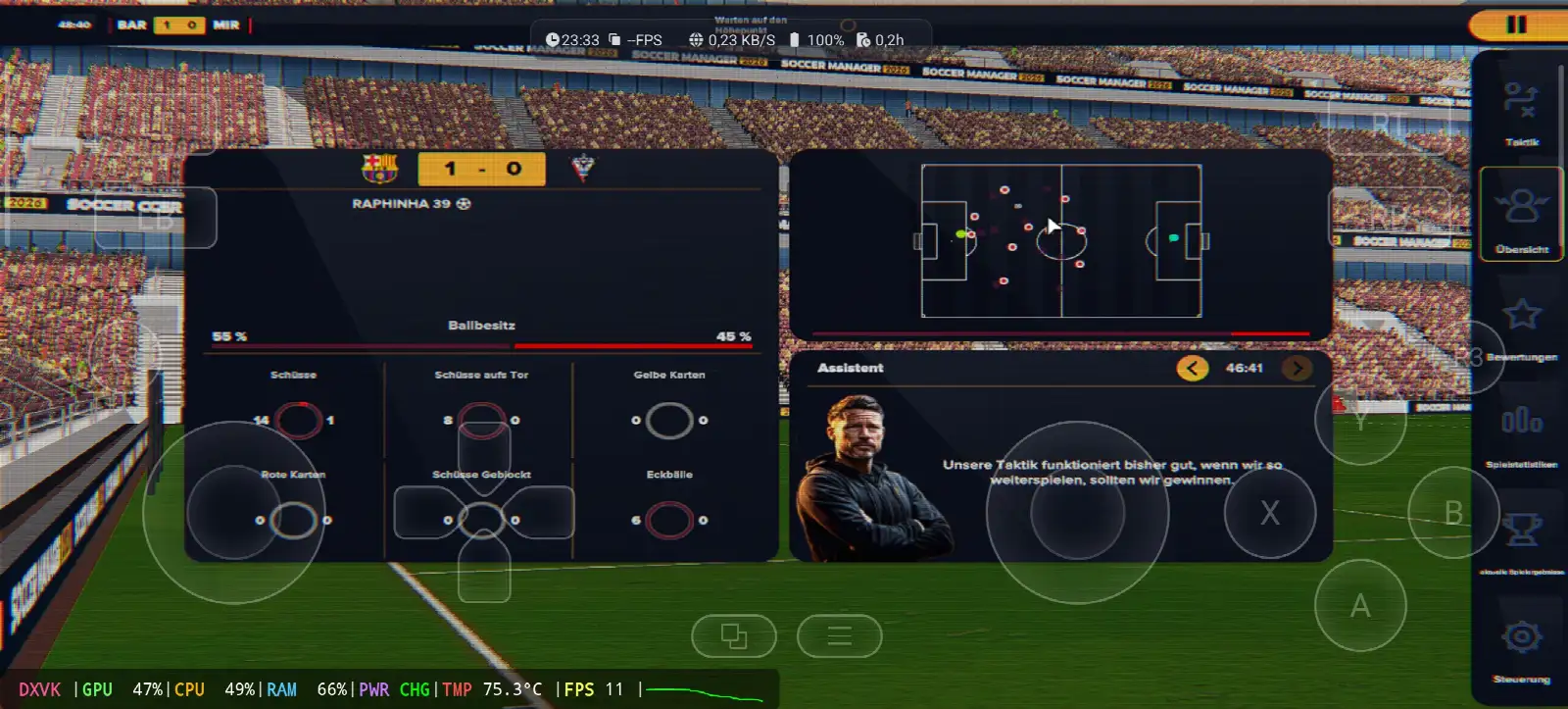
Gamehub open the Steam client first and log in, then you see the Invincibles logo and the loading screen. in my test i play with Barcelona in a 3-2-4-1 and i was winning 1-0 with a goal from Raphinha in the 39 minute, the menus and the tactic screens was smooth between 57 and 59 fps, the intro of the match around 45 fps, but in the 3D match its go down to 11-19 fps. the GPU was 47 to 69%, the CPU 41 to 74% and the RAM 66 to 67%, and the temperature between 71.4 and 78.7°C with the phone on the charger. for a manager game its still ok because you are more time in the menus, and in the Steuerung menu of the match there is a button for the 3D view (Match-Ansicht), you can try to change it if the match is too slow for you.
1- Get Soccer Manager on Steam:
when you open the Steam page now you get the 2027 edition, its the same page of the game i play in my video.
جيڪڏهن موجود هجي ته مان ايپڪ گيمز جي سفارش ڪريان ٿو: 'گهٽ قيمت، راند ڊائون لوڊ ڪريو، پوءِ اوور هيٽنگ گهٽائڻ لاءِ انسٽال ڪريو'.
*If you already have Soccer Manager in your Steam Library, you can simply open your Steam account and download the game or if you have it on your PC then connect your android Phone to the laptop or PC copy Soccer Manager next copy he game to the Phone. Keep your android phone connected to copy the Gamehub Emulator app.
گيم هب ايموليٽر ڪيئن سيٽ اپ ڪجي - اسٽيم / ايپڪ گيمز 5 منٽن کان گهٽ
2- گيم هب ايموليٽر ڊائون لوڊ ڪريو - ونڊوز ايموليٽر اينڊرائيڊ:
گيم هب ايموليٽر ڊائون لوڊ ڪرڻ کان پوءِ، ان کي انسٽال ڪريو ۽ ان کي کوليو ۽ اينڊرائيڊ تي ونڊوز ايموليٽر سيٽ اپ ڪريو.
مھرباني ڪري ھن وڊيو کي فالو ڪريو جيڪو ڏيکاريندو ته توھان گيم ھب ونڊوز ايموليٽر تي گيم ڪيئن سيٽ اپ ڪري سگھو ٿا ۽ مزو وٺو! 🙂
گيم هب ايموليٽر اينڊرائيڊ | ٽيسٽ/ سيٽ اپ/ سيٽنگون | بهترين ونڊوز ايموليٽر - 2025
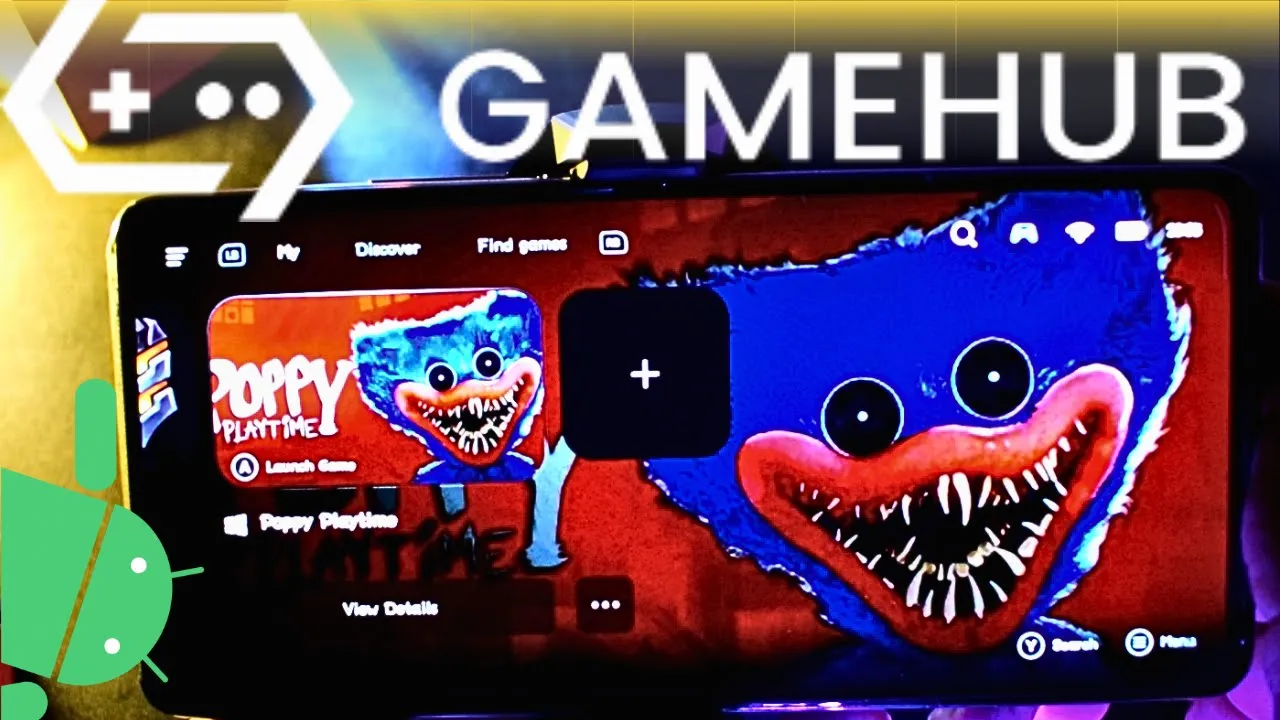
If Soccer Manager 2026 the video game was running with Low FPS or Graphics issue, please follow this video:
گيم هب اينڊرائيڊ ايموليٽر بهترين سيٽنگون: وڌ ۾ وڌ FPS - وقفو ۽ خرابي کي درست ڪريو
توهان آن لائن کيڏڻ لاءِ گيم هب ايموليٽر تي پنهنجو اسٽيم، ايپڪ گيمز، يا يوبي سافٽ ڪنيڪٽ اڪائونٽ کولي سگهو ٿا.
3- Best Phone For Soccer Manager 2026 Android:
we at the End Explanation, Soccer Manager 2026 from Steam run on Gamehub, the menus are smooth with 57 to 59 fps but the 3D match is slow with 11 to 19 fps, so if you want only to play it on the phone then the official version on Google Play is the easy way, and the Steam version is nice if you like to have your Steam Library in your pocket. the only stuff i can recommend is a strong Android phone with سنيپراگن 8 ايليٽ جنرل 5 سان فون کولر #AD because the temperature go up to 78.7°C in the match, otherwise the world of Emulation is getting better day by day so be patience. if you like football games check also PES 2013 on MOBOX Emulator and my old post Football Manager 2020 Mobile on Chikii App، ۽ مڪمل راند لاءِ منهنجي چيڪ ڪريو يوٽيوب چينل ۽ منهنجو ٽڪ ٽڪ مختصر ڪلپس لاءِ. ۽ هاڻي صرف هڪ لفظ جيڪو مان چوڻ چاهيان ٿو، توهان اسان جي چيڪ ڪري سگهو ٿا ايموليٽر گيمز ڪيٽيگري، توهان جي اينڊرائيڊ فون تي هر هنڌ ۽ ڪنهن به وقت کيڏڻ لاءِ تمام گهڻيون وڏيون شيون آهن. ۽ امن سان ٻاهر.




