






టూంబ్ రైడర్ అండర్వరల్డ్ డౌన్లోడ్ – MOBOX PC ఎమ్యులేటర్ ఆండ్రాయిడ్
Download Tomb Raider underworld Video Game PC is now playable on Android devices, thanks to the MOBOX emulator is PC Emulator on Android. MOBOX emulator is a Windows x86 application right on your Android device. It leverages the combined power of Termux, Box64, and Wine to bridge the gap between operating systems. you can Play PC games: Immerse yourself in your favorite PC games directly on your phone or tablet. He’s still not available on iOS yet, but we hope that soon. So, let me tell you some information about Tomb Raider underworld Video Game: Tomb Raider: Underworld is an action-adventure video game developed by Crystal Dynamics and published by Eidos Interactive for Windows, PlayStation 3, Xbox 360, Wii and Nintendo DS in November 2008. Later versions were released for mobile in December 2008, PlayStation 2 in 2009, and OS X in 2012. Various companies ported or developed the different versions. The ninth overall entry in the Tomb Raider series and third in the Legend trilogy, Underworld follows archaeologist-adventurer Lara Croft as she searches for Mjolnir, an artefact key to entering the realm of Helheim, while confronting adversaries from her past. Gameplay features Lara navigating levels set across the world through platforming, fighting enemies and solving puzzles to progress. Production of Underworld began in 2006 following the release of Tomb Raider: Legend, and was developed in parallel with Anniversary (2007). The scenario was co-written by director Eric Lindstrom and series co-creator Toby Gard; Gard left Crystal Dynamics the following year. The gameplay was redesigned around a principle of Lara’s abilities, with her actions created using motion capture for the first time. A new game engine was created for the project, with the team having troubles transitioning onto next-generation hardware and staff shortages due to production of Anniversary. Announced in January 2008 for next-generation hardware, it was delayed into November and also announced for then-current generation hardware. 360-exclusive downloadable content was released in 2009. The game’ received mostly positive reviews from critics, with praise for the environments, story, puzzles, exploration, graphics and the less linear style of gameplay, although criticism was directed at its camera and combat system. It sold below expectations, though ultimately went on to sell over three million copies worldwide. It was the final Tomb Raider published by Eidos Interactive prior to its 2009 acquisition and rebranding by Square Enix. Following Underworld, Crystal Dynamics rebooted the series a second time, with the subsequent game releasing in 2013. you can also read more on వికీపీడియా.
మేము ప్రారంభించడానికి ముందు నేను మరింత సౌకర్యవంతంగా ఆడటానికి మరియు గేమ్తో మంచి సమయాన్ని పొందేందుకు Amazonలో అందుబాటులో ఉన్న ఈ ఉపకరణాలను సిఫార్సు చేస్తున్నాను:
1- నేను GameSir X3 Type-C కూలింగ్ ఫ్యాన్ ఆండ్రాయిడ్ కంట్రోలర్ను సిఫార్సు చేస్తున్నాను. 2.192+ సమీక్షలలో దీనికి 5 నక్షత్రాల రేటింగ్పై 59% కంటే ఎక్కువ మంచి సమీక్షలు వచ్చాయి, ఇది మంచిది.
2-నేను రేజర్ కిషి మొబైల్ గేమ్ కంట్రోలర్ను సిఫార్సు చేస్తున్నాను . ఆండ్రాయిడ్ USB-C కోసం 18,656+ సమీక్షలు & ఉచిత షిప్పింగ్. వివరాలు & ఉచిత రిటర్న్లు మరియు అధిక సున్నితత్వంతో మరింత కచ్చితత్వం.
3- చివరి యాక్సెసరీలు రేజర్ వారివి. నేను రేజర్ కిషి V2 మొబైల్ గేమింగ్ కంట్రోలర్ + రేజర్ ఫోన్ కూలర్ క్రోమాను సిఫార్సు చేస్తున్నాను . ఈ యాక్సెసరీలలో ఉత్తమమైన విషయం ఏమిటంటే, ఎక్కువ బ్యాటరీ లైఫ్ కోసం బ్లూటూత్ లో ఎనర్జీ ఉండటం, మరియు మరో మంచి విషయం ఏమిటంటే ఇవి ఆండ్రాయిడ్ లేదా iOS ఉన్న అన్ని ఫోన్లకు అనుకూలంగా ఉంటాయి.
4- చివరి ఉపకరణాలు బ్లాక్ షార్క్ నుండి నేను సిఫార్సు చేస్తున్నాను ఫోన్ కూలర్ బ్లాక్ షార్క్ మాగ్నెటిక్ శబ్దం స్థాయి 1 dB, ఇది WOW.
#క్రీ.శ
To play The Tomb Raider underworld Video Game on Android, you will need to download the MOBOX emulator and get the game, then copy the game.
MOBOX ఎమ్యులేటర్ అందుబాటులో ఉంది. దీనికి చెల్లింపు వెర్షన్ లేదు.
Once you have the MOBOX emulator and the game, you can follow these steps to play Tomb Raider underworld Video Game on your Android phone or tablet:
1-మీ Android పరికరంలో MOBOX ఎమ్యులేటర్ని డౌన్లోడ్ చేసి, ఇన్స్టాల్ చేయండి.
2-టోంబ్ రైడర్ అండర్ వరల్డ్ వీడియో గేమ్ కాపీని డౌన్లోడ్ చేయండి
3-గేమ్ను మీ ఆండ్రాయిడ్ పరికరంలోకి కాపీ చేయండి. నేను “డౌన్లోడ్” ఫోల్డర్ను సిఫార్సు చేస్తున్నాను.
ఒకవేళ మీ ఫోన్ ఇక్కడ నుండి ఎక్స్ట్రాక్ట్ చేయడానికి సపోర్ట్ చేయకపోతే WinRaR:
4- మీ Android పరికరంలో MOBOX PC ఎమ్యులేటర్లో టోంబ్ రైడర్ అండర్వరల్డ్ వీడియో గేమ్ను త్వరగా ఇన్స్టాల్ చేయండి.
5- టోంబ్ రైడర్ అండర్ వరల్డ్ వీడియో గేమ్ ఫినిచ్ ఇన్స్టాల్ చేసినప్పుడు మీరు MOBOX ఎమ్యువల్టర్ డెస్క్టాప్లో గేమ్ను కనుగొనవచ్చు

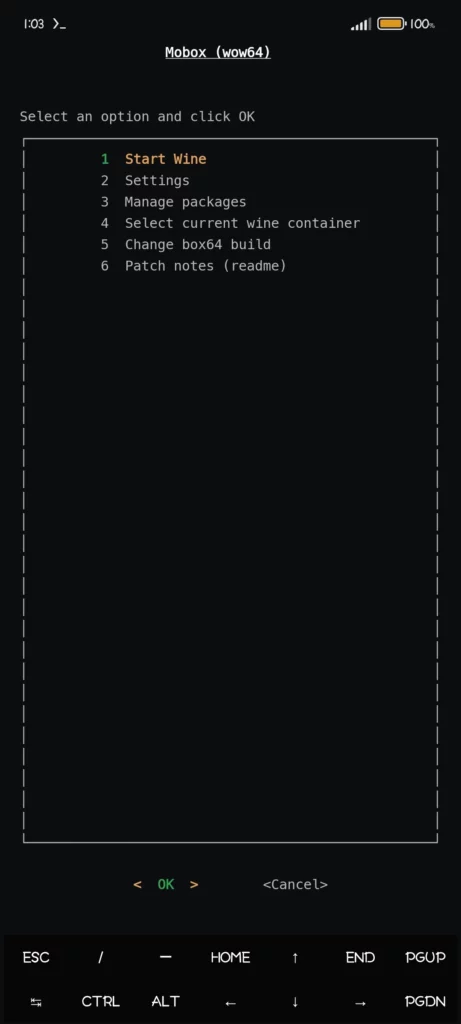
దయచేసి పెద్దగా గమనించండి: MOBOX ఎమ్యులేటర్ ఇంకా అభివృద్ధిలో ఉంది, కాబట్టి కొన్ని గేమ్లలో కొన్ని బగ్లు, క్రాష్లు మరియు అవాంతరాలు ఉండవచ్చు. అయినప్పటికీ, MOBOX ఎమ్యులేటర్ GTA 5, GTA 4 మరియు టోంబ్ రైడర్ అండర్వరల్డ్ వంటి PCలో సాధారణంగా స్థిరంగా మరియు ఆడగలిగే అత్యుత్తమ గేమ్లు.
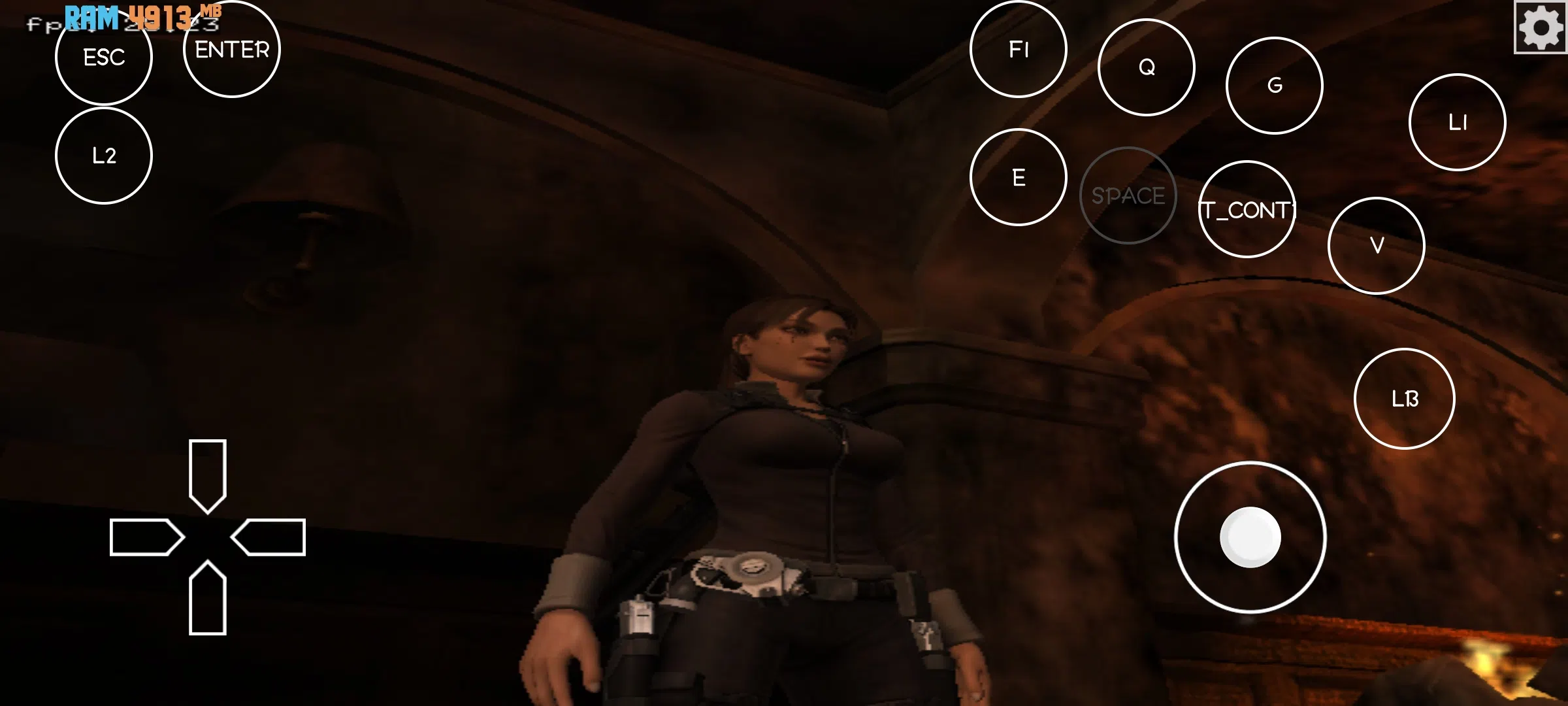
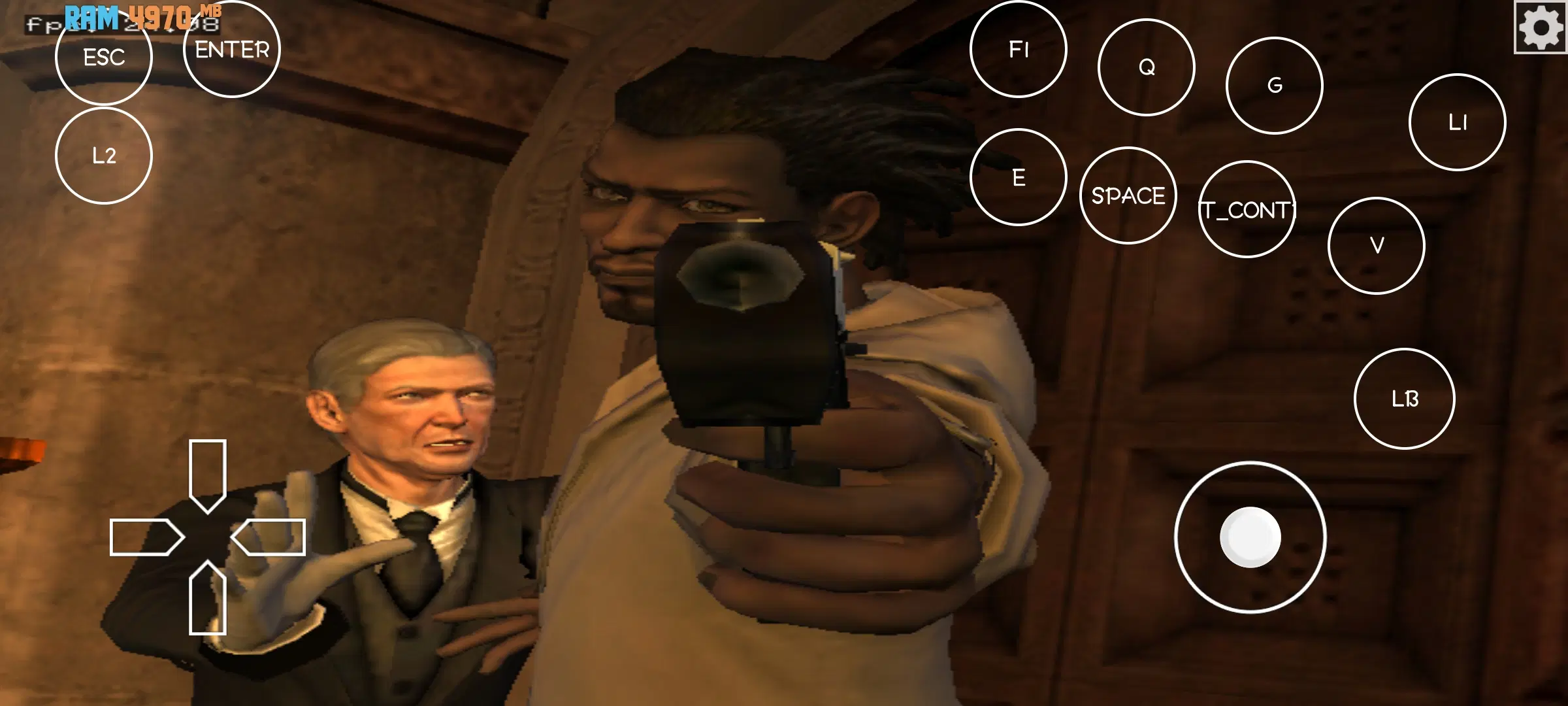
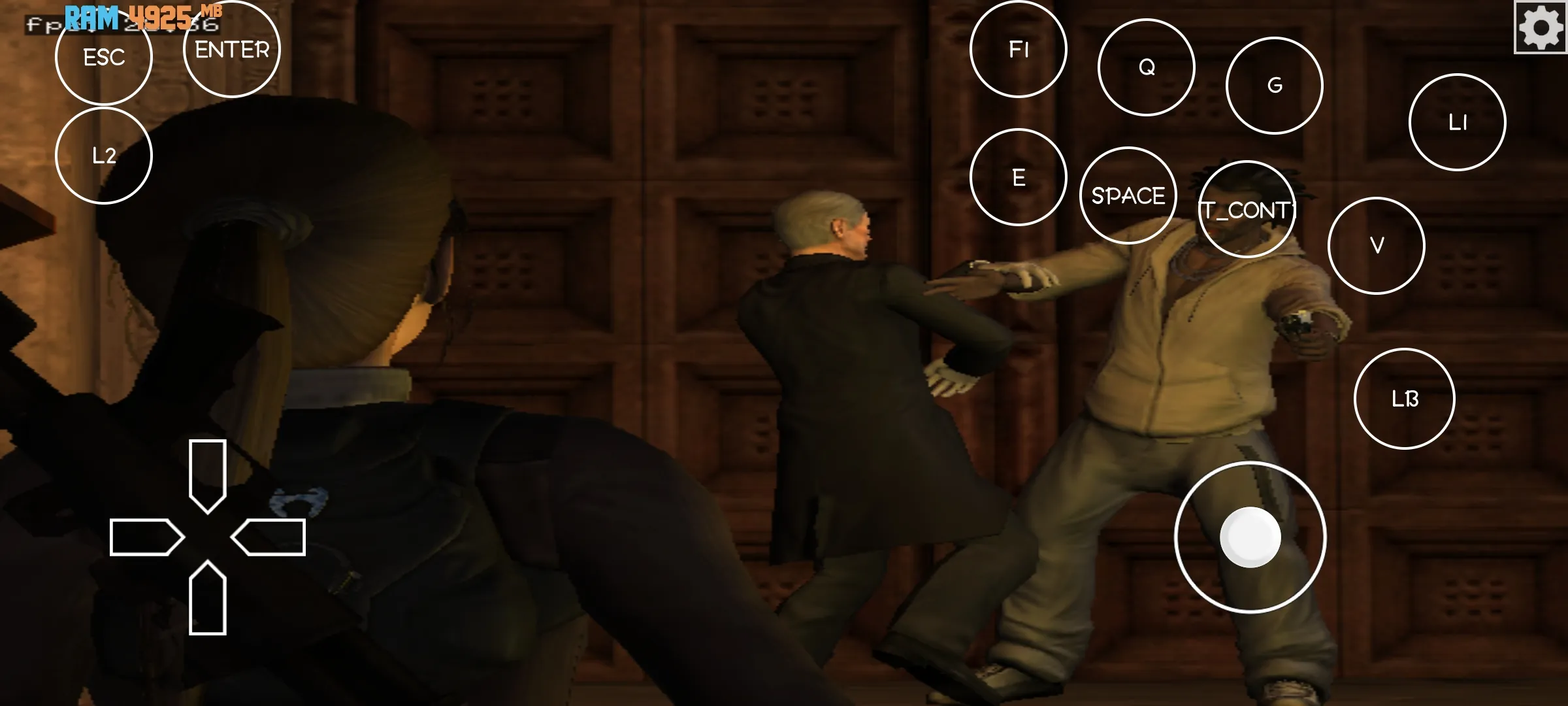
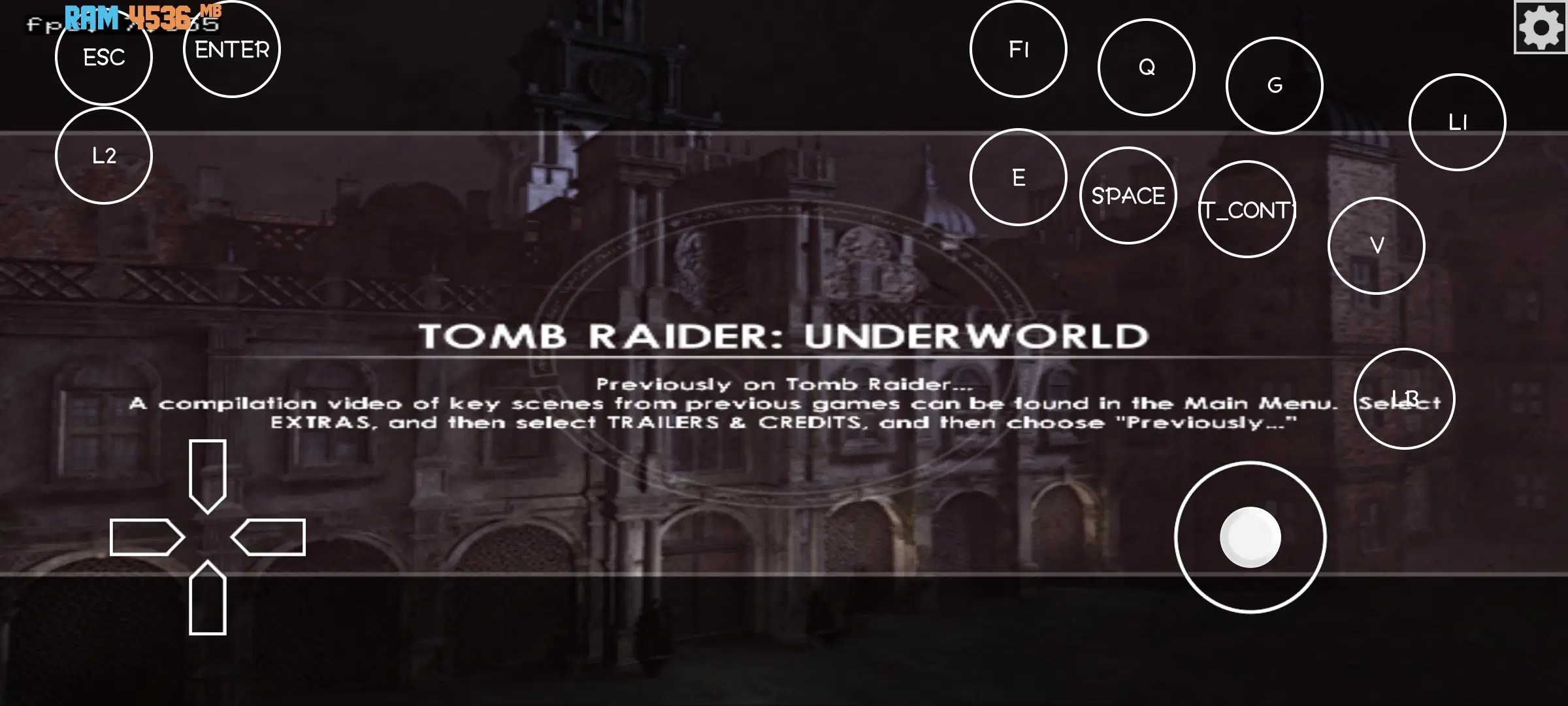
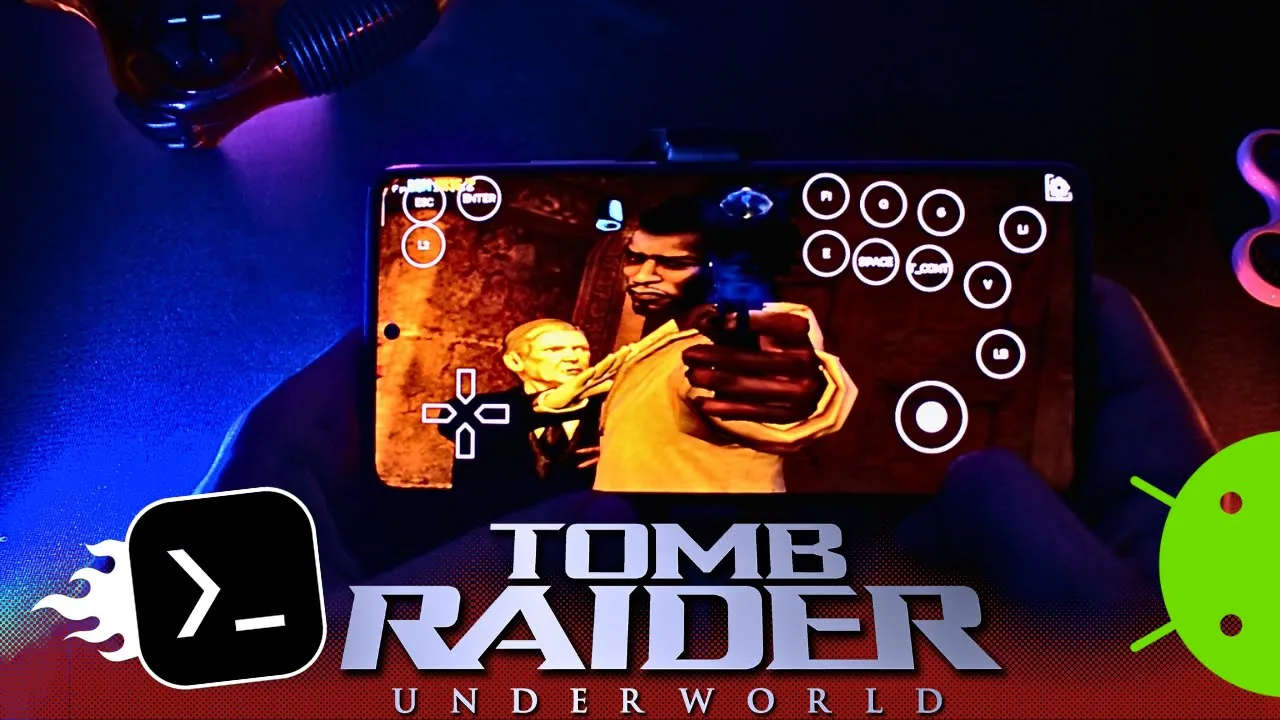
Android గేమ్ప్లేలో టోంబ్ రైడర్ అండర్వరల్డ్ PC వెర్షన్ వీడియో గేమ్
MOBOX PC ఎమ్యులేటర్ Androidతో, మీరు ఇప్పుడు మీ ఫోన్ లేదా టాబ్లెట్లో అద్భుతమైన గేమ్లు మరియు యాప్లను ఆస్వాదించవచ్చు.
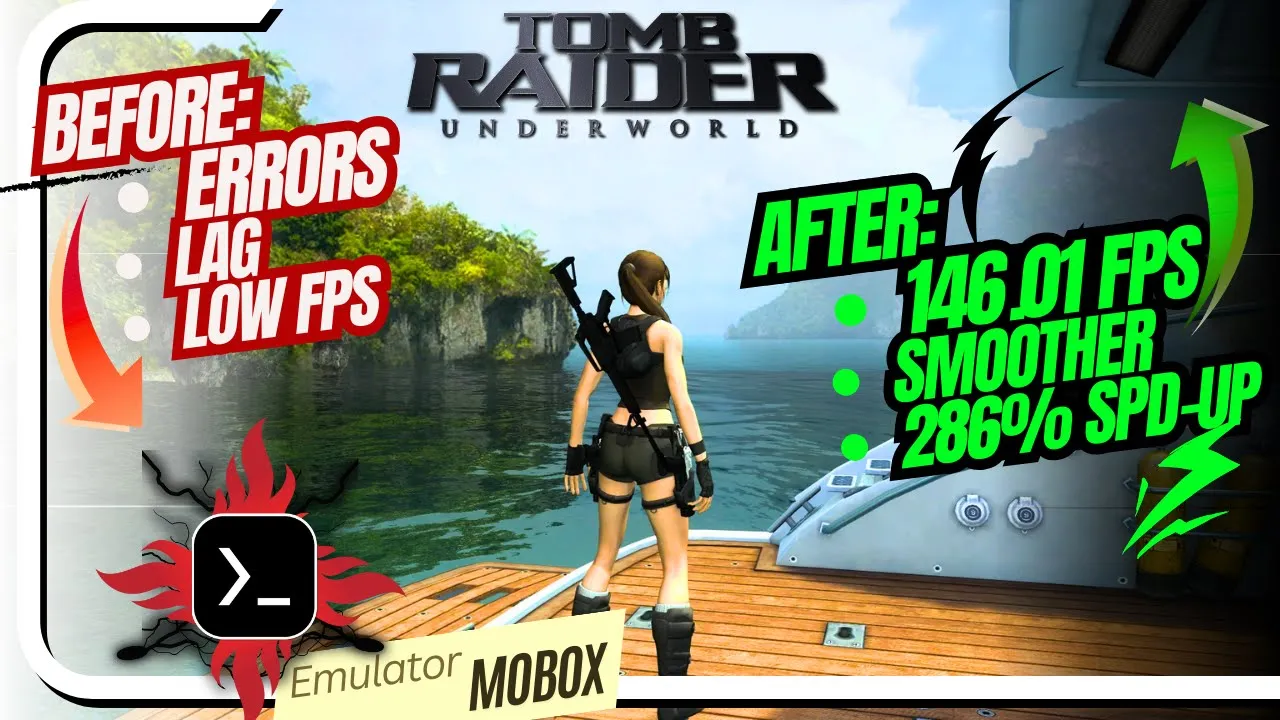
MOBOX ఎమ్యులేటర్ Android ఉత్తమ సెట్టింగ్లు – లాగ్ & తక్కువ FPSని పరిష్కరించండి – టోంబ్ రైడర్ అండర్ వరల్డ్ టెస్ట్
నేటికి అంతే, మీకు బలమైన ఫోన్ ఉందని నిర్ధారించుకోండి, నేను ఫోన్ని సిఫార్సు చేస్తున్నాను స్నాప్డ్రాగన్ 888 Or డైమెన్సిటీ 1200 #AD లేదా అంతకంటే ఎక్కువ మీకు ఇంకేదైనా అవసరమైతే లేదా ప్రశ్నలు లేదా సమస్యలు ఉంటే, నా సోషల్ మీడియా, అంతే మీరు ఈ ట్యాబ్ను మూసివేయడానికి ముందు నేను మిమ్మల్ని తనిఖీ చేయడానికి ఆహ్వానించాలనుకుంటున్నాను ఆండ్రాయిడ్ కోసం ఏలియన్ షూటర్ డౌన్లోడ్లేదా నీడ్ ఫర్ స్పీడ్ మోస్ట్ వాంటెడ్ డౌన్లోడ్ – MOBOX ఎమ్యులేటర్ ఆండ్రాయిడ్లేదా MOBOX ఎమ్యులేటర్ వర్గం, సందర్శించినందుకు ధన్యవాదాలు మరియు నన్ను మిస్ అవ్వకుండా ఉండనివ్వండి నా దగ్గర ఎప్పుడూ వార్తలు ఉంటాయి. నేను మిమ్మల్ని తర్వాతి సమయంలో పట్టుకుంటాను, శాంతించండి.




