




Call Of Duty Black Ops 3 Android Download – Chikii Cloud Games
Download CALL OF DUTY BLACK OPS III Ps4 Version Game On Android HIGHLY GRAPHICS DOWNLOAD, PS4 Version, With Chikii Cloud Games, Let Me Told You Some Information About CALL OF DUTY BLACK OPS 3: Call of Duty: Black Ops III is a 2015 first-person shooter video game, developed by Treyarch and published by Activision. It is the twelfth entry in the Call of Duty series and the sequel to the 2012 video game Call of Duty: Black Ops II. It was released on Microsoft Windows, PlayStation 4, and Xbox One on November 6, 2015. A feature-limited version developed by Beenox and Mercenary Technology that only supports multiplayer modes was released on PlayStation 3 and Xbox 360 and was also the final Call of Duty title released on those platforms., So I Gonna Run Emulator On Android Named Chikii Is Actually Is Not Emulator, Chikii App Allow You To Play Some Games On PC Like A Cloud Game, I Highly recommend Chikii App, I Think He’s The Futur For PC, PS4, PS5 All Games You Can Play It On Android, So Hope Enjoy let’s Get Start Now:
Bago tayo magsimula, irerekomenda ko ang mga aksesorya na ito para mas komportable tayong maglaro at mas masayang maglaro:
1- Irerekomenda ko ang Wireless Bluetooth Controller. Nakakuha siya ng magandang review na mahigit 37% at 5 star . Maganda naman.
2- Inirerekomenda ko ang Gamepad Wireless Mobile Game Controller. Ang presyo ay $34.99 at LIBRE ang pagpapadala. Mga detalye at LIBRENG pagbabalik at may mataas na sensitibong epekto na mas tumpak.
3- Huling Accessories Mula ito sa Razer. Inirerekomenda ko ang Razer Junglecat Dual-Sided Mobile Game Controller + Bitcircuit Mobile Phone Radiator Cooler Fan. Ang pinakamagandang bahagi ng Accessories na ito ay Bluetooth low energy para sa mas mahabang buhay ng baterya. At ang masama ay hindi compatible sa lahat ng telepono. Sa Razer Phone 2, Galaxy Note 9, Galaxy S10+ lamang. Paalala: Ang Razer Junglecat lamang ang hindi sumusuporta sa lahat ng telepono ngunit ang Cooler Fan ay sinusuportahan ng lahat ng telepono.
1- Kailangan Mong I-download ang Chikii App At I-install Ito Sundin Ang Mga Hakbang sa Ibaba:
Tandaan Chikii App Hindi pa rin Siya Magagamit Para sa Ilang Bansa, Malamang Hindi Mo Ito Makikita Sa Google Play I-download Ito Direktang Gumagana Ito Sa Google Play.
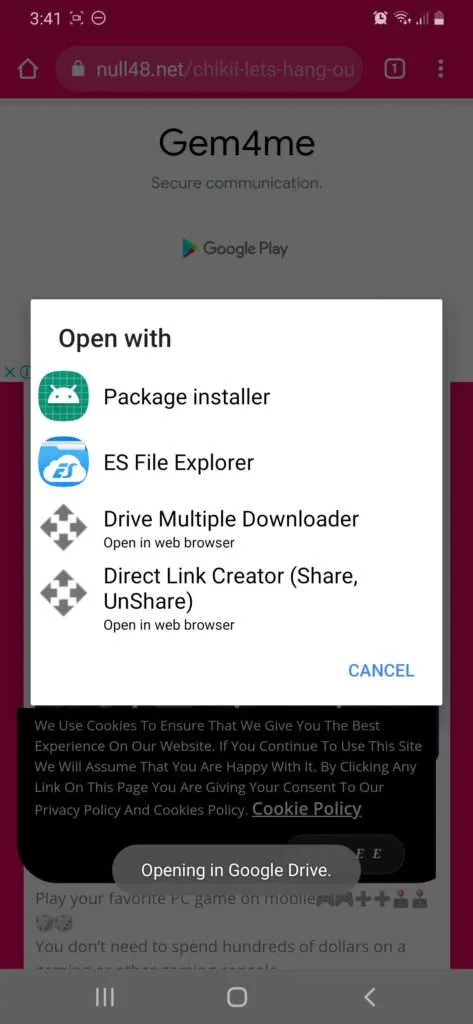
Pagkatapos Mo Ito I-download, Sundin Ang Mga Larawang Ito Upang I-install Ang Chikii App:
1- Kung Gumagamit Ka ng Desktop Laktawan ang Hakbang Ito At Mag-click Sa “Download Button” Mag-click Sa Package installer
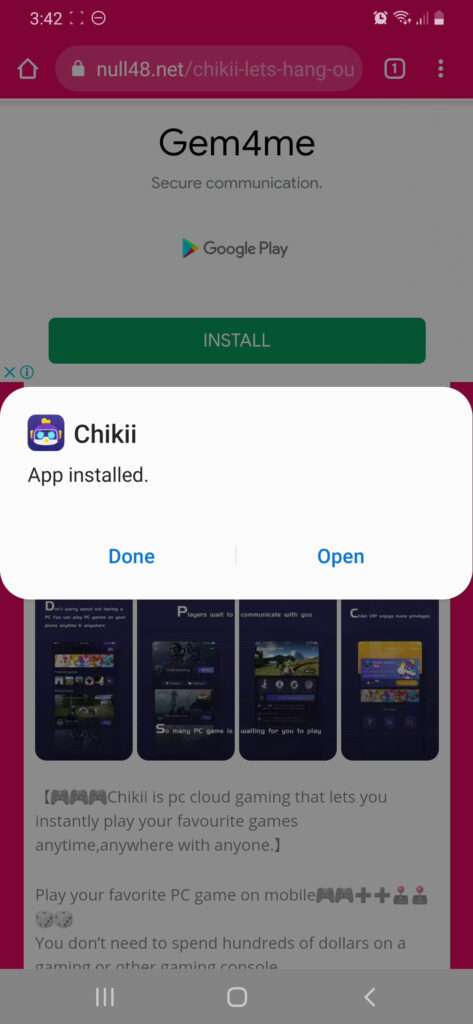
2- I-click ang I-install
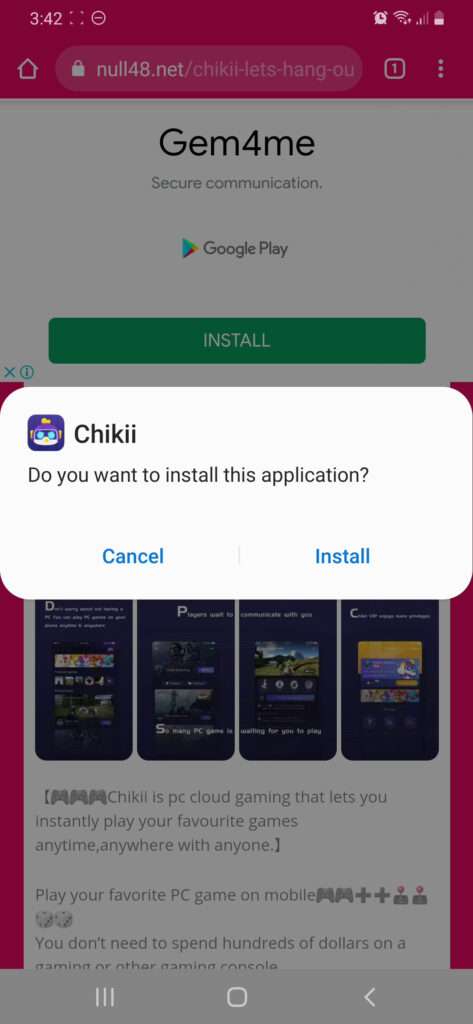
3- I-click ang Buksan
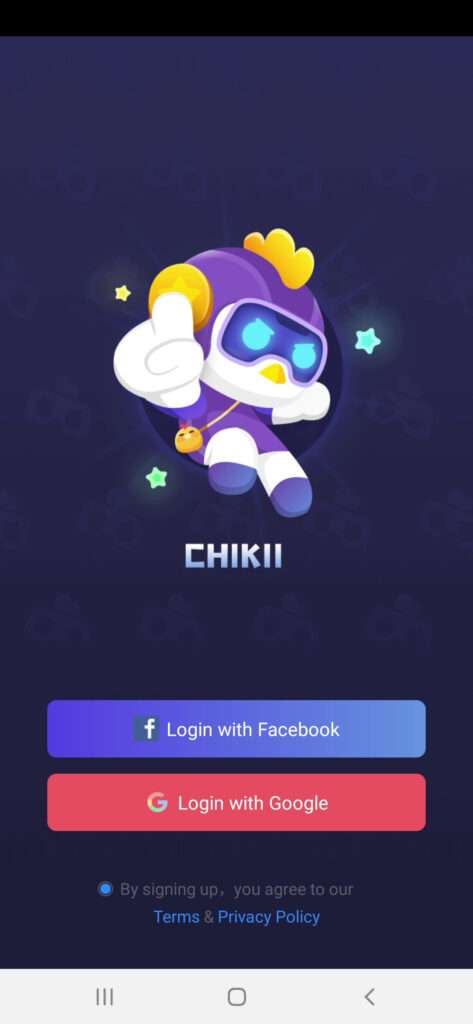
4- Mag-sign In Gamit ang Aling Account na Gusto Mo Facebook O Gmail, (Inirerekomenda ko ang Gmail)
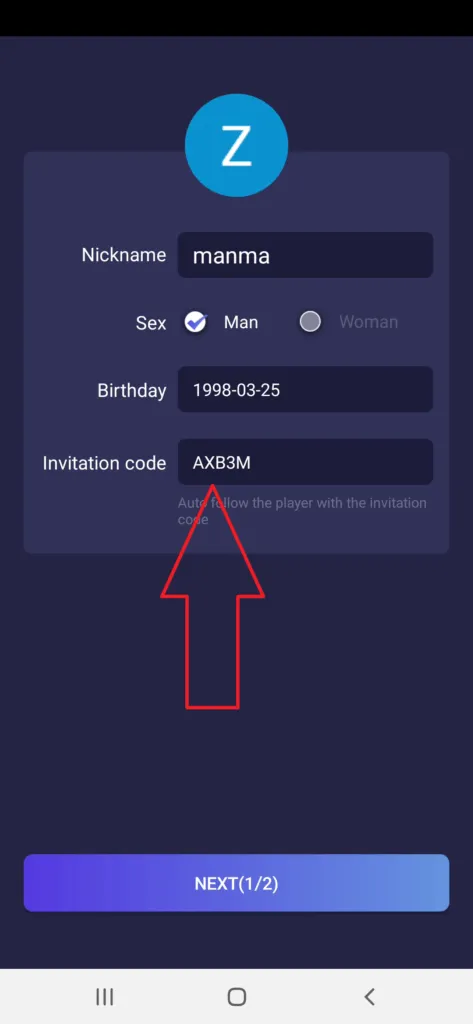
5- Kumpletuhin Nahulog Ang Impormasyon
At Tandaan Nais Kong Itanong sa Iyo sa Amin ang Aking Key Code Makakakuha Ako ng Mababang Komisyon At Magiging Kaibigan Mo Makipag-ugnayan Sa Seksyon ng Chat: AXB3M At Pagkatapos ay I-click ang Susunod
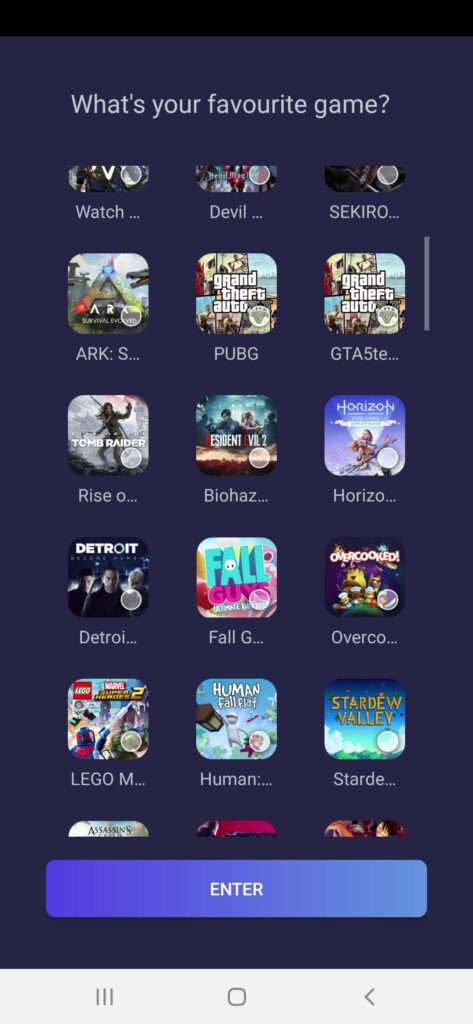
6- Piliin Ang Larong Gusto Mong Laruin At I-click ang ENTER
7- I-click ang Sumali Sa Larong Gusto mong laruin:
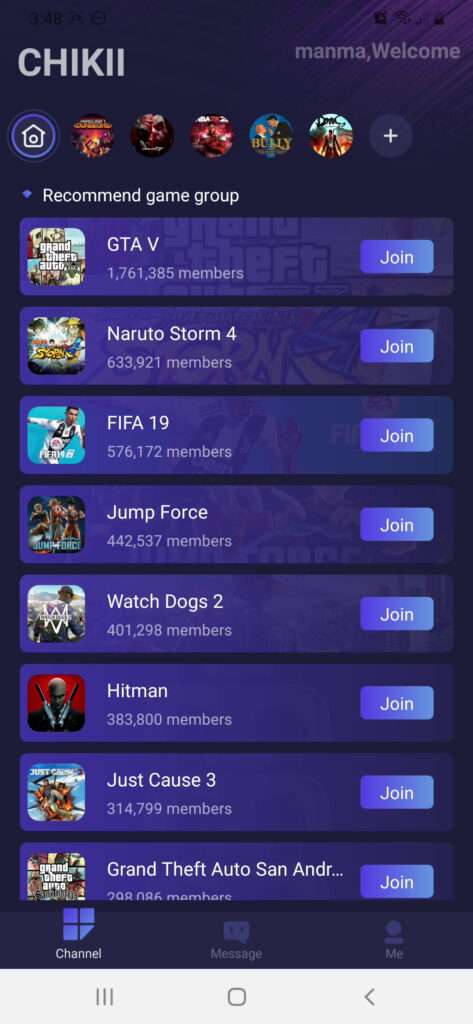
8- I-click ang Sa play
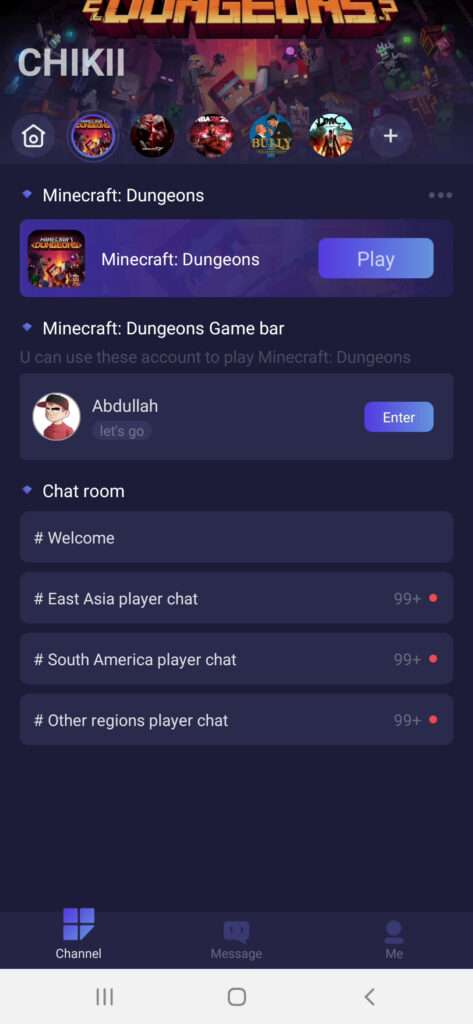
9- Maghintay ng Ilang Segundo Makakakuha Ka ng Popup At I-click ang ENTER.
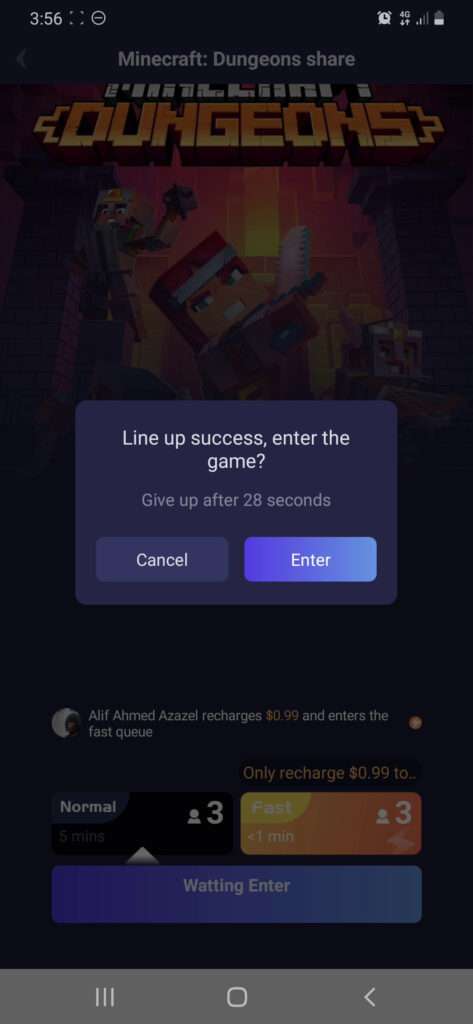
10- Mag-enjoy, Aabot ng Higit sa 50min Kapag Nag-log in Ka Sa Unang Oras.
At ngayon, sa dulo, mayroon akong ilang kahilingan. Nais kong hilingin sa inyo na sundan ako sa social media, lahat ng link ay nasa ibaba, sa sulok, at sa kategoryang ito, lahat ng larong Chikii. At ito ang 3 pinakamahusay na laro na makukuha sa Chikii Minecraft Dungeons Android , Dragon Ball Z Kakarot Android , Naruto Shippuden Ultimate Ninja Storm Revolution Android , at iyon lang. Maraming salamat sa lahat. Bumalik kayo muli. Huwag niyo akong palampasin, kapayapaan.