
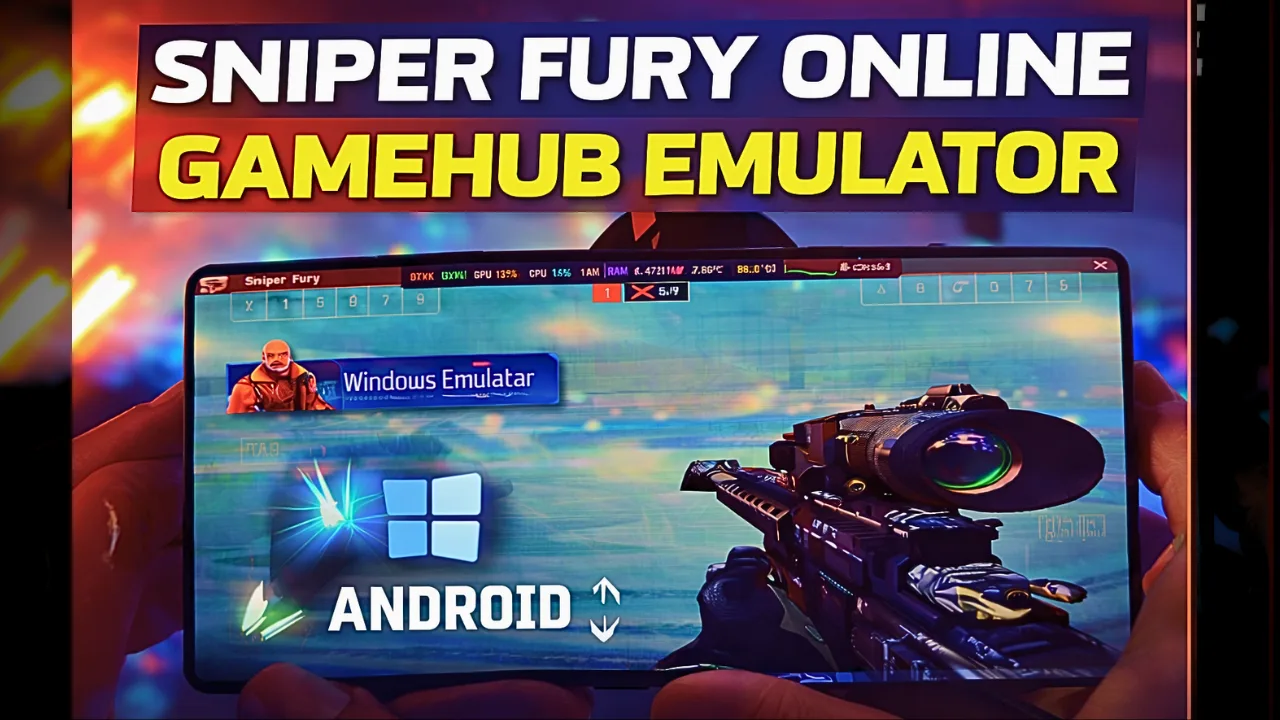
Sniper Fury PC version on Android – Gamehub Emulator Test & Settings
Download and play Sniper Fury the video game online on Android phone using Windows Emulator “Gamehub”, Gamehub Emulator is best windows Emulator on Android, you can open you Steam, Epic Games or Ubisoft connect account on your Android phone, start the 2026 we can play windows Games on our Phones, there is another Windows Emulator was poped up like Oyun yerlisi, Winlator Emülatörü hem de MOBOX Emülatörü but the Gamehub is still the best. just to be clear Sniper Fury have a mobile version on Google Play and App Store, but in this post i play Sniper Fury PC on Android, its the Steam version and its free to play too, i run it on Gamehub and here is my settings and my test.
About Sniper Fury the video game:
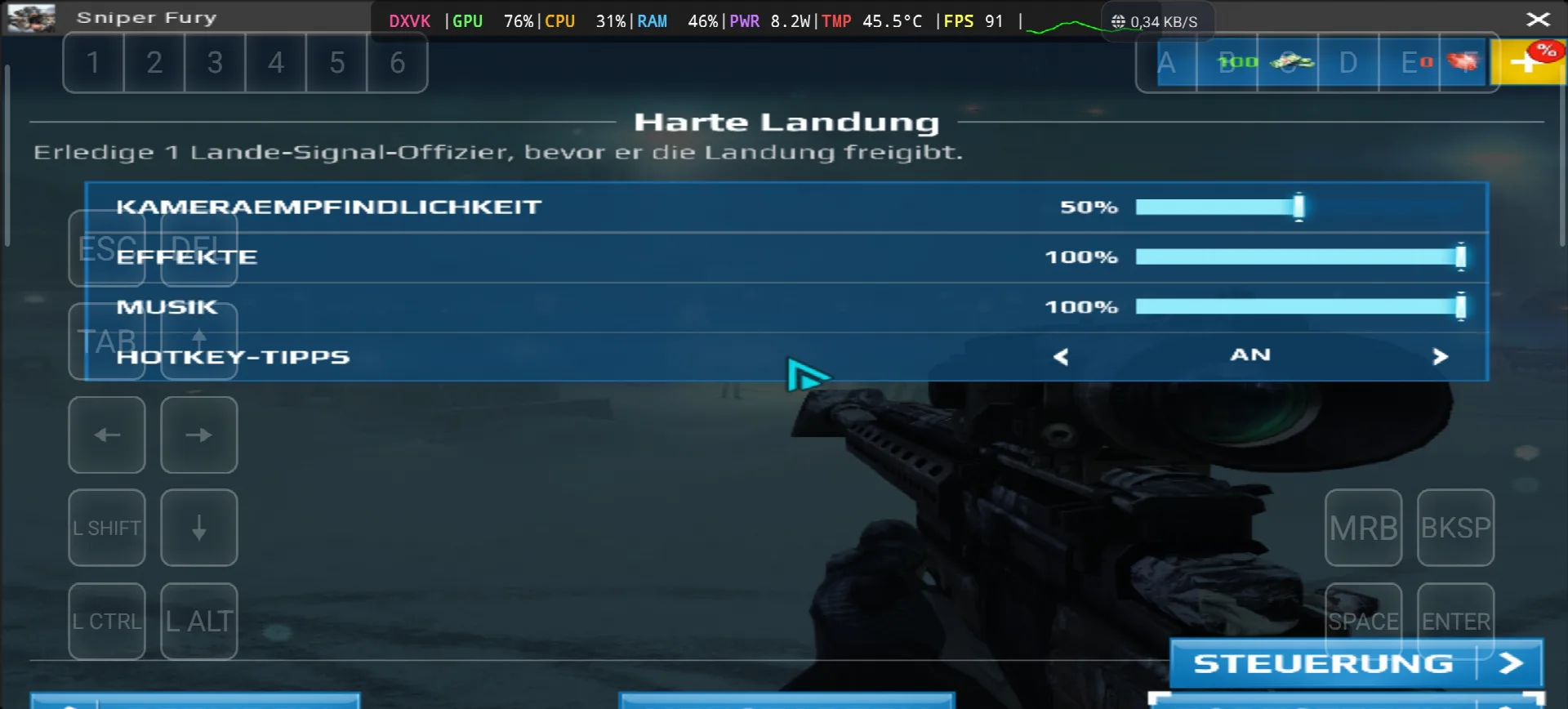
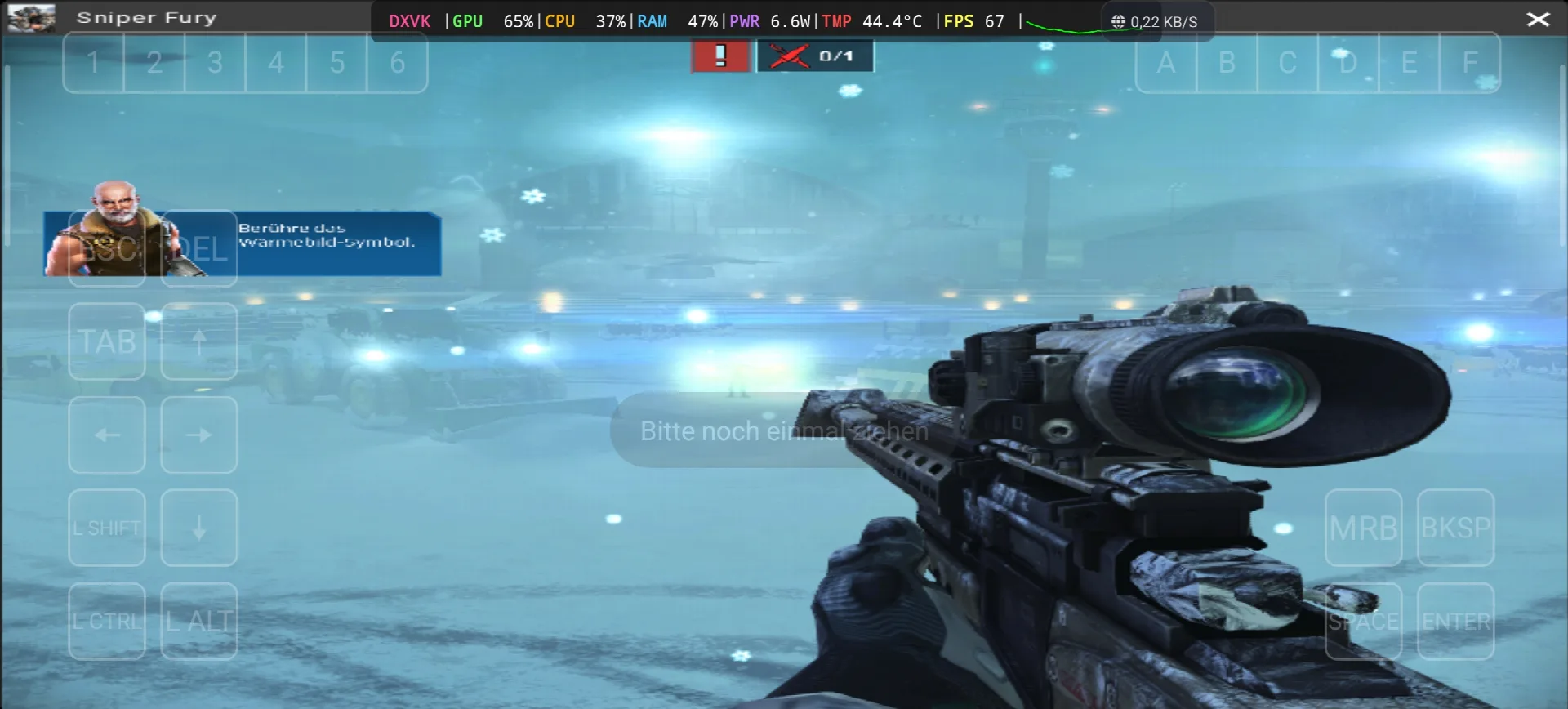
Sniper Fury is an online sniper game developed and published by Gameloft, the story take place in the near future where countries, corporations and organizations pay professional snipers to eliminate specific targets with surgical precision. like the most sniper games you need to kill your targets from long distance, and you can use some futuristic gadgets like a detection device that show you every human near you or stimulants that boost your reflexes. the game come out on 2 December 2015 for Android, iOS and Windows Phone, and the Steam version come on 13 June 2017 as free to play. the reviews was “mixed or average” on Metacritic, and on PC its need only Windows 7 SP1, Core 2 Duo 2.9 Ghz, 2 GB RAM, Geforce 8500 GT with DirectX 11 and 3 GB storage, so its very light game. in my test the game start with the mission “Harte Landung” on a airport with snow, you need to kill the landing signal officer before he give the landing permission, and the game ask me to touch the thermal vision icon to find him. the text was in German again and this time i find why, in the Gamehub settings the Language was on de_DE 🙂 WIKIPEDIA & BUHAR, Let start Explain how you can run Sniper Fury the video game online on your Android phone:
Başlamadan Önce Amazon'da Bulunan Bu Aksesuarları Daha Rahat Oynamak ve Oyunda İyi Vakit Geçirmek İçin Tavsiye Ediyorum:
1- GameSir X3 Type-C Soğutma Fanlı Android Kontrol Cihazını Tavsiye Ediyorum. 2.192'den fazla değerlendirmede %59'dan fazla 5 yıldızlık iyi bir puan almış, bu da iyi bir şey.
2- Razer Kishi Mobil Oyun Kumandasını Öneriyorum (18,656+ Yorum, Android için USB-C ve ÜCRETSİZ Kargo. Detaylar ve ÜCRETSİZ İade. Daha Doğru ve Yüksek Hassasiyetli)
3- Son Aksesuar: Razer'dan Razer Kishi V2 Mobil Oyun Kumandası + Razer Chroma Telefon Soğutucu'yu öneriyorum. Bu aksesuarların en iyi yanı, daha uzun pil ömrü için düşük enerji tüketimli Bluetooth olması ve Android veya iOS tüm telefonlarla uyumlu olmasıdır.
4- Son Aksesuarlar Black Shark'tan Tavsiye Ederim Telefon Soğutucu Black Shark Magnetic 1 dB Gürültü Seviyesi, işte bu WOW.
#ad
Sniper fury Online – Gamehub Emulator | Windows Emulator Android
My Gamehub Settings For Sniper Fury:
those are the settings from the video on my nubia Z80 Ultra (Snapdragon 8 Elite Gen 5, Adreno 840), open the game in Gamehub, go to Game Settings and put it like this:
- Compatibility Layer: proton10.0-arm64x-2
- Translation Params: Aşırı
- Dinput Library: Prefer Native
- GPU Driver: qcom-842.6
- Surface Format: BGRA8
- Ses Sürücüsü: Nabız
- DXVK Version: dxvk-2.4.1-async
- VKD3D Version: vkd3d-2.12
- CPU Translator: Fex_20250910
- CPU Core Limit and VRam Limit: Limitsiz
- Game Resolution: X 800 600
- MangoHUD and DirectX HUD: kapalı
- Dil: de_DE in my video, put en_US if you want the game in English
Sniper Fury is DirectX 11 game so Gamehub use DXVK for it (you can see DXVK in my overlay), the VKD3D is only for DirectX 12 games so you can leave it like that.
1- Get Sniper Fury the video game online Game (Free To Play):
Eğer mümkünse Epic Games'i öneririm: 'Uygun fiyatlı, oyunu indirin, ardından aşırı ısınmayı azaltmak için kurun'.
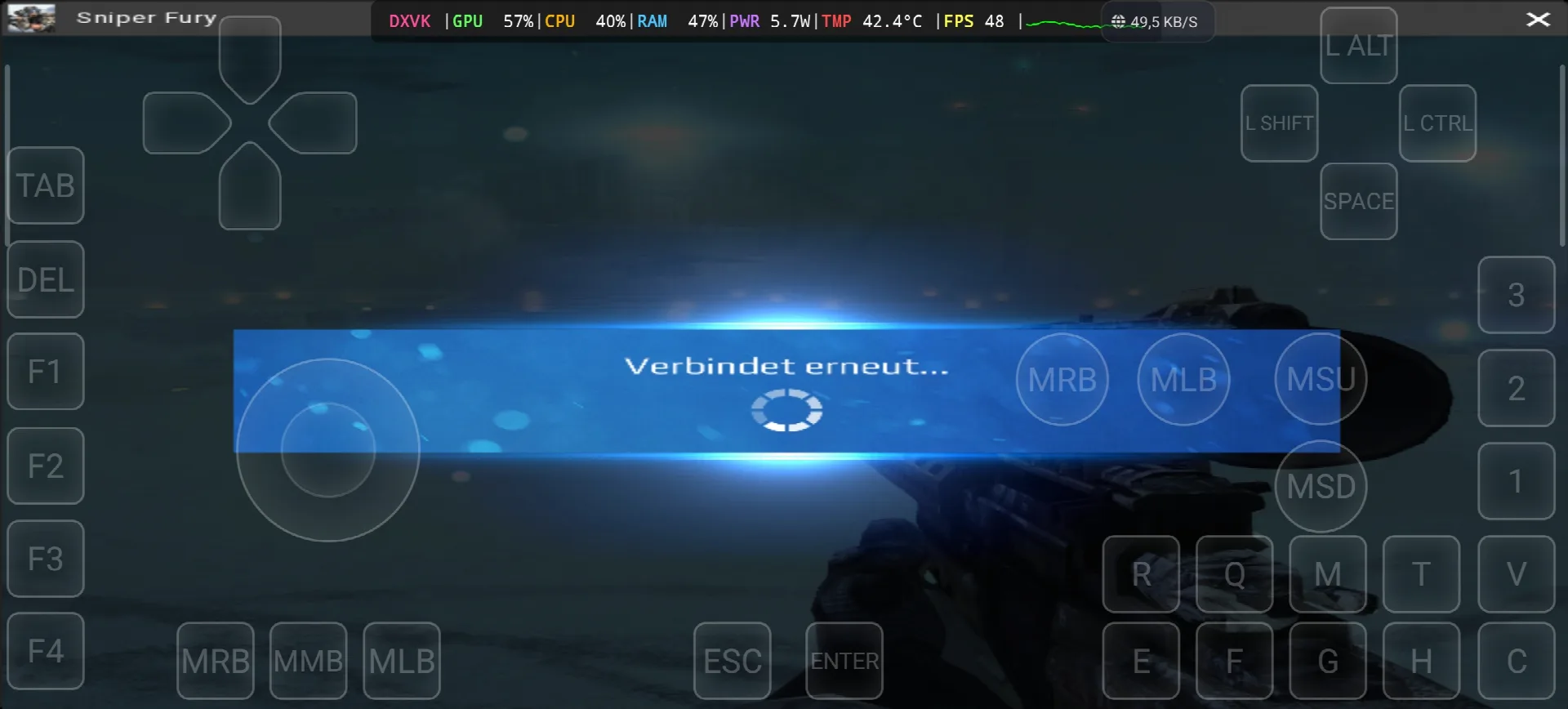
*If you already have the Sniper Fury online game, you can simply open your Steam account and download the game, but Sniper Fury is online game and need internet all the time, in my test i see “Verbindet erneut” (reconnecting) one time, so the offline way with copy the game file from the PC to the Phone dont work with this one. Keep your android phone connected to the internet when you play.
Gamehub emülatörünü nasıl kurarsınız – STEAM / EPIC GAMES 5 dakikadan kısa sürede
2- Gamehub Emulator'ü indirin – Windows Android Emülatörü:
Gamehub Emulator'ı indirdikten sonra kurun, açın ve Android'de Windows Emülatörünü Kurma adımlarını izleyin.
Lütfen bu videoyu izleyin; Gamehub Windows emülatöründe oyunu nasıl kurabileceğinizi ve keyfini nasıl çıkarabileceğinizi gösteriyor! 🙂
GAMEHUB Android Emülatörü | Test/Kurulum/Ayarlar | En İyi Windows Emülatörü – 2025
If Sniper Fury the video game was running with Low FPS or Graphics issue, please follow this video:
GAMEHUB ANDROID EMULATOR EN İYİ AYARLAR: MAKSİMUM FPS - GECİKME VE HATALARI DÜZELTME
Gamehub Emulator'da Steam, Epic Games veya Ubisoft Connect hesabınızı açarak çevrimiçi oyun oynayabilirsiniz.
3- Best Phone For Sniper Fury Android:
we at the End Explanation, Sniper Fury on Gamehub run between 48 and 91 fps with DXVK, the GPU stay between 57 and 76% and my overlay show only 5.7 to 8.2W and 42.4 to 45.5°C, so the phone stay cool and you can play long time, the only problem is the internet because its online game and one time the game was reconnecting. the only stuff i can recommend for the heavy games is a strong Android phone with Aslanağzı 8 Elit Gen 5 'da telefon soğutucu #AD, otherwise the world of Emulation is getting better day by day so be patience. if you like online free games check also my post World of Warships on Gamehub EmulatorOyunun tamamını izlemek için profilime göz atabilirsiniz. YouTube Kanalı ve benim TikTok Kısa videolar için. Ve şimdi söylemek istediğim tek şey, bizimkini kontrol edebilirsiniz. Emülatör Oyunları kategorisiAndroid telefonunuzda her yerde ve her zaman oynayabileceğiniz çok sayıda harika oyun var. Hoşça kalın.