




Does Soccer Manager 2026 from Steam run on Android? My Gamehub test
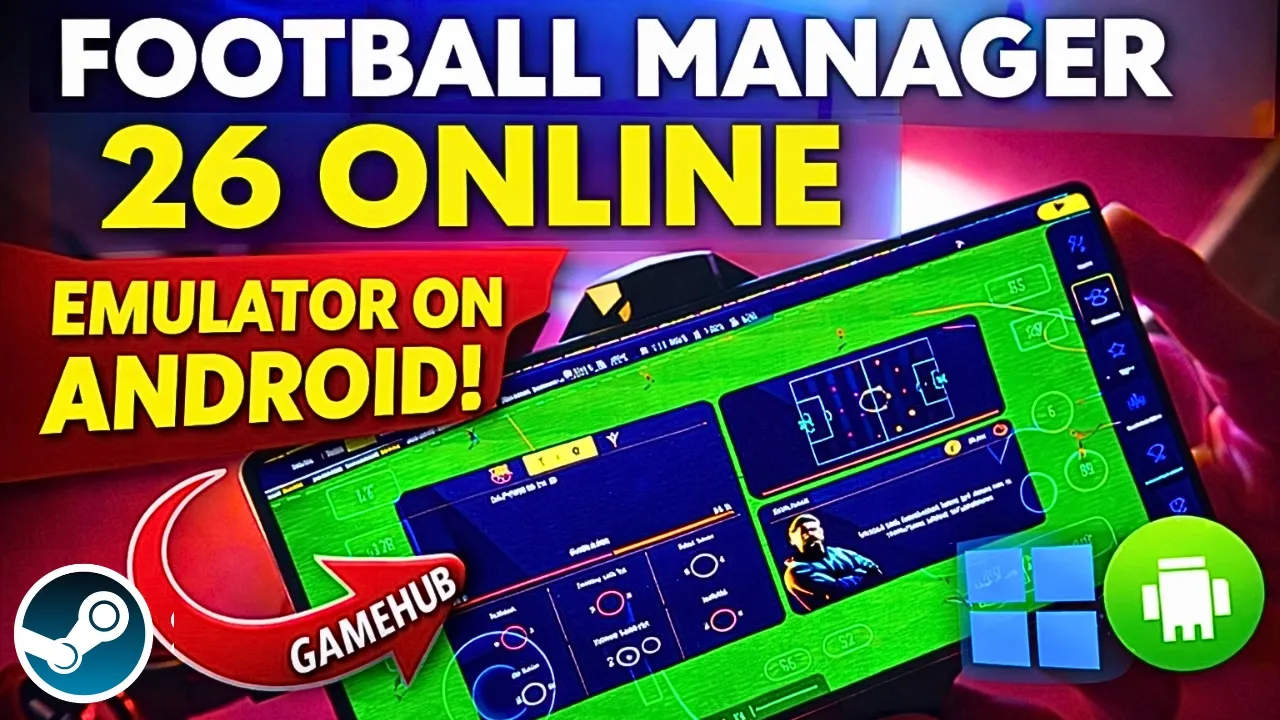
Download and play Soccer Manager 2026 the video game on Android phone using Windows Emulator “Gamehub”, Gamehub Emulator is best windows Emulator on Android, you can open you Steam, Epic Games or Ubisoft connect account on your Android phone, start the 2026 we can play windows Games on our Phones, there is another Windows Emulator was poped up like Gamenative, Trình giả lập Winlator và Trình giả lập MOBOX but the Gamehub is still the best. just to be clear Soccer Manager have a official version on Google Play, but in this post i play the Steam version of Soccer Manager 2026 on Android with Gamehub, i want to see if the PC version run good on the phone, and here is my settings and the real fps.
About Soccer Manager 2026 the video game:
Soccer Manager is a football management game from Invincibles Studio, a British company, and its look like they update the same game on Steam every season, because in my Gamehub Library the card still say Soccer Manager 2025, inside the game its Soccer Manager 2026 and now the Steam page have the name Soccer Manager 2027. you take one club and you do everything, the transfers, the training, the tactics and the formations, and you make the facilities of the club better. on Wikipedia they say around 900 clubs, 54 leagues and 36 countries for the 2024 edition with real players licensed by FIFPRO, and there is licenses like Manchester City and the German Bundesliga, you see the Bundesliga logo in the loading screen. you dont need to pay to play it but it have in-app purchases, like the SM26 Ultimate Edition offer i get in the menu. on PC its need Windows 10, 4 GB RAM, GTX 1650 with DirectX 11 and only 2 GB storage. WIKIPEDIA & STEAM, Let start Explain how you can run Soccer Manager 2026 the video game on your Android phone:
Trước khi chúng tôi bắt đầu, tôi đề xuất những phụ kiện này có sẵn trên Amazon để chơi thoải mái hơn và có thời gian vui vẻ với trò chơi:
1- Tôi khuyên dùng tay cầm chơi game Android GameSir X3 Type-C có quạt tản nhiệt. Sản phẩm này nhận được đánh giá tốt với hơn 59% trên 5 sao từ hơn 2.192 đánh giá, rất tốt.
2-Tôi khuyên dùng Tay cầm chơi game Razer Kishi Mobile (18,656+ đánh giá) dành cho Android, USB-C & Miễn phí vận chuyển. Chi tiết & Trả hàng miễn phí. Độ nhạy cao với độ chính xác tốt hơn.
3- Phụ kiện cuối cùng đến từ Razer. Tôi khuyên dùng tay cầm chơi game Razer Kishi V2 Mobile và bộ làm mát điện thoại Razer Chroma. Điểm nổi bật nhất của bộ phụ kiện này là công nghệ Bluetooth tiết kiệm năng lượng giúp kéo dài thời lượng pin, và điểm cộng nữa là tương thích với tất cả các điện thoại Android hoặc iOS.
4- Phụ kiện cuối cùng là của Black Shark mà tôi khuyên dùng Đế làm mát điện thoại Black Shark Magnetic Độ ồn 1 dB, đó là WOW.
#AD
Soccer Manager 2026 – Gamehub Emulator | Windows Emulator Android
My Gamehub Settings For Soccer Manager 2026:
those are the settings i show in the video on my phone with Snapdragon 8 Elite Gen 5, the game you see is Soccer Manager 2026, in the Gamehub Library press the three points of the game, open PC Game Settings and put it like this:
- Ngôn ngữ: Trong video của tôi, hãy nhập de_DE, còn nếu muốn chơi game bằng tiếng Anh thì hãy nhập en_US.
- Độ phân giải trò chơi: 1280 x 720
- MangoHUD và DirectX HUD: off
- Auto-display keyboard when input needed: on
- Lớp tương thích: proton10.0-arm64x-2
- Tham số dịch: Cài đặt sẵn trò chơi
- DInput Library: Ưu tiên người bản địa
- Skip Audio/Video Decode: off
- Trình điều khiển GPU: qcom-842.6
- Định dạng bề mặt: BGRA8
- Driver Audio: Xung
- Phiên bản DXVK: dxvk-2.4.1-async
- Phiên bản VKD3D: vkd3d-2.12
- Trình dịch CPU: Fex_20250910
- Giới hạn số lõi CPU và giới hạn VRAM: Không giới hạn
- Performance menu in the game: Native Rendering+, the Frame Limit off, and i turn on HDR, CRT Display Effect and Super Resolution
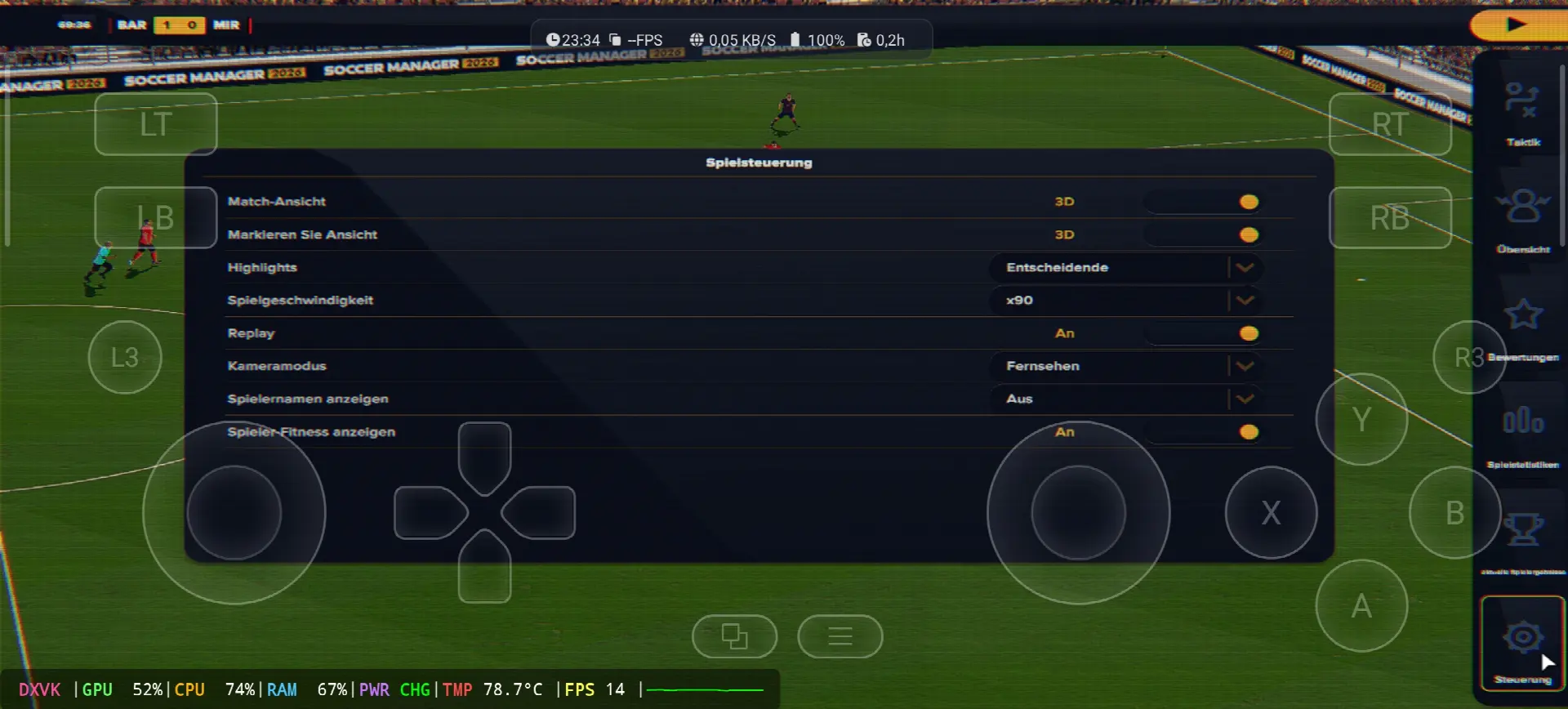
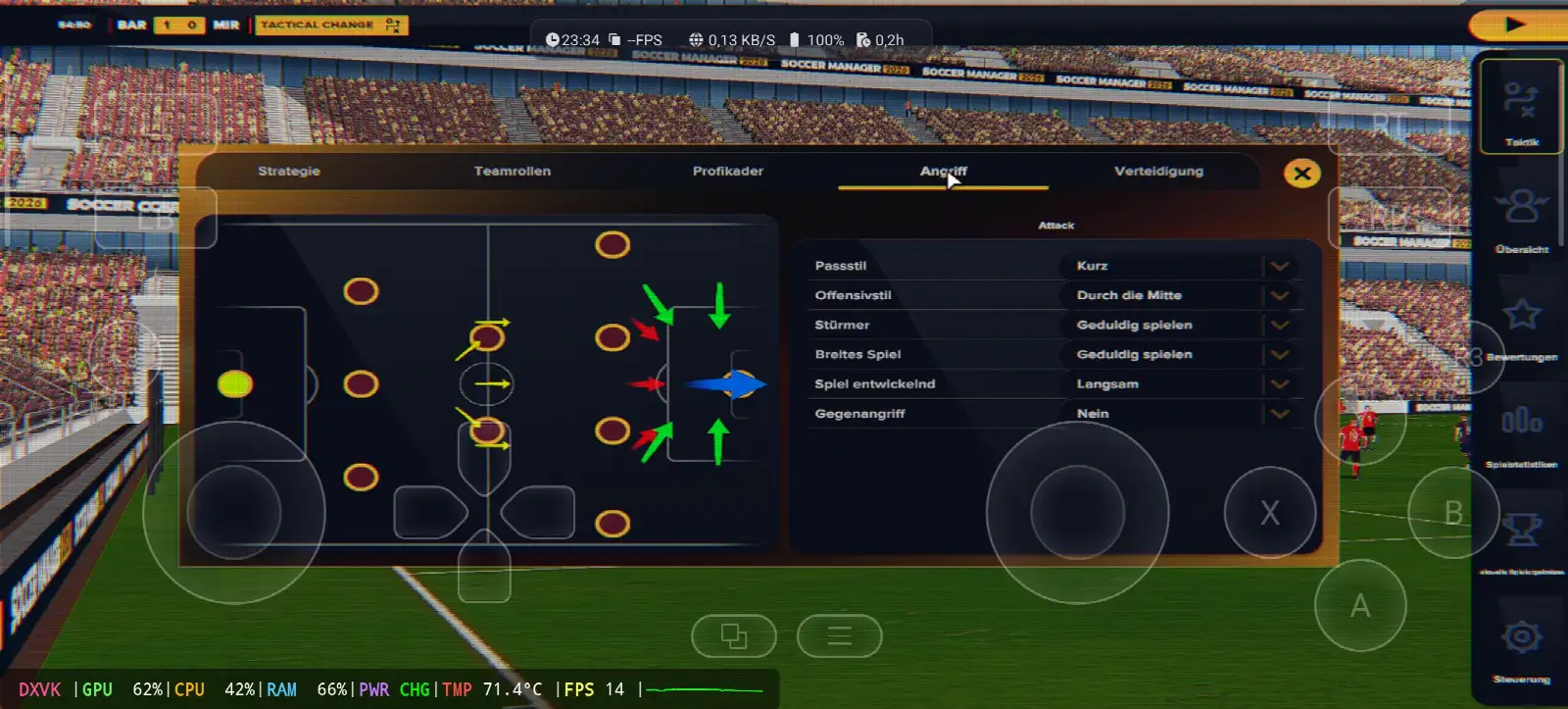
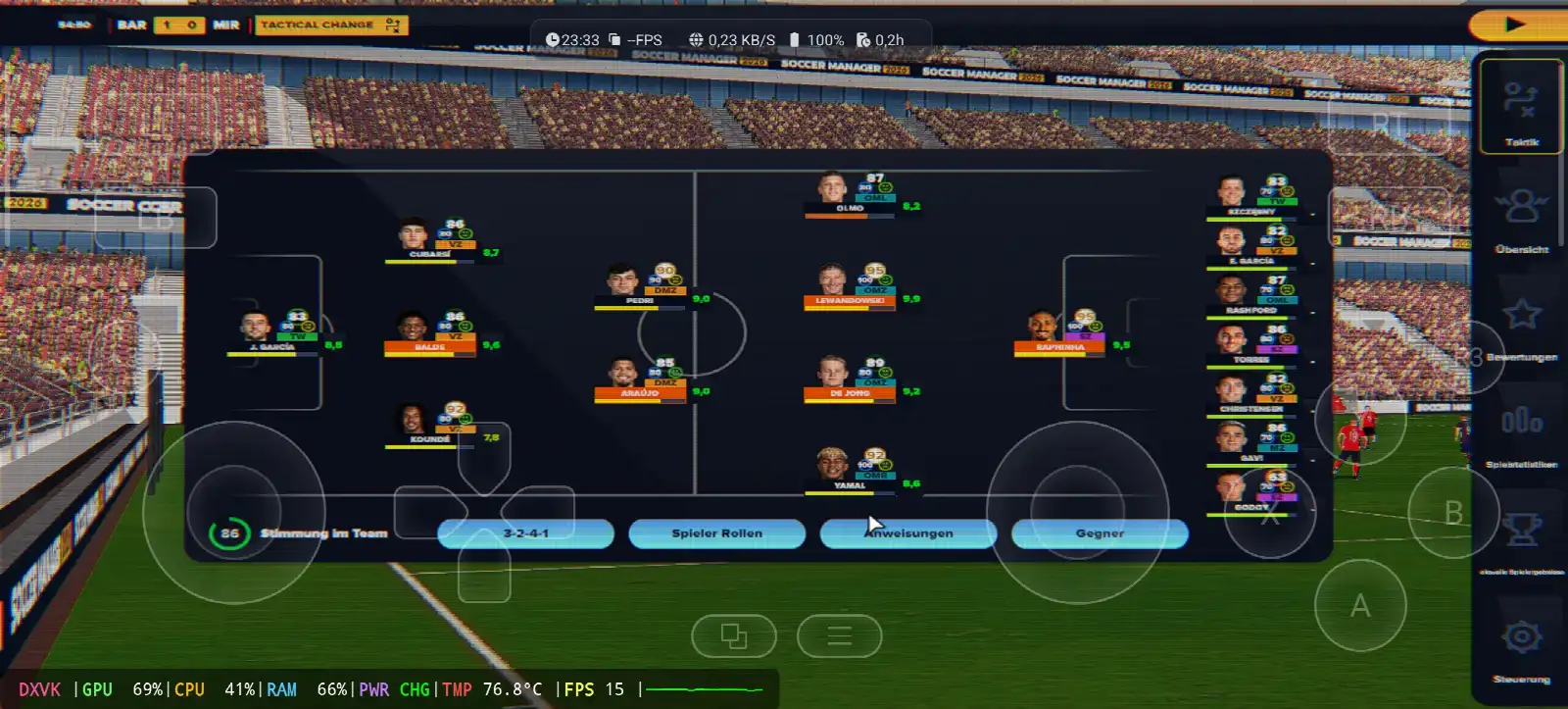
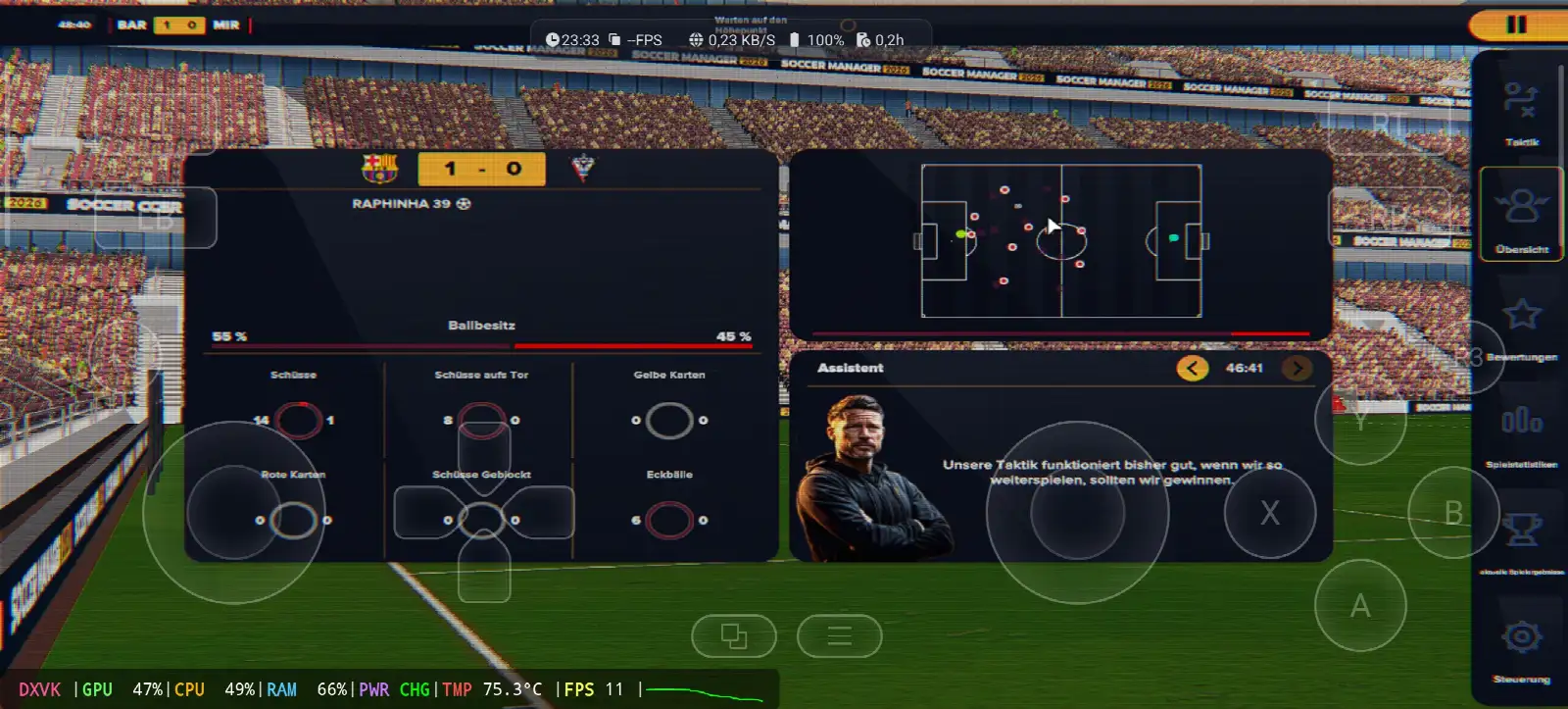
Gamehub open the Steam client first and log in, then you see the Invincibles logo and the loading screen. in my test i play with Barcelona in a 3-2-4-1 and i was winning 1-0 with a goal from Raphinha in the 39 minute, the menus and the tactic screens was smooth between 57 and 59 fps, the intro of the match around 45 fps, but in the 3D match its go down to 11-19 fps. the GPU was 47 to 69%, the CPU 41 to 74% and the RAM 66 to 67%, and the temperature between 71.4 and 78.7°C with the phone on the charger. for a manager game its still ok because you are more time in the menus, and in the Steuerung menu of the match there is a button for the 3D view (Match-Ansicht), you can try to change it if the match is too slow for you.
1- Get Soccer Manager on Steam:
when you open the Steam page now you get the 2027 edition, its the same page of the game i play in my video.
Nếu có sẵn, tôi khuyên dùng Epic Games: 'Giá rẻ, tải game về rồi cài đặt để giảm hiện tượng quá nhiệt'.
*If you already have Soccer Manager in your Steam Library, you can simply open your Steam account and download the game or if you have it on your PC then connect your android Phone to the laptop or PC copy Soccer Manager next copy he game to the Phone. Keep your android phone connected to copy the Gamehub Emulator app.
Hướng dẫn cài đặt trình giả lập GameHub – STEAM / EPIC GAMES trong vòng chưa đầy 5 phút
2- Tải xuống Gamehub Emulator – Trình giả lập Windows cho Android:
Sau khi tải xuống Gamehub Emulator, hãy cài đặt và mở nó, sau đó làm theo hướng dẫn thiết lập trình giả lập Windows trên Android.
Hãy xem video này để biết cách cài đặt trò chơi trên trình giả lập Gamehub dành cho Windows và tận hưởng nhé! 🙂
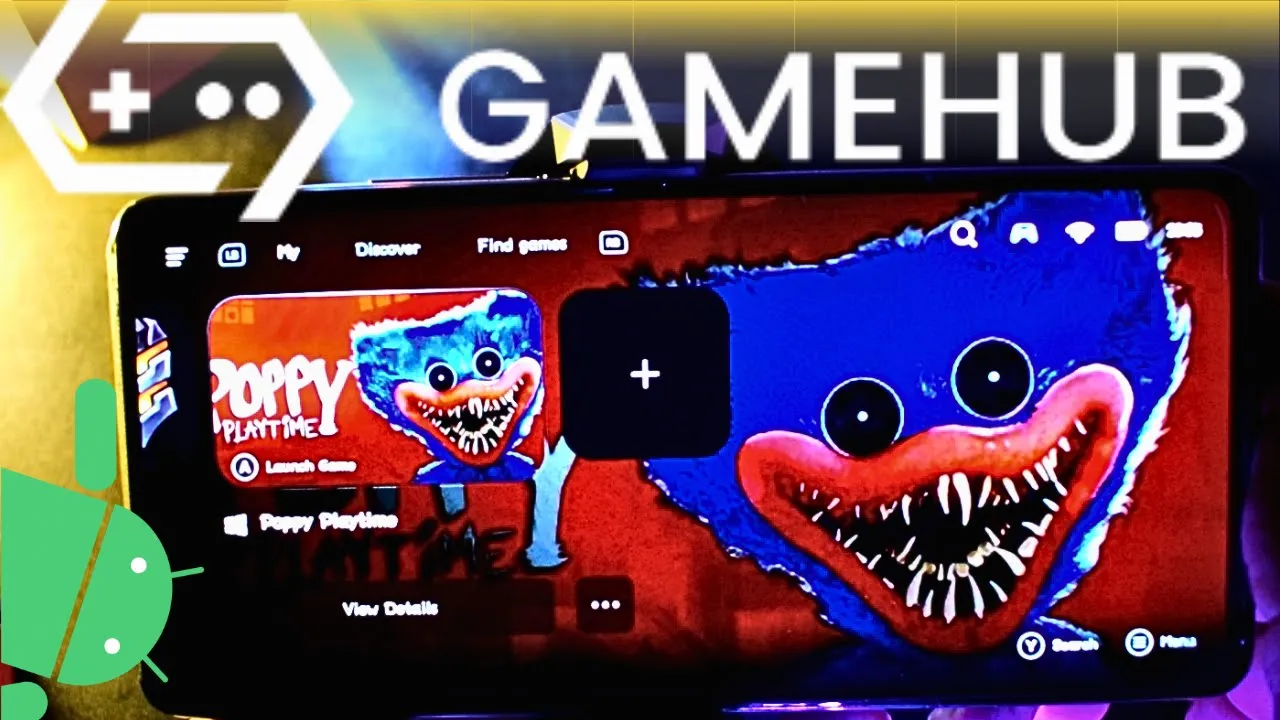
Trình giả lập GAMEHUB cho Android | Kiểm tra/ Cài đặt | Trình giả lập Windows tốt nhất – 2025
If Soccer Manager 2026 the video game was running with Low FPS or Graphics issue, please follow this video:
TRÌNH GIẢ LẬP ANDROID GAMEHUB CÀI ĐẶT TỐT NHẤT: FPS TỐI ĐA – KHẮC PHỤC ĐỘ TRẬT & LỖI
Bạn có thể mở tài khoản Steam, Epic Games hoặc Ubisoft Connect của mình trên trình giả lập Gamehub để chơi trực tuyến.
3- Best Phone For Soccer Manager 2026 Android:
we at the End Explanation, Soccer Manager 2026 from Steam run on Gamehub, the menus are smooth with 57 to 59 fps but the 3D match is slow with 11 to 19 fps, so if you want only to play it on the phone then the official version on Google Play is the easy way, and the Steam version is nice if you like to have your Steam Library in your pocket. the only stuff i can recommend is a strong Android phone with Snapdragon 8 Ưu tú thế hệ 5 với điện thoại làm mát #AD because the temperature go up to 78.7°C in the match, otherwise the world of Emulation is getting better day by day so be patience. if you like football games check also PES 2013 on MOBOX Emulator and my old post Football Manager 2020 Mobile on Chikii AppVà để xem toàn bộ video chơi game, hãy xem video của tôi nhé! Kênh YouTube và của tôi TikTok cho các đoạn video ngắn. Và bây giờ, điều duy nhất tôi muốn nói là, bạn có thể xem của chúng tôi. Thể loại trò chơi giả lậpCó rất nhiều trò chơi tuyệt vời để bạn chơi trên điện thoại Android, mọi lúc mọi nơi. Tạm biệt!




