
Sniper Fury PC version on Android – Gamehub Emulator Test & Settings
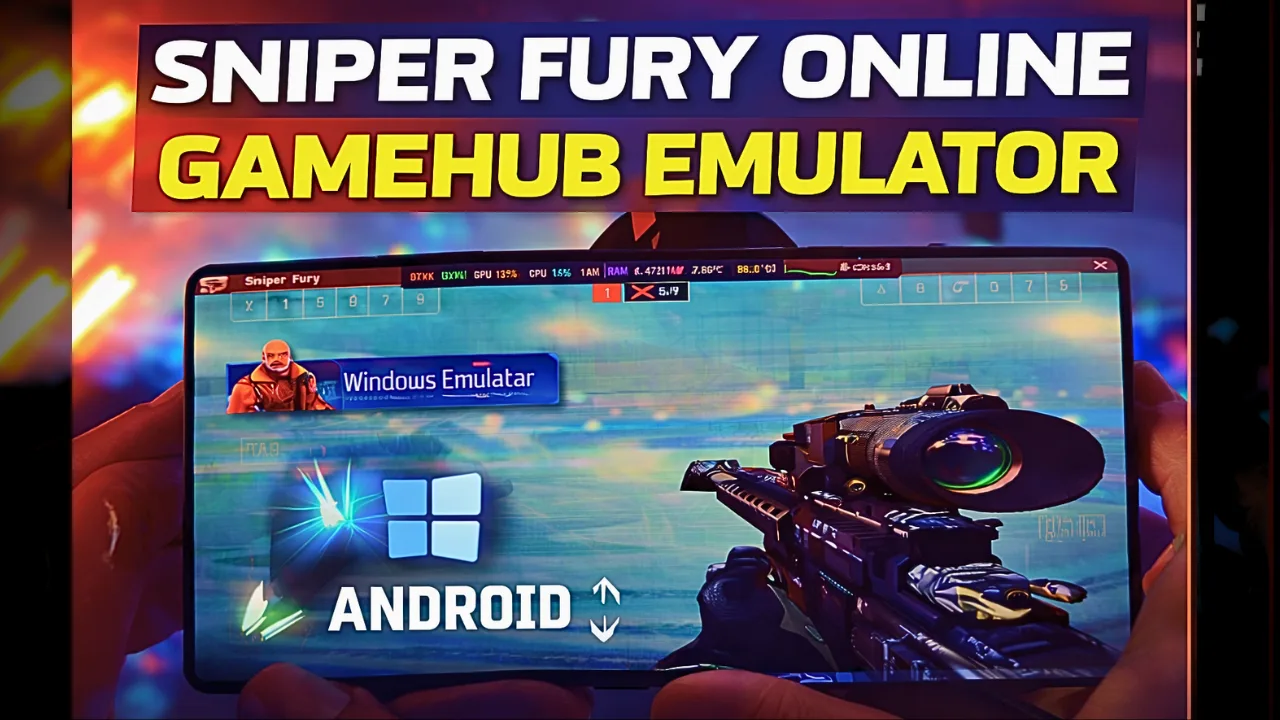
Download and play Sniper Fury the video game online on Android phone using Windows Emulator “Gamehub”, Gamehub Emulator is best windows Emulator on Android, you can open you Steam, Epic Games or Ubisoft connect account on your Android phone, start the 2026 we can play windows Games on our Phones, there is another Windows Emulator was poped up like Gamenative, Trình giả lập Winlator và Trình giả lập MOBOX but the Gamehub is still the best. just to be clear Sniper Fury have a mobile version on Google Play and App Store, but in this post i play Sniper Fury PC on Android, its the Steam version and its free to play too, i run it on Gamehub and here is my settings and my test.
About Sniper Fury the video game:
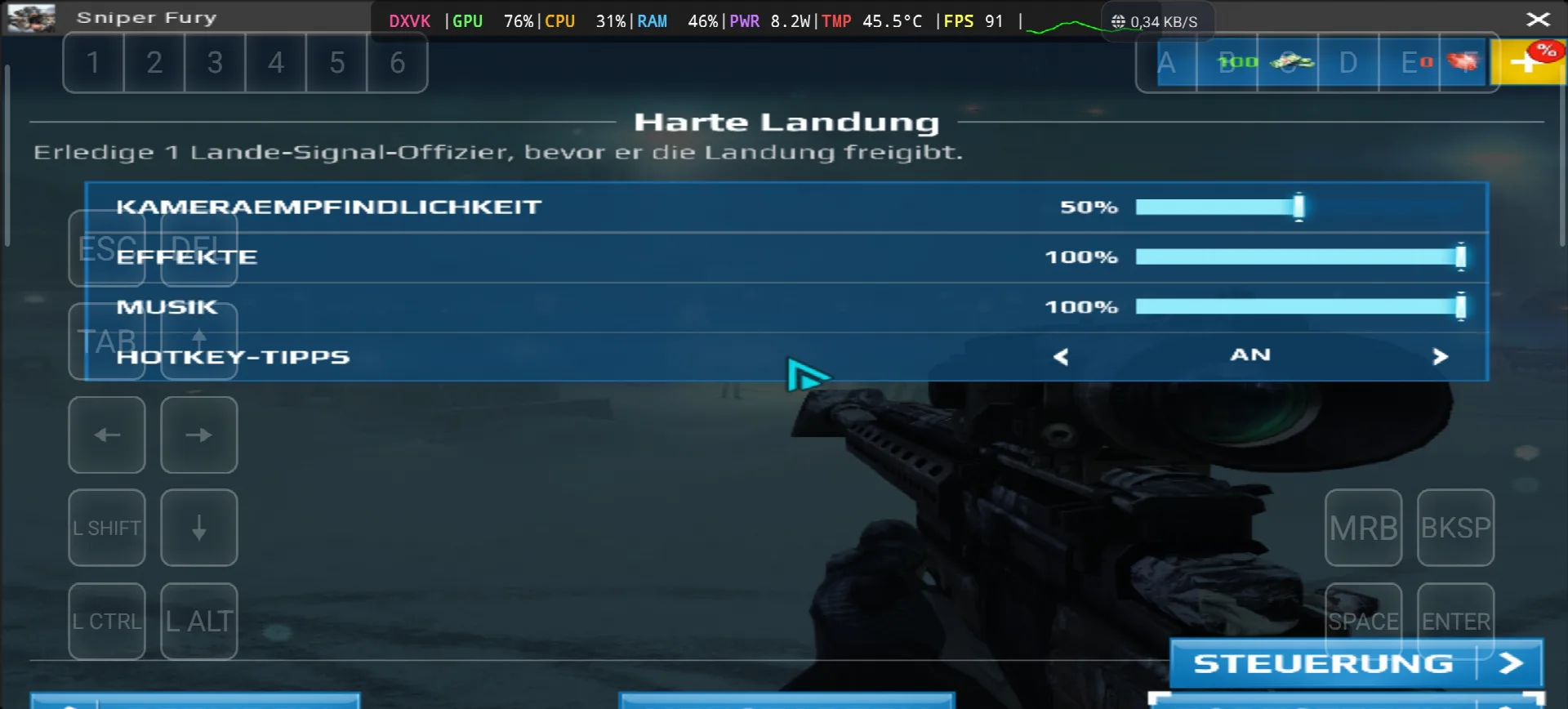
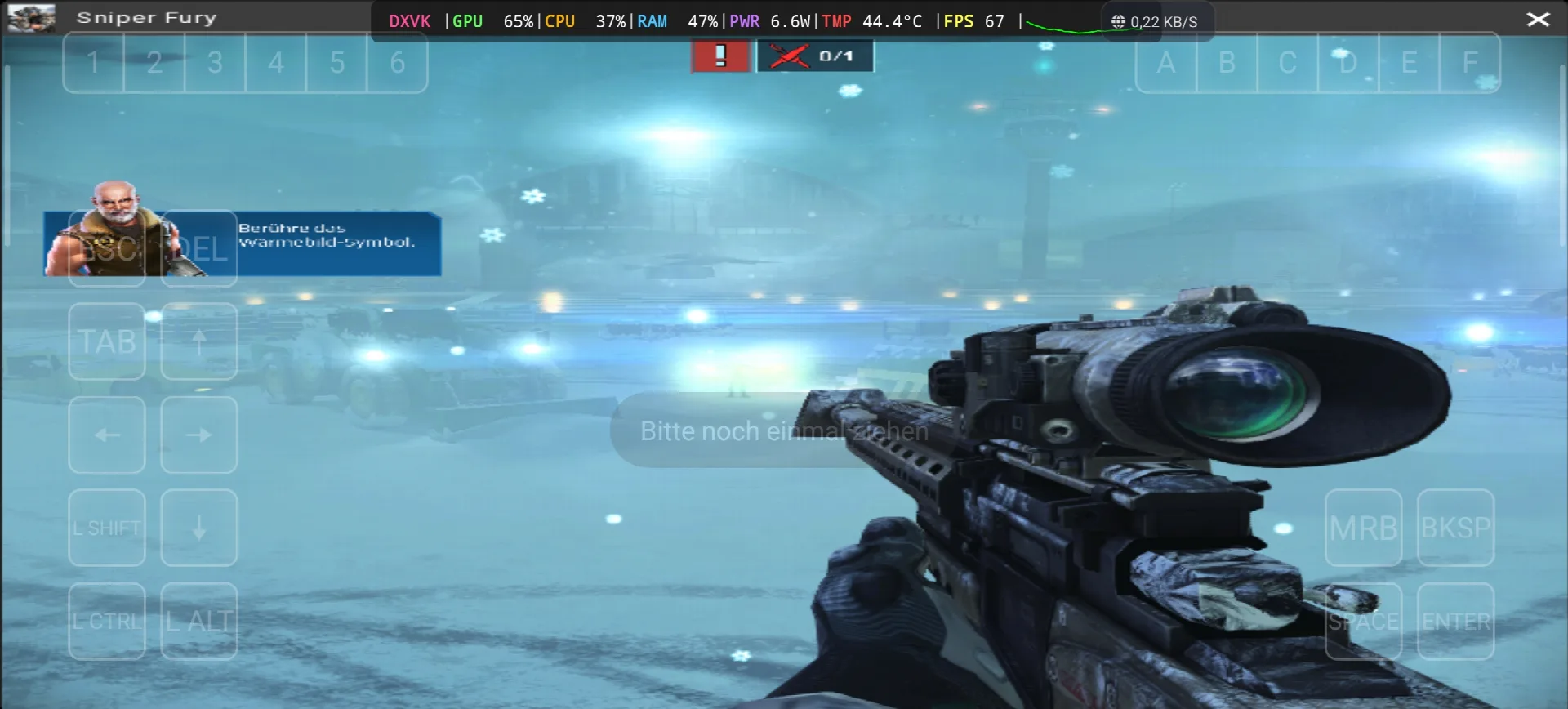
Sniper Fury is an online sniper game developed and published by Gameloft, the story take place in the near future where countries, corporations and organizations pay professional snipers to eliminate specific targets with surgical precision. like the most sniper games you need to kill your targets from long distance, and you can use some futuristic gadgets like a detection device that show you every human near you or stimulants that boost your reflexes. the game come out on 2 December 2015 for Android, iOS and Windows Phone, and the Steam version come on 13 June 2017 as free to play. the reviews was “mixed or average” on Metacritic, and on PC its need only Windows 7 SP1, Core 2 Duo 2.9 Ghz, 2 GB RAM, Geforce 8500 GT with DirectX 11 and 3 GB storage, so its very light game. in my test the game start with the mission “Harte Landung” on a airport with snow, you need to kill the landing signal officer before he give the landing permission, and the game ask me to touch the thermal vision icon to find him. the text was in German again and this time i find why, in the Gamehub settings the Language was on de_DE 🙂 WIKIPEDIA & STEAM, Let start Explain how you can run Sniper Fury the video game online on your Android phone:
Trước khi chúng tôi bắt đầu, tôi đề xuất những phụ kiện này có sẵn trên Amazon để chơi thoải mái hơn và có thời gian vui vẻ với trò chơi:
1- Tôi khuyên dùng tay cầm chơi game Android GameSir X3 Type-C có quạt tản nhiệt. Sản phẩm này nhận được đánh giá tốt với hơn 59% trên 5 sao từ hơn 2.192 đánh giá, rất tốt.
2-Tôi khuyên dùng Tay cầm chơi game Razer Kishi Mobile (18,656+ đánh giá) dành cho Android, USB-C & Miễn phí vận chuyển. Chi tiết & Trả hàng miễn phí. Độ nhạy cao với độ chính xác tốt hơn.
3- Phụ kiện cuối cùng đến từ Razer. Tôi khuyên dùng tay cầm chơi game Razer Kishi V2 Mobile và bộ làm mát điện thoại Razer Chroma. Điểm nổi bật nhất của bộ phụ kiện này là công nghệ Bluetooth tiết kiệm năng lượng giúp kéo dài thời lượng pin, và điểm cộng nữa là tương thích với tất cả các điện thoại Android hoặc iOS.
4- Phụ kiện cuối cùng là của Black Shark mà tôi khuyên dùng Đế làm mát điện thoại Black Shark Magnetic Độ ồn 1 dB, đó là WOW.
#AD
Sniper fury Online – Gamehub Emulator | Windows Emulator Android
My Gamehub Settings For Sniper Fury:
those are the settings from the video on my nubia Z80 Ultra (Snapdragon 8 Elite Gen 5, Adreno 840), open the game in Gamehub, go to Game Settings and put it like this:
- Compatibility Layer: proton10.0-arm64x-2
- Translation Params: Cực
- Dinput Library: Prefer Native
- GPU Driver: qcom-842.6
- Surface Format: BGRA8
- Driver Audio: Xung
- DXVK Version: dxvk-2.4.1-async
- VKD3D Version: vkd3d-2.12
- CPU Translator: Fex_20250910
- CPU Core Limit and VRam Limit: Không giới hạn
- Game Resolution: 800 x 600
- MangoHUD and DirectX HUD: off
- Ngôn ngữ: de_DE in my video, put en_US if you want the game in English
Sniper Fury is DirectX 11 game so Gamehub use DXVK for it (you can see DXVK in my overlay), the VKD3D is only for DirectX 12 games so you can leave it like that.
1- Get Sniper Fury the video game online Game (Free To Play):
Nếu có sẵn, tôi khuyên dùng Epic Games: 'Giá rẻ, tải game về rồi cài đặt để giảm hiện tượng quá nhiệt'.
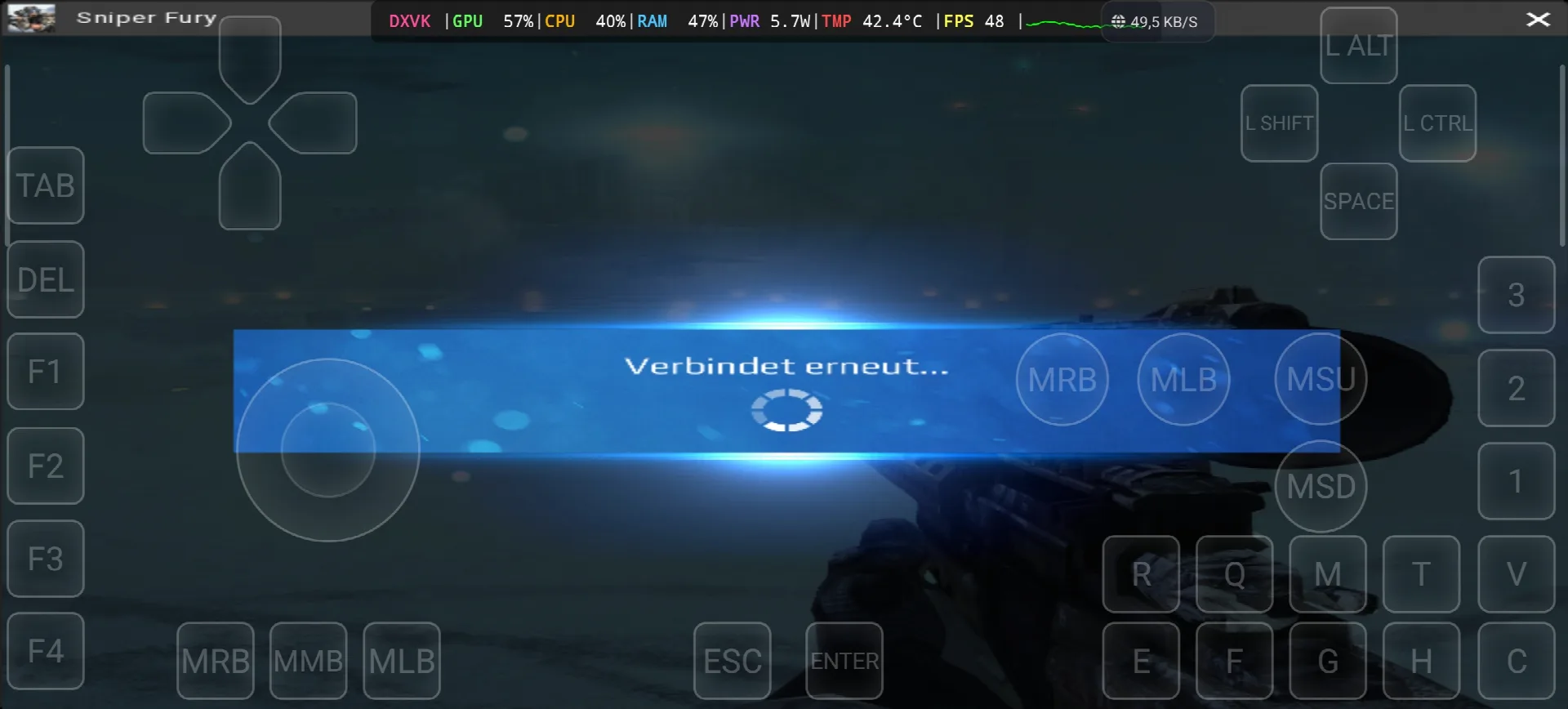
*If you already have the Sniper Fury online game, you can simply open your Steam account and download the game, but Sniper Fury is online game and need internet all the time, in my test i see “Verbindet erneut” (reconnecting) one time, so the offline way with copy the game file from the PC to the Phone dont work with this one. Keep your android phone connected to the internet when you play.
Hướng dẫn cài đặt trình giả lập GameHub – STEAM / EPIC GAMES trong vòng chưa đầy 5 phút
2- Tải xuống Gamehub Emulator – Trình giả lập Windows cho Android:
Sau khi tải xuống Gamehub Emulator, hãy cài đặt và mở nó, sau đó làm theo hướng dẫn thiết lập trình giả lập Windows trên Android.
Hãy xem video này để biết cách cài đặt trò chơi trên trình giả lập Gamehub dành cho Windows và tận hưởng nhé! 🙂
Trình giả lập GAMEHUB cho Android | Kiểm tra/ Cài đặt | Trình giả lập Windows tốt nhất – 2025
If Sniper Fury the video game was running with Low FPS or Graphics issue, please follow this video:
TRÌNH GIẢ LẬP ANDROID GAMEHUB CÀI ĐẶT TỐT NHẤT: FPS TỐI ĐA – KHẮC PHỤC ĐỘ TRẬT & LỖI
Bạn có thể mở tài khoản Steam, Epic Games hoặc Ubisoft Connect của mình trên trình giả lập Gamehub để chơi trực tuyến.
3- Best Phone For Sniper Fury Android:
we at the End Explanation, Sniper Fury on Gamehub run between 48 and 91 fps with DXVK, the GPU stay between 57 and 76% and my overlay show only 5.7 to 8.2W and 42.4 to 45.5°C, so the phone stay cool and you can play long time, the only problem is the internet because its online game and one time the game was reconnecting. the only stuff i can recommend for the heavy games is a strong Android phone with Snapdragon 8 Ưu tú thế hệ 5 với điện thoại làm mát #AD, otherwise the world of Emulation is getting better day by day so be patience. if you like online free games check also my post World of Warships on Gamehub EmulatorVà để xem toàn bộ video chơi game, hãy xem video của tôi nhé! Kênh YouTube và của tôi TikTok cho các đoạn video ngắn. Và bây giờ, điều duy nhất tôi muốn nói là, bạn có thể xem của chúng tôi. Thể loại trò chơi giả lậpCó rất nhiều trò chơi tuyệt vời để bạn chơi trên điện thoại Android, mọi lúc mọi nơi. Tạm biệt!