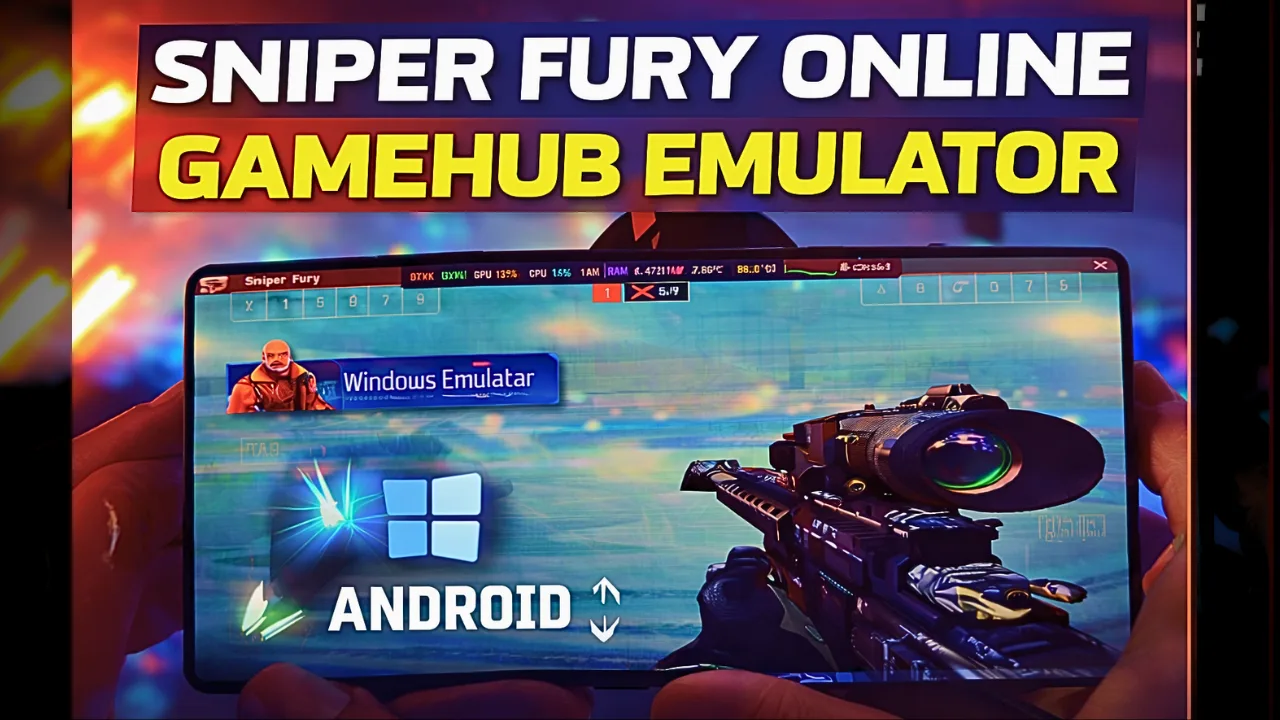






Rabbids Coding PC Version on Android – Gamehub Emulator Test
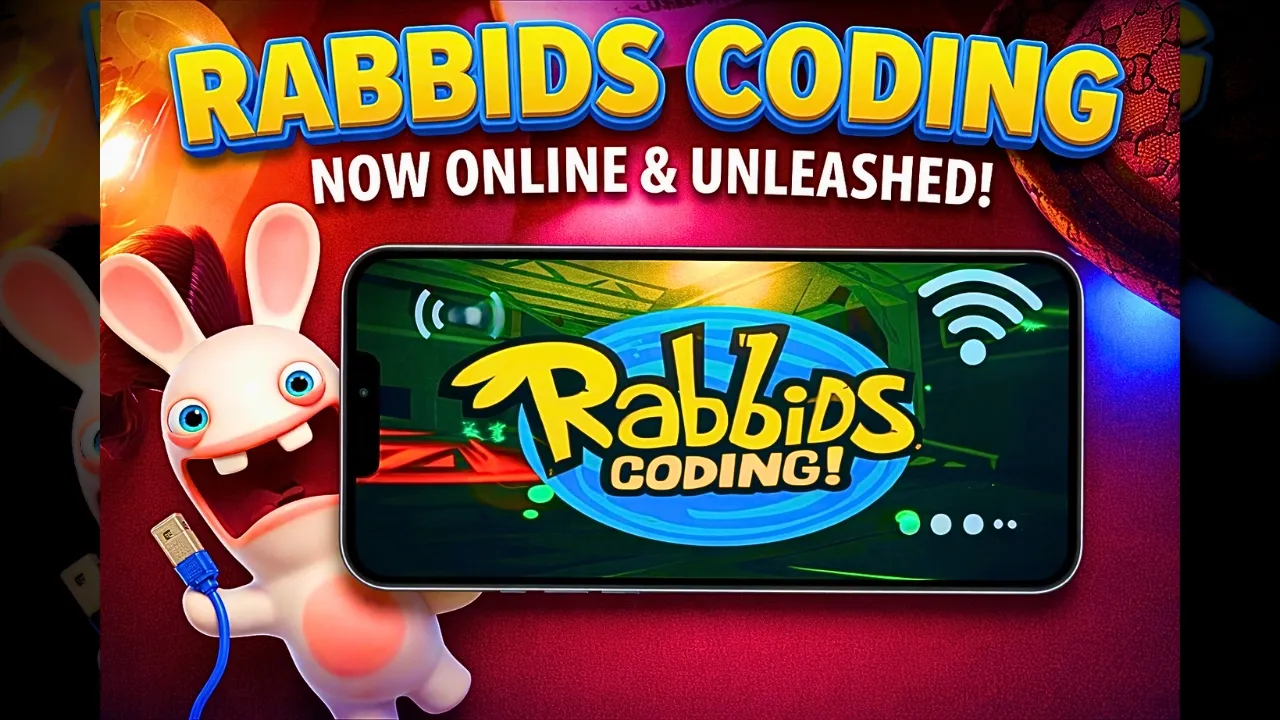
Download and play Rabbids Coding the video game online on Android phone using Windows Emulator “Gamehub”, Gamehub Emulator is best windows Emulator on Android, you can open you Steam, Epic Games or Ubisoft connect account on your Android phone, start the 2026 we can play windows Games on our Phones, there is another Windows Emulator was poped up like Gamenative, Winlator模拟器 和 MOBOX 模拟器 but the Gamehub is still the best. just to be clear Rabbids Coding have a official version from Ubisoft on Google Play and on the App Store, but in this post i play the PC version of Rabbids Coding on Android with Gamehub and Ubisoft Connect, and here is my settings and my test.
About Rabbids Coding the video game:
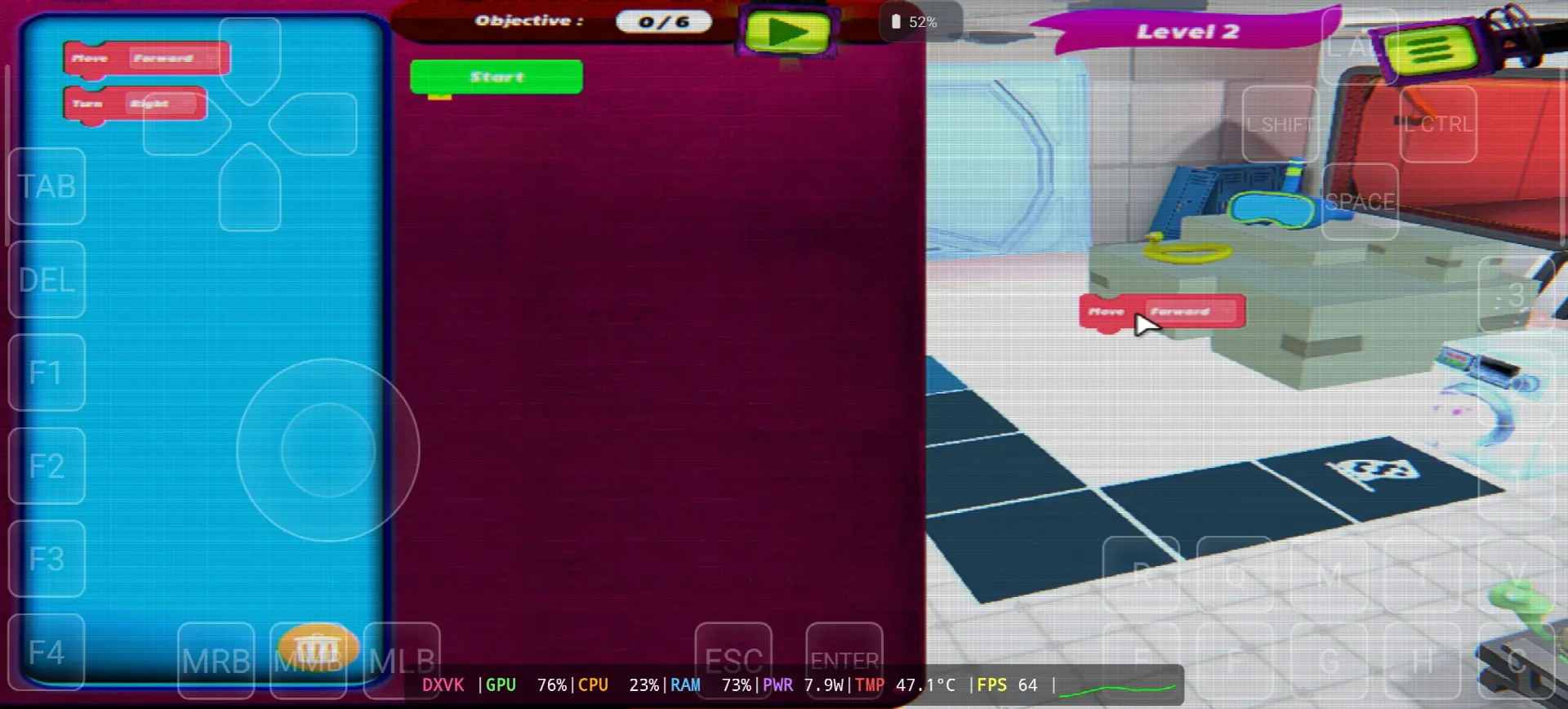
Rabbids Coding is a puzzle game from Ubisoft made by Ubisoft Montreal to teach the basics of programming, it come out on October 8, 2019 for Windows on Ubisoft Connect and one year later on October 8, 2020 on Android and iOS, and you dont need to pay anything for it on PC or on the phone. the story is simple, the Rabbids invade a space station and they break everything, and you give them orders with code blocks like Move Forward and Turn Right to clean the mess and send them back to Earth. the game teach you the sequential programming, the loops and the conditions, its for everyone over 7 years old and you dont need to know anything about programming before you start. every level have an objective and you need to finish it with the least blocks possible, like in my Level 2 where the objective was 0/6 when i start. on Google Play the app have more than 1 million downloads with 3.8 stars, and the last update was on February 17, 2023. 维基百科 & GOOGLE PLAY, Let start Explain how you can run Rabbids Coding the video game online on your Android phone:
在我们开始之前,我推荐亚马逊上提供的这些配件,让您玩得更舒服,玩得更开心:
1- 我推荐GameSir X3 Type-C 散热风扇安卓控制器,它在 2.192+ 条评论中获得了超过 59% 的好评率(5 星),很不错。
2-我推荐Razer Kishi 手机游戏手柄,超过 18,656 条评价,适用于安卓系统,USB-C 接口,免运费。详情请见产品介绍,支持免费退货,灵敏度高,操控更精准。
3- 最后推荐的配件是 Razer 的Razer Kishi V2 手机游戏控制器+ Razer 手机散热器 Chroma。这款配件最大的优点是采用低功耗蓝牙技术,可以延长电池续航时间,而且它还兼容所有安卓和 iOS 手机。
4-我推荐的最后一个配件它来自Black Shark 手机冷却器 Black Shark Magnetic 噪音水平为 1 分贝,令人惊叹。
#广告
Rabbids Coding Online – Gamehub Emulator | Windows Emulator Android
My Gamehub Settings For Rabbids Coding:
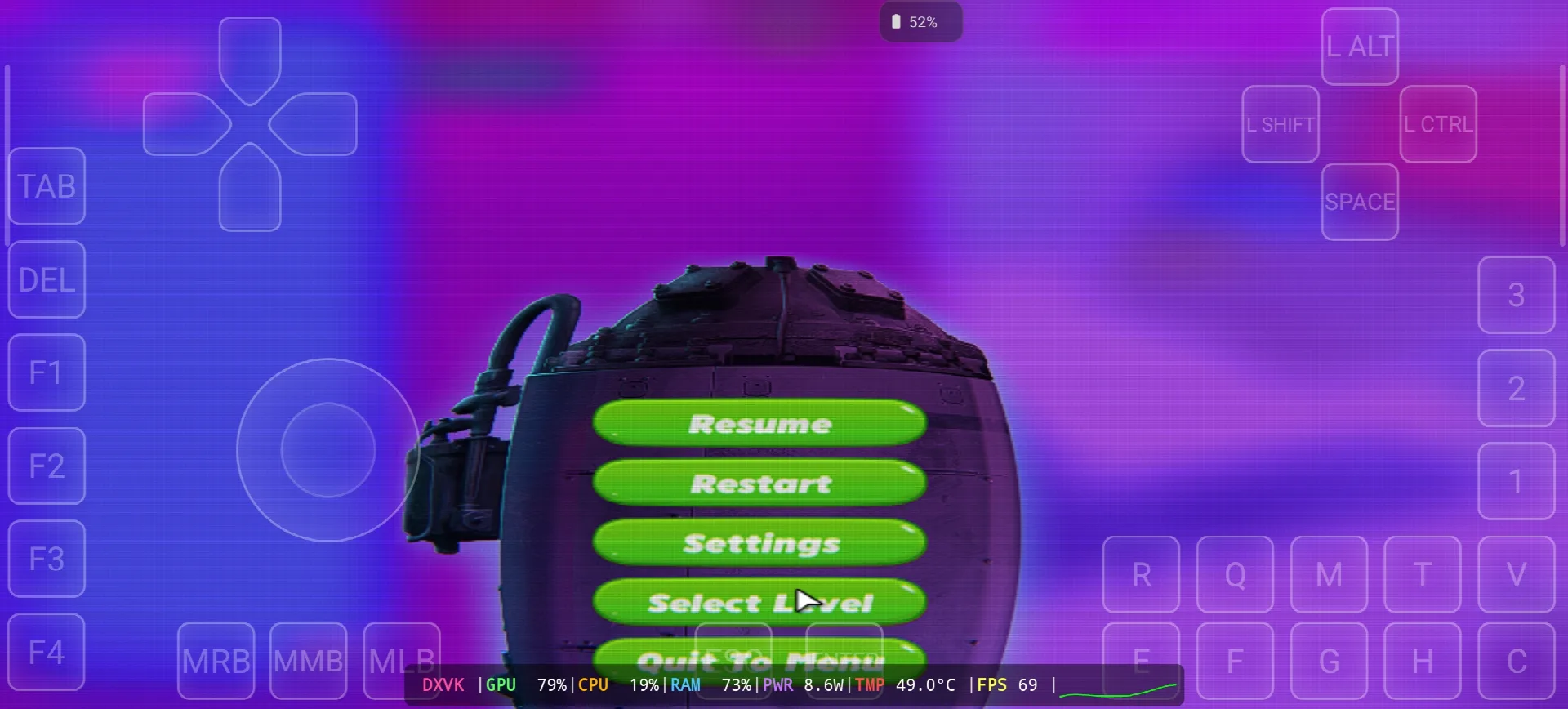
those are the settings from my video and my photos on my phone with Snapdragon 8 Elite Gen 5, in this video i dont open the Gamehub menu, so i put here what you can see in the video and in my screenshots:
- 发射器: Ubisoft Connect inside Gamehub, the game is in the Ubisoft Connect Library
- 显卡: DXVK, you see it in my overlay
- Touch Control Layout: Default Keyboard and Mouse Layout, because in this game you drag the blocks with the mouse
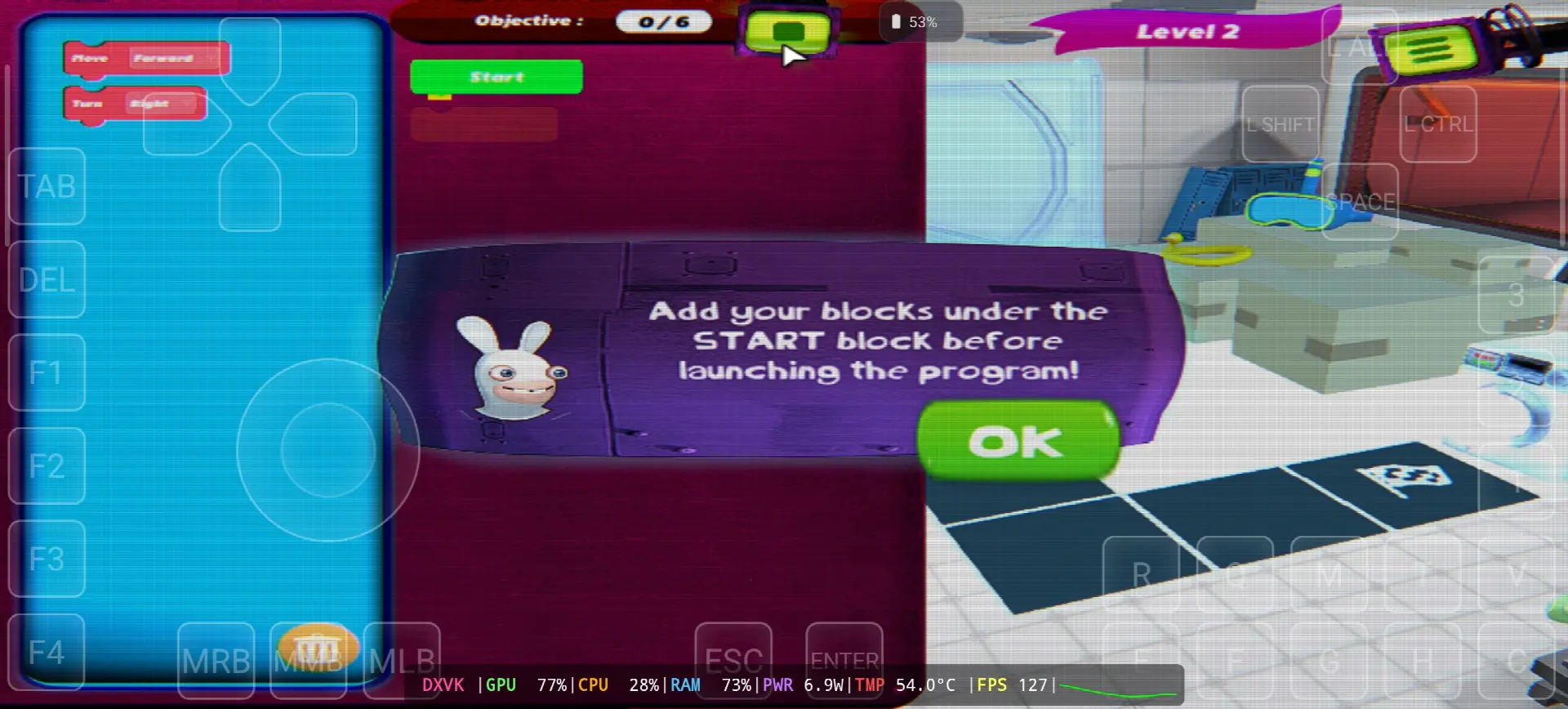
- Frame Limit: off, the game go up to 127 fps in my test
- CRT显示效果: on, its the old TV lines in my screenshots, turn it off if you dont like it
- 语言: 英语
when you start it Gamehub open Ubisoft Connect first, then you go to the Library and start Rabbids Coding from there, and Ubisoft Connect sync your saves with the cloud before the game start, so you need a Ubisoft account. in my test i play the tutorial and the Level 2 with the Move Forward and Turn Right blocks, the game stay between 64 and 69 fps in the menu and in the levels and go up to 127 fps in the hint windows, the GPU was 76 to 79%, the CPU only 19 to 28% and the RAM 73%, with 6.9 to 8.6W, and the temperature stay between 47.1 and 54°C, so its a very light game.
1- Get Rabbids Coding the video game online:
如果可以的话,我推荐 Epic Games:“价格低廉,下载游戏,然后安装以减少过热”。
*If you already have the Rabbids Coding online game in your Ubisoft Connect Library, you can simply open your Ubisoft Connect account and download the game or if you want to play Rabbids Coding offline then connect your android Phone to the laptop or PC copy Rabbids Coding next copy he game to the Phone. Keep your android phone connected to copy the Gamehub Emulator app.
如何在 5 分钟内设置 Gamehub 模拟器 – STEAM / EPIC GAMES

2- 下载 Gamehub 模拟器 – 适用于安卓系统的 Windows 模拟器:
下载 Gamehub 模拟器后,安装并打开它,然后按照提示在 Android 上设置 Windows 模拟器。
请观看此视频,它将向您展示如何在 Gamehub Windows 模拟器上设置游戏并尽情畅玩!🙂
GAMEHUB安卓模拟器 | 测试/安装/设置 | 最佳Windows模拟器 – 2025
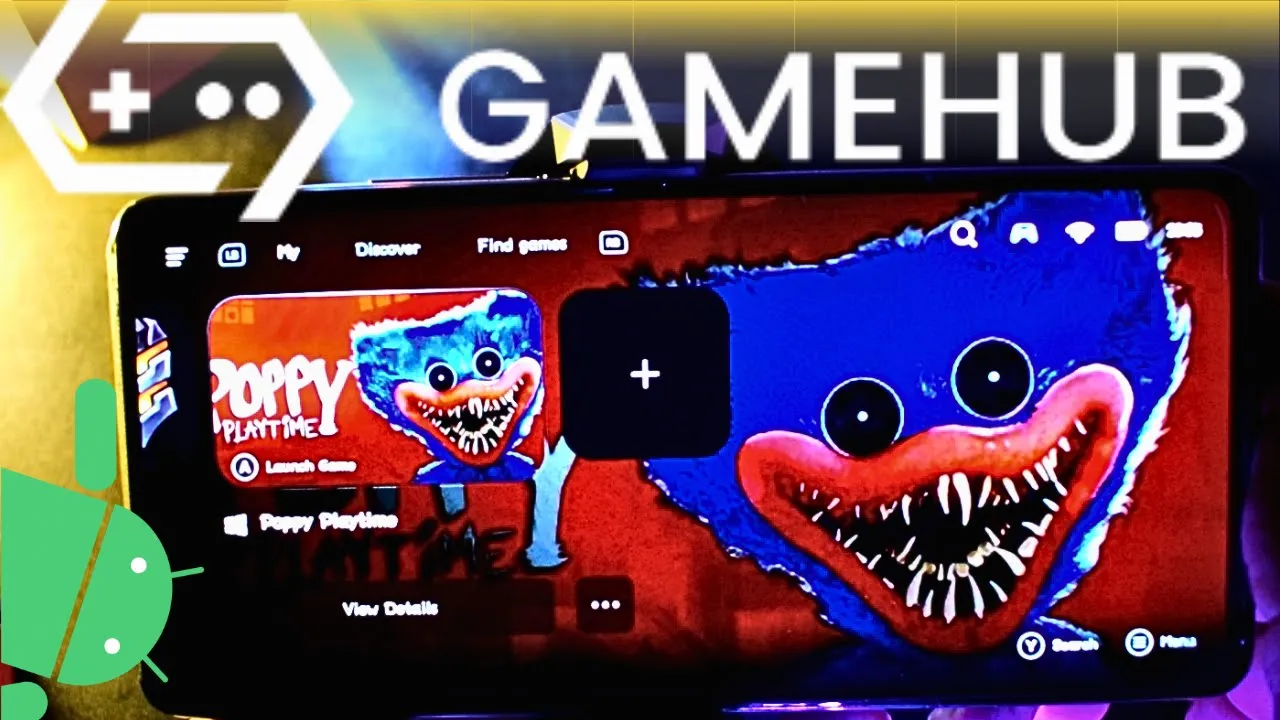
If Rabbids Coding the video game was running with Low FPS or Graphics issue, please follow this video:
GAMEHUB 安卓模拟器最佳设置:最高 FPS – 修复延迟和故障
您可以在 Gamehub 模拟器上打开您的 Steam、Epic Games 或 Ubisoft Connect 帐户进行在线游戏。
3- Best Phone For Rabbids Coding Android:
we at the End Explanation, Rabbids Coding on Gamehub run without any problem, 64 to 127 fps with DXVK and the phone stay cool between 47 and 54°C with less than 9W, so its a good one for the kids to learn the coding on the phone or on the tablet. if you want to play the heavy PC games the only stuff i can recommend is a strong Android phone with 骁龙 8 精英第二代 - 手机散热器 #AD, otherwise the world of Emulation is getting better day by day so be patience. if you like the Rabbids check also Rayman Raving Rabbids 2 on Dolphin Emulator, and for another Ubisoft game on Gamehub check Monopoly Madness on Android完整的游戏玩法请查看我的 YouTube频道 和我 TikTok 短片。现在我只想说一句,您可以查看我们的 模拟器游戏类别你的安卓手机上有很多精彩的游戏可以玩,随时随地都能玩。再见。