


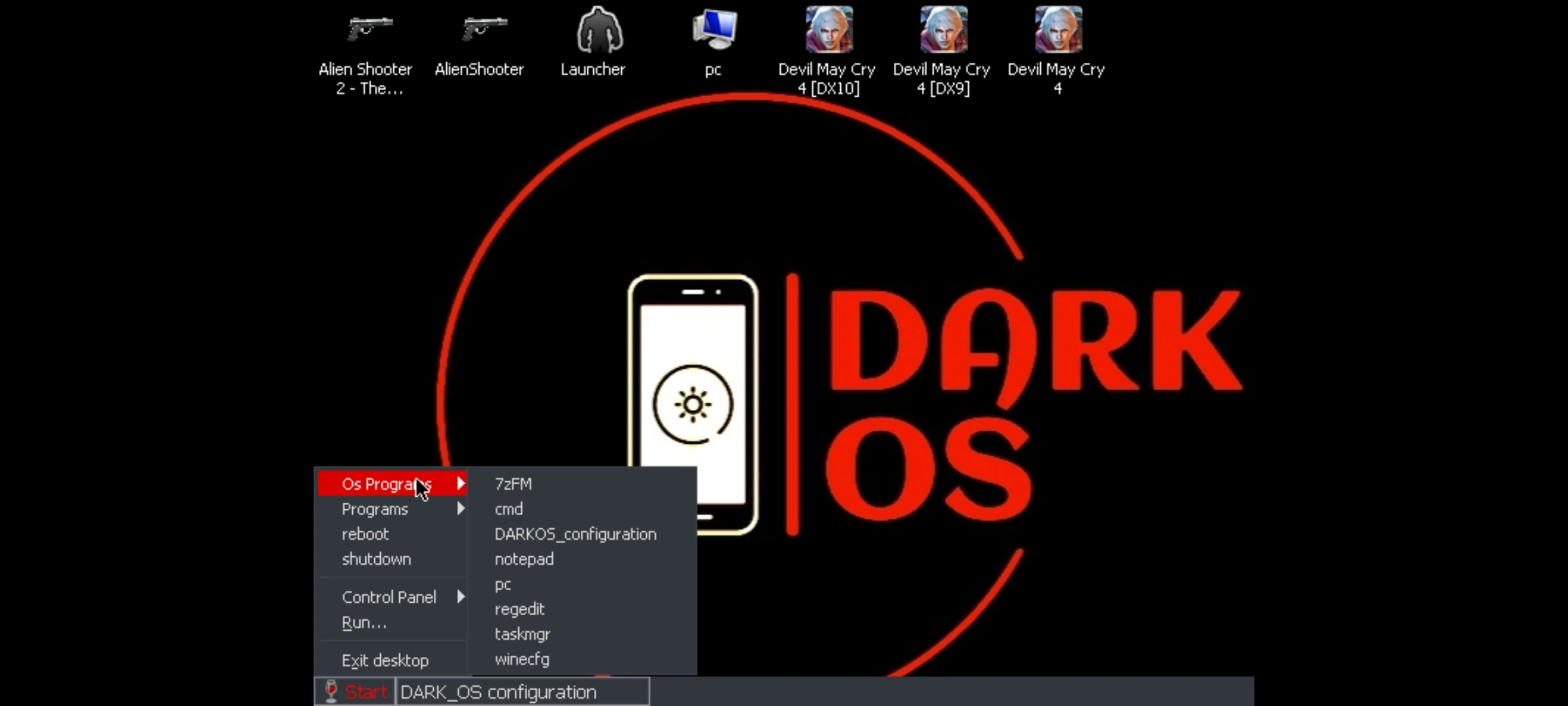
Darkos 模擬器安卓版下載 – Windows 模擬器
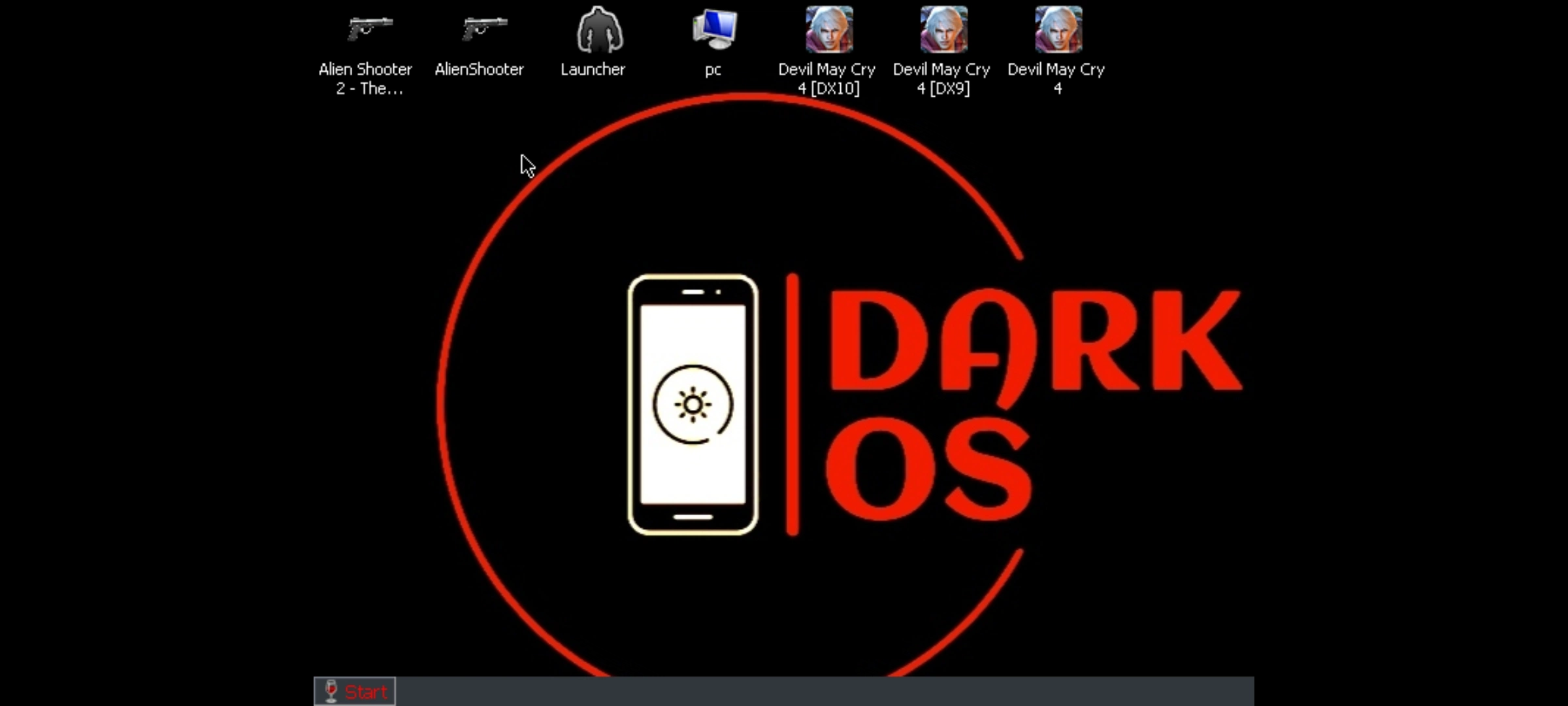
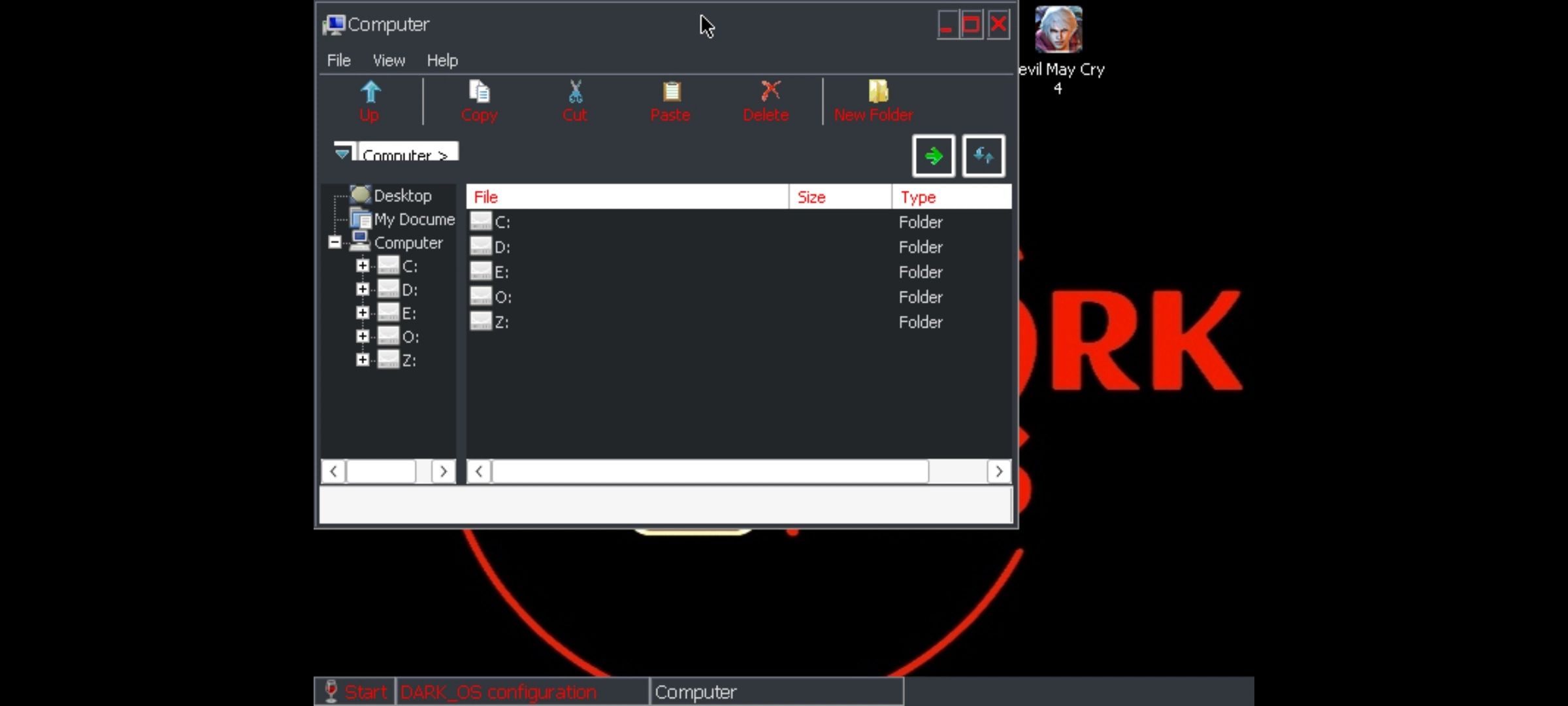
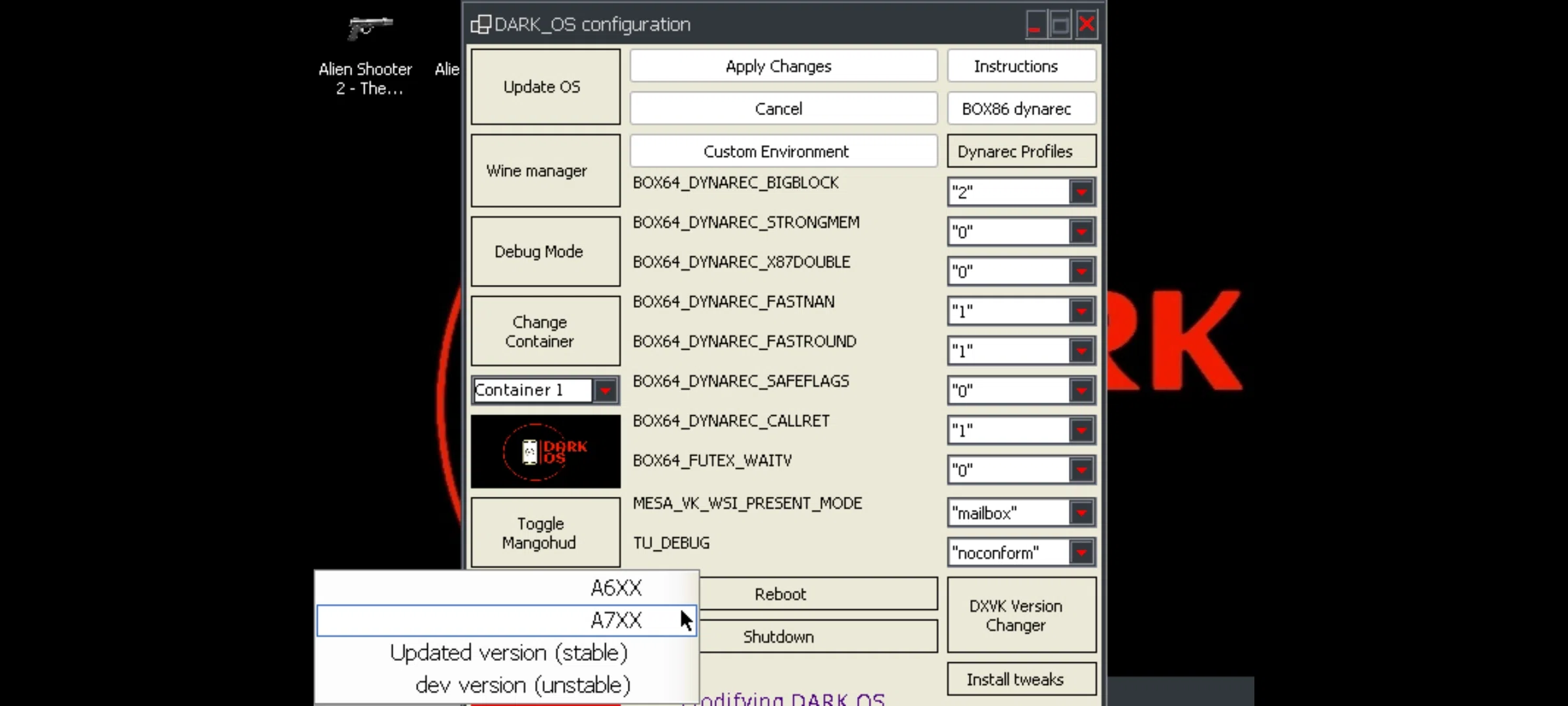
Darkos是一個旨在讓 Windows x86_64 應用程式和遊戲在Termux原生 GLIBC 中運行的專案。它利用Box86和Box64在安卓系統上運行Wine。
1-您需要下載Daros文件
2-您需要安裝已下載的所有檔案。
3-打開termux並貼上命令
curl -o install https://raw.githubusercontent.com/ahmad1abbadi/darkos/main/installOS.sh && chmod +x install && ./installDarkos安裝完成後會自動啟動。請記住,每次開啟Termux時,Darkos都會自動啟動。
您可以退出Darkos並正常使用 Termux,只需在啟動後的前 4 秒內按下「1」即可。否則,Darkos 將啟動並運行 Wine + Termux-X11。
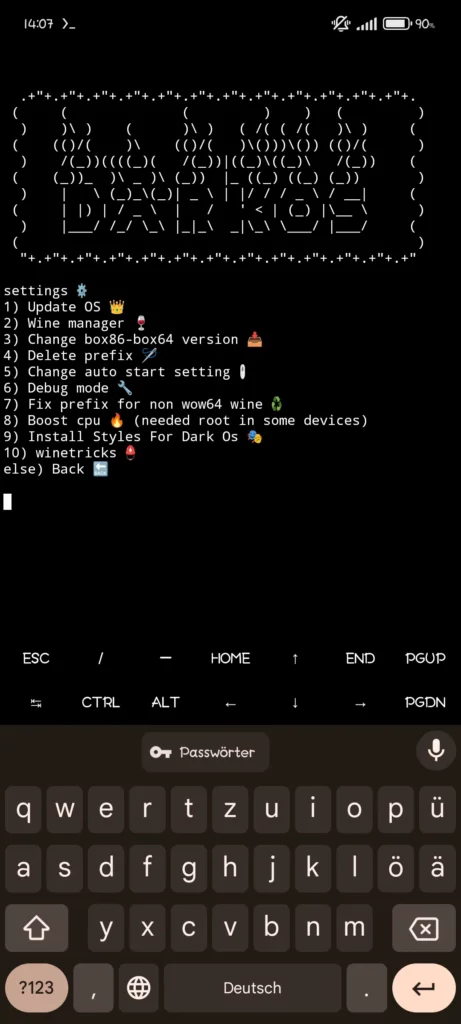
請在Termux-X11上新增以下設置
Termux-X11 分辨率
僅當無法自動偵測到 X11 解析度時才使用後備解析度。預設後備解析度為 800×600。
Termux 和 termux-x11 首選項
termux 的推薦設定:
Allow apps to open new windows while running in the backgroundAllow apps to display pop-up windows
termux-x11 的建議設定:
Display resolution mode確切Display resolution1280×720Reseed Screen While Soft Keyboard is openOFFFullscreen on device displayONForce Landscape orientationONHide display cutoutONShow additional keyboardOFFPrefer scancodes when possibleONEnable Accessibility service for intercepting system shortcuts manually.從 Android 輔助使用功能表中啟用 termux-x11,以便您可以毫無問題地使用外部鍵盤(有線/無線)。Enable Accessibility service for intercepting system shortcuts automatically.ON
❤️請大家多多支持 DakroS:buymeacoffee
非常感謝:ILAN12346 為實現無需 root 存取的 Xinput、Dinput 支援所做的巨大工作。
功能:
Darkos 模擬器 android 其他信息
類別:模擬器應用
最新版本: 公測0.6的
更新日期:Fab 10,2024 年
可用於:Github
需要安卓:安卓 10.0+檢舉:標記為不當內容