Stažení mobilní hry haste pro Android – emulátor Gamehub
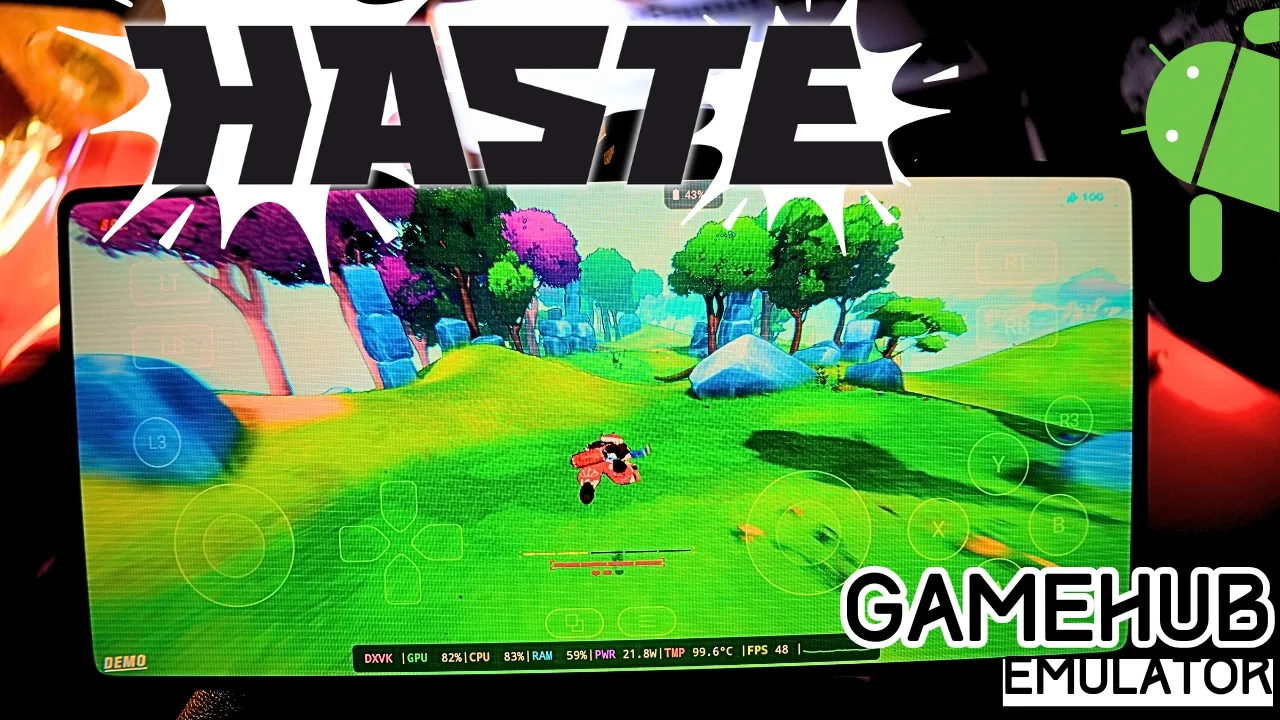
Download and play Haste the video game online on Android phone using Windows Emulator “Gamehub”, Gamehub Emulator is best windows Emulator on Android, you can open you Steam, Epic Games or Ubisoft connect account on your Android phone, start the 2026 we can play windows Games on our Phones, there is another Windows Emulator was poped up like Gamenative, Emulátor Winlator a Emulátor MOBOX but the Gamehub is still the best. just to be clear Haste is not a mobile game and there is no Haste APK, its PC game, but i run it on Gamehub and wow its fast game.
About Haste the video game:
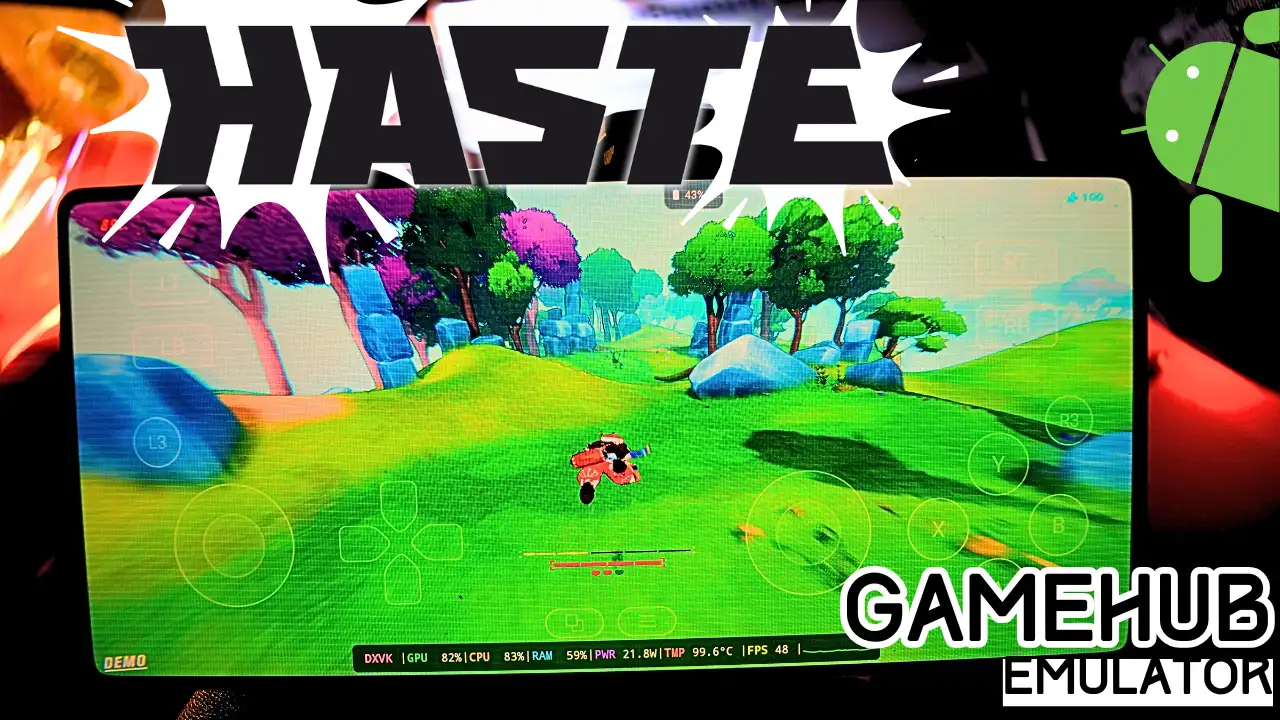
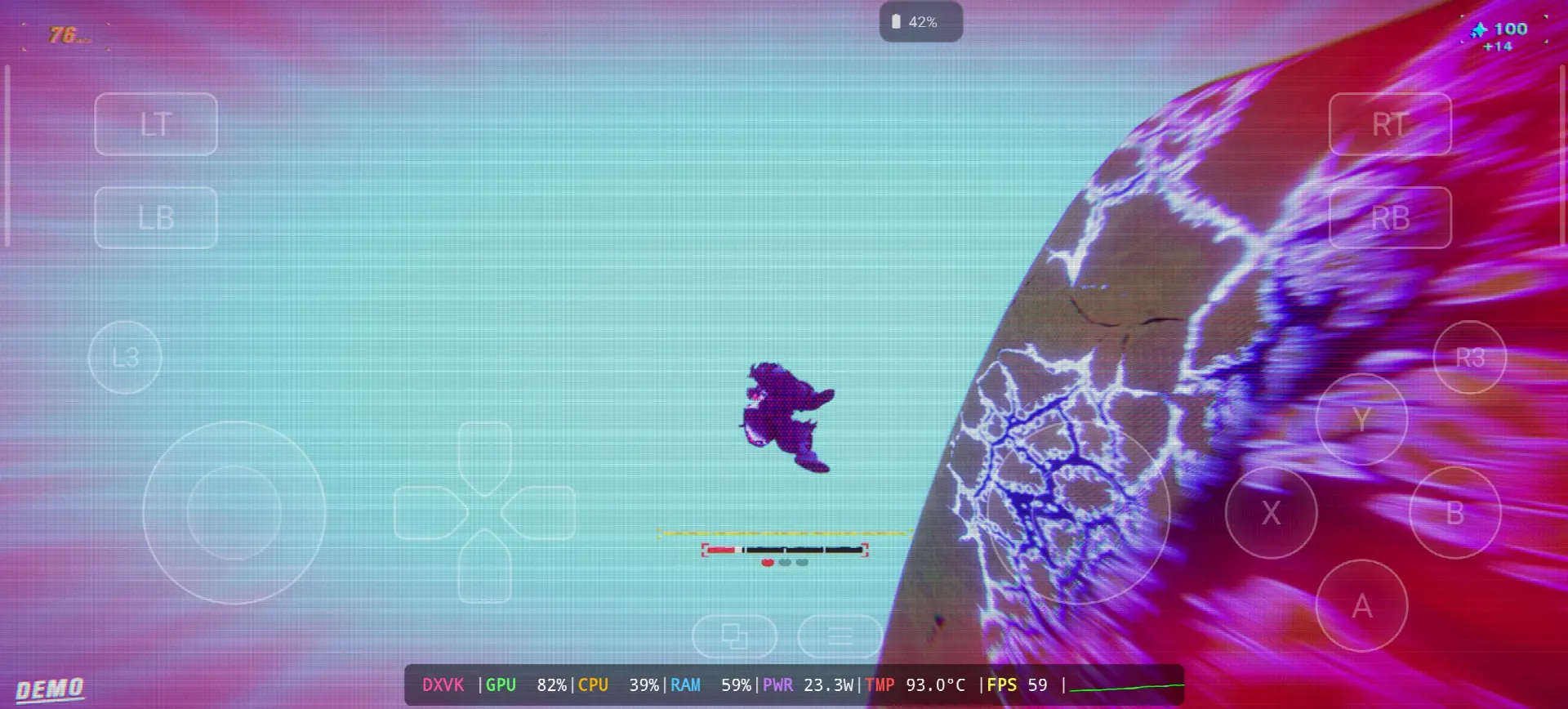
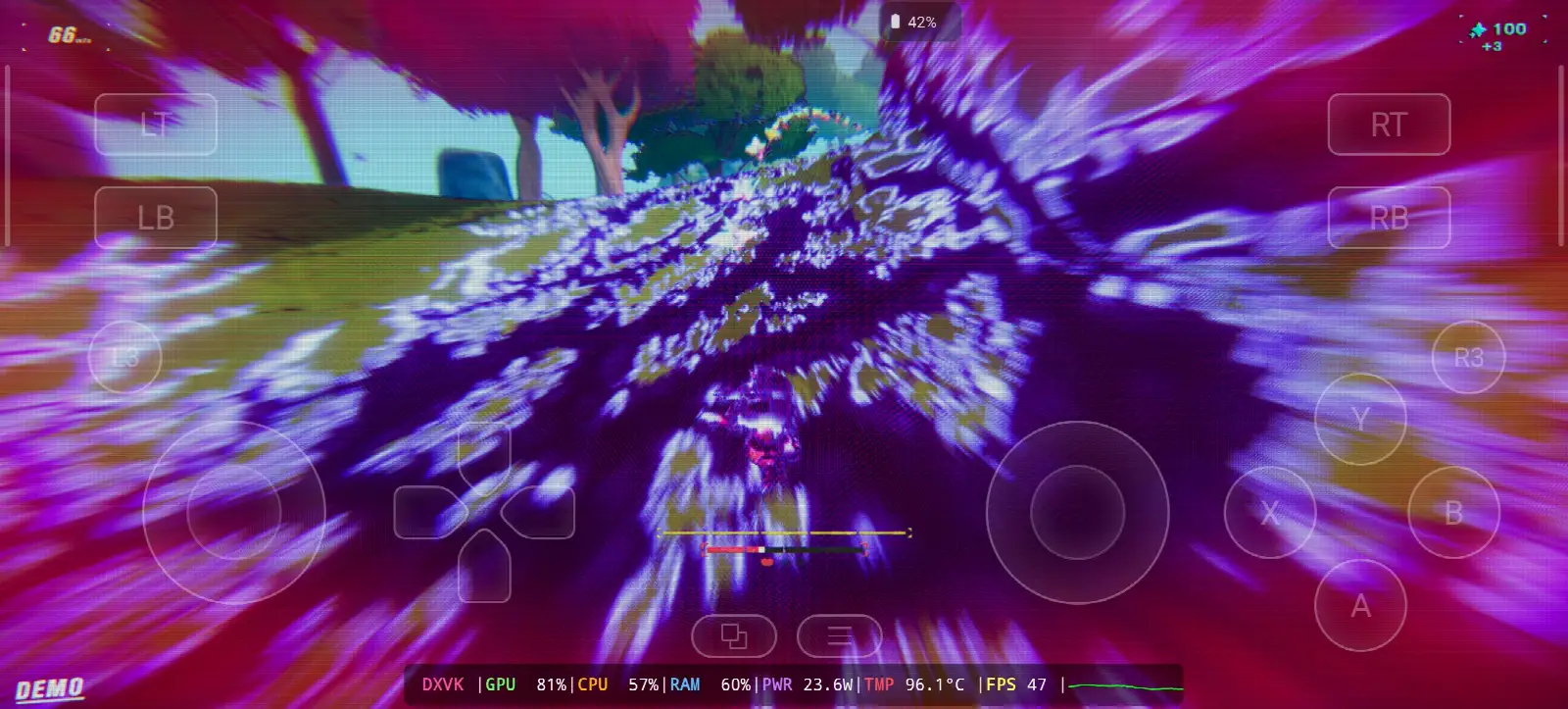
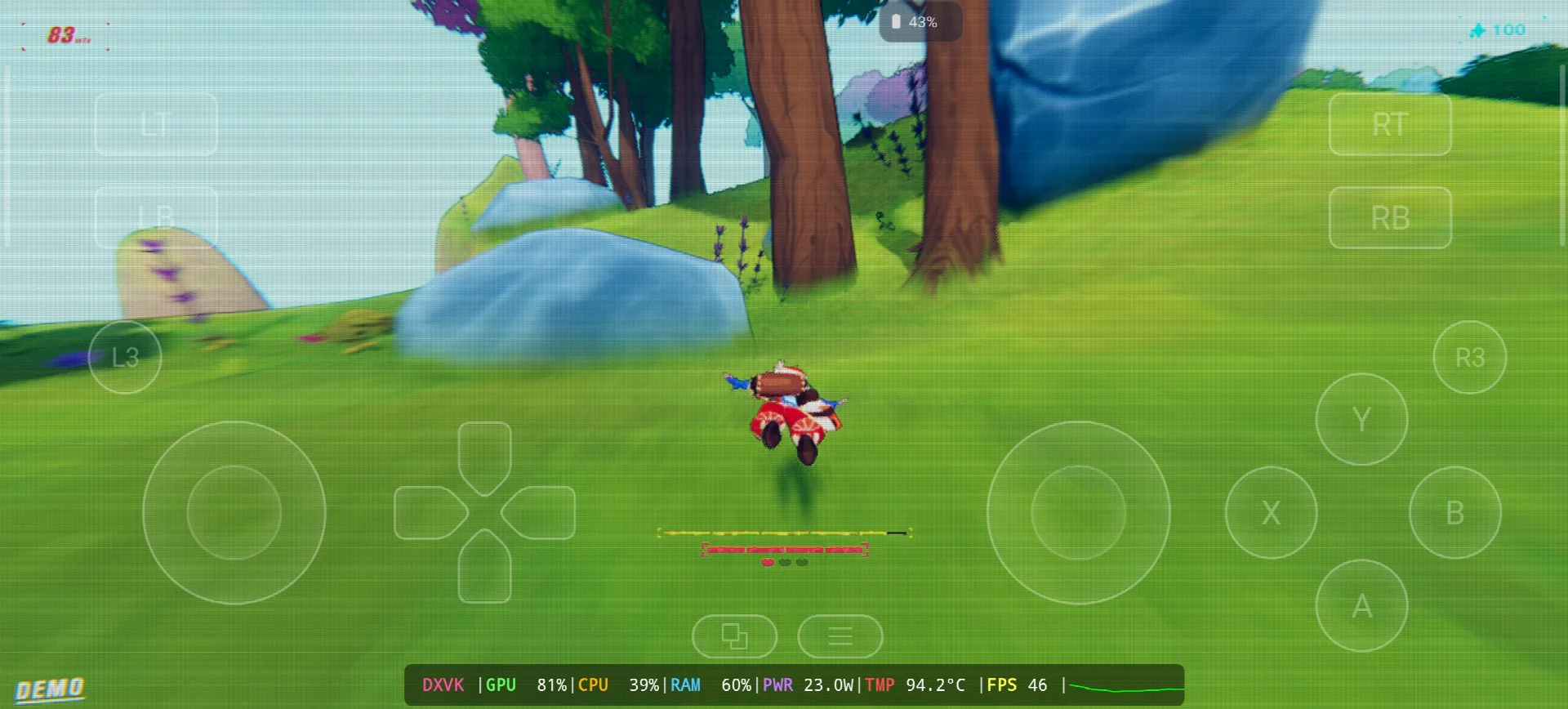
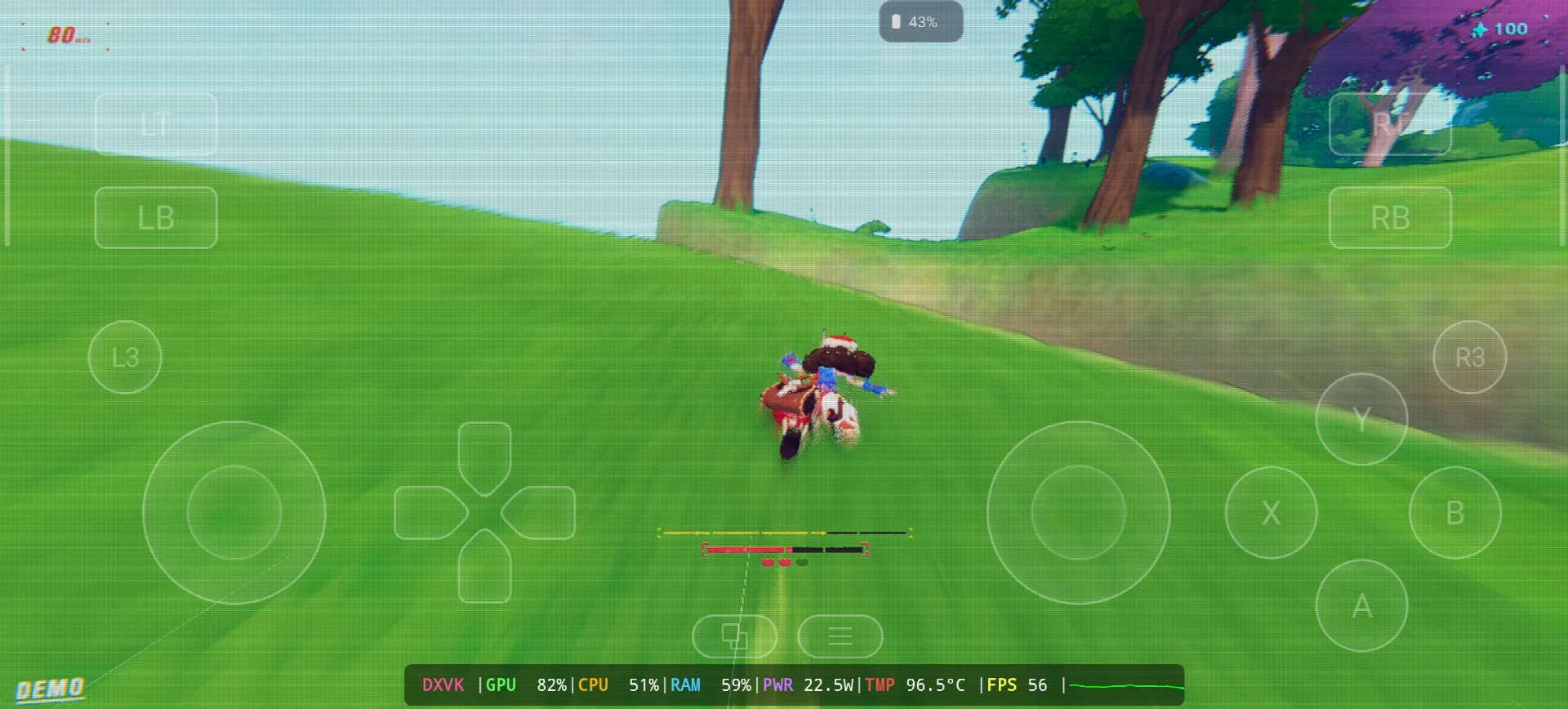
Haste is a speed running game from Landfall, the Swedish studio who make Totally Accurate Battle Simulator and Content Warning, its come out April 1, 2025 on Steam for Windows, Mac and Linux and in the start the name was HASTE: Broken Worlds. you run fast, you fly in the air and you need to land good on the ground to keep your speed, the worlds are procedural and you try to outrun the end of the universe alone or with your friends. one year after, April 1, 2026, its come also on PS5, Xbox and Nintendo Switch 2. on PC its not need a lot, i5-2400, 8 GB RAM, GTX 670 and only 4 GB storage. in my test i play the demo, my speed go up to 83 and the end of the world was chasing me with purple and pink colors on all the screen 🙂 Wikipedia & PARNÍ, Let start Explain how you can run Haste the video game online on your Android phone:
Než začneme, doporučuji toto příslušenství dostupné na Amazonu, abyste si mohli hrát pohodlněji a užít si hru:
1. Doporučuji ovladač GameSir X3 s ventilátorem a konektorem C pro Android. Dostal dobré hodnocení, více než 59 % z 5 hvězdiček z více než 2 192 recenzí, je dobrý.
2 – Doporučuji mobilní herní ovladač Razer Kishi, 18 656+ recenzí pro Android, USB-C a DOPRAVA ZDARMA. Podrobnosti a vrácení ZDARMA, vysoká citlivost a přesnější provedení.
3. Poslední příslušenství od Razeru. Doporučuji mobilní herní ovladač Razer Kishi V2 + chladič telefonu Razer Chroma. Nejlepší na tomto příslušenství je nízkoenergetické připojení Bluetooth pro delší výdrž baterie a dobrou věcí je, že je kompatibilní se všemi telefony s Androidem nebo iOS.
4- Poslední příslušenství Je to od Black Shark, doporučuji magnetický chladič telefonu Black Shark Hladina hluku 1 dB, to je WOW.
#ad
Haste Online – Gamehub Emulator | Windows Emulator Android
1- Buy Haste the video game online Game:
Pokud je to možné, doporučuji Epic Games: „Nízká cena, stáhněte si hru a poté ji nainstalujte, abyste snížili přehřívání.“
*If you already have the Haste online game, you can simply open your Steam or Epic Games account and download the game or if you want to play Haste offline then connect your android Phone to the laptop or PC copy Haste next copy he file game to the Phone. Keep your android phone connected to copy the Gamehub Emulator app.
Jak nastavit emulátor Gamehubu – STEAM / EPIC GAMES do 5 minut
2. Stáhněte si emulátor Gamehub – emulátor pro Windows a Android:
Po stažení emulátoru Gamehub jej nainstalujte, otevřete a postupujte podle pokynů k instalaci emulátoru Windows v systému Android.
Prosím, podívejte se na toto video, které vám ukáže, jak si můžete hru nastavit na emulátoru Gamehub pro Windows a užijte si to! 🙂
Emulátor GAMEHUB pro Android | Testování/ Nastavení/ Nastavení | Nejlepší emulátor Windows – 2025
If Haste the video game was running with Low FPS or Graphics issue, please follow this video:
NEJLEPŠÍ NASTAVENÍ EMULÁTORU GAMEHUB PRO ANDROID: MAXIMÁLNÍ FPS – OPRAVA ZPOŽDĚNÍ A ZÁVAD
Pro hraní online si můžete v emulátoru Gamehub otevřít účet Steam, Epic Games nebo Ubisoft Connect.
3- Best Phone For Haste Android:
we at the End Explanation, Haste on Gamehub run between 46 and 59 fps with DXVK, the GPU stay on 81-82% and my overlay show around 23W and 93 to 96.5°C, so the phone get very hot after some runs but the game is still playable and the speed feeling is there 🙂 the game is small only 4 GB so the storage is not the problem, the heat is the problem. the only stuff i can recommend is a strong Android phone with Snapdragon 8 Elite Gen 5 s chladič telefonu #AD, otherwise the world of Emulation is getting better day by day so be patience. if you like racing and speed games check also my post Trackmania on Gamehub Emulatora pro kompletní hratelnost se podívejte na můj kanál YouTube a moje Tik tak pro krátké klipy. a teď jediné slovo, které chci říct, si můžete prohlédnout naše Kategorie emulátorových her, na vašem telefonu Android je spousta skvělých věcí, které si můžete zahrát kdekoli a kdykoli. A klid.