Téléchargement du jeu mobile Haste pour Android – Émulateur Gamehub
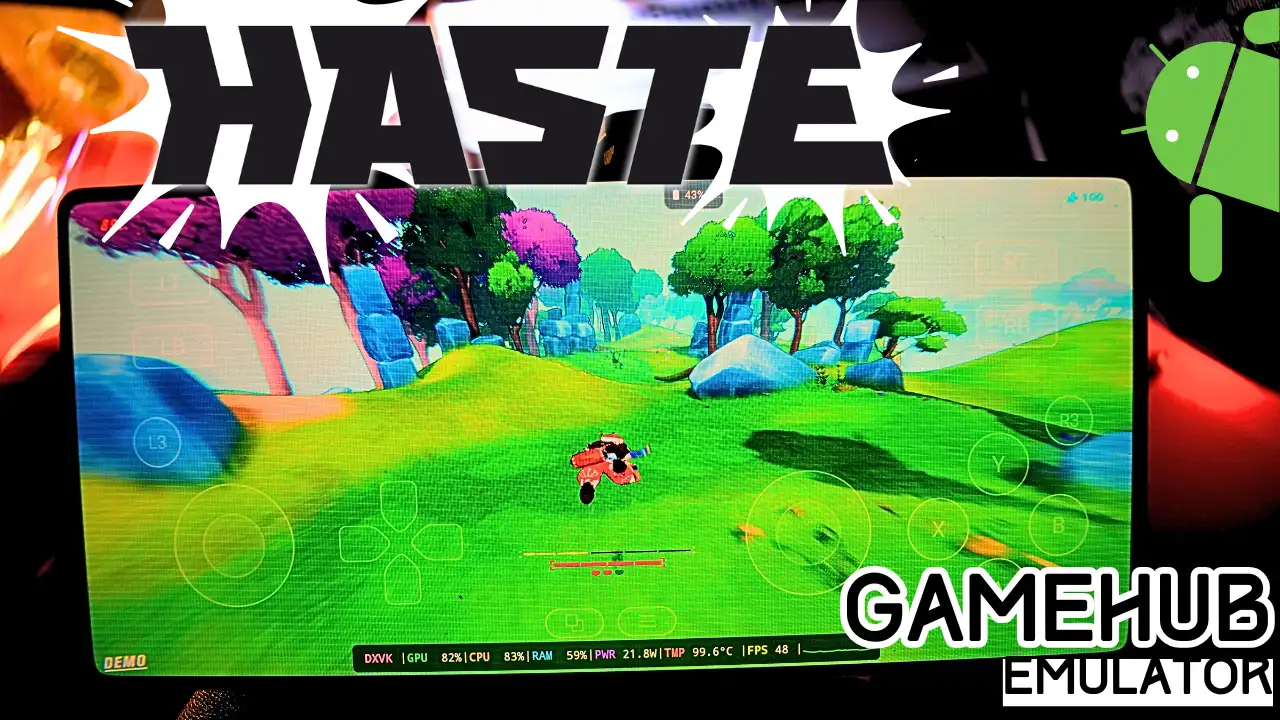
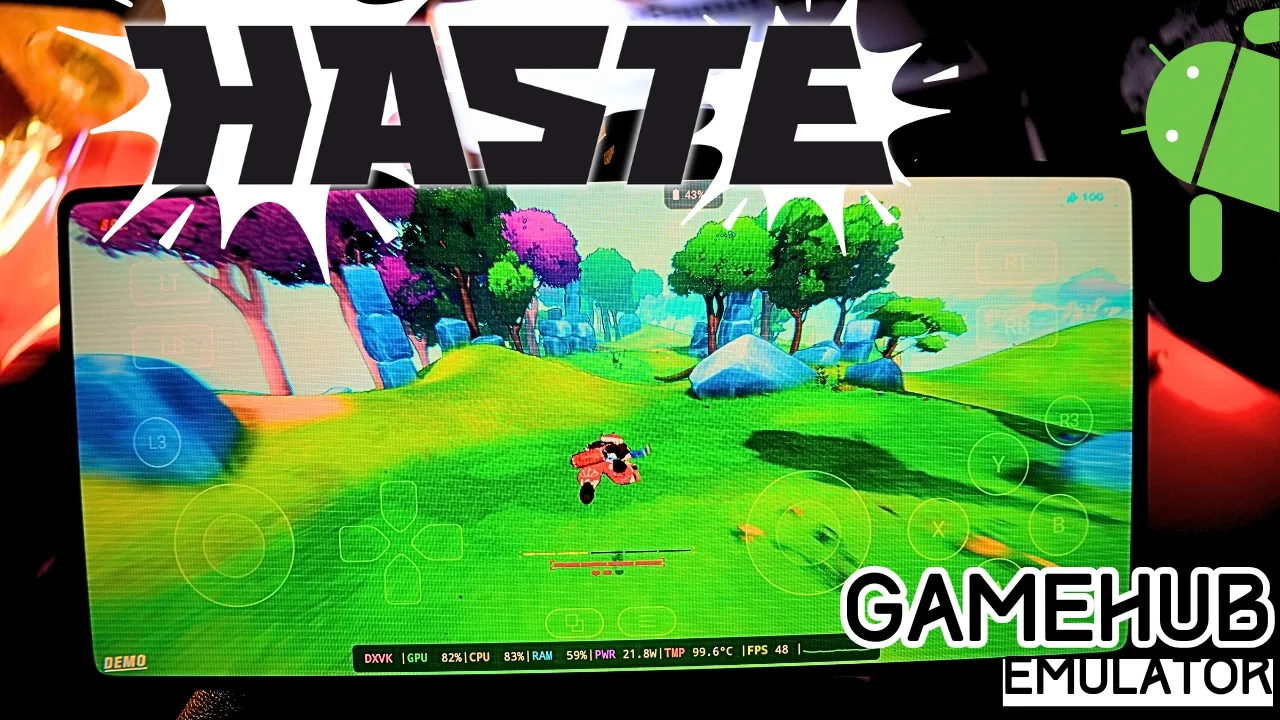
Download and play Haste the video game online on Android phone using Windows Emulator “Gamehub”, Gamehub Emulator is best windows Emulator on Android, you can open you Steam, Epic Games or Ubisoft connect account on your Android phone, start the 2026 we can play windows Games on our Phones, there is another Windows Emulator was poped up like Gamenative, Émulateur Winlator et Émulateur MOBOX but the Gamehub is still the best. just to be clear Haste is not a mobile game and there is no Haste APK, its PC game, but i run it on Gamehub and wow its fast game.
About Haste the video game:
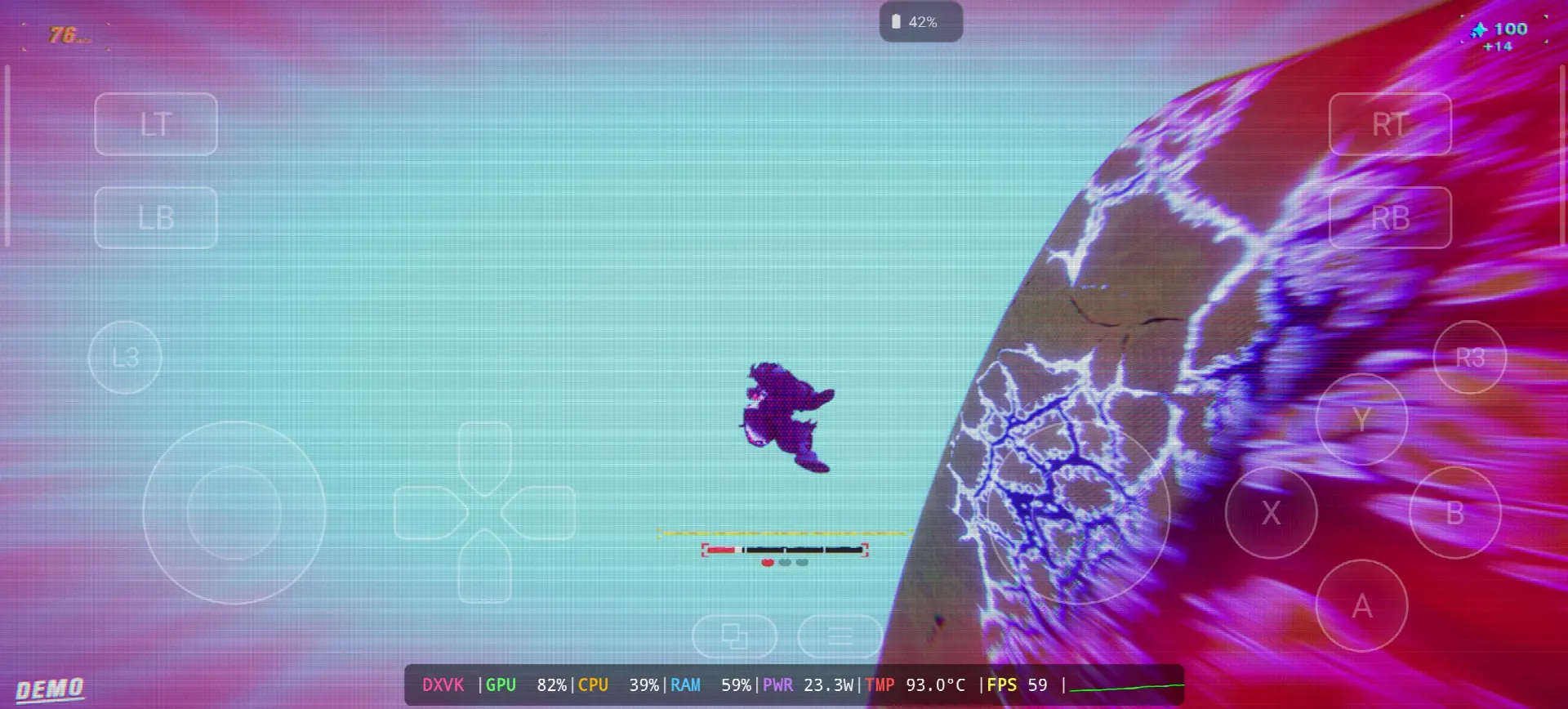
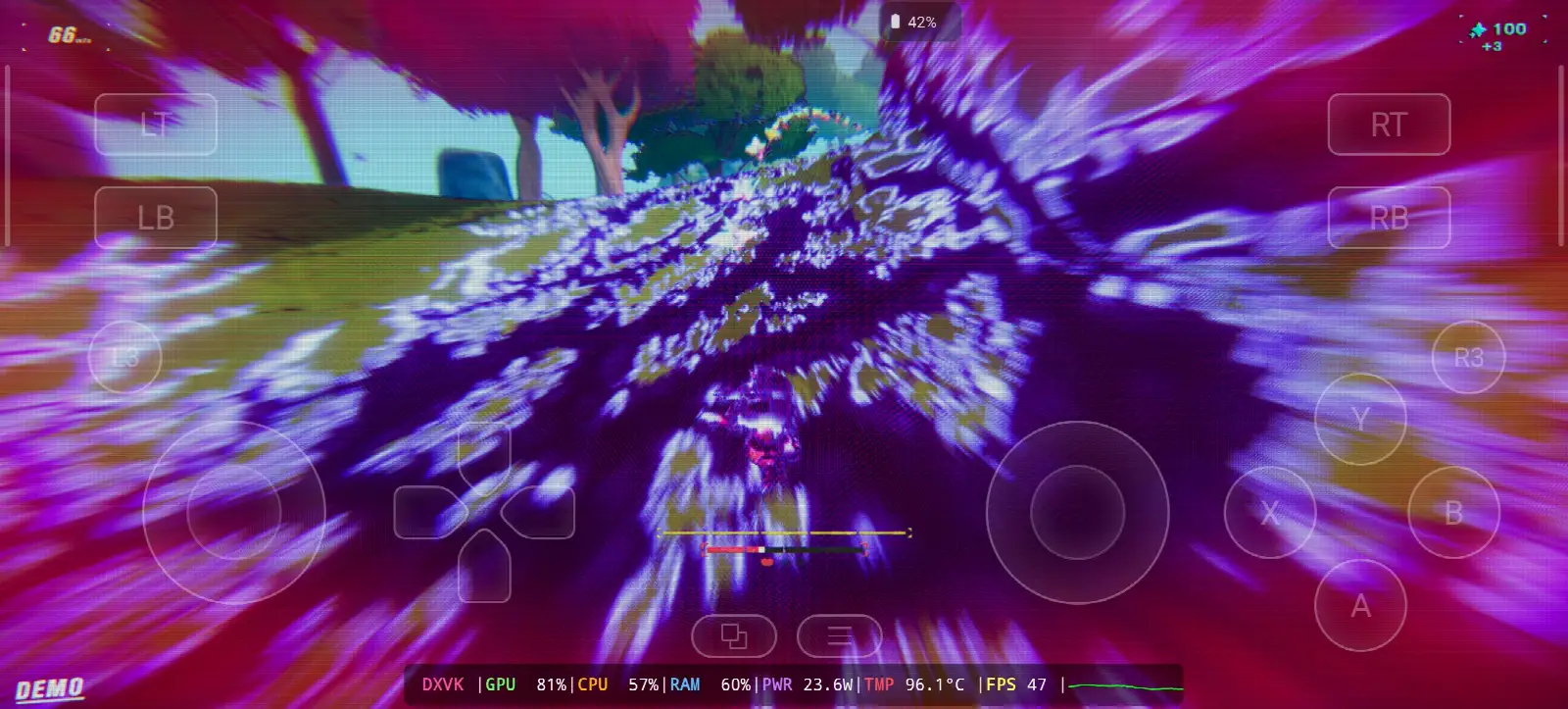
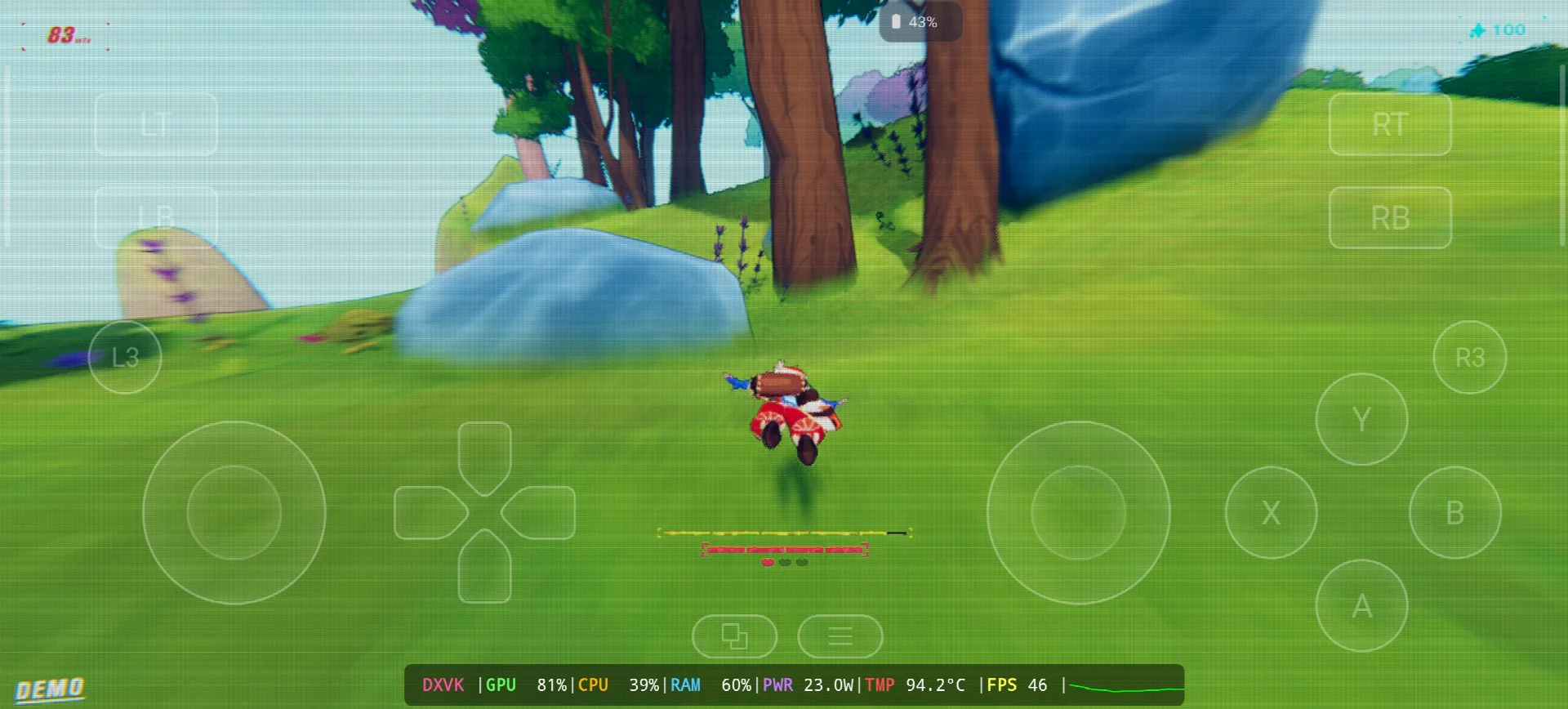
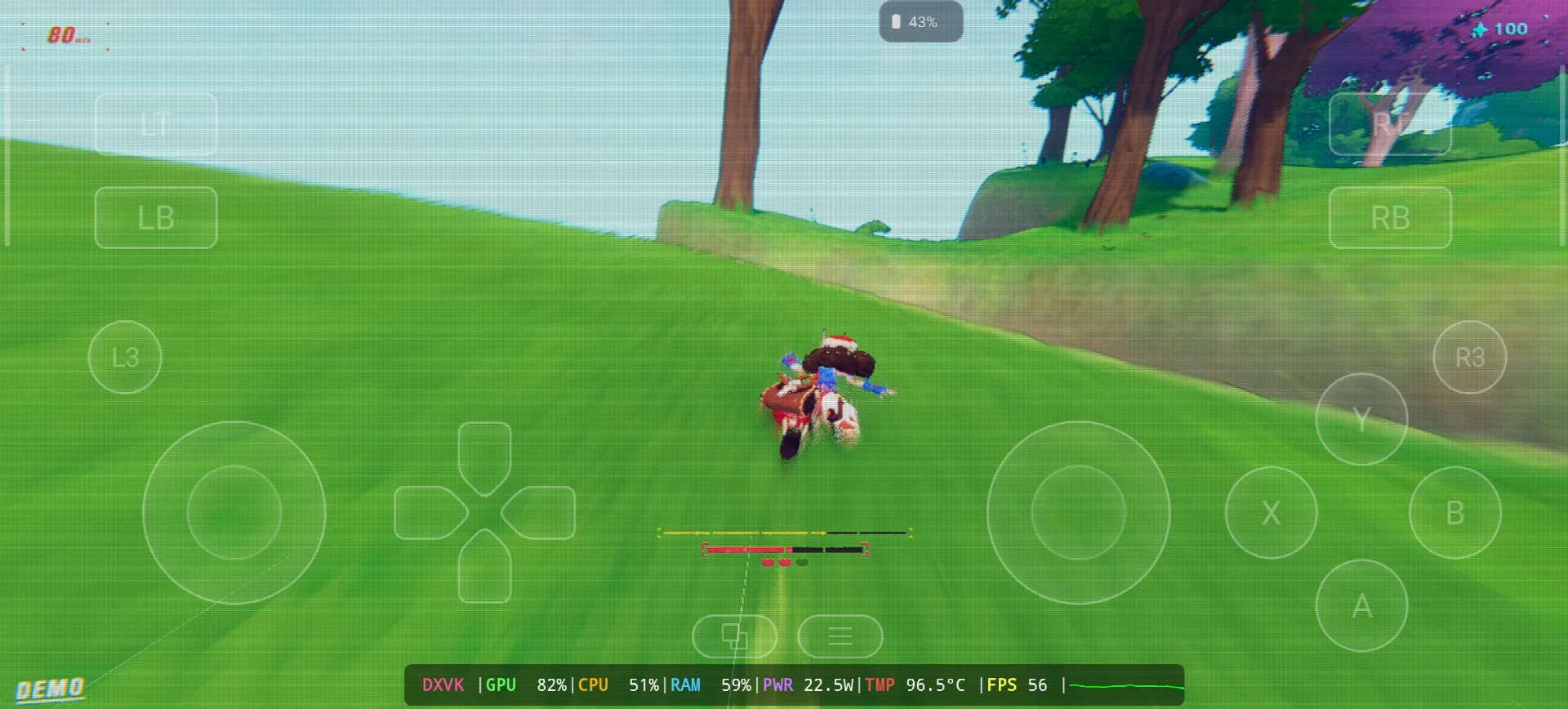
Haste is a speed running game from Landfall, the Swedish studio who make Totally Accurate Battle Simulator and Content Warning, its come out April 1, 2025 on Steam for Windows, Mac and Linux and in the start the name was HASTE: Broken Worlds. you run fast, you fly in the air and you need to land good on the ground to keep your speed, the worlds are procedural and you try to outrun the end of the universe alone or with your friends. one year after, April 1, 2026, its come also on PS5, Xbox and Nintendo Switch 2. on PC its not need a lot, i5-2400, 8 GB RAM, GTX 670 and only 4 GB storage. in my test i play the demo, my speed go up to 83 and the end of the world was chasing me with purple and pink colors on all the screen 🙂 WIKIPEDIA & VAPEUR, Let start Explain how you can run Haste the video game online on your Android phone:
Avant de commencer, je recommande ces accessoires disponibles sur Amazon pour jouer plus confortablement et passer un bon moment avec le jeu :
1- Je recommande le GameSir X3 Type-C Cooling Fan Android Controller. Il a reçu une bonne évaluation de plus de 59 % sur 5 étoiles sur plus de 2 192 avis, c'est bien.
2- Je recommande la manette de jeu mobile Razer Kishi : plus de 18 656 avis pour Android USB-C et livraison gratuite. Détails et retours gratuits. Haute sensibilité pour une précision accrue.
3- Derniers accessoires : De Razer, je recommande la manette de jeu mobile Razer Kishi V2 + le refroidisseur de téléphone Razer Chroma. Le meilleur atout de ces accessoires est le Bluetooth basse consommation pour une durée de vie de la batterie plus longue, et le bon point est qu'ils sont compatibles avec tous les téléphones Android ou iOS.
4- Derniers accessoires c'est de Black Shark que je recommande le Refroidisseur de Téléphone Black Shark Magnétique Niveau sonore de 1 dB, c'est WOW.
#UN D
Haste Online – Gamehub Emulator | Windows Emulator Android
1- Buy Haste the video game online Game:
Si disponible, je recommande Epic Games : « Prix bas, téléchargez le jeu, puis installez-le pour éviter la surchauffe. »
*If you already have the Haste online game, you can simply open your Steam or Epic Games account and download the game or if you want to play Haste offline then connect your android Phone to the laptop or PC copy Haste next copy he file game to the Phone. Keep your android phone connected to copy the Gamehub Emulator app.
Comment configurer l'émulateur Gamehub – STEAM / EPIC GAMES en moins de 5 minutes
2- Téléchargez l'émulateur Gamehub – L'émulateur Windows pour Android :
Après avoir téléchargé Gamehub Emulator, installez-le, ouvrez-le et suivez les instructions pour configurer l'émulateur Windows sur Android.
Suivez les instructions de cette vidéo qui vous montrera comment installer le jeu sur l'émulateur Windows Gamehub et en profiter ! 🙂
Émulateur GAMEHUB pour Android | Test / Installation / Paramètres | Meilleur émulateur Windows – 2025
If Haste the video game was running with Low FPS or Graphics issue, please follow this video:
ÉMULATEUR ANDROID GAMEHUB : MEILLEURS PARAMÈTRES : FPS MAX. – CORRECTION DES RAPIDITÉS ET DES PROBLÈMES
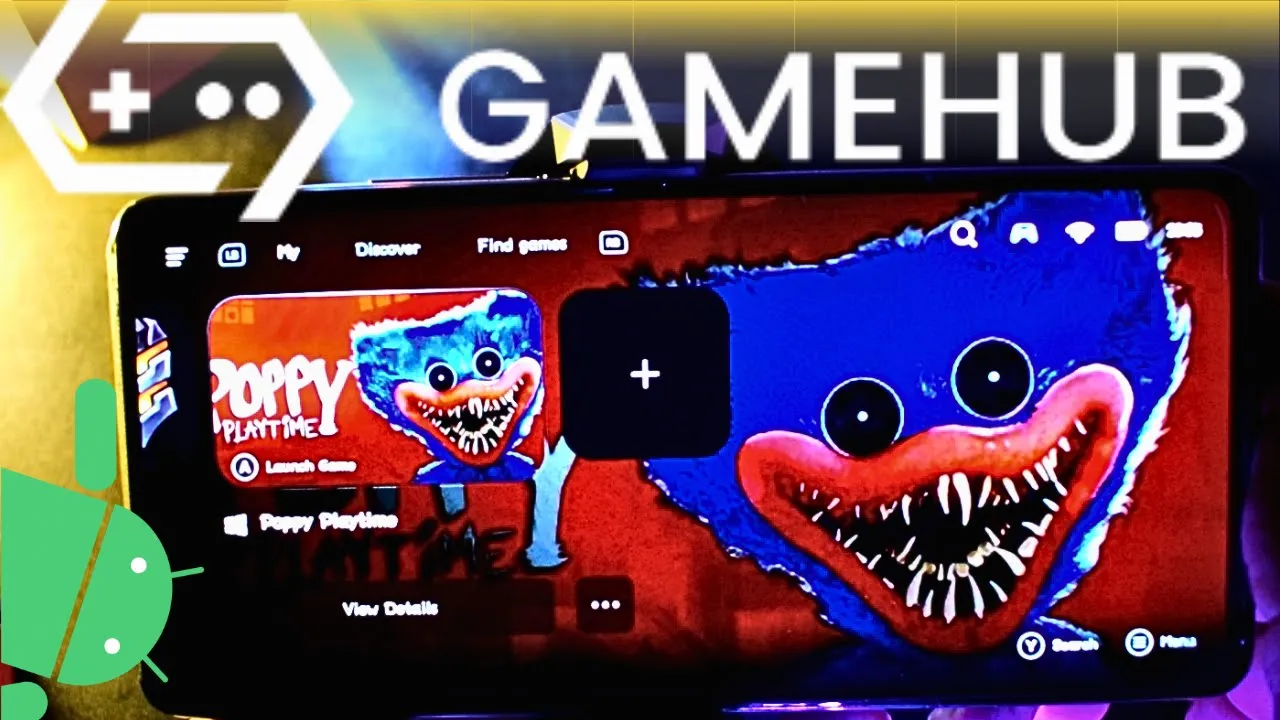
Vous pouvez ouvrir votre compte Steam, Epic Games ou Ubisoft Connect sur l'émulateur Gamehub pour jouer en ligne.
3- Best Phone For Haste Android:
we at the End Explanation, Haste on Gamehub run between 46 and 59 fps with DXVK, the GPU stay on 81-82% and my overlay show around 23W and 93 to 96.5°C, so the phone get very hot after some runs but the game is still playable and the speed feeling is there 🙂 the game is small only 4 GB so the storage is not the problem, the heat is the problem. the only stuff i can recommend is a strong Android phone with Snapdragon 8 Élite Génération 5 au refroidisseur de téléphone #AD, otherwise the world of Emulation is getting better day by day so be patience. if you like racing and speed games check also my post Trackmania on Gamehub Emulator, et pour le gameplay complet, consultez mon Chaîne YouTube et mes TikTok pour de courts extraits. Et maintenant, un seul mot : vous pouvez consulter notre Catégorie Jeux d'émulateurIl y a une tonne de jeux géniaux auxquels vous pouvez jouer sur votre téléphone Android, partout et à tout moment. À plus !