


gigabash mobile android – Gamehub windows Emulator
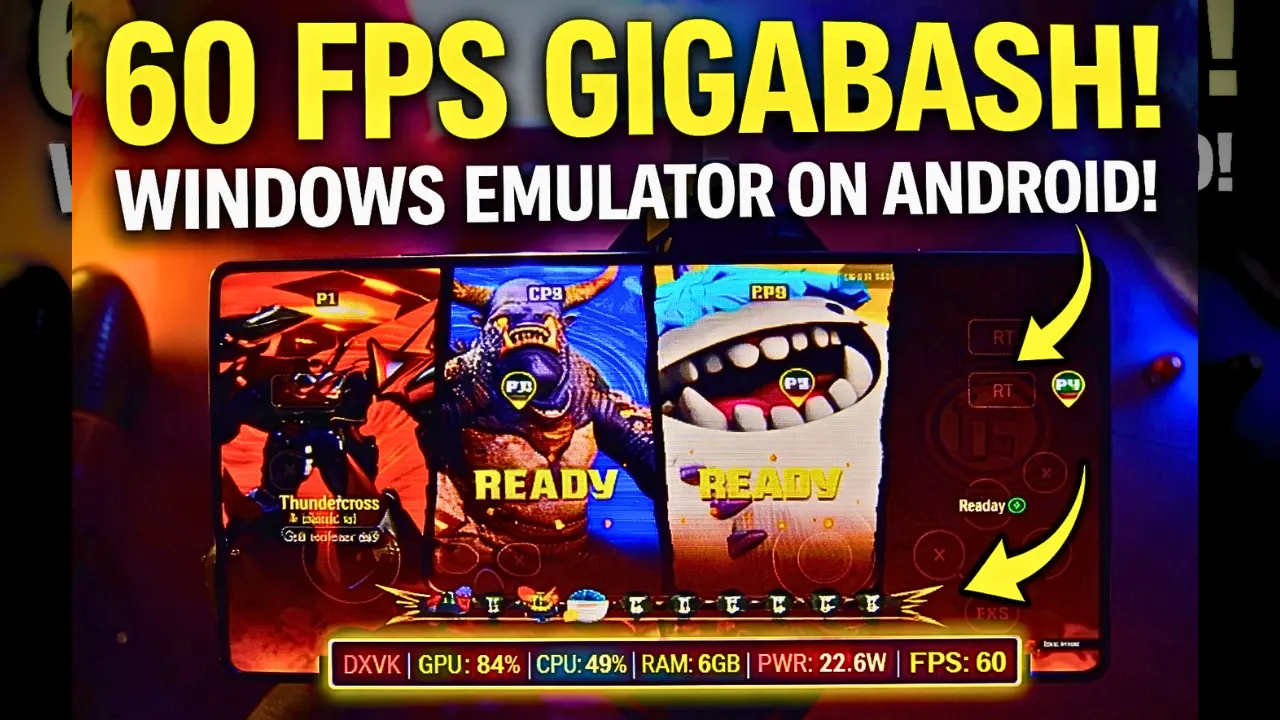
Download and play GigaBash the video game online on Android phone using Windows Emulator “Gamehub”, Gamehub Emulator is best windows Emulator on Android, you can open you Steam, Epic Games or Ubisoft connect account on your Android phone, start the 2026 we can play windows Games on our Phones, there is another Windows Emulator was poped up like Gamenative, Winlator Emulator and MOBOX Emulator but the Gamehub is still the best. just to be clear GigaBash have now a official mobile version called GigaBash Mobile on Google Play, but in this post i play the PC version of GigaBash on Android, i test the free demo from Steam on Gamehub and here is my settings and my test.
About GigaBash the video game:
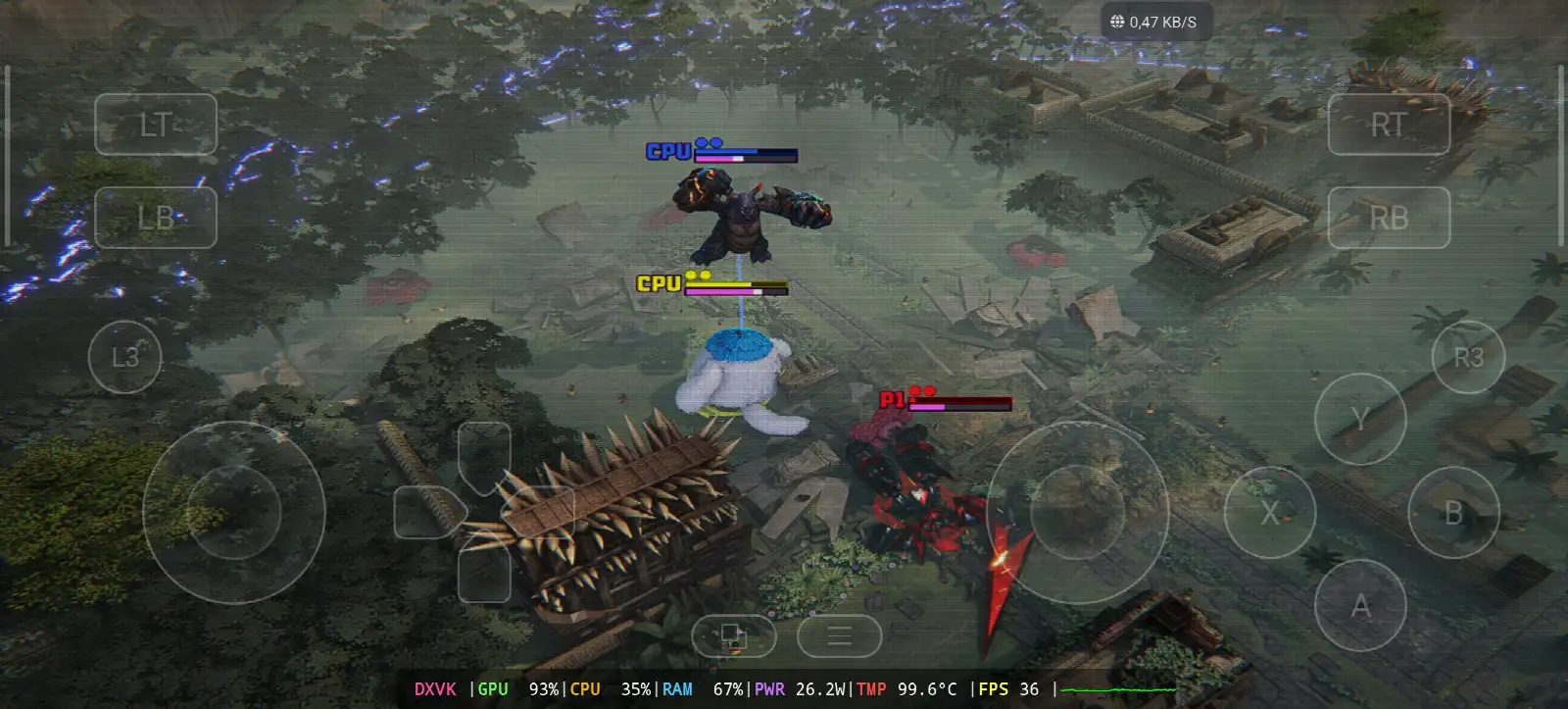
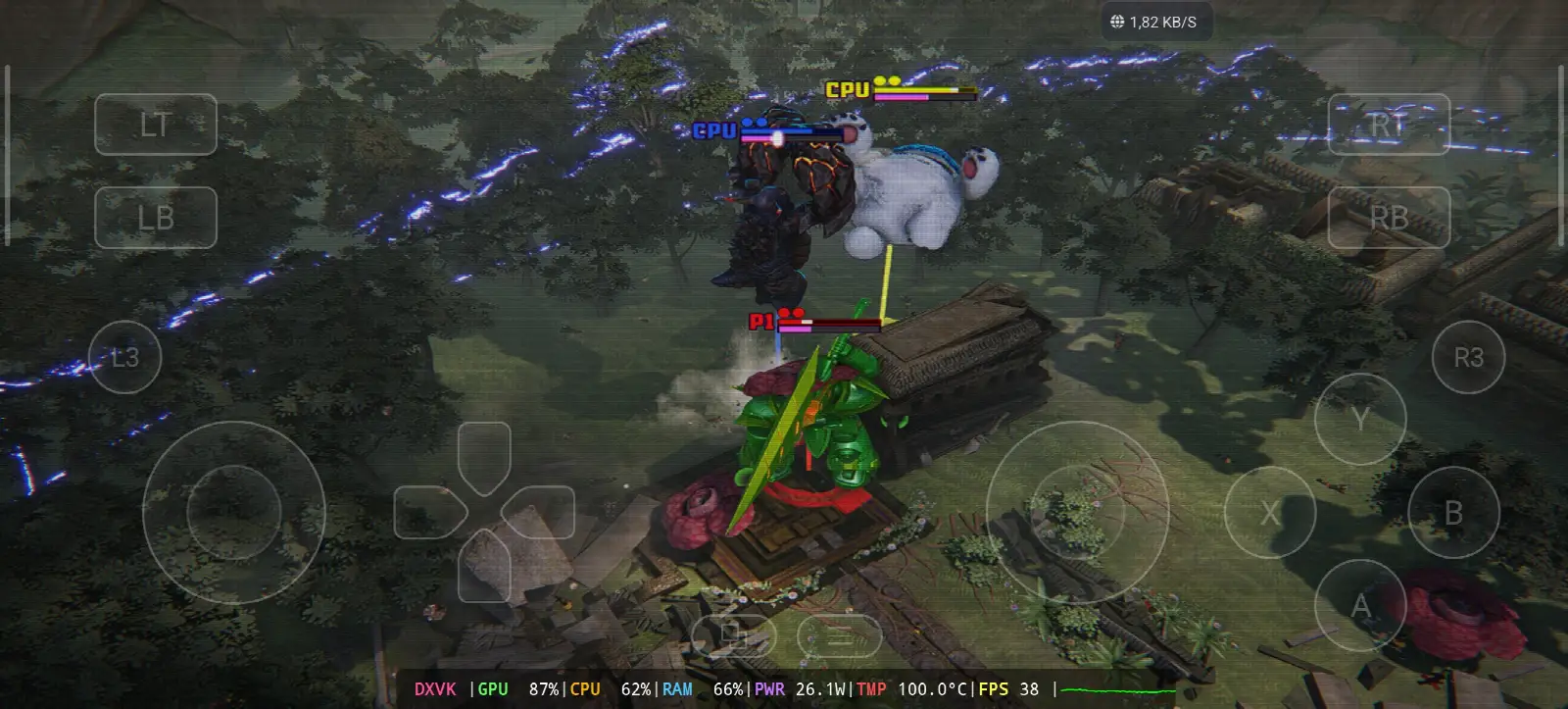
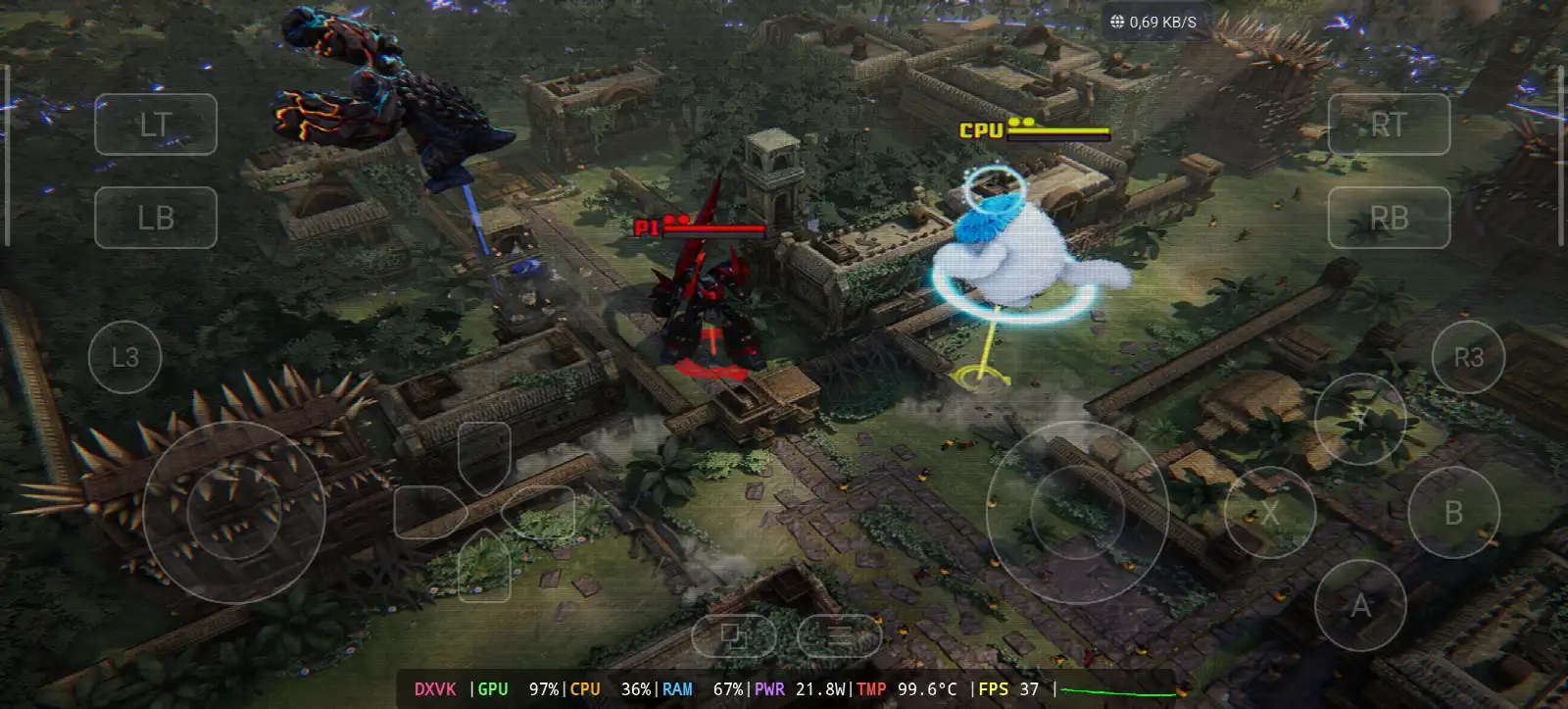
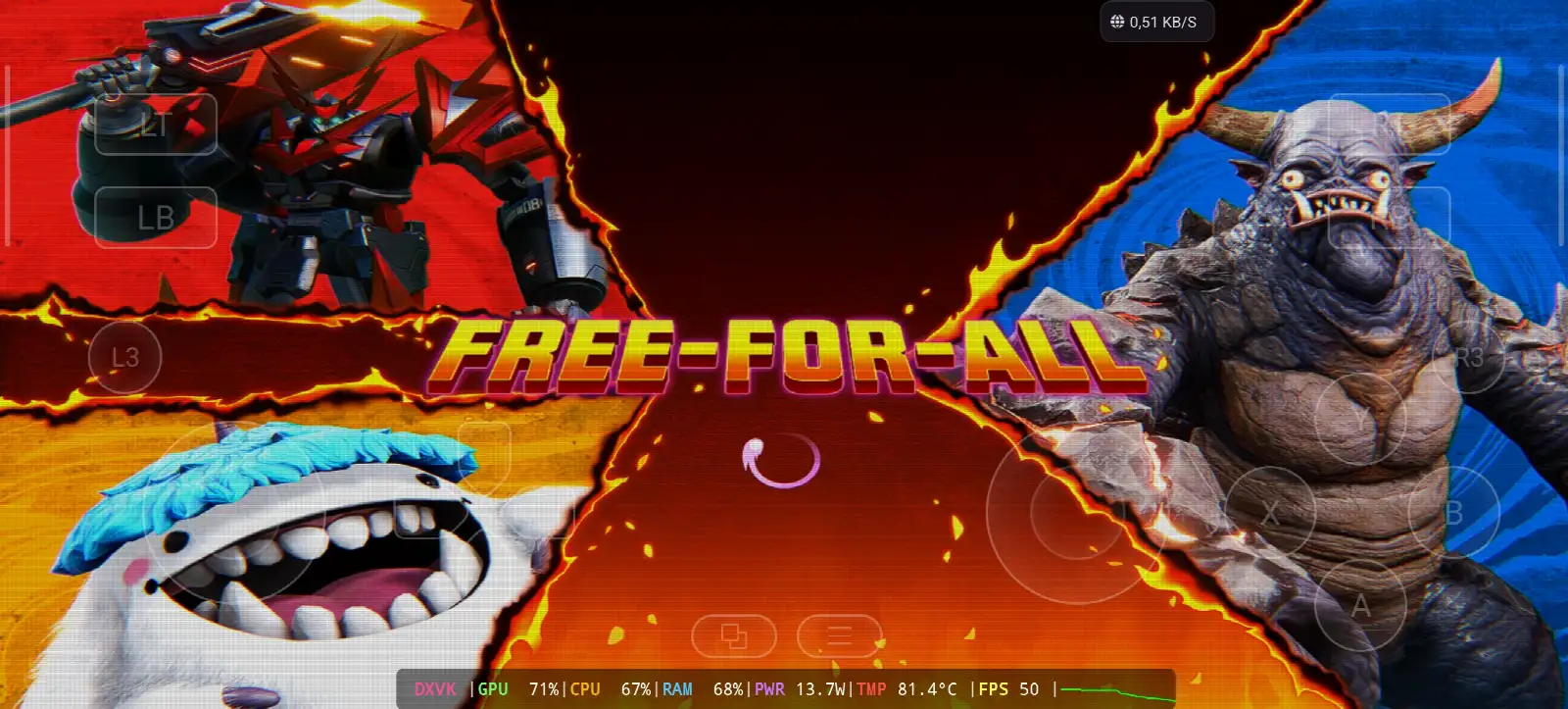
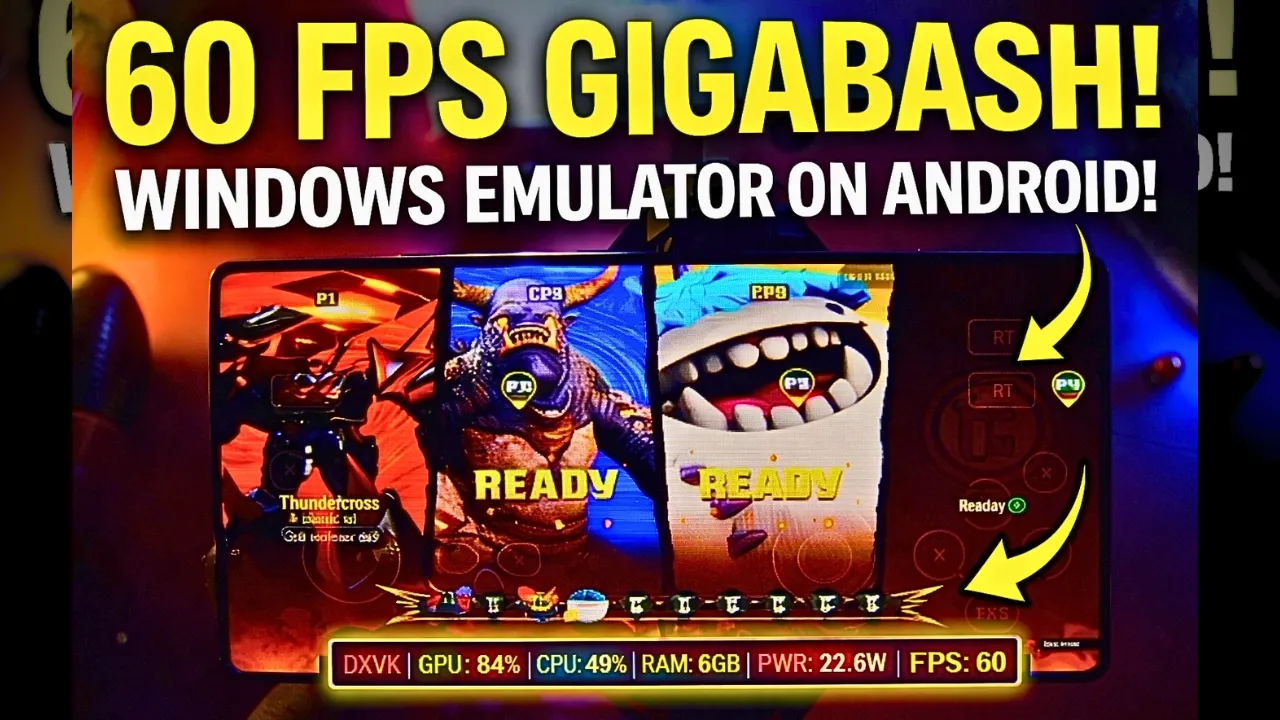
GigaBash is a kaiju brawler game developed and published by Passion Republic Games, a small independent studio from Malaysia and its there first game. the game come out on 5 August 2022 for Windows, PS4 and PS5, and one year later on 4 August 2023 for Nintendo Switch, Xbox One and Xbox Series X/S. you play with giant monsters they call them titans, kaiju, mechas and aliens, and you fight in stages that you can destroy with lava, spike walls, avalanches and missiles you can ride, and when you fill the pink Giga-energy bar your monster transform to S-class form, bigger and stronger. there is also guest monsters from Godzilla, Ultraman and Gamera as DLC, and the reviews was “mixed or average” on Metacritic. on February 26, 2026 they announce the mobile version and now GigaBash Mobile is on Google Play. on PC its need Windows 10 64 bit, Core i3-4160, 6 GB RAM, GTX 670 with DirectX 11 and 15 GB storage, and the game support controller and keyboard but not mouse, so on Gamehub you play with the touch gamepad on the screen. in my test i take Thundatross the big robot with the electric sword, against Gorogong and Woolley as CPU in Free-For-All, on a jungle map with old temple and spike walls, and the menu was in German “Couchspiel” because the Language in Gamehub was on de_DE again 🙂 WIKIPEDIA & STEAM, Let start Explain how you can run GigaBash the video game online on your Android phone:
Before We Start I Recommend These Accessories Available On Amazon To Play More Comfortable And Get A Good Time With the Game:
1- I Recommend GameSir X3 Type-C Cooling Fan Android Controller He’s Get A Good Review of More Than 59% On 5 Star over 2.192+ Review, It’s Good.
2-I Recommend Razer Kishi Mobile Game Controller 18,656+ Review For Android USB-C & FREE Shipping. Details & FREE Returns And High Sensitive With More Accurate
3- Last Accessories It’s From Razer I Recommend the Razer Kishi V2 Mobile Gaming Controller + Razer Phone Cooler Chroma The Best Part of This Accessories, is Bluetooth low energy for longer battery life, And Good Part Is Compatible With All Phones Android Or iOS.
4- Last Accessories It’s From Black Shark I Recommend the Phone Cooler Black Shark Magnetic Noise Level of 1 dB, that’s WOW.
#AD
GigaBash Online – Gamehub Emulator | Windows Emulator Android
My Gamehub Settings For GigaBash:
those are the settings from the video on my nubia Z80 Ultra (Snapdragon 8 Elite Gen 5, Adreno 840) with a phone cooler on the back, open the game in Gamehub, go to Game Settings and put it like this:
- Compatibility Layer: proton10.0-arm64x-2
- Translation Params: Game Presets
- Dinput Library: Prefer Native
- GPU Driver: qcom-842.6
- Surface Format: BGRA8
- Audio Driver: Pulse
- DXVK Version: dxvk-2.4.1-async
- VKD3D Version: vkd3d-2.12
- CPU Translator: Fex_20250910
- CPU Core Limit and VRam Limit: No Limit
- Game Resolution: 1280 x 720
- MangoHUD and DirectX HUD: off
- Language: de_DE in my video, put en_US if you want the game in English
GigaBash is made with Unreal Engine (you see the Steam and Unreal logo when it start) and its DirectX 11 game, so Gamehub use DXVK for it like you see in my overlay, the VKD3D is only for DirectX 12 games so you can leave it like that. the Translation Params i leave it on Game Presets, and Gamehub connect the Virtual Controller by itself so the touch buttons work like a Xbox controller.
1- Buy GigaBash the video game online Game:
I recommend Epic Games: ‘Low price, download the game, then install that to reduce overheating’.
*If you already have the GigaBash online game, you can simply open your Steam or Epic Games account and download the game or if you want to play GigaBash offline then connect your android Phone to the laptop or PC copy GigaBash next copy he file game to the Phone. Keep your android phone connected to copy the Gamehub Emulator app. and if you want to try it before you buy, there is a free demo of GigaBash on Steam, its the one i play in my video.
How to setup gamehub emulator – STEAM / EPIC GAMES under 5 min
2- Download Gamehub Emulator – The Windows Emulator Android:
After you download Gamehub Emulator, install it and open it and Follow the Setup the Windows Emulator on Android.
please follow this video will show how you can Setup the game on the Gamehub windows Emulator and Enjoy! 🙂
GAMEHUB Emulator Android | Test/ Setup / Settings | Best Windows Emulator – 2025
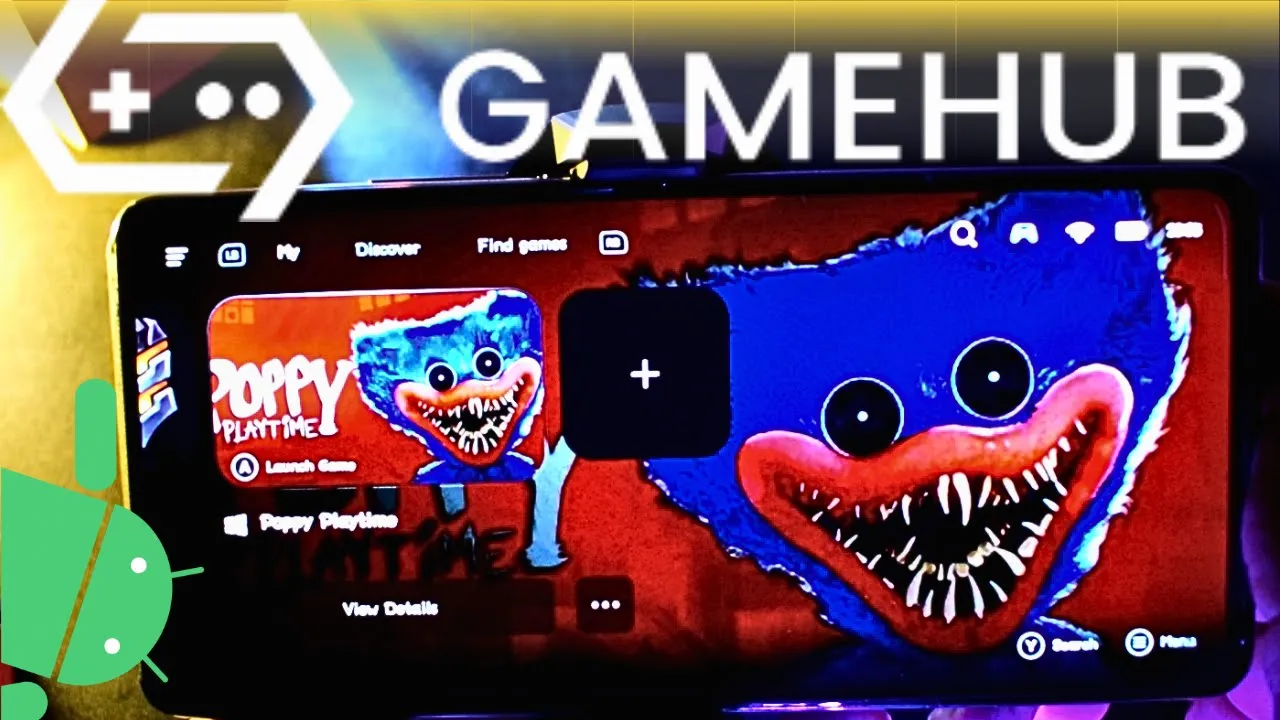
If GigaBash the video game was running with Low FPS or Graphics issue, please follow this video:
GAMEHUB ANDROID EMULATOR BEST SETTINGS: MAX FPS – FIX LAG & GLITCH
You can open your Steam, Epic Games, or Ubisoft Connect account on the Gamehub Emulator to play online.
3- Best Phone For GigaBash Android:
we at the End Explanation, GigaBash on Gamehub run between 36 and 38 fps in the fights with DXVK on 1280×720, and in the menu and the loading screen its go up to 50 fps, but this one is heavy for the phone, the GPU stay between 87 and 97% with 21.8 to 28W and the temperature touch 100°C even with the cooler on my phone, so take a break between the matches. the only stuff i can recommend is a strong Android phone with Snapdragon 8 Elite Gen 5 with phone cooler #AD, otherwise the world of Emulation is getting better day by day so be patience. if you want to play it on the cloud check my old post GigaBash on Chikii App, and if you like fighting games check also Street Fighter 6 on Gamehub Emulator, and for the full gameplay check my youtube Channel and my TikTok for short clips. and now the only word i want to say, you can check our Emulator Games category, there is a lot of huge stuff to play on your Android Phone, every where and any time. And peace out.