




Does Soccer Manager 2026 from Steam run on Android? My Gamehub test
Download and play Soccer Manager 2026 the video game on Android phone using Windows Emulator “Gamehub”, Gamehub Emulator is best windows Emulator on Android, you can open you Steam, Epic Games or Ubisoft connect account on your Android phone, start the 2026 we can play windows Games on our Phones, there is another Windows Emulator was poped up like 게임네이티브, 윈레이터 에뮬레이터 MOBOX 에뮬레이터 but the Gamehub is still the best. just to be clear Soccer Manager have a official version on Google Play, but in this post i play the Steam version of Soccer Manager 2026 on Android with Gamehub, i want to see if the PC version run good on the phone, and here is my settings and the real fps.
About Soccer Manager 2026 the video game:
Soccer Manager is a football management game from Invincibles Studio, a British company, and its look like they update the same game on Steam every season, because in my Gamehub Library the card still say Soccer Manager 2025, inside the game its Soccer Manager 2026 and now the Steam page have the name Soccer Manager 2027. you take one club and you do everything, the transfers, the training, the tactics and the formations, and you make the facilities of the club better. on Wikipedia they say around 900 clubs, 54 leagues and 36 countries for the 2024 edition with real players licensed by FIFPRO, and there is licenses like Manchester City and the German Bundesliga, you see the Bundesliga logo in the loading screen. you dont need to pay to play it but it have in-app purchases, like the SM26 Ultimate Edition offer i get in the menu. on PC its need Windows 10, 4 GB RAM, GTX 1650 with DirectX 11 and only 2 GB storage. 위키 페디아 & 증기, Let start Explain how you can run Soccer Manager 2026 the video game on your Android phone:
시작하기 전에 Amazon에서 제공되는 다음 액세서리를 추천하여 보다 편안하게 플레이하고 게임과 즐거운 시간을 보내십시오.
1. GameSir X3 Type-C 쿨링 팬 안드로이드 컨트롤러를 추천합니다 . 2.192개 이상의 리뷰에서 5점 만점에 59% 이상의 좋은 평점을 받았습니다. 괜찮은 제품입니다.
2. Razer Kishi 모바일 게임 컨트롤러 추천 (18,656개 이상의 리뷰, 안드로이드 USB-C 지원, 무료 배송). 상세 정보 및 무료 반품 가능. 높은 감도와 더욱 정확한 조작감 제공.
3. 마지막으로 Razer 제품을 추천합니다. Razer Kishi V2 모바일 게이밍 컨트롤러 와 Razer Chroma 스마트폰 쿨러를 함께 사용해 보세요 . 이 액세서리의 가장 큰 장점은 블루투스 저전력 기술로 배터리 수명이 길어졌다는 점이며, 안드로이드 및 iOS를 사용하는 모든 스마트폰과 호환된다는 점입니다.
4- 내가 추천하는 Black Shark의 마지막 액세서리 폰 쿨러 블랙샤크 마그네틱 1dB의 노이즈 레벨, WOW입니다.
#기원 후
Soccer Manager 2026 – Gamehub Emulator | Windows Emulator Android
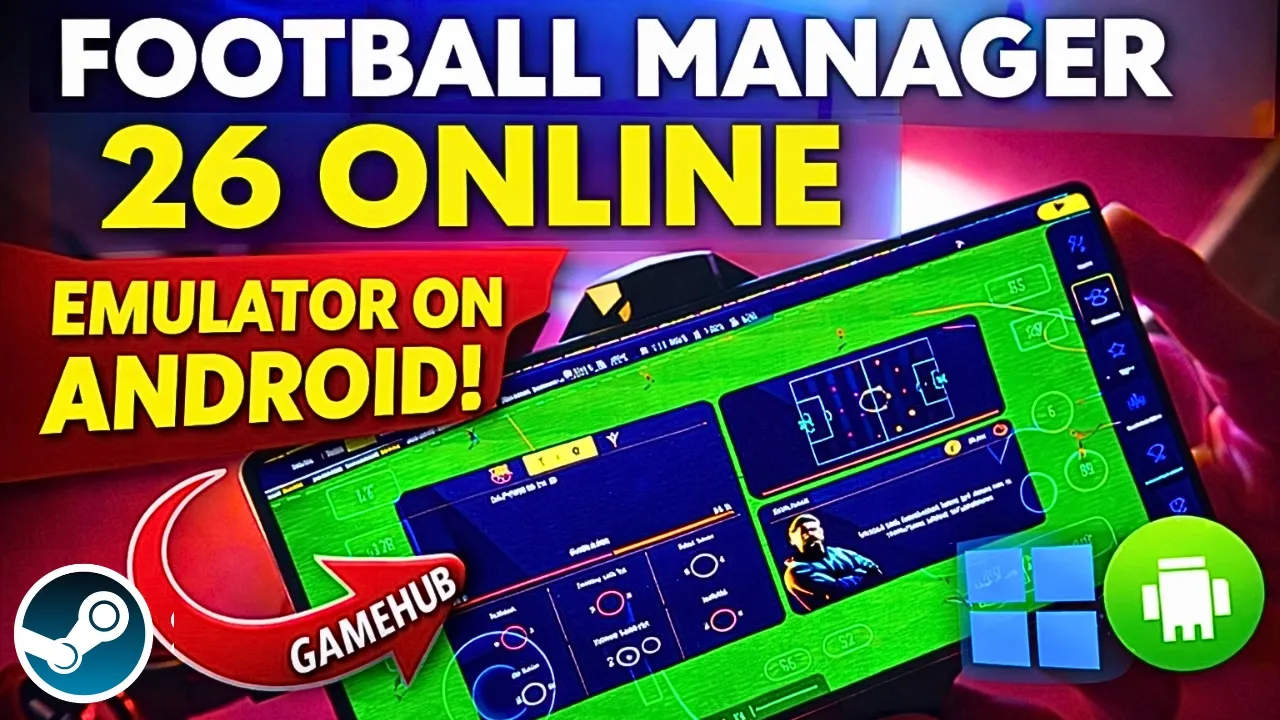
My Gamehub Settings For Soccer Manager 2026:
those are the settings i show in the video on my phone with Snapdragon 8 Elite Gen 5, the game you see is Soccer Manager 2026, in the Gamehub Library press the three points of the game, open PC Game Settings and put it like this:
- 언어 : 제 영상에서 de_DE라고 되어 있는데, 영어로 게임을 하고 싶으시면 en_US라고 입력해주세요.
- 게임 해상도: 1280 x 720
- MangoHUD 및 DirectX HUD: 오프
- Auto-display keyboard when input needed: on
- 호환성 레이어: 프로톤10.0-arm64x-2
- 번역 매개변수: 게임 사전 설정
- DInput Library: 네이티브 앱 선호
- Skip Audio/Video Decode: 오프
- GPU 드라이버: qcom-842.6
- 표면 형식: BGRA8
- 오디오 드라이버: 펄스
- DXVK 버전: dxvk-2.4.1-비동기
- VKD3D 버전: vkd3d-2.12
- CPU 번역기: Fex_20250910
- CPU 코어 제한 및 VRAM 제한: 제한 없음
- Performance menu in the game: Native Rendering+, the Frame Limit off, and i turn on HDR, CRT Display Effect and Super Resolution
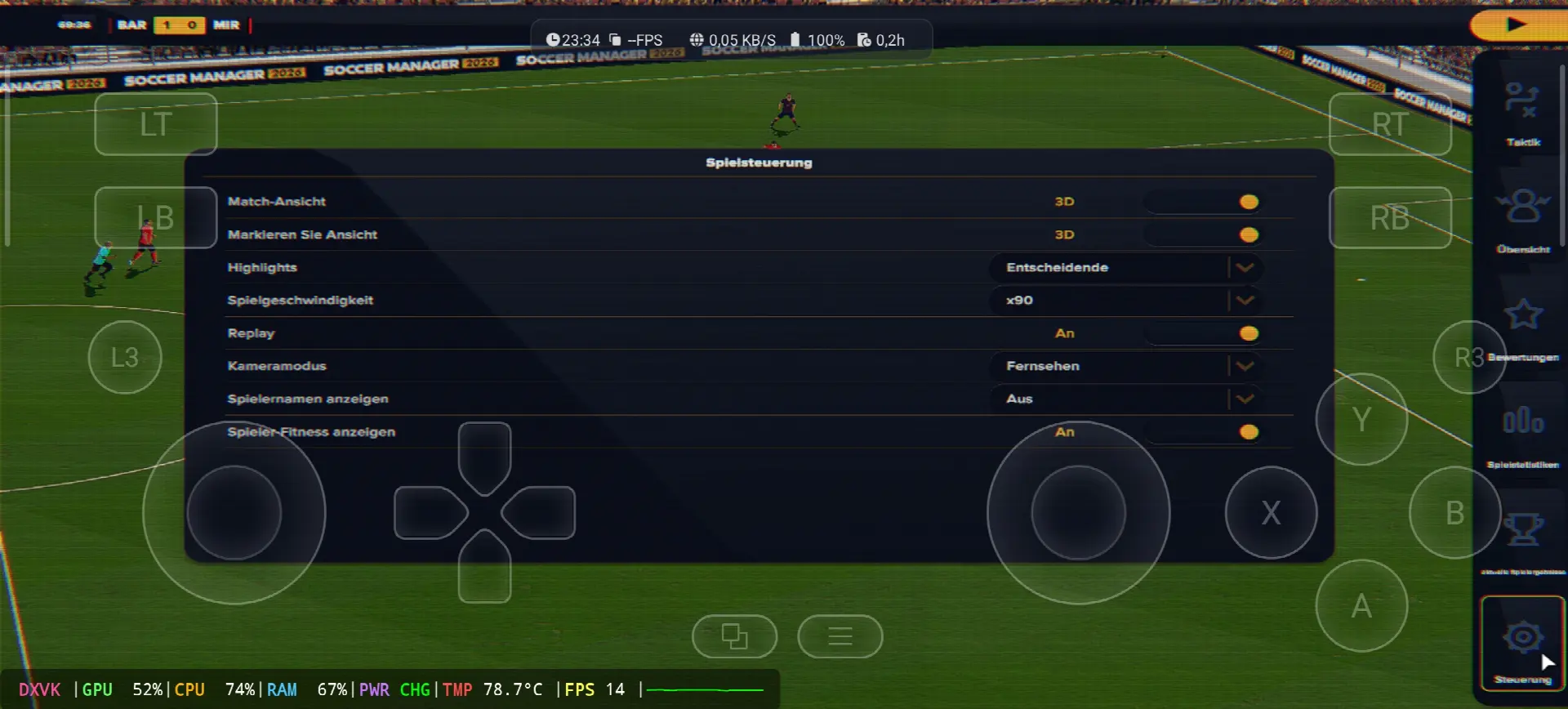
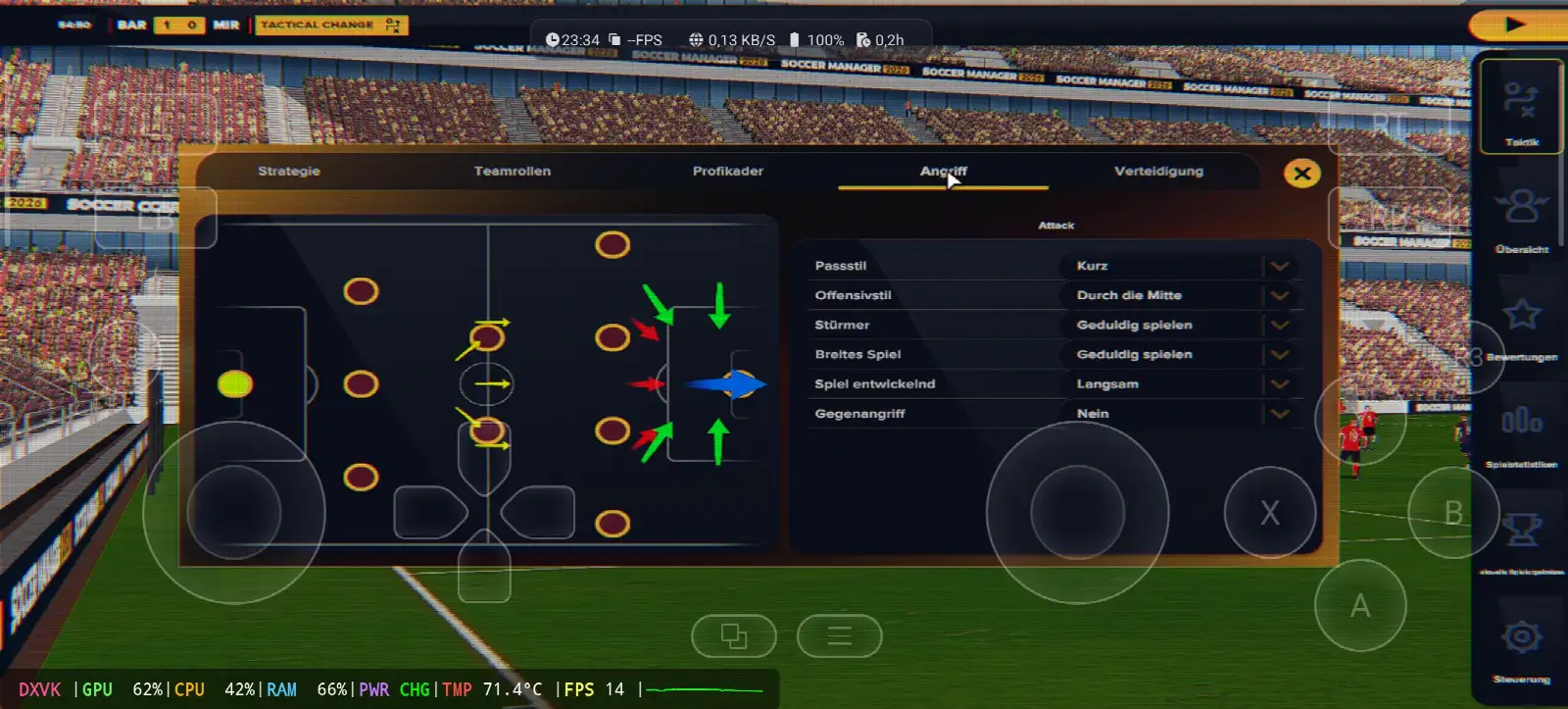
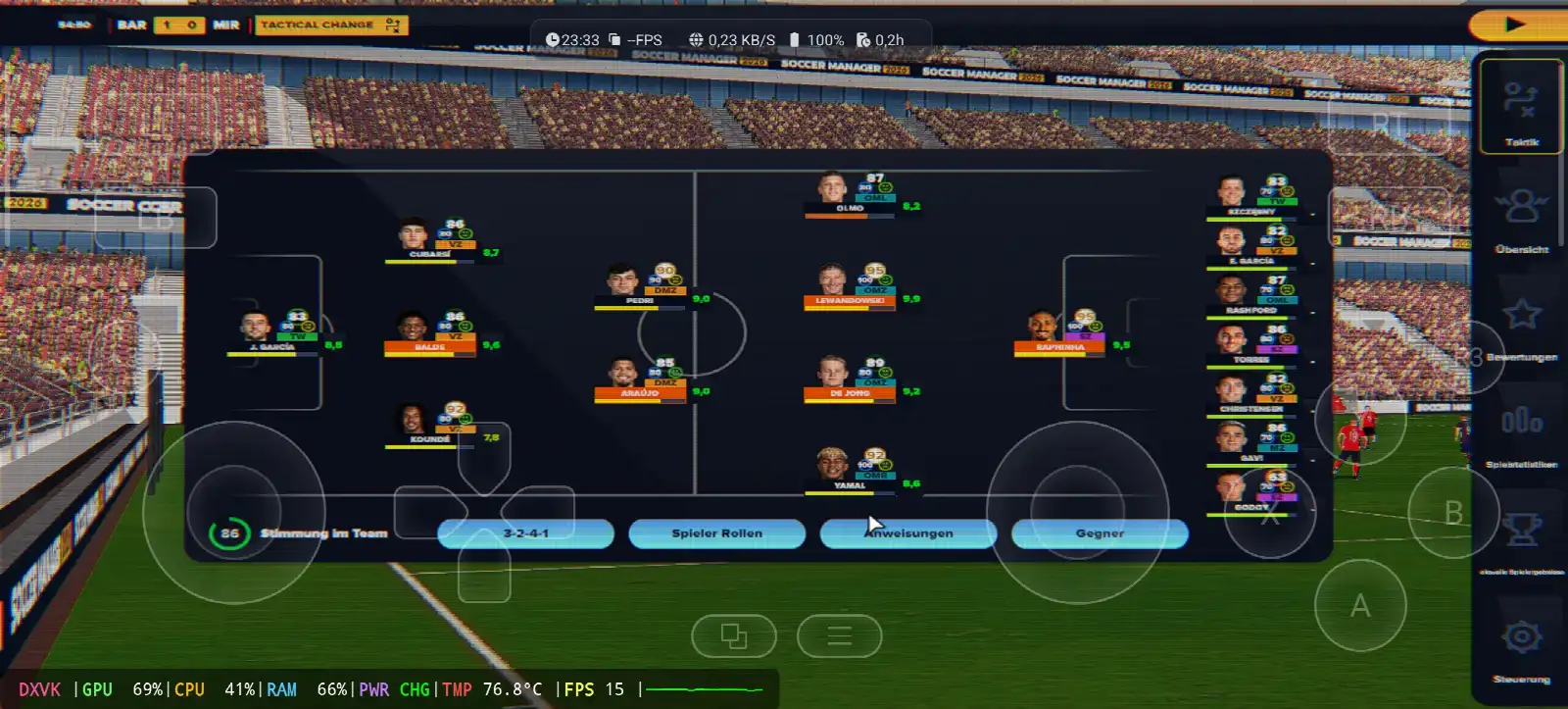
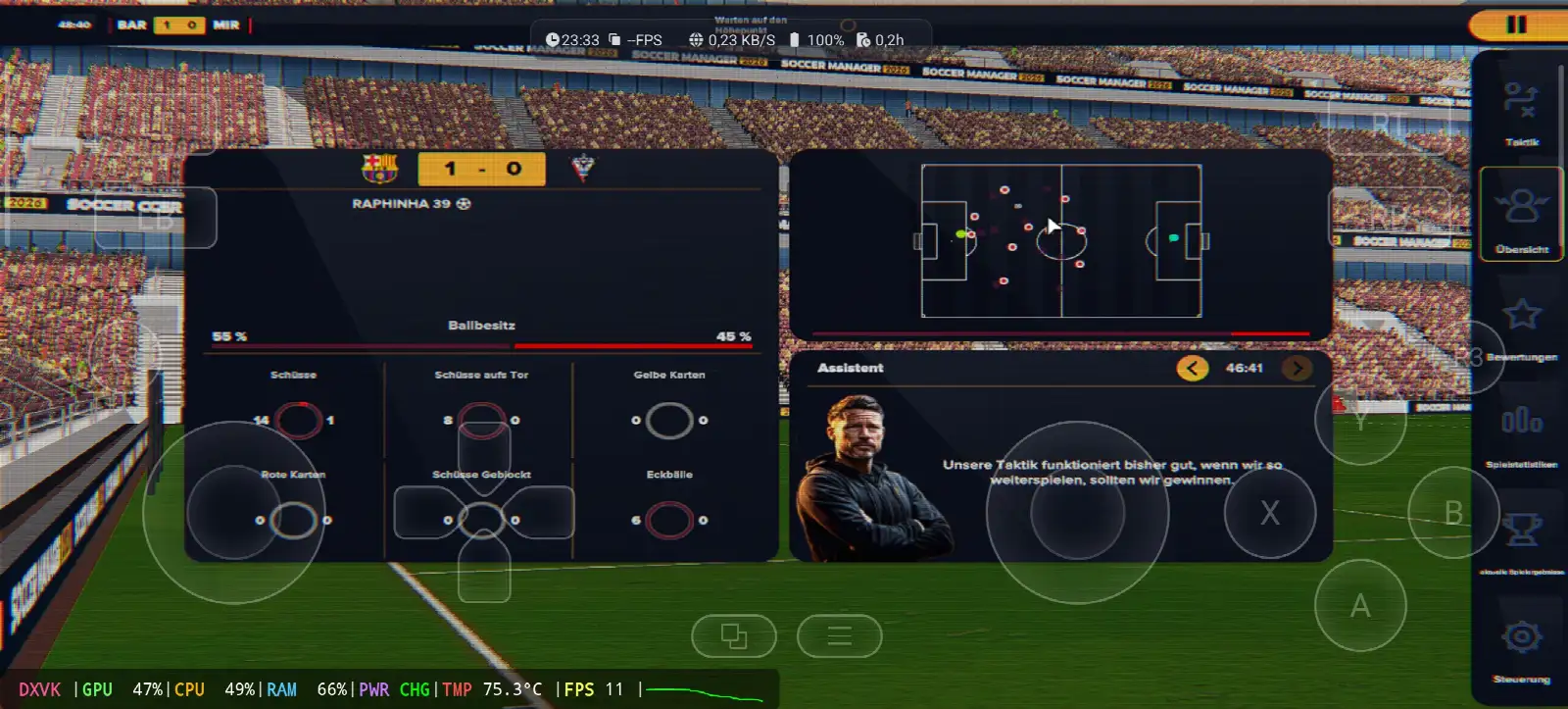
Gamehub open the Steam client first and log in, then you see the Invincibles logo and the loading screen. in my test i play with Barcelona in a 3-2-4-1 and i was winning 1-0 with a goal from Raphinha in the 39 minute, the menus and the tactic screens was smooth between 57 and 59 fps, the intro of the match around 45 fps, but in the 3D match its go down to 11-19 fps. the GPU was 47 to 69%, the CPU 41 to 74% and the RAM 66 to 67%, and the temperature between 71.4 and 78.7°C with the phone on the charger. for a manager game its still ok because you are more time in the menus, and in the Steuerung menu of the match there is a button for the 3D view (Match-Ansicht), you can try to change it if the match is too slow for you.
1- Get Soccer Manager on Steam:
when you open the Steam page now you get the 2027 edition, its the same page of the game i play in my video.
가능하다면 에픽 게임즈를 추천합니다. '저렴한 가격에 게임을 다운로드한 후 설치하면 과열을 줄일 수 있습니다.'
*If you already have Soccer Manager in your Steam Library, you can simply open your Steam account and download the game or if you have it on your PC then connect your android Phone to the laptop or PC copy Soccer Manager next copy he game to the Phone. Keep your android phone connected to copy the Gamehub Emulator app.
게임허브 에뮬레이터 설정 방법 (스팀/에픽게임즈) - 5분 안에 완료
2. Gamehub 에뮬레이터 다운로드 - Windows용 Android 에뮬레이터:
Gamehub 에뮬레이터를 다운로드한 후 설치하고 실행하여 Android에서 Windows 에뮬레이터를 설정하는 단계를 따르세요.
이 비디오를 따라하시면 Gamehub 윈도우 에뮬레이터에 게임을 설치하고 즐기는 방법을 알려드립니다! 🙂
GAMEHUB 안드로이드 에뮬레이터 | 테스트/설치/설정 | 2025년 최고의 윈도우 에뮬레이터
If Soccer Manager 2026 the video game was running with Low FPS or Graphics issue, please follow this video:
GAMEHUB ANDROID 에뮬레이터 최적 설정: 최대 FPS - 지연 및 오류 수정
Gamehub 에뮬레이터에서 Steam, Epic Games 또는 Ubisoft Connect 계정을 열어 온라인으로 게임을 즐길 수 있습니다.
3- Best Phone For Soccer Manager 2026 Android:
we at the End Explanation, Soccer Manager 2026 from Steam run on Gamehub, the menus are smooth with 57 to 59 fps but the 3D match is slow with 11 to 19 fps, so if you want only to play it on the phone then the official version on Google Play is the easy way, and the Steam version is nice if you like to have your Steam Library in your pocket. the only stuff i can recommend is a strong Android phone with 스냅드래곤 8 엘리트 5세대 과 전화 쿨러 #AD because the temperature go up to 78.7°C in the match, otherwise the world of Emulation is getting better day by day so be patience. if you like football games check also PES 2013 on MOBOX Emulator and my old post Football Manager 2020 Mobile on Chikii App전체 게임 플레이 영상은 제 채널을 확인해 주세요. 유튜브 채널 제 틱톡 서비스 짧은 영상 클립용입니다. 그리고 이제 제가 하고 싶은 말은 딱 하나입니다. 저희 사이트를 확인해 보세요. 에뮬레이터 게임 카테고리안드로이드 폰에는 언제 어디서든 즐길 수 있는 엄청난 게임들이 많이 있습니다. 그럼 안녕히 계세요.




