





gta 5 aps3e android – PS3 Emulator
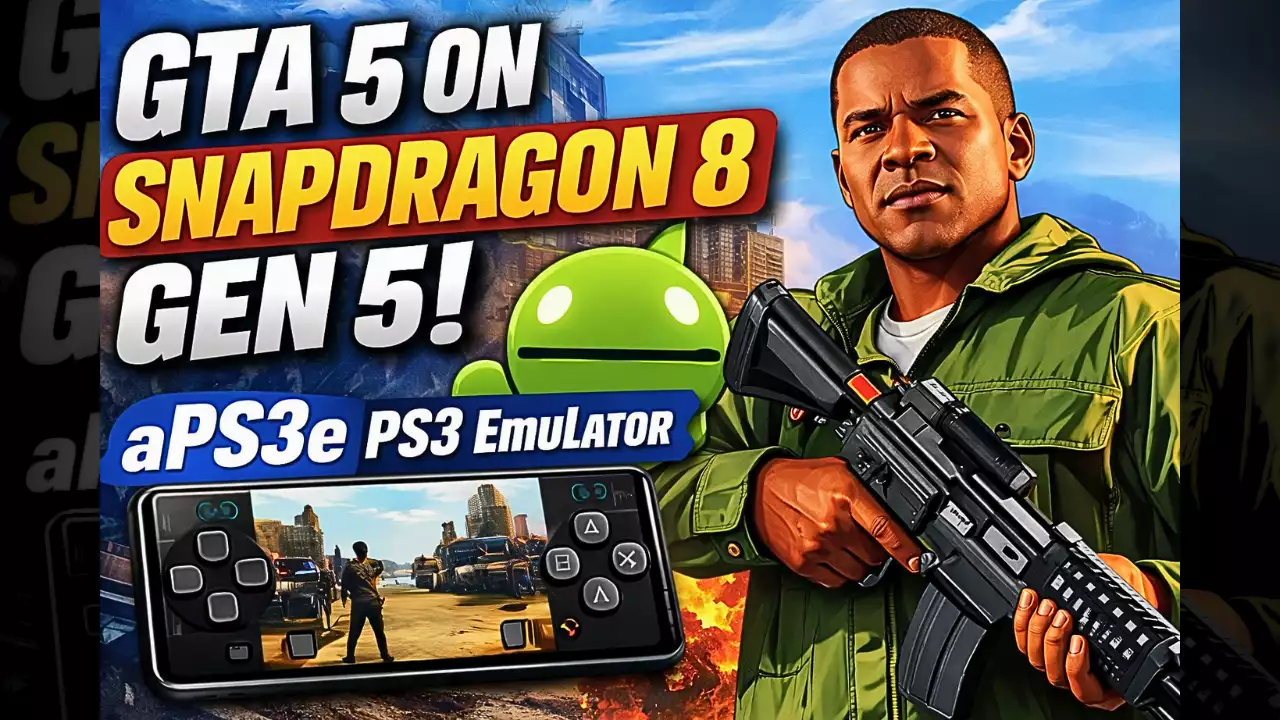
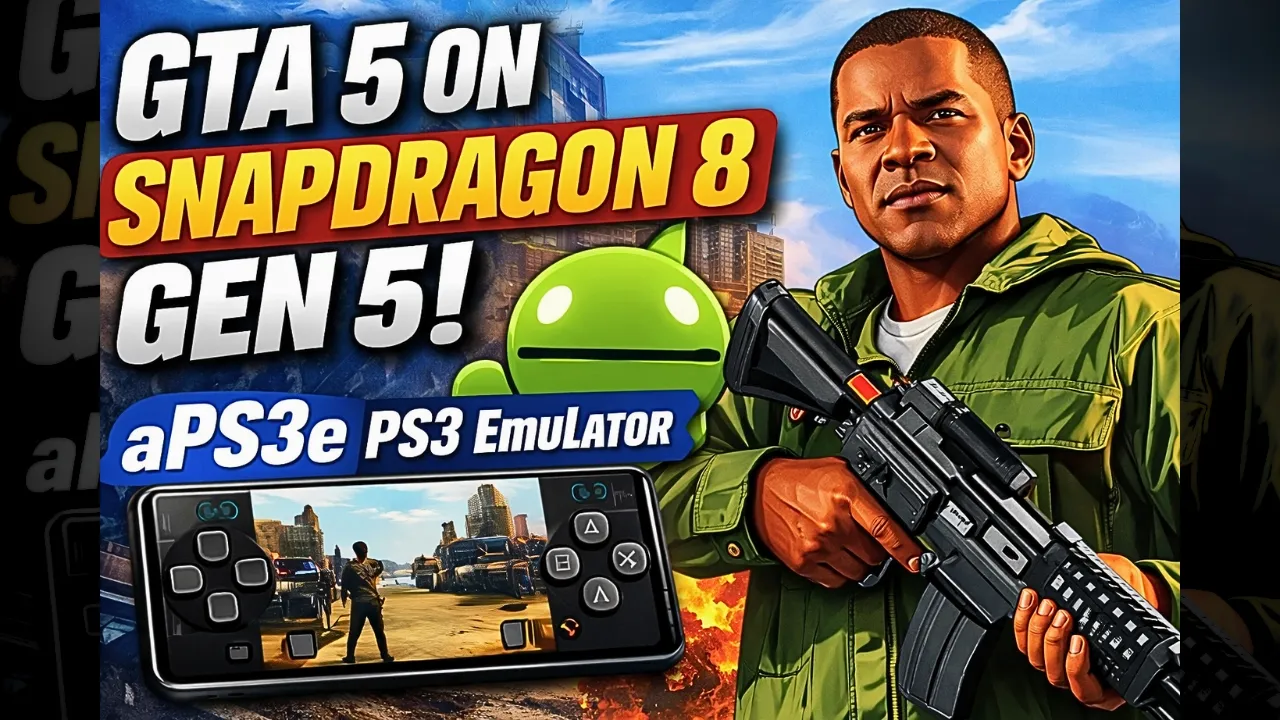
Download and play GTA 5 on Android with aPS3e – PS3 Emulator apk, the years is going fast and now we can run the PS3 games on our Android phones, for iPhone still not supported yet. aPS3e is one of the best PS3 emulator for Android and you can download the APK for free. there is 2 more PS3 Emulators on Android you can try, RPCSX Android and RPCS3 Android APK, but from my test the aPS3e and RPCSX running better than RPCS3, so i recommend you to play Grand Theft Auto V on aPS3e Android APK or RPCSX Android APK. In my video down you can see how GTA 5 is running on phone with Snapdragon 8 Elite Gen 5, and if you are fan of the GTA series check also “GTA san andreas ps3 emulator android – RPCSX Emulator“
Grand Theft Auto V is an action-adventure game made by Rockstar North and published from Rockstar Games, the game came out in September 2013 for PlayStation 3 and Xbox 360, after that for PS4, Xbox One, PC and in 2022 for PS5 and Xbox Series X/S. It is the seventh main game in the Grand Theft Auto series and the story happen in the fictional state of San Andreas, where the city Los Santos is based on Los Angeles. You play with three characters, the retired bank robber Michael De Santa, the street gangster Franklin Clinton and the drug dealer and gunrunner Trevor Philips, they try to make big heists while corrupt government agents and criminals put pressure on them. The game have also an online mode called Grand Theft Auto Online, where up to 30 players can play together in the same world. GTA V is the second best-selling video game of all time with more than 230 million copies shipped, and it made 800 million dollar only in the first day.. WIKIPEDIA, Let start Explain how you can play GTA 5 aPS3e Android on your phone:
GTA V | Snapdragon 8 elite gen 5 | aPS3e PS3 Emulator Android
Before We Start I Recommend These Accessories Available On Amazon To Play GTA 5 More Comfortable And Have A Good Time With the Game:
1- I Recommend GameSir X2 Bluetooth Mobile Gaming Controller He Have A Good Review of More Than 52% On 5 Star It’s Good.
2-I Recommend Razer Kishi Mobile Game Controller +15,817 Review For Android USB-C & FREE Shipping. Details & FREE Returns And High Sensitive With More Accurate
3- Last Accessories It’s From Razer I Recommend the Razer Kishi V2 Mobile Gaming Controller + Razer Phone Cooler Chroma The Best Part of This Accessories, is Bluetooth low energy for longer battery life, And The Bad Part Is Not Compatible With All Phones Android Or iOS.
4- Last Accessories It’s From Razer I Recommend the Razer Junglecat Dual-Sided Mobile Game Controller + Bitcircuit Mobile Phone Radiator Cooler Fan The Best Part of This Accessories, Bluetooth low energy for longer battery life, And The Bad Part Is Not Compatible With All Phones Only With Razer Phone 2, Galaxy Note 9, Galaxy S10+, Note: Only Razer Junglecat Is Not Supported on All Phone But The Cooler Fan Is Supported With All Phone
How to play GTA 5 aPS3e Android – step by step:
Step number 1: Buy and download the game GTA 5 (PS3 version):
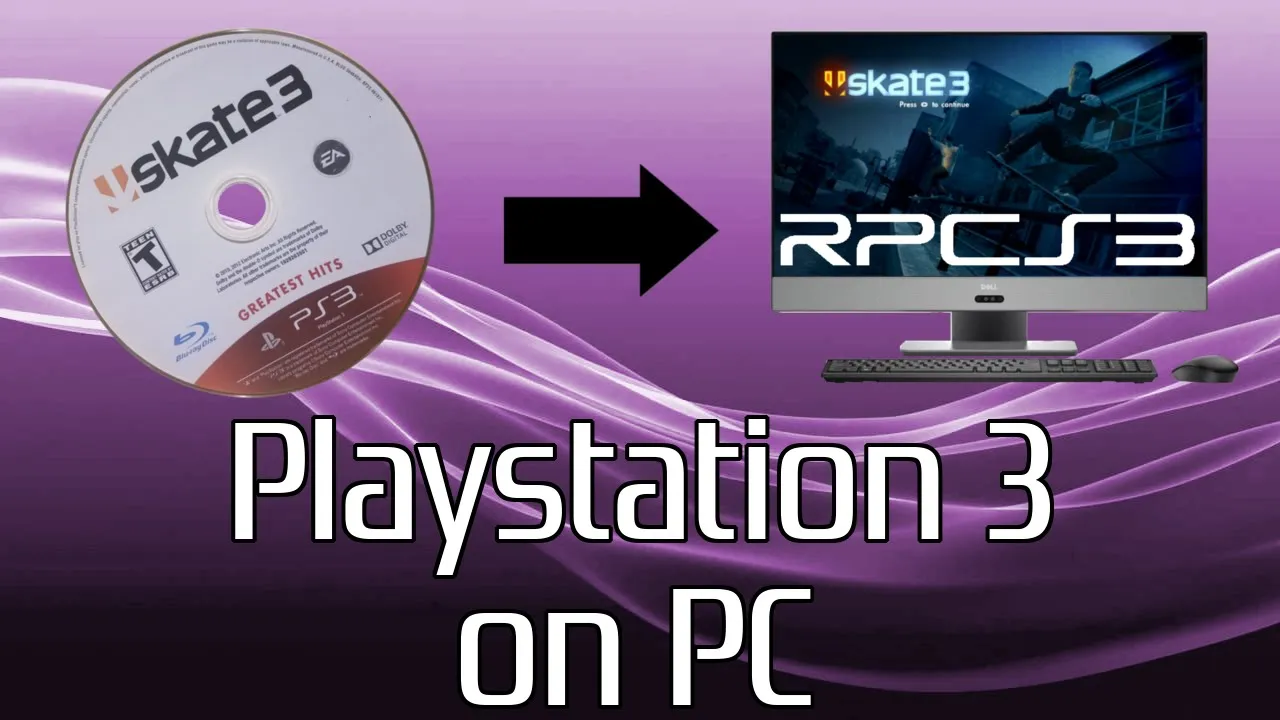
When you buy the game or if you have it already, you need to dump the game from your PS3. You can follow this guide from the Official RPCS3 or just watch this Video and follow the steps one by one
How To Dump Your PS3 Game Discs to Play on aPS3e – Multi-Step Method
Step number 2: After dumping GTA 5:
Connect your phone to the PC with Cable or WIFI and copy the dumped GTA 5 game to the phone, “Keep your phone connected, because you need to download the aPS3e APK too and it’s for Free”.
Step Number 3: Download aPS3e and PS3 Firmware on your Android for free:
When the aPS3e APK and the PS3 Firmware is downloaded, install the aPS3e and open it, the emulator will ask you for the Firmware. Tap on the three lines on the left side of aPS3e and choose “Install Firmware” “like you see in the photo.”
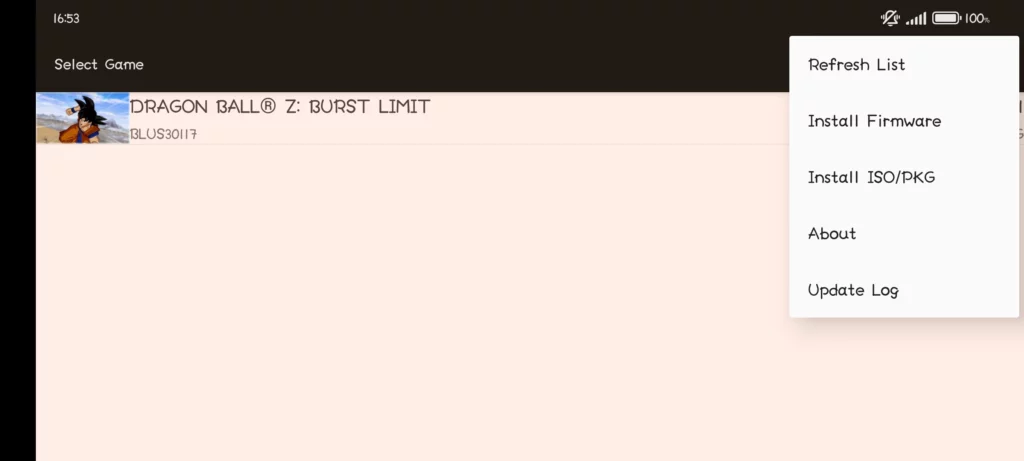
After that, click on “Install ISO/PKG” and add the game GTA 5, then click on “Refresh List”, the game will show up and enjoy!
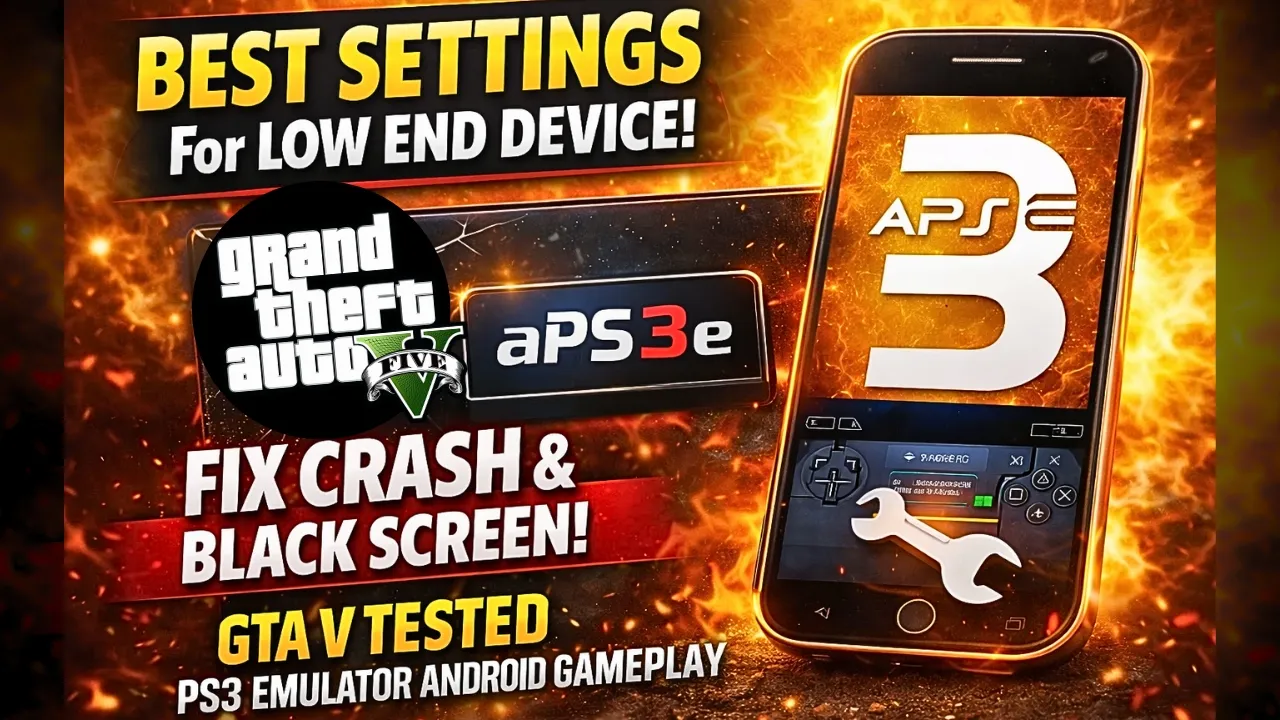
If GTA 5 is running slow or you have an issue with the Graphics, follow this Video:
aPS3e Best Settings for Low End Device – Fix Crash and Black screen
aPS3e Premium vs RPCSX: Which PS3 Emulator is Better

we at the end of the GTA 5 aPS3e Android explanation, if you like this kind of videos please subscribe to my YouTube channel Null48 and follow me on TikTok, there i test a lot of games on PS3, PS2, Switch and Windows emulators for Android. the one thing i can recommend you, to play GTA 5 and the other heavy PS3 games more smooth you need a strong Android phone with Snapdragon 8 Elite Gen 5 #AD and a good phone cooler #AD, because the emulator make the phone hot very fast and then the FPS going down. the world of Emulation is getting better day by day so be patience, maybe soon we can see GTA 5 running full speed on mid range phones too. and dont forget to check our Emulator Games category, there is a lot of PS3, PS2, PSP and Switch games tested on Android. so thats it for today, stay safe and peace out!