




Does Soccer Manager 2026 from Steam run on Android? My Gamehub test
Download and play Soccer Manager 2026 the video game on Android phone using Windows Emulator “Gamehub”, Gamehub Emulator is best windows Emulator on Android, you can open you Steam, Epic Games or Ubisoft connect account on your Android phone, start the 2026 we can play windows Games on our Phones, there is another Windows Emulator was poped up like Gamenative, Winlator Emulator and MOBOX Emulator but the Gamehub is still the best. just to be clear Soccer Manager have a official version on Google Play, but in this post i play the Steam version of Soccer Manager 2026 on Android with Gamehub, i want to see if the PC version run good on the phone, and here is my settings and the real fps.
About Soccer Manager 2026 the video game:
Soccer Manager is a football management game from Invincibles Studio, a British company, and its look like they update the same game on Steam every season, because in my Gamehub Library the card still say Soccer Manager 2025, inside the game its Soccer Manager 2026 and now the Steam page have the name Soccer Manager 2027. you take one club and you do everything, the transfers, the training, the tactics and the formations, and you make the facilities of the club better. on Wikipedia they say around 900 clubs, 54 leagues and 36 countries for the 2024 edition with real players licensed by FIFPRO, and there is licenses like Manchester City and the German Bundesliga, you see the Bundesliga logo in the loading screen. you dont need to pay to play it but it have in-app purchases, like the SM26 Ultimate Edition offer i get in the menu. on PC its need Windows 10, 4 GB RAM, GTX 1650 with DirectX 11 and only 2 GB storage. WIKIPEDIA & STEAM, Let start Explain how you can run Soccer Manager 2026 the video game on your Android phone:
Before We Start I Recommend These Accessories Available On Amazon To Play More Comfortable And Get A Good Time With the Game:
1- I Recommend GameSir X3 Type-C Cooling Fan Android Controller He’s Get A Good Review of More Than 59% On 5 Star over 2.192+ Review, It’s Good.
2-I Recommend Razer Kishi Mobile Game Controller 18,656+ Review For Android USB-C & FREE Shipping. Details & FREE Returns And High Sensitive With More Accurate
3- Last Accessories It’s From Razer I Recommend the Razer Kishi V2 Mobile Gaming Controller + Razer Phone Cooler Chroma The Best Part of This Accessories, is Bluetooth low energy for longer battery life, And Good Part Is Compatible With All Phones Android Or iOS.
4- Last Accessories It’s From Black Shark I Recommend the Phone Cooler Black Shark Magnetic Noise Level of 1 dB, that’s WOW.
#AD
Soccer Manager 2026 – Gamehub Emulator | Windows Emulator Android
My Gamehub Settings For Soccer Manager 2026:
those are the settings i show in the video on my phone with Snapdragon 8 Elite Gen 5, the game you see is Soccer Manager 2026, in the Gamehub Library press the three points of the game, open PC Game Settings and put it like this:
- Language: de_DE in my video, put en_US if you want the game in English
- Game Resolution: 1280 x 720
- MangoHUD and DirectX HUD: off
- Auto-display keyboard when input needed: on
- Compatibility Layer: proton10.0-arm64x-2
- Translation Params: Game Presets
- DInput Library: Prefer Native
- Skip Audio/Video Decode: off
- GPU Driver: qcom-842.6
- Surface Format: BGRA8
- Audio Driver: Pulse
- DXVK Version: dxvk-2.4.1-async
- VKD3D Version: vkd3d-2.12
- CPU Translator: Fex_20250910
- CPU Core Limit and VRam Limit: No Limit
- Performance menu in the game: Native Rendering+, the Frame Limit off, and i turn on HDR, CRT Display Effect and Super Resolution
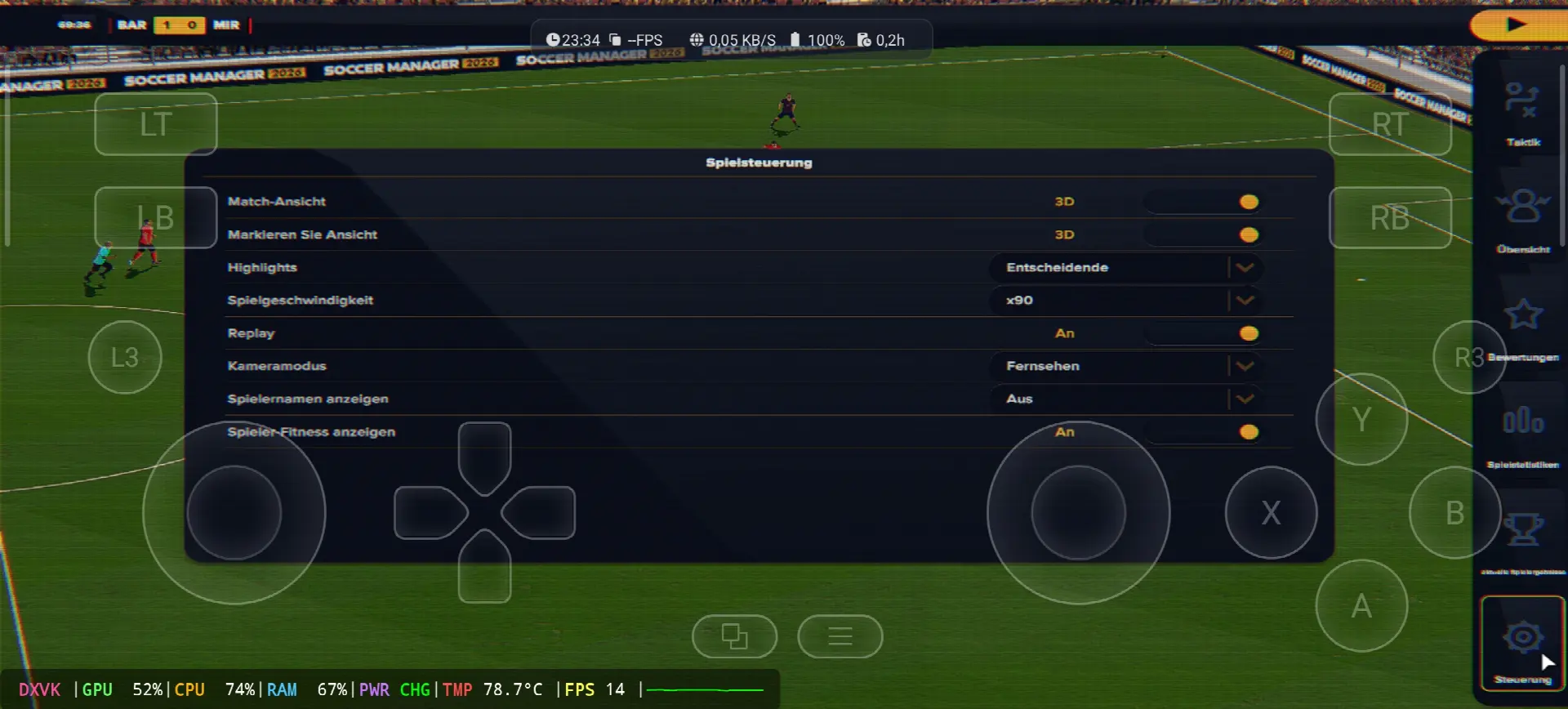
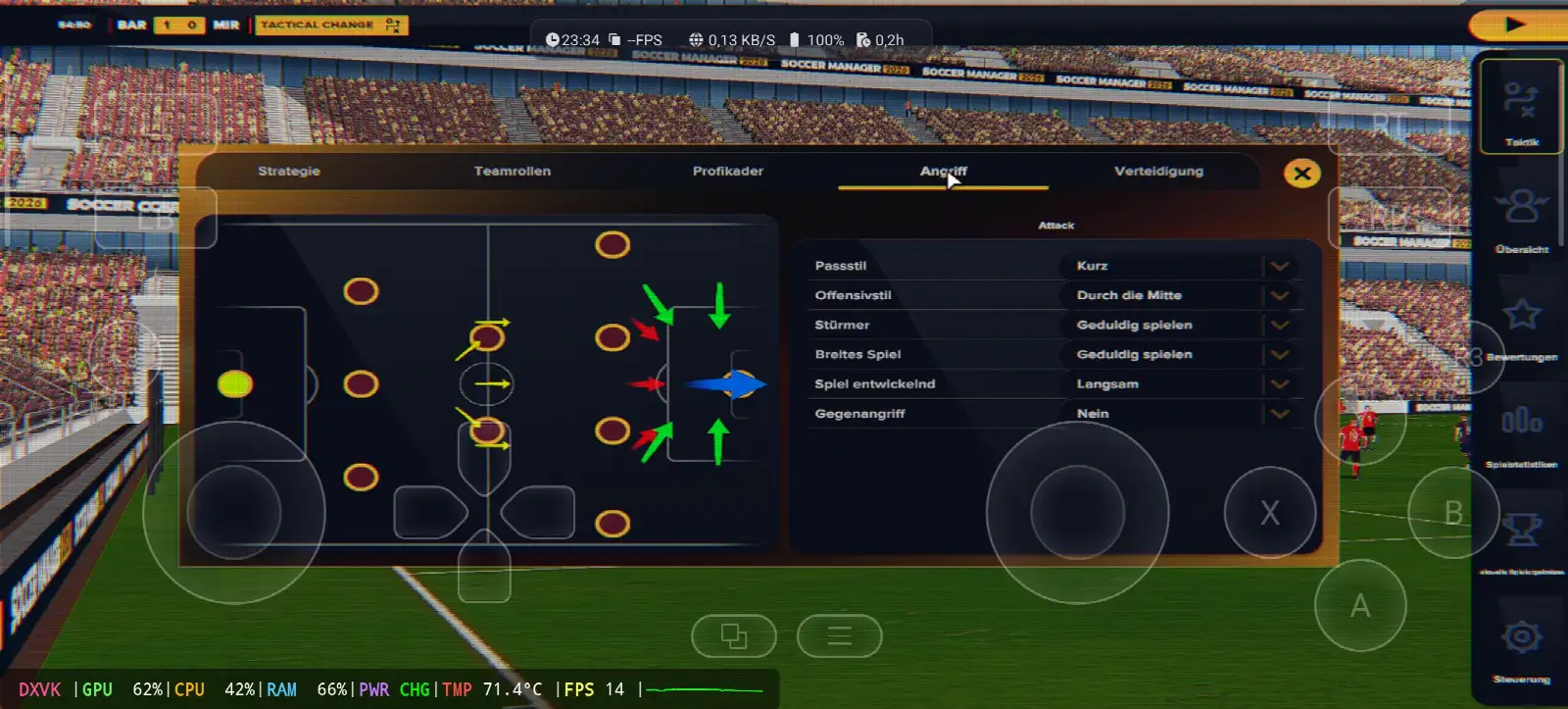
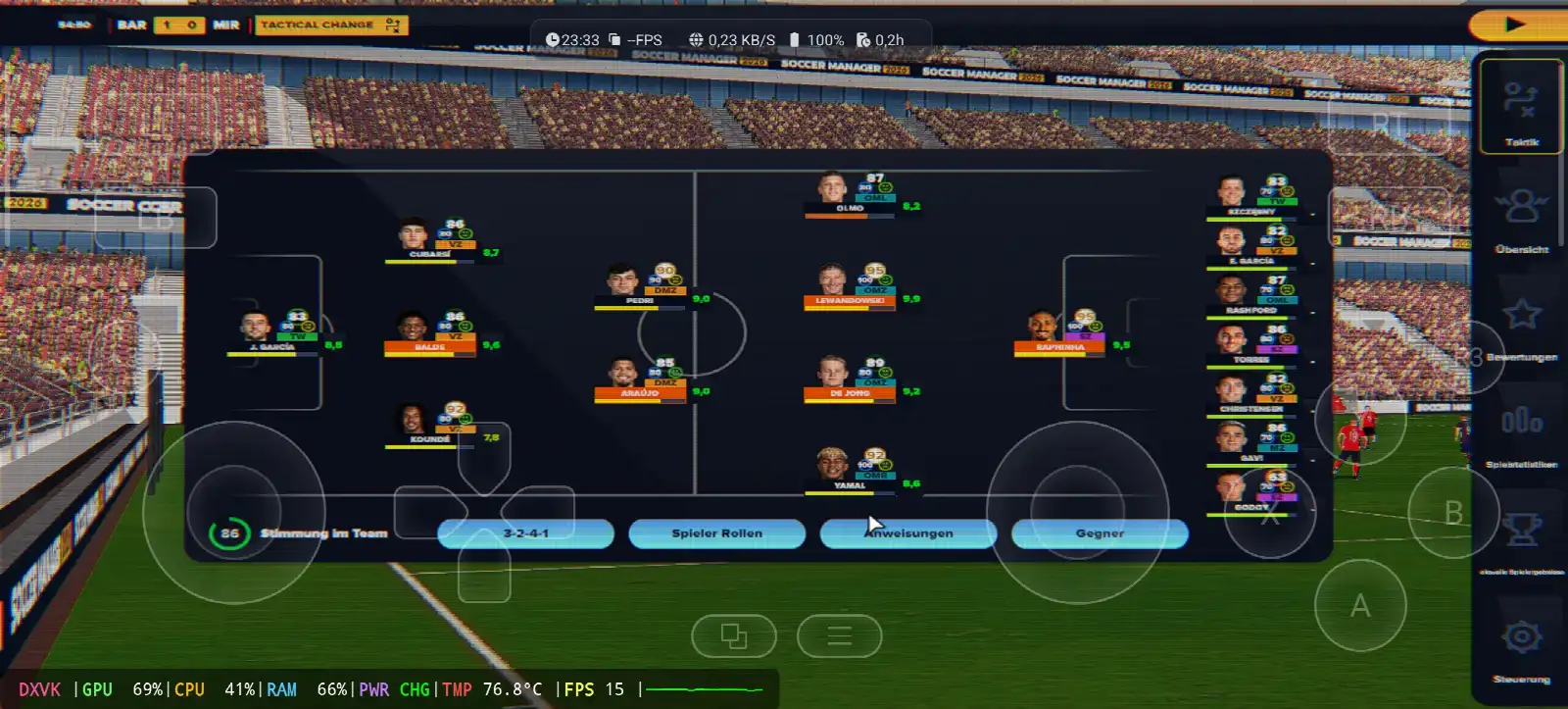
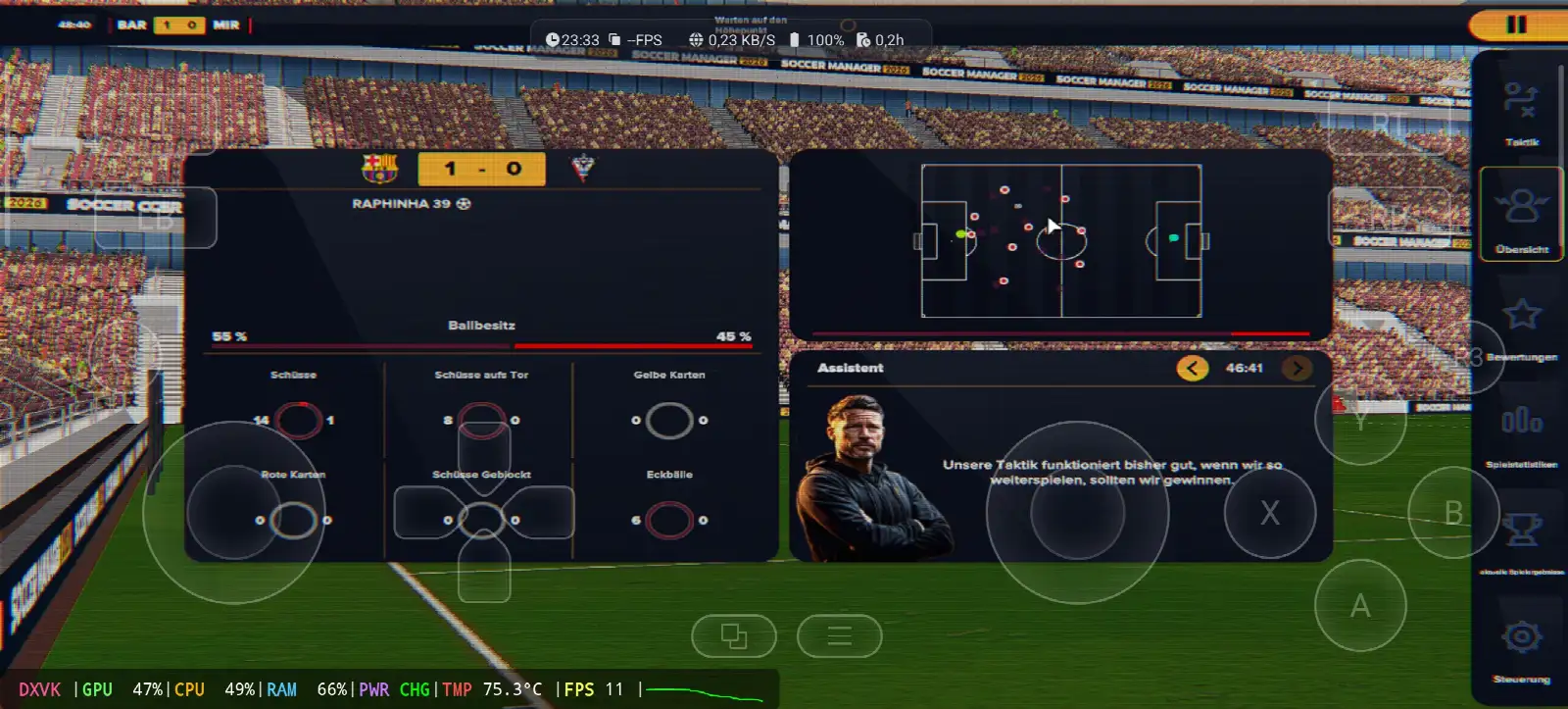
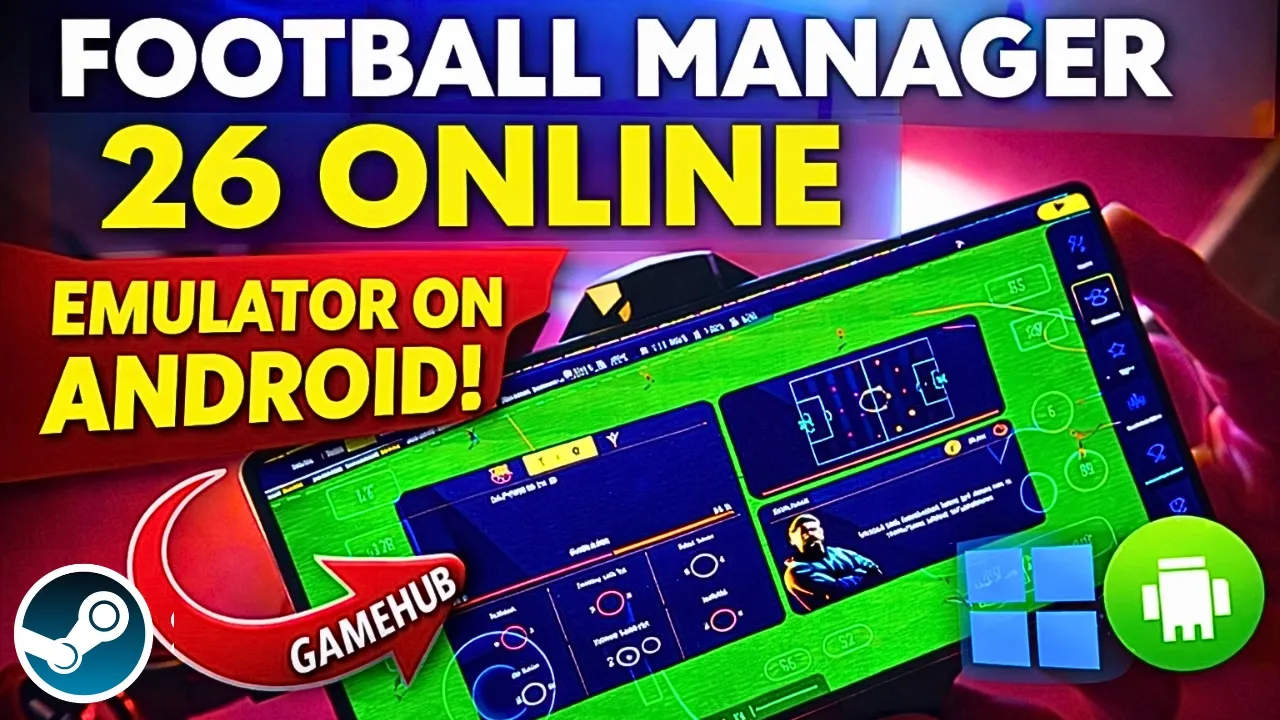
Gamehub open the Steam client first and log in, then you see the Invincibles logo and the loading screen. in my test i play with Barcelona in a 3-2-4-1 and i was winning 1-0 with a goal from Raphinha in the 39 minute, the menus and the tactic screens was smooth between 57 and 59 fps, the intro of the match around 45 fps, but in the 3D match its go down to 11-19 fps. the GPU was 47 to 69%, the CPU 41 to 74% and the RAM 66 to 67%, and the temperature between 71.4 and 78.7°C with the phone on the charger. for a manager game its still ok because you are more time in the menus, and in the Steuerung menu of the match there is a button for the 3D view (Match-Ansicht), you can try to change it if the match is too slow for you.
1- Get Soccer Manager on Steam:
when you open the Steam page now you get the 2027 edition, its the same page of the game i play in my video.
If available I recommend Epic Games: ‘Low price, download the game, then install that to reduce overheating’.
*If you already have Soccer Manager in your Steam Library, you can simply open your Steam account and download the game or if you have it on your PC then connect your android Phone to the laptop or PC copy Soccer Manager next copy he game to the Phone. Keep your android phone connected to copy the Gamehub Emulator app.
How to setup gamehub emulator – STEAM / EPIC GAMES under 5 min
2- Download Gamehub Emulator – The Windows Emulator Android:
After you download Gamehub Emulator, install it and open it and Follow the Setup the Windows Emulator on Android.
please follow this video will show how you can Setup the game on the Gamehub windows Emulator and Enjoy! 🙂
GAMEHUB Emulator Android | Test/ Setup / Settings | Best Windows Emulator – 2025
If Soccer Manager 2026 the video game was running with Low FPS or Graphics issue, please follow this video:
GAMEHUB ANDROID EMULATOR BEST SETTINGS: MAX FPS – FIX LAG & GLITCH
You can open your Steam, Epic Games, or Ubisoft Connect account on the Gamehub Emulator to play online.
3- Best Phone For Soccer Manager 2026 Android:
we at the End Explanation, Soccer Manager 2026 from Steam run on Gamehub, the menus are smooth with 57 to 59 fps but the 3D match is slow with 11 to 19 fps, so if you want only to play it on the phone then the official version on Google Play is the easy way, and the Steam version is nice if you like to have your Steam Library in your pocket. the only stuff i can recommend is a strong Android phone with Snapdragon 8 Elite Gen 5 with phone cooler #AD because the temperature go up to 78.7°C in the match, otherwise the world of Emulation is getting better day by day so be patience. if you like football games check also PES 2013 on MOBOX Emulator and my old post Football Manager 2020 Mobile on Chikii App, and for the full gameplay check my youtube Channel and my TikTok for short clips. and now the only word i want to say, you can check our Emulator Games category, there is a lot of huge stuff to play on your Android Phone, every where and any time. And peace out.




