






Olliolli2 Olliwood에 오신 것을 환영합니다 안드로이드 게임 다운로드 – Vita3k 다운로드 – Vita3k PS Vita 에뮬레이터 안드로이드
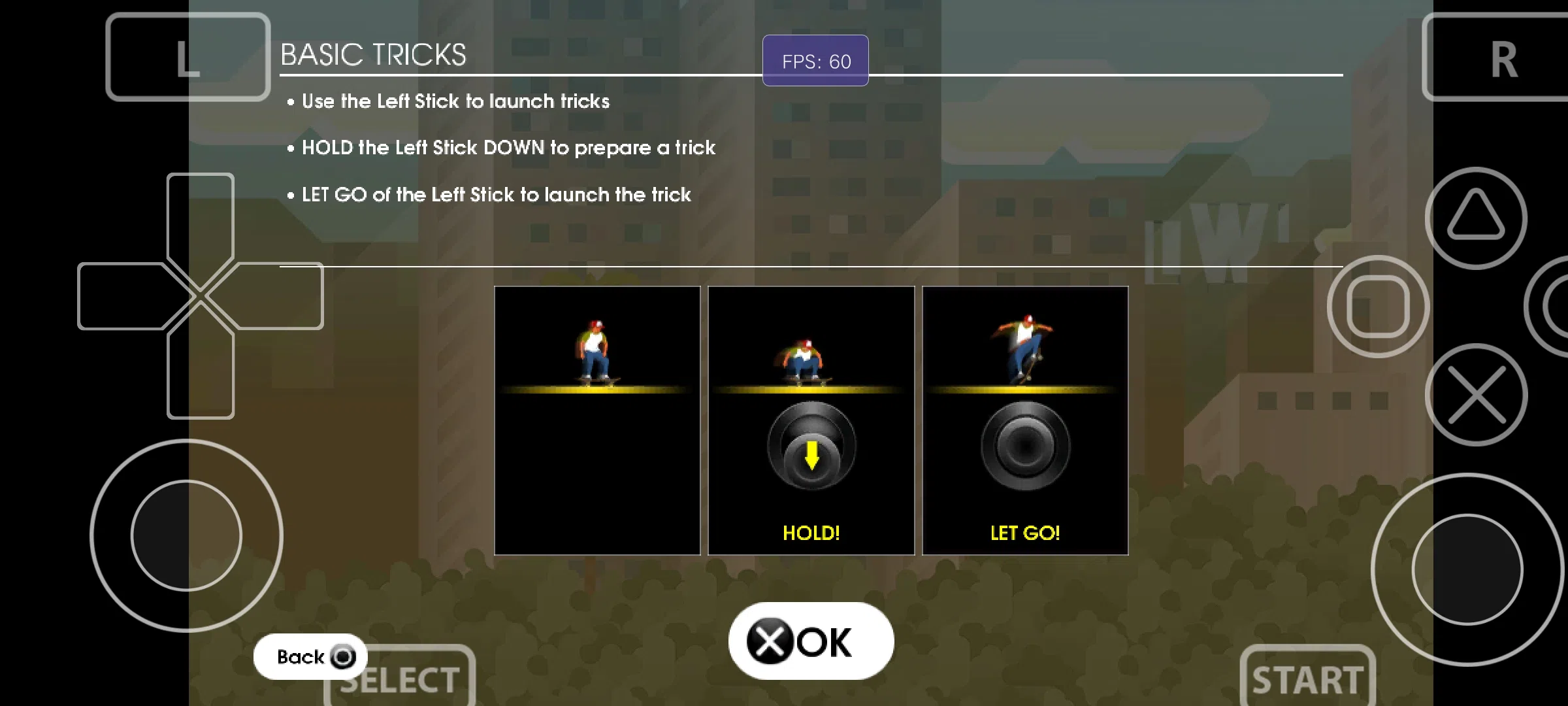
Play Olliolli2 Welcome to Olliwood on your Android device – with Vita3k and PSVita Emulator! Olliolli2 Welcome to Olliwood is one of the best games on the PS Vita and now you can play it on your Android device! Download Vita3k PSVita Emulator and start playing the game on your phone or tablet. Play online with other players or download the game and play on your own. Olliolli2 Welcome to Olliwood is one of the most popular PS Vita games so don’t miss out – download now! I will show you how to play Olliolli2 Welcome to Olliwood on your Android phone on a Vita3k emulator! Olliolli2 Welcome to Olliwood is one of the best games on consoles, and now you can play it on your Android phone in the Vita3k emulator “PSvita Emulator!” All you need is a compatible device and this simple Explain to get started with the game on your smartphone or tablet. And let me tell you some information about Olliolli2 Welcome to Olliwood: OlliOlli2: Welcome to Olliwood is a skateboarding video game developed and published by Roll7 for the PlayStation 4 and PlayStation Vita. The game was announced on 25 September 2014 as the sequel to the critically acclaimed OlliOlli, and was released on 3 March 2015 in North America and on 4 March 2015 in the PAL region. OlliOlli2 was released to PlayStation Plus members. The game was ported to PC by BlitWorks and published by Devolver Digital, releasing it for Microsoft Windows, OS X, and Linux on 11 August 2015.On 22 February 2016, OlliOlli2 was released for Android on the Google Play Store. On 9 April 2016, it was announced that Roll7 cooperated with Spanish publisher and distributor Badland Games to bring OlliOlli and OlliOlli2: Welcome to Olliwood to retail stores, delivered as OlliOlli: Epic Combo Edition for PlayStation 4. The game was later ported to Xbox One under the title OlliOlli2: XL Edition on 24 May 2016. A sequel, OlliOlli World, was released in 2022.. I get all this information from 위키디피아 그러니 더 이상 기다리지 말고 오늘 Android 기기에서 Olliolli2를 플레이해 보세요. Olliwood에 오신 것을 환영합니다!
시작하기 전에 Amazon에서 제공되는 다음 액세서리를 추천하여 보다 편안하게 플레이하고 게임과 즐거운 시간을 보내십시오.
1. GameSir X3 Type-C 쿨링 팬 안드로이드 컨트롤러를 추천합니다 . 2.192개 이상의 리뷰에서 5점 만점에 59% 이상의 좋은 평점을 받았습니다. 괜찮은 제품입니다.
2. Razer Kishi 모바일 게임 컨트롤러 추천 (18,656개 이상의 리뷰, 안드로이드 USB-C 지원, 무료 배송). 상세 정보 및 무료 반품 가능. 높은 감도와 더욱 정확한 조작감 제공.
3. 마지막으로 Razer 제품을 추천합니다. Razer Kishi V2 모바일 게이밍 컨트롤러 와 Razer Chroma 스마트폰 쿨러를 함께 사용해 보세요 . 이 액세서리의 가장 큰 장점은 블루투스 저전력 기술로 배터리 수명이 길어졌다는 점이며, 안드로이드 및 iOS를 사용하는 모든 스마트폰과 호환된다는 점입니다.
4. 마지막으로 블랙샤크의 액세서리를 추천합니다. 블랙샤크 마그네틱 휴대폰 쿨러는 소음 수준이 1dB밖에 안 되는데, 정말 놀랍습니다.
게임 플레이
첫 번째 단계:
두 번째 단계는 Vita3k를 설치하고 실행하는 것입니다. PS Vita 펌웨어를 선택하라는 메시지가 나타나면 클릭하고 PS Vita 펌웨어 파일을 선택하세요. 설치 후 게임을 즐기세요!
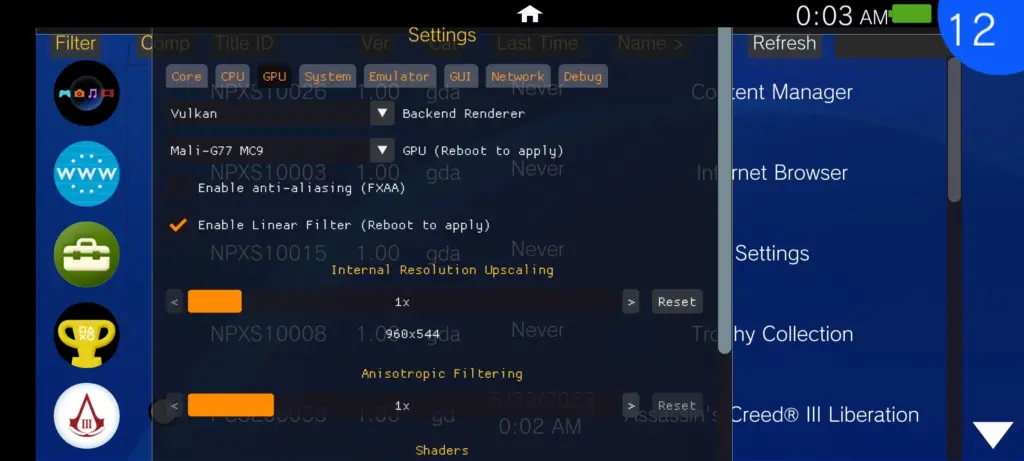
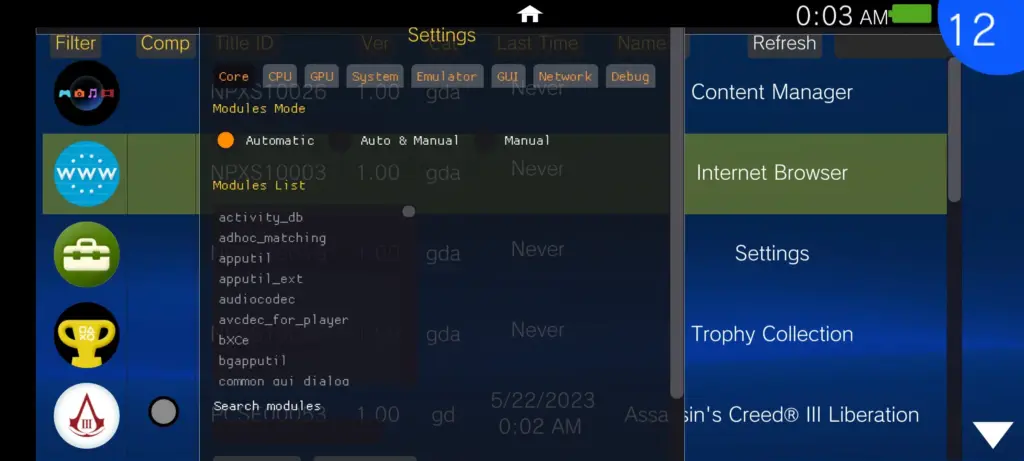
자, 여기까지입니다. 좋은 스마트폰을 준비하세요. 스냅드래곤 870 이상 을 추천합니다. 다른 문의사항이나 문제가 있으면 제 소셜 미디어를 확인해 주세요. 이 탭을 닫기 전에 Uncharted Golden Abyss Vita3k 다운로드 , Mortal Kombat 9 Android 다운로드 , 그리고 Vita3k 카테고리도 확인해 보시길 바랍니다. 방문해 주셔서 감사합니다. 항상 새로운 소식을 전해드릴 테니 놓치지 마세요. 다음 영상에서 뵙겠습니다. 안녕히 계세요.




