





Winlator apk obb for Android download – Windows emulator for Android
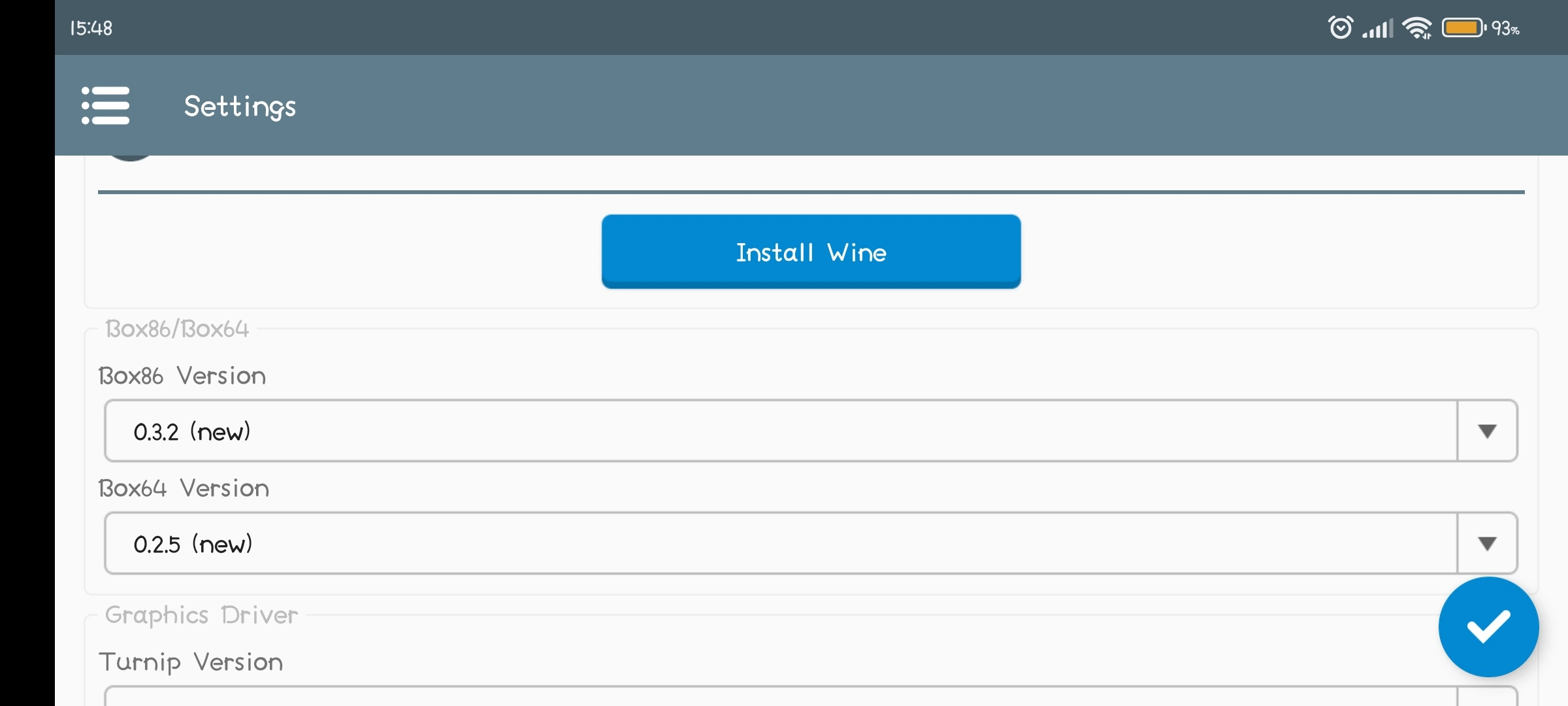
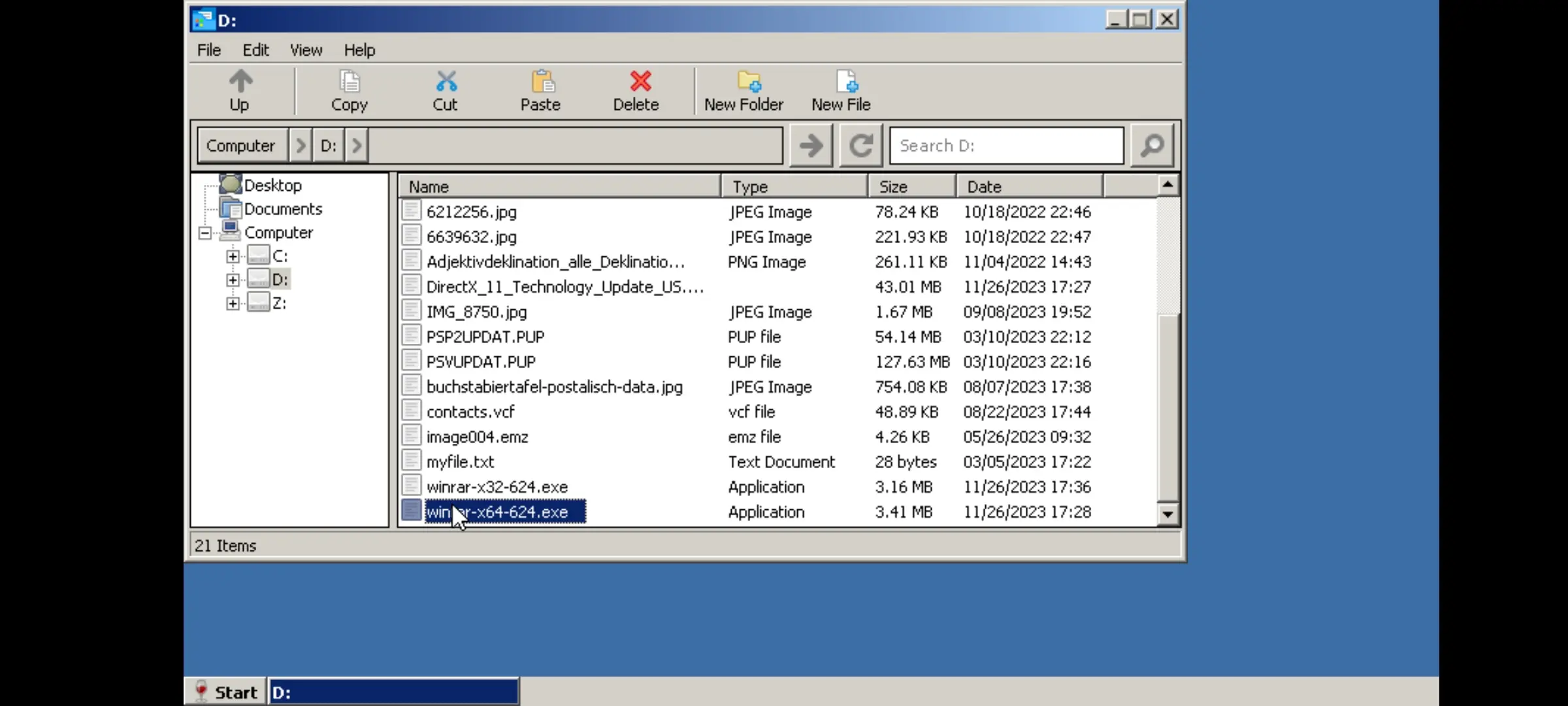
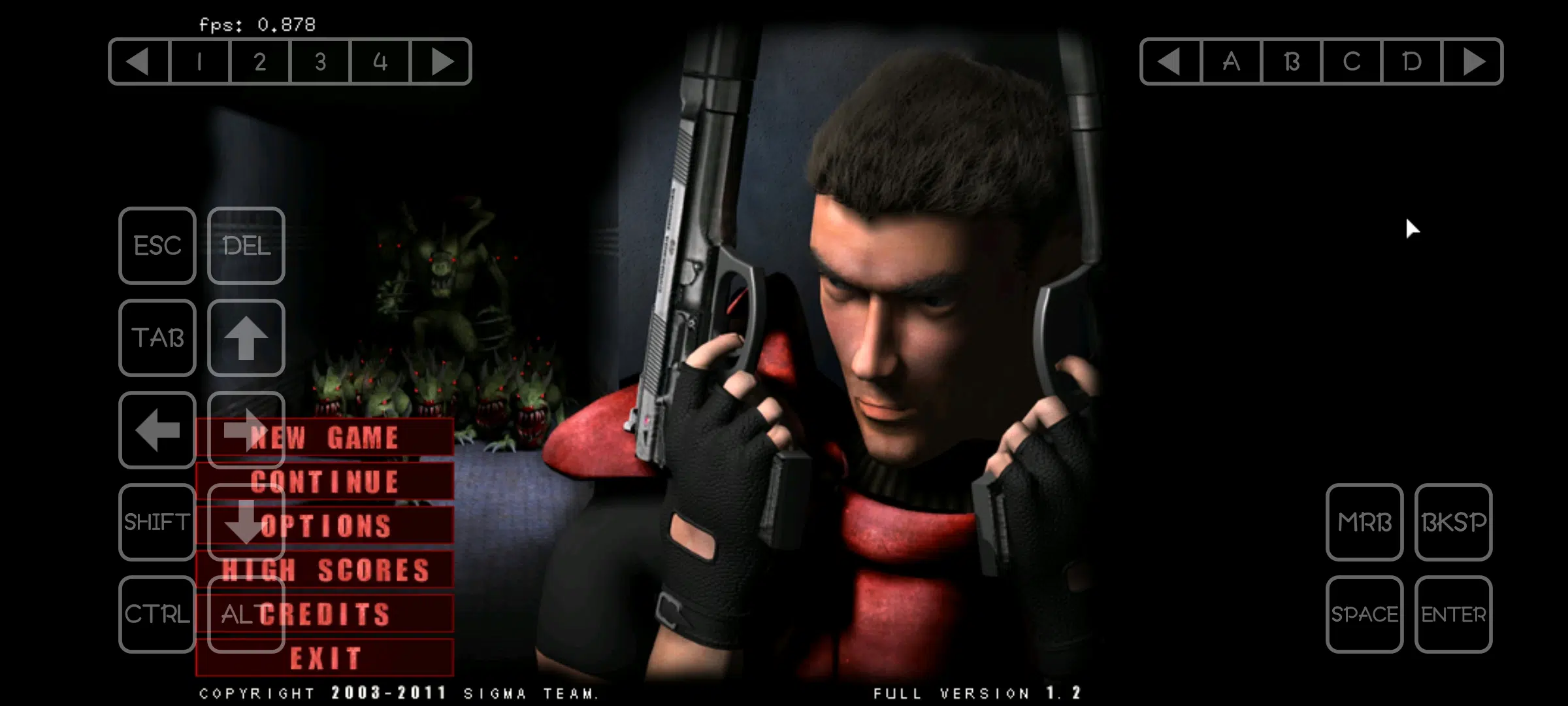
Download Winlator 11.0 last version “new update” APK + OBB for Android, Winlator is an Android application that lets you to run Windows (x86_64) applications with Wine and Box86/Box64. By the winlator Emulator Creator ‘Bruno Sousa‘ “I am immensely grateful to ptitSeb and the Wine developers, who developed the Windows compatibility layer (x86_64). Without the constant dedication to Box86/Box64 by ptitSeb and as well as the constant improvements to Wine by its developers, this project would never have been possible.”
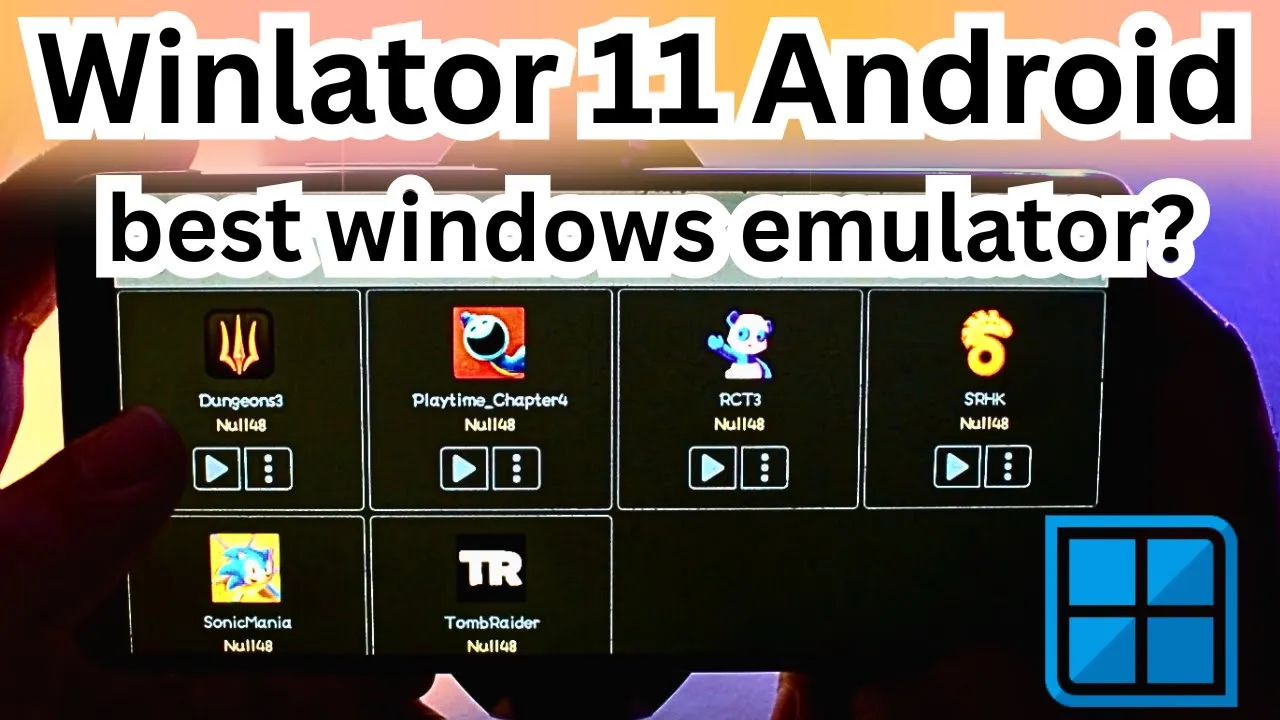
Winlator 11 Android | Settings/ Test/ Review | best windows emulator
Winlator Cmod is best for Mali GPUs Phone:
Winlator Bionic Universal
Winlator Ludashi 2.8.2 Android | Settings/ Test/ Review | best windows emulator
*Ludashi Build is functionally identical to the vanilla app, but the package name is renamed to mimic Ludashi, a popular benchmark app. Some Android phones — especially Xiaomi devices — may automatically enable performance mode when such apps are detected, potentially reducing throttling and boosting performance slightly.
*This may cause increased heat and power consumption — use at your own risk. probably don’t use it.
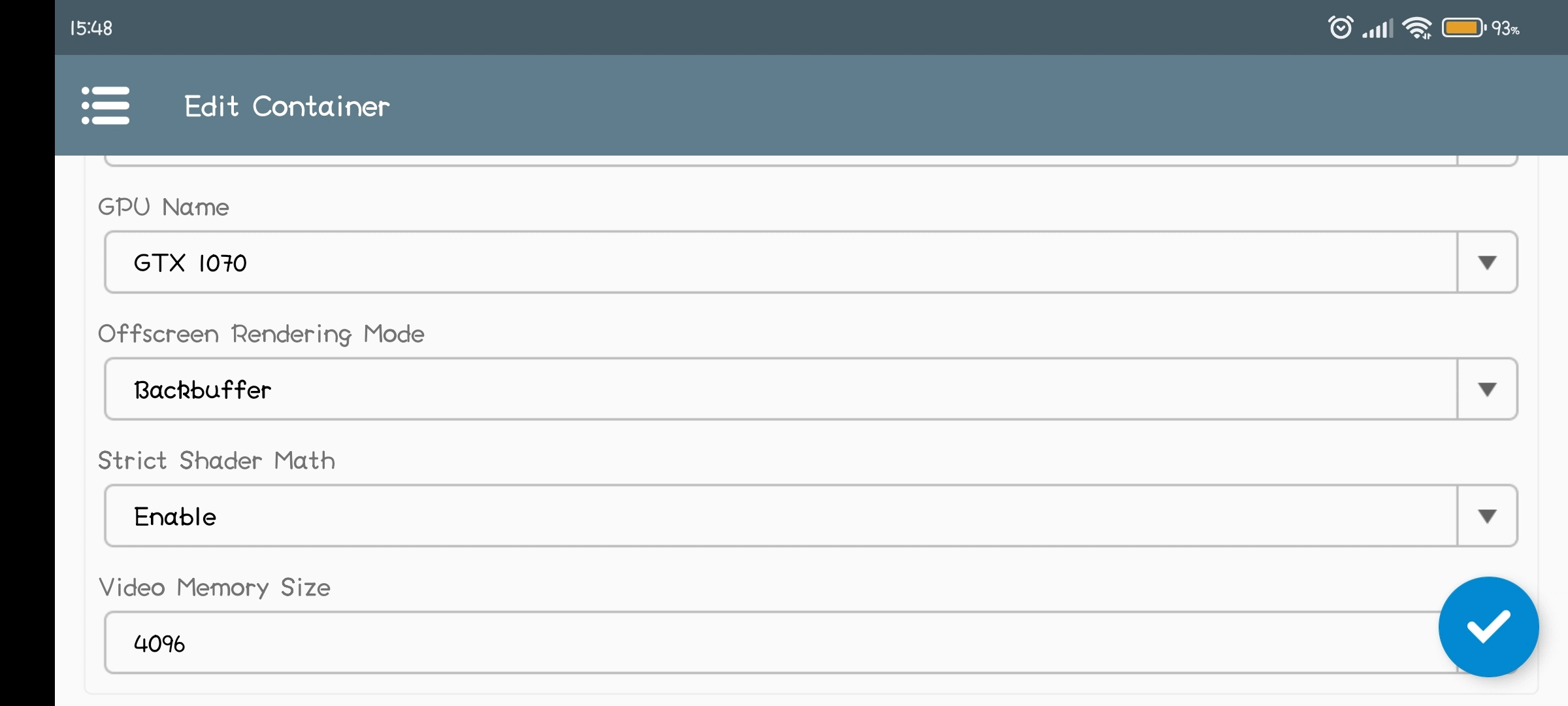
Winlator Best Settings For Low End Devices – 100% working for all games
Useful Tips
- If you are experiencing performance issues, try changing the Box64 preset to
Performancein Container Settings -> Advanced Tab. - For applications that use .NET Framework, try installing
Wine Monofound in Start Menu -> System Tools. - If some older games don’t open, try adding the environment variable
MESA_EXTENSION_MAX_YEAR=2003in Container Settings -> Environment Variables. - Try running the games using the shortcut on the Winlator home screen, there you can define individual settings for each game.
- To speed up the installers, try changing the Box64 preset to
Intermediatein Container Settings -> Advanced Tab. - To improve stability in games that uses Unity Engine, try changing the Box64 preset to
Stabilityor in the shortcut settings add the exec argument-force-gfx-direct.
Information about winlator Emulator
This project has been in constant development since version 1.0, the current app source code is up to version 7.1, I do not update this repository frequently precisely to avoid unofficial releases before the official releases of Winlator.
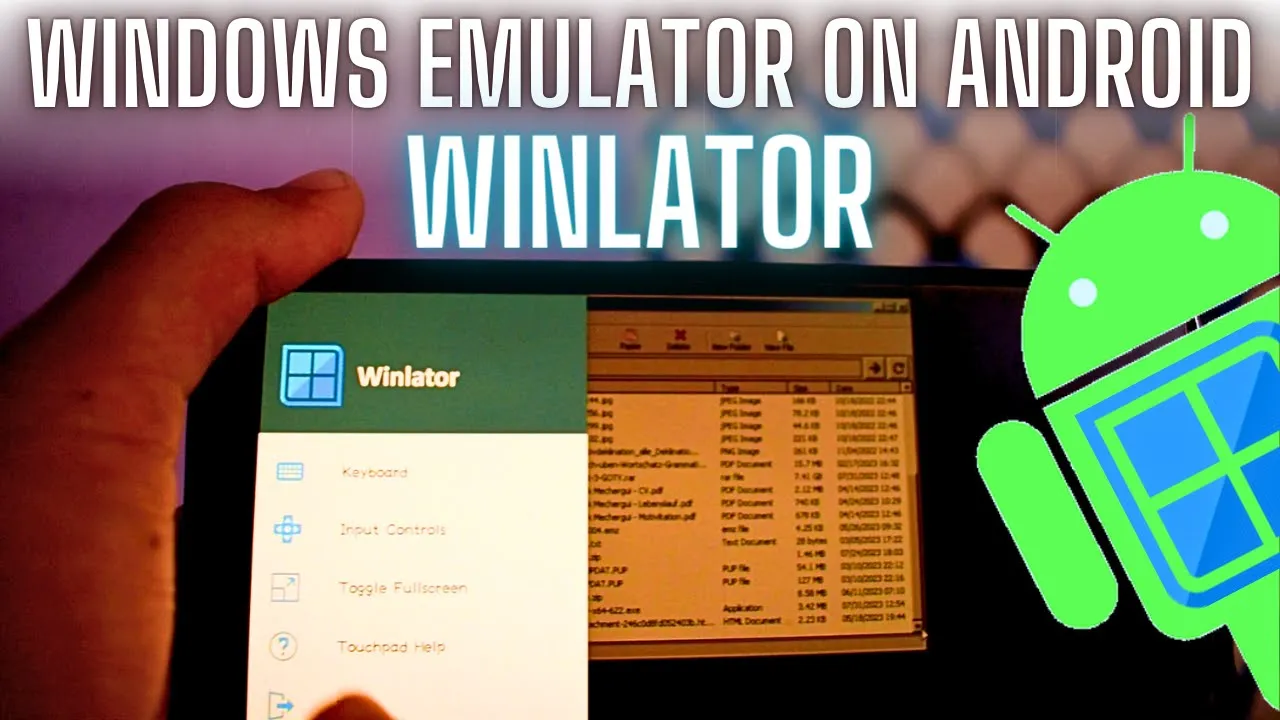
Winlator Android | New Windows Emulator for Android | Review
Credits and Third-party apps that help to make Winlator Emulator
- Ubuntu RootFs (Focal Fossa)
- Wine (winehq.org)
- Box86/Box64 by ptitseb
- PRoot (proot-me.github.io)
- Mesa (Turnip/Zink/VirGL) (mesa3d.org)
- DXVK (github.com/doitsujin/dxvk)
- VKD3D (gitlab.winehq.org/wine/vkd3d)
- D8VK (github.com/AlpyneDreams/d8vk)
- CNC DDraw (github.com/FunkyFr3sh/cnc-ddraw)
Many thanks to ptitSeb (Box86/Box64), Danylo (Turnip), alexvorxx (Mods/Tips) and others.
Thank you to all the people who believe in this project.
ADDITIONAL APP INFORMATION
CATEGORY: FREE SOCIAL APP
LATEST VERSION: 8.0
PUBLISH DATE: 2023-11-28
AVAILABLE ON: GitHUB
REQUIREMENTS: ANDROID 5.0+
REPORT: FLAG AS INAPPROPRIATE