





miside android download apk – Gamehub Emulator
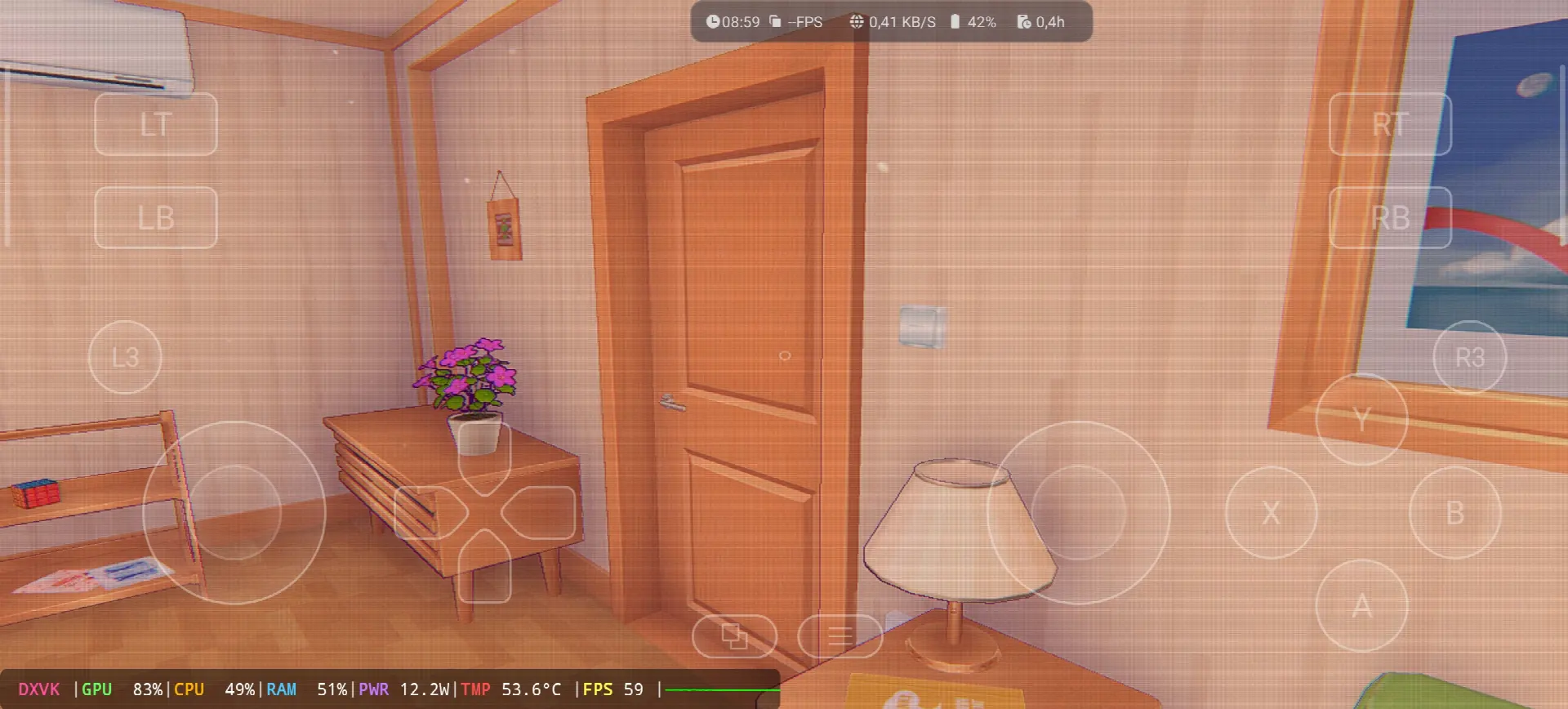
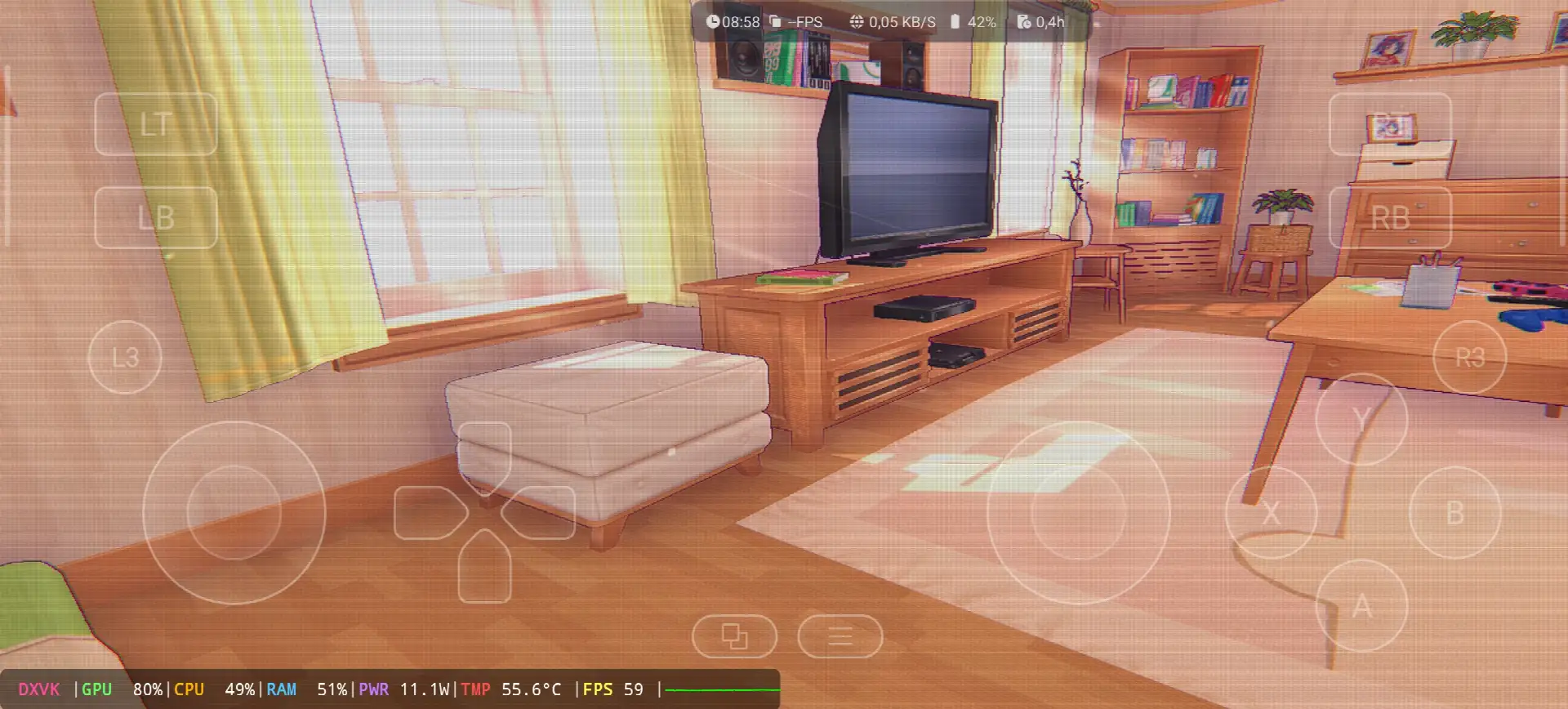
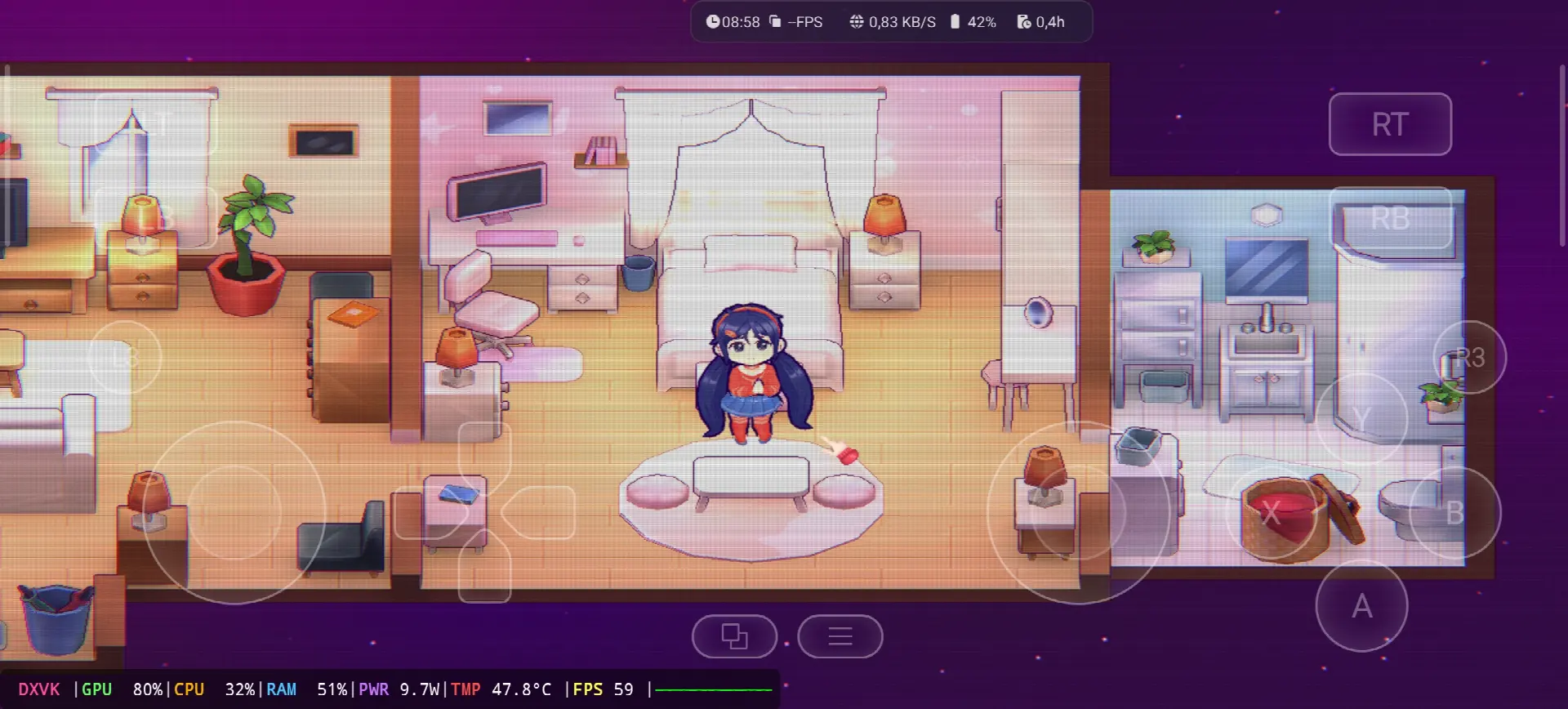
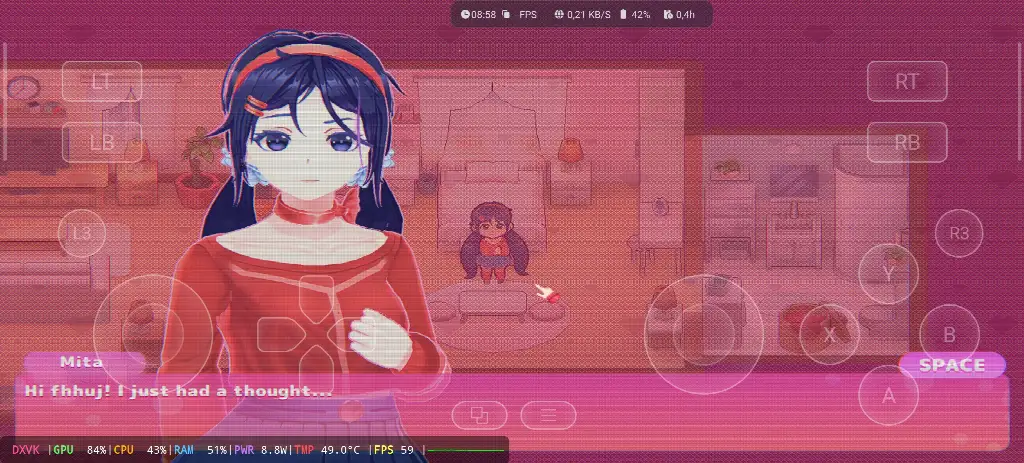
Hello guys, today i will show you how to Download and play MiSide the video game online on your Android phone with the Windows Emulator “Gamehub”. The Gamehub Emulator is for me the best windows Emulator on Android, you can open you Steam, Epic Games or Ubisoft connect account right on your Android phone, and from the start of 2026 we can play windows Games on our Phones without big problems. There is another Windows Emulator was poped up like Gamenative, Winlator模擬器 以及 MOBOX 模擬器, i try all of them but the Gamehub is still the best, and with MiSide on Android it run really smooth.
MiSide is a adventure game with psychological horror inside, made by AIHASTO, a small Russian team of only two guys, and IndieArk publish it for the world and Shochiku for Japan. The game came out on December 11, 2024 for PC Windows on Steam and it is build with the Unity engine. In the story you download a mobile game and start to spend your days with Mita, a cute anime girl, but after 37 days in the game you get pulled inside her world and you find out there is a Crazy Mita who trap the players there. You need to solve puzzles, explore the apartment, play mini games and search for hidden secrets, and the view change from a small 2.5D chibi style to a full first person 3D. The players love it a lot, it get more than 40,000 reviews on Steam in less than one month with 98% Overwhelmingly Positive and 83 on Metacritic. 維基百科, Let start Explain how you can run MiSide the video game online on your Android phone:
在我們開始之前,我推薦亞馬遜上提供的這些配件,讓您玩得更舒服,玩得更開心:
1- 我推薦GameSir X3 Type-C 散熱風扇安卓控制器,它在 2.192+ 條評論中獲得了超過 59% 的好評率(5 星),很不錯。
2-我推薦Razer Kishi 手機遊戲手柄,超過 18,656 條評價,適用於安卓系統,USB-C 接口,免運費。詳情請見產品介紹,支援免費退貨,靈敏度高,操控更精準。
3- 最後推薦的配件是 Razer 的Razer Kishi V2 手機遊戲控制器+ Razer 手機散熱器 Chroma。這款配件最大的優點是採用低功耗藍牙技術,可以延長電池續航時間,而且它還相容於所有安卓和 iOS 手機。
4-我推薦的最後一個配件它來自Black Shark 手機冷卻器 Black Shark Magnetic 噪音水平為 1 分貝,令人驚嘆。
#廣告
Miside Online – Gamehub Emulator | Windows Emulator Android
1- Buy MiSide the video game online Game:
如果可以的話,我推薦 Epic Games:「價格低廉,下載遊戲,然後安裝以減少過熱」。
*When you already have MiSide online game, just open your Steam or Epic Games account and download the game from there, and if you like to play MiSide offline then connect your android Phone to the laptop or PC, copy the MiSide game file and paste it on the Phone. Keep your android phone connected to copy the Gamehub Emulator app too.
如何在 5 分鐘內設定 Gamehub 模擬器 – STEAM / EPIC GAMES
2- 下載 Gamehub 模擬器 – 適用於安卓系統的 Windows 模擬器:
下載 Gamehub 模擬器後,安裝並開啟它,然後按照提示在 Android 上設定 Windows 模擬器。
請觀看此視頻,它將向您展示如何在 Gamehub Windows 模擬器上設置遊戲並盡情暢玩! 🙂
GAMEHUB安卓模擬器 | 測試/安裝/設定 | 最佳Windows模擬器 – 2025
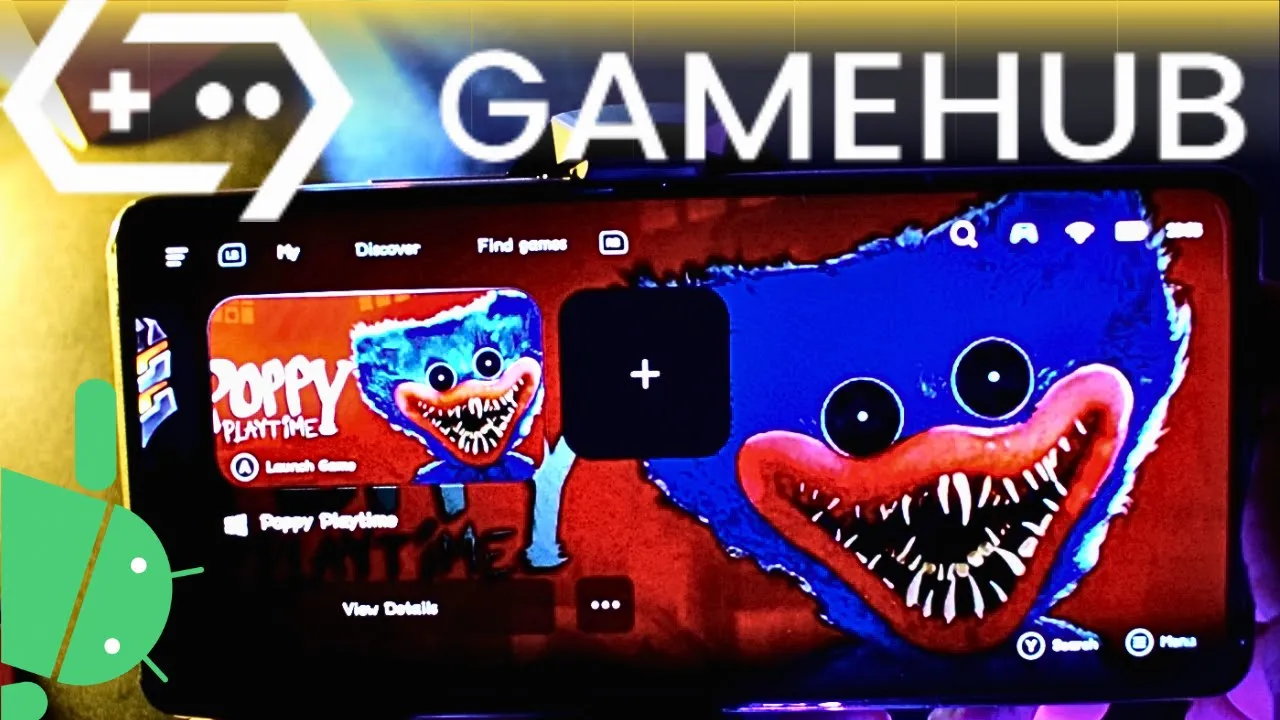
If MiSide the video game was running with Low FPS or Graphics issue, please follow this video:
GAMEHUB 安卓模擬器最佳設定:最高 FPS – 修復延遲和故障

您可以在 Gamehub 模擬器上開啟您的 Steam、Epic Games 或 Ubisoft Connect 帳戶進行線上遊戲。
Ok guys that’s it for today, MiSide is not a very heavy game so the Gamehub Emulator run it good even on middle phones, but the 3D part with Crazy Mita need more power and after one hour the phone start to get hot. If you want to play it smooth with high FPS i recommend a Android phone with 驍龍 8 菁英第二代 配備 手機散熱器 #AD on the back of it. Your phone is old or weak? no problem, you can play MiSide with cloud gaming too, look at my other post MiSide on Chikii Cloud Gaming. Watch the full gameplay and my Gamehub settings on my YouTube頻道 並關注我 TikTok, i post short clips from every new game i test there. And don’t forget to visit our 模擬器遊戲類別, a lot of PC and console games are waiting for you to play them on your phone. See you in the next one.