






Darkos Emulator download android APK free – Windows Emulator
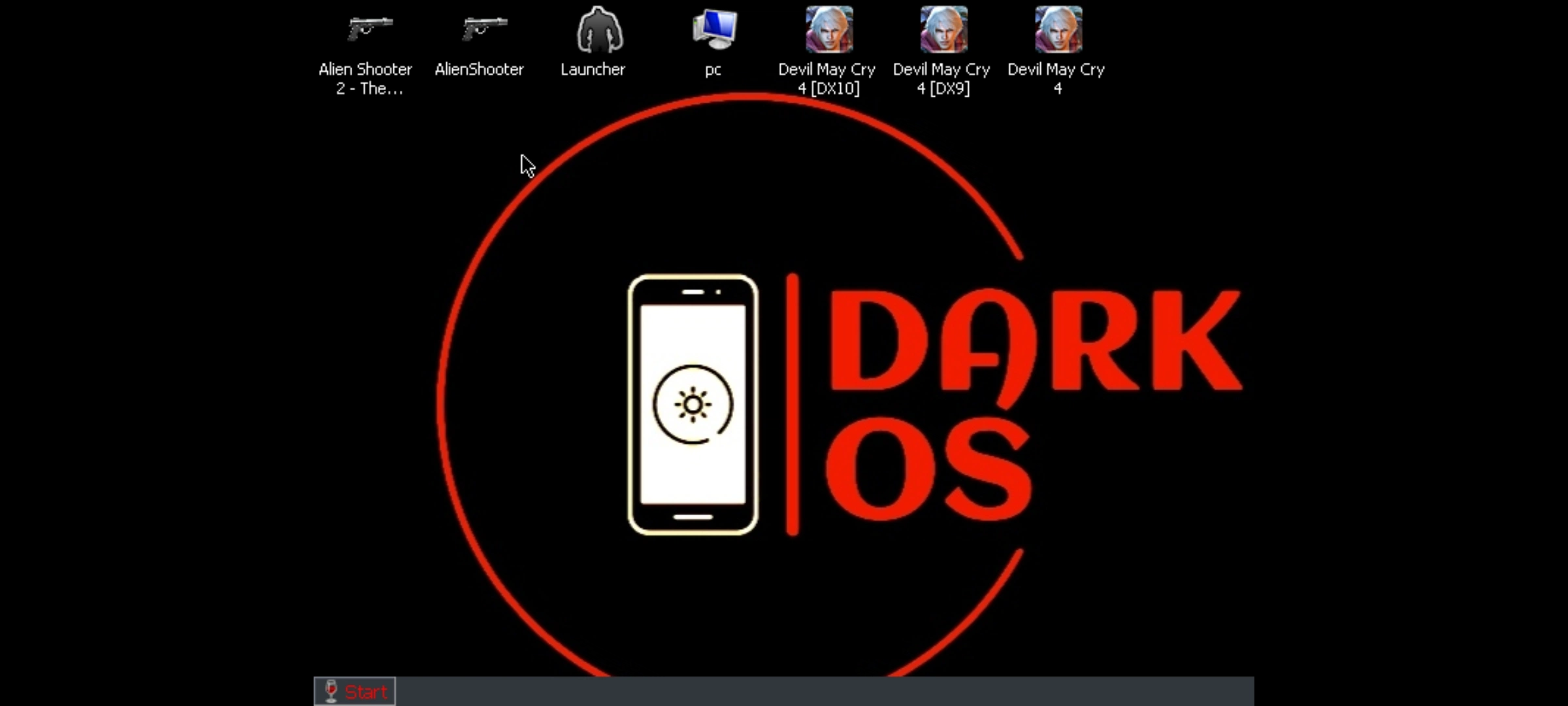
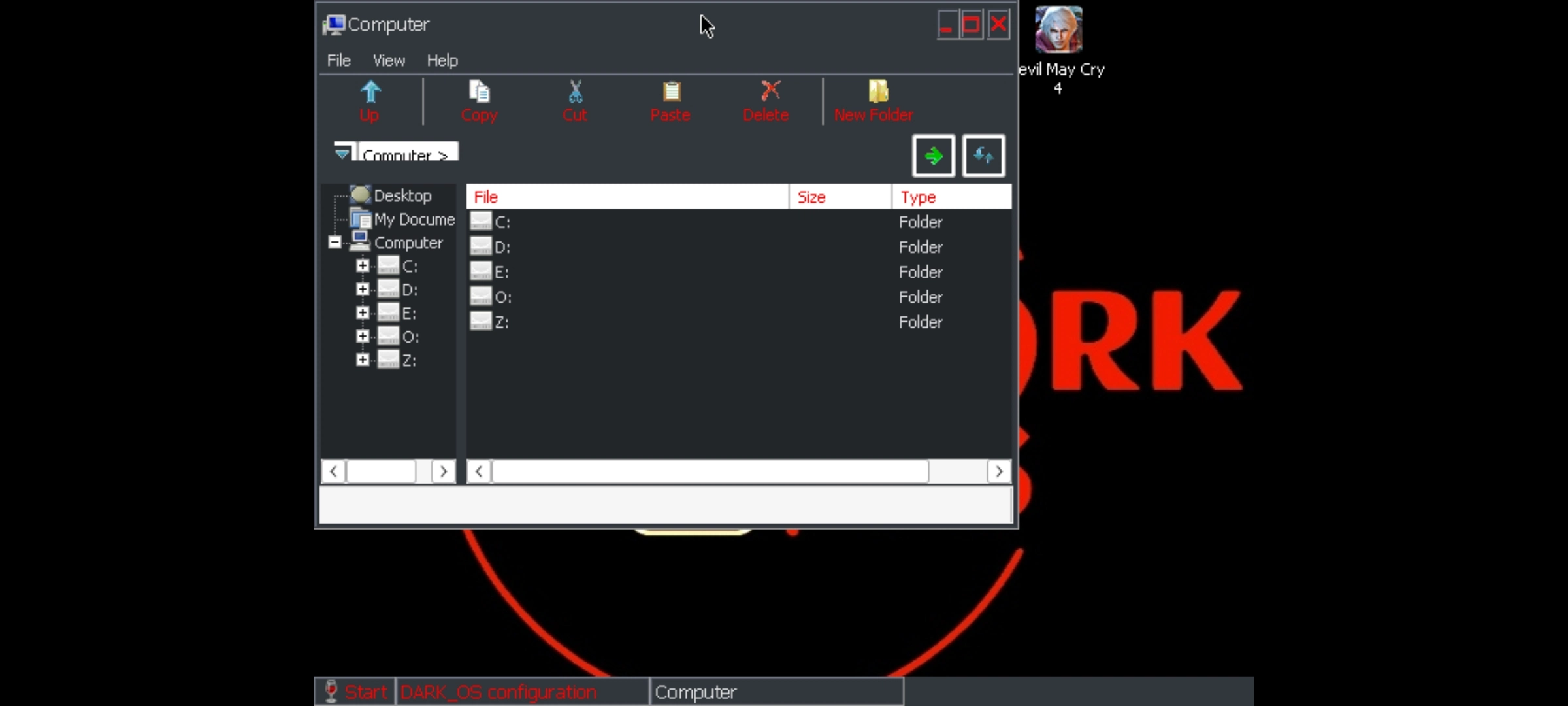
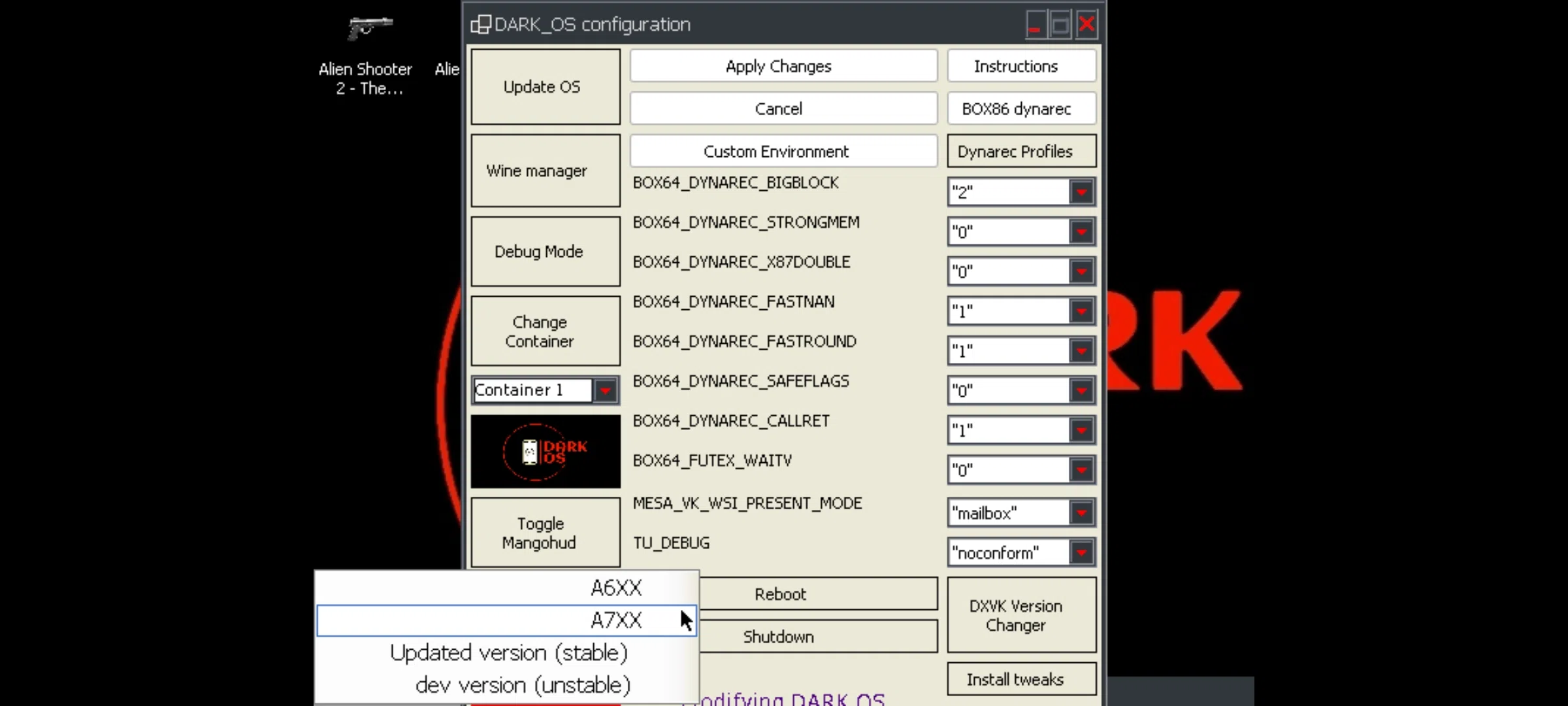
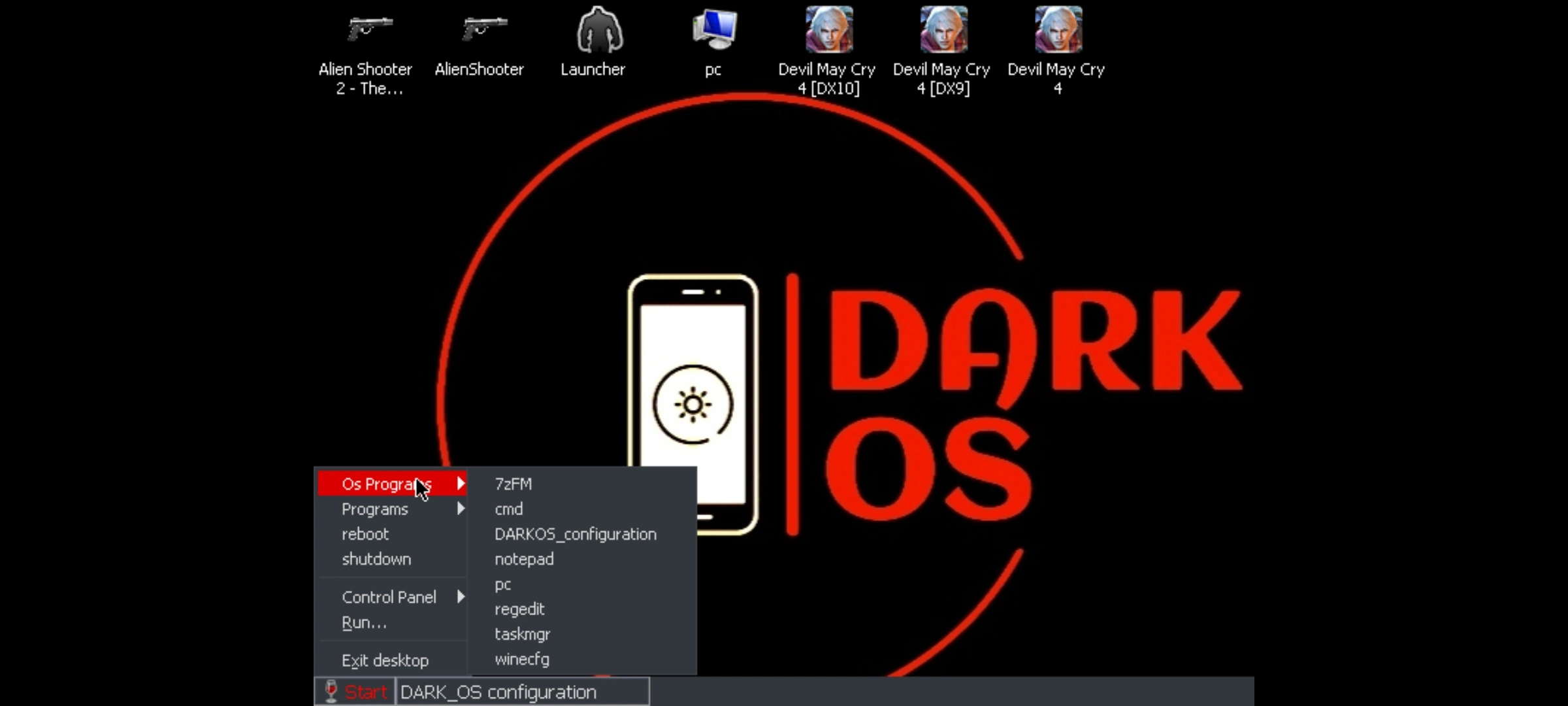
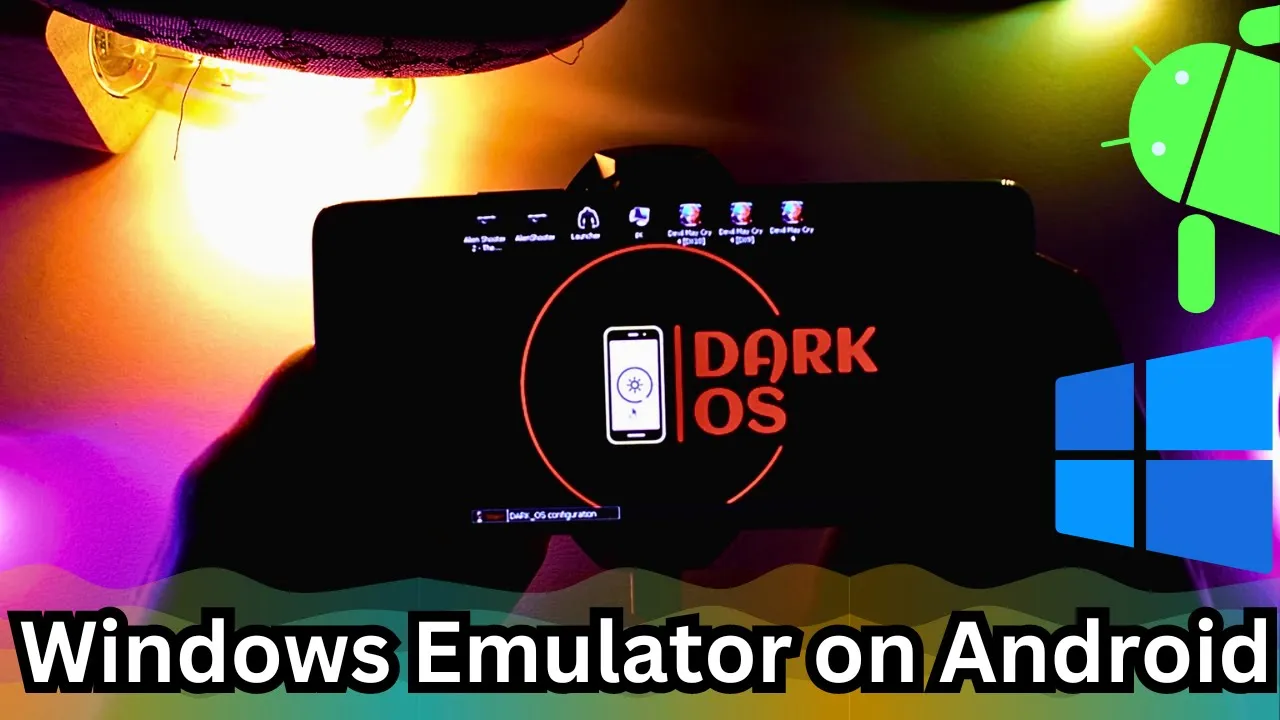
Darkos is a project designed to run Windows x86_64 applications and games in Termux native GLIBC. It utilizes Box86 and Box64 to run Wine on android.
1- You need to download the Daros files
2- You need to install all the files you have downloaded.
3- Open termux and paste the command
curl -o install https://raw.githubusercontent.com/ahmad1abbadi/darkos/main/installOS.sh && chmod +x install && ./installDarkos will automatically start after installation is complete. Remember each time you open Termux, Darkos will auto-start.
you can exit Darkos and use Termux normally, press ‘1’ within the first 4 seconds. Otherwise, Darkos will start and run Wine + Termux-X11.
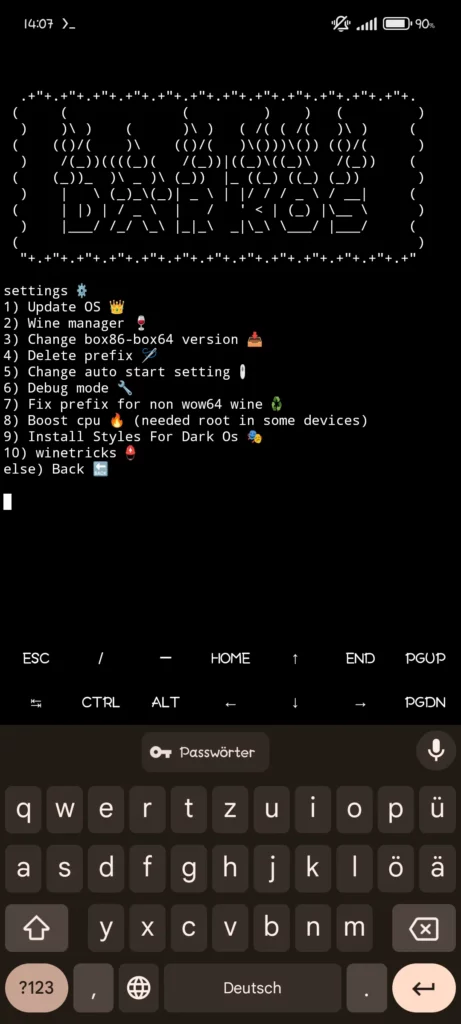
Please add these Settings on Termux-X11
Termux-X11 resolution
The fallback resolution is only used when the X11 resolution cannot be detected automatically. The default fallback resolution is 800×600.
Termux and termux-x11 preferences
recommend setup for termux:
Allow apps to open new windows while running in the backgroundAllow apps to display pop-up windows
recommend setup for termux-x11:
Display resolution modeexactDisplay resolution1280×720Reseed Screen While Soft Keyboard is openOFFFullscreen on device displayONForce Landscape orientationONHide display cutoutONShow additional keyboardOFFPrefer scancodes when possibleONEnable Accessibility service for intercepting system shortcuts manually.enable termux-x11 from android accessibility menu so you can use external keyboard (wired/wireless) without issues.Enable Accessibility service for intercepting system shortcuts automatically.ON
❤️Make sure to show some support to DakroS: buymeacoffee
Many thanks to: ILAN12346 for his great work to implement Xinput, Dinput support without root access.
Features:
Darkos Emulator android ADDITIONAL INFORMATION
CATEGORY: Free Emulator APP
LATEST VERSION: beta 0.6
UPDATED ON: Fab 10, 2024
AVAILABLE ON: Github
REQUIRES ANDROID: ANDROID 10.0+REPORT: FLAG AS INAPPROPRIATE