









Gamehub emulator and cloud gaming apk download latest version
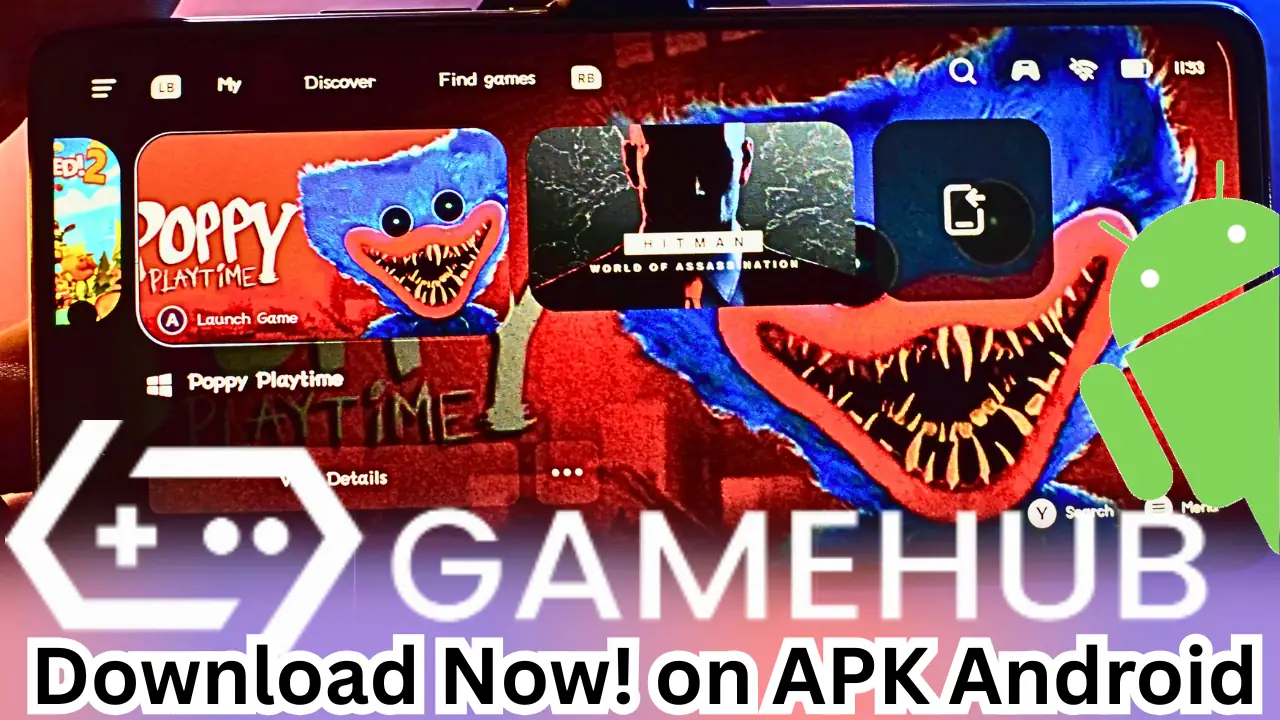
Download latest version Gamehub Emulator apk and gamehub cloud gaming chinese version GameHub and GameHub Lite Emulator is the best emulator for Windows with both Mali and Adreno GPUs. Gamehub Emulator outperforms Winlator, CMOD, Bionic, MOBOX and DarkOS. The Gamehub Emulator is free, just buy the game or, if you already have it, copy the game files to your Android phone. Select the .exe file and enjoy! The future of emulators is breaking through.
Download Gamehub emulator and cloud gaming apk latest version:
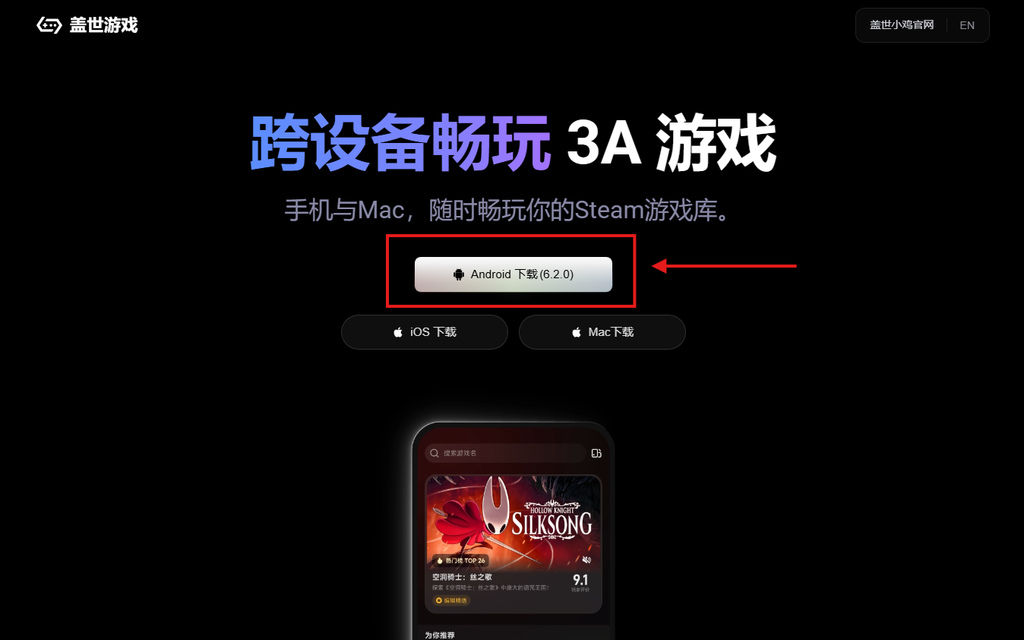
Gamehub v6.0.4 Emulator New Update – OP Improvement
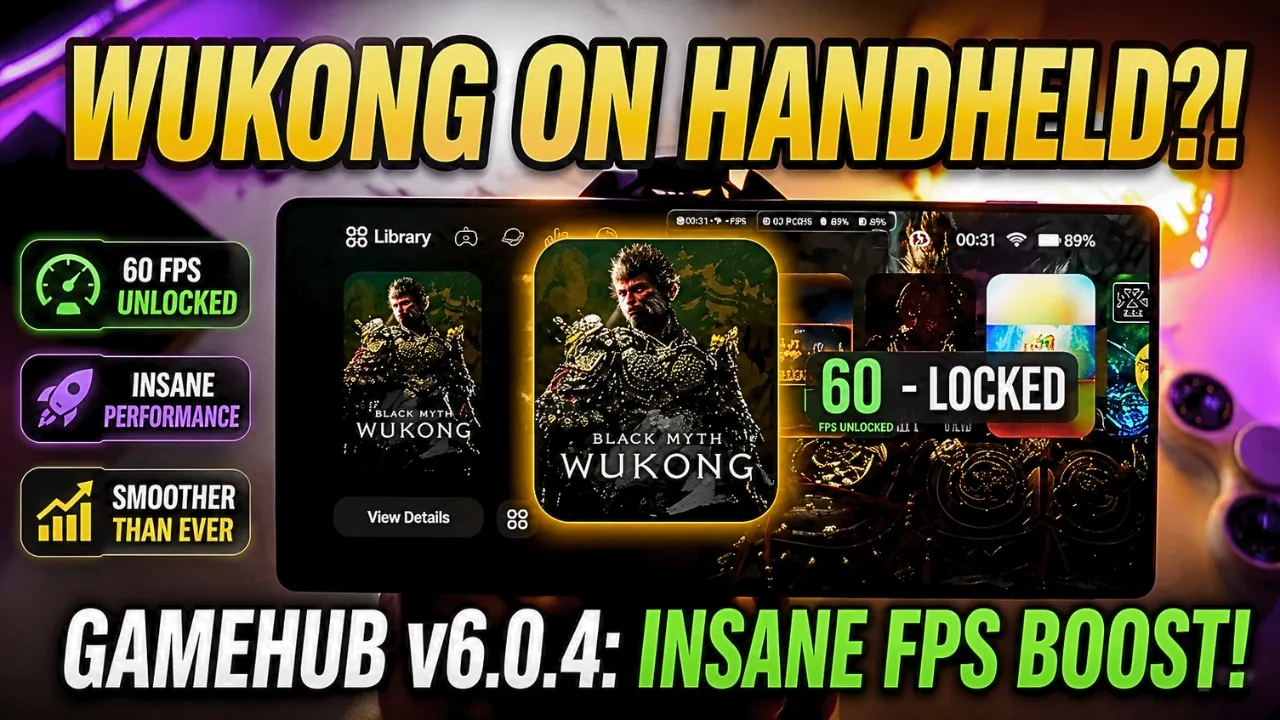
Cross-platform
GameHub breaks the barriers between mobile and desktop platforms, and provides complete support for Windows games to run on Android through high-precision compatibility design. Users do not need additional equipment or complex configurations, just one click to experience a true PC-level experience on Android.
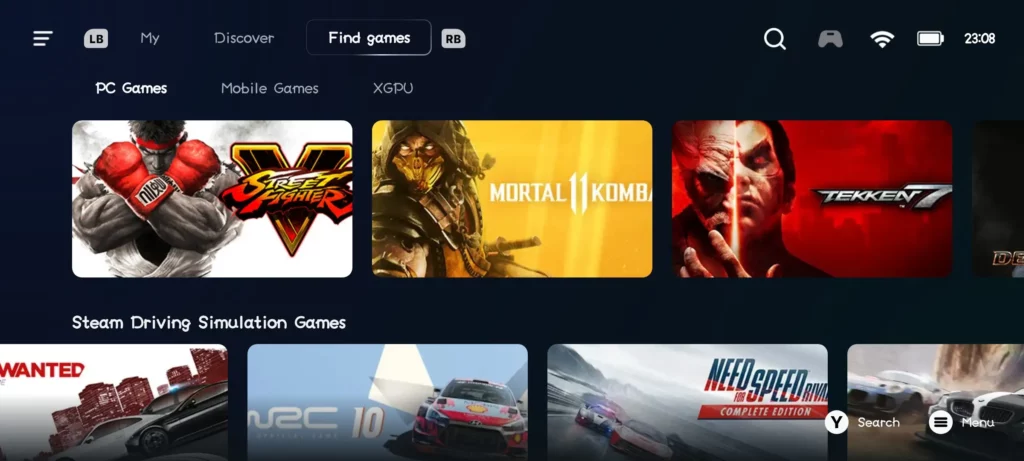
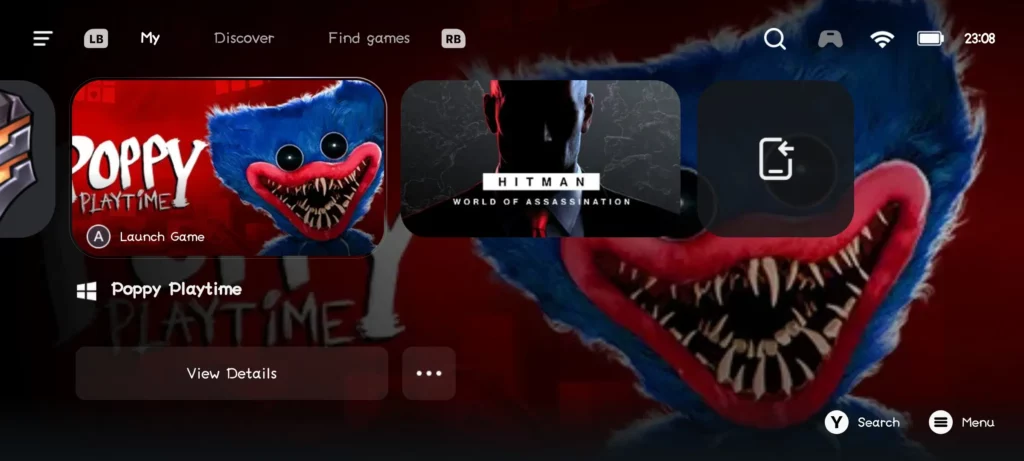
Play anytime
Use your GameSir game controller with any USB-C device. Plug and play anytime, anywhere, flexible gaming scenarios
Share the highlights
With flashback recording, short video editing and other functions, you will never miss important moments. Click the [Screenshot] button to record, edit and share game videos, wireless cloud storage space.
*Some controllers may not support the screenshot function. For more information, please visit the official website “xiaoji”
Black Myth: Wukong Online – Gamehub Emulator | Windows Emulator Android
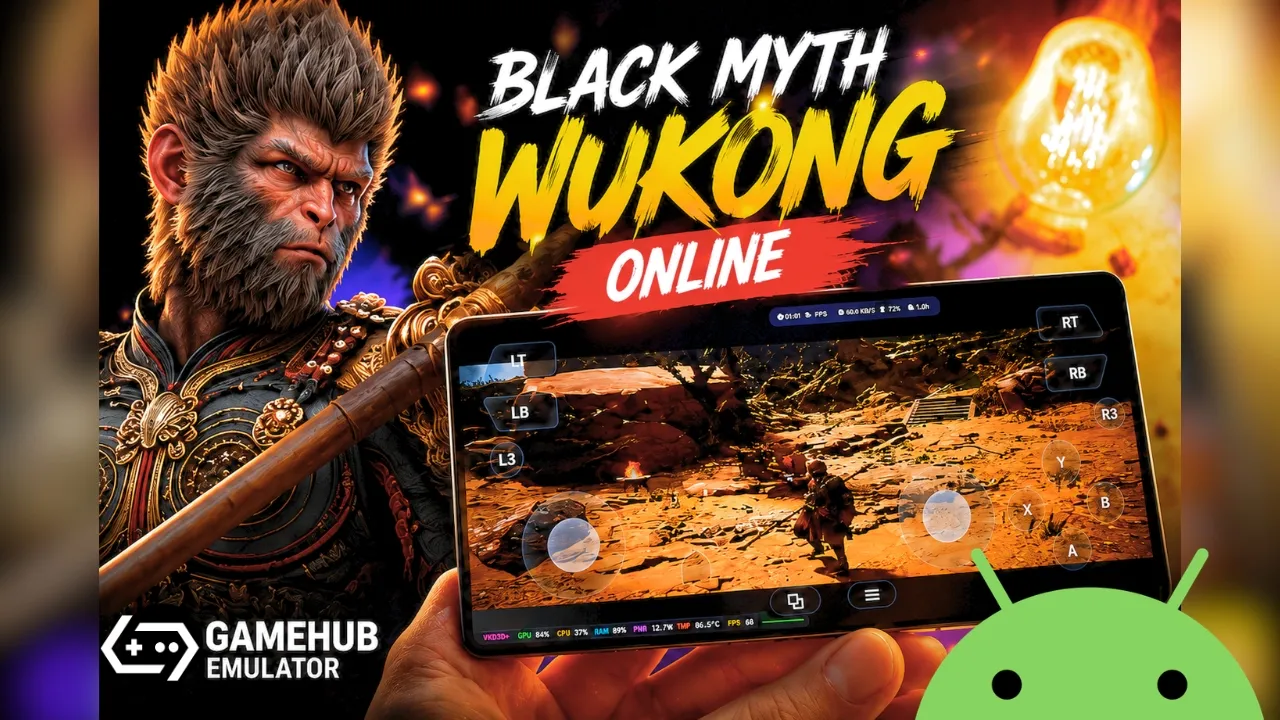
Download GameHub Lite v5.3.3 [PRE-RELEASE] emulator apk latest version:
Gamehub Lite V5.3.3 Emulator Android | New Update | Best Windows Emulator – 2025
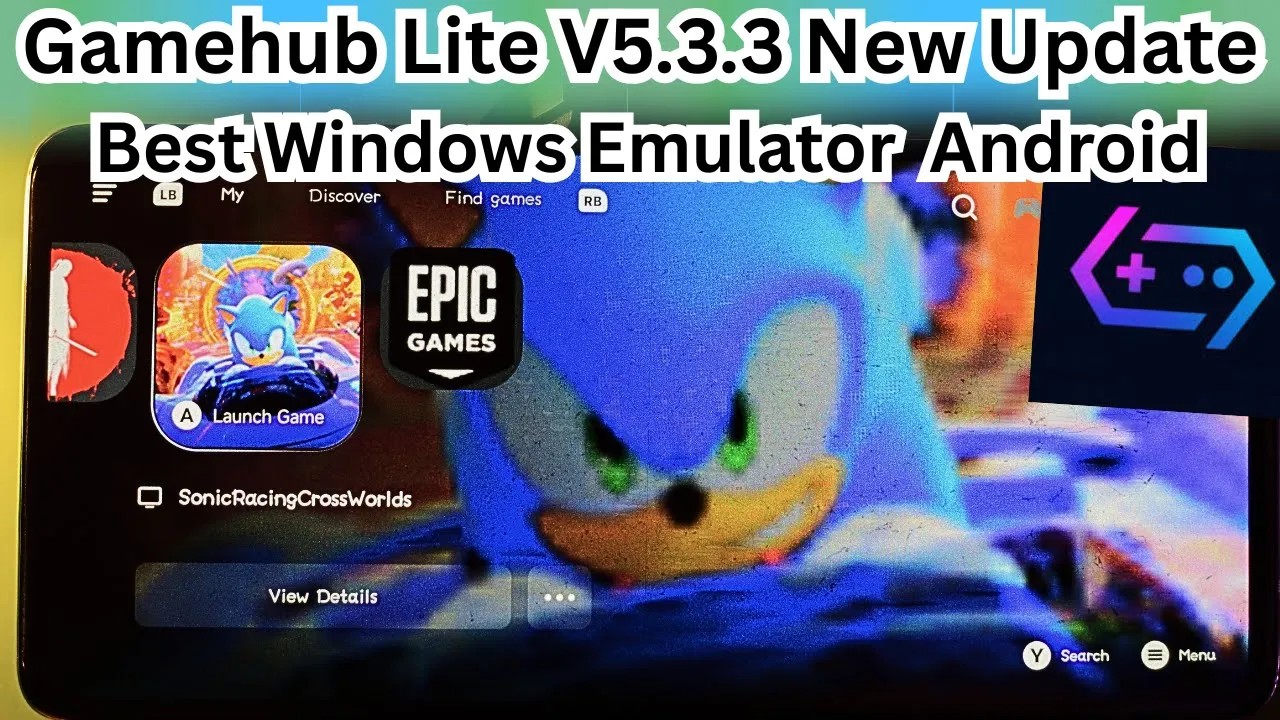
GameHub Lite Project
Complete privacy-focused modification of the GameHub Android app. This project removes all tracking, authentication, and bloat while adding an automated patcher for future updates.
What This Project Does
Takes the official GameHub APK (114MB) and converts it into a privacy-focused Lite version (51MB):
- Removes tracking: 11,838 telemetry/analytics files deleted (Firebase, Google Analytics, Umeng, JPush, etc.)
- Optimizes size: PNG images converted to WebP format, unused libraries removed
- Bypasses authentication: No login required, works offline
- Removes permissions: 31 invasive permissions eliminated (location, mic, camera, contacts, etc.)
- Redirects network: All API calls go to self-hostable Cloudflare Workers
- Adds features: External launcher support for Daijisho, Launchbox, etc.
Result: 114MB bloated APK → 51MB clean APK with zero tracking. for more Information Github
GameHub Lite Release v3 Latest
GameHub Lite – Update Release
Good luck, gamer!
If you encounter any issues, join our community on Discord for support:
https://discord.gg/UnupqvPnJy
Watch the Video:
Tomb Raider – Gamehub Lite Emulator Android | Best Windows Emulator – 2025

Important Notes
- If you experience random crashes or issues, please open an issue or join our Discord for help.
- For best results, ensure all required drivers and dependencies are installed before first launch.
Performance Comparison
The Lite version may achieve better FPS in certain scenarios compared to the original — though performance can vary depending on device specifications.
Known Issues
Please check the following issue thread for known bugs and configuration problems (some configs might not auto-apply and may need manual tweaking):
#19 (comment)
Update Changelog
Added
- Offline Mode Support
- Ensure all necessary drivers and components are pre-downloaded and run once online before enabling Offline Mode.
- For Steam games, make sure Offline Mode is enabled in Steam settings.
- Free Paid Game Giveaways Section
- Displays giveaways from Epic Games, Steam, Itch.io, GOG, and more.
- Powered by GamerPower API
- Adaptive Icons Support
- Thanks to ItzDFPlayer for contributing!
Fixed
- Russian Controller Layout issue where incorrect language was displayed.
- Crashing issues on some devices.
- “Play Now” button not responding for some users.
- Issue resolved for most users.
- If the issue persists, try uninstalling the app or using a VPN (a permanent fix is in progress).
Updated
- App name now displays as GameHub Lite.
Removed
- First-run User Agreement popup (and intro video).
- Legacy Notification Permission popup.
- Orphaned ffmpeg library.
- Unused resource files from deprecated services.
Special Thanks
Huge thanks to:
- @Trixarian – for continuous help and contributions.
- ItzDFPlayer – for adding adaptive icon support.
- 412Banner – the legend, the GOAT, for testing and verifying the entire app.
GAMEHUB ANDROID EMULATOR BEST SETTINGS: MAX FPS – FIX LAG & GLITCH
Gamehub Android Emulator ADDITIONAL INFORMATION
CATEGORY: Free ENTERTAINMENT APP
LATEST VERSION: 5.1.0
AVAILABLE ON: Official website
REQUIRES ANDROID: ANDROID 12+REPORT: FLAG AS INAPPROPRIATE
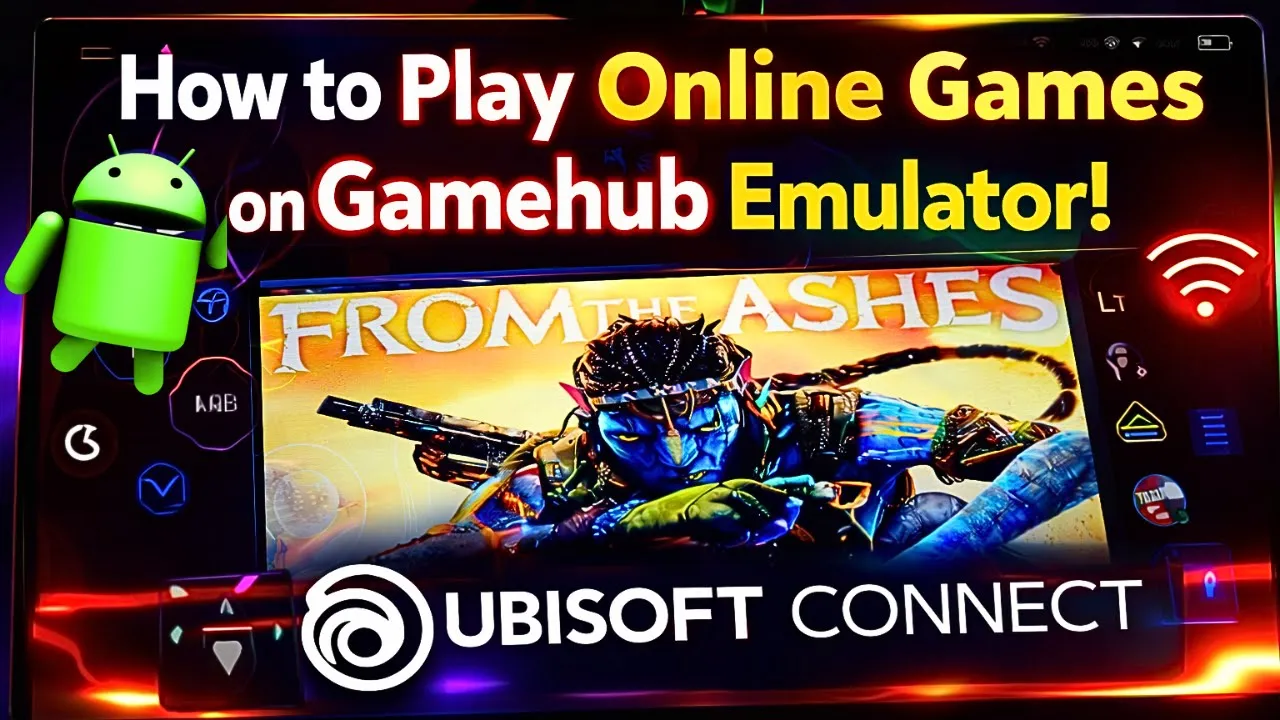
You can open your Steam, Epic Games, or Ubisoft Connect account on the Gamehub Emulator to play online.
Steam on Android Phone without PC – Gamehub Emulator
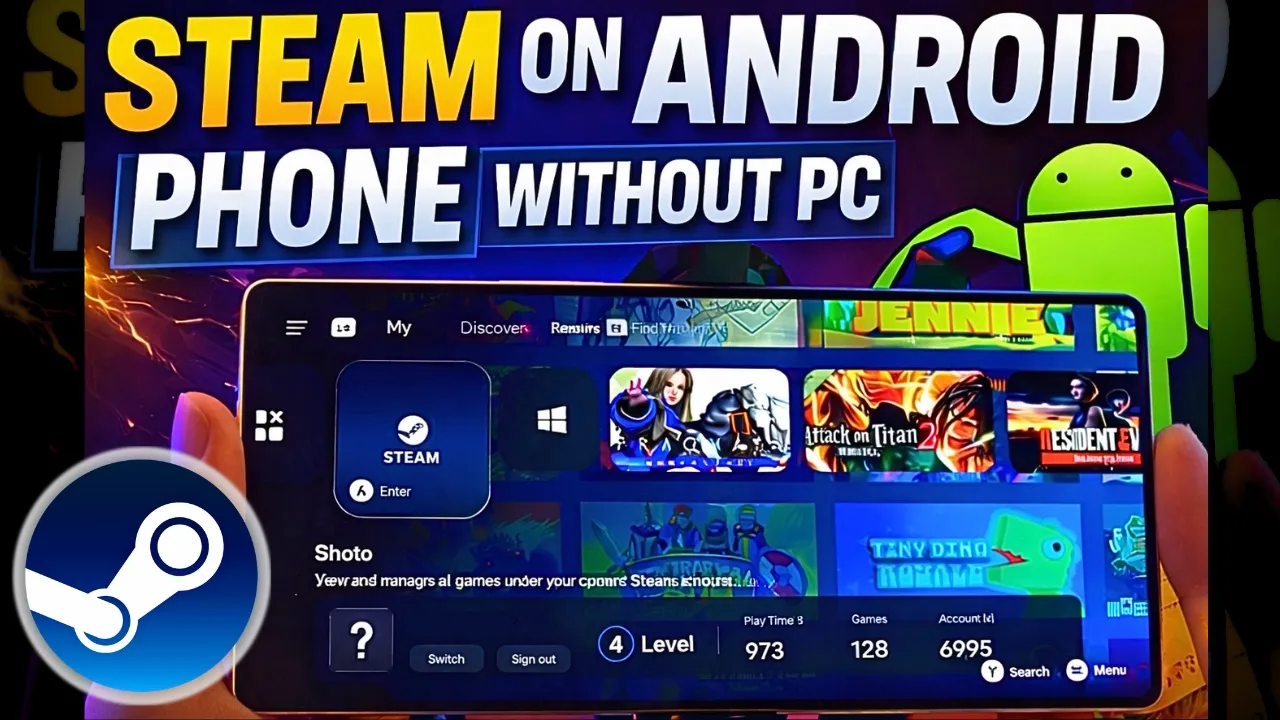
How to Run Online Games on Gamehub Emulator – Epic Games
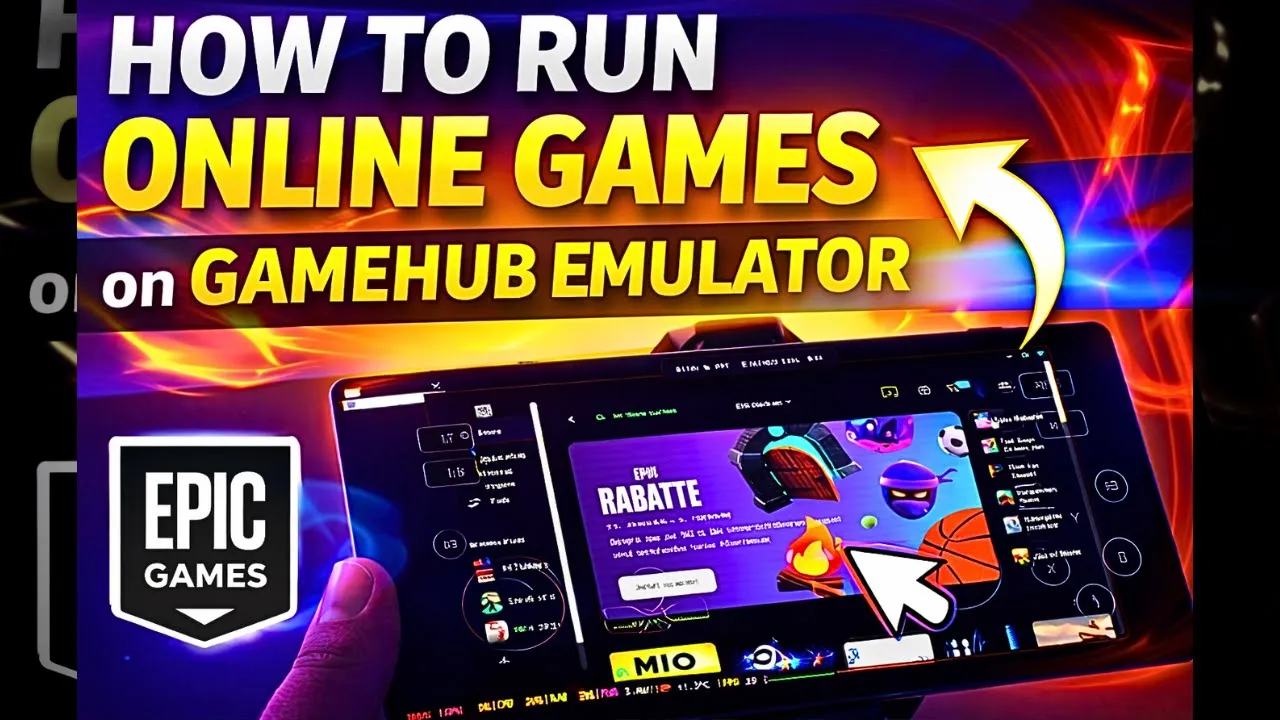
How to Run Online Games on Gamehub Emulator – Ubisoft Connect