



Call of Duty Roads to Victory Highly Compressed Android & iOS
Hi, Good People, How Are You Day, Hope That Is Fine, So Today Explain For Call of Duty – Roads to Victory How To Download It On Android And iOS, Game File Highly Compressed, And I Will Use PSP Emulator Called PPSSPP, With PSP Emulator We Can Play All PSP Game On Android Or iOS, And Video Gameplay For Call of Duty Roads to Victory Or As People Like Called CID RTV, I Will Show You How To Install It Steps By Steps And Video For best Settings If The Game Lagging Or Move Low Fps, All This Staff For Free Download, Just Enjoy I’m Here For Any Help, Just I Want to Invite You To Check Another Version For Call Of Duty, It’s Call Of Duty Mobile For Android And iOS, And Now Let”s Get Start:
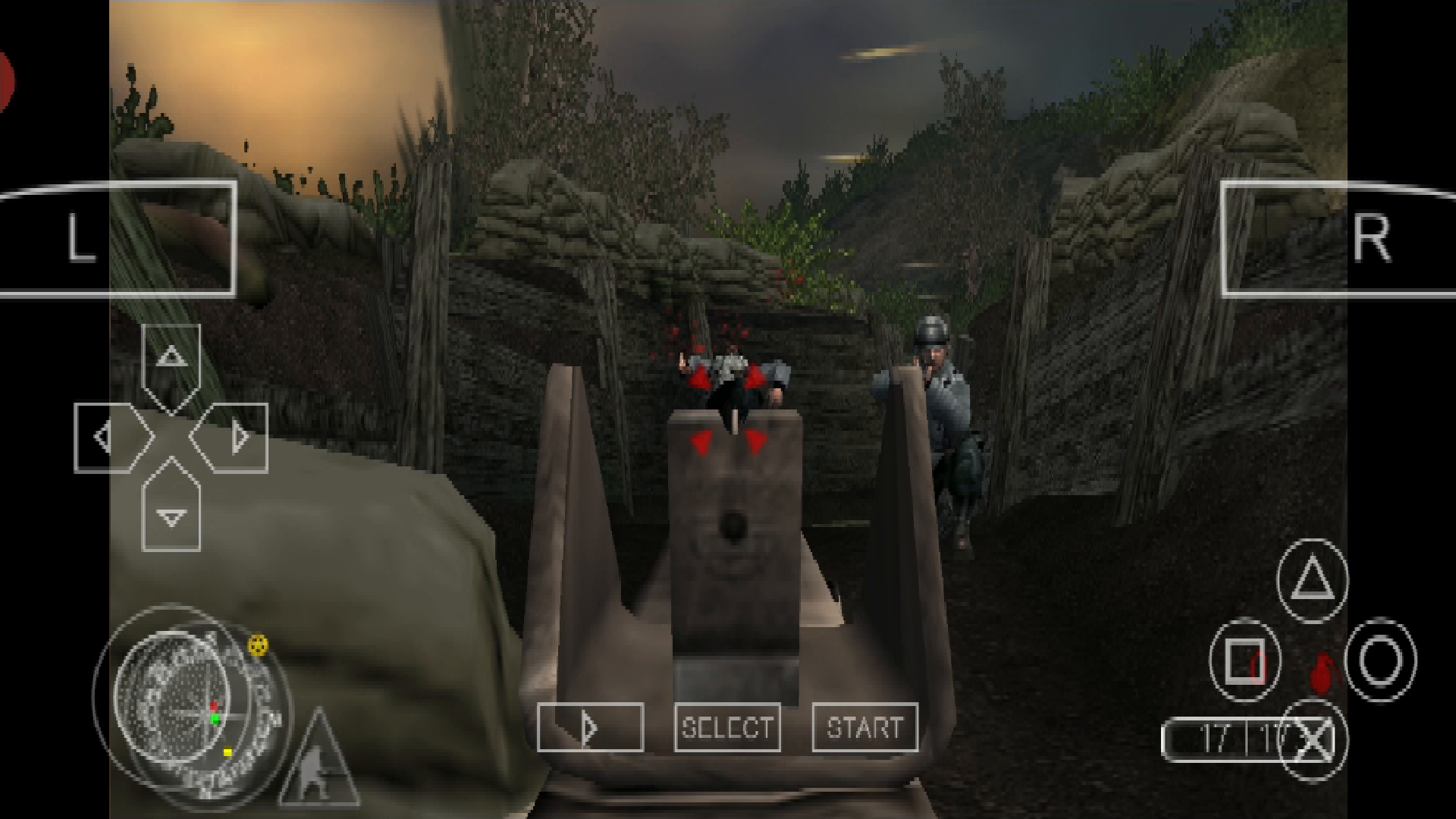
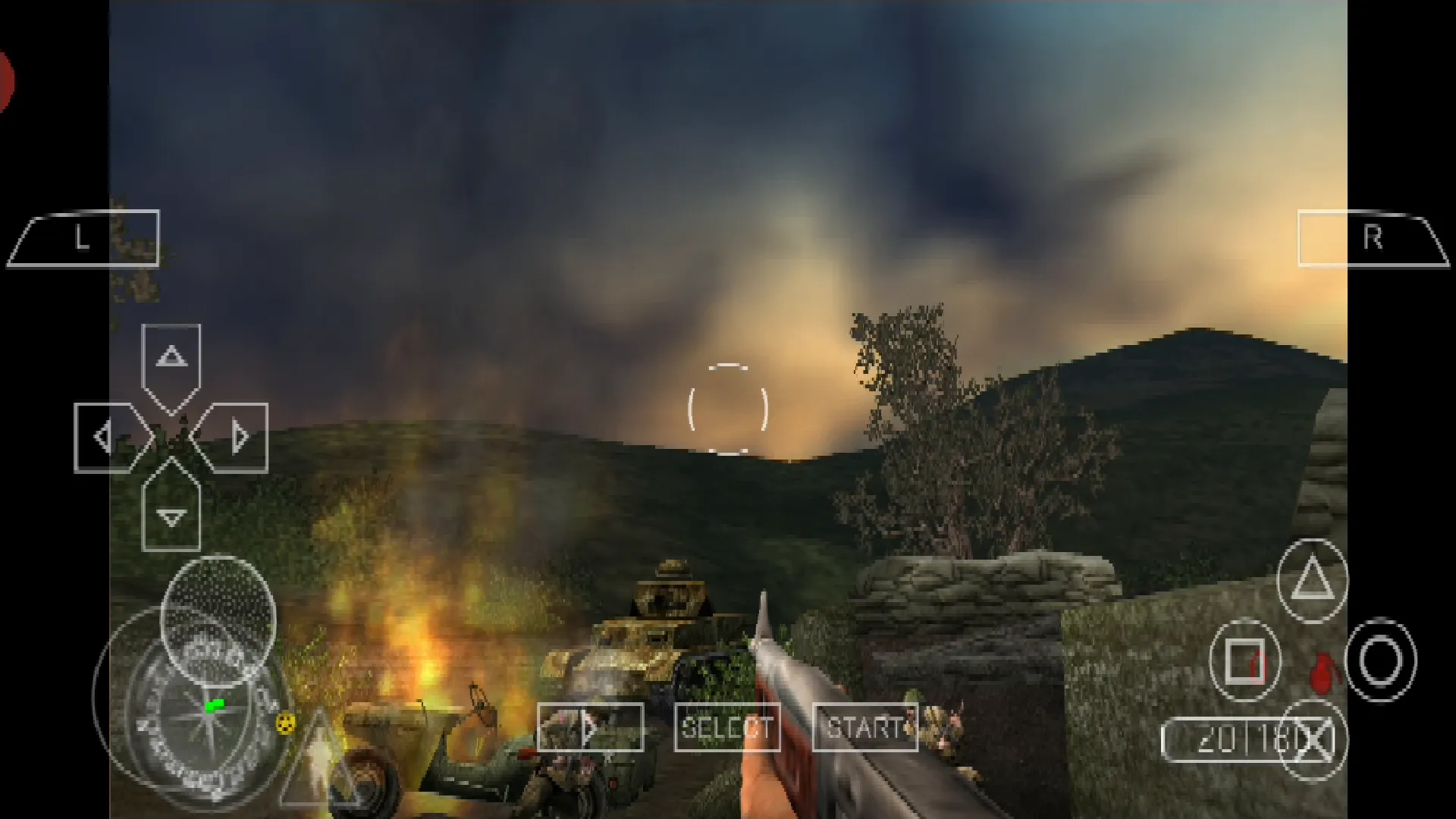
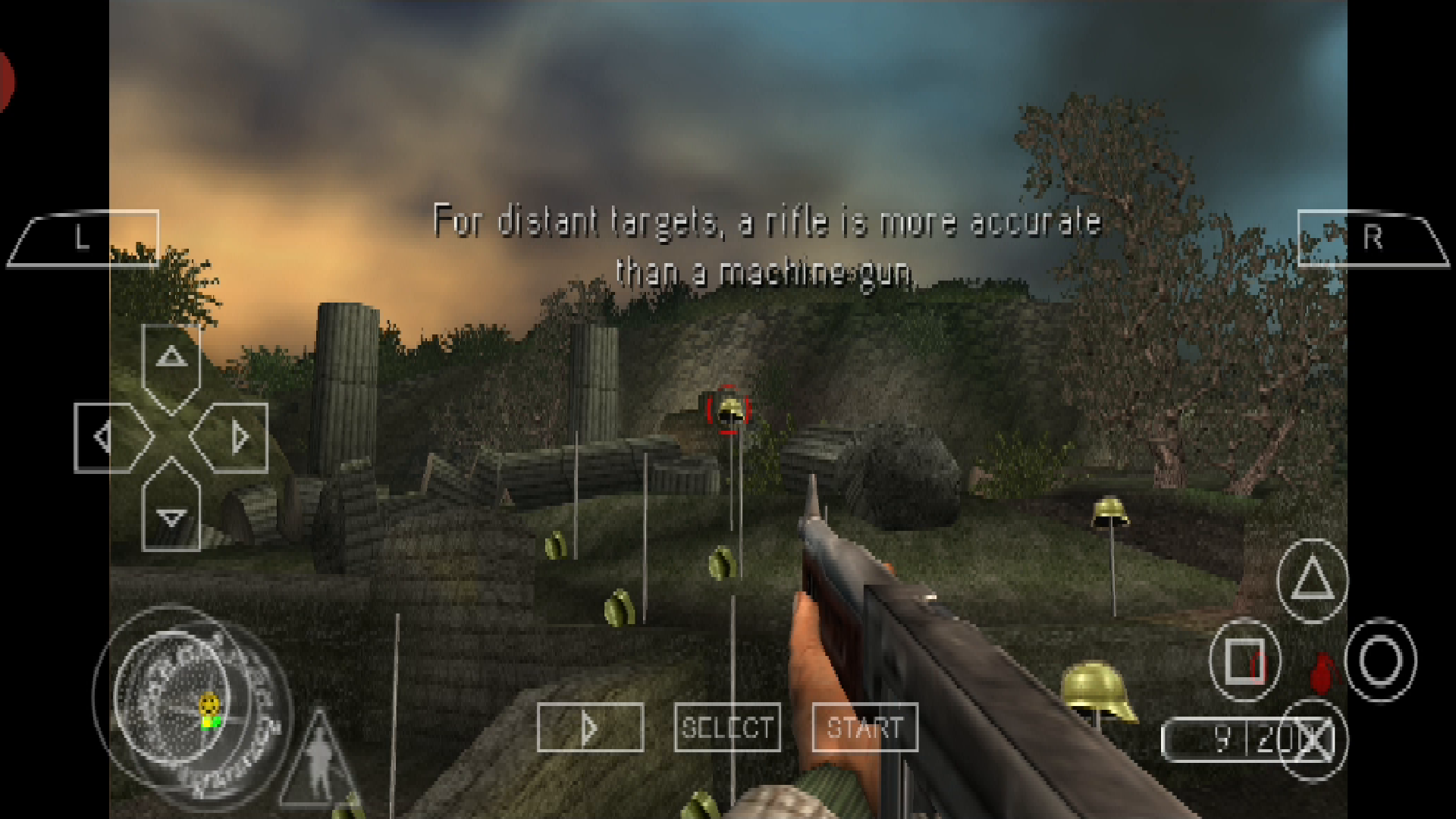
The Review Gameplay Start At 2:08
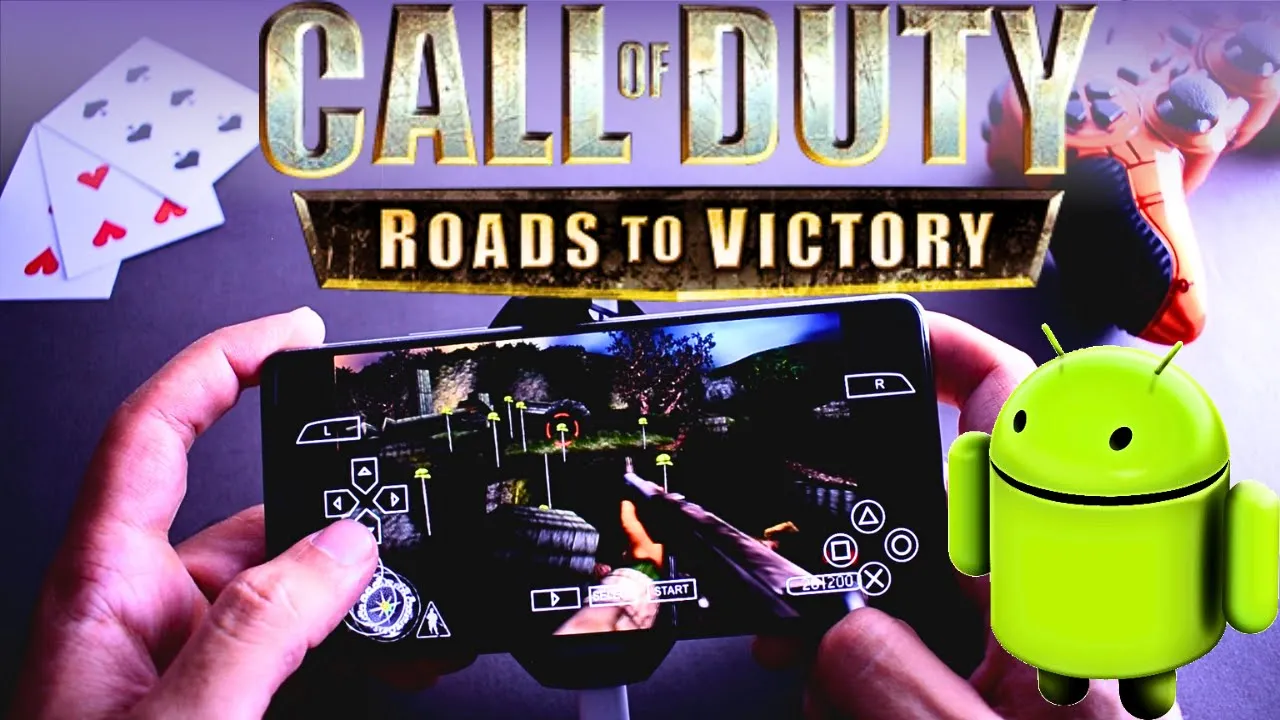
1-Step Number One You Need To Download Game File:
2- Download The PSP- Emulator (PPSSPP) For Both Systems Android & iOS
3- If Your System Phone Is Not Supported Extract Files Zip, Then Download One Of This Apps
4- So You After Complete Download All Content Game Let’s Start Work:
- Install the Winrar or Winzip To Unzip The File Game To Game File If Your Phone Supported That’s Cool, Just Extract File Game.
- If The File Is Complete Extract Just Spik This Steps, If Not Then Open The Apps (Winrar Or Winzip) And Go To “Download” Folder And Hold On Game file Game, Select “Extract Here”
- Install, The PSP Emulator (PPSSPP), When You Complete Start PSP Emulator (PPSSPP), Maybe You Will Found Your Game In “Download” Folder Or Where You Put It And Click On It.
And If Your Game Is Lagging Or Moving Slowly Follow This Video To Speed Up:
And Only I Can Say Enjoy, If You Get Any Problem, Told Me I Will Be Happy For Help, So That’s It For Today Hope You Like This Game Post Explain, And I Want To recommend Some Other Good Game For You, Assassins Creed Bloodlines, God Of War 2, Tekken 3, Need For Speed Most Wanted, Tekken 5 Dark Resurrection, Gran Turismo 4, And All This Game Is Working On Android But Not All Word In iOS, And Now I Want To Say See You Again At The Next Game, Bye.